Hopp
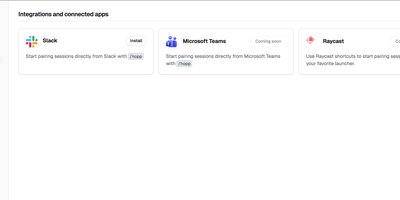
Meeting-app screen sharing was built for slide decks, and it shows when two engineers chase a bug across a codebase together; Hopp rebuilds screen sharing for exactly that job. Click a teammate and their screen opens in under a second: no meeting links, no calendar invites, no "can you see my screen?" ritual. Both sides get real keyboard and mouse control with sub-100ms latency, so guests type, click, and navigate instead of dictating instructions. Rooms hold up to 10 people for mob programming, code reviews, and onboarding, all with shared cursors so everyone can point at the line they mean. When words fail, draw or type annotations directly on the shared screen. The stream defaults to 4K, so small fonts and subtle diffs stay readable, and noise-cancelling audio keeps voices clear with no separate call app. You share any application, not just a browser tab, so debugging in Grafana or reviewing a design works as well as editing code. App Veil hides the windows you pick, such as password managers or chat, from the shared screen. Slack starts sessions with one /hopp command, and custom keyboard shortcuts keep frequent actions in flow. The server is yours: a Docker Compose stack with PostgreSQL, Redis, LiveKit, and Caddy auto-TLS serves the web dashboard and media, and the desktop app points at your backend, not a vendor cloud. Running on a dedicated VPS on RepoCloud with guaranteed CPU, RAM, and SSD, full root SSH access, and a browser serial console. AGPL-3.0 licensed.
Deploy