Weblate
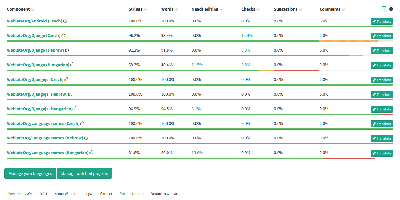
Over 2,500 open-source projects and companies in more than 165 countries localize with Weblate - the libre continuous localization platform and the standard self-hosted answer to Crowdin and Lokalise. Its defining trait is that translations live in the same version control as your code: Weblate talks directly to Git and Mercurial, pulls new source strings automatically via webhooks, and pushes finished translations back either as direct commits or as pull/merge requests on GitHub, GitLab, Gitea, Bitbucket, Azure DevOps, Gerrit, or Pagure. Every translator is properly credited in the commit history. For translators, it is a full computer-aided translation tool: translation memory, glossaries, customizable quality checks that catch placeholder and formatting mistakes, propagation of identical strings across components, and automatic suggestions from machine translation services - DeepL, Amazon Translate, LibreTranslate, and others, with per-service priorities and support for custom Python engines. It handles the format zoo (gettext PO, JSON, YAML, Android XML, iOS strings, and dozens more) and supports crowdsourced workflows with granular access control, workspaces, two-factor authentication, and reviewer approval steps. A REST API, CLI client, and add-on system automate everything else. Built on Python/Django, GPL-licensed, with no per-string or per-seat pricing when self-hosted.
Tolgee
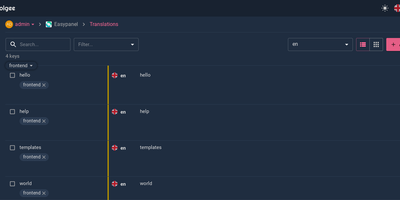
Hold Alt/Option, click any string in your running app, and edit the translation in place: Tolgee is an open-source localization platform built the way developers wish translation worked - changes save straight to the platform with no hunting through JSON or PO files. In-context editing works even in production via the Tolgee Tools browser extension, which injects credentials without touching source code, so a client or colleague with zero coding skills can translate the product inside the product. The SDKs (React, Angular, Vue, Svelte, plus iOS and Android) extract context from each UI element and capture one-click screenshots, giving both human translators and machines the surrounding meaning that raw string files lose. Autonomous translation uses that context: new keys are instantly filled from translation memory or machine translation (DeepL, Google Translate, AWS Translate), with optional human review afterward - shipping no longer waits on a translation agency. A CLI handles import/export, a REST API covers automation, a Figma plugin bridges design, and an MCP server lets AI coding assistants search keys, create translations, and trigger machine translation without leaving the editor. Self-hosting this Crowdin/Phrase/Lokalise alternative keeps every string, screenshot, and API key on your infrastructure.