Lumina
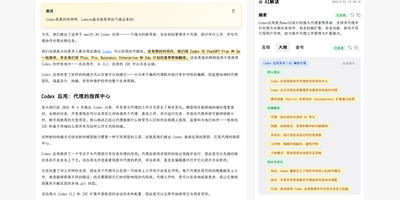
One click, one article: Lumina captures any web page from a browser extension, adds an AI summary, outline, and translation, and files it in a library you can read, annotate, and publish. Save a full page or a selection from the extension popup or the right-click menu. Search titles, then narrow by category, author, source, or time. Batch actions categorize, hide, or delete many articles at once. Switch between the original and the translation, or go immersive. A table of contents, notes, and highlights help you work through long articles. Code blocks, math, and common media embeds render in place. Background AI tasks write summaries, key points, quotes, and outlines. They also classify articles and suggest similar ones. Each task shows a timeline, and you can retry, repair, or cancel it. Columns turn articles, topics, and quotes into longer reading paths you can publish. Public RSS feeds cover articles and columns, and either kind of page downloads as Markdown. Readers comment after signing in with GitHub or Google, and admins moderate. The admin center manages model APIs, prompts, categories, and storage, and tracks calls, tokens, and cost. Backups run in the background, download as an archive, and import back incrementally. Running on a dedicated VPS on RepoCloud with guaranteed CPU, RAM, and SSD, full root SSH access, and a browser serial console. MIT licensed.
Deploy