Categories
Knowledge Management RSS AI Summarization Reading Workspace Read-It-Later Web Clipper Personal Knowledge Base Article LibraryStars
Forks
Watchers
Developer links
Lumina
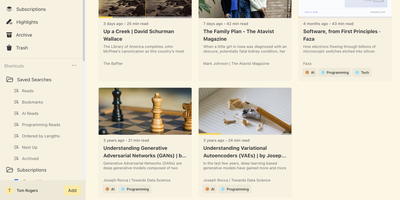
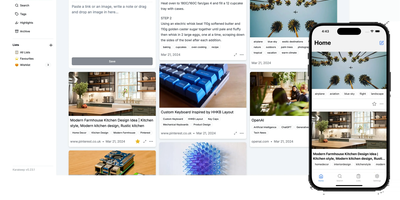
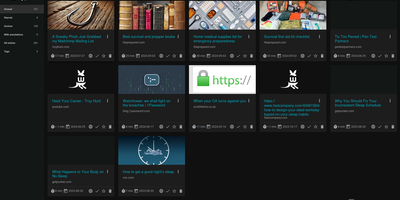
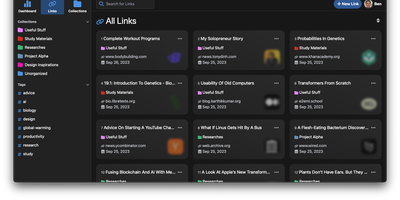
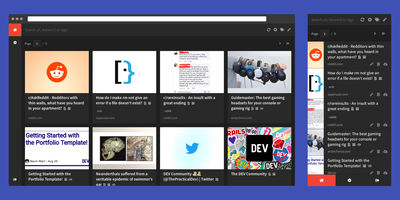
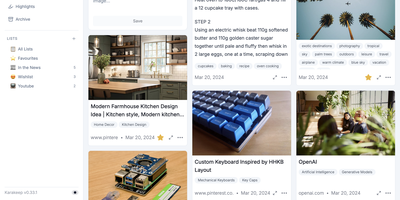
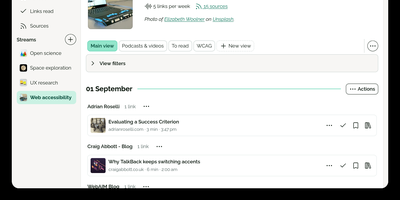
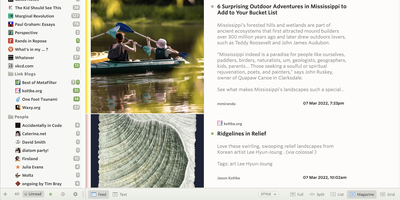
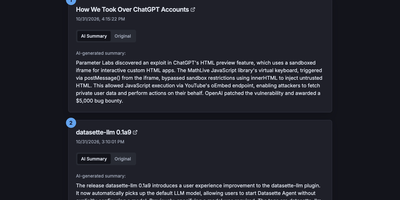
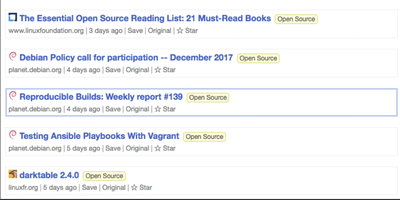
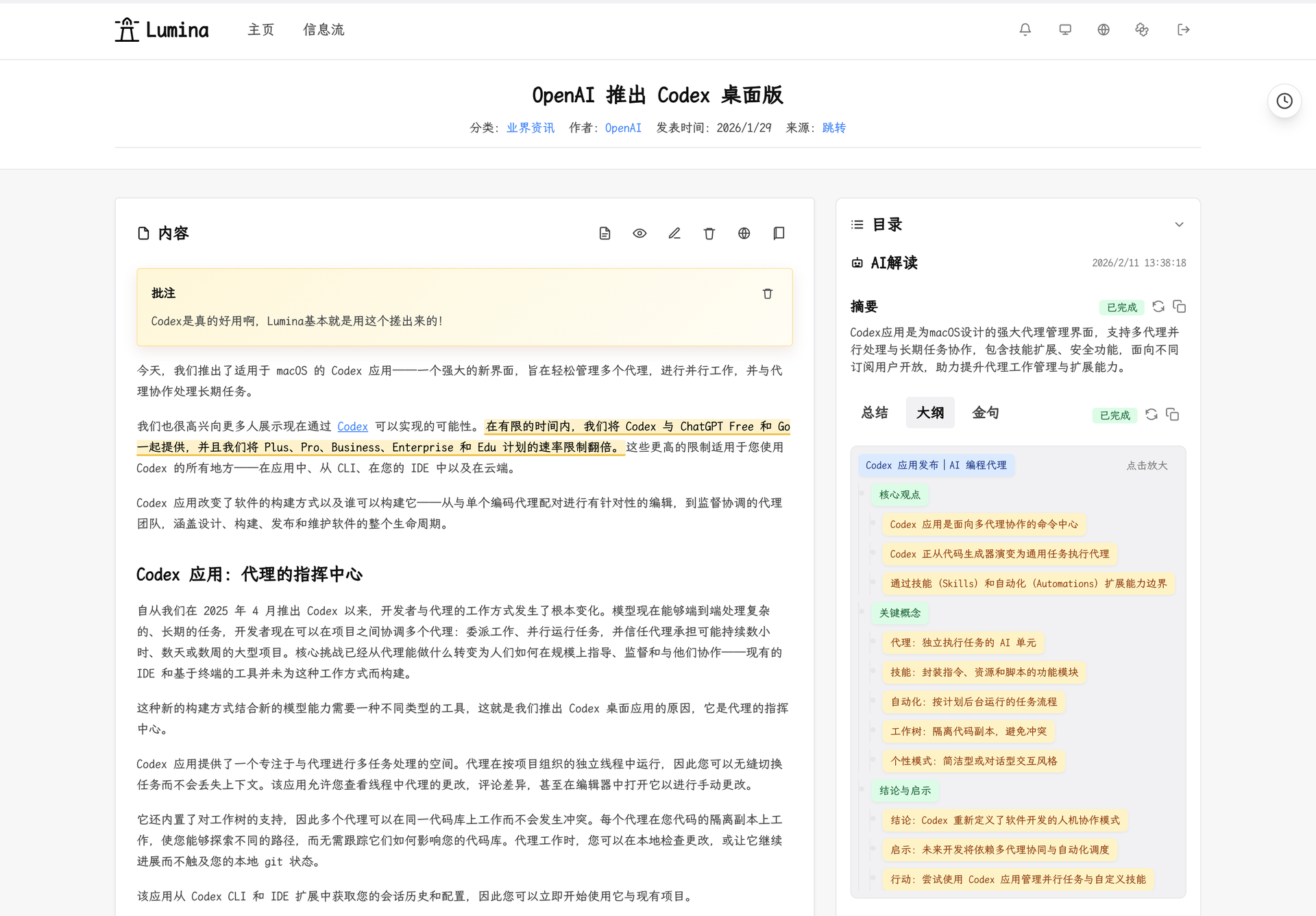
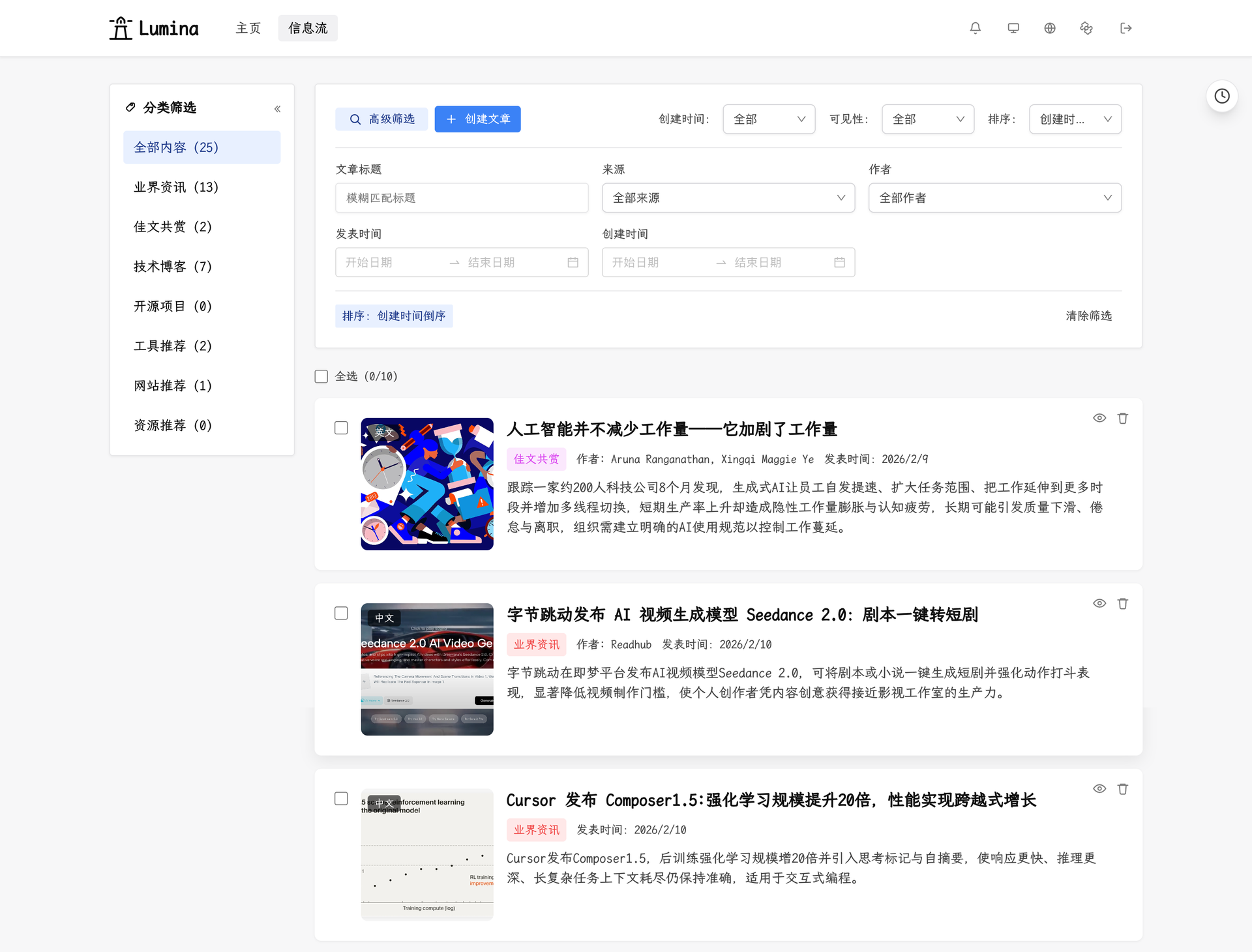
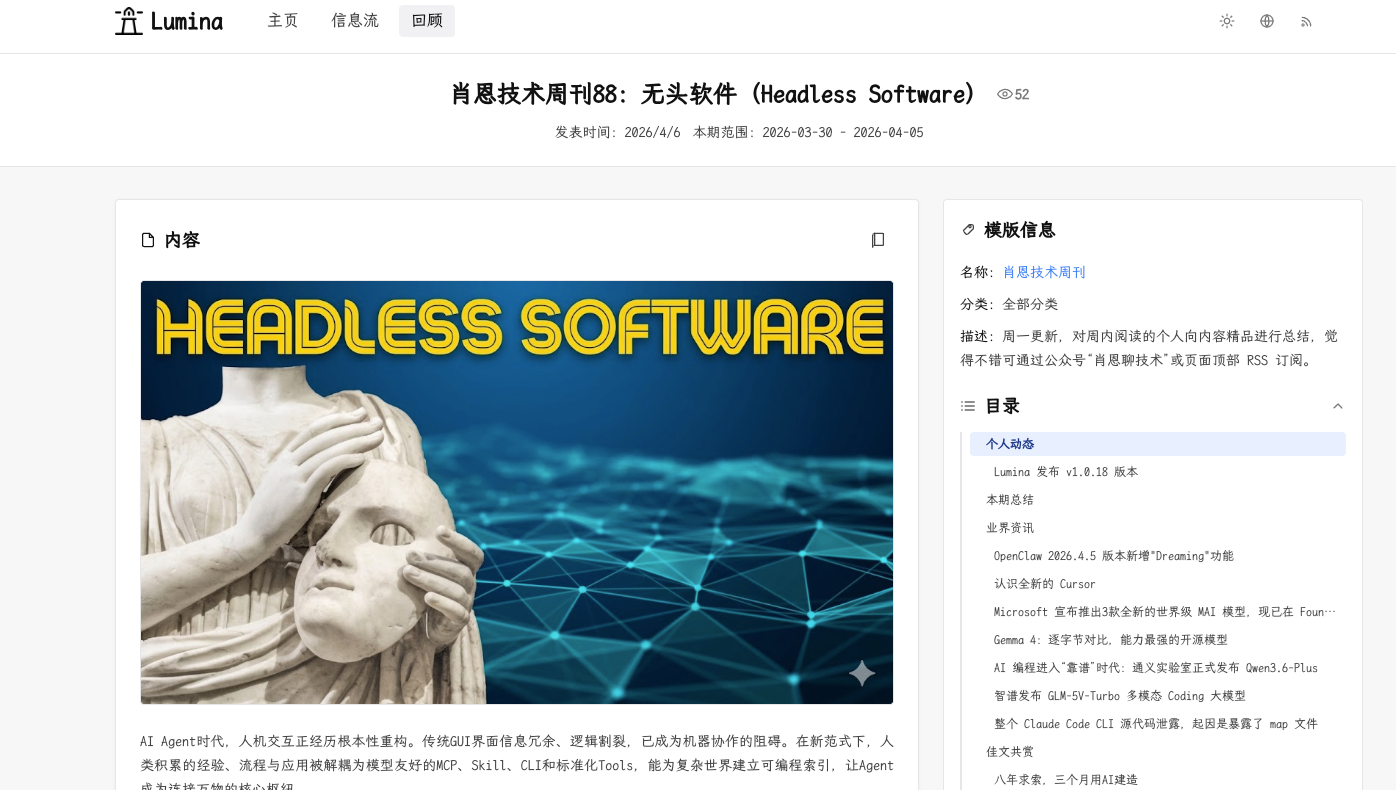
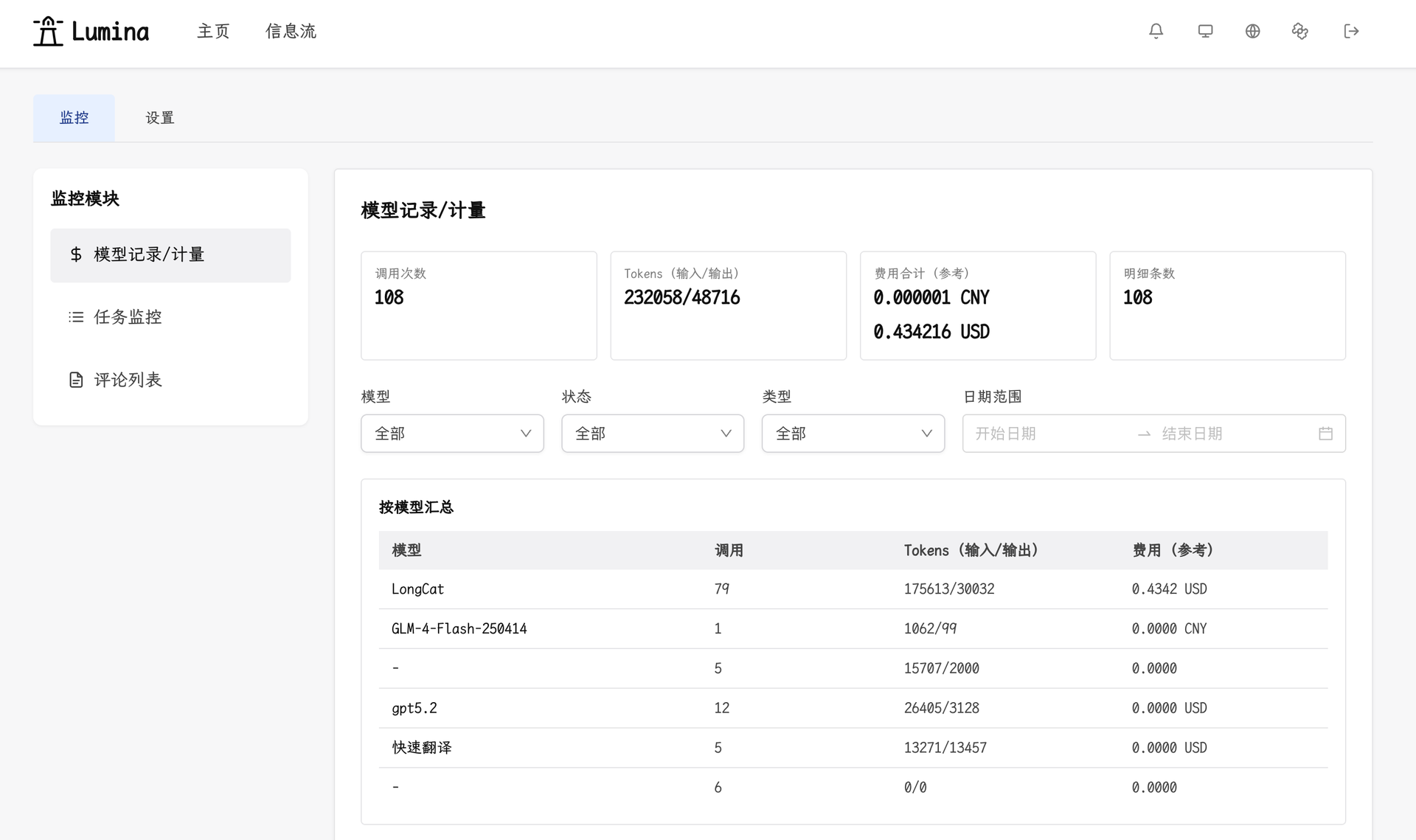
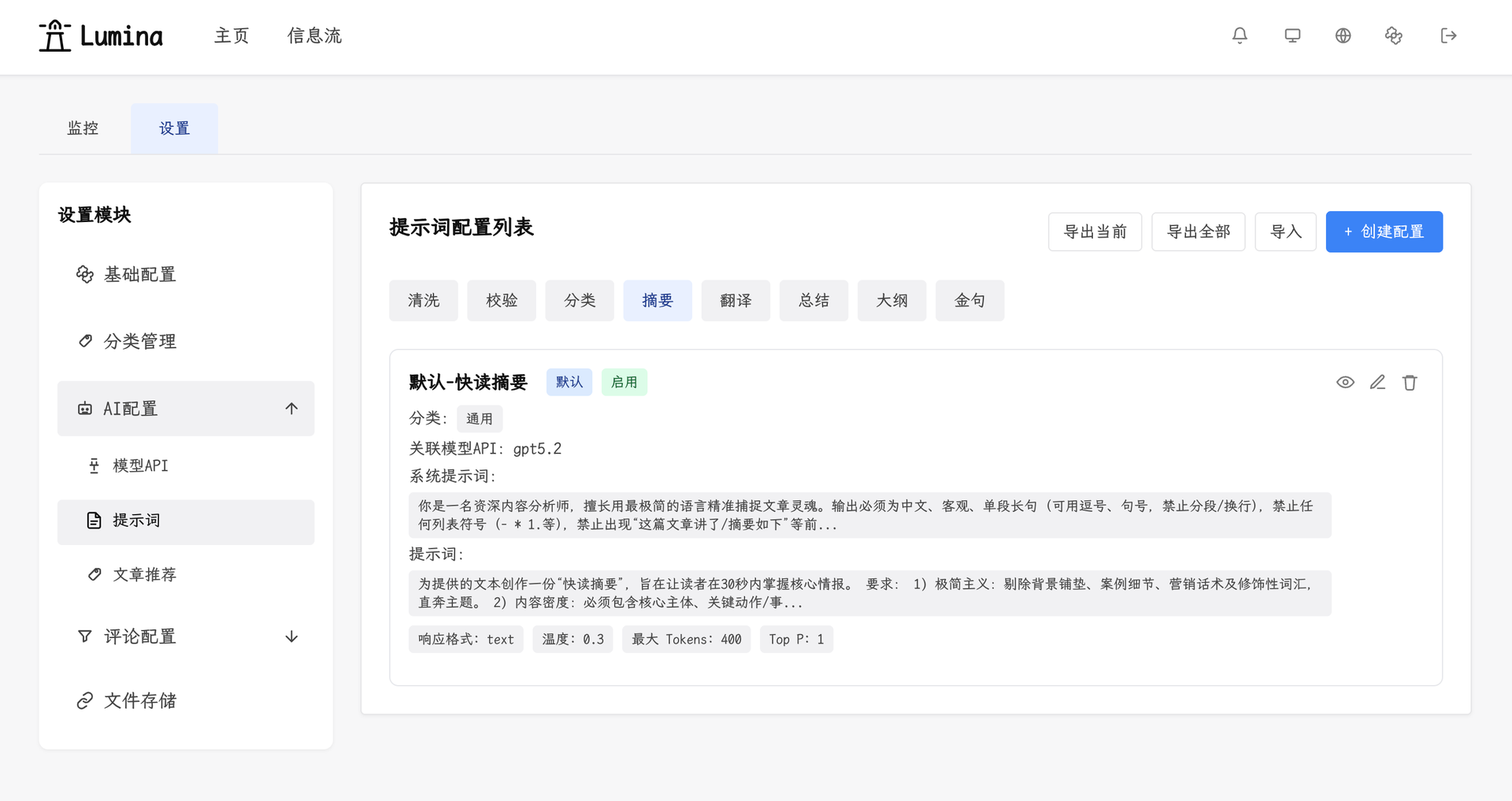
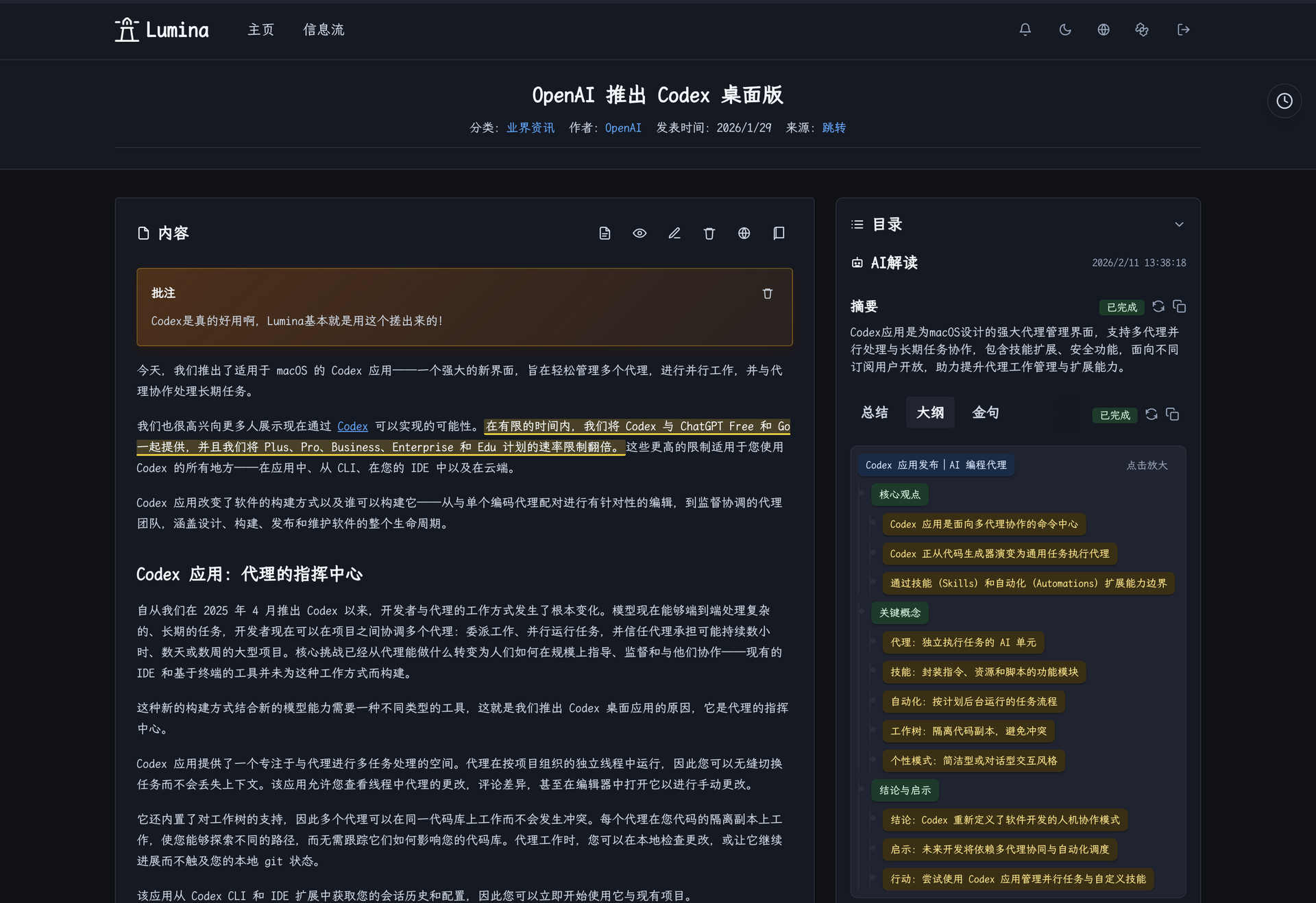
One click, one article: Lumina captures any web page from a browser extension, adds an AI summary, outline, and translation, and files it in a library you can read, annotate, and publish. Save a full page or a selection from the extension popup or the right-click menu. Search titles, then narrow by category, author, source, or time. Batch actions categorize, hide, or delete many articles at once. Switch between the original and the translation, or go immersive. A table of contents, notes, and highlights help you work through long articles. Code blocks, math, and common media embeds render in place. Background AI tasks write summaries, key points, quotes, and outlines. They also classify articles and suggest similar ones. Each task shows a timeline, and you can retry, repair, or cancel it. Columns turn articles, topics, and quotes into longer reading paths you can publish. Public RSS feeds cover articles and columns, and either kind of page downloads as Markdown. Readers comment after signing in with GitHub or Google, and admins moderate. The admin center manages model APIs, prompts, categories, and storage, and tracks calls, tokens, and cost. Backups run in the background, download as an archive, and import back incrementally. Running on a dedicated VPS on RepoCloud with guaranteed CPU, RAM, and SSD, full root SSH access, and a browser serial console. MIT licensed.
Benefits
- Turn Tabs Into a Library
- Capture whole pages or selections in one click from the browser extension, and every article lands in a filterable library instead of an endless pile of open tabs.
- AI Reads First, You Decide
- Summaries, key points, quotes, outlines, and translations are generated by background tasks you can retry, repair, or cancel, using the model APIs you configure in the admin center.
- Publish What You Read
- Curate columns from your own articles and quotes, download Markdown, and expose public RSS feeds, so your reading becomes a newsletter without adding another tool.
- Your Data Stays On Your Server
- Articles, compressed media, and settings live in a local SQLite database and data directory, with on-demand backup archives you can download and later import incrementally.
Features
- Browser Capture Extension
- Popup and context-menu capture for full pages or selections, powered by Defuddle content extraction, with recent capture history and error logs for troubleshooting.
- AI Insight Pipeline
- A background worker generates summaries, key points, quotes, outlines, translations, classification, and recommendations, with task timelines, continuation, repair rounds, cancellation, and retry.
- Deep Reading View
- Original and translated views, immersive mode, table of contents, notes, highlight annotations, topic chips, and rendering for code blocks, math formulas, and common media embeds.
- Admin Control Center
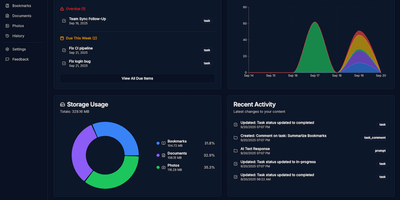
- Configure site copy, model APIs for general and vector use, prompts, recommendation strategy, categories, comments, and storage, with usage metrics for calls, tokens, and cost.
- Columns and RSS Feeds
- Publish curated columns that insert article, topic, and quote references, then share columns and articles through public RSS feeds and download either page as Markdown.
- Comments and Sign-In
- GitHub and Google OAuth sign-in, threaded replies, admin moderation, and sensitive-word filtering for public discussions on articles and columns.