Stars
Forks
Watchers
Developer links
WebDuck
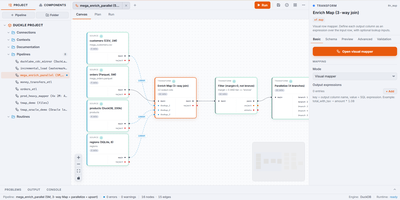
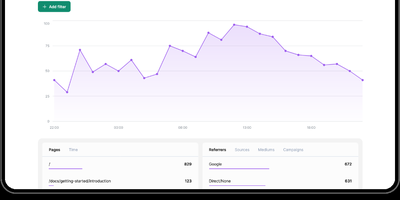
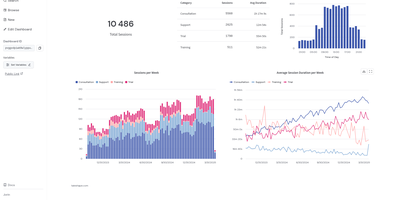
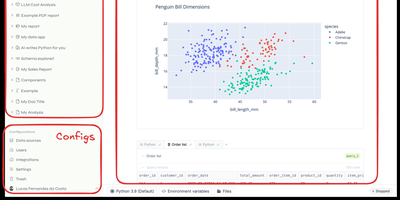
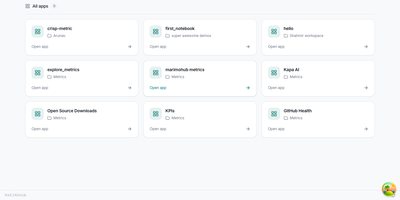
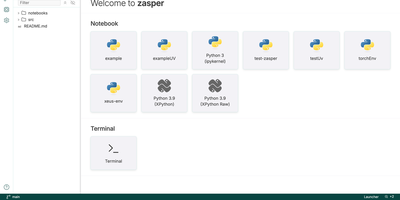
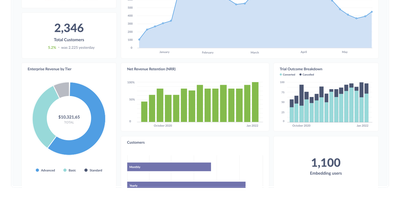
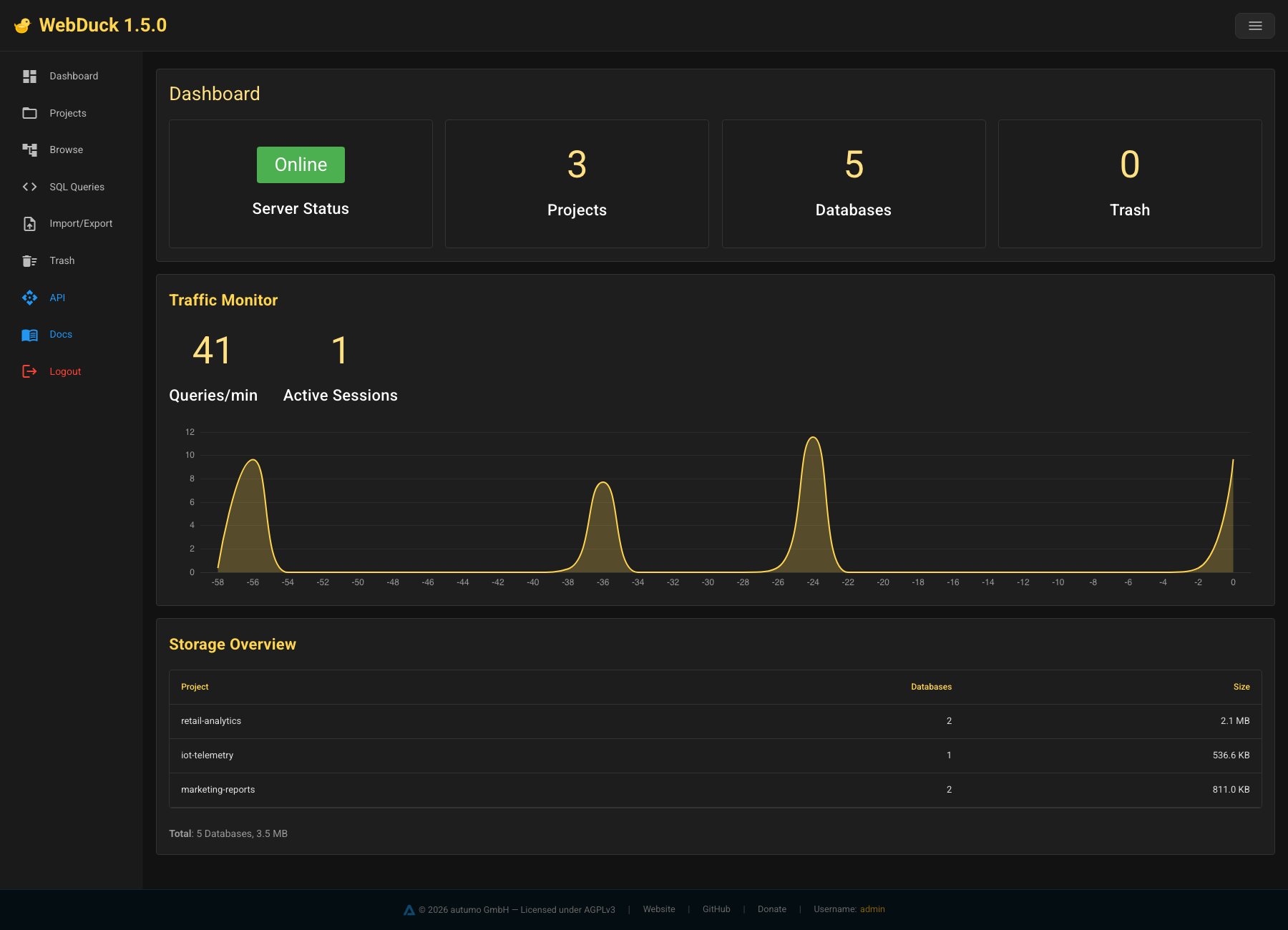
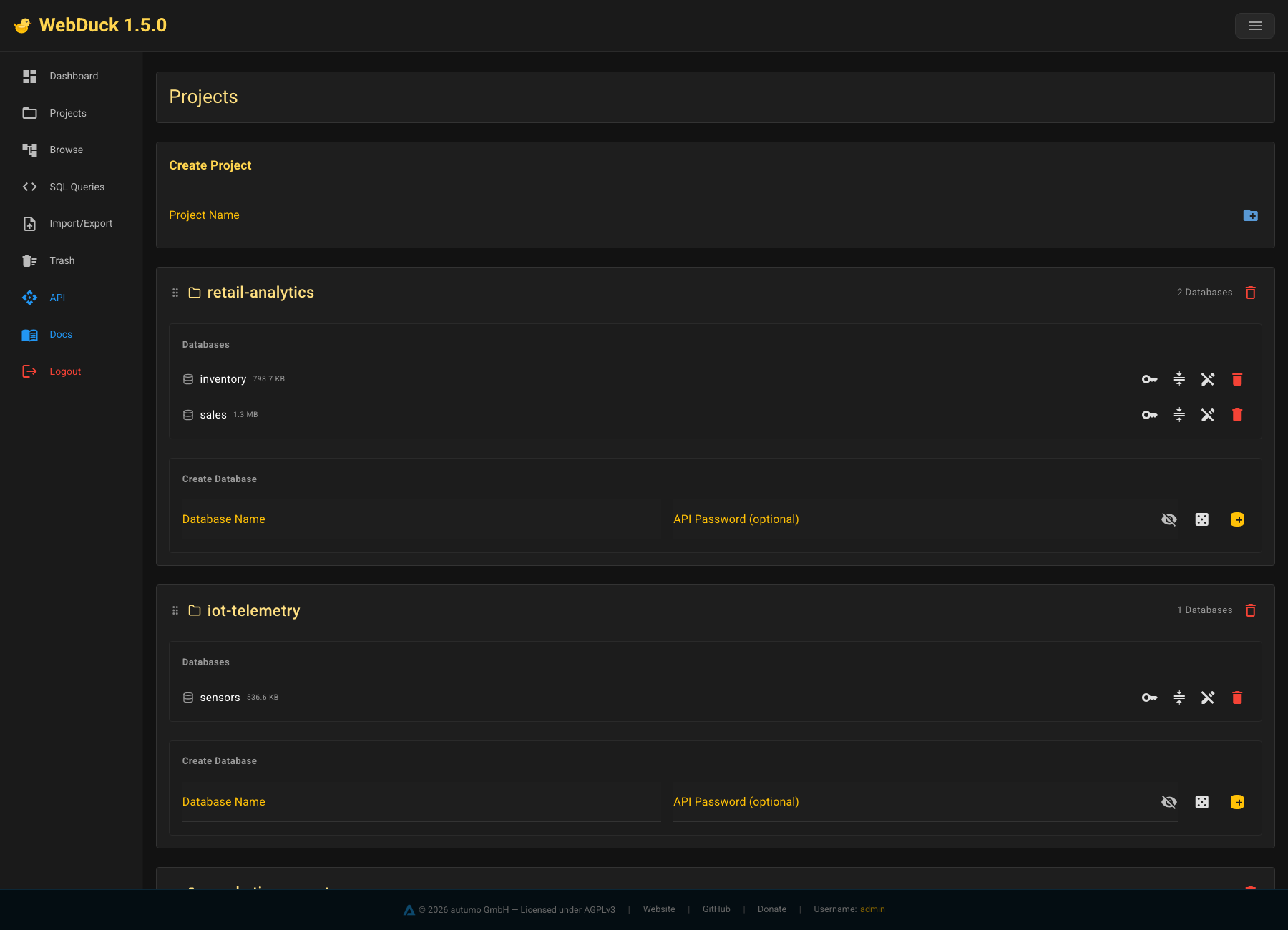
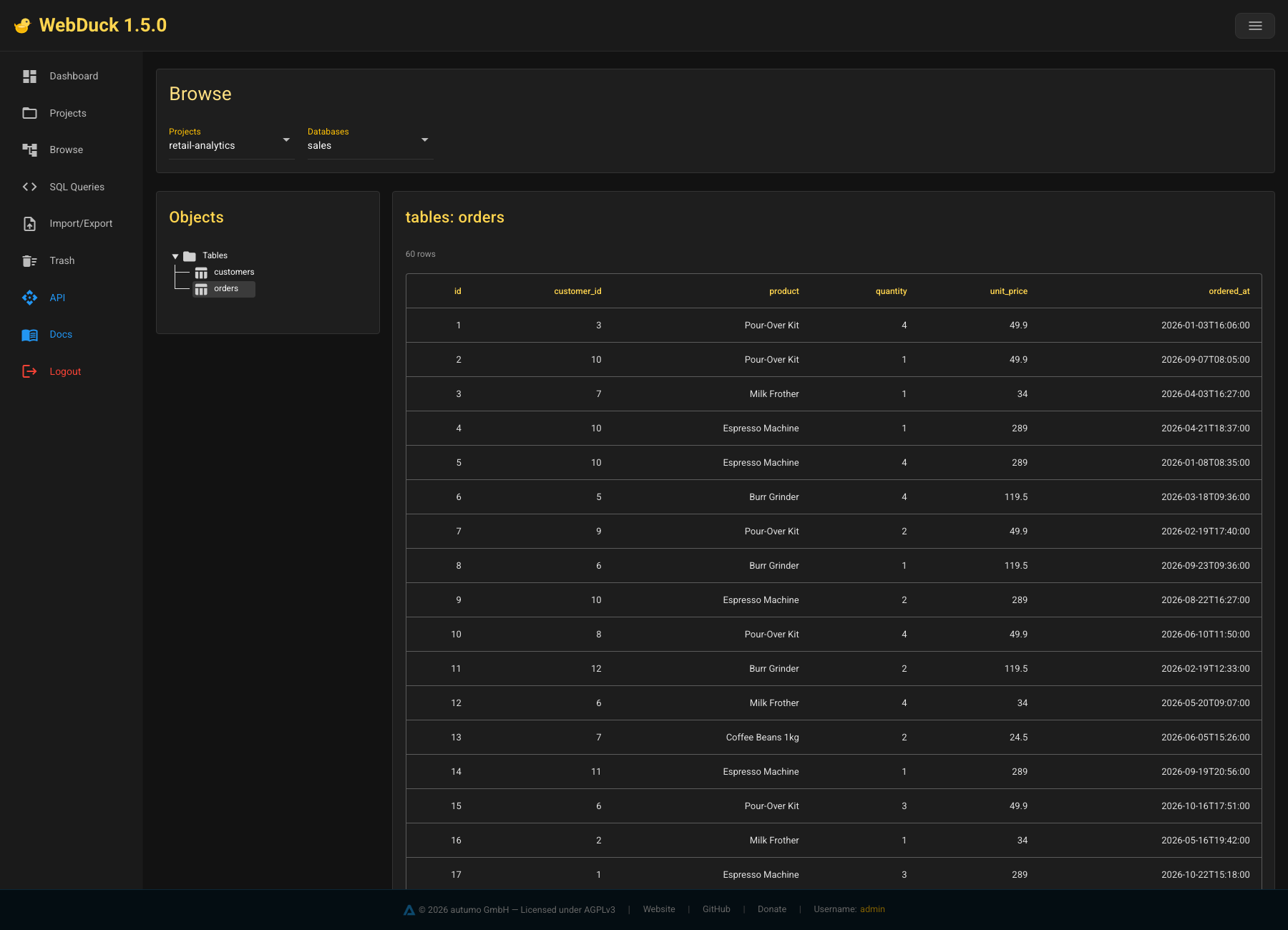
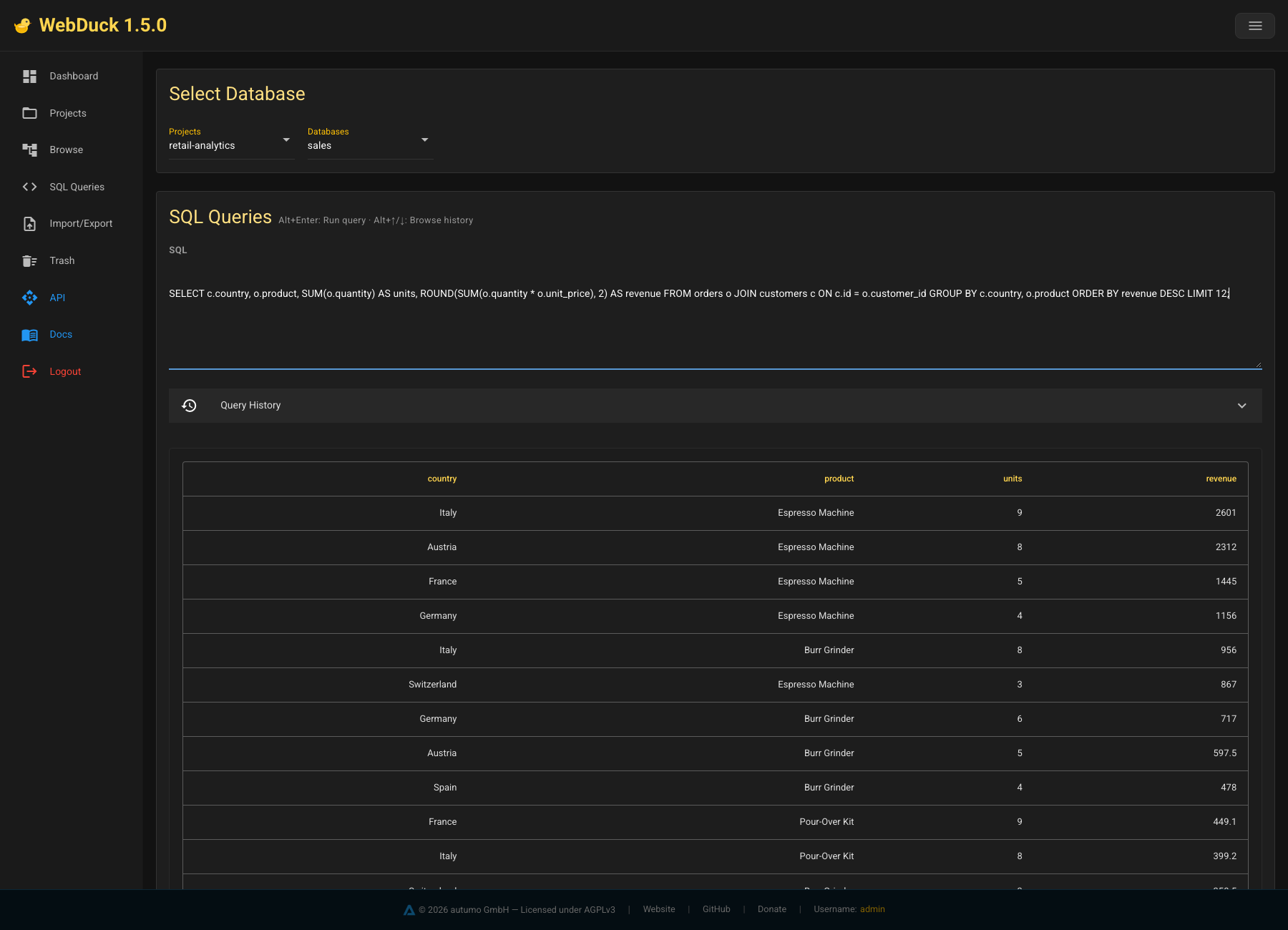
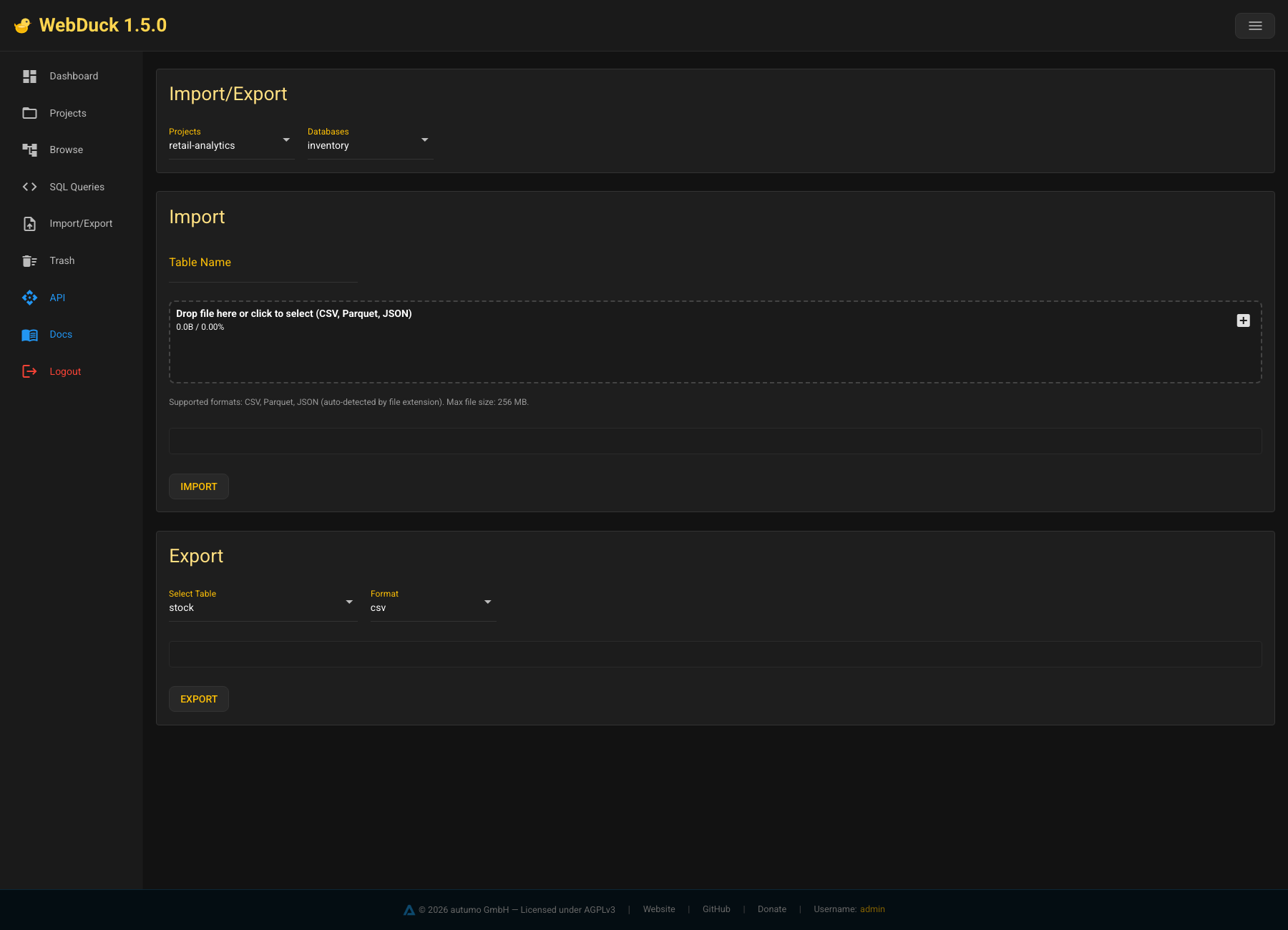
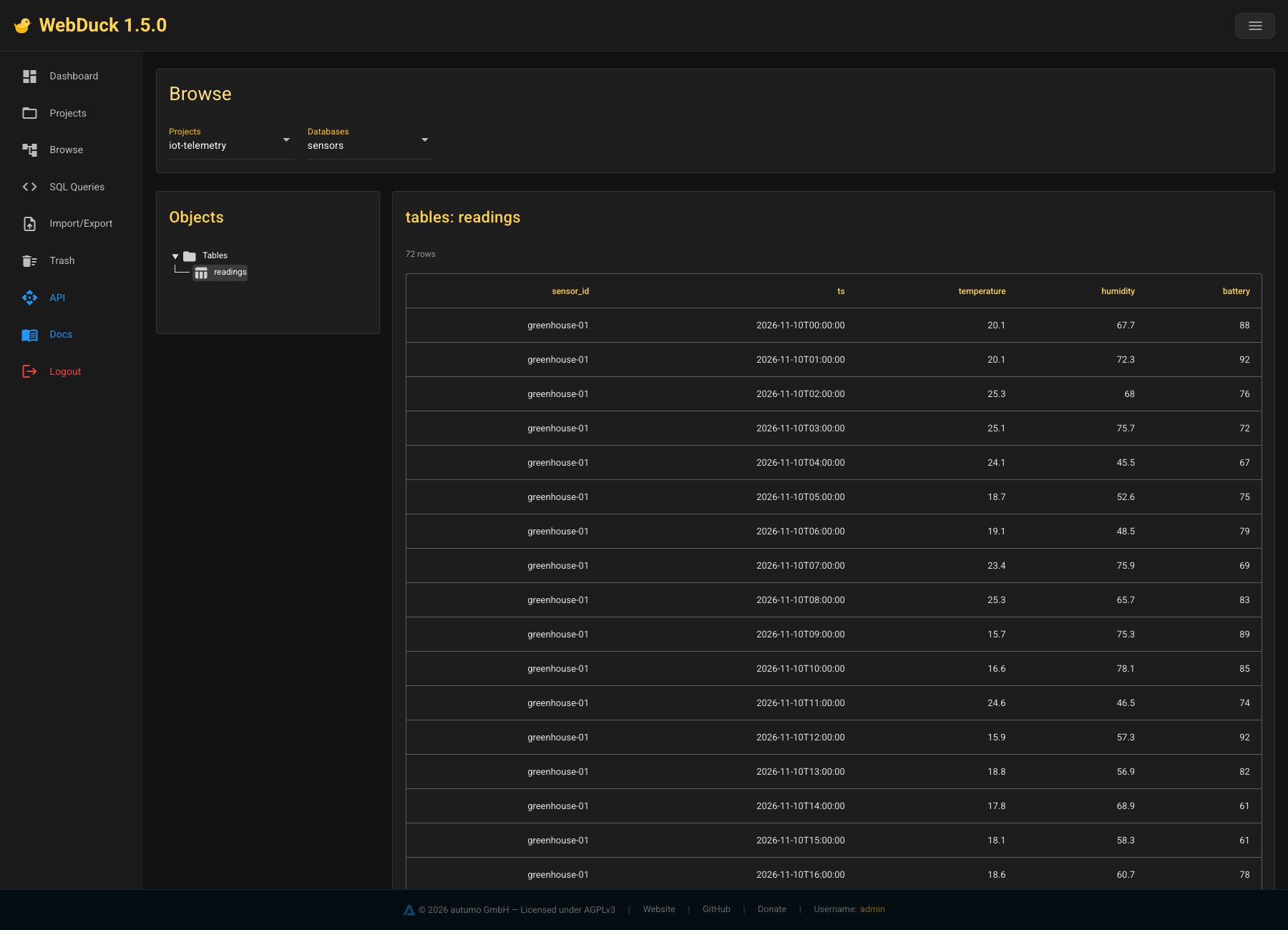
A DuckDB file is fast, but sharing one across a team usually means passing it around by hand. WebDuck puts DuckDB behind a server, so analysts and applications reach the same databases through a REST API or a dark amber web interface. Projects group databases, and each database can carry its own API password with read, write, or admin access levels. The dashboard shows server status, a live view of incoming REST traffic, and storage use. A browse view offers tree navigation, infinite scroll, and inline cell editing. The SQL editor runs multi-statement scripts, keeps a query history, accepts Alt+Enter to execute, and can load a whole SQL file. Import and export handle CSV, Parquet, and JSON up to 256 MB. Deleted databases move to a trash where they can be restored. Per-database write protection and a compression action keep files safe and small. Administrators sign in with bcrypt-hashed passwords and JWT tokens, and the interface ships in English and German. Setup comes through Docker, pip, or a YAML file, and a small command line initializes the server, adds users, and reports status. Running on a dedicated VPS on RepoCloud with guaranteed CPU, RAM, and SSD, full root SSH access, and a browser serial console. AGPL-3.0 licensed.
Benefits
- One Shared DuckDB For Everyone
- A single server exposes every database through a REST API and web interface, so analysts, scripts, and applications query the same data without copying files around.
- Access Control Per Database
- Optional project-key passwords grant read, write, or admin rights to each database, and write protection can freeze a database that should stay unchanged.
- Easy Data In And Out
- Upload CSV, Parquet, or JSON files into tables and export results back out, which turns the server into a handy staging area for analytics data.
- Mistakes Are Recoverable
- Deleted databases land in a trash with restore support, and a live traffic monitor shows what the API is doing, which makes small teams safer when experimenting.
Features
- Projects And Databases
- Organize databases into named projects, create new ones with an optional API password, and see the size of each database on the project page.
- Browse And Edit Tables
- Walk through tables in a tree, scroll through rows with infinite loading, and change individual cells directly in the grid.
- Full SQL Editor
- Run multi-statement SQL, reuse earlier queries from the history, execute with Alt+Enter, or upload a complete SQL file for batch work.
- Live Traffic Dashboard
- Watch server status, a live feed of REST requests, and storage totals from one overview page.
- CSV, Parquet, JSON Transfer
- Import files up to 256 MB into a database and export tables in the same formats for sharing or backups.
- Trash And Compression
- Soft-deleted databases can be restored from the trash, and a compression action shrinks a database file after the data has settled.