Stars
Forks
Watchers
Developer links
MarimoHub
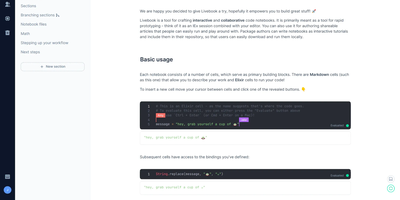
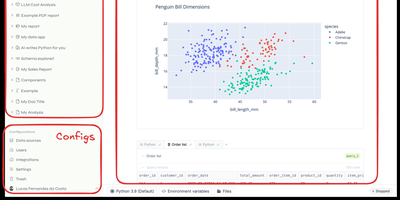
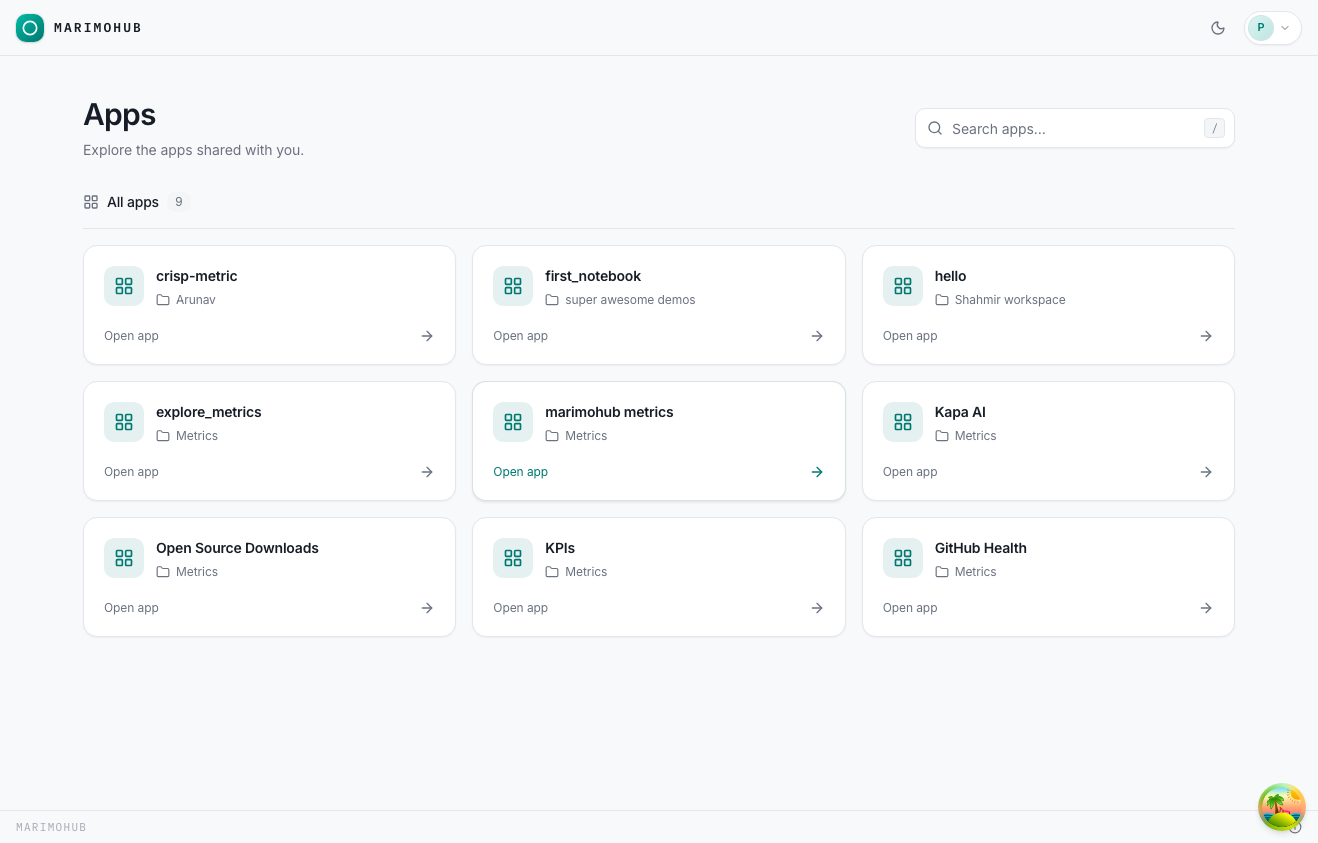
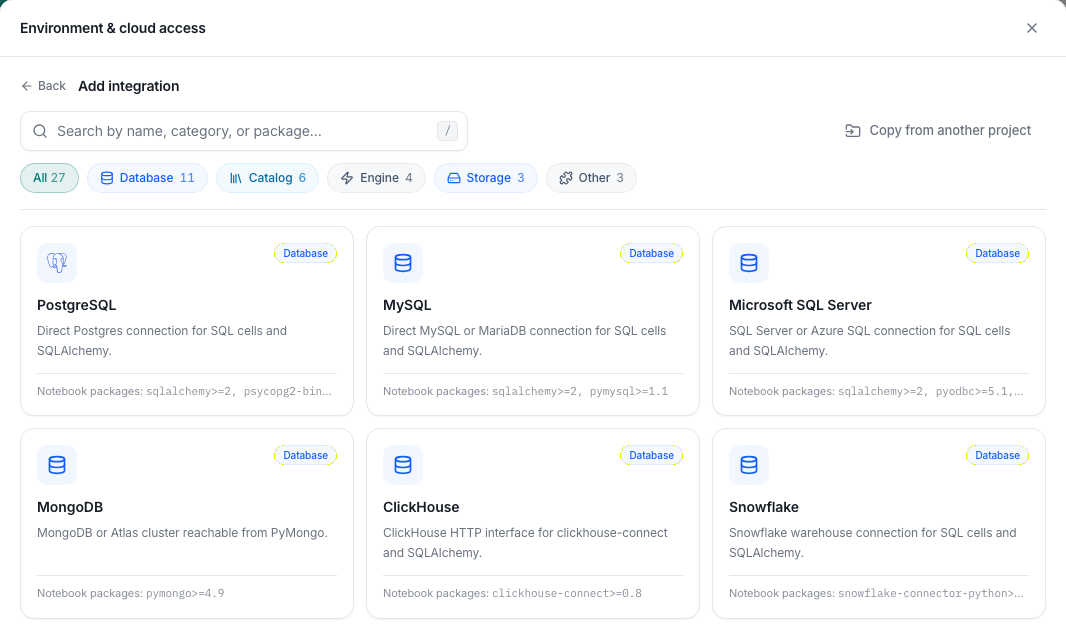
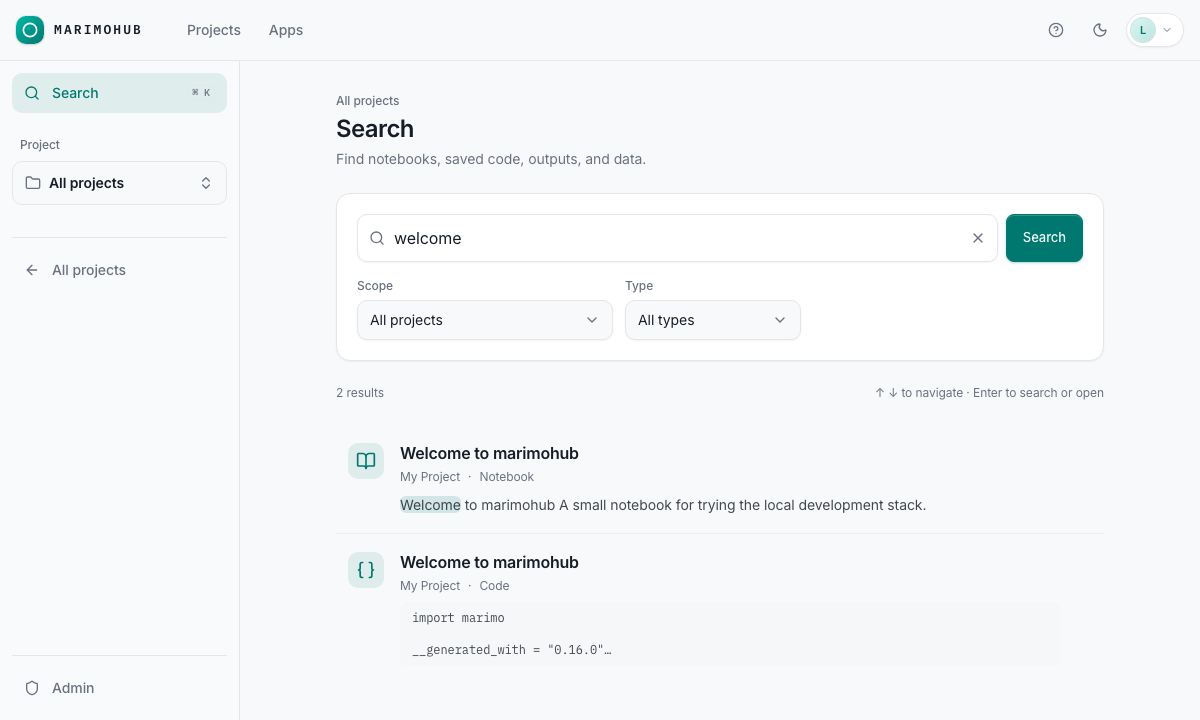
Running one marimo notebook is easy; running a team's worth of them, with storage, sign-on, versions, and somewhere for the results to live, is the job MarimoHub takes on. Notebooks gather in a searchable gallery organized by project, where every edit session leaves a version you can compare side by side, inspect, and restore when an experiment takes a wrong turn. Projects connect their data sources once through a versioned integration catalog, with sensitive values encrypted or pulled from external secret stores, and every new session receives the configuration automatically. When a notebook is ready for people who should never see its code, publish it as an interactive app: viewers get the controls and outputs while rollouts shift versions underneath them. Scheduled jobs rerun notebooks on a clock, GitHub sync keeps repository-backed notebooks current, and an assistant can work inside the notebook context with managed AI keys that never reach the sandbox. Underneath, you pick the object storage, the compute, and the identity provider, and back up one bucket to back up the whole hub. Running on a dedicated VPS on RepoCloud with guaranteed CPU, RAM, and SSD, full root SSH access, and a browser serial console. Apache 2.0 licensed.
Benefits
- Notebooks With A Version Trail
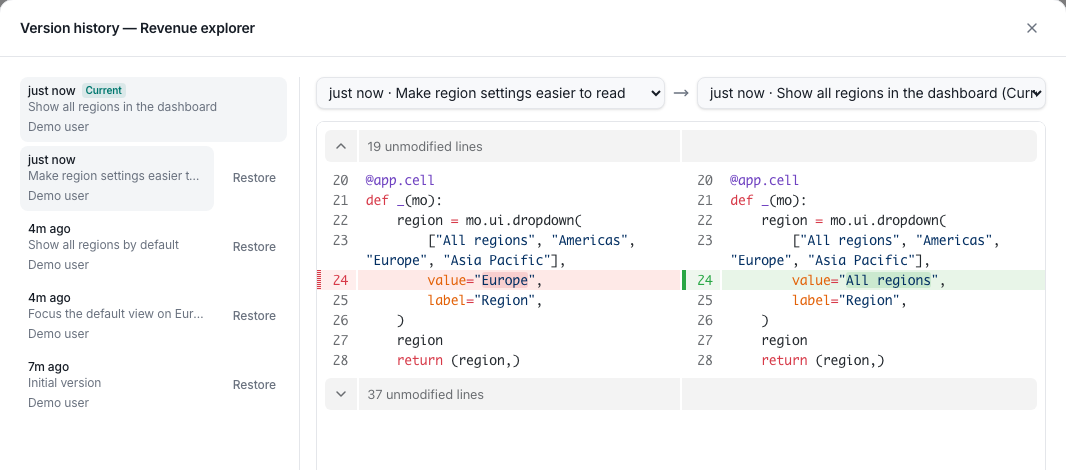
- Every edit session records a notebook version in storage, so teams compare versions side by side, inspect what changed, and restore an earlier state in one action.
- Back Up One Bucket, Back Up Everything
- Notebook source, versions, snapshots, and system records live in a single object store with no separate database, so one consistent bucket snapshot restores the entire hub.
- Publish Apps, Hide The Source
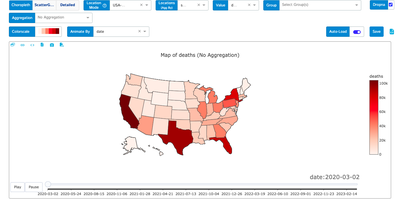
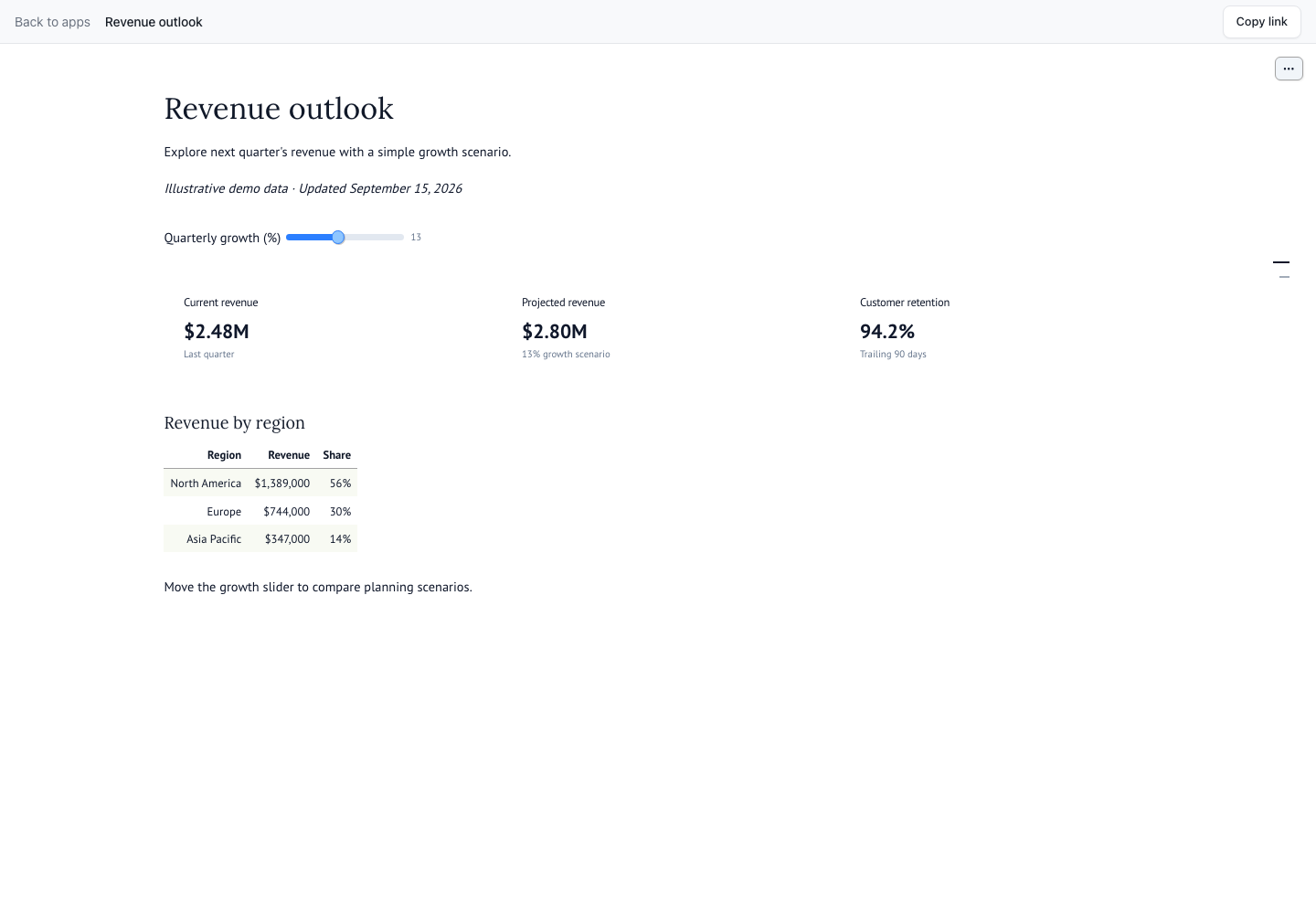
- Any notebook can run as an interactive app for viewers who need controls and outputs, not the editor, with seamless version transitions and idle compute reclaimed automatically.
- Your Storage, Compute, And Identity
- Choose S3-compatible storage, Google Cloud Storage, Azure Blob, or a filesystem, run sessions on Docker, Kubernetes, or cloud sandboxes, and sign in through OIDC.
Features
- Gallery, Projects, And Search
- Notebooks live in a searchable gallery organized by project, with filters, thumbnails, notifications, and an object browser for everything the hub stores.
- Version History And GitHub Sync
- Session versions accumulate beside each notebook with side-by-side diffs and restore controls, and GitHub-backed notebooks pull new commits as versioned records.
- Versioned Integration Catalog
- Project data sources and environment configuration apply automatically to new sessions, with values encrypted at rest or resolved from external secret references.
- App Publishing
- Notebooks deploy as interactive apps whose users see controls and outputs only, with blue-green style version transitions and scaling driven by user count.
- Scheduled Jobs
- Notebooks rerun on a schedule defined in the hub, turning recurring reports and data refreshes into unattended jobs with their outputs stored alongside.
- Roles And Permissions
- Role assignment and per-resource permissions decide who can view, edit, or administer notebooks and apps, enforced through your chosen identity provider.