Categories
Self-Hosted Open Source Data Visualization Python Data Exploration Data Analysis Pandas JupyterStars
Forks
Watchers
Developer links
D-Tale
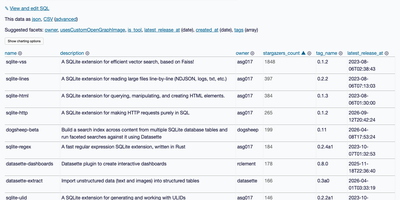
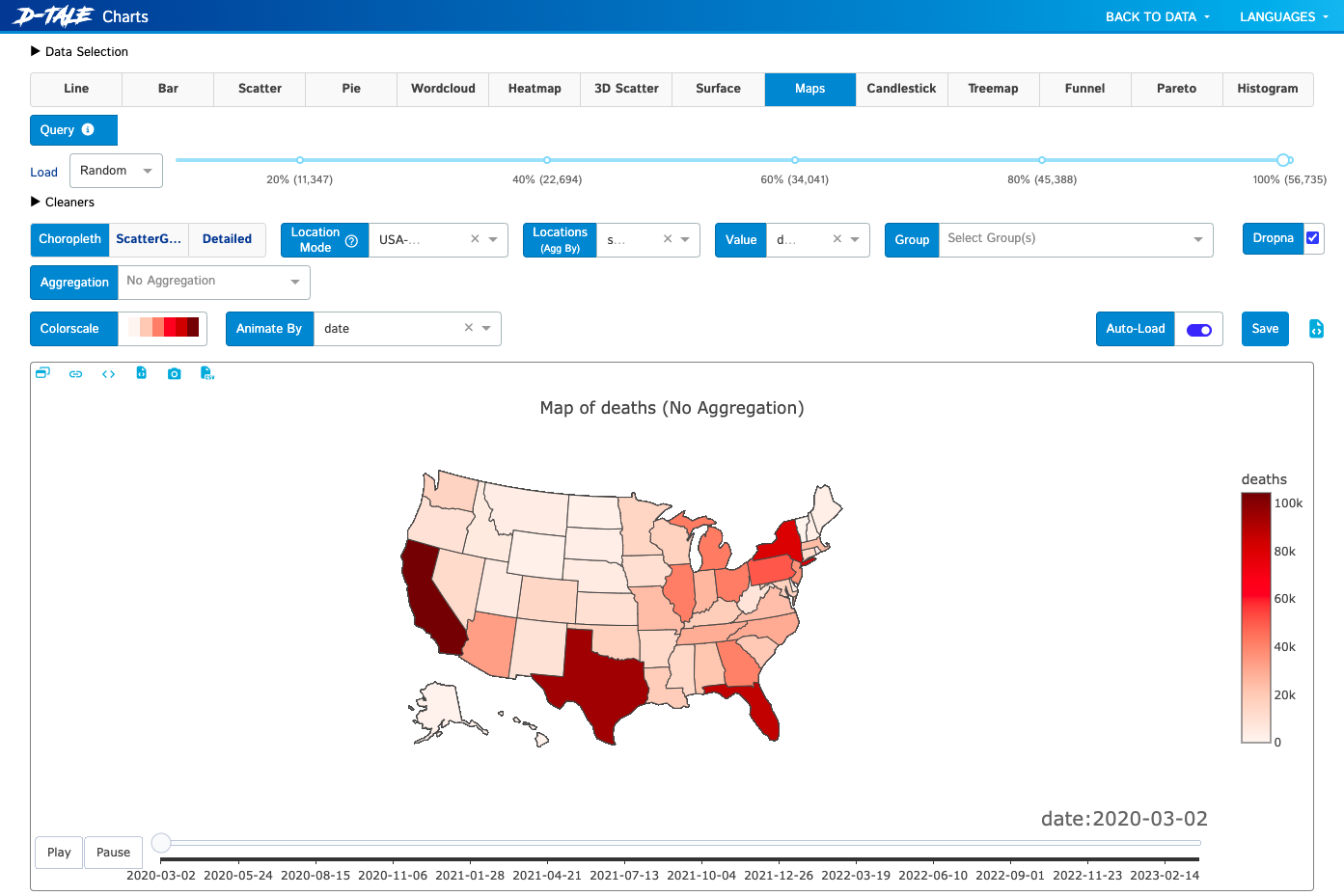
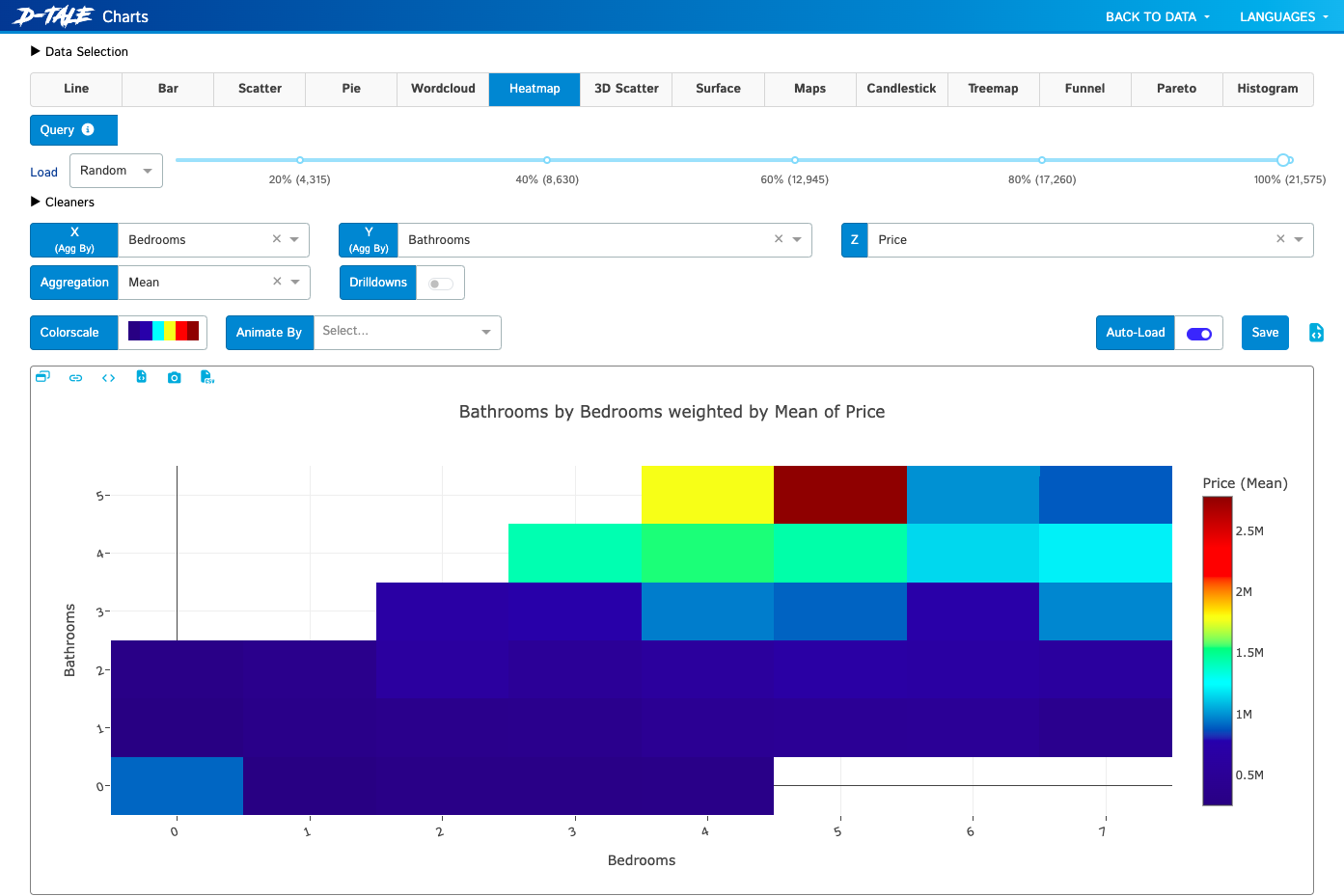
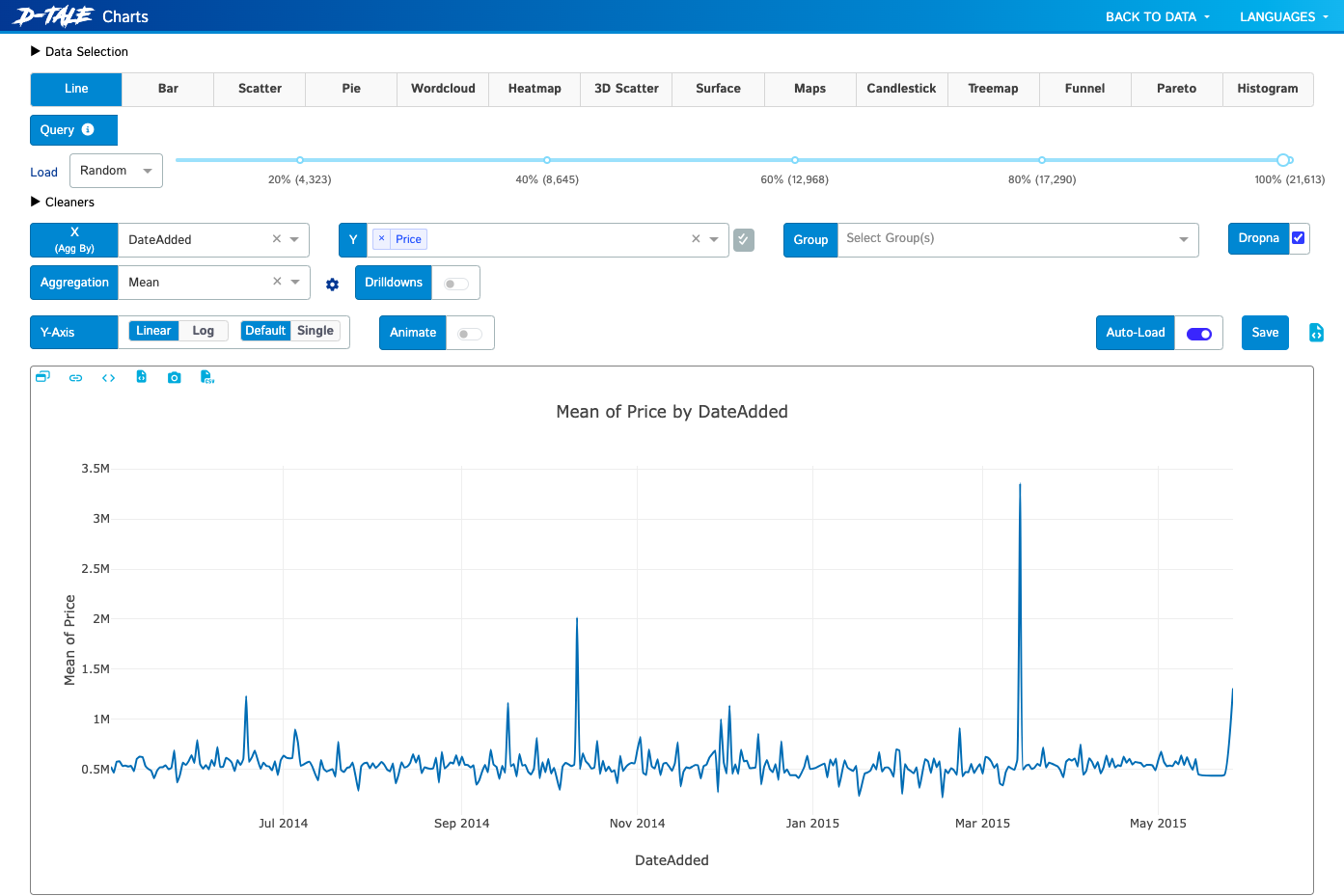
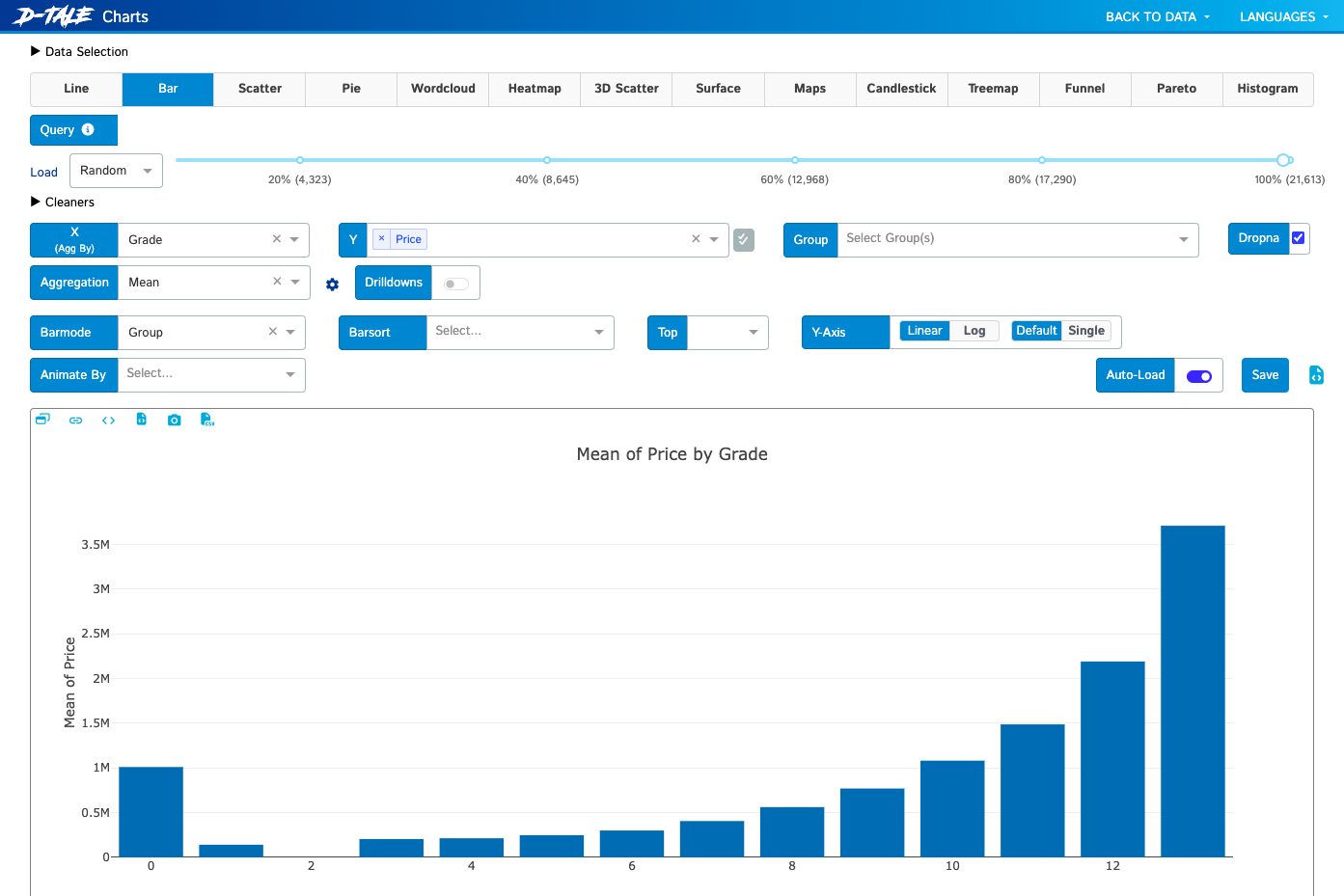
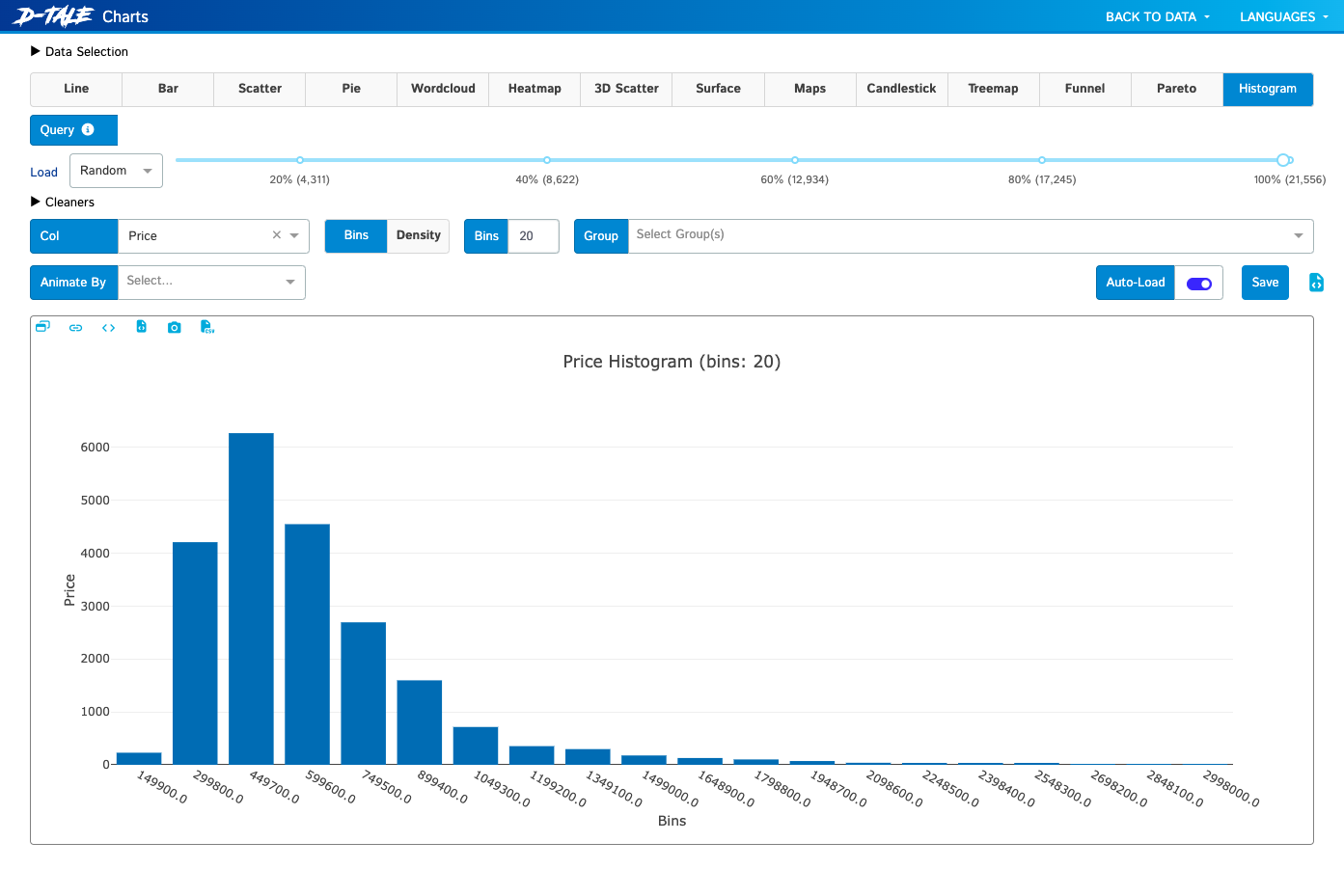
If your data lives in a pandas DataFrame, D-Tale gives it a spreadsheet-style grid, a column profiler, and a chart builder in the browser, started with one call from a notebook or script. In the grid you sort, filter, and edit cells inline, lock, hide, reorder, rename, or reformat columns from their menus, and open a Describe view with each column's distribution, summary statistics, outliers, and missing values, while highlight modes color dtypes, outliers, and numeric ranges across the whole table. Correlation matrices, a predictive power score, and duplicate reports sit beside dataframe functions that add numeric, binned, date, random, and type-converted columns, and Merge & Stack combines dataframes, including ones uploaded from Excel files. The chart builder draws line, bar, stacked, pie, wordcloud, heatmap, 3D scatter, surface, and map charts with grouping and aggregation, exports them as standalone HTML, and a network viewer graphs relationships between nodes. Whatever you build in the interface can be exported as reproducible Python code, and data can be saved as CSV or TSV. Launch it from Jupyter, Google Colab, Kaggle, a terminal, or the command line with a CSV path, protect it with optional authentication, and choose light or dark themes and English or Chinese. Running on a dedicated VPS on RepoCloud with guaranteed CPU, RAM, and SSD, full root SSH access, and a browser serial console. LGPL-2.1 licensed.
Benefits
- Explore DataFrames without writing code
- Sort, filter, edit, and chart pandas data in a browser grid, with column menus for renaming, replacing, formatting, and hiding columns, so analysts skip repetitive notebook boilerplate.
- Spot data quality problems quickly
- Describe popups, outlier detection, duplicate and missing-value reports, and highlight modes flag skewed, null-heavy, or low-variance columns before they distort a model or a report.
- Turn point-and-click work into code
- Code exports translate filters, built columns, correlations, and chart settings into Python snippets, so exploratory steps become reproducible scripts and notebook cells your team can rerun.
- Share a live view of data
- Serve a DataFrame from a VPS over the network with optional authentication, so teammates open a URL to browse, filter, and chart the same dataset instead of passing files around.
Features
- Interactive data grid
- Sorting, filtering, inline cell editing, column locking, resizing, and number formatting on a React grid backed by a Flask server, covering DataFrames, Series, and MultiIndex data.
- Column profiling tools
- The Describe popup profiles each column with statistics, histograms, and value counts, alongside outlier detection, duplicate checks, and missing-value analysis.
- Correlations and predictive power
- Builds correlation matrices with timeseries and scatter drill-downs, and calculates a predictive power score matrix to reveal non-linear relationships between columns.
- Plotly chart builder
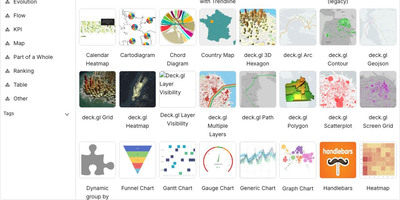
- Draws line, bar, pie, heatmap, 3D scatter, surface, and map charts with grouping and aggregations, and exports them as standalone HTML files with zoom and pan intact.
- Network viewer
- Graphs nodes and edges from a DataFrame using from, to, group, and weight columns, so connection data such as routes or relationships can be explored visually.
- Flexible launch options
- Starts from dtale.show in Jupyter, Colab, Kaggle, or scripts, from the dtale command with a CSV path, host, and port, or inside a Docker container on port 40000.