Categories
Self-Hosted Developer Tools Open Source Machine Learning Python Data Science Notebooks Interactive ComputingStars
Forks
Watchers
Developer links
JupyterLab
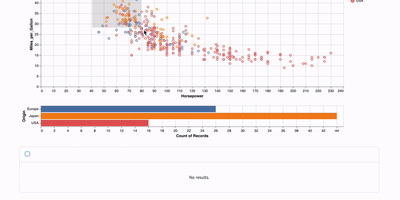
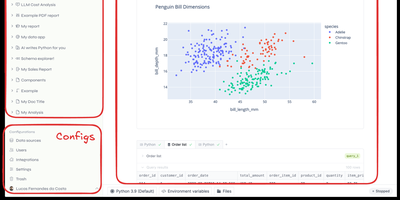
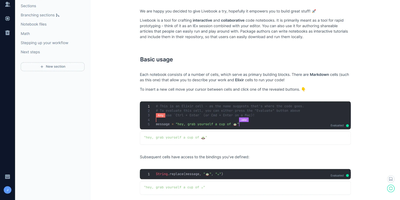
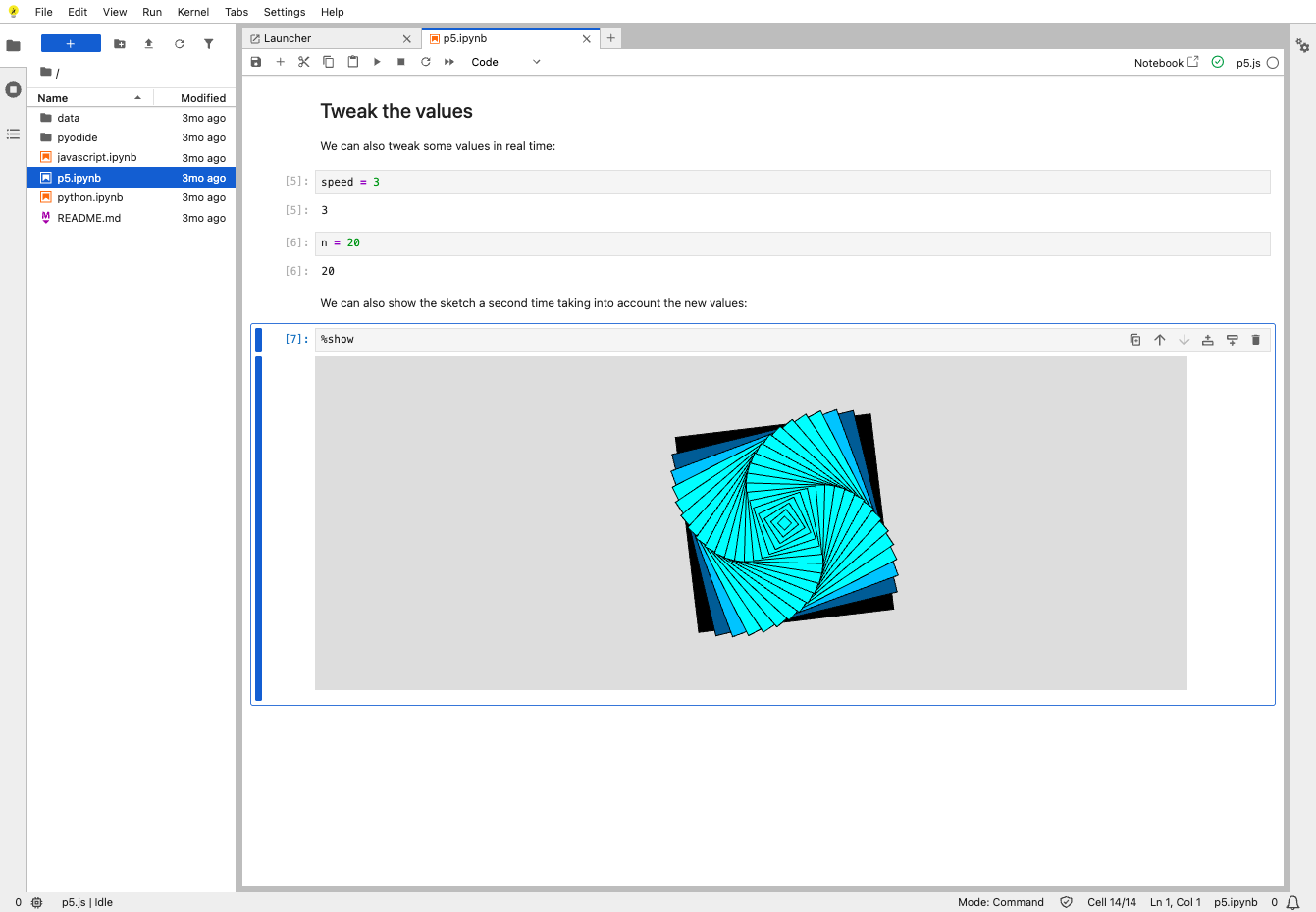
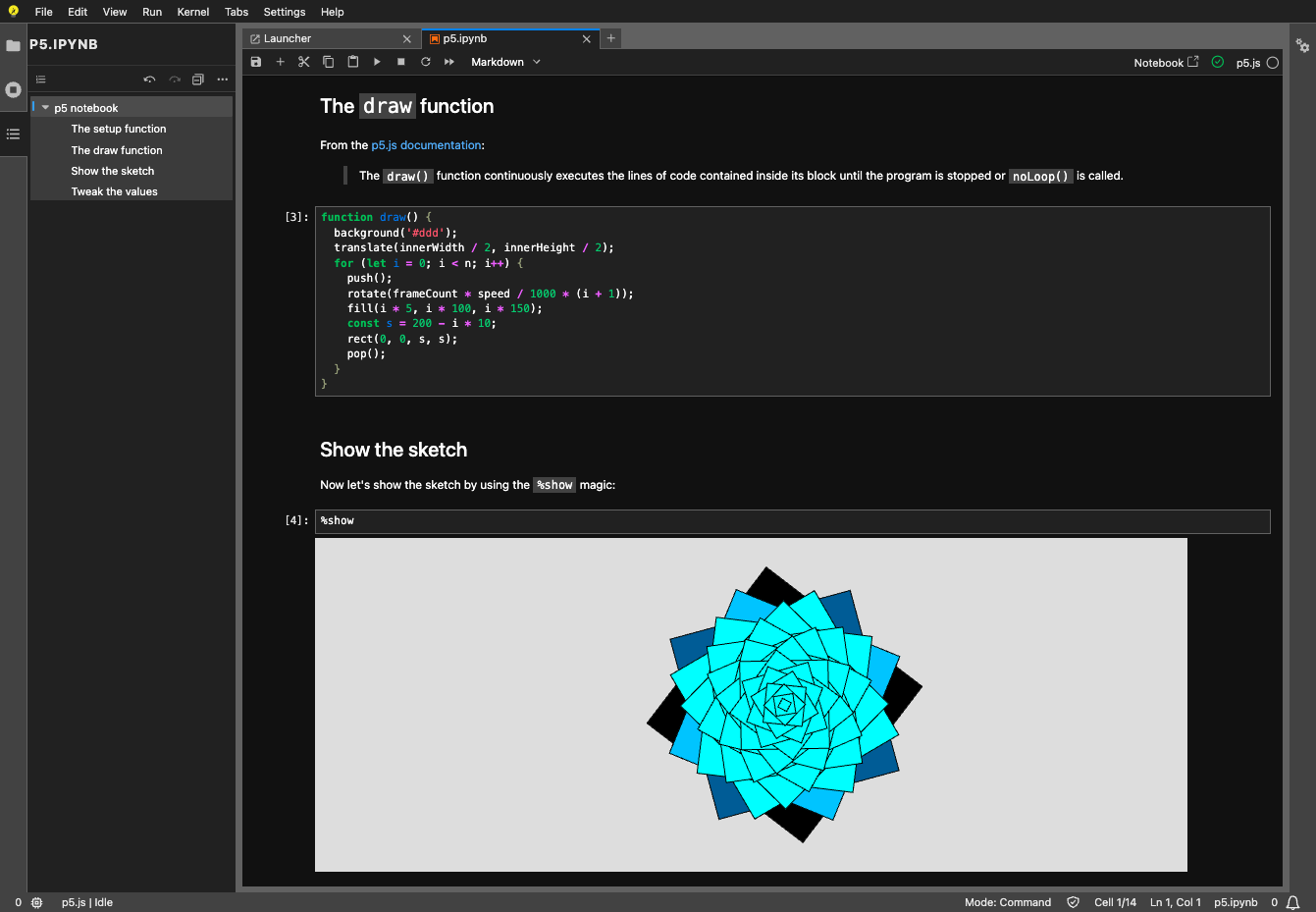
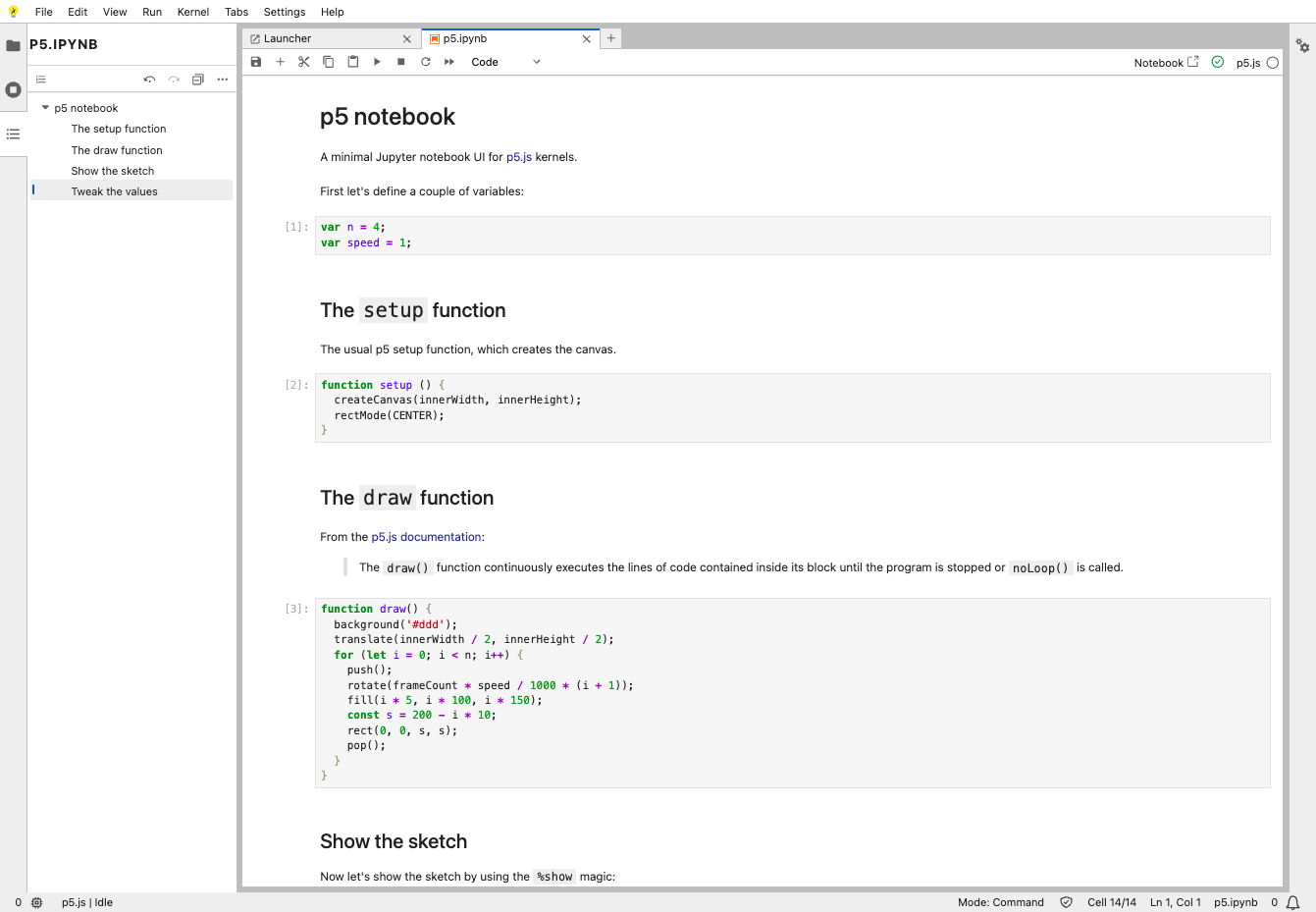
Exploratory data work, teaching material, and research code all live in the same browser tab with JupyterLab, the web workspace of Project Jupyter. Notebooks combine runnable code cells, Markdown, and rich output such as images, JSON, and Vega charts, and they use the same notebook format as the classic Jupyter Notebook. Any Jupyter kernel can execute the code, so Python, R, and other languages share one interface, and code inside plain text files such as Markdown or LaTeX can be run interactively as well. Tabs and splitters arrange documents side by side, and a notebook's cell outputs can be mirrored into their own tab to build a simple dashboard with interactive controls. Code consoles serve as scratchpads linked to a notebook kernel, while full terminals run system shells such as bash on the server. A visual debugger offers breakpoints, a call stack, and a variable explorer for kernels that support the Jupyter debug protocol. Markdown, CSV, and Vega documents show a live preview as they are edited, and built-in viewers handle images, JSON, and PDF files. The Extension Manager installs themes, editors, and renderers from PyPI, and real-time collaboration becomes available by adding the jupyter-collaboration extension. Access is protected by a generated token unless a password is set. Running on a dedicated VPS on RepoCloud with guaranteed CPU, RAM, and SSD, full root SSH access, and a browser serial console. BSD-3-Clause licensed.
Benefits
- One workspace for every task
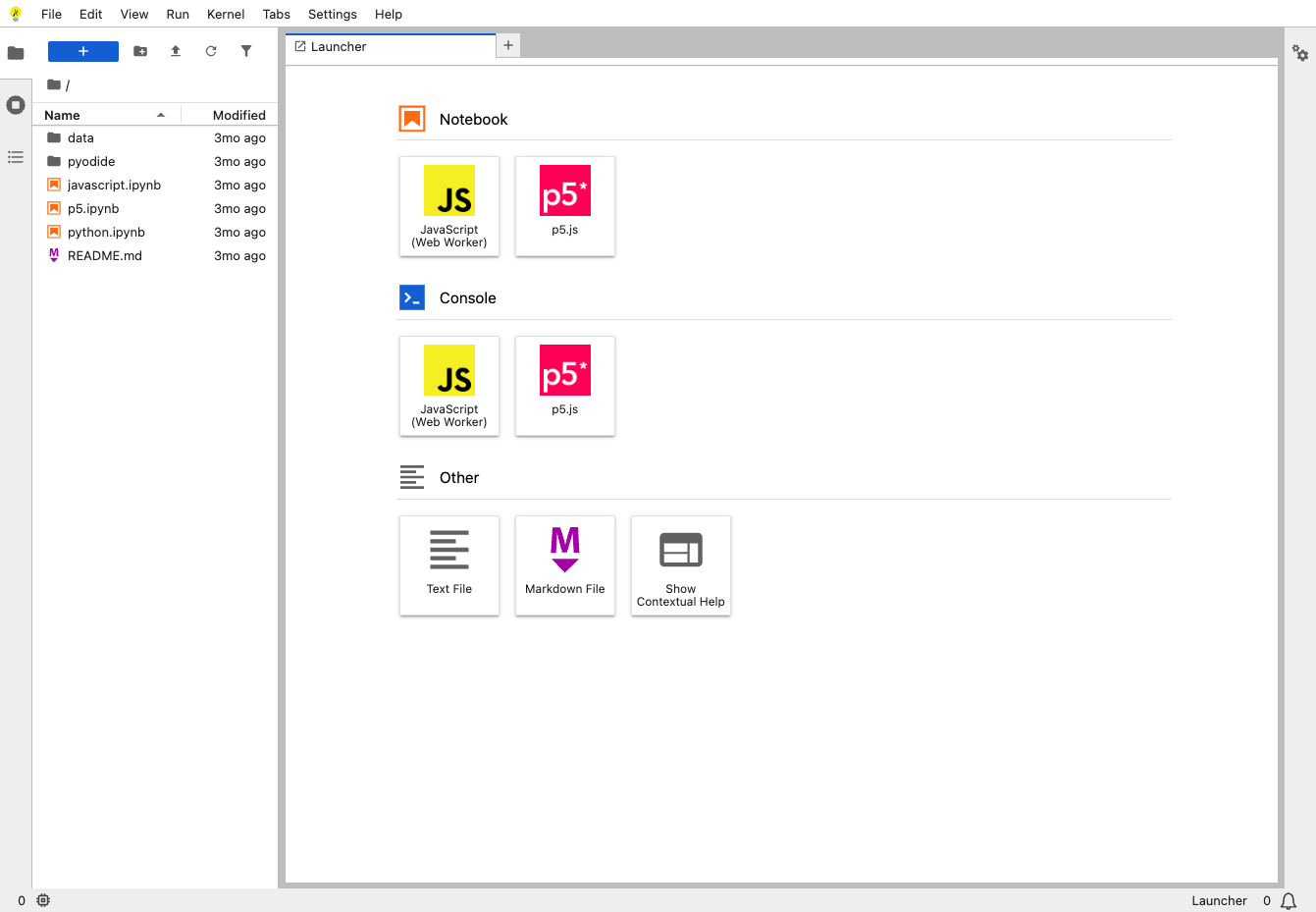
- Notebooks, code consoles, text editors, terminals, and a file browser open as tabs and split panels in a single browser window, so switching tools never means switching applications.
- Any Jupyter kernel, many languages
- Code runs in whichever Jupyter kernel you install, so Python, R, and other languages share one interface, and code in plain text files such as Markdown or LaTeX runs interactively.
- Compute that stays on your server
- Kernels, terminals, and files all live on the VPS you control, so datasets stay on your own server and work is not limited by a laptop's memory or disk.
- Extend it with prebuilt packages
- The Extension Manager installs themes, editors, and renderers from PyPI without rebuilding the application, and administrators can restrict choices with allowlists or blocklists.
Features
- Interactive notebooks
- Notebooks mix code cells, Markdown, and rich output such as images, JSON, and Vega charts, and they use the same notebook format as the classic Jupyter Notebook.
- Consoles and terminals
- Code consoles act as scratchpads linked to a notebook kernel, while full terminals run system shells such as bash on the server with the privileges of its user.
- Built-in visual debugger
- The debugger front-end sets breakpoints and shows the call stack and a variable explorer for kernels that implement the Jupyter debug protocol, including ipykernel and xeus-python.
- Flexible tabbed layout
- Tabs and splitters place documents side by side, and a notebook's cell outputs can be mirrored into their own tab to build simple dashboards with interactive controls.
- Extensions and plugin management
- Prebuilt extensions install with pip, conda, or the Extension Manager, while the Plugin Manager disables individual plugins and administrators can lock plugins against changes.
- Optional real-time collaboration
- Installing the jupyter-collaboration extension adds shared editing with multiple cursors and selections, so several people can work in the same notebook at once.