Categories
Self-Hosted Open Source SQLite Data Exploration Data Publishing JSON API Open Data Database BrowserStars
Forks
Watchers
Developer links
Datasette
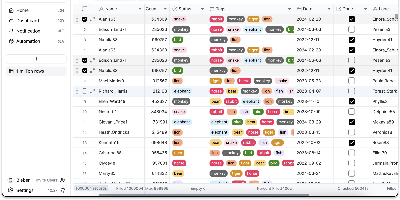
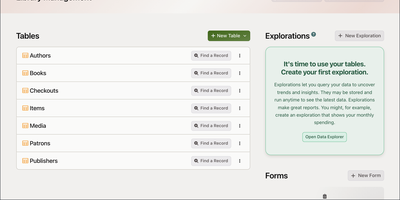
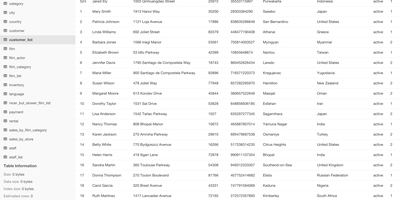
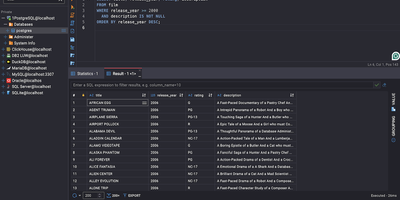
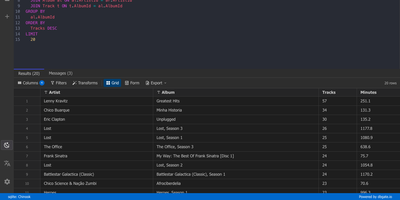
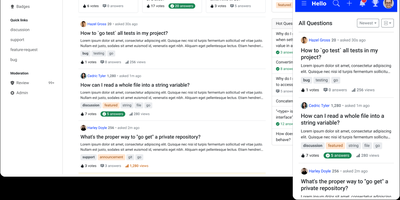
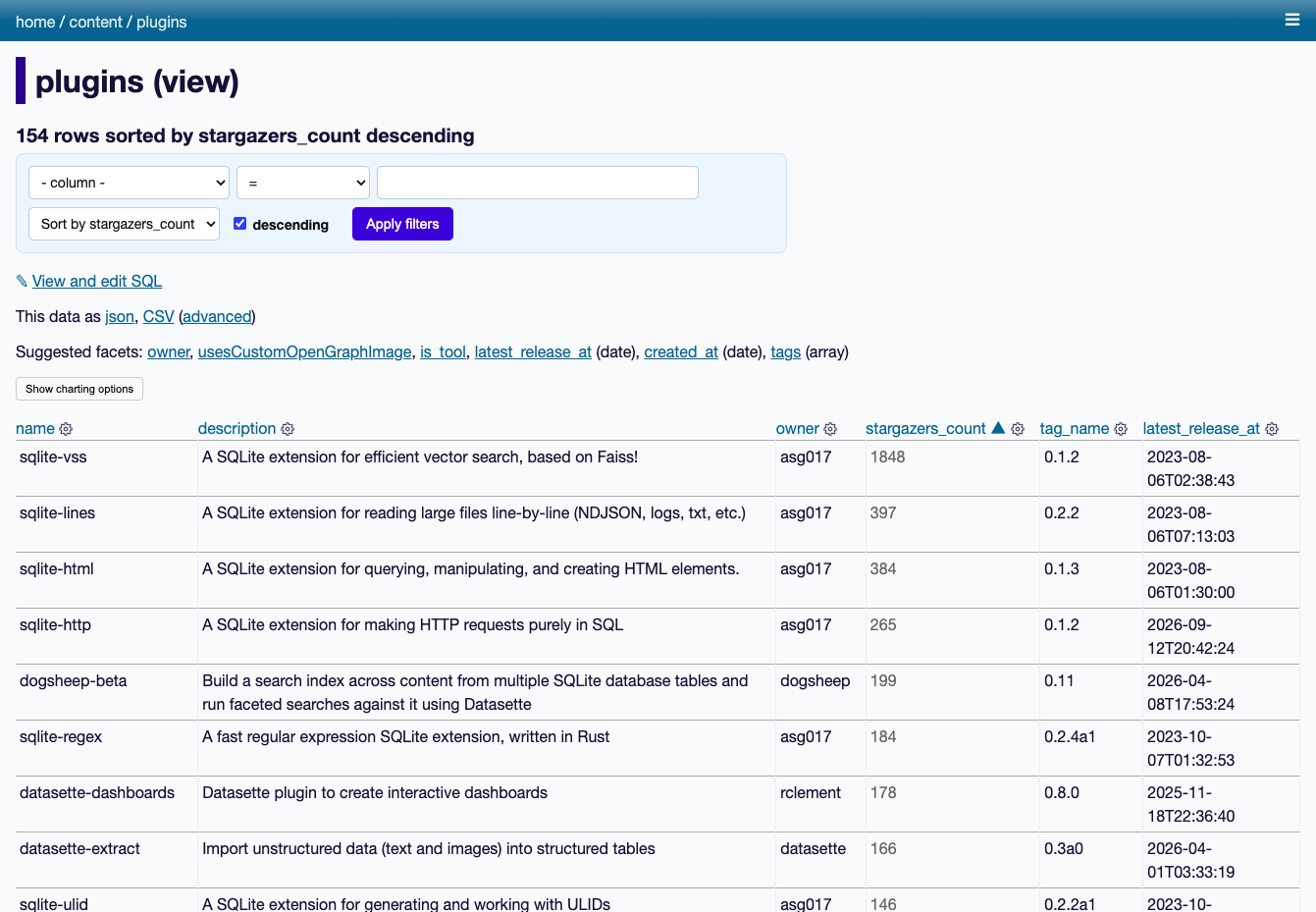
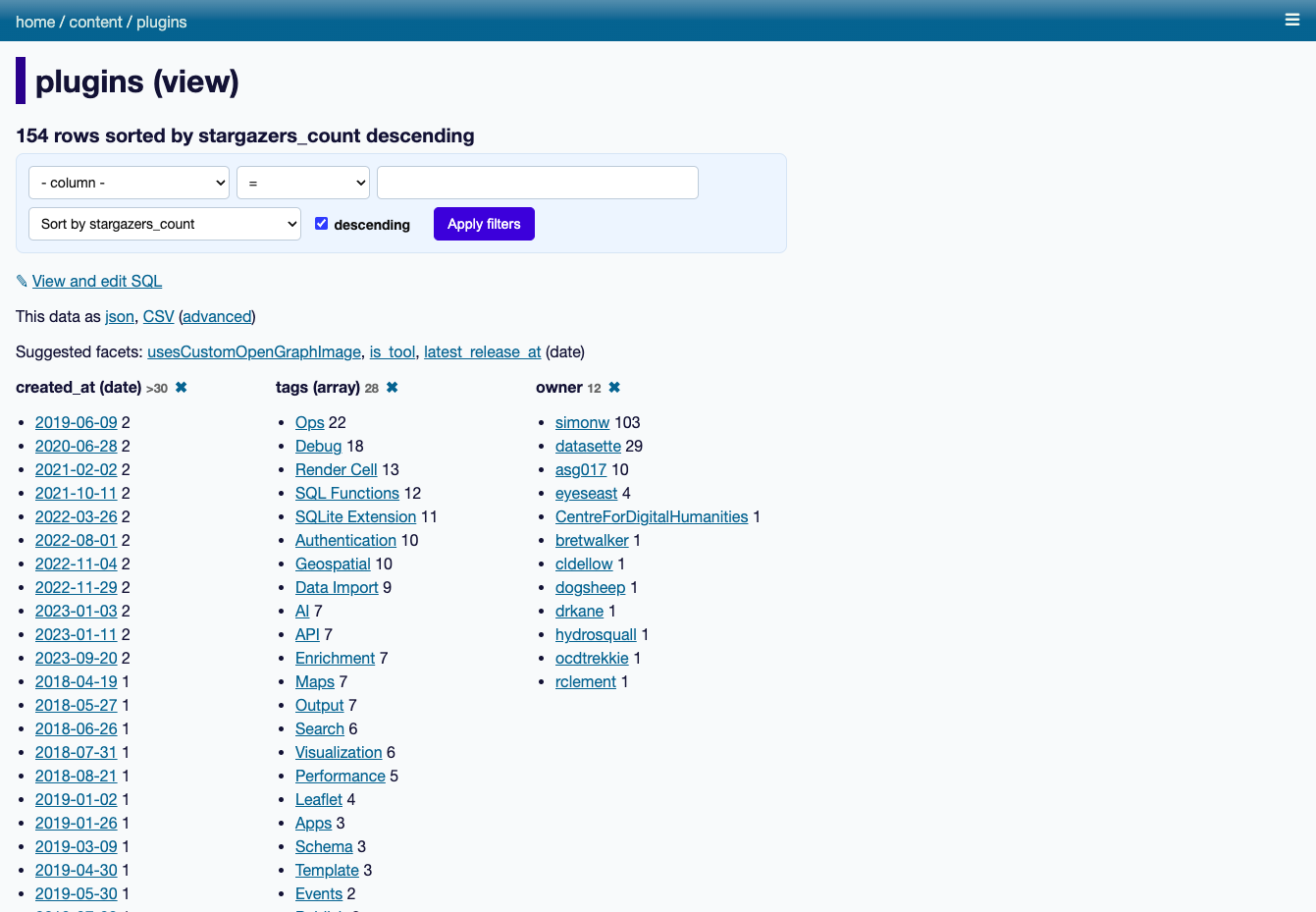
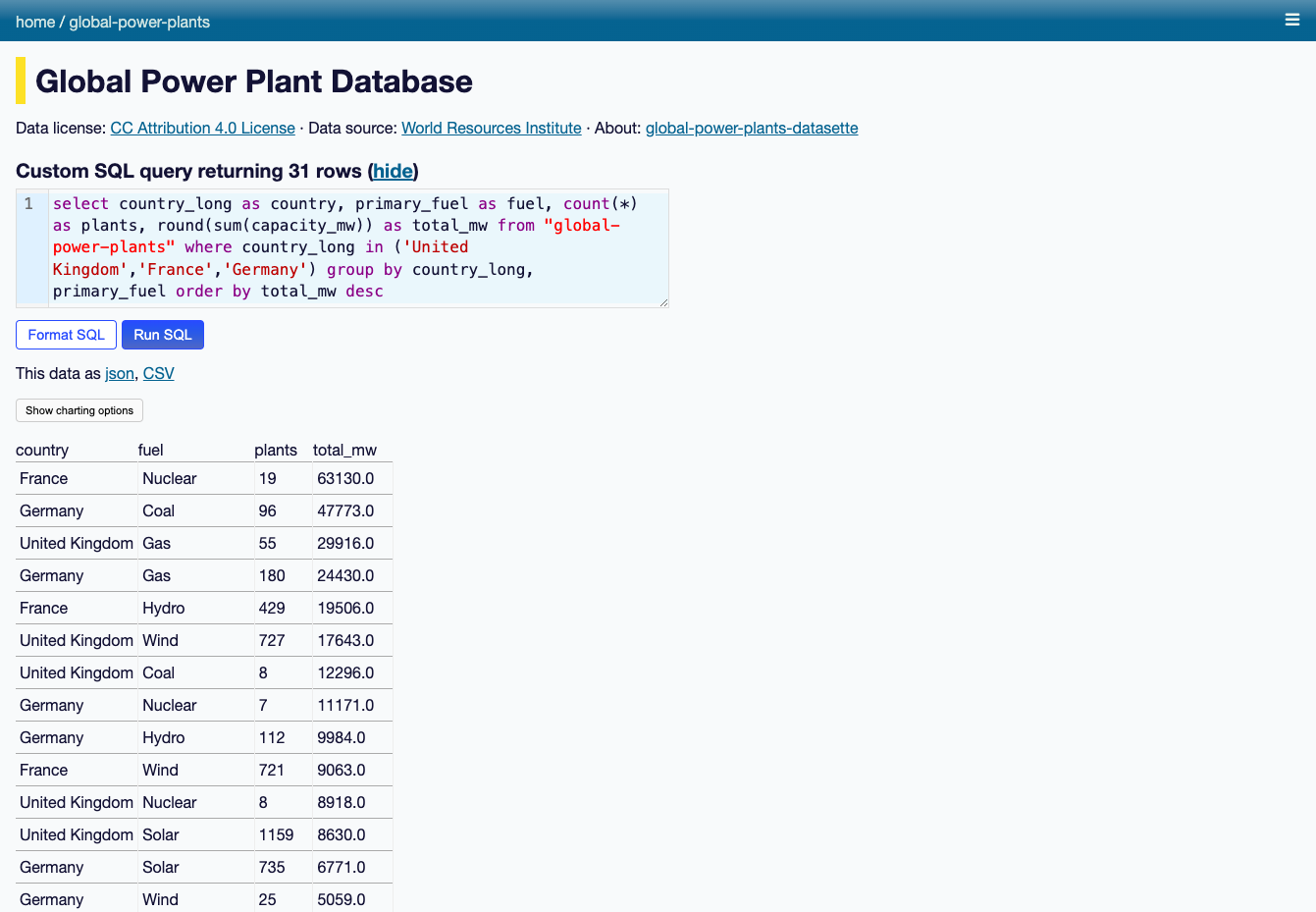
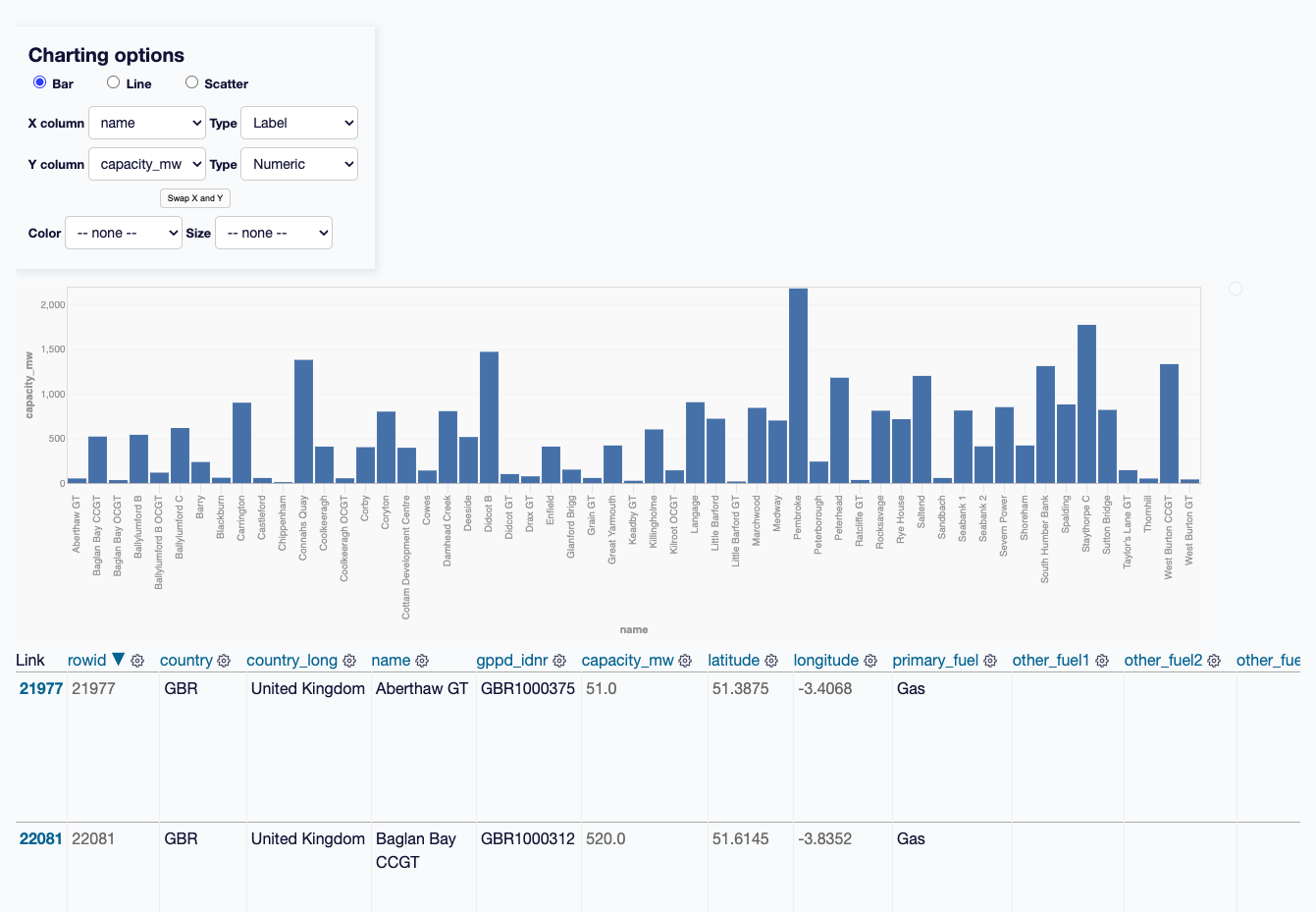
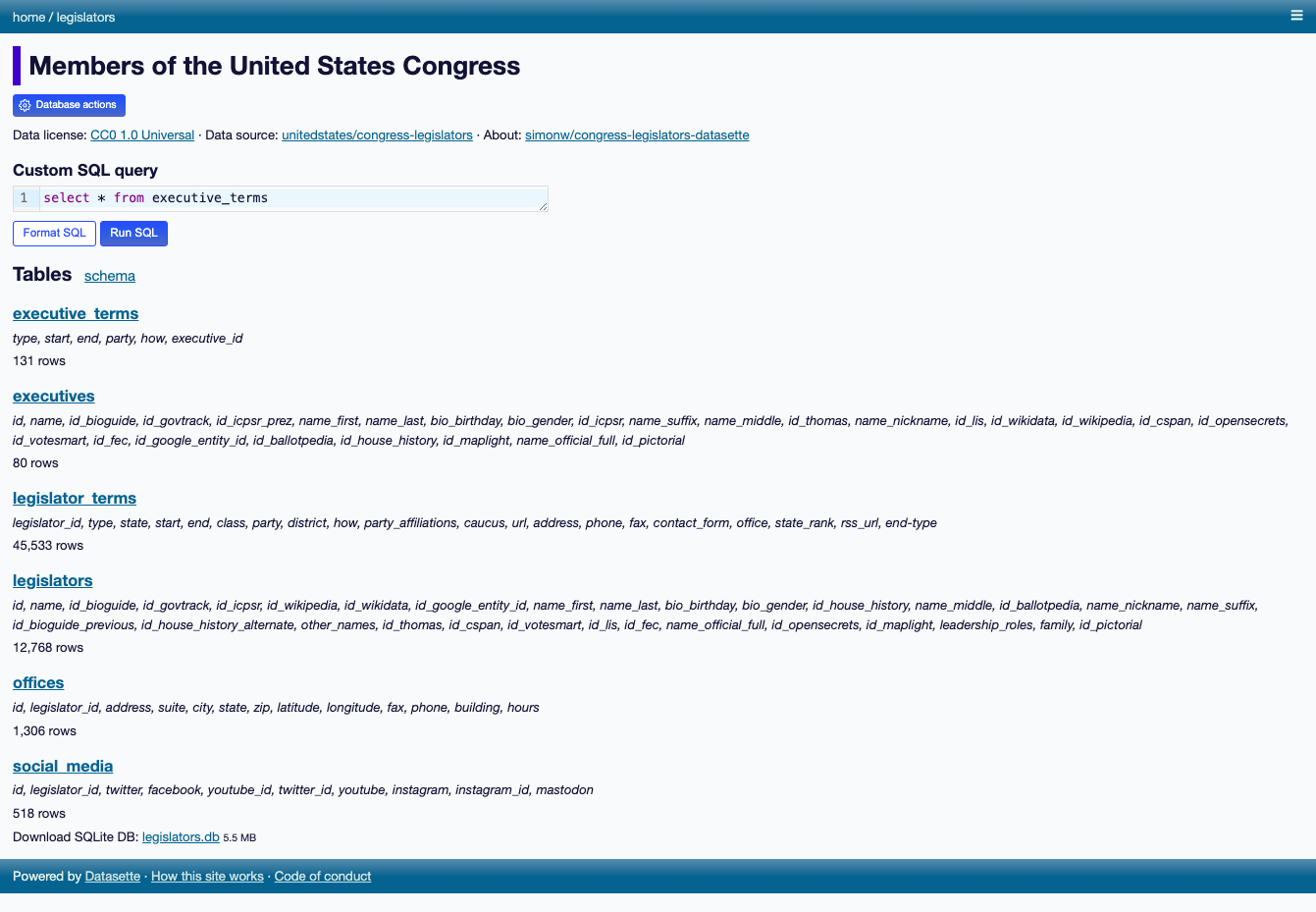
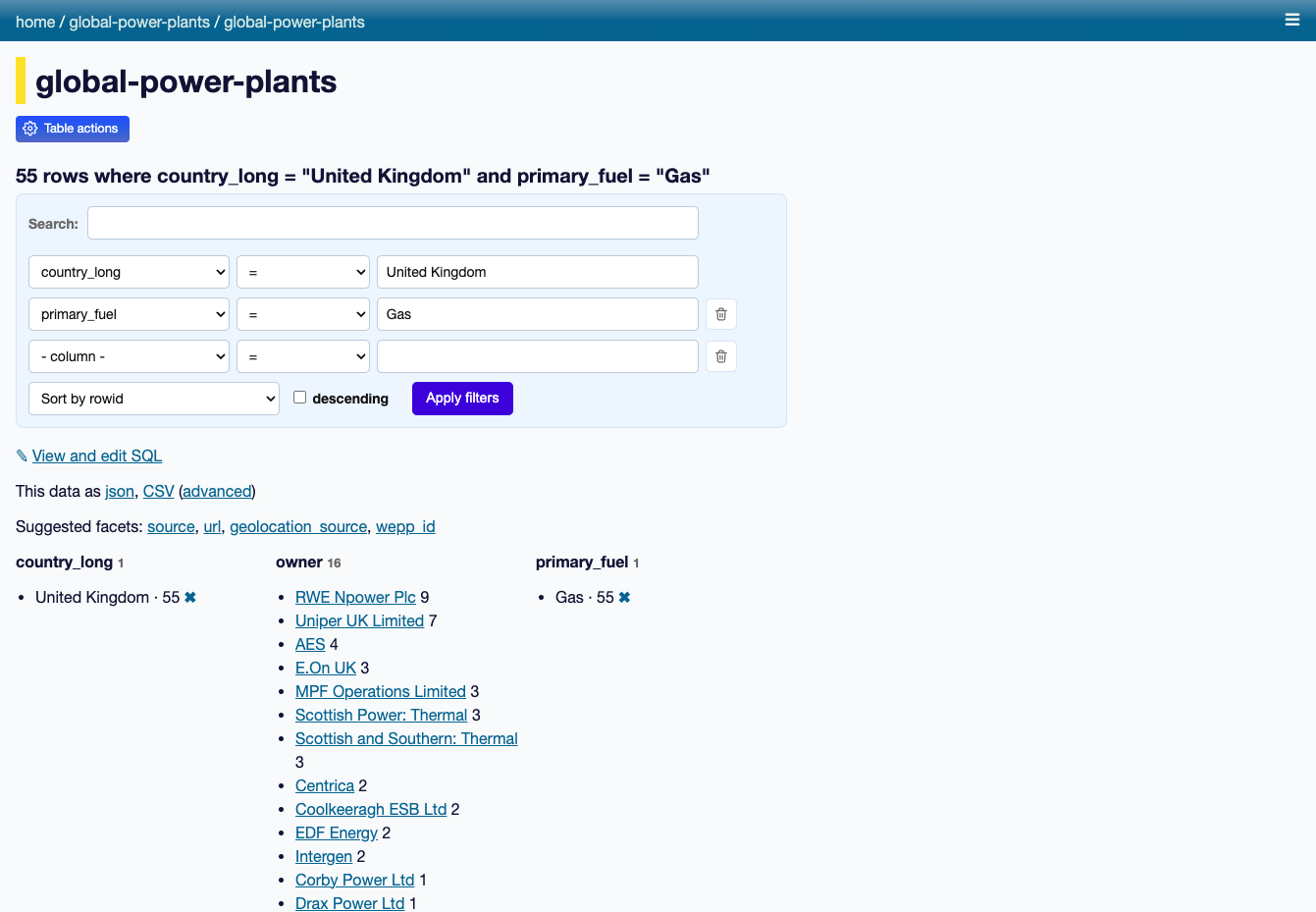
Datasette turns a database into an interactive website and JSON API, so anyone can browse, filter, and query the data without a custom backend. Point it at SQLite files and each table gets a page with sortable columns, per-column filters, full-text search where it is enabled, and facets that tally the values in a column, including array and date columns, with suggested facets surfaced automatically. Rows have their own URLs, foreign keys become links, and a row that other tables reference links to a filtered list of those records. A "View and edit SQL" link turns whatever filters you applied into an editable query, and visitors with permission can run read-only SQL with named parameters. Useful queries save as canned queries with their own URLs, and writable canned queries add forms that insert or update rows. Every page comes as JSON and as streaming CSV. A metadata file adds titles, licenses, sources, column descriptions, units, default sort orders, and hidden tables. Access rules can apply to the whole instance or a single database, table, or query. Plugins add charts, maps for latitude and longitude columns, Atom feeds, GitHub sign-in, and custom output formats. Custom templates, CSS, and static files carry your branding. SpatiaLite support adds geospatial queries, and datasette publish deploys to Google Cloud Run, Heroku, Vercel, or Fly. Running on a dedicated VPS on RepoCloud with guaranteed CPU, RAM, and SSD, full root SSH access, and a browser serial console. Apache-2.0 licensed.
Benefits
- Publish data without writing code
- Point Datasette at a SQLite file and it serves browsable tables, filters, facets, and a JSON API immediately, so journalists, researchers, and archivists can share data without building an application first.
- Every page doubles as an API
- Every table, row, and query result is available as JSON or CSV by changing the URL, which makes the same page useful to readers and to scripts, dashboards, and prototypes.
- Control who sees which data
- Permission rules apply to the whole instance or to a single database, table, or saved query, so public datasets and private ones can live side by side on one server.
- Extend it with plugins
- Plugins add charts, maps, Atom feeds, GitHub sign-in, custom SQL functions, and new output formats, and each one installs with a single datasette install command.
Features
- Facets and filters
- Sort columns, filter on any value, and facet by column, JSON array, or date. Datasette suggests useful facets and shows counts that narrow the table as you click.
- Full-text search
- Tables configured with SQLite full-text search get a search box on the table page, and the same search is available through the table JSON API.
- SQL and canned queries
- Run SQL select queries in the browser with named parameters, then save them as canned queries with their own URLs. Writable canned queries add forms that update data.
- JSON and CSV output
- Append .json to a page URL for the JSON version, choose between response shapes with pagination, or stream every row as CSV for spreadsheets and scripts.
- Metadata and branding
- A metadata file adds titles, licenses, sources, column descriptions, and units, while custom templates, CSS, and static files change the look of every page.
- Docker and one-command publishing
- Run the official Docker image, which includes SpatiaLite, or use datasette publish to ship a database to Google Cloud Run, Heroku, Vercel, or Fly.