Stars
Forks
Watchers
Developer links
Zasper
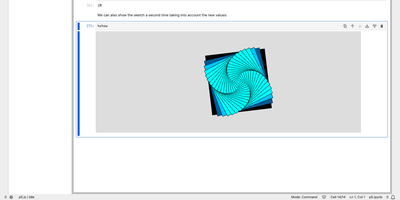
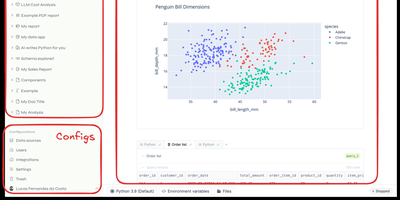
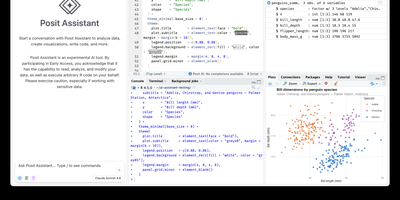
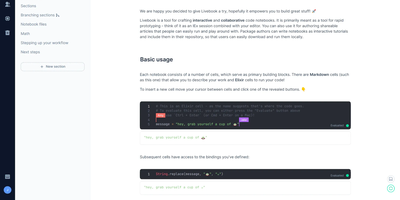
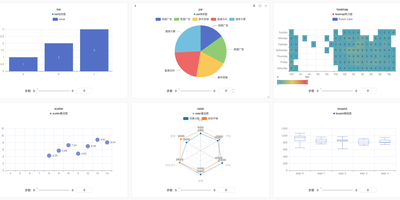
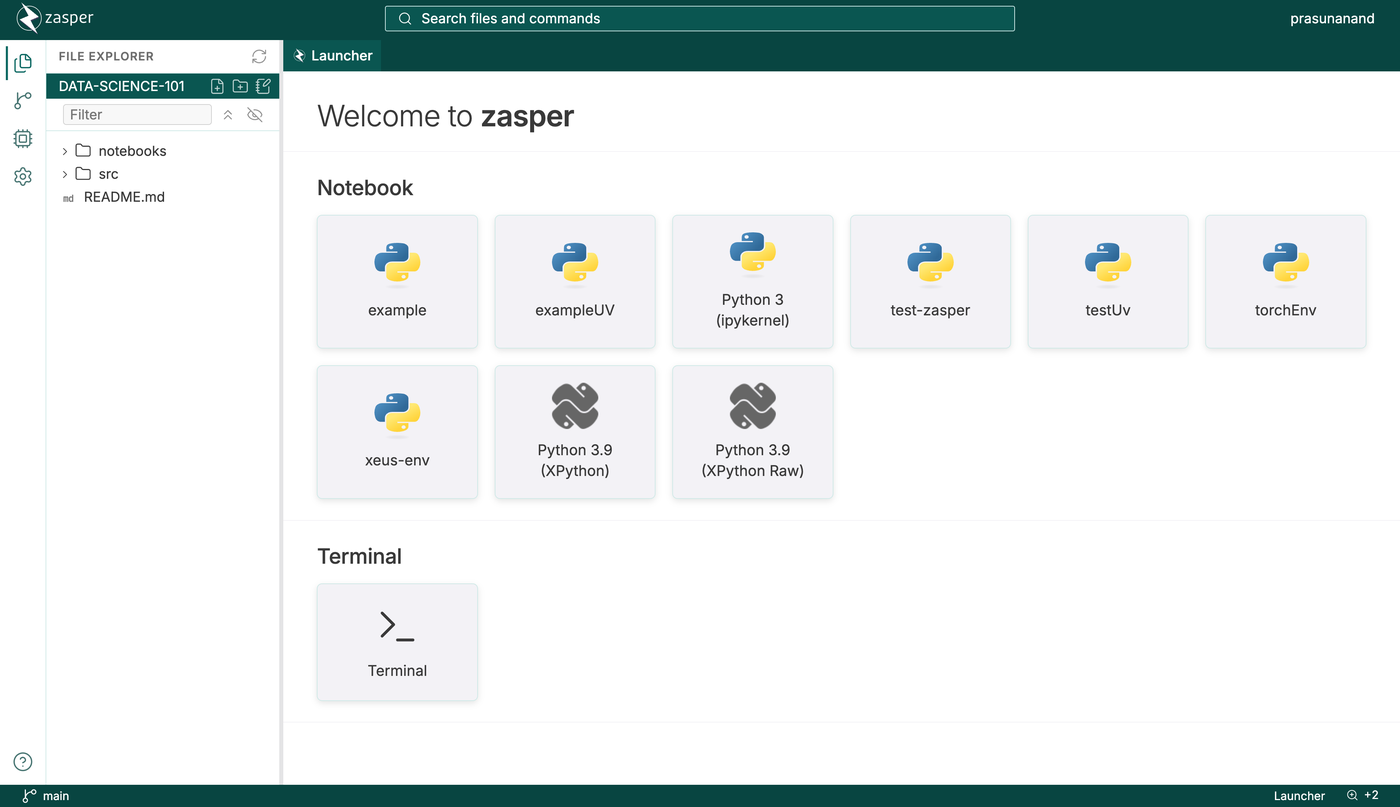
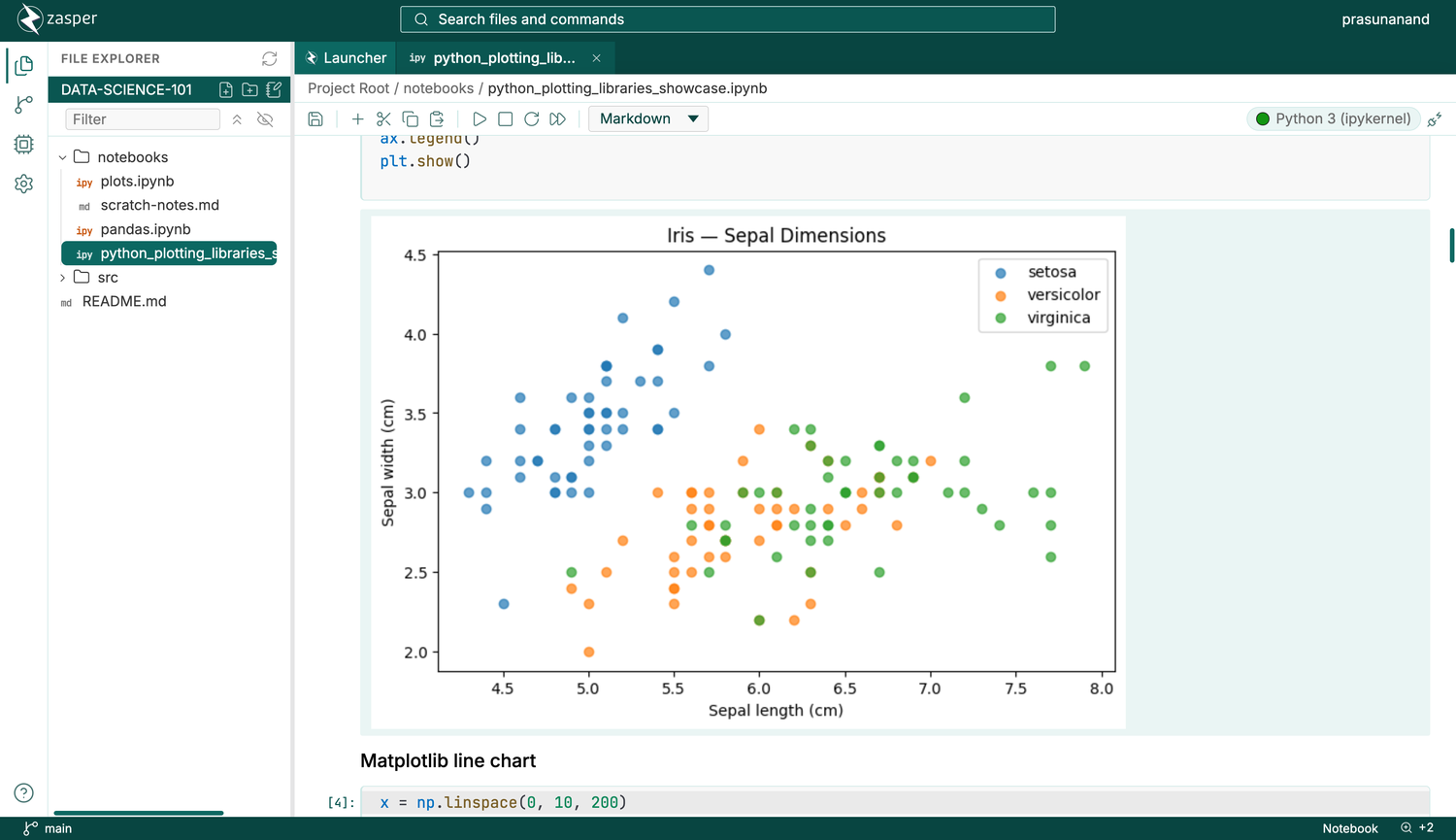
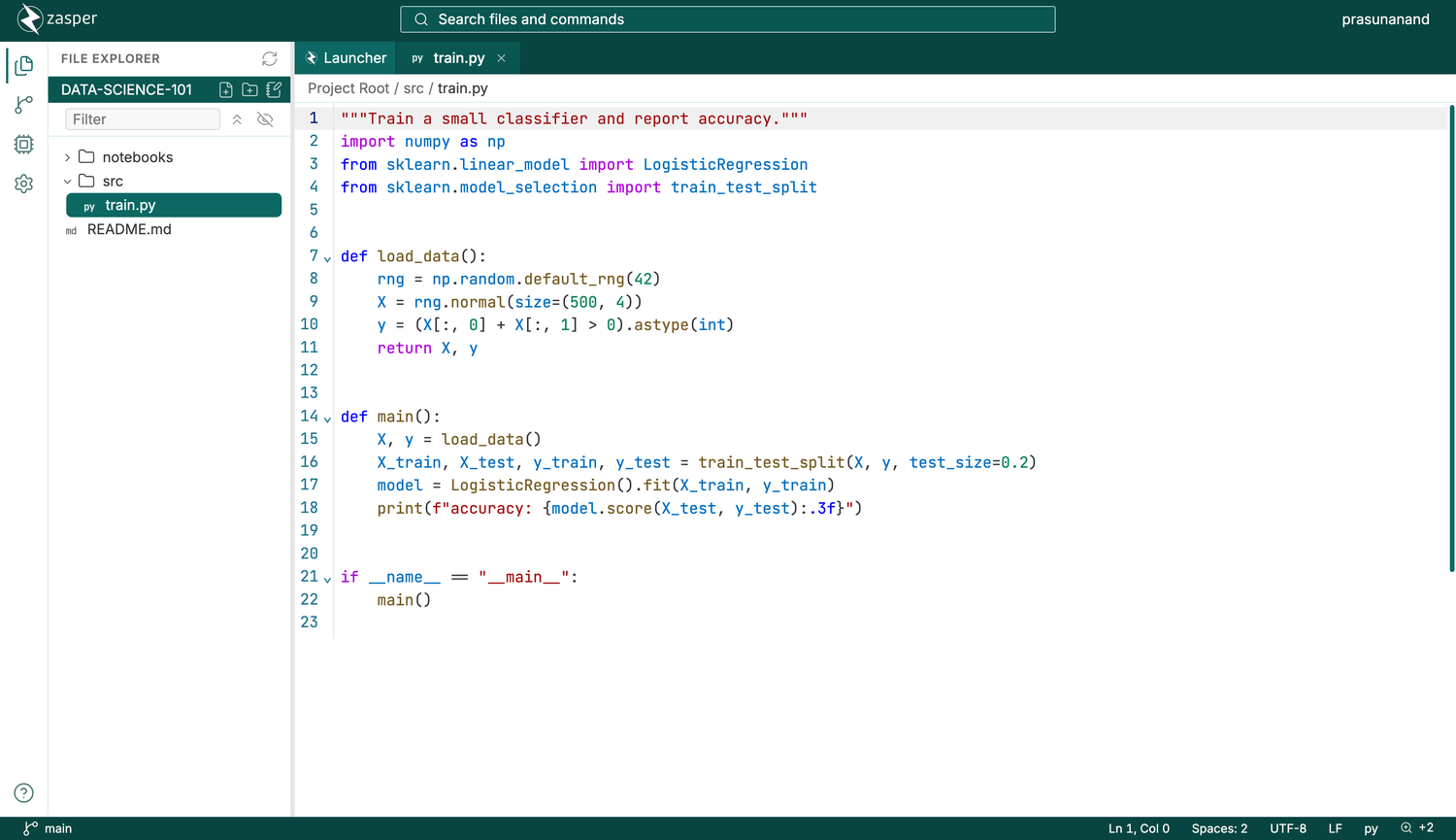
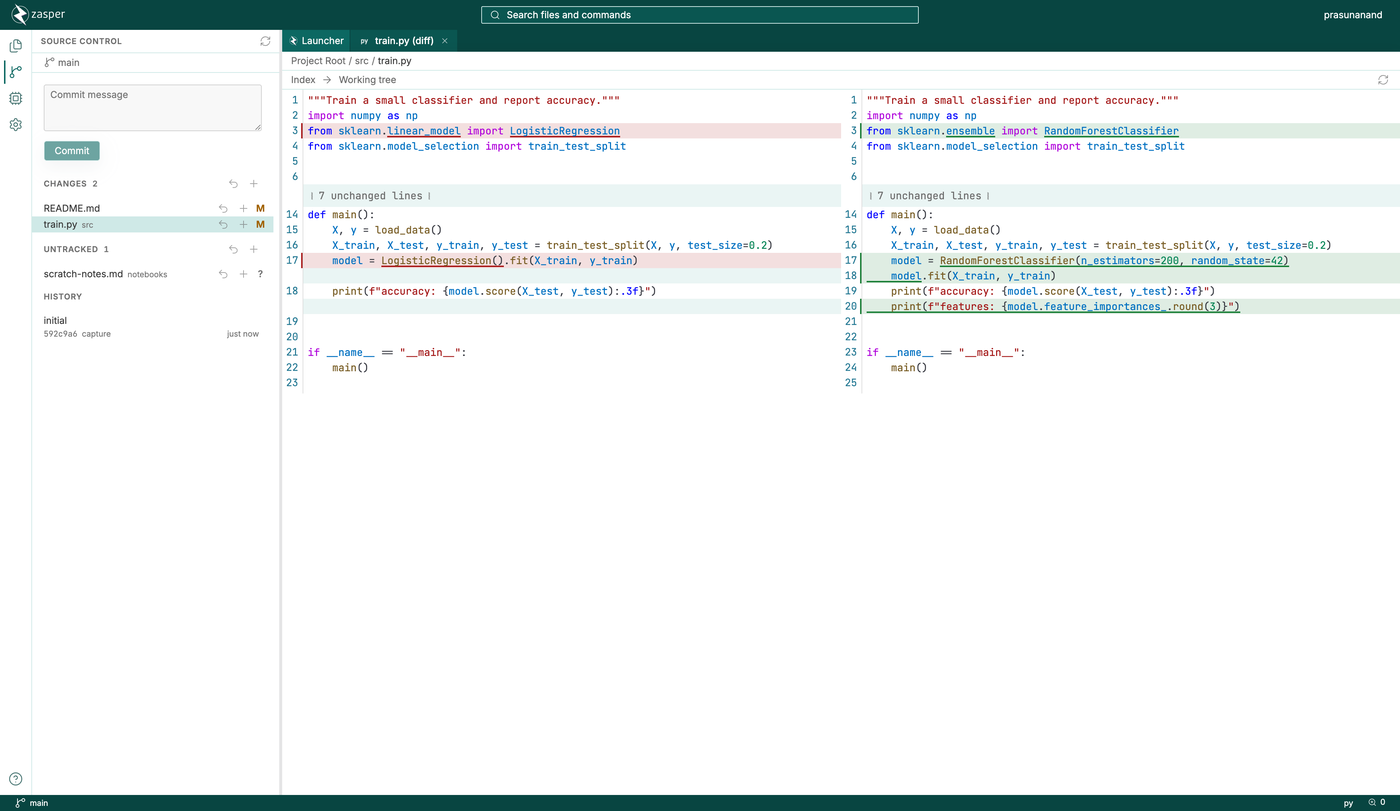
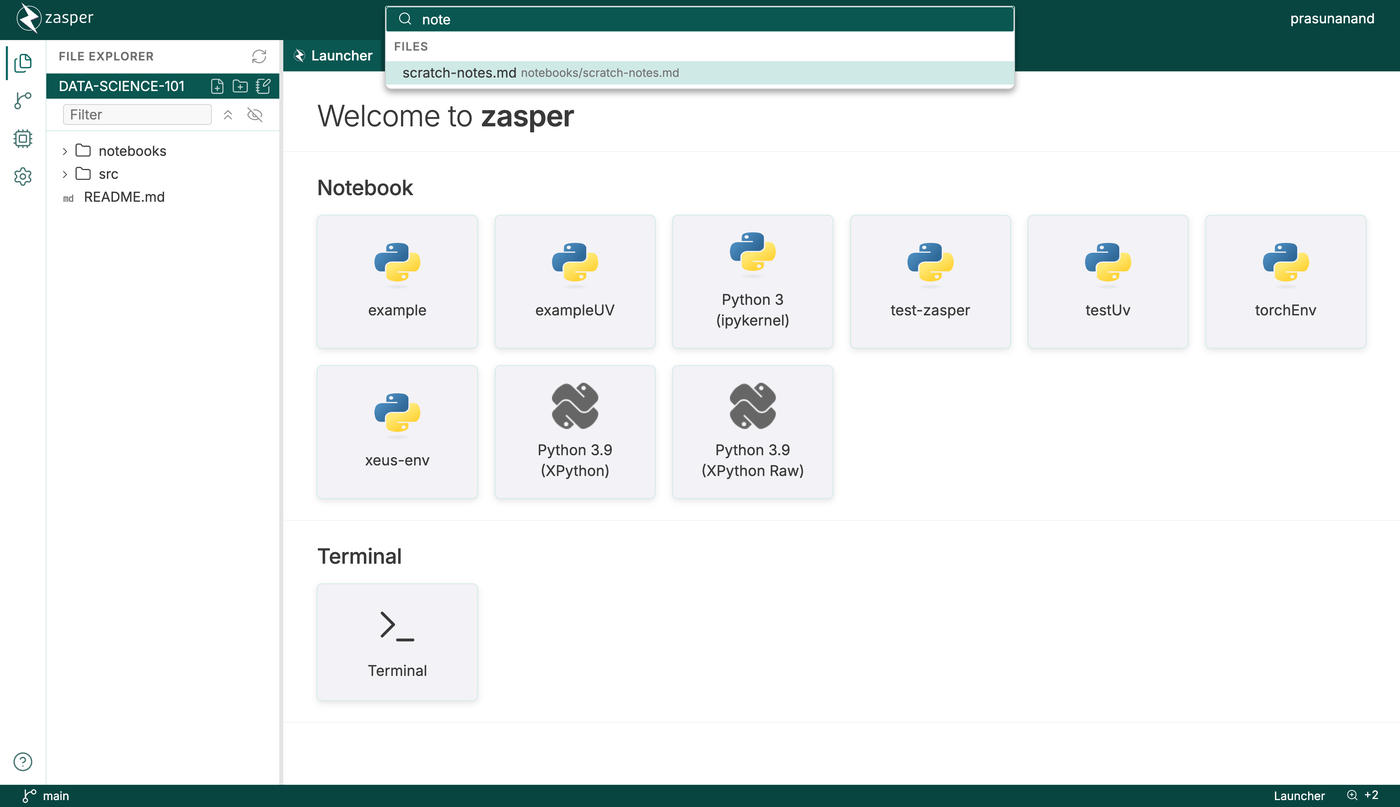
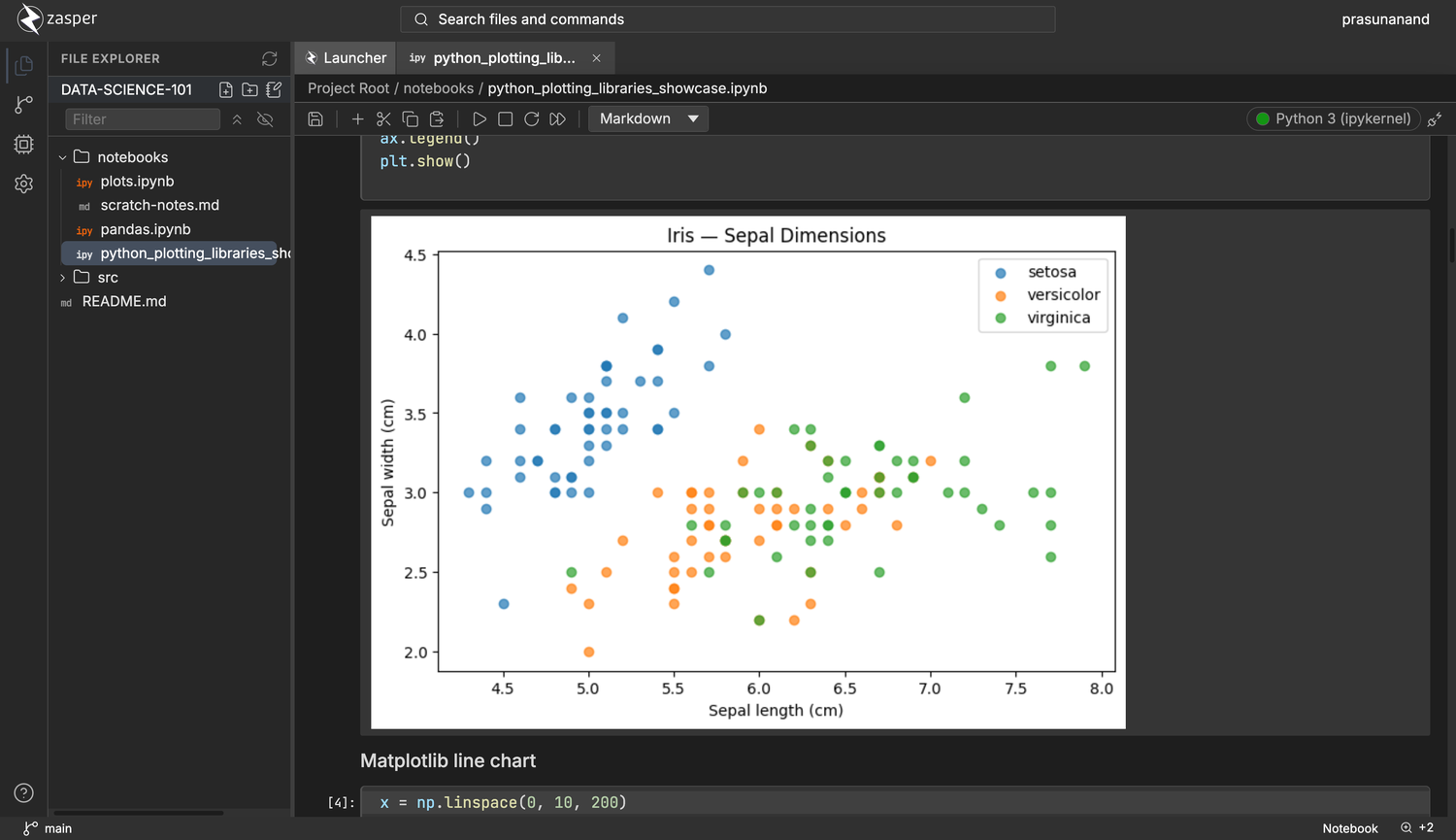
Notebook work gets a lighter home in Zasper, a browser IDE that runs any Jupyter kernel on a fraction of the memory JupyterLab needs. Plotly, ipywidgets, HTML, and Markdown with LaTeX render inline, and saved files match what Jupyter would write byte for byte. A variables panel inspects the running kernel, DataFrames open as a grid that turns into a chart, and SQL cells query the databases you connect. Edits made to the file on disk flow into the open notebook cell by cell, and a run started from another tab or an agent still reaches its cell. A code editor, terminal, and Git panel share the window, and notebook diffs compare cell by cell. Claude Code, Gemini CLI, Codex, or any agent that speaks the Agent Client Protocol can work in a side panel, with each change it makes reviewed and undone from there. A command palette searches files and commands together, trusted folders keep untrusted code from running, and light and dark themes are included. Running on a dedicated VPS on RepoCloud with guaranteed CPU, RAM, and SSD, full root SSH access, and a browser serial console. AGPL-3.0 licensed.
Benefits
- Lighter Than JupyterLab
- Published benchmarks show up to five times less CPU and forty times less memory than JupyterLab, so a small VPS can serve notebooks that would strain a larger one.
- Keep Your Existing Notebooks
- Zasper reads and writes the standard .ipynb format and speaks Jupyter's wire protocol, so notebooks and kernels move between Zasper and JupyterLab without conversion.
- Analyze Data In One Window
- Notebooks, a code editor, a terminal, a variables panel, SQL cells, and Git version control share one browser tab, which removes constant switching between tools.
- Use Coding Agents Safely
- Connect Claude Code, Gemini CLI, Codex, or other Agent Client Protocol agents, then review and undo each change they make to your notebooks from a dedicated panel.
Features
- Any Jupyter Kernel
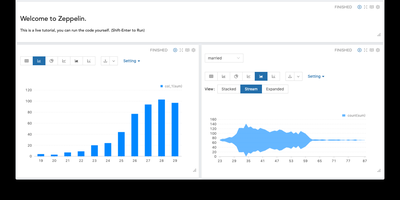
- Run Python, R, Julia, or any other installed kernel, with Plotly charts, ipywidgets, HTML output, and Markdown with LaTeX rendered inline.
- Data Exploration Tools
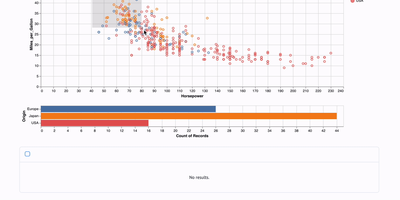
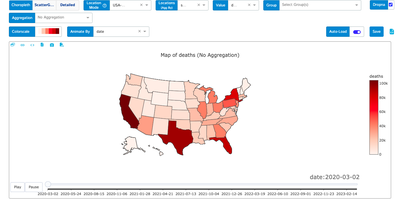
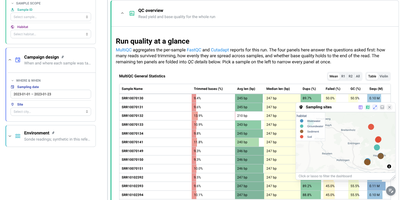
- Inspect kernel variables in a panel, browse DataFrames as a grid that converts to a chart, and run SQL cells against connected databases.
- Editor And Terminal
- Edit scripts with syntax highlighting, open a terminal, and manage files from an explorer, all in the same window as your notebooks.
- Git And Notebook Diffs
- Stage changes, commit with a message, browse history, and compare notebook versions cell by cell in a side-by-side diff.
- Command Palette Search
- Find files and run any command from a single search box at the top of the window, without hunting through menus.
- Token-Protected Sessions
- Every session requires an access token, and folders you open run no code until you mark them as trusted, which suits servers shared by a team.