Categories
Self-Hosted MCP Gateway Image Generation OpenAI Compatible API Model Management AI Inference Local LLM Server Speech and TranscriptionStars
Forks
Watchers
Developer links
Lemonade
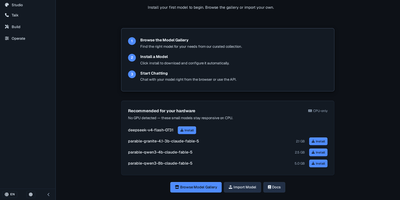
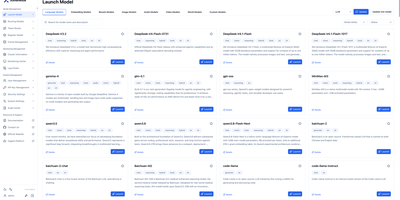
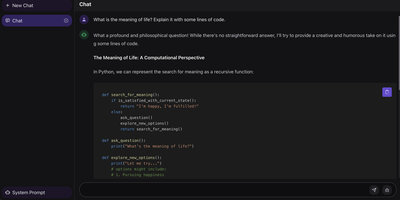
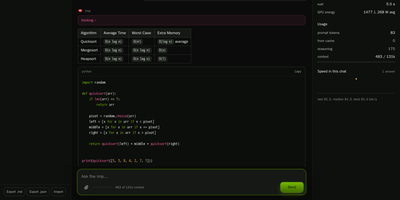
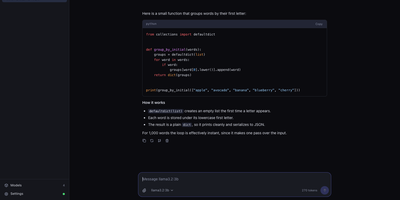
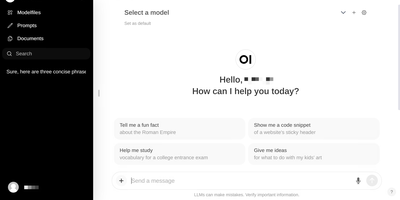
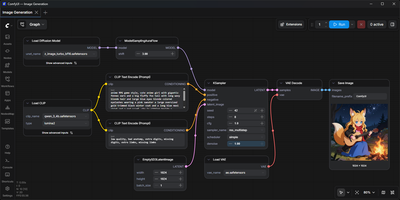
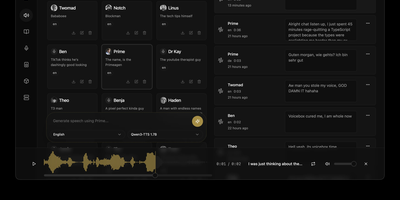
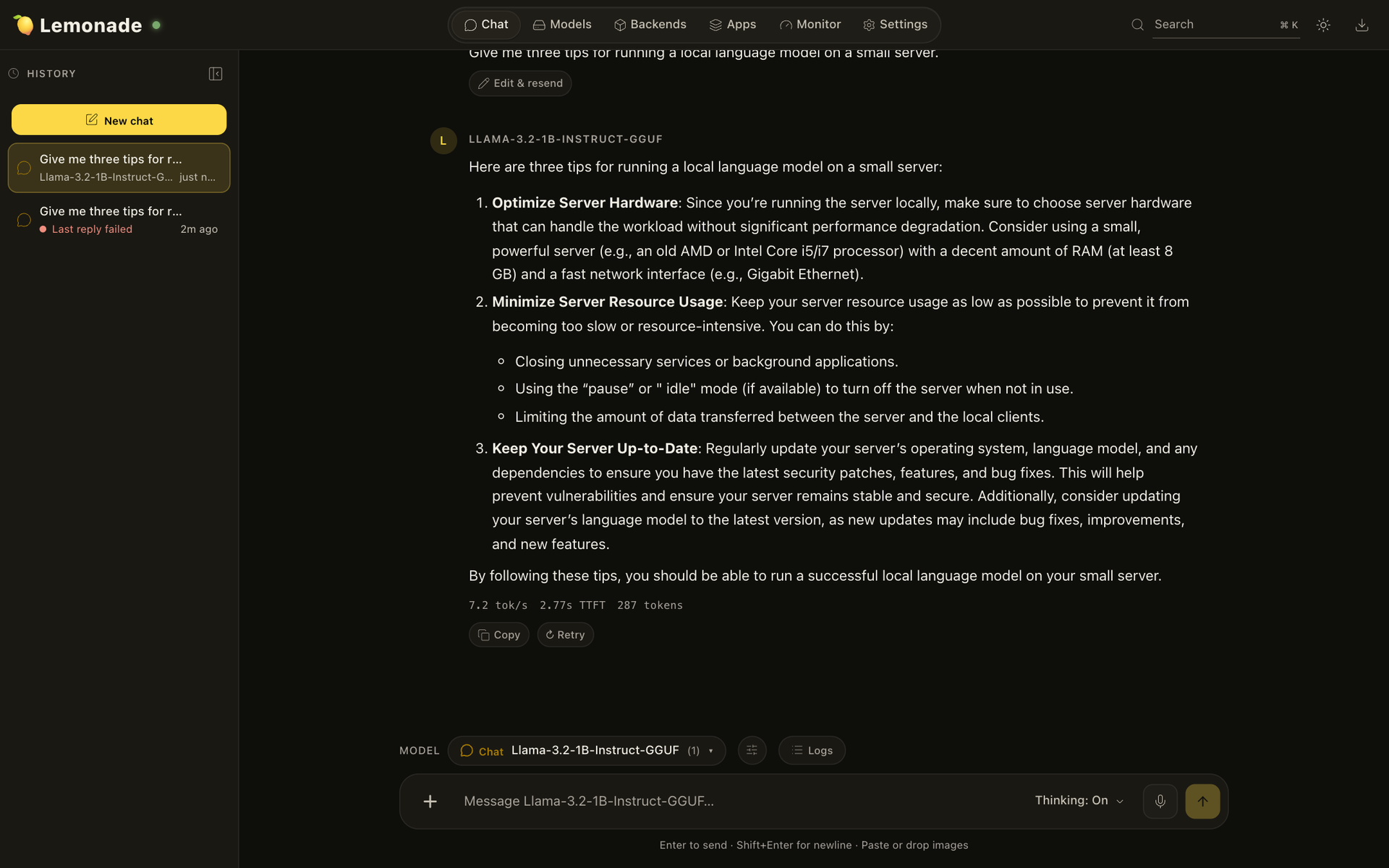
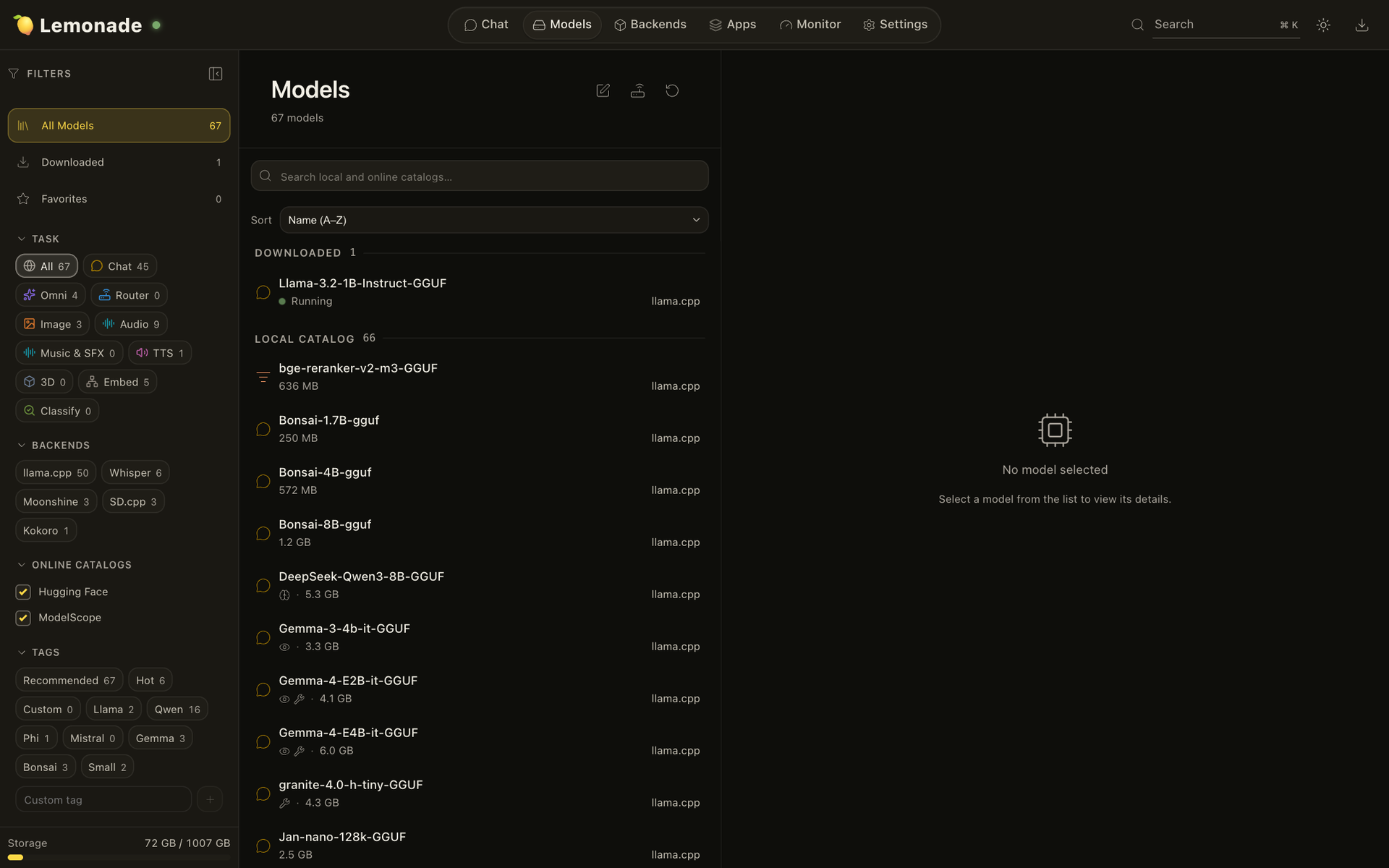
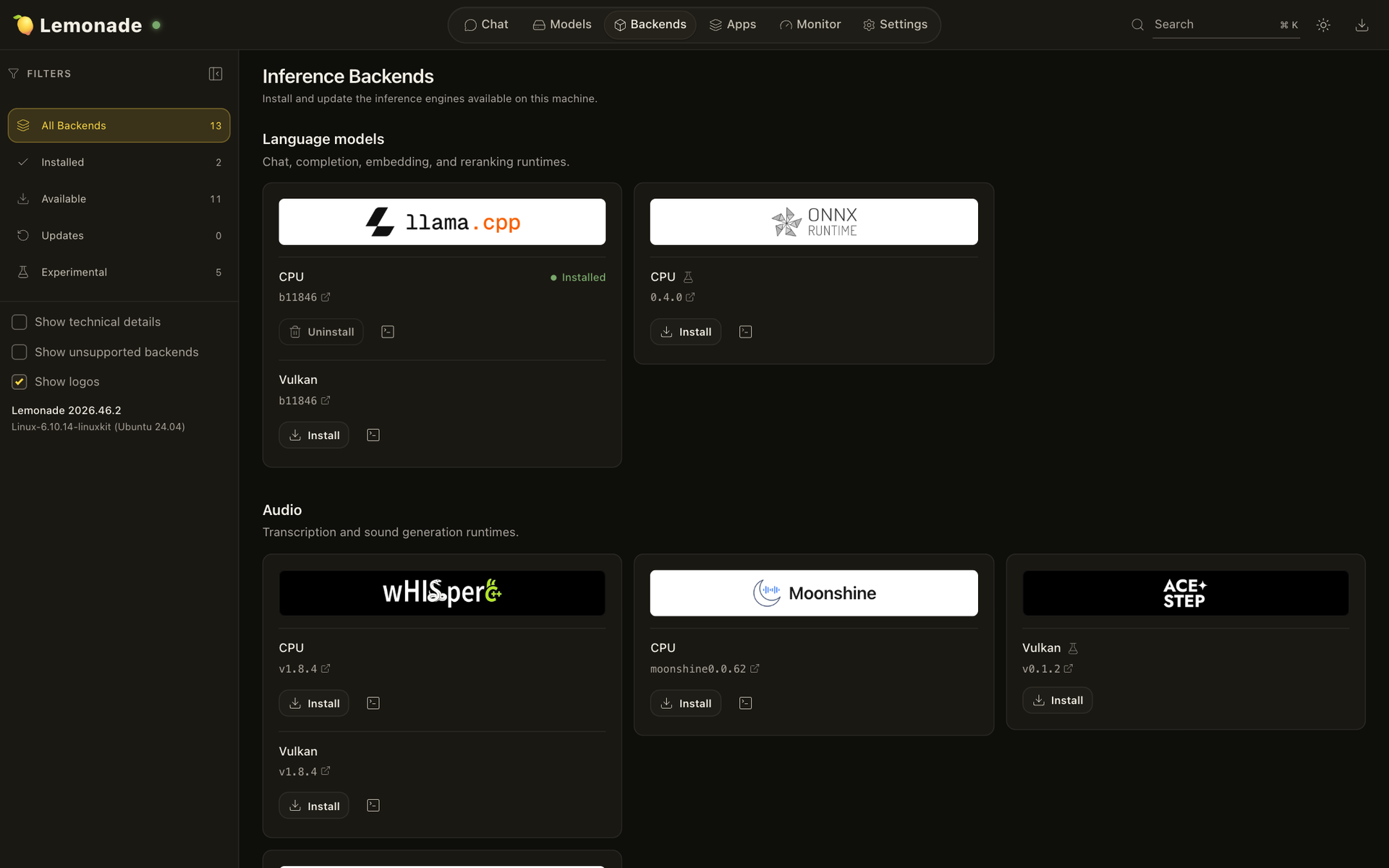
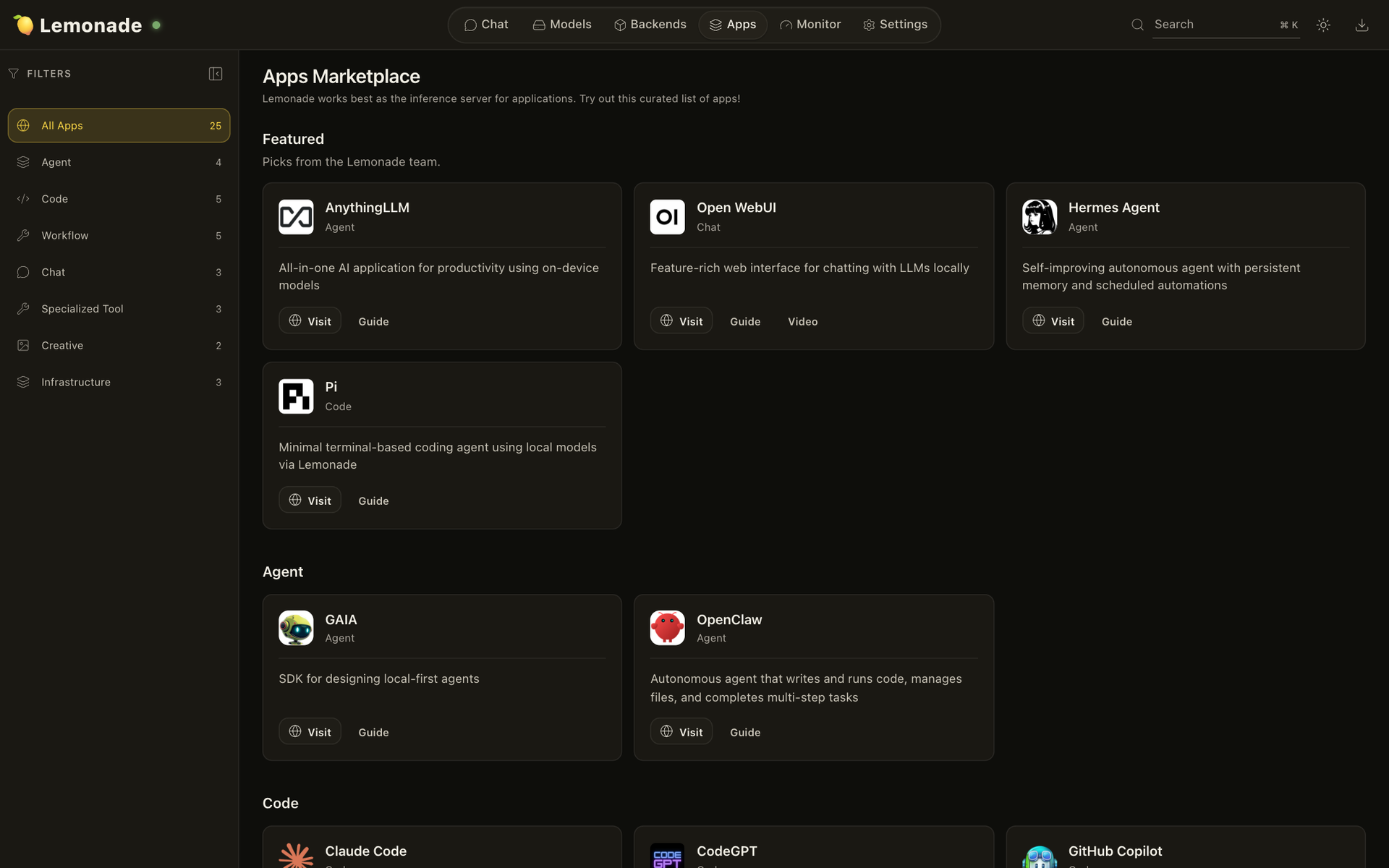
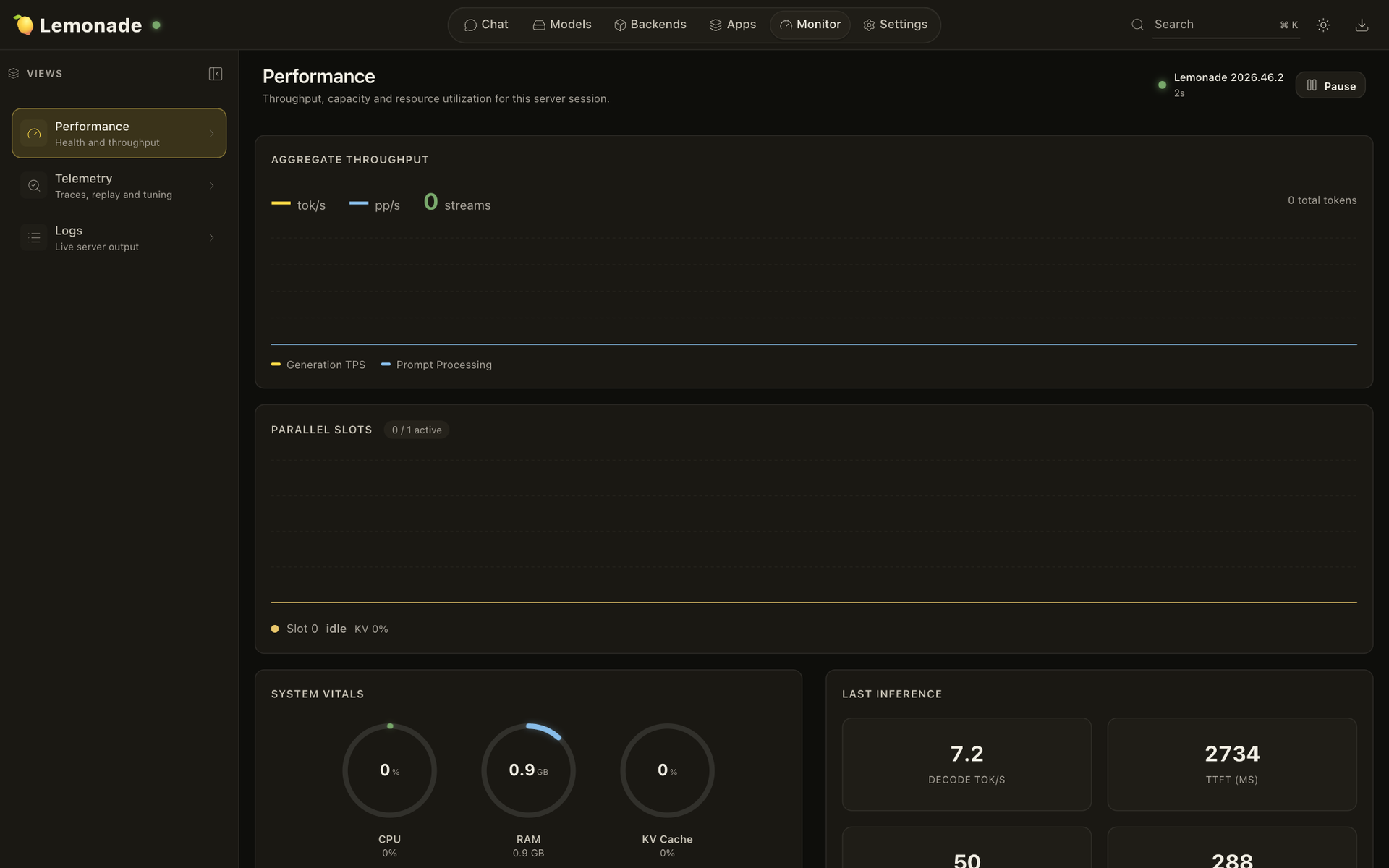
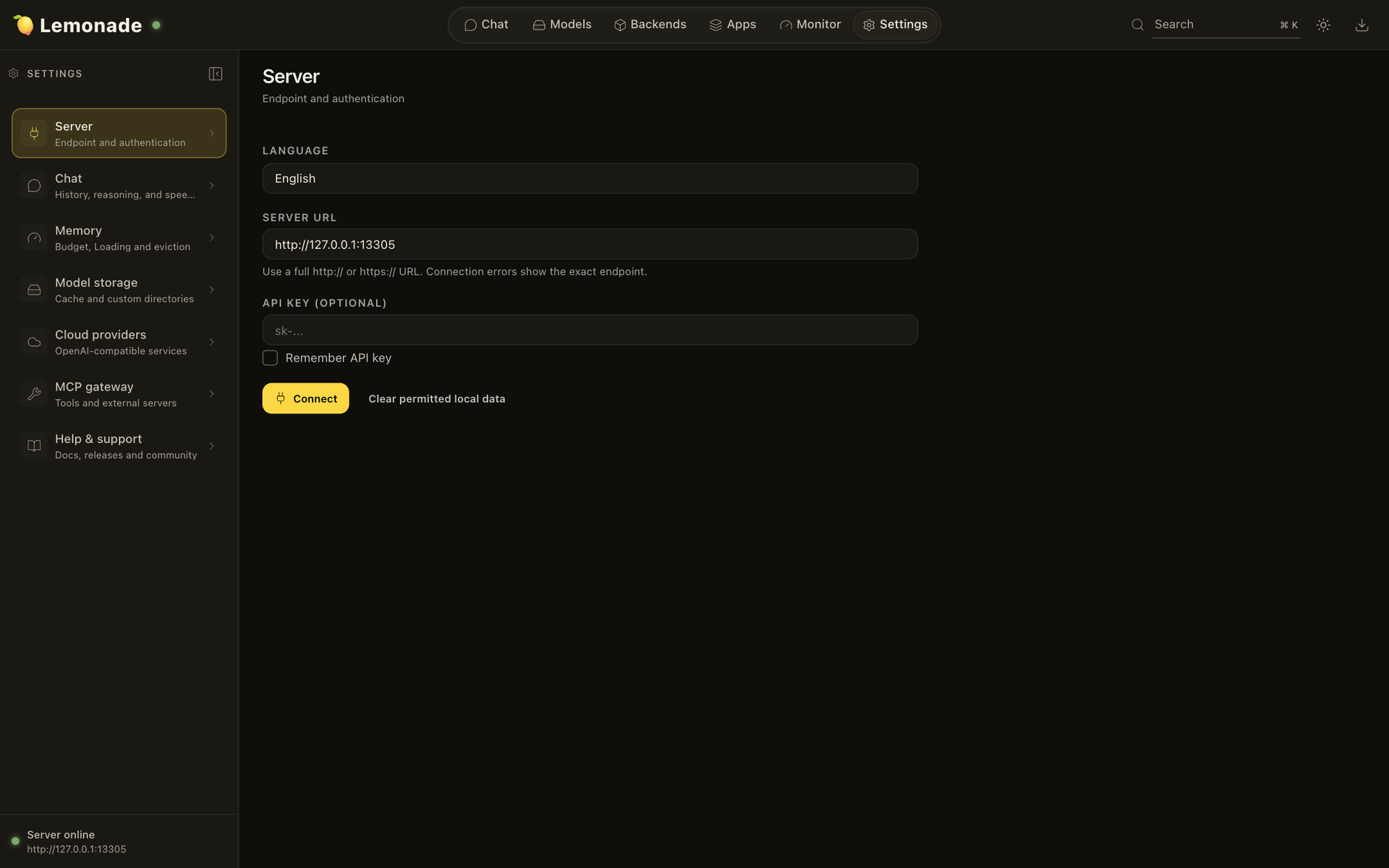
Squeeze a full AI stack out of one lightweight server and point every app you own at it. Lemonade serves chat, coding, speech, transcription, and image models over OpenAI, Anthropic, and Ollama style APIs, so existing editors, agents, and automation tools connect without code changes. Open port 13305 in a browser and the bundled web app takes over: a chat view with conversation history, a Model Manager that pulls GGUF and ONNX files from Hugging Face or ModelScope, and an Apps marketplace linking tools like Open WebUI, AnythingLLM, and Claude Code. Each modality has its own backend to install or remove from a Backends page, covering text, Whisper transcription, Kokoro speech, and Stable Diffusion images. A Monitor section charts tokens per second, parallel slots, memory, and recent inference runs. The command line pulls models, sets aliases for instant failover between model versions, and launches coding agents. Built-in tools and an MCP gateway let chats manage the server itself, and an experimental cloud offload routes selected requests to OpenAI compatible providers. Set an API key before opening the port to a network. Running on a dedicated VPS on RepoCloud with guaranteed CPU, RAM, and SSD, full root SSH access, and a browser serial console. Apache-2.0 licensed.
Benefits
- One Endpoint For Every App
- OpenAI, Anthropic, and Ollama compatible APIs share a single port, so editors, agents, and workflow tools connect to your models without custom adapters.
- Manage Models From The Browser
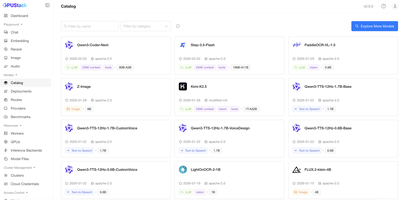
- The Model Manager downloads GGUF and ONNX models from Hugging Face or ModelScope, so adding or removing a model never needs a terminal session.
- Text, Voice, And Images Together
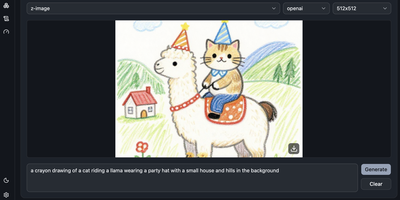
- Chat, transcription, speech, and image generation run behind the same server, which keeps a team's whole local AI toolkit in one place.
- Failover Without Reconfiguration
- Model aliases let you repoint a stable name like production-llm to a different model instantly, so clients keep working during upgrades or outages.
Features
- Built-In Chat Interface
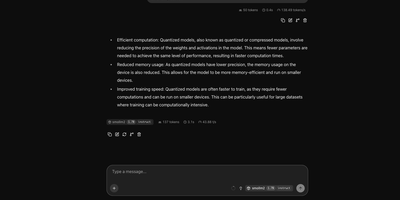
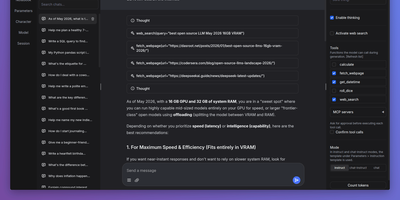
- Chat with any downloaded model in the web app, keep conversation history, toggle reasoning, and enable tools for each conversation.
- Inference Backend Manager
- Install or remove engines for text, Whisper transcription, Kokoro speech, and image generation from one page, with versions shown for each.
- Apps Marketplace
- Browse a curated list of compatible agents, coding assistants, chat clients, and workflow tools, each with a link to its setup guide.
- Performance Monitor
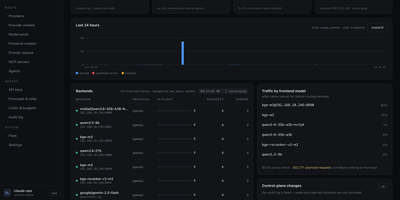
- Watch throughput, parallel slots, memory use, and last-inference timing, and review telemetry traces and live server logs from the same section.
- MCP Gateway And Tools
- Give chats built-in server tools or connect external MCP servers, so assistants can list models, check health, and run actions.
- Cloud Offload Option
- Route chosen requests to OpenAI compatible cloud providers alongside local models for hybrid setups, an experimental feature configured in settings.