Categories
Self-Hosted AI Infrastructure Local LLM Model Serving OpenAI Compatible LLM Inference GPU Acceleration Mixture of ExpertsStars
Forks
Watchers
Developer links
colibri
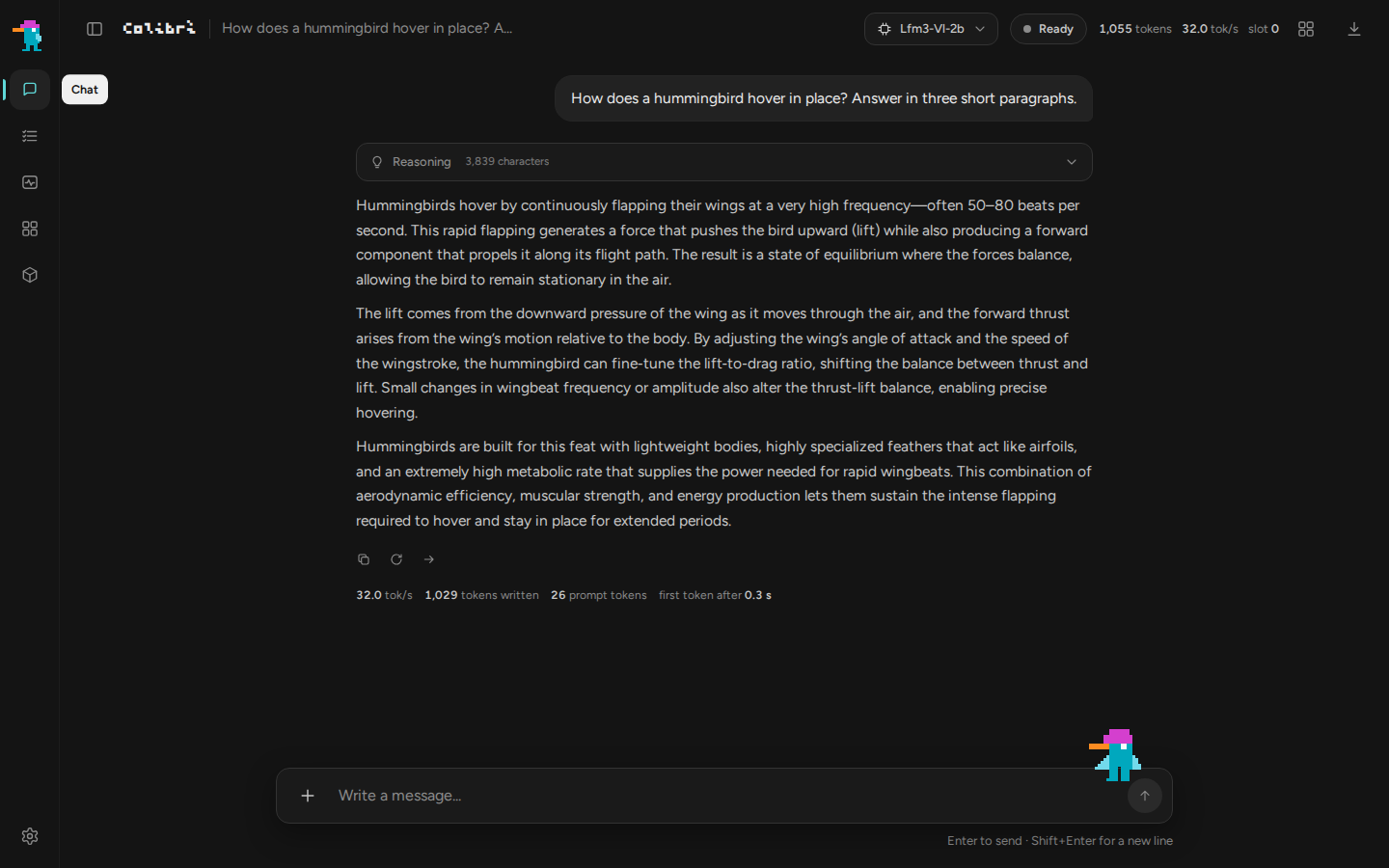
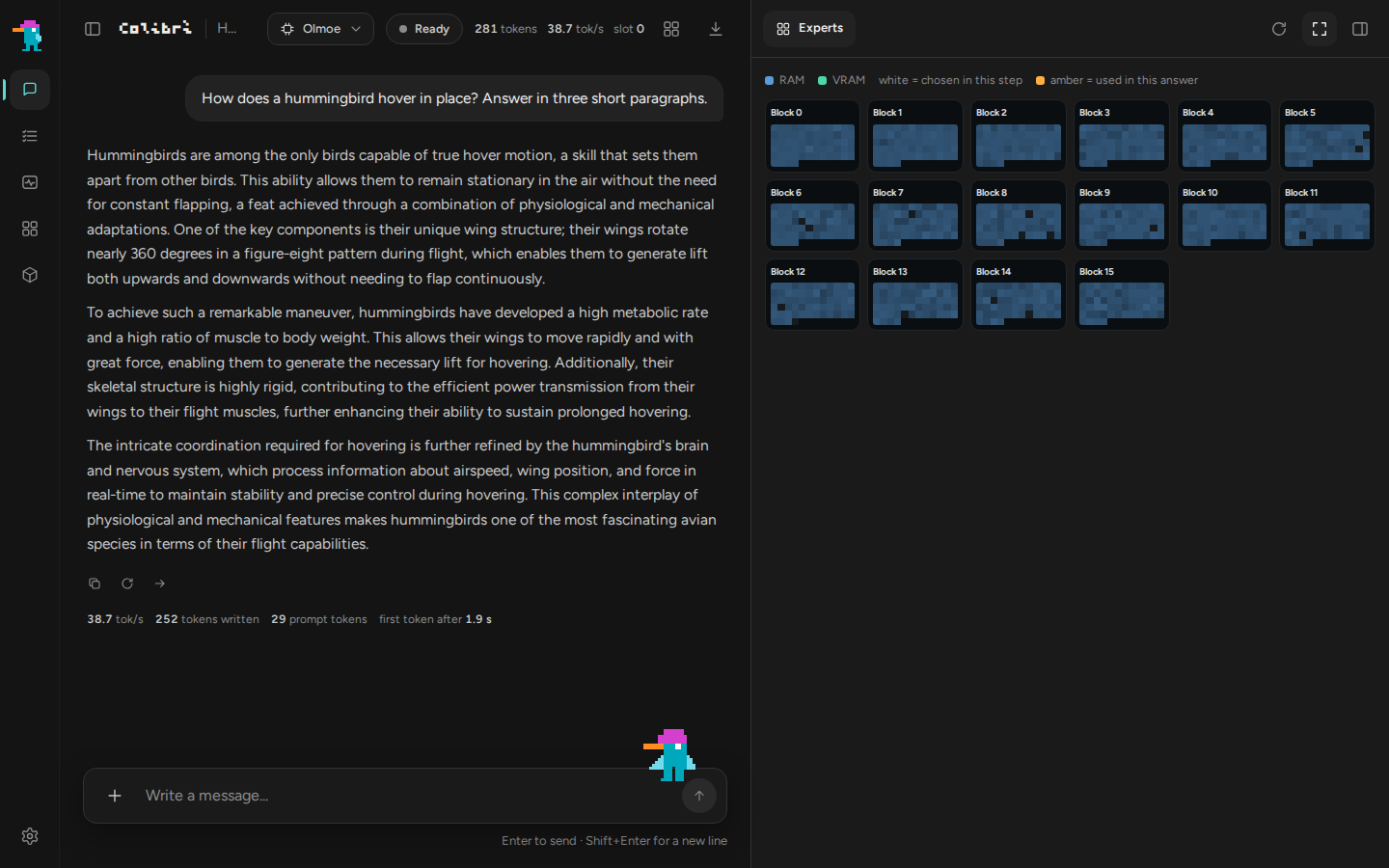
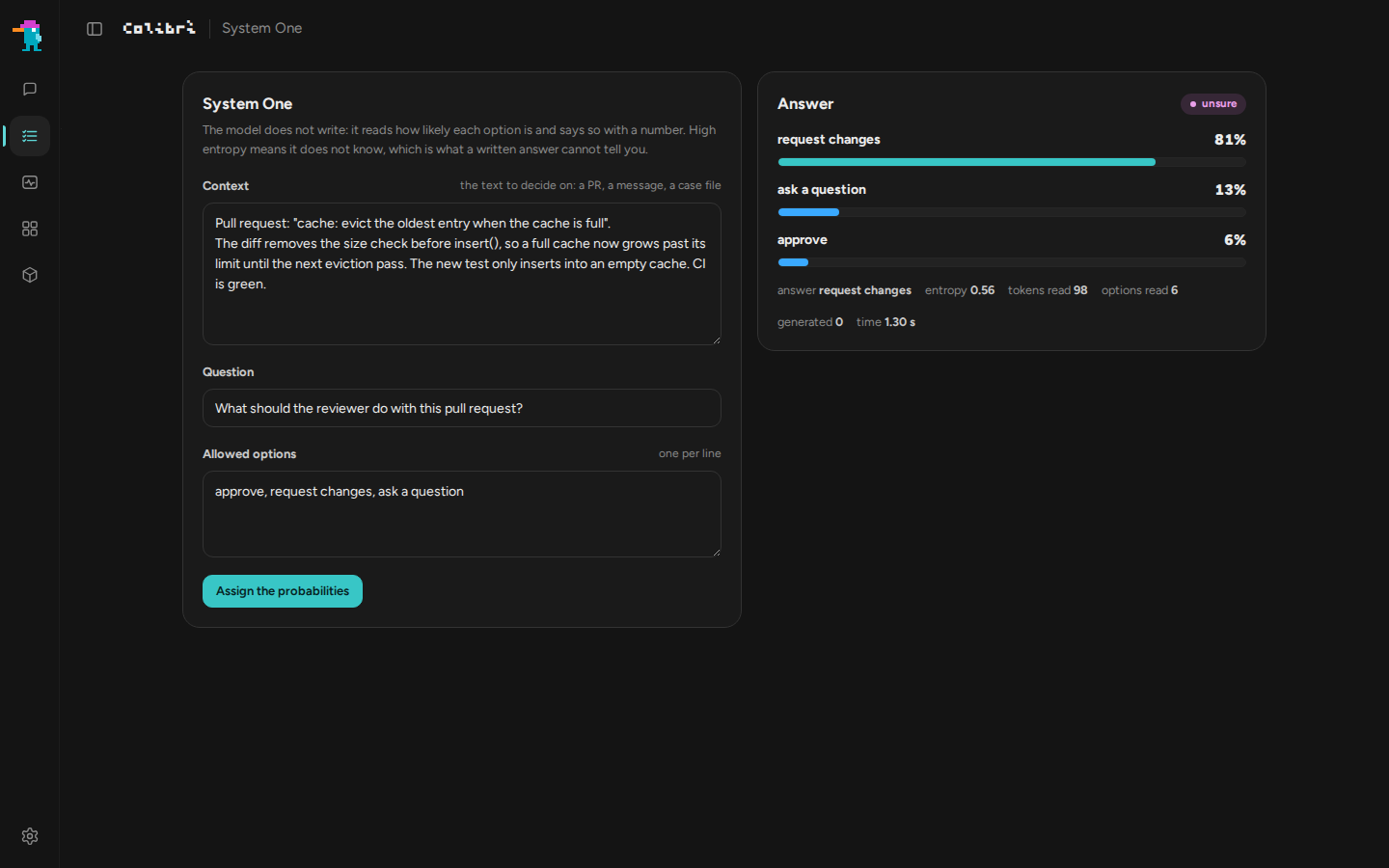
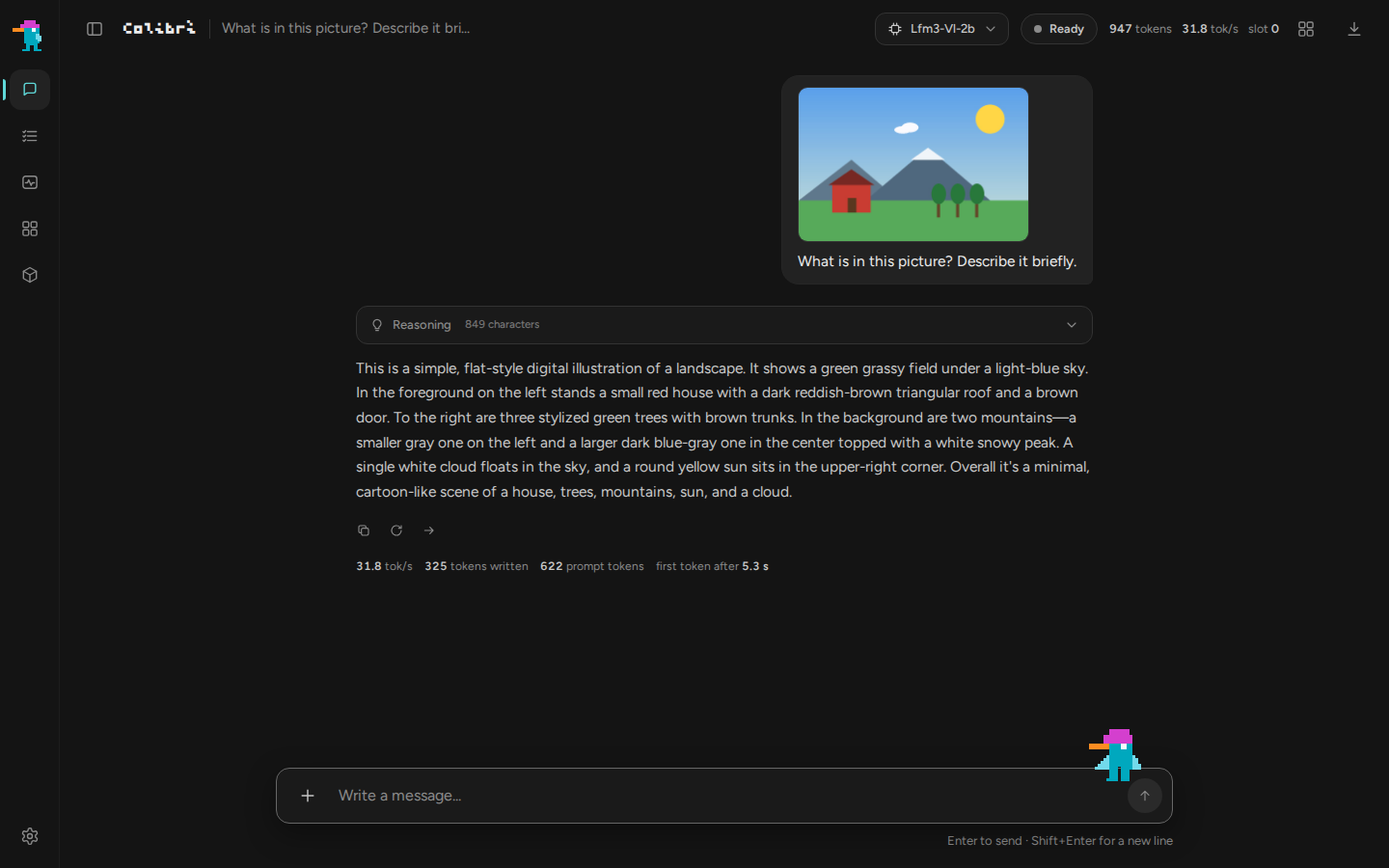
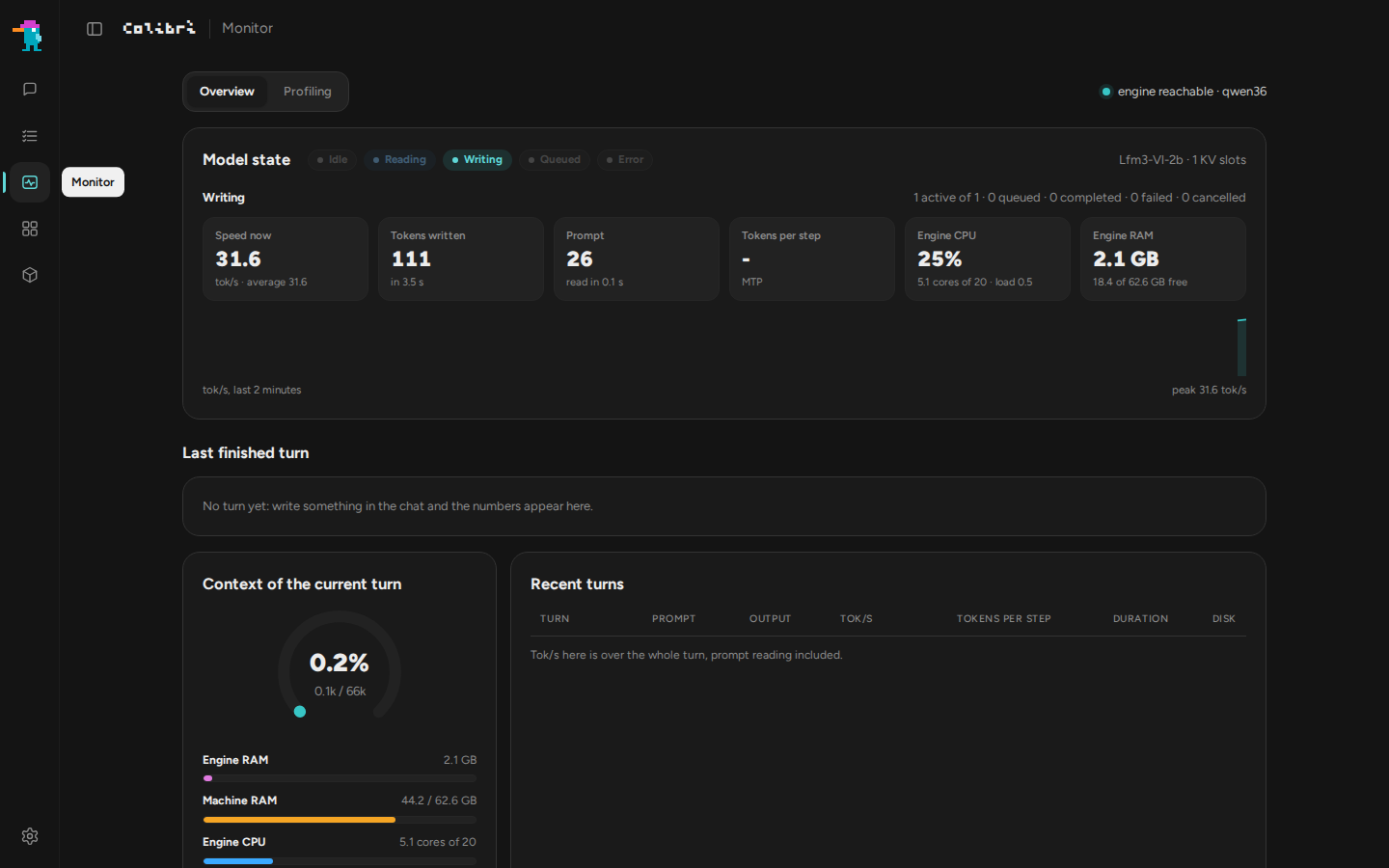
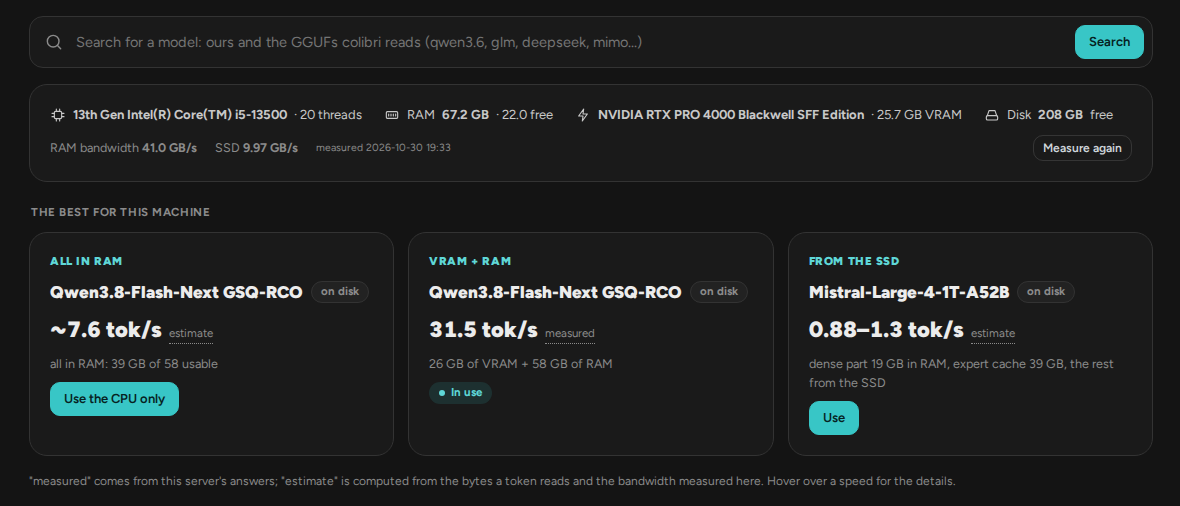
colibri lets you run huge open language models, including ones with hundreds of billions of parameters, on the computer you already own by keeping only the parts a model needs for each token in fast memory. Thirteen engines cover chat models such as GLM-5.2, DeepSeek V4 Flash, Qwen3.6, Kimi K3, and Mistral-Large-4, the Qwen-Image-2.1 picture generator, and small decision models. A one-step setup checks your RAM, disk, and graphics card, recommends a model that fits, downloads it with resume, and opens the dashboard. It runs on the CPU alone, on any Vulkan GPU, on NVIDIA cards through CUDA, and on Apple Silicon through Metal for several engines, and it reads published GGUF files as they are. One server speaks the OpenAI and Anthropic APIs, so Claude Code, coding CLIs, and SDKs connect with a base URL, and it adds tool calling, image and document input, and up to 16 simultaneous conversations. The browser dashboard has a chat with folded reasoning, an expert map, a live monitor, a profiling page, and a System One page that returns a probability for every allowed answer. A built-in MCP server lets an AI assistant detect hardware, install, start, and stop colibri. Running on a dedicated VPS on RepoCloud with guaranteed CPU, RAM, and SSD, full root SSH access, and a browser serial console. Apache-2.0 licensed.
Benefits
- Run Frontier Models Locally
- Experts live on the GPU, in RAM, or on NVMe according to how often they fire, so a 744-billion-parameter model such as GLM-5.2 can start with 16 GB of RAM.
- Drop-In OpenAI And Anthropic APIs
- Existing OpenAI clients, Anthropic SDKs, Claude Code, and coding CLIs connect by changing a base URL, so a private model can replace a hosted one without rewriting any application code.
- Works Without A GPU
- Every engine runs on the CPU alone, and Vulkan or CUDA only make it faster, so the same setup works on a laptop, a desktop tower, or a rack server.
- Watch The Model Think
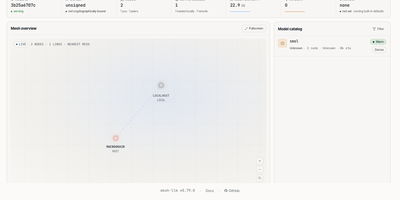
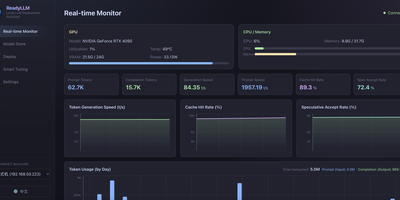
- The dashboard shows each expert as it fires, live tokens per second, RAM use, and where every turn spends its time, so slowdowns are measured instead of guessed.
Features
- Hierarchical Expert Placement
- Hot experts sit in GPU memory, warm ones in RAM, and cold ones stream from NVMe through a cache that learns which experts your own work uses.
- One-Step Guided Setup
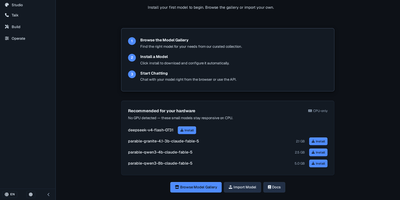
- start-here.sh or START-HERE.bat detects hardware, recommends a fitting model, builds or downloads the engine, resumes interrupted downloads, and opens the dashboard on port 8000.
- System One Decisions
- POST /v1/systemone takes a text and typed questions, returns a probability for every allowed option plus a confidence score, and generates nothing, so answers never leave your list.
- Multimodal API Server
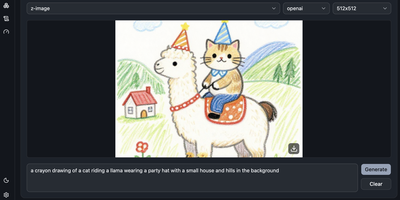
- coli serve adds tool calling, image input, PDF and text file input, Qwen-Image-2.1 picture generation, and up to 16 concurrent conversations through the --kv-slots option.
- Browser Chat UI
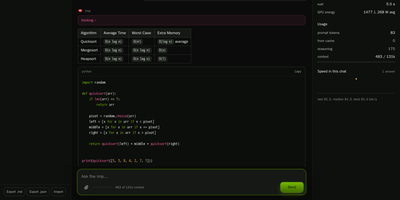
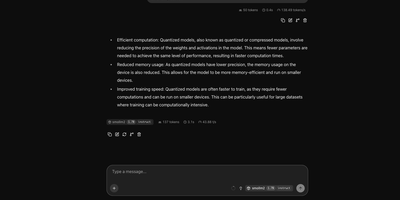
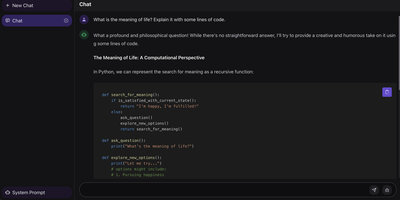
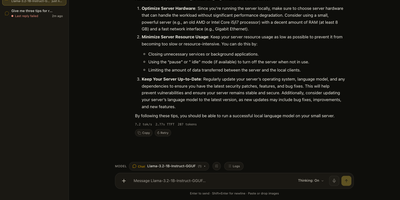
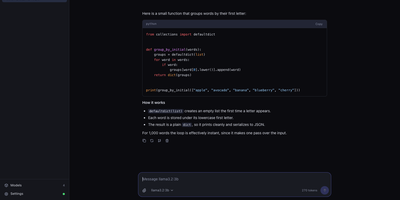
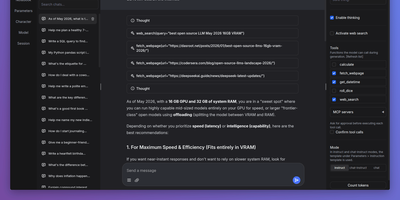
- coli ui opens a chat with reasoning in its own block, web search, an expert map, a live monitor, light and dark themes, and seven interface languages.
- MCP Server For Assistants
- coli mcp exposes tools that let an AI assistant detect hardware, recommend a model, install, start, stop, and check colibri without manual steps.