Categories
Self-Hosted AI Chat MLOps Image Generation Model Serving Local LLM LLM Fine-Tuning Dataset BuilderStars
Forks
Watchers
Developer links
Unsloth
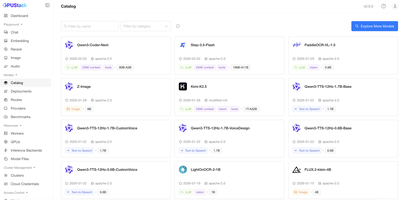
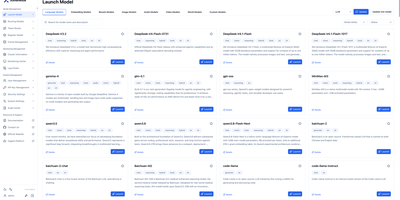
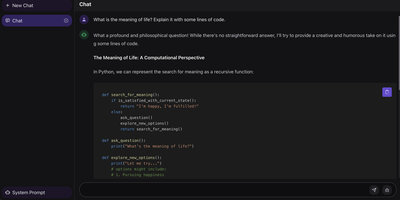
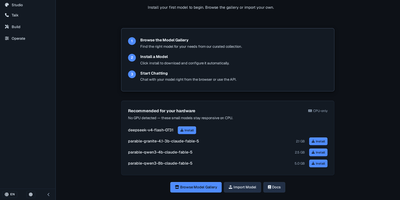
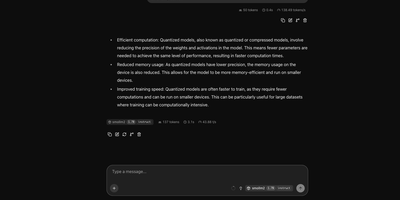
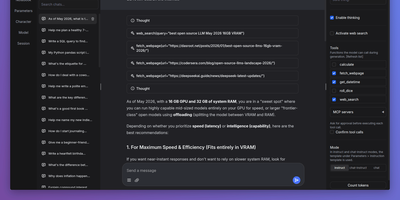
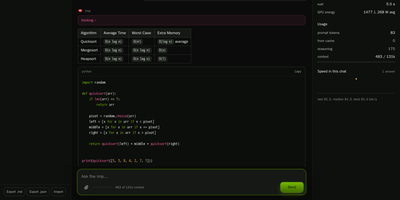
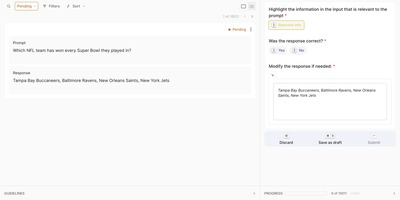
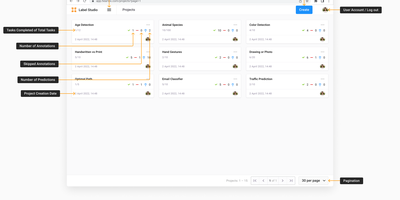
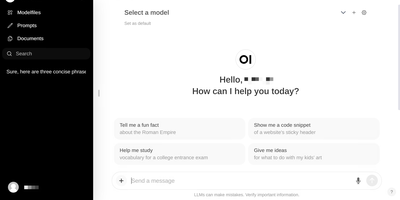
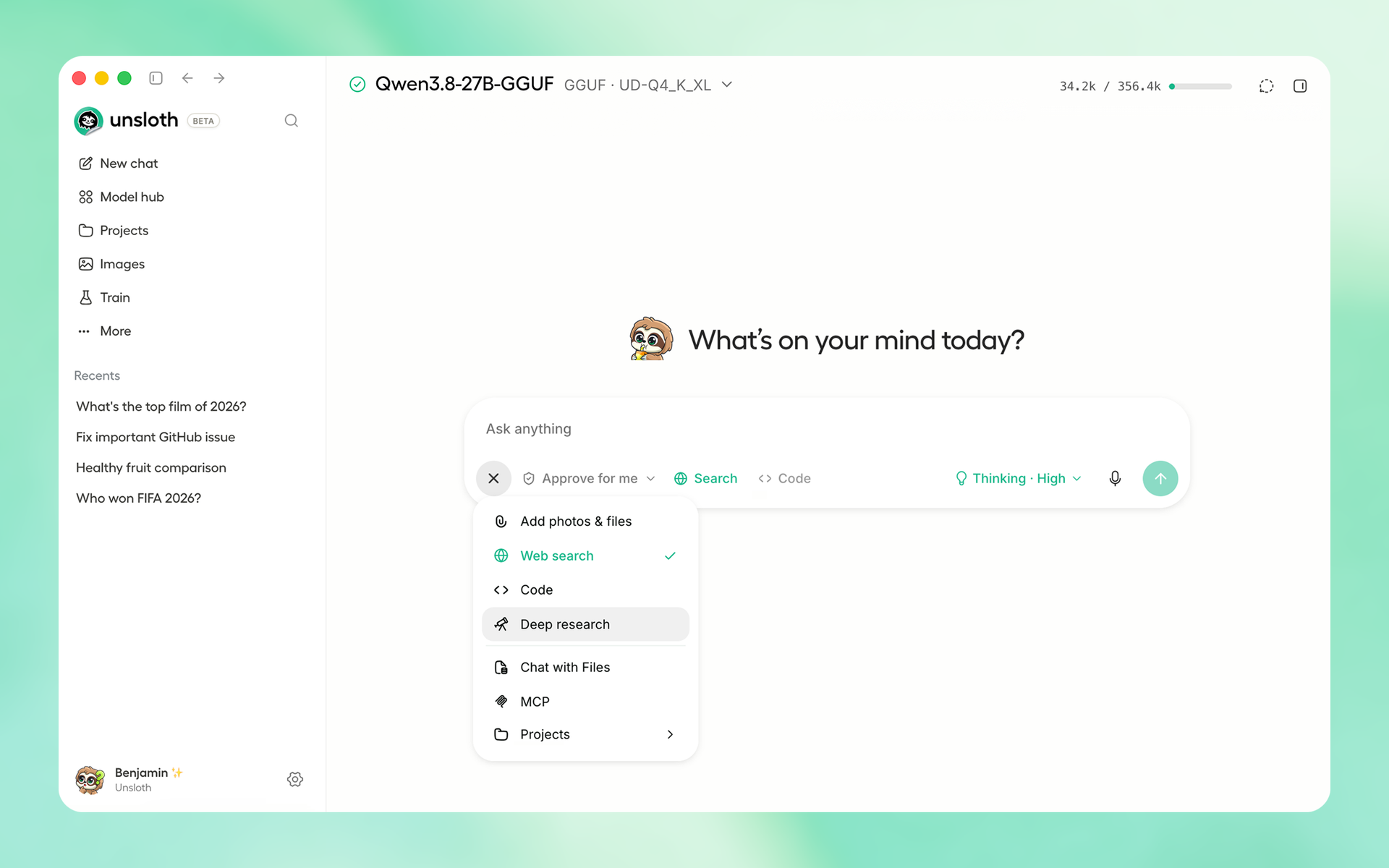
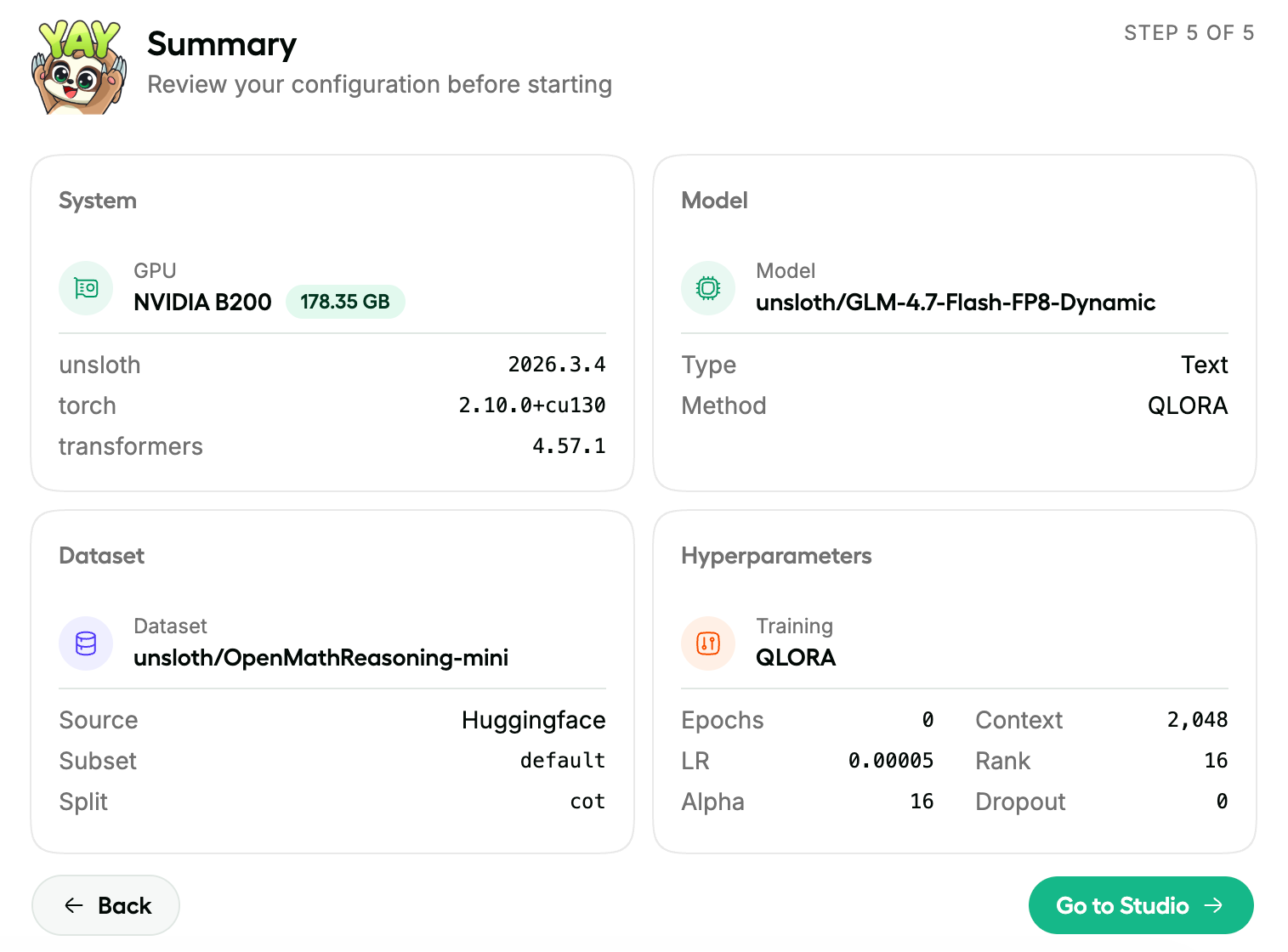
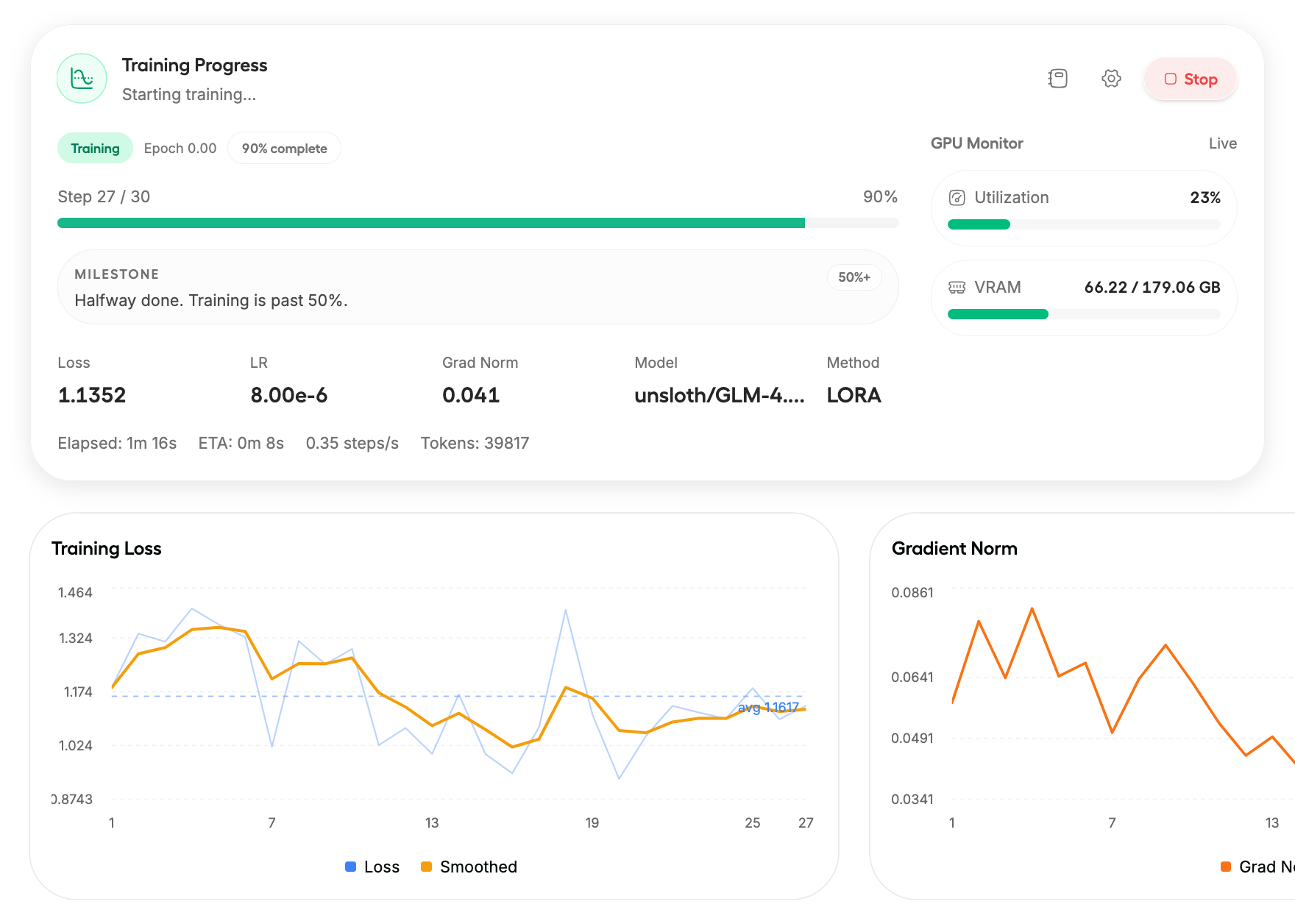
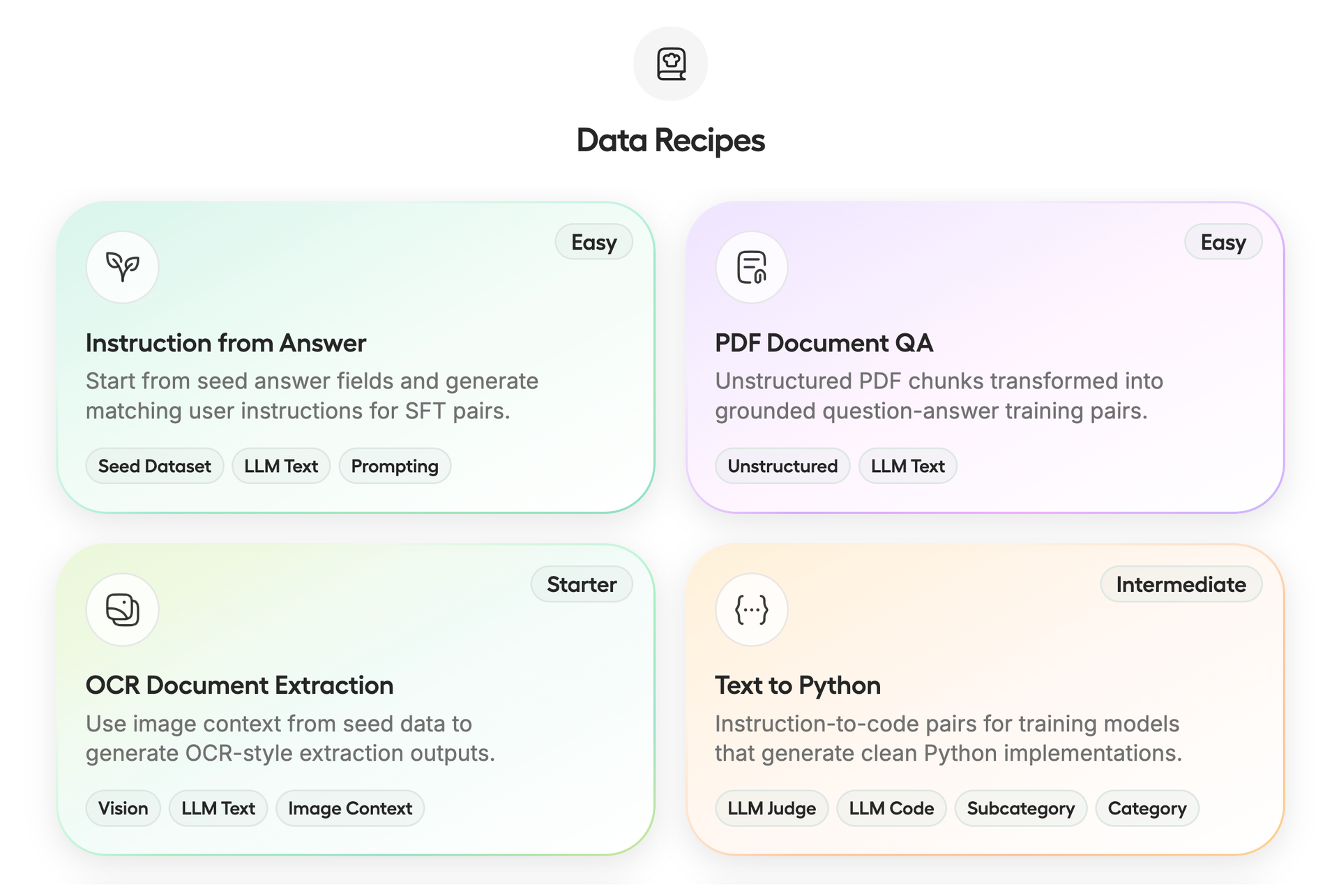
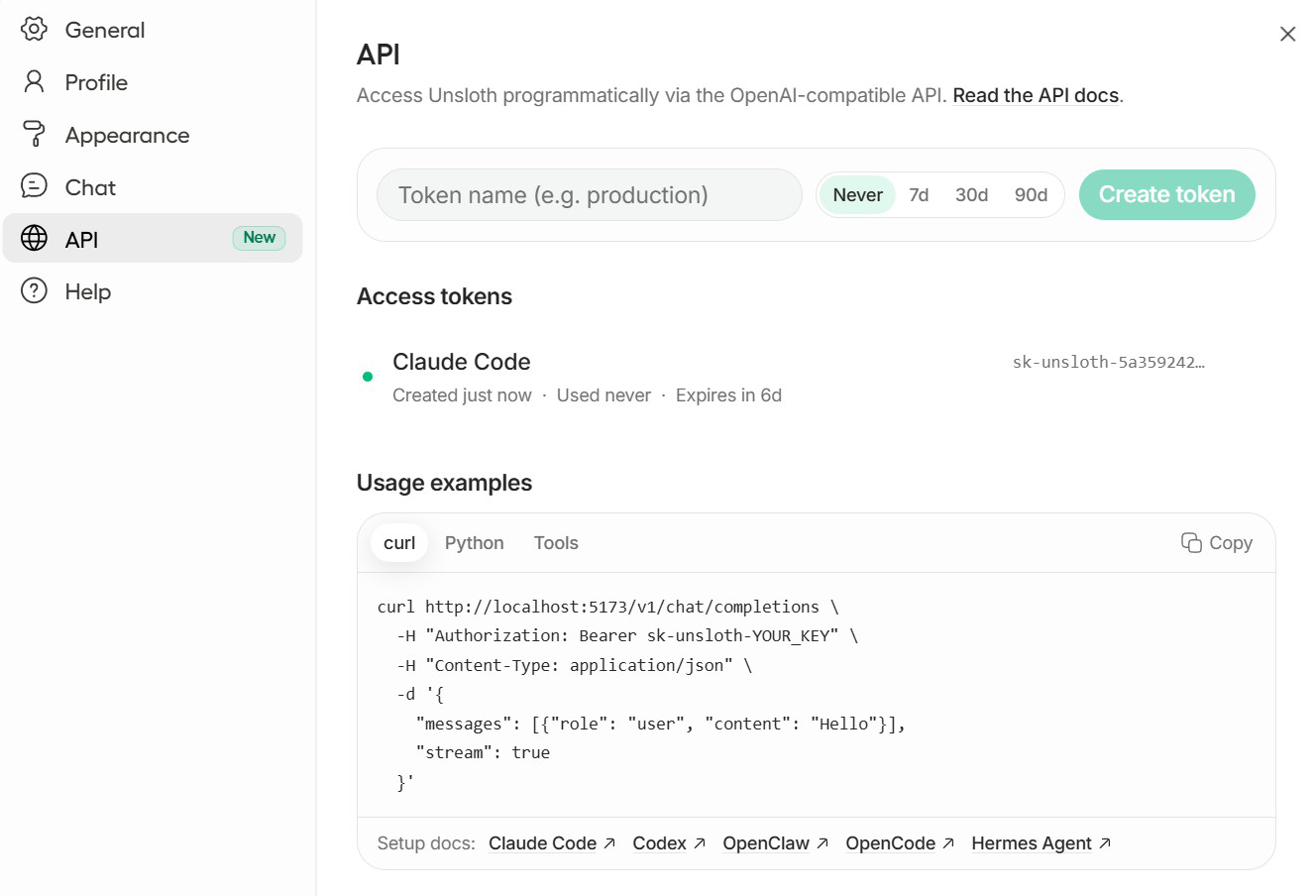
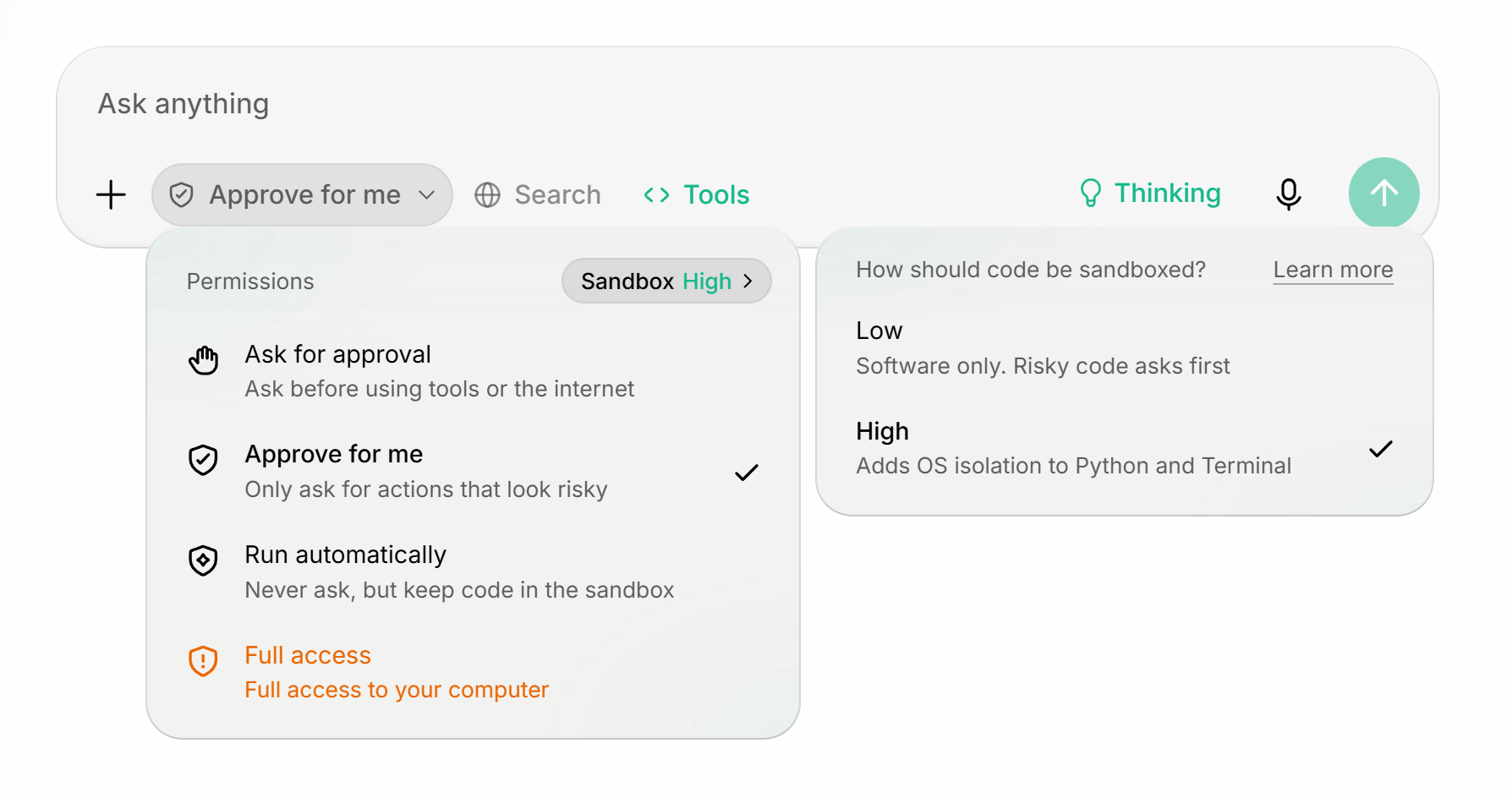
Unsloth puts the whole open-model workflow in one browser tab: pick a model, chat with it, train it, and ship it. Search a model hub, load a GGUF, and talk to it with web search, deep research, file uploads, and sandboxed Python or shell execution that asks before anything risky runs. Line up two models side by side to compare answers, or generate images and video with diffusion models. When a base model is not quite right, a five step wizard sets up fine-tuning with LoRA, QLoRA, FP8, or full training, and a live dashboard charts loss, gradient norm, step progress, and GPU memory. Data Recipes turn PDFs, CSVs, and Word files into question and answer pairs or instruction datasets without hand labeling. Finished models export to GGUF or safetensors for llama.cpp, vLLM, Ollama, and LM Studio. An access token screen exposes an OpenAI-compatible endpoint so Claude Code, Codex, and OpenCode can drive local models. Secure HTTPS links reach the interface from any device. Running on a dedicated VPS on RepoCloud with guaranteed CPU, RAM, and SSD, full root SSH access, and a browser serial console. Apache-2.0 and AGPL-3.0 licensed.
Benefits
- Train Models Without Writing Code
- A guided wizard picks the model, dataset, and hyperparameters for LoRA, QLoRA, or full fine-tuning, so teams can customize open models without touching training scripts.
- Watch Every Training Run Live
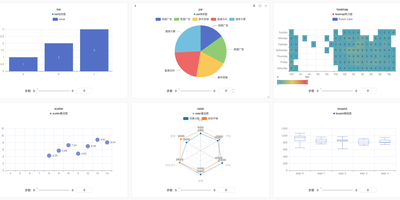
- Live charts show loss, gradient norm, progress, and GPU memory as a job runs, so problems are visible early and a run can be stopped with one click.
- Keep Models And Data Private
- Models, prompts, and training data stay on your own server, with token-based sign-in and no usage telemetry, so sensitive documents never leave your control.
- Plug Local Models Into Agents
- An OpenAI-compatible endpoint with access tokens lets coding agents and apps use your local models instead of paid cloud APIs.
Features
- Chat With Tools
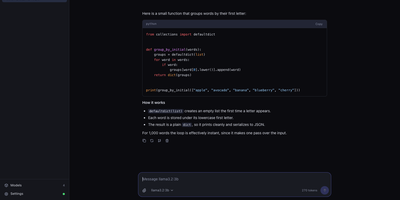
- Run GGUF models with web search, deep research, file chat, and sandboxed Python and shell execution with approval levels.
- Guided Fine-Tuning
- Choose a model, dataset, and settings in a five step wizard, then launch LoRA, QLoRA, FP8, or full training.
- Data Recipes
- Turn PDFs, CSVs, and documents into instruction or question answer datasets using ready node-based recipes.
- Live Training Dashboard
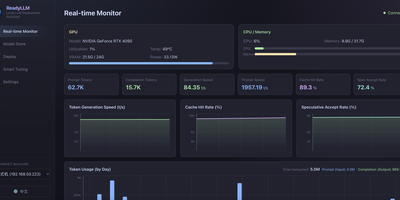
- Track loss, gradient norm, step progress, and GPU utilization in real time, from the desktop or a phone.
- Model Hub And Export
- Discover and download models, then export tuned results to GGUF or safetensors for llama.cpp, vLLM, or Ollama.
- OpenAI-Compatible API
- Create access tokens and call local models over a standard chat completions endpoint from agents and apps.