Categories
Self-Hosted Developer Tools AI Inference LLM Deployment GPU Monitoring ComfyUI Model TuningStars
Forks
Watchers
Developer links
ReadyLLM
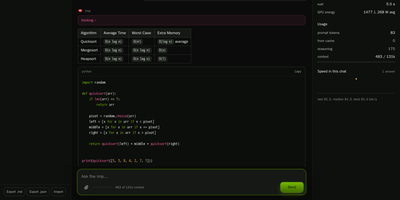
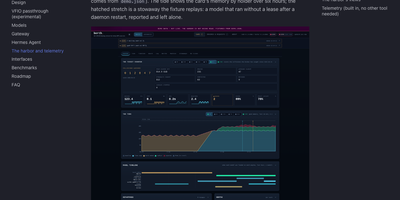
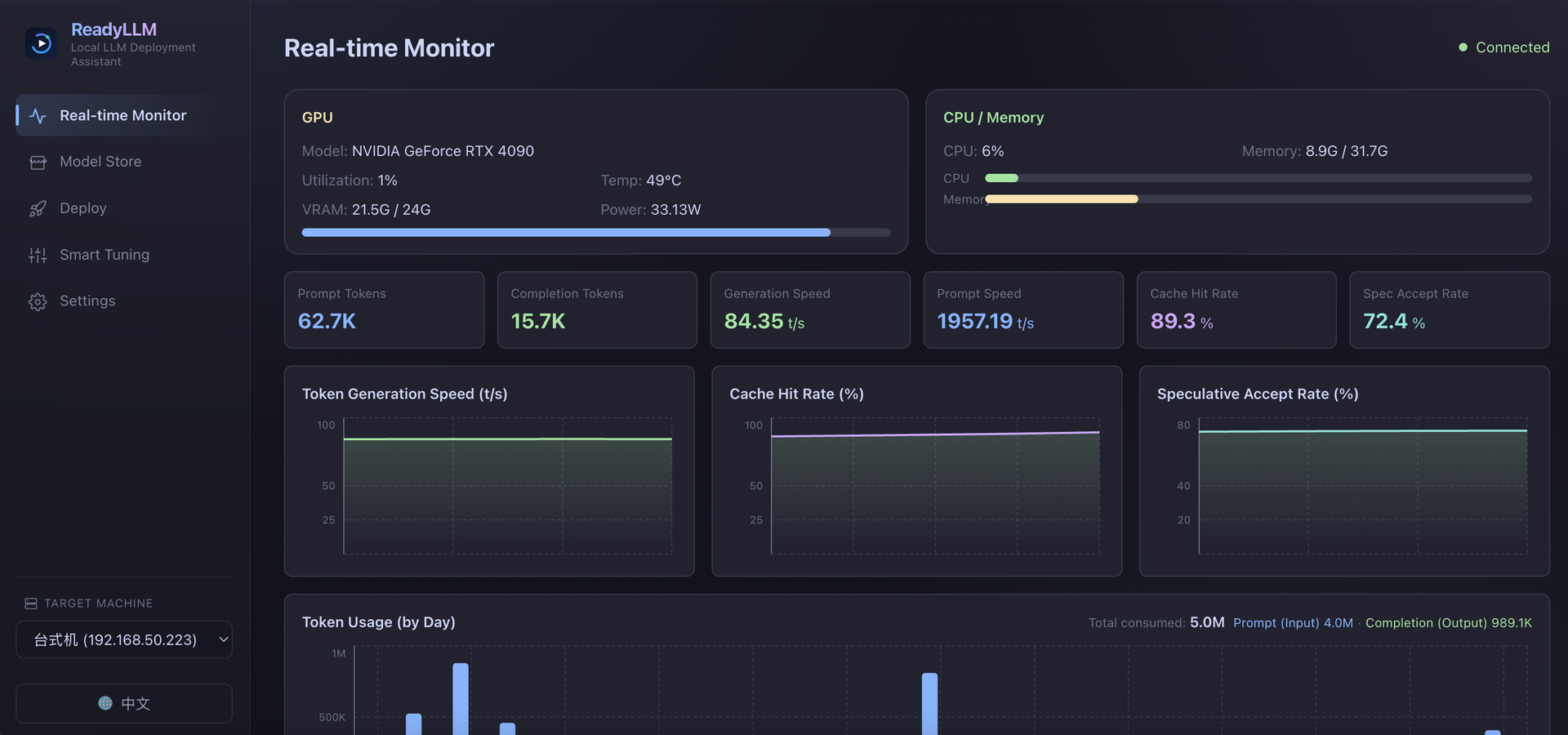
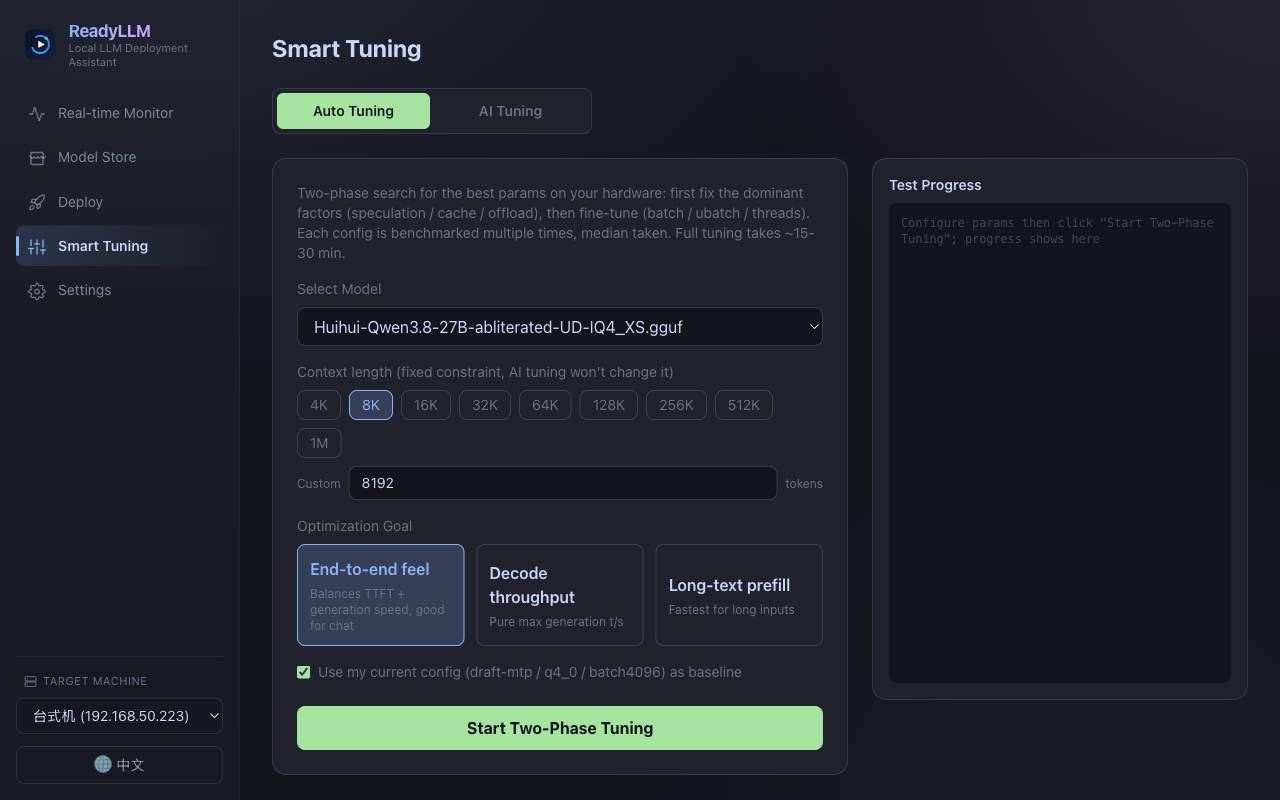
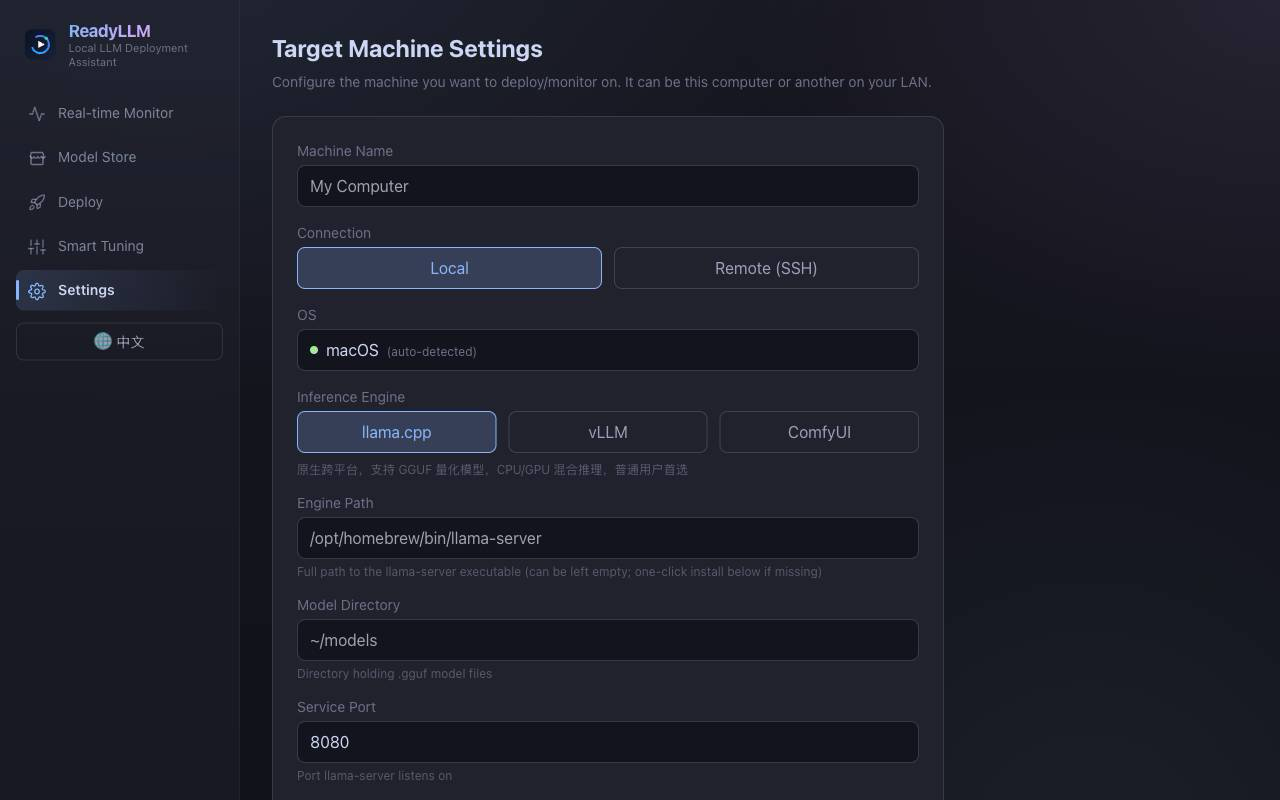
Your inference server should not sit mostly idle while a model crawls along at ten tokens per second, so ReadyLLM gives you a visual way to deploy, watch, and tune LLMs until the hardware is actually earning its keep. Add the machine under your desk or a remote box over SSH, let hardware detection read its GPU, VRAM, CPU, and memory, and get model recommendations that fit what you own instead of wishful downloads. A model store catalogs text, image, and video models with parameter counts, precision, resolutions, and real weight filenames, background downloads from multiple sources, and integrity checks when they land. One click starts or stops llama.cpp, vLLM, or SGLang services, installs a missing engine matched to your GPU backend, and leaves runtime parameters open for manual tweaks. Live curves track GPU utilization, memory, throughput, and latency as requests flow. When speed disappoints, two-phase auto tuning searches the knobs that matter, checks VRAM feasibility before it wastes your time, and benchmarks honestly against latency, throughput, or prefill goals; an AI tuning mode can reason through the same loop across several rounds. Beyond chat models, ComfyUI generation covers text-to-image and text-to-video, storyboards, shot-by-shot long video, and upscaling, with prompts optionally expanded first. Running on a dedicated VPS on RepoCloud with guaranteed CPU, RAM, and SSD, full root SSH access, and a browser serial console. MIT licensed.
Benefits
- Models That Fit Your Hardware
- Hardware probes read GPU, VRAM, CPU, and memory on each target, then recommend models that genuinely fit, so downloads match the machine instead of exceeding its memory on first launch.
- One-Click Engine Deployment
- Start and stop llama.cpp, vLLM, or SGLang from the panel, install a missing engine matched to CUDA, ROCm, Vulkan, or CPU, and adjust runtime parameters without hand-editing service commands.
- Tuning That Measures Results
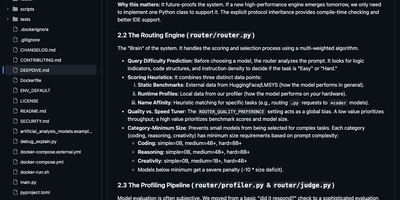
- Two-phase auto tuning searches high-impact parameters, checks VRAM feasibility first, and benchmarks every candidate, while an AI tuning mode reasons over results across rounds toward latency, throughput, or prefill targets.
- Image And Video Generation Included
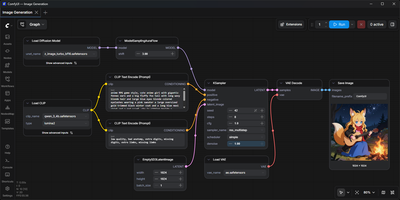
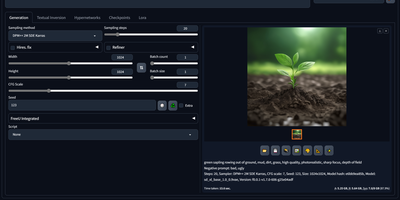
- ComfyUI powers text-to-image and text-to-video from the same console, with storyboard generation, shot-by-shot long-video assembly, single-image and finished-video upscaling, optional prompt expansion, and results previewed in place.
Features
- Unified Target Management
- Add local or SSH-connected remote machines with key or password login, automatic operating-system detection, and per-target engine and model-directory configuration stored centrally.
- Visual Model Store
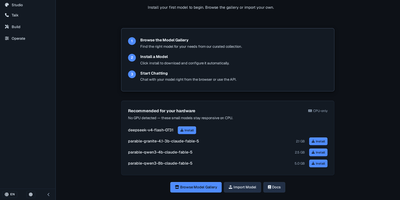
- Browse text, image, and video models with parameter counts, precision, output resolution, sampler settings, weight filenames, fit filters, and background downloads from three sources.
- Real-Time GPU Monitoring
- WebSocket streams push GPU utilization, VRAM usage, throughput, and latency curves to the dashboard continuously, so operators see serving health as requests actually arrive.
- Smart Parameter Tuning
- Auto tuning runs a coarse then fine parameter search with VRAM pre-checks, while AI tuning feeds benchmark results back through multiple optimization rounds automatically.
- ComfyUI Generation Studio
- Generate images and videos with Qwen-Image, FLUX, SDXL, or SD 3.5, build storyboards, stitch shot-by-shot long videos, and upscale images and finished clips.