Categories
Self-Hosted Observability Uptime Monitoring Synthetic Monitoring Test Automation Performance Testing Status Pages AI SREStars
Forks
Watchers
Developer links
Supercheck
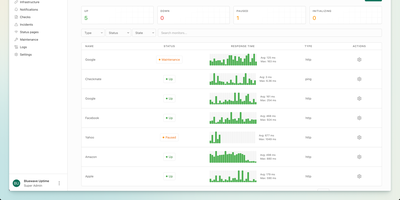
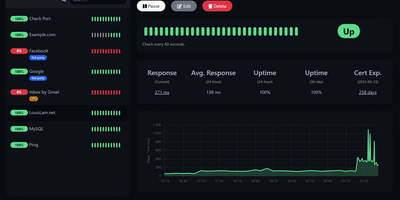
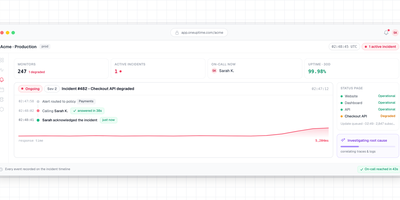
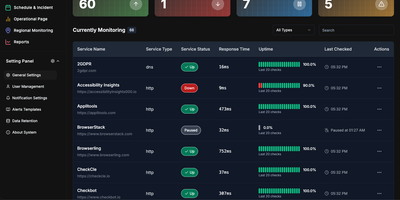
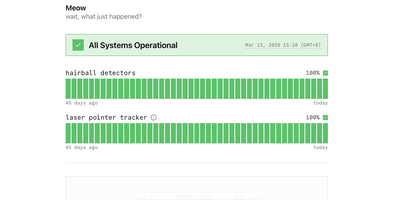
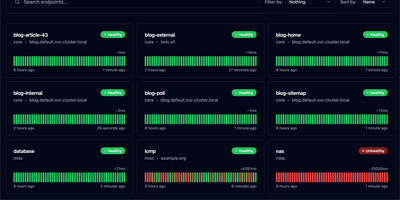
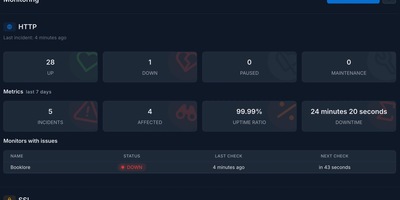
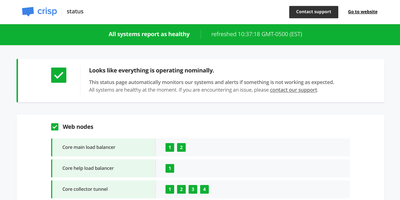
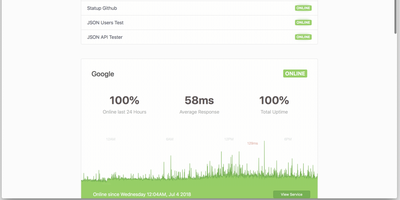
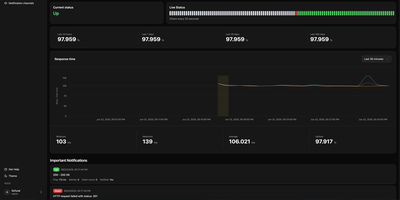
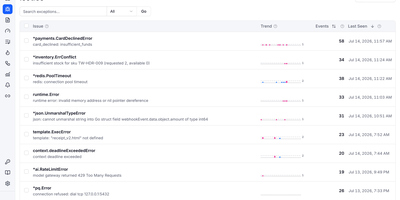
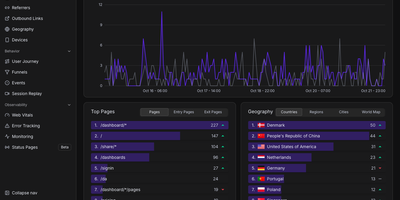
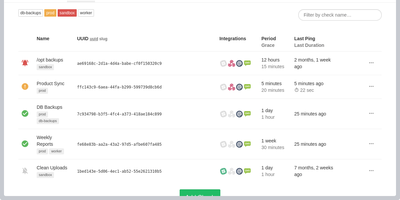
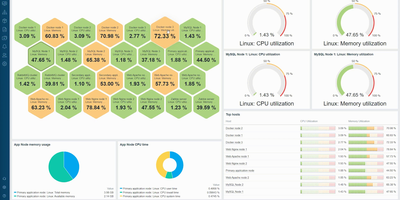
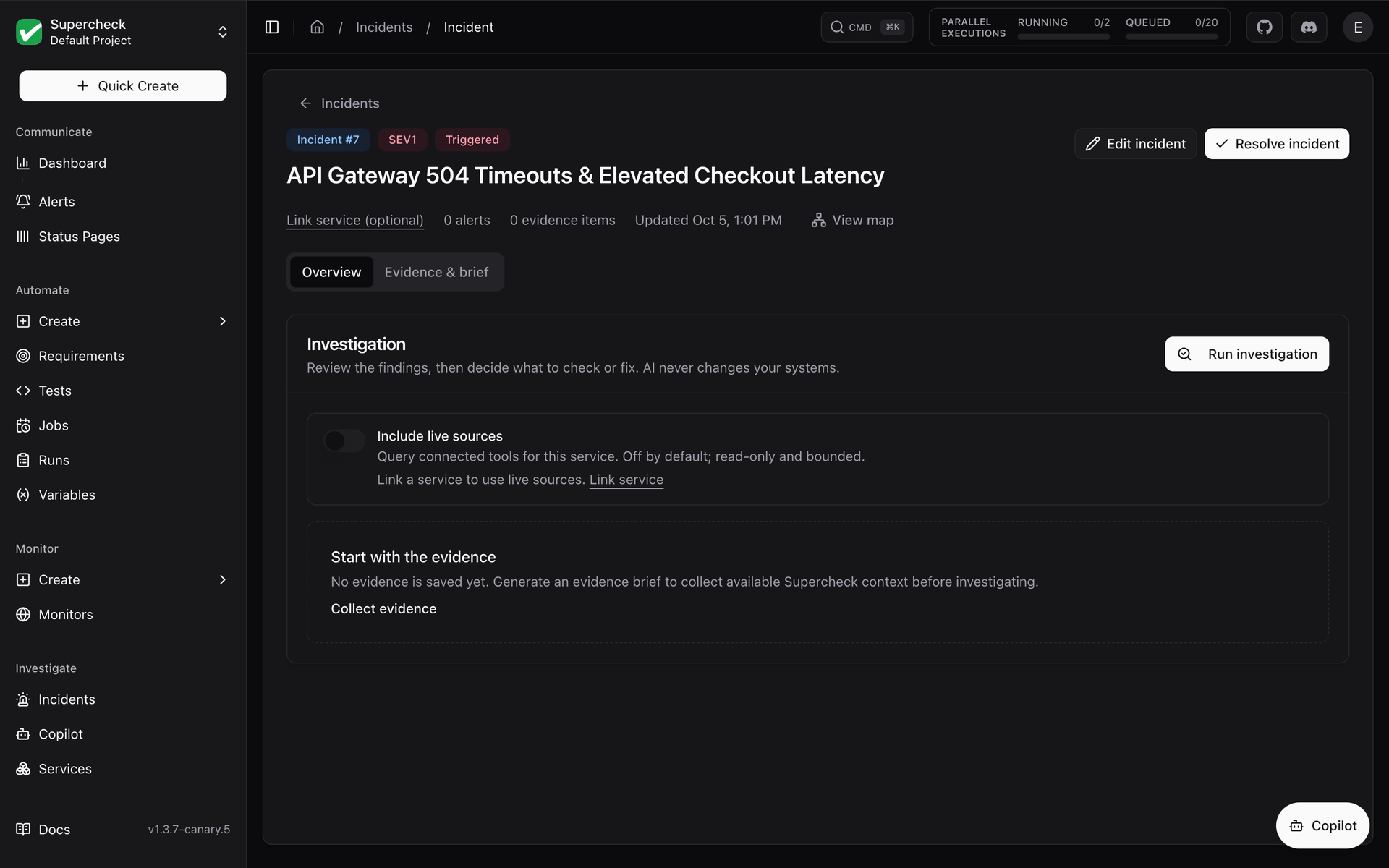
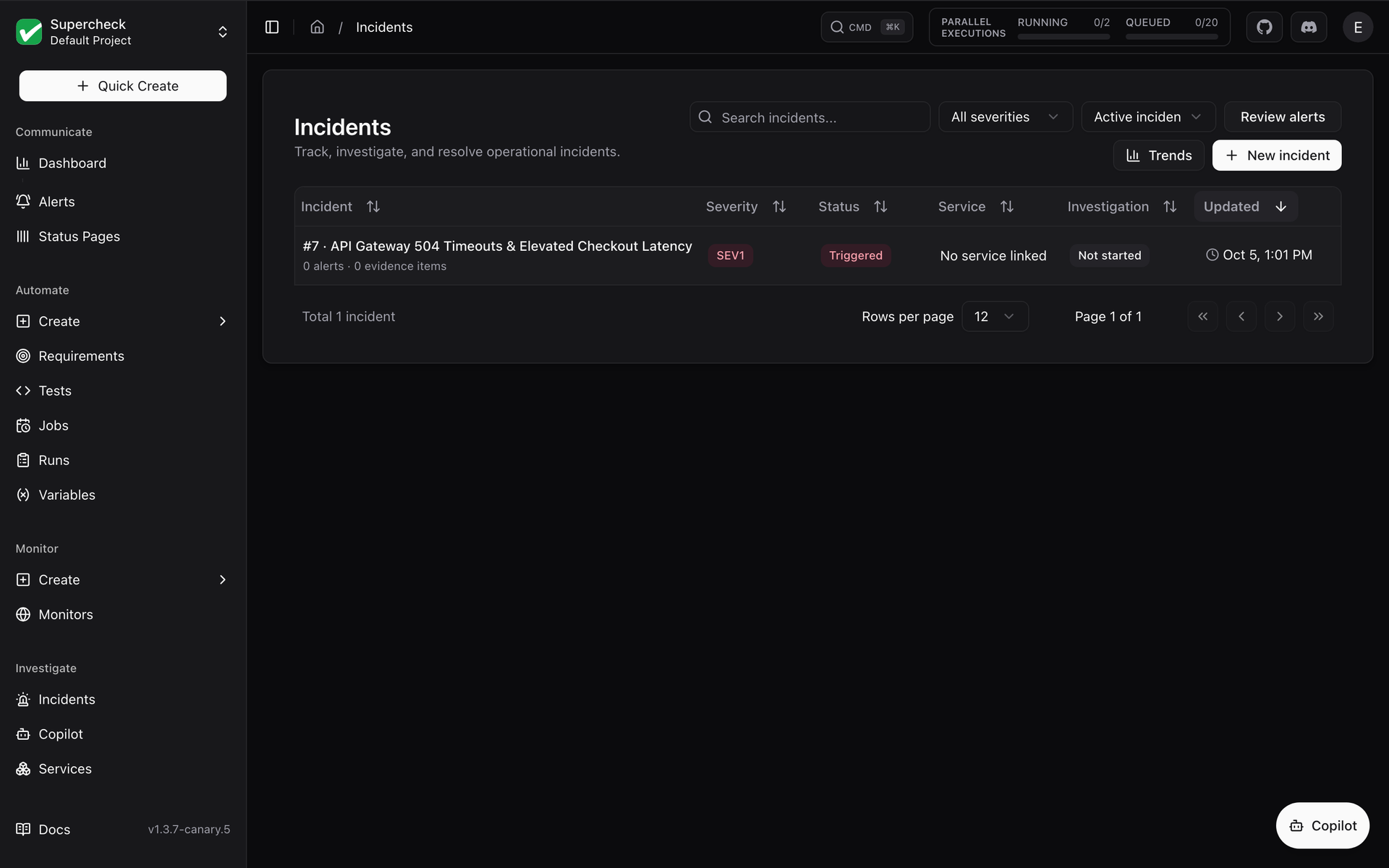
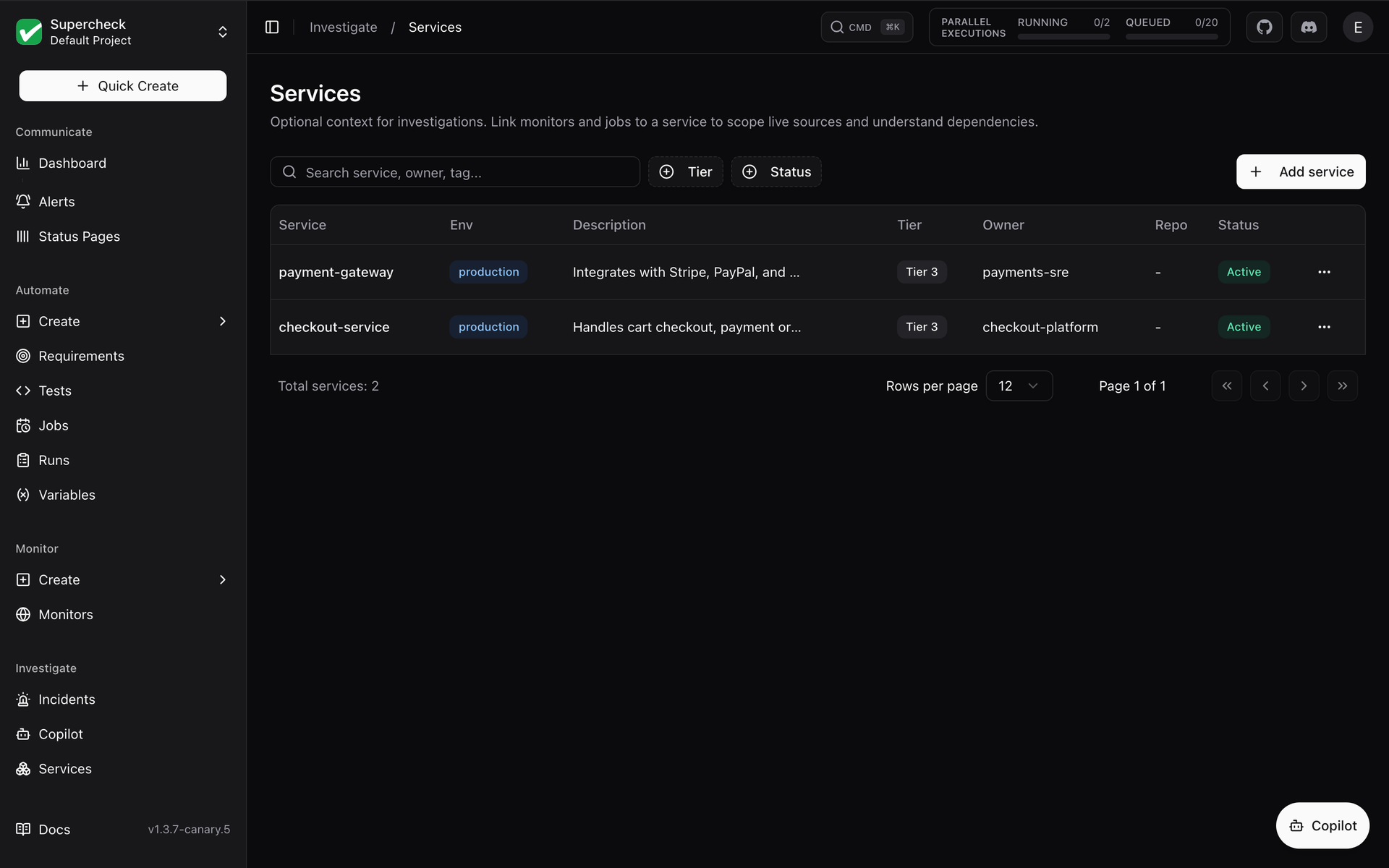
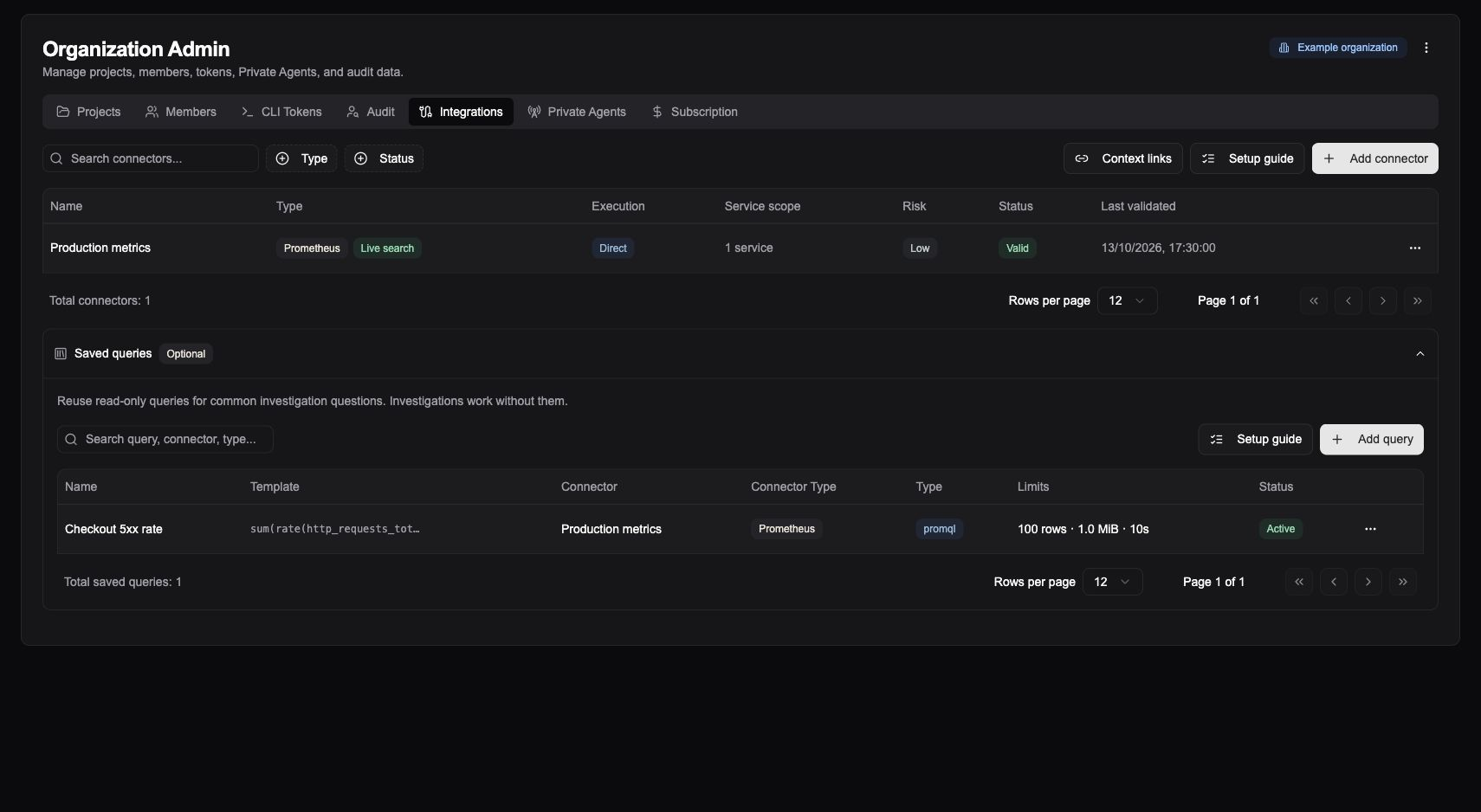
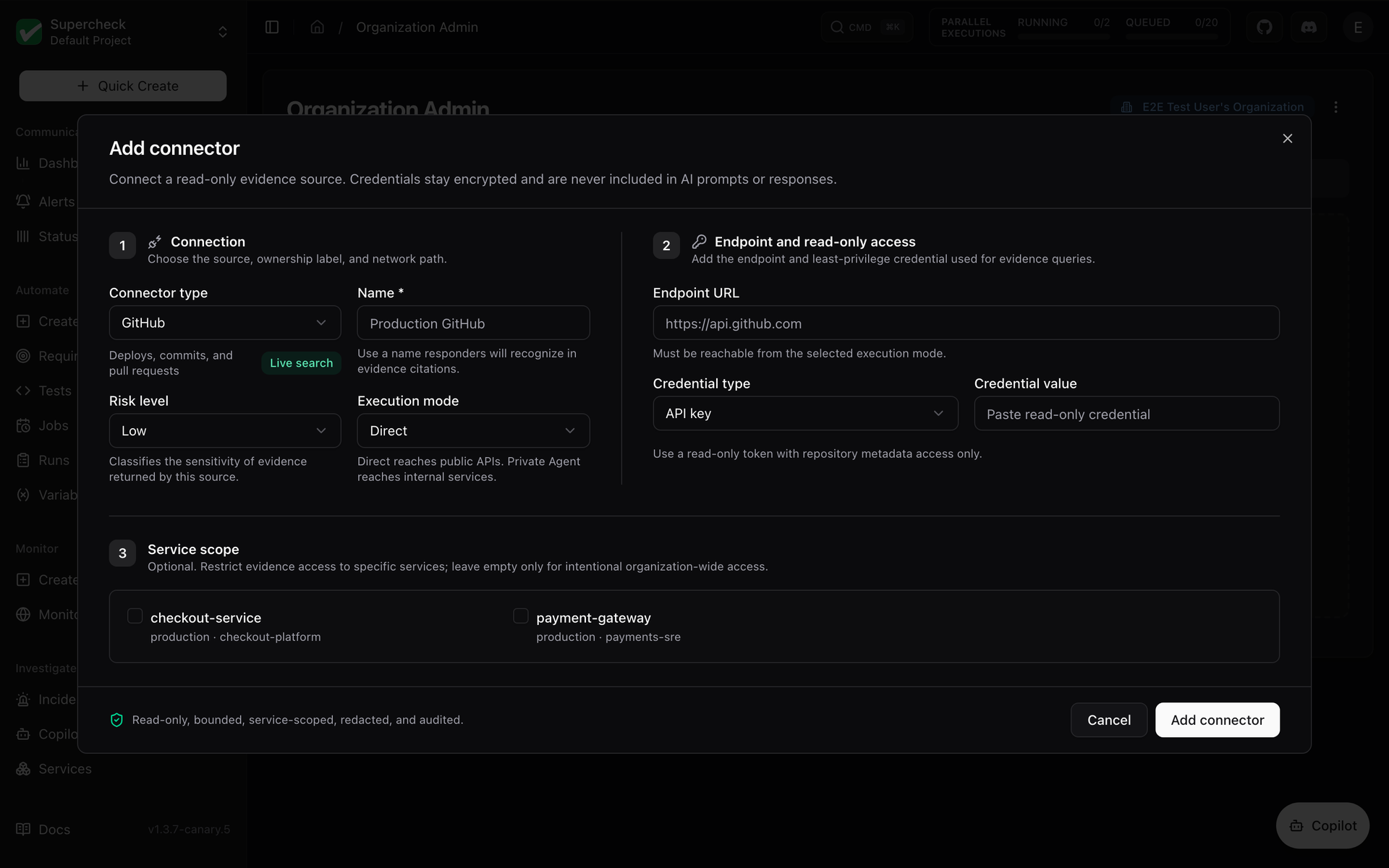
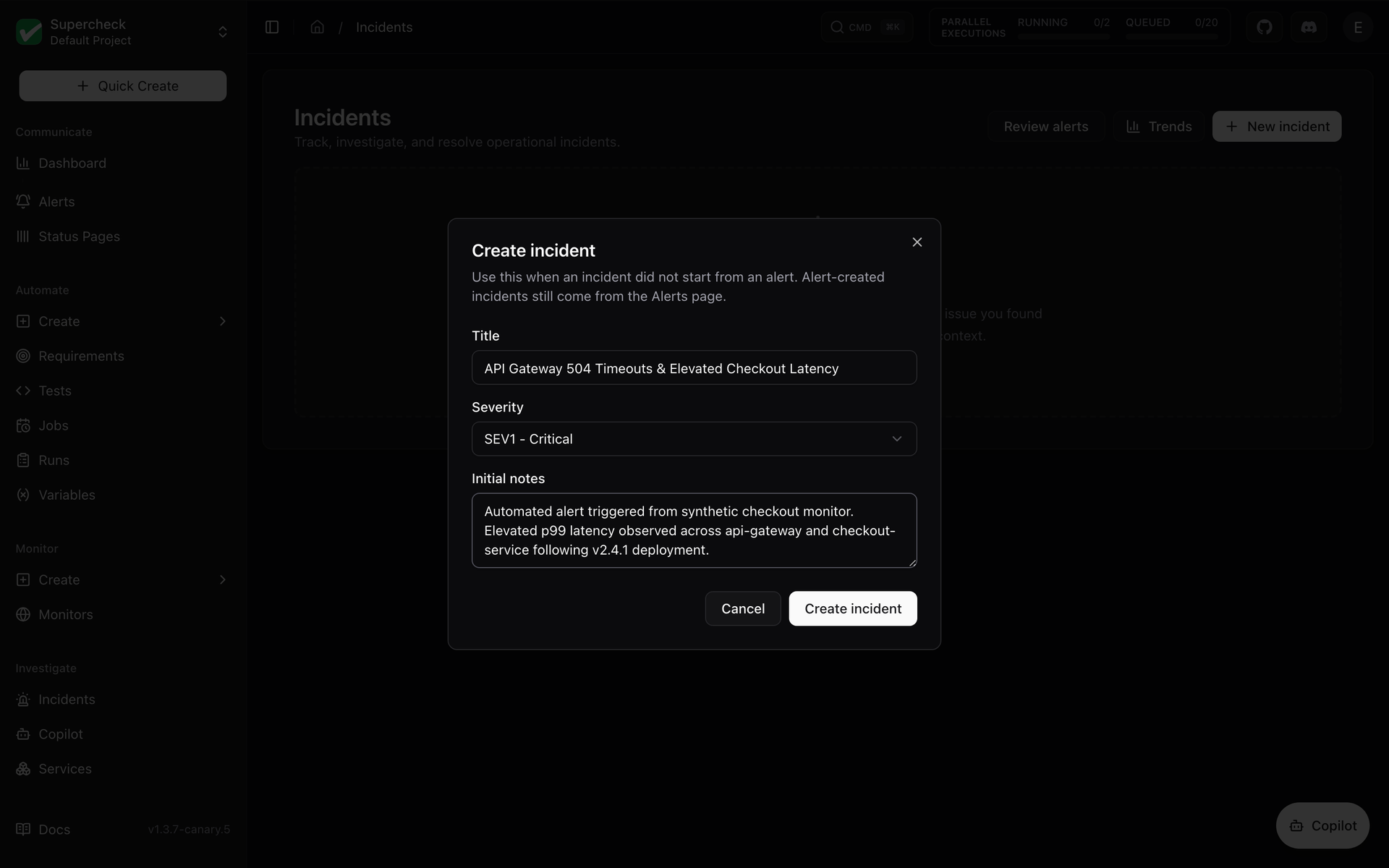
Browser tests, load tests, uptime checks, public status pages, and an AI incident investigator all live in one self-hosted dashboard called Supercheck. Write browser, API, database, custom, and k6 performance tests in a built-in code editor, or record a flow with the Chrome and Edge Recorder extension and save it as a Playwright script. Group tests into scheduled jobs, trigger them from CI with trigger keys, and review run logs, screenshots, traces, and reports. Five monitor types cover HTTP endpoints, website SSL expiry, ping, TCP and UDP ports, and scheduled synthetic browser journeys, with administrator-defined check locations and alerts to email, Slack, Discord, Telegram, Microsoft Teams, or webhooks. Status pages publish component health with 90-day uptime, incidents, scheduled maintenance, badges, and subscriber notifications under a subdomain or custom domain. When something breaks, the incident workspace collects evidence, drafts an evidence brief, and runs a read-only AI investigation across connectors such as GitHub, Prometheus, Grafana, and Kubernetes, while Copilot answers questions about that evidence. Requirements link expectations to tests and show coverage, and AI can extract them from a PRD. Organizations, projects, six roles, API keys, and audit trails keep teams in their lanes, and the CLI pulls, diffs, and deploys resources as code. Running on a dedicated VPS on RepoCloud with guaranteed CPU, RAM, and SSD, full root SSH access, and a browser serial console. AGPL-3.0 licensed.
Benefits
- Test, monitor, and respond together
- Browser, API, database, and k6 tests, uptime checks, status pages, and incident investigation share one project, so a failing check, its run artifacts, and the incident stay together.
- Keep tests and monitors as code
- The Node.js CLI initializes a project, pulls resources into files, shows diffs, and deploys changes, and local Playwright or k6 runs work offline without an account.
- Investigate incidents with read-only AI
- Evidence briefs and the Copilot chat work from saved incident evidence, while live connector queries and automatic triage stay opt-in, and the AI never changes your systems.
- Publish status without a third party
- Public status pages run on your own server under a subdomain or custom domain, with component uptime, incident updates, maintenance notices, badges, and email or Slack subscribers.
Features
- Next.js Web Application
- A Next.js app serves the dashboard and REST API, published with an OpenAPI specification, with sign-in handled by Better Auth.
- NestJS Execution Workers
- NestJS workers consume BullMQ queues and run Playwright and k6 workloads, scaling with the WORKER_REPLICAS and RUNNING_CAPACITY settings.
- PostgreSQL, Redis, and RustFS
- PostgreSQL stores platform data, Redis with BullMQ schedules work, and the bundled RustFS S3-compatible store keeps reports, traces, and other execution artifacts.
- K3s and gVisor Sandboxes
- Self-hosted workers launch each run as a Kubernetes Job in a local K3s cluster under gVisor, with network restrictions and resource limits for Playwright and k6 code.
- Docker Compose and Traefik
- A Docker Compose stack bundles the app, worker, PostgreSQL, Redis, and RustFS, and an optional Traefik profile adds HTTPS using the APP_DOMAIN and ACME_EMAIL settings.
- CLI and Recorder Extension
- The @supercheck/cli package (Node.js 20 or later) manages resources and runs tests locally, and the Recorder, built on Playwright CRX, saves recorded flows as Playwright tests.