Categories
Self-Hosted Open Source Privacy Error Tracking Web Analytics Uptime Monitoring Session Replay Core Web VitalsStars
Forks
Watchers
Developer links
Betterlytics
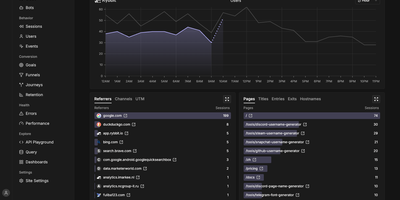
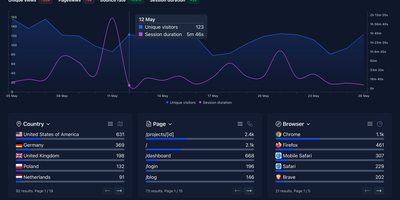
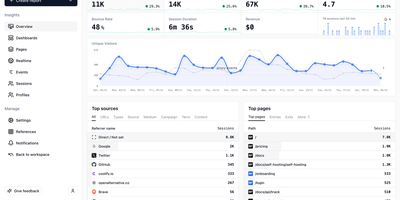
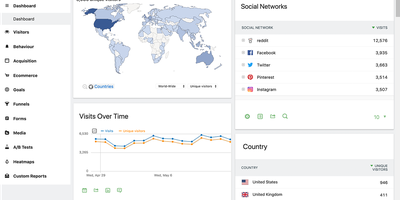
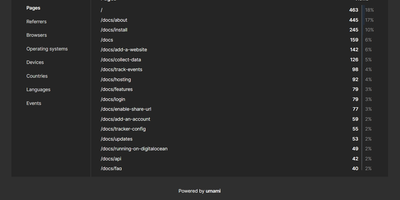
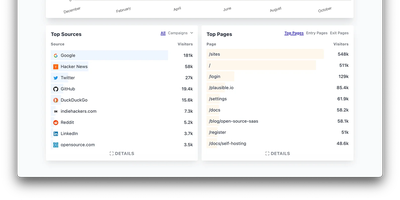
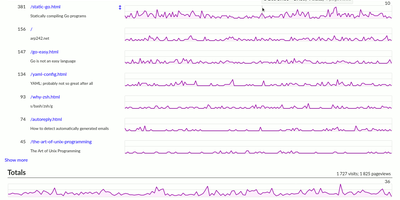
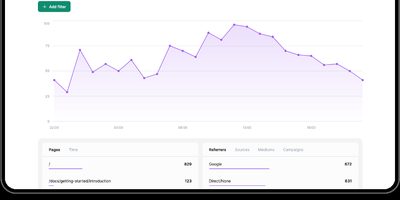
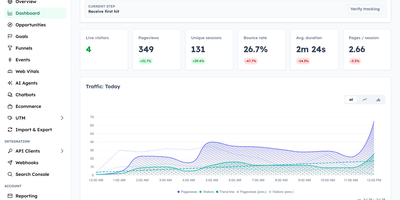
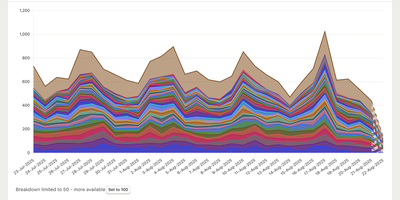
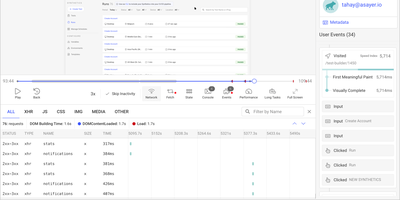
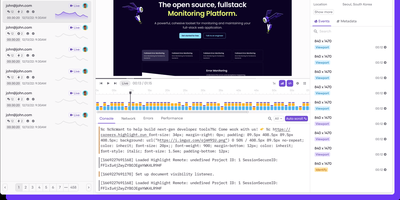
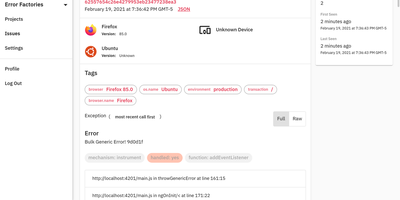
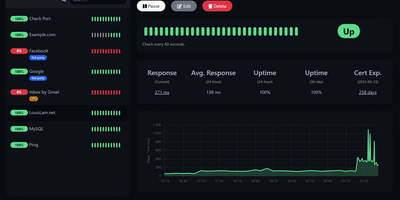
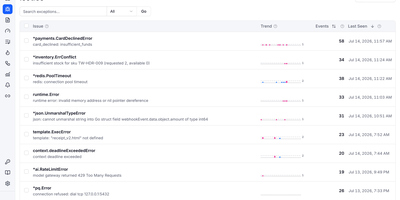
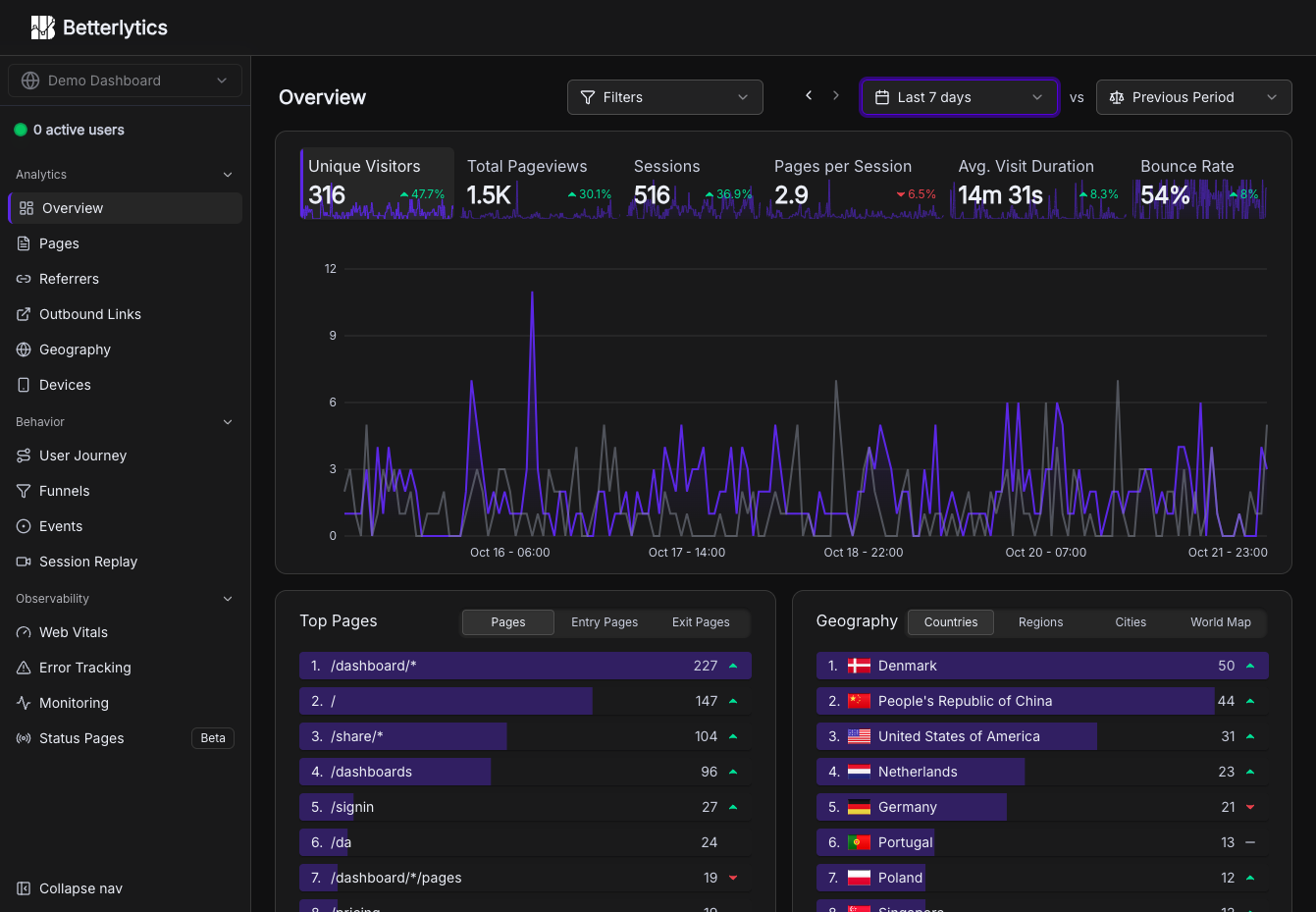
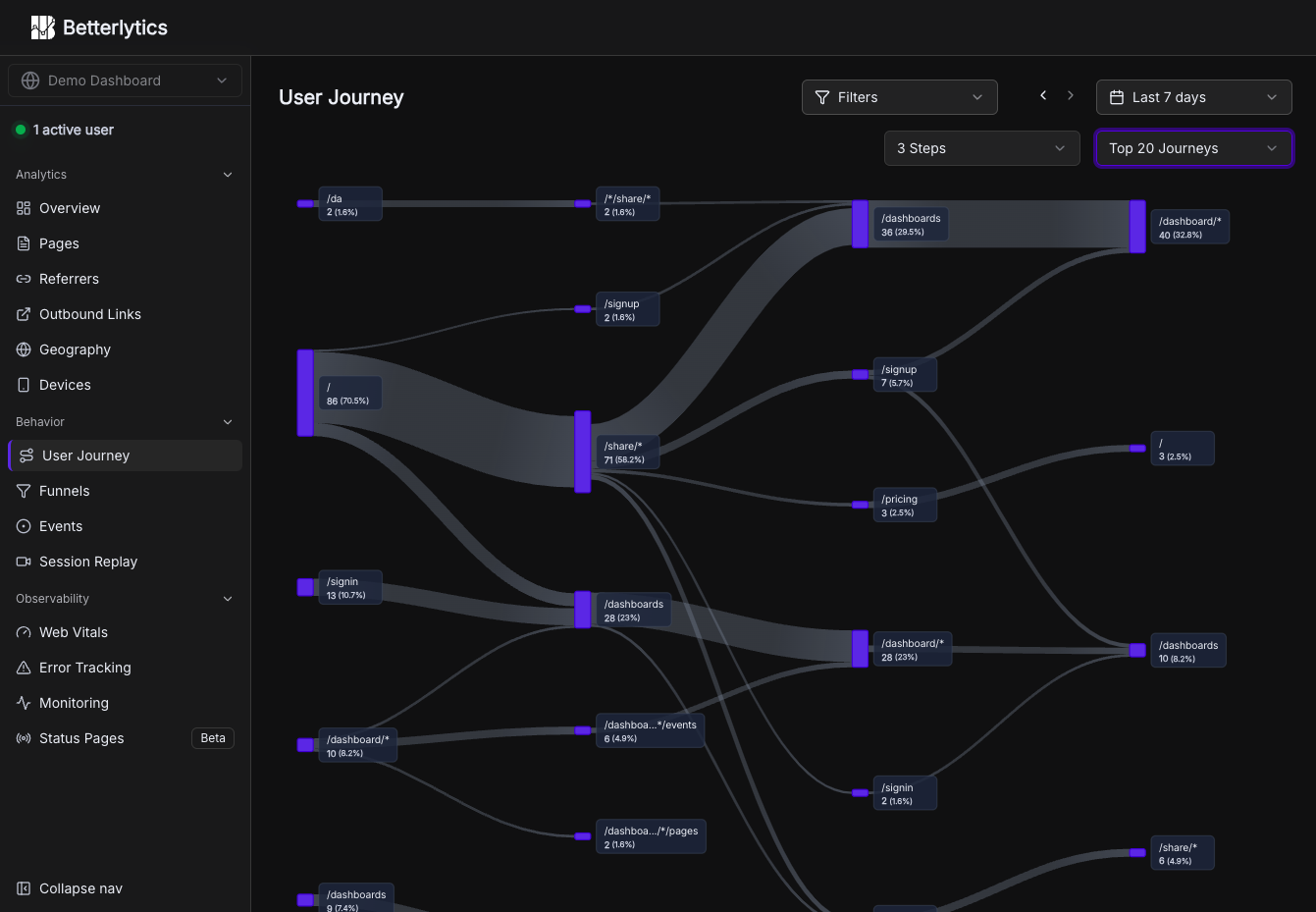
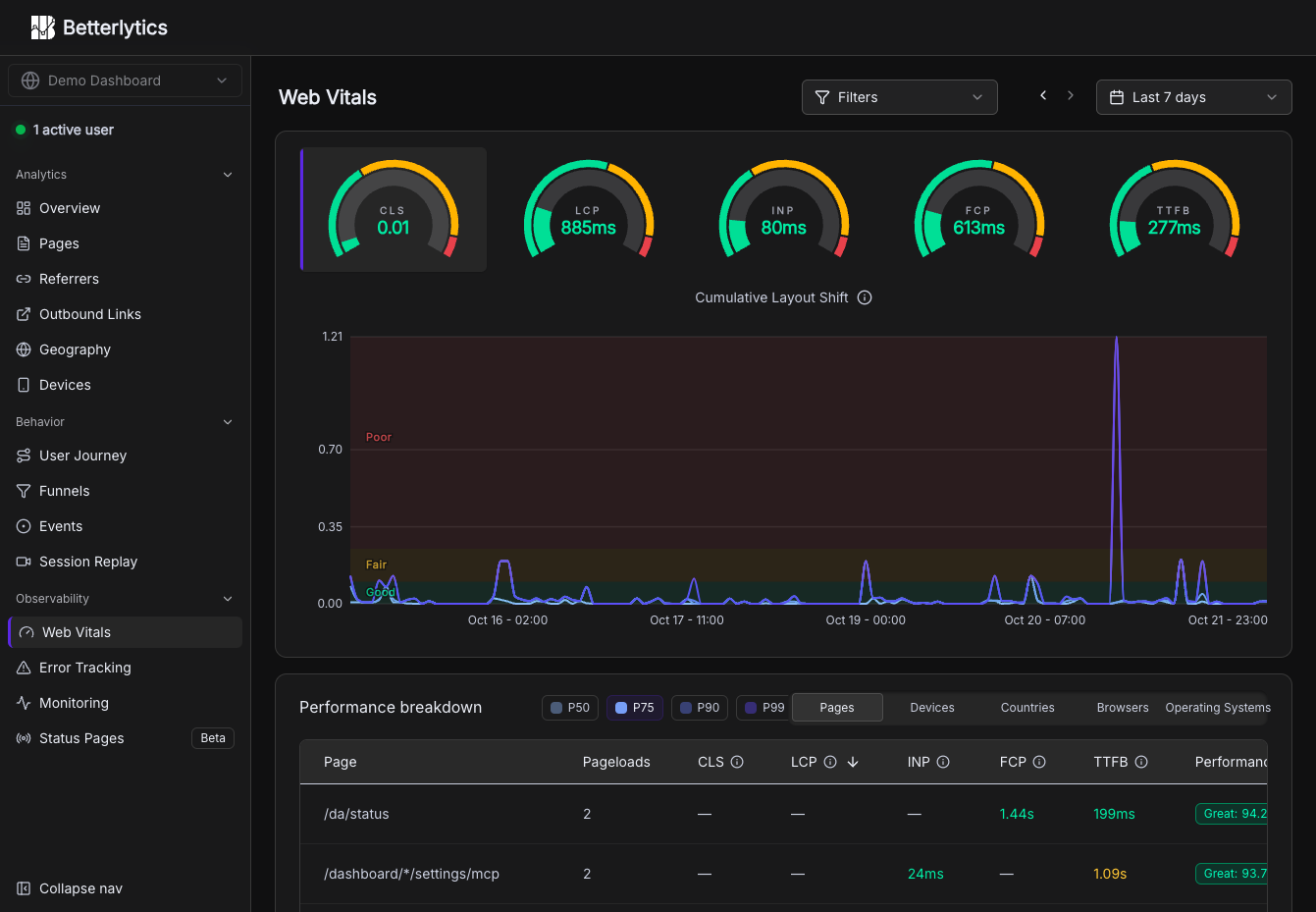
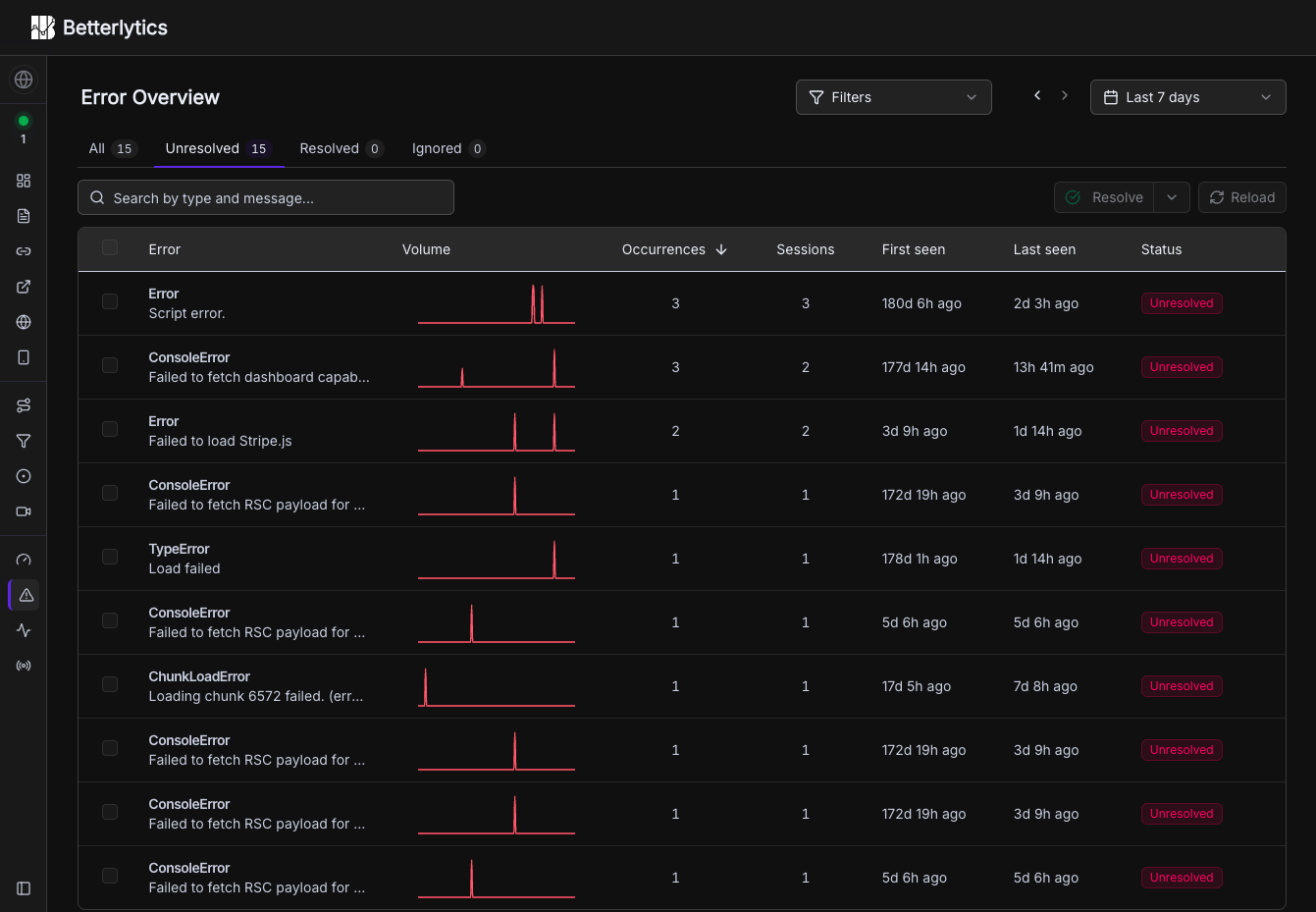
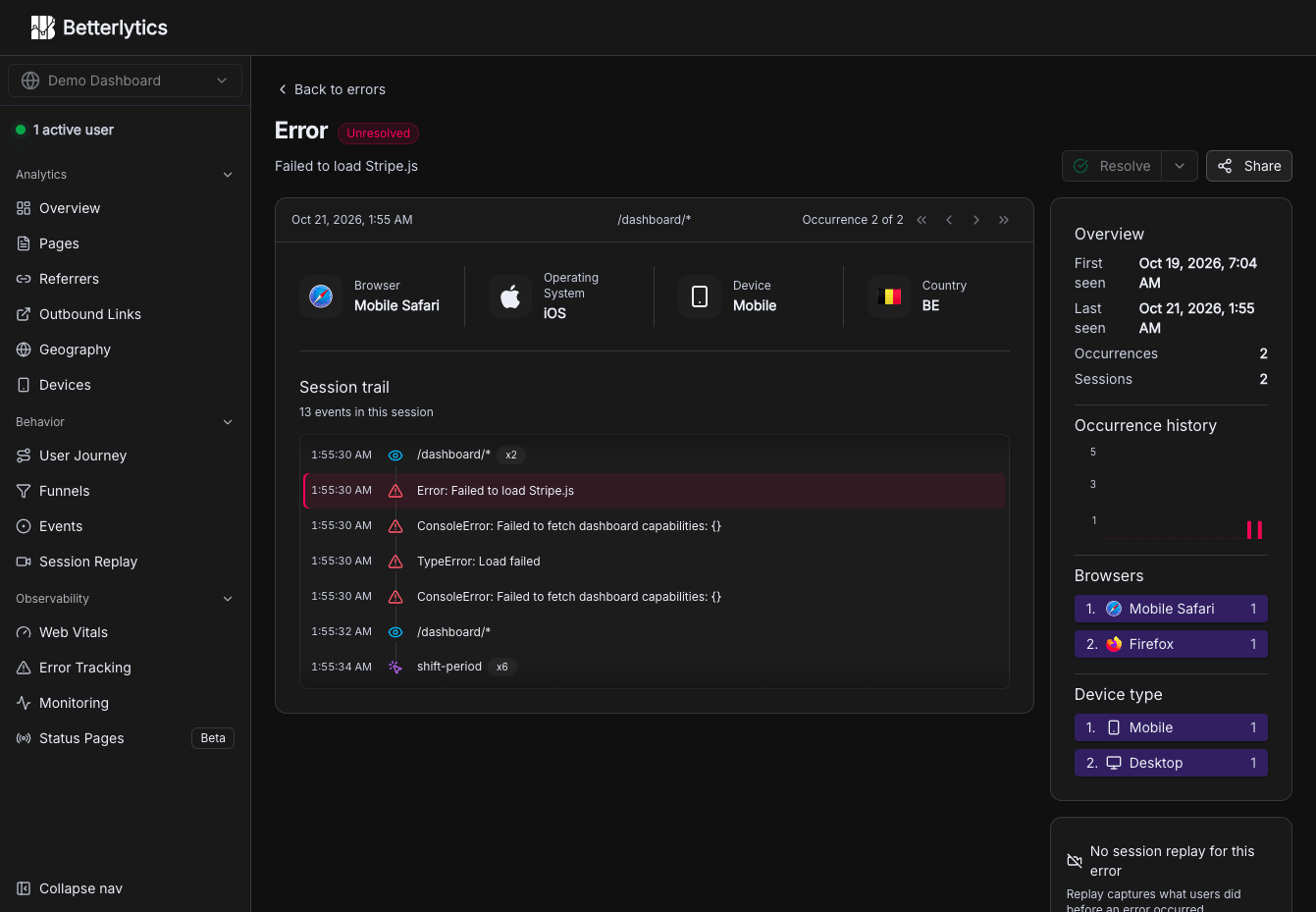
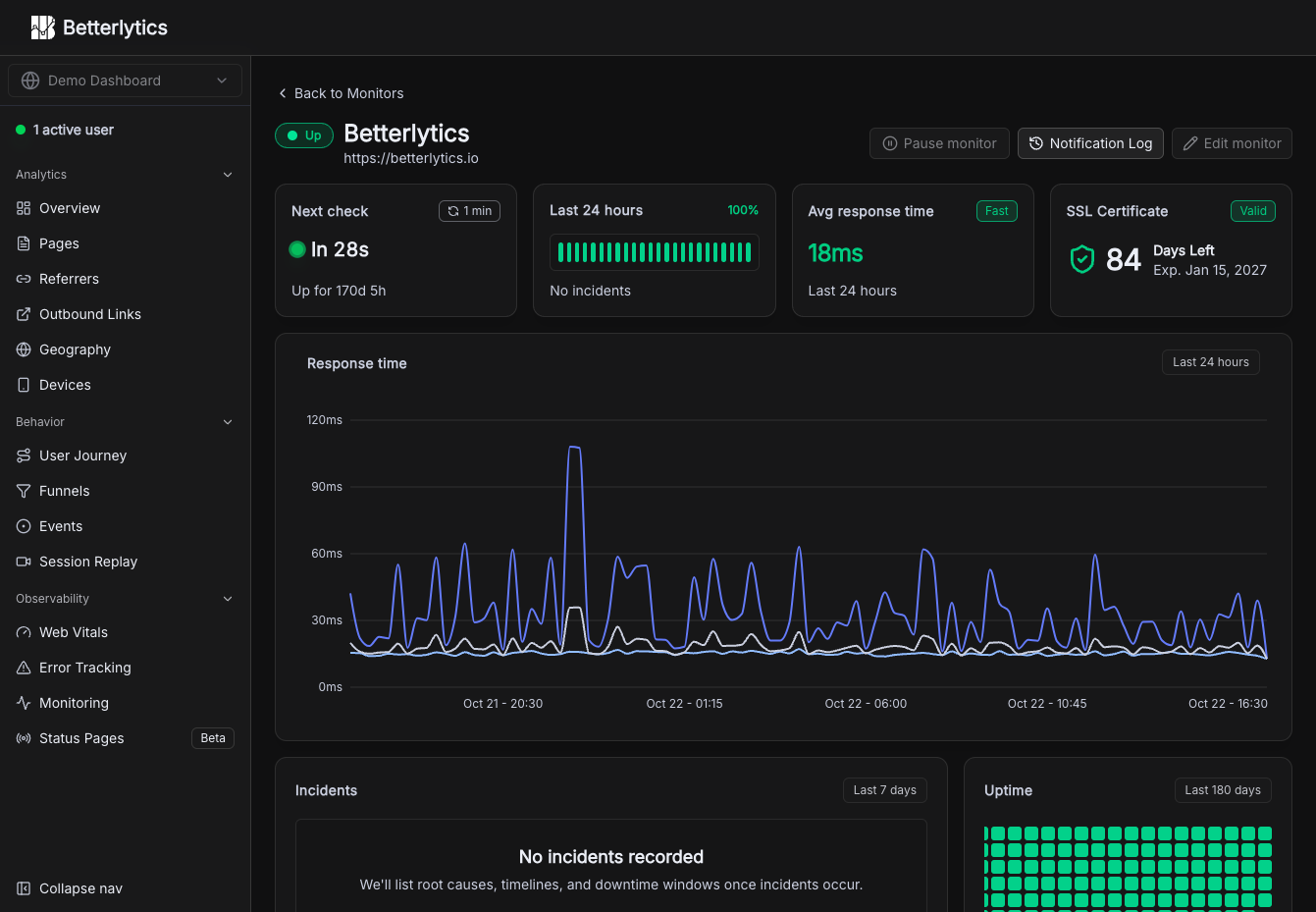
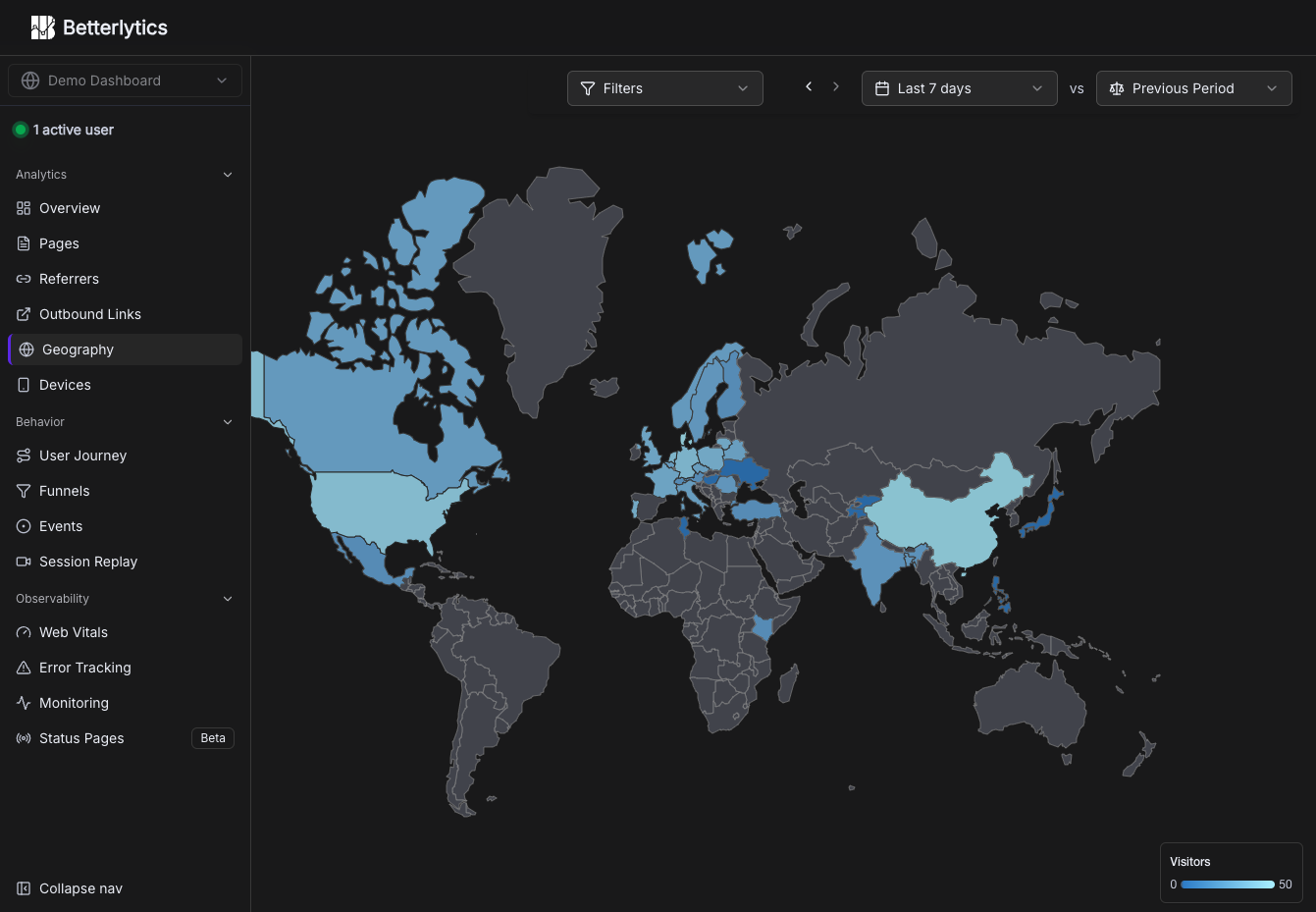
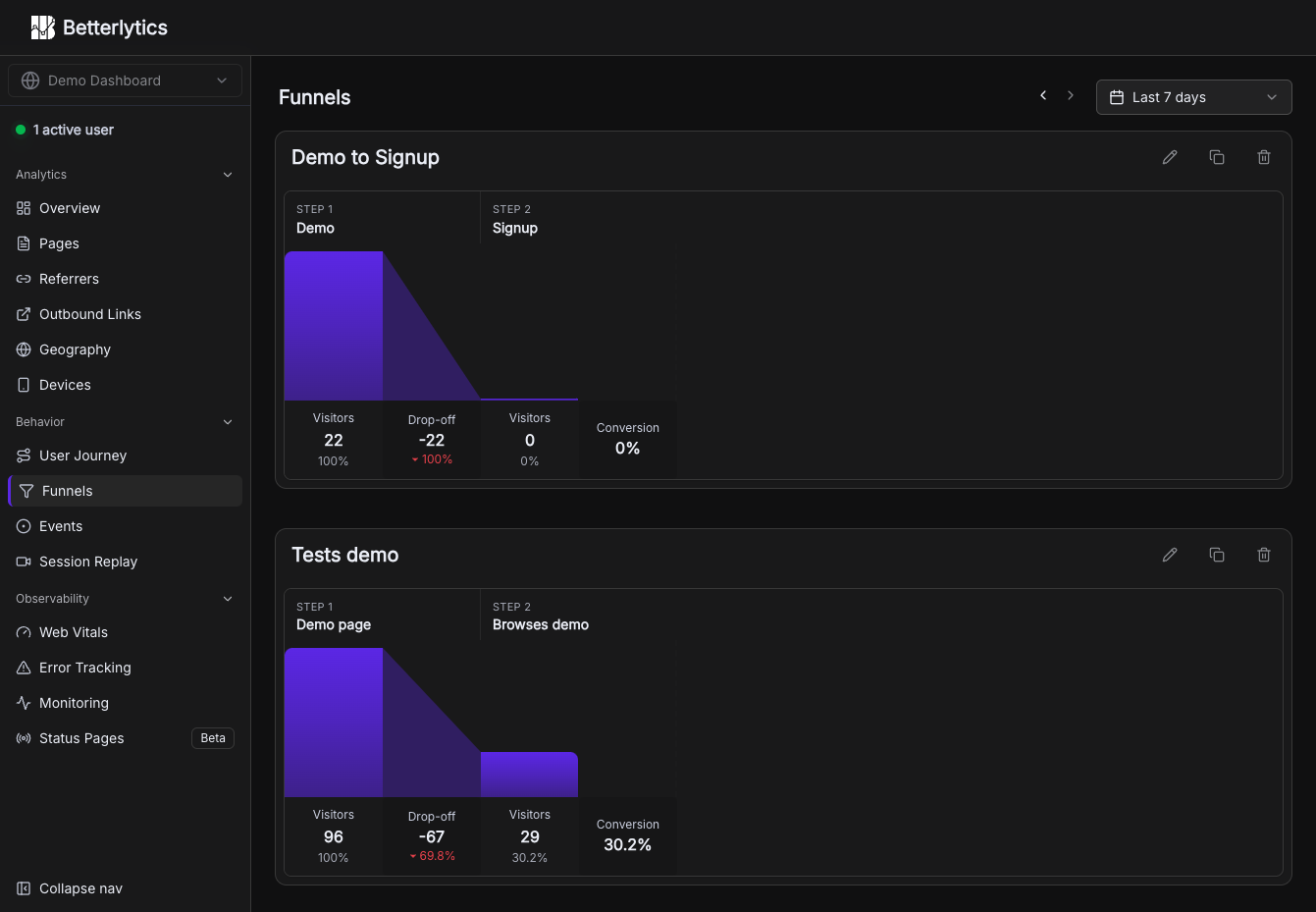
Page views, funnels, session replays, error reports, Core Web Vitals, and uptime checks share one cookieless dashboard in Betterlytics, so teams stop stitching several tools together. The overview charts visitors, page views, bounce rate, and visit duration against the previous period, and annotations mark launches or campaigns right on the timeline. Breakdowns cover referrers, channels, UTM campaigns, browsers, devices, and operating systems, with visitor locations on a world map once an optional MaxMind key is added. Custom events, global properties such as plan or app version, and outbound link tracking show what visitors actually do, while user journey diagrams and funnels reveal where they drift away. Session replay is opt-in per tracking script, masks text and form inputs by default, and can keep recordings in your own S3-compatible bucket. Error tracking groups JavaScript errors with stack traces, a session trail, and a link to the matching replay. Uptime and SSL monitors alert through Slack, Discord, Teams, or webhooks and feed public status pages on your own domain. Teammates join by invitation, two-factor login is available, and a built-in MCP server lets Claude, Cursor, or Codex answer traffic questions. A script of about 3.5 KB or a WordPress plugin handles installation. Running on a dedicated VPS on RepoCloud with guaranteed CPU, RAM, and SSD, full root SSH access, and a browser serial console. AGPL-3.0 licensed.
Benefits
- Analytics without tracking cookies
- Visitors are counted without cookies and IP addresses are never stored. Events, replays, and reports live in databases on your own server instead of a vendor's cloud.
- Replace several tools at once
- Traffic reports, funnels, replays, error groups, vitals, and uptime monitors share one login, one data model, and one deployment, so there are fewer vendors, bills, and scripts to manage.
- Trace every error to its replay
- Each grouped JavaScript error links to its stack trace, the session trail leading up to it, and the matching recording, so you can watch what the visitor saw when the page failed.
- Ask your analytics in plain English
- The built-in MCP server lets Claude, Cursor, VS Code, or Codex query traffic, funnels, errors, and uptime with an API token that you create in the dashboard settings.
Features
- Traffic analytics dashboard
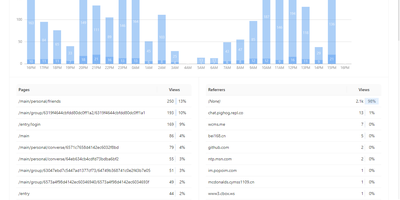
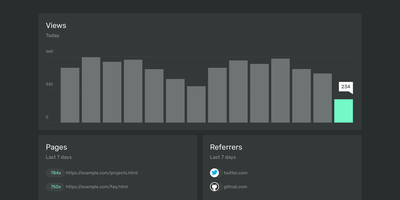
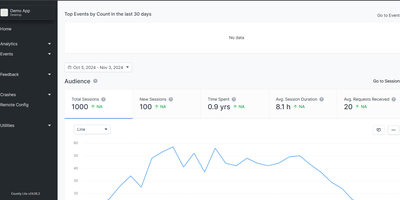
- Interactive summary cards, a time-series chart with period comparison and annotations, and breakdown tables for pages, referrers, campaigns, devices, and events, plus filters by traffic, device, and location.
- Session replay
- Opt-in recordings of DOM snapshots and interactions, with text and form values masked by default, kept in ClickHouse (60 days by default) or stored in your own S3 bucket.
- Error tracking
- Captures client-side JavaScript errors, groups duplicates, tracks Unresolved, Resolved, or Ignored status, and shows stack traces with the session trail that led to each failure.
- Uptime and status pages
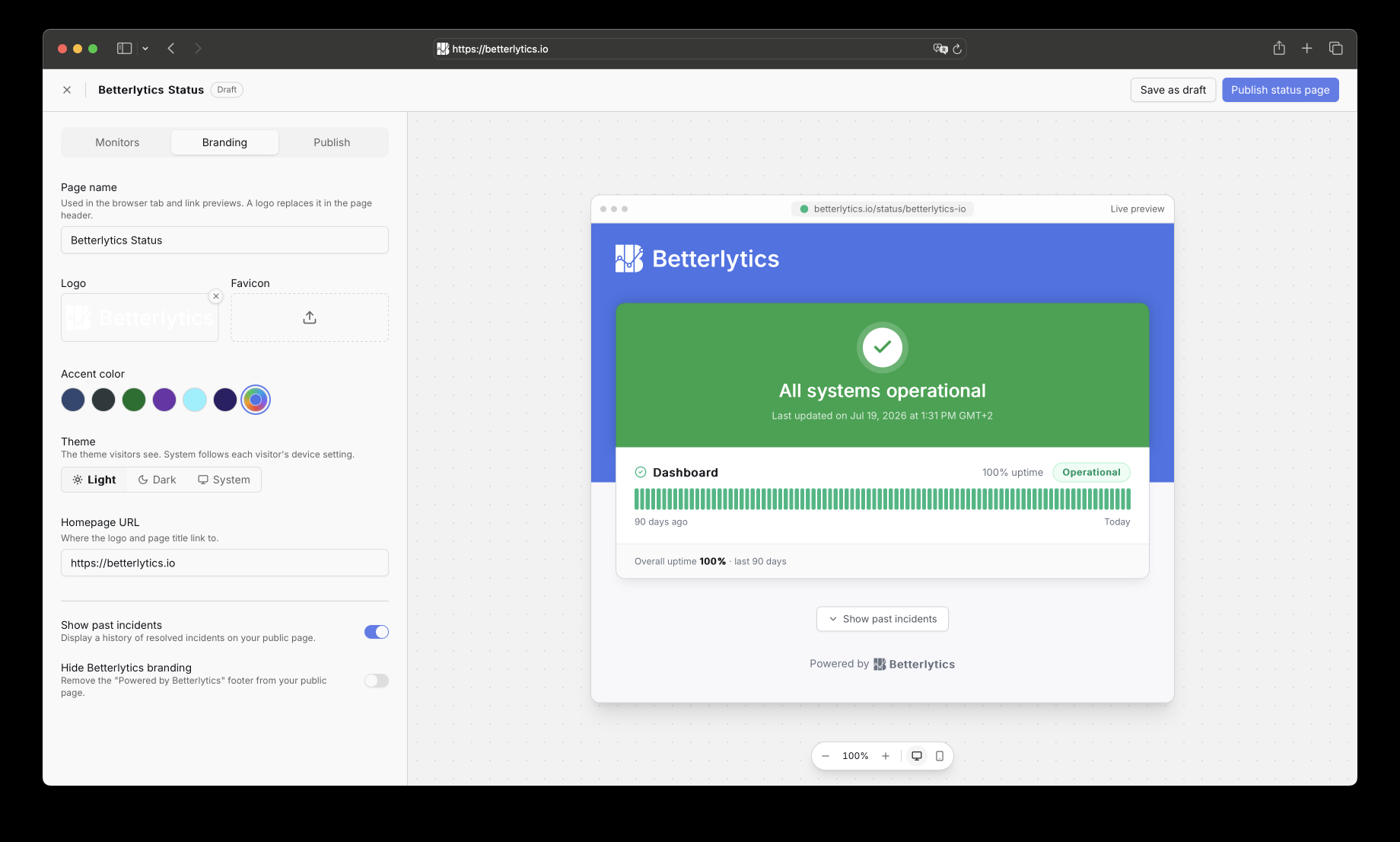
- HTTP monitors with 1-minute checks, SSL certificate alerts, incident history, and notifications to Slack, Discord, Teams, webhooks, or Pushover, plus public status pages on your own domain.
- Core Web Vitals tracking
- Measures LCP, INP, CLS, and TTFB from real visitors through a script loaded from your own instance, so slow pages and regressions show up in the dashboard.
- Built-in MCP server
- Serves a Model Context Protocol endpoint at /api/mcp so assistants such as Claude Code, Cursor, and Codex can query traffic, funnels, journeys, errors, and uptime.