Categories
Self-Hosted DevOps Security Remote Access Privileged Access Management Audit And Compliance Identity And Access Bastion HostStars
Forks
Watchers
Developer links
JumpServer
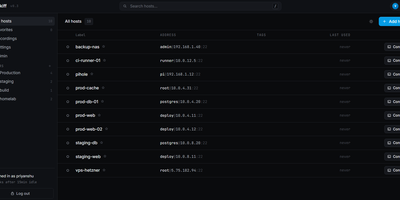
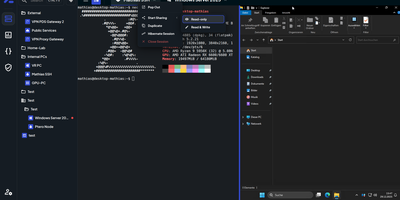
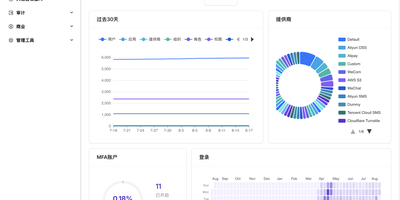
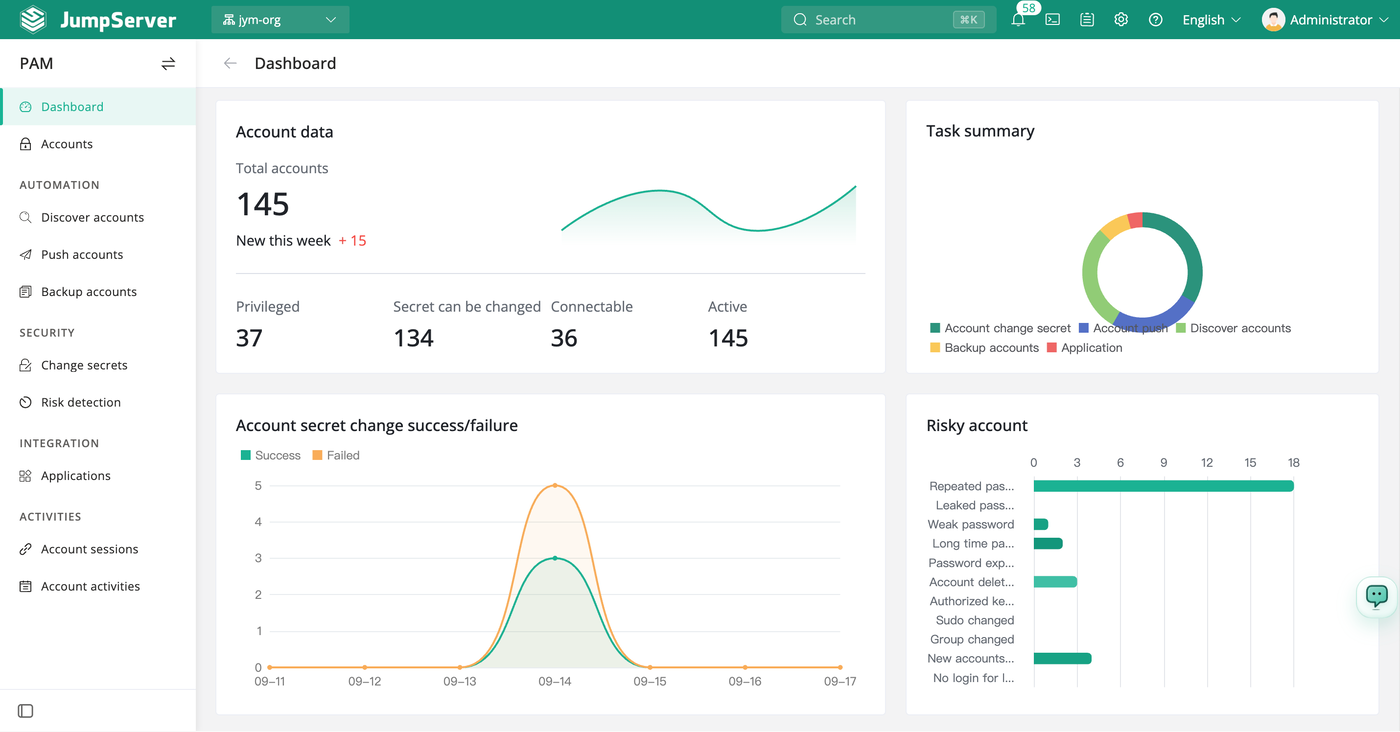
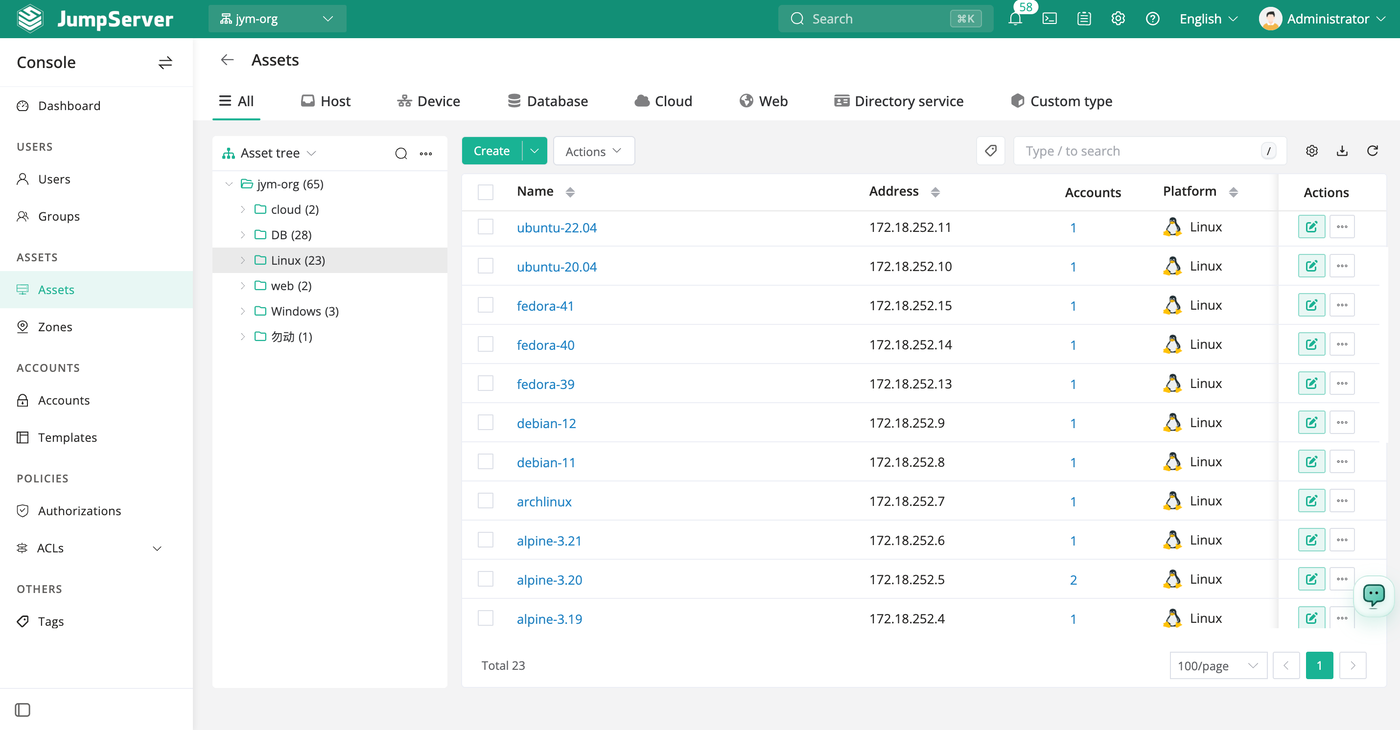
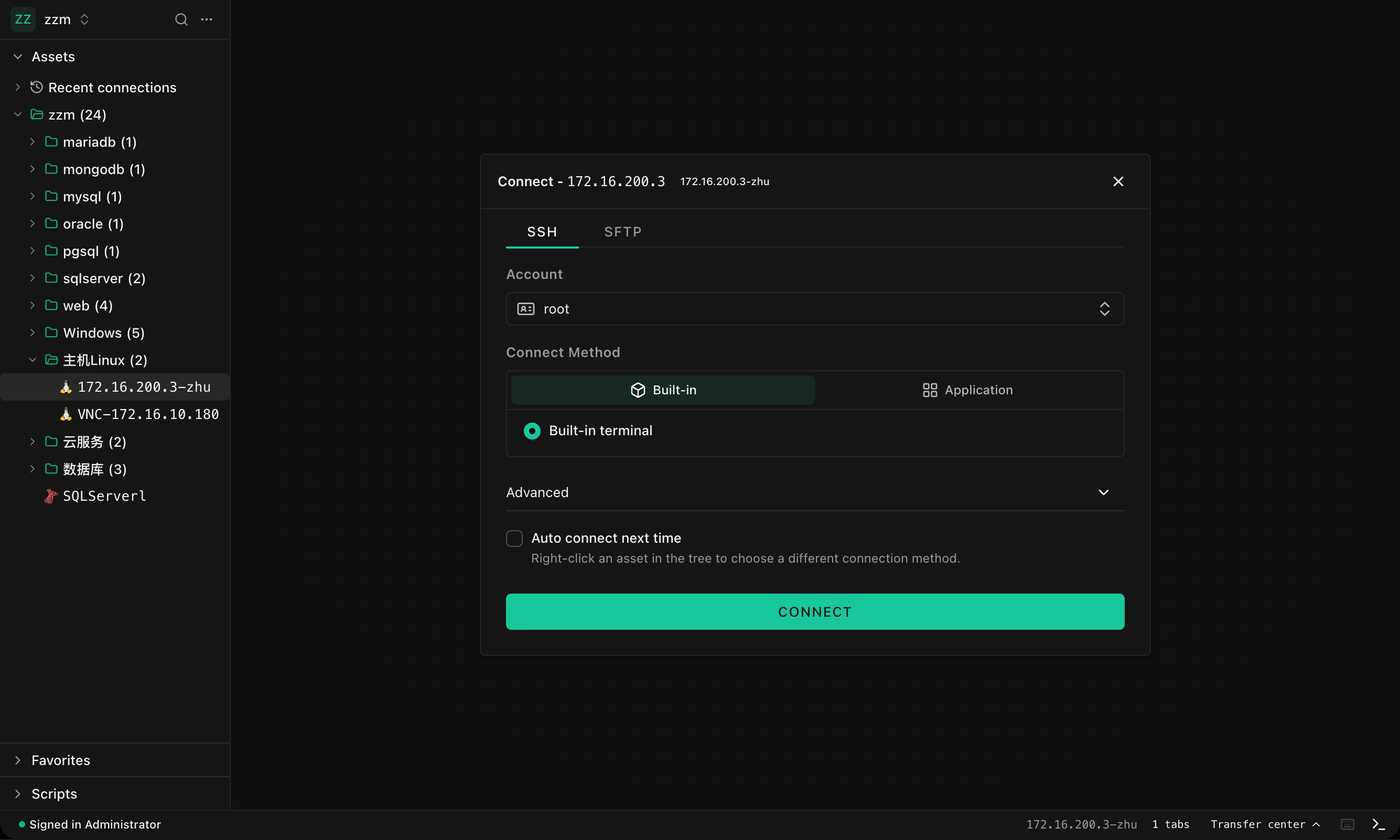
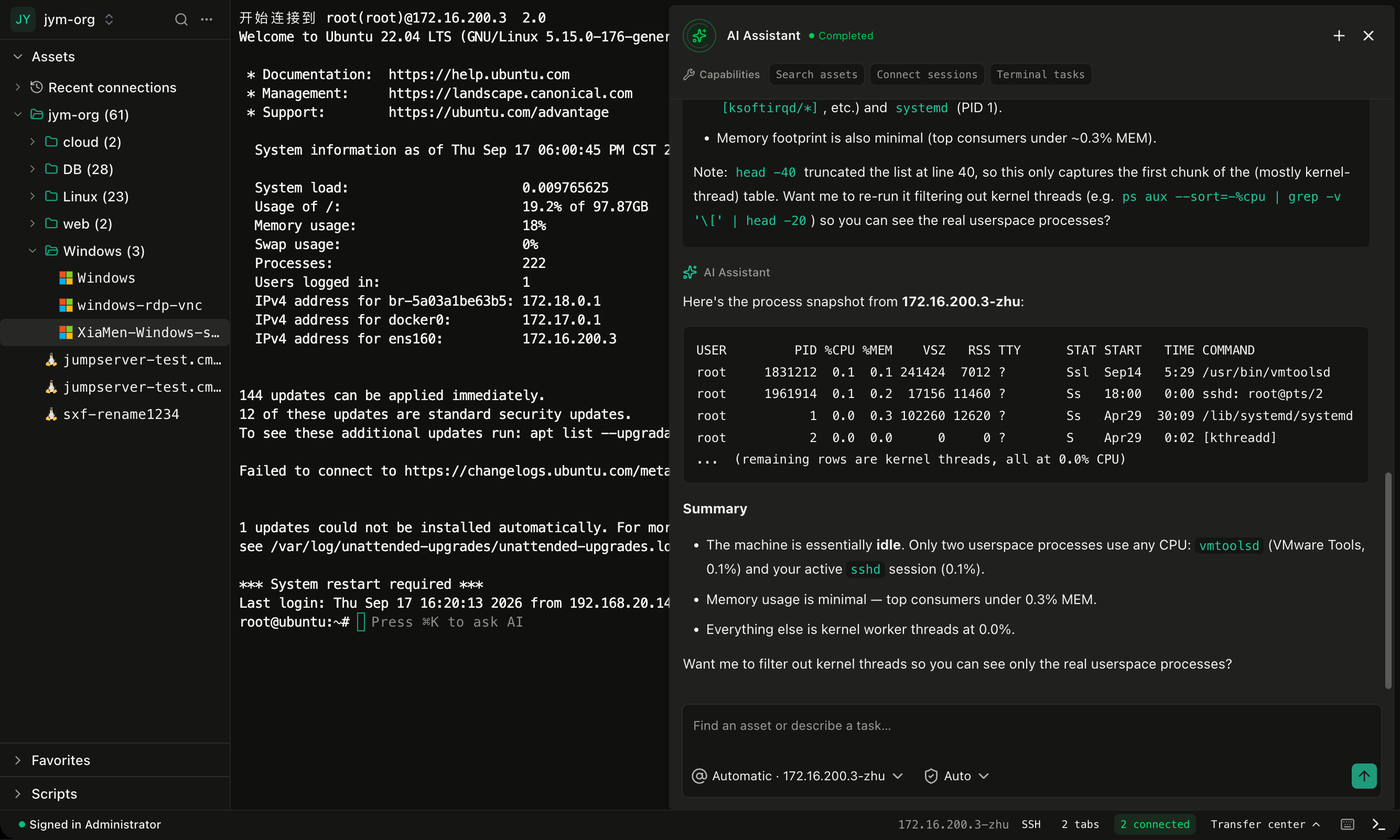
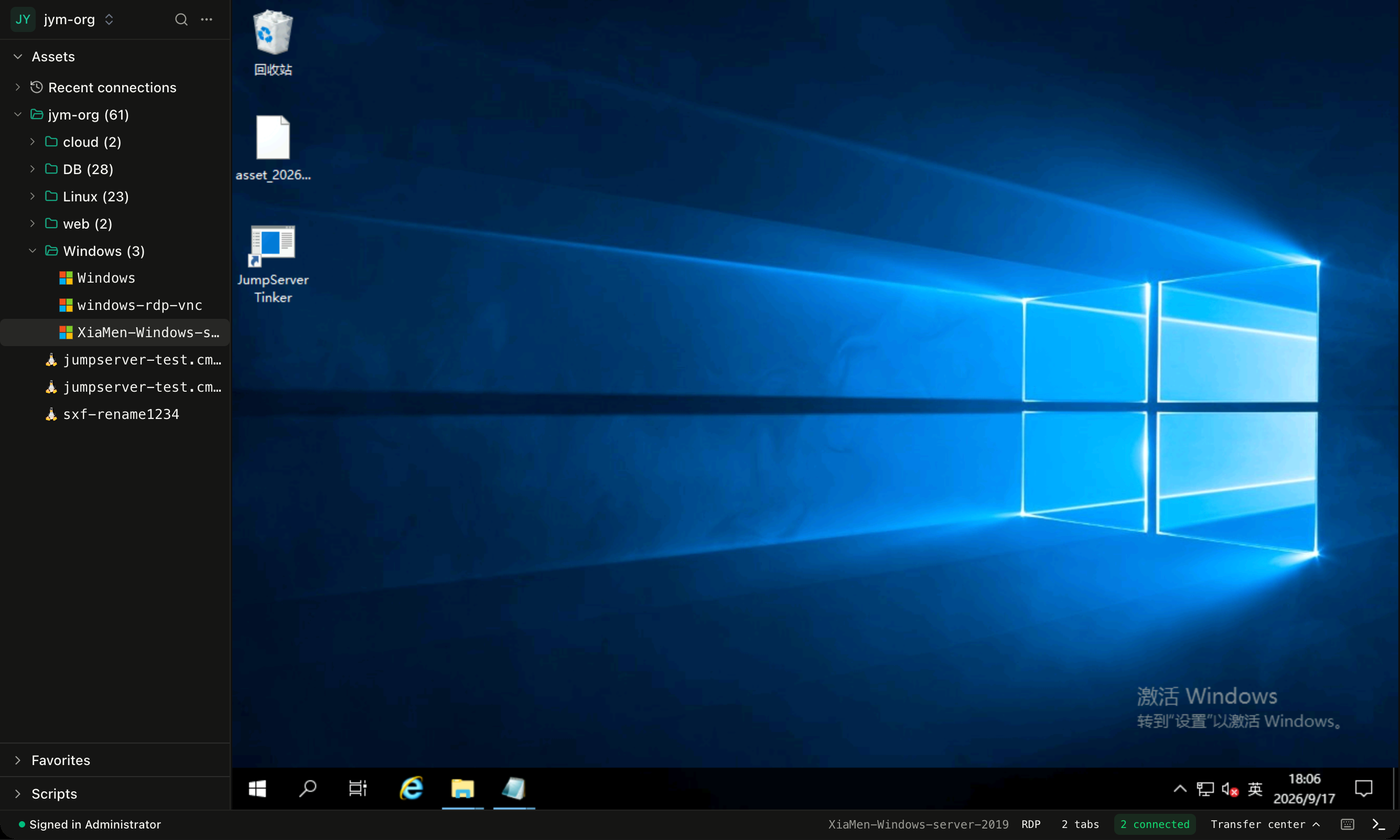
Every server login, database query, and remote desktop session passes through one audited front door instead of scattered SSH keys and shared passwords. Administrators register assets like Linux hosts, Windows machines, databases, clouds, and websites, store the accounts for each, and grant people access through authorization rules. Users open a web terminal or connect with a native client to reach SSH, SFTP, RDP, VNC, database, and Kubernetes targets, with an AI assistant that can describe tasks and run commands in the terminal. Every session is recorded for replay, commands are logged, file transfers are tracked, and auditors can watch live sessions or cut them off. Access control lists filter commands, limit source addresses, and restrict time windows, and multi-factor authentication and LDAP or Active Directory sign-in protect the front door. Automation jobs discover accounts on assets, push new ones, rotate secrets on a schedule, and back up credentials, with a risk dashboard that flags weak, repeated, or stale passwords. Community Edition covers up to 5,000 assets. Running on a dedicated VPS on RepoCloud with guaranteed CPU, RAM, and SSD, full root SSH access, and a browser serial console. GPL-3.0 licensed.
Benefits
- One Audited Door To Servers
- Staff reach hosts, desktops, databases, and clusters through a single gateway, so credentials stay out of laptops and every connection leaves a trace for review.
- Replay Any Past Session
- Video recordings, command logs, and file transfer records let auditors review who did what on which machine, and live sessions can be watched or terminated instantly.
- Stop Sharing Admin Passwords
- Automated discovery, push, and rotation of account secrets replace shared spreadsheets, and a risk view highlights weak, repeated, or long unchanged credentials.
- Rules Match Real Policies
- Authorizations and access control lists decide who may connect, from where, and when, with command filters that block or warn on dangerous input.
Features
- Web Terminal And Client
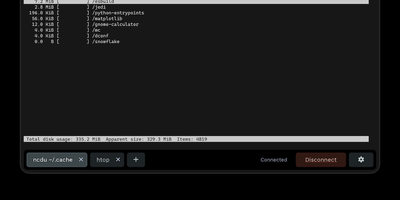
- Open SSH, SFTP, RDP, VNC, database, and Kubernetes sessions from the browser or a native client with an asset tree and saved connections.
- Asset And Account Console
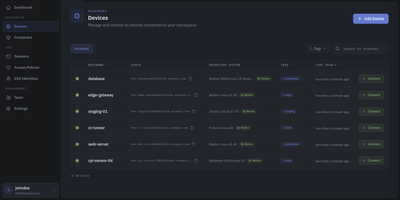
- Manage hosts, devices, databases, clouds, and web assets in a tree, with platforms, zones, tags, templates, and accounts for each asset.
- Session Audit Center
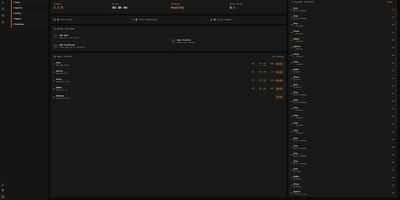
- Review online and historical sessions, replay recordings, read command records, track file transfers, and check login and operation logs.
- Account Automation
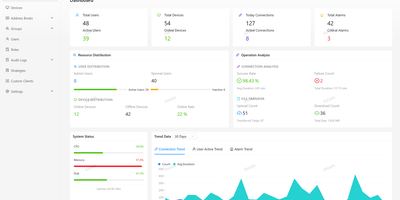
- Discover accounts, push new ones, change secrets on a schedule, back up credentials, and watch success or failure charts on the dashboard.
- Terminal AI Assistant
- Describe a task in plain language inside the terminal and the assistant suggests commands, searches assets, and summarizes output.