Categories
Self-Hosted Developer Tools DevOps Remote Access System Administration Terminal SSH Web TerminalStars
Forks
Watchers
Developer links
Wetty
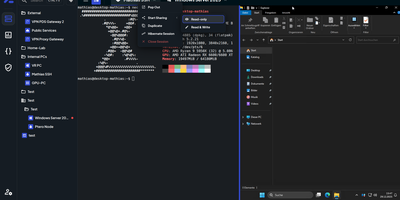
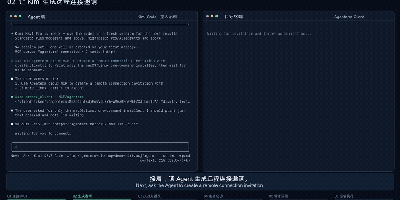
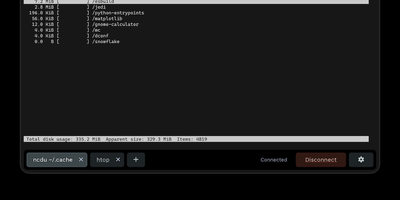
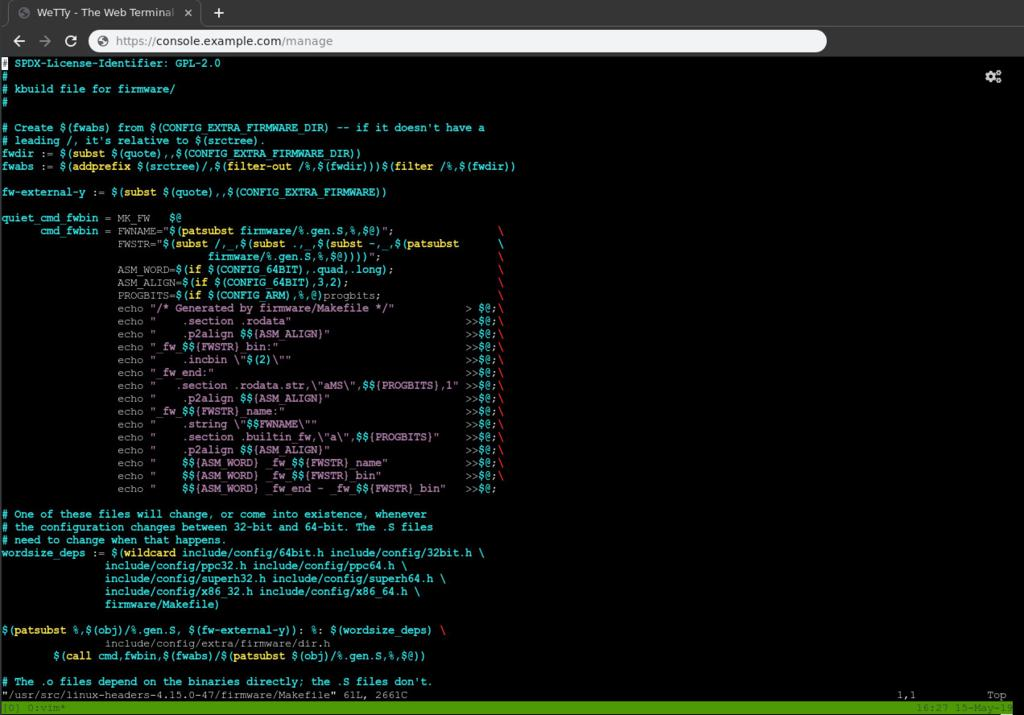
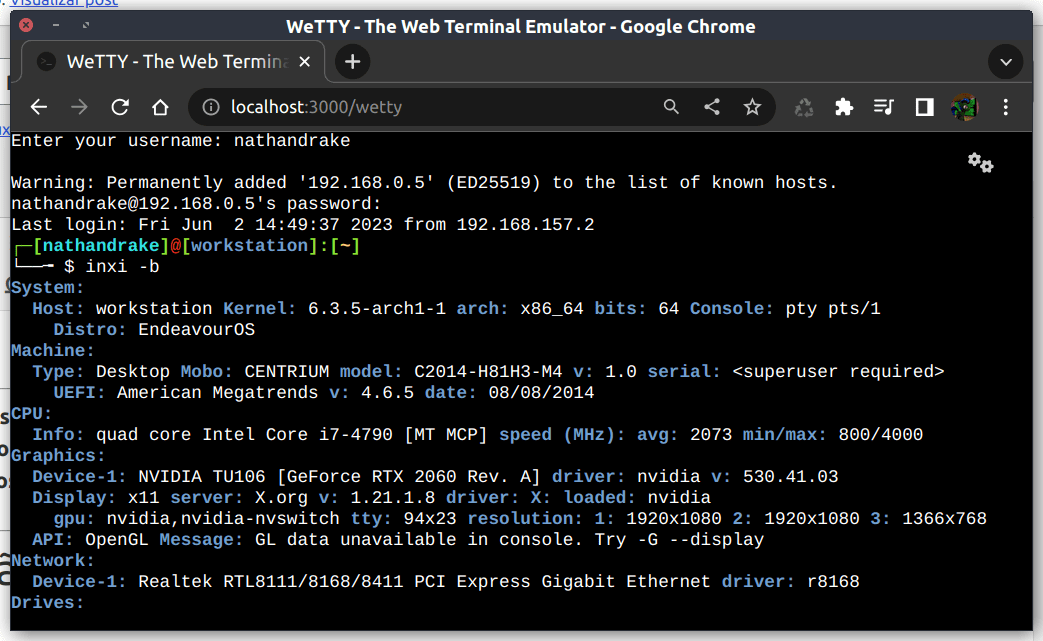
Open a browser tab and you are at a real login prompt on your server. Wetty puts a full terminal inside the web page, so SSH access survives firewalls, borrowed laptops, and networks where only HTTPS gets out. The emulator is a complete xterm.js implementation rather than a crippled web console, so colors, Unicode, mouse interaction, and full-screen programs like vim, top, and tmux behave the way they do in a desktop terminal. Websockets carry the session instead of Ajax polling, which keeps keystrokes responsive enough to forget you are in a browser. Point it at any SSH server with host, port, user, and key options, or let it launch the local login prompt when it runs on the machine itself. Visiting /ssh/yourname skips the username question and goes straight to the password prompt for that account. Serve it over HTTPS with your own certificates, restrict which browser origins may connect, run it on a Unix socket behind a reverse proxy, and confine it to a base path when it shares a domain with other tools. A YAML configuration file and environment friendly flags make the same setup reproducible across a fleet, and an official container image keeps installation to one command. Running on a dedicated VPS on RepoCloud with guaranteed CPU, RAM, and SSD, full root SSH access, and a browser serial console. MIT licensed.
Benefits
- Shell Access Through Firewalls
- Terminal sessions ride over HTTPS and websockets, so you can reach your servers from networks that block outbound SSH, hotel Wi-Fi, client sites, and locked-down corporate laptops.
- A Real Terminal, Not A Toy
- Full xterm.js emulation means vim, tmux, htop, and color output work properly, with mouse support and correct resizing. Nothing about the session feels like a degraded web console.
- Any SSH Server Behind It
- Configure host, port, user, authentication method, and keys per deployment, or prefill the user through the URL, so one Wetty instance fronts the machines your team administers.
- Small, Scriptable, Contained
- One Node service on port 3000 with a config file, origin restrictions, and optional Unix socket behind your proxy. HTTPS certificates and authentication stay under your control.
Features
- Xterm.js In The Browser
- A complete terminal emulation written in JavaScript renders the session, supporting colors, Unicode, mouse events, and full-screen applications without plugins or Java applets.
- Websocket Transport
- Sessions run over websockets rather than Ajax polling, keeping latency low and output smooth during logs, builds, and other fast-scrolling work.
- SSH Or Local Login
- Connect onward to any SSH server with password or public key authentication, or spawn the local login prompt when Wetty runs as root on the target machine.
- HTTPS And Origin Controls
- Serve with your own SSL certificates, require trusted browser origins for the socket connection, and optionally allow iframe embedding or URL supplied destinations.
- Per-User URLs
- The /ssh/username path pre-fills the login user, and the title, base path, and command options shape the session each visitor receives.
- Config File And Container
- A YAML configuration file, command line flags, and an official Docker image make deployments repeatable from a laptop test to a fleet of access gateways.