Categories
Self-Hosted DevOps Access Control Remote Access Infrastructure Management Device Management SSH Gateway IoT Fleet ManagementStars
Forks
Watchers
Developer links
ShellHub
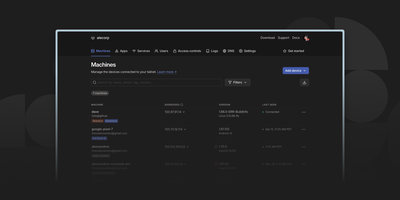
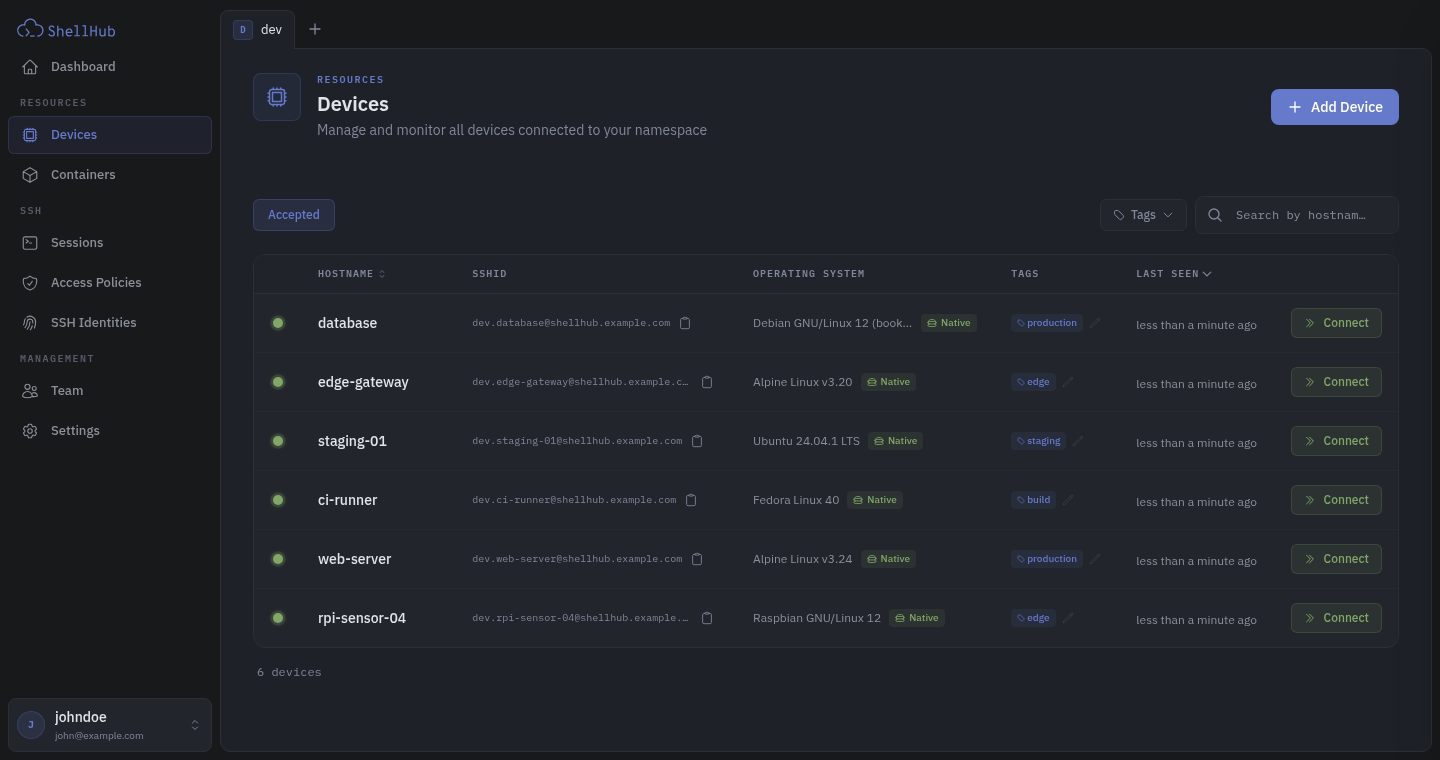
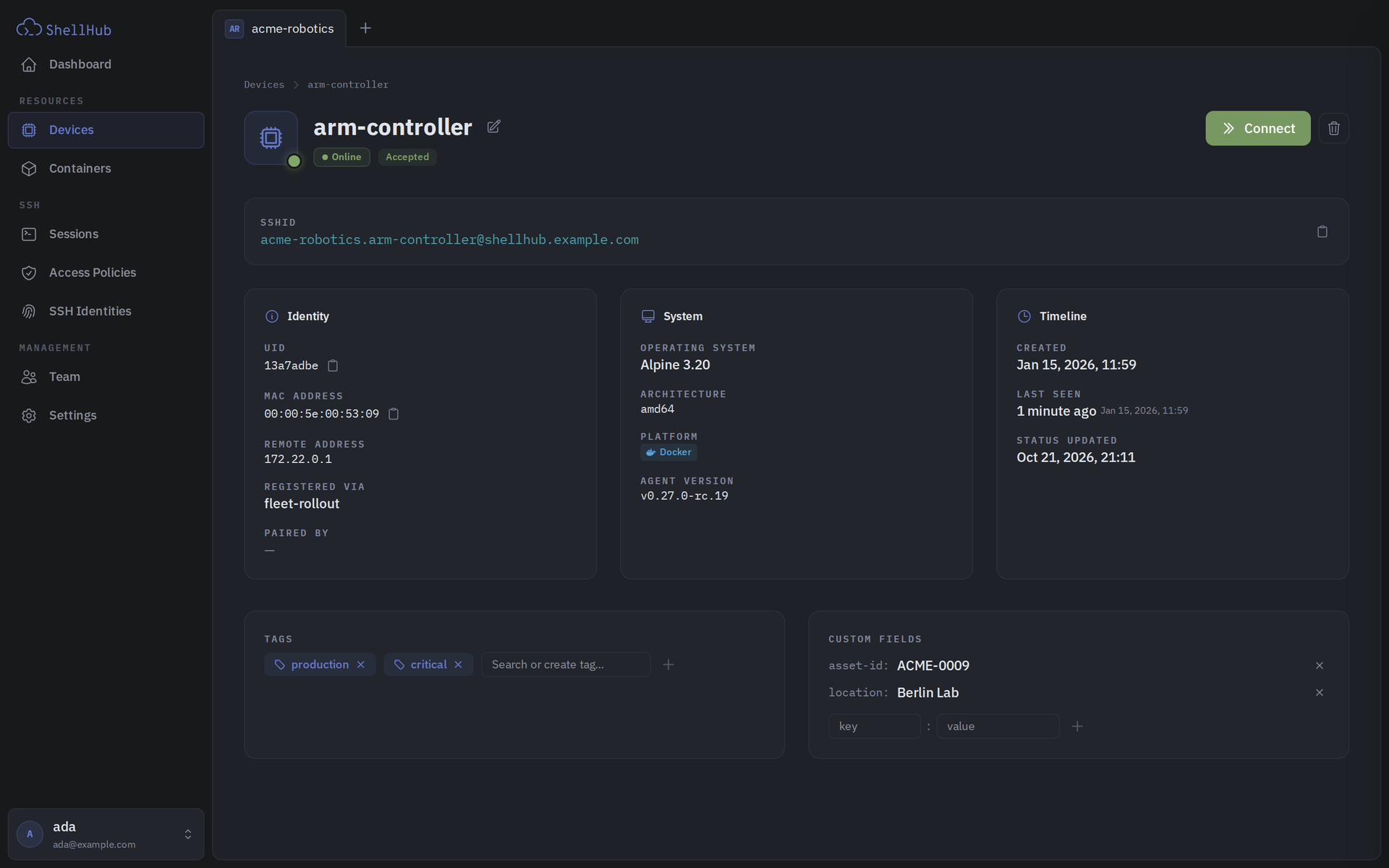
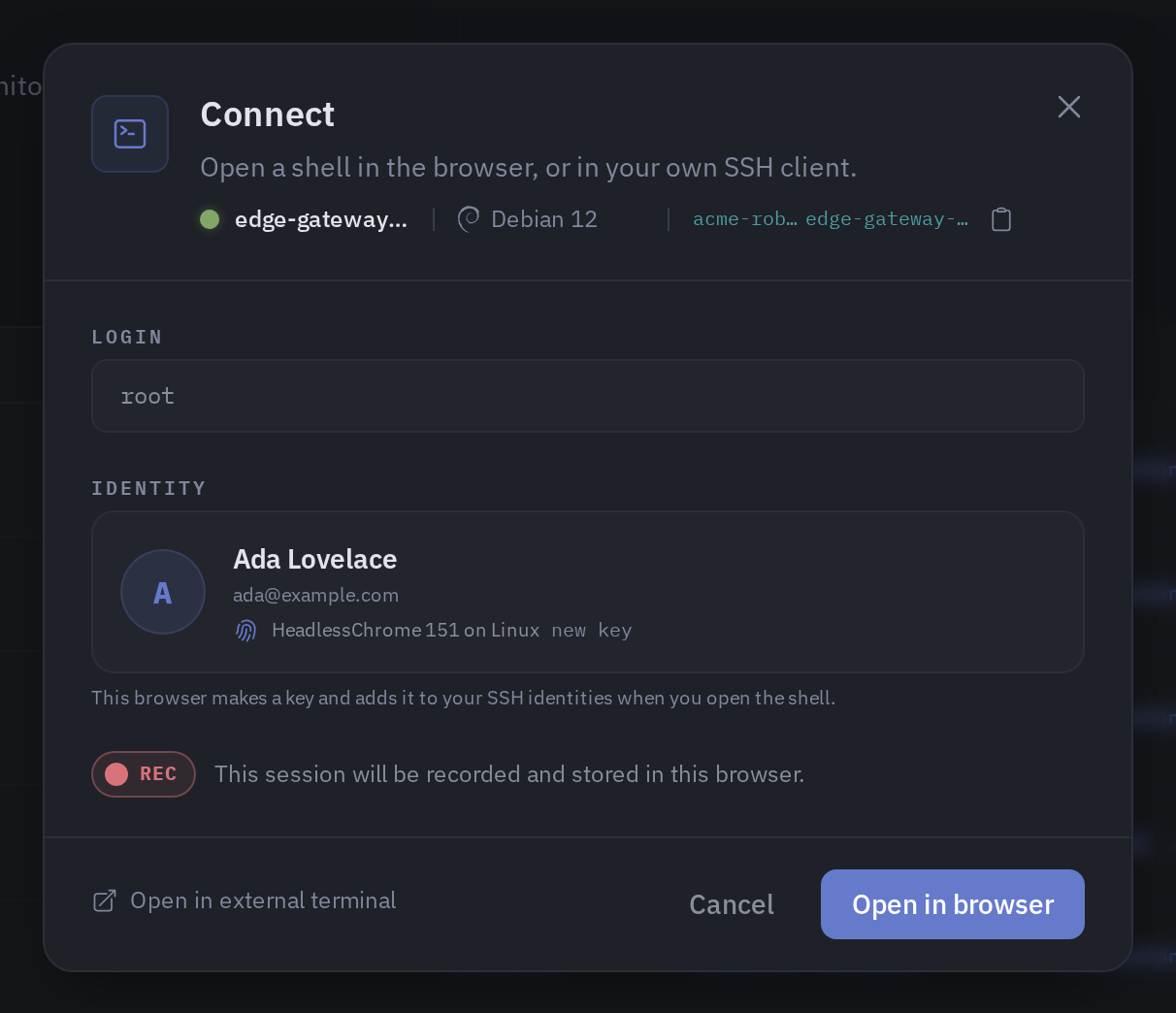
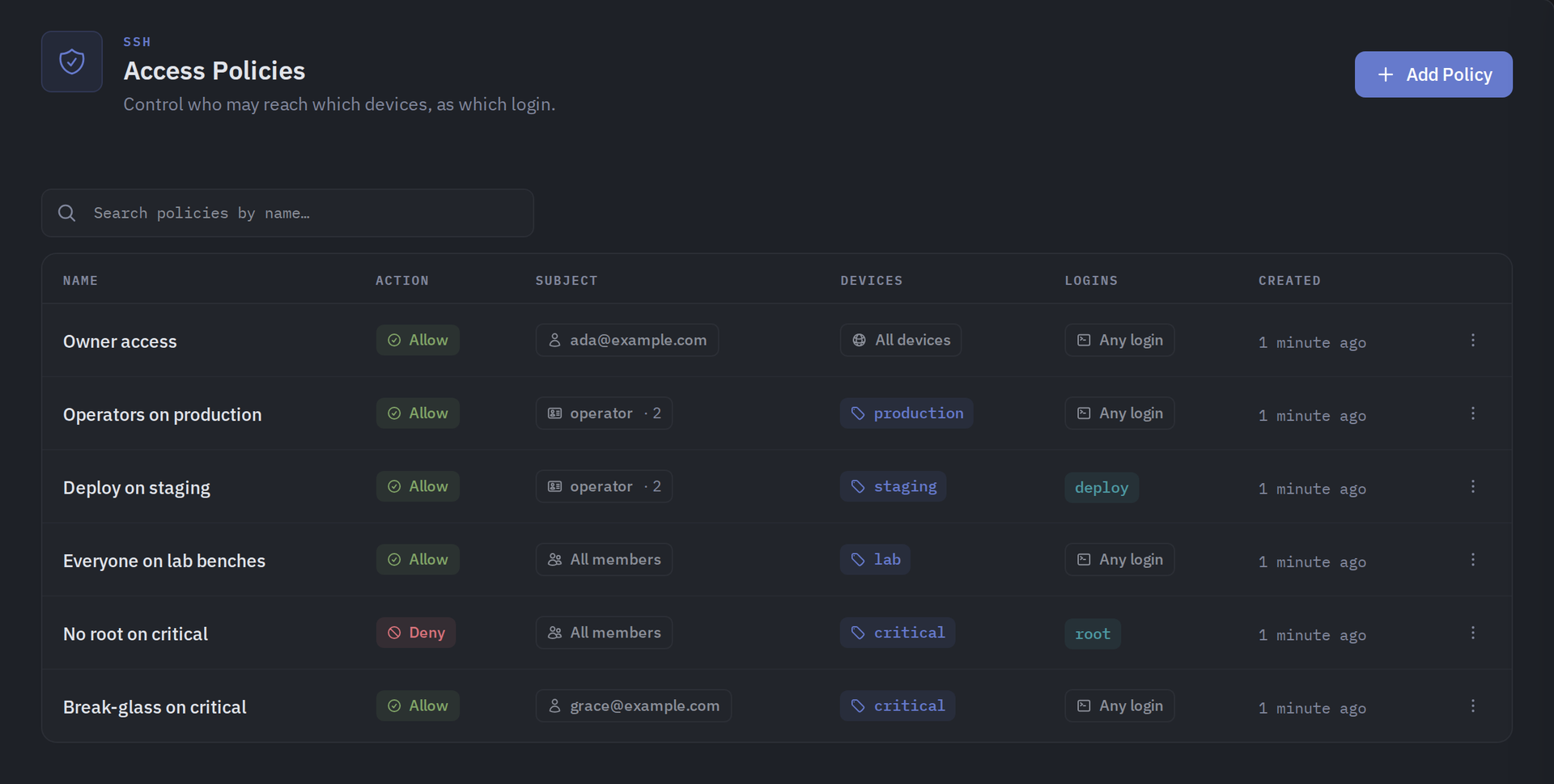
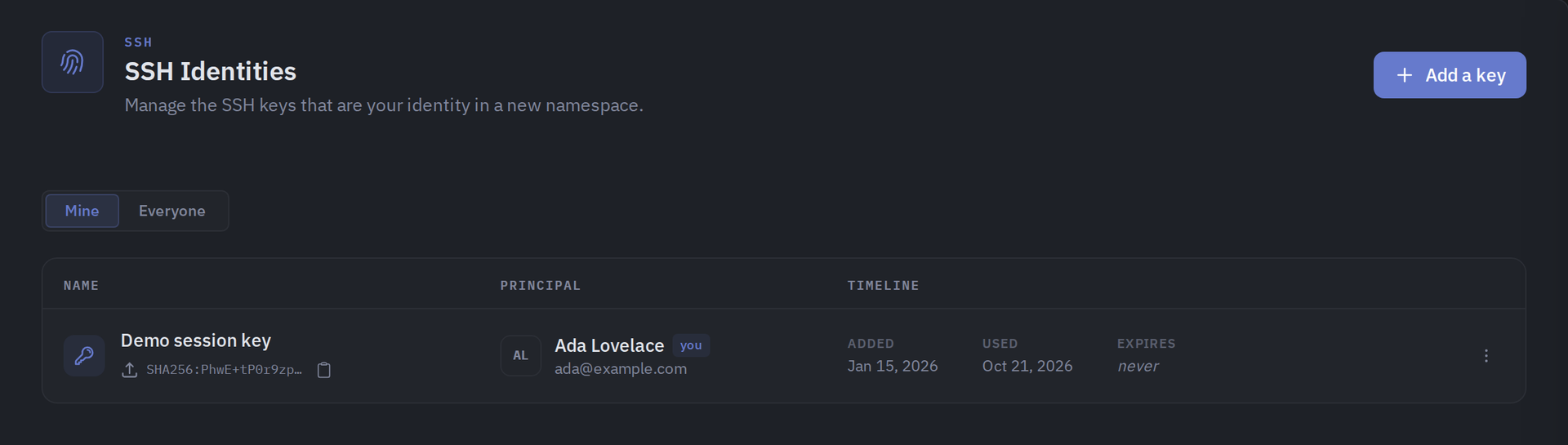
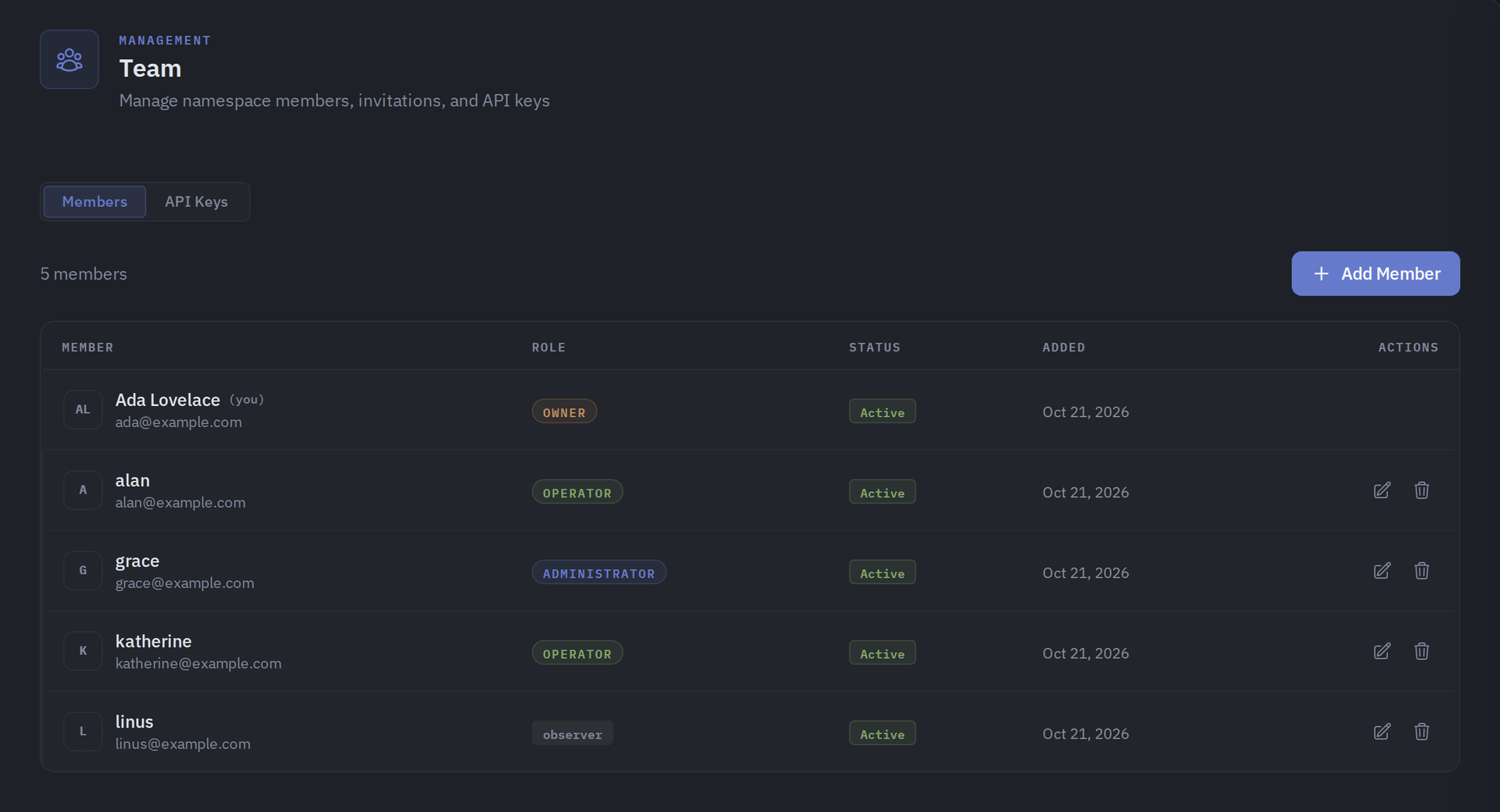
Every server, embedded board, and edge gateway you manage becomes reachable through one SSH address in ShellHub, even when it sits behind NAT with no public IP and no open inbound port. A small agent on each device dials out to your server, so a box on a customer LAN or a cellular link needs nothing beyond outbound web access. Connect with the stock ssh client by typing [email protected]@server, or open a terminal in the browser, and scp, sftp, rsync, and port forwarding work unchanged. SSH identities tie every key to a named team member, so removing someone ends their access on every device at once. Default-deny access policies grant or block members, roles, users, or API keys by device tag, Linux login, and source address, and can require a fresh browser confirmation before a session opens. Provisioning keys enroll whole fleets through automatic, manual, webhook, or allowlist acceptance, with usage limits, expiry dates, and tags. The Sessions page records who connected to which device, as which login, and from where, and browser terminals can be recorded and replayed. A Docker connector turns containers into devices that policies can grant one by one. Four member roles shape what each person can change, and the HTTP API, API keys, and an MCP server let scripts and AI assistants list devices and review sessions. Running on a dedicated VPS on RepoCloud with guaranteed CPU, RAM, and SSD, full root SSH access, and a browser serial console. Apache-2.0 licensed.
Benefits
- Reach Devices Behind NAT
- Agents dial out to your server, so boards on customer LANs, cellular links, or carrier-grade NAT stay reachable without public IPs, VPN tunnels, or inbound ports opened on the device network.
- Tie Every Login To A Person
- SSH identities bind each key to a named team member, so removing that person ends their access on every device at once instead of hunting down authorized_keys entries.
- Control Access With Default-Deny Policies
- Policies name who may reach which tagged devices as which Linux login, deny rules always win, and sensitive paths can demand a fresh browser confirmation before anyone connects.
- Enroll Whole Fleets At Once
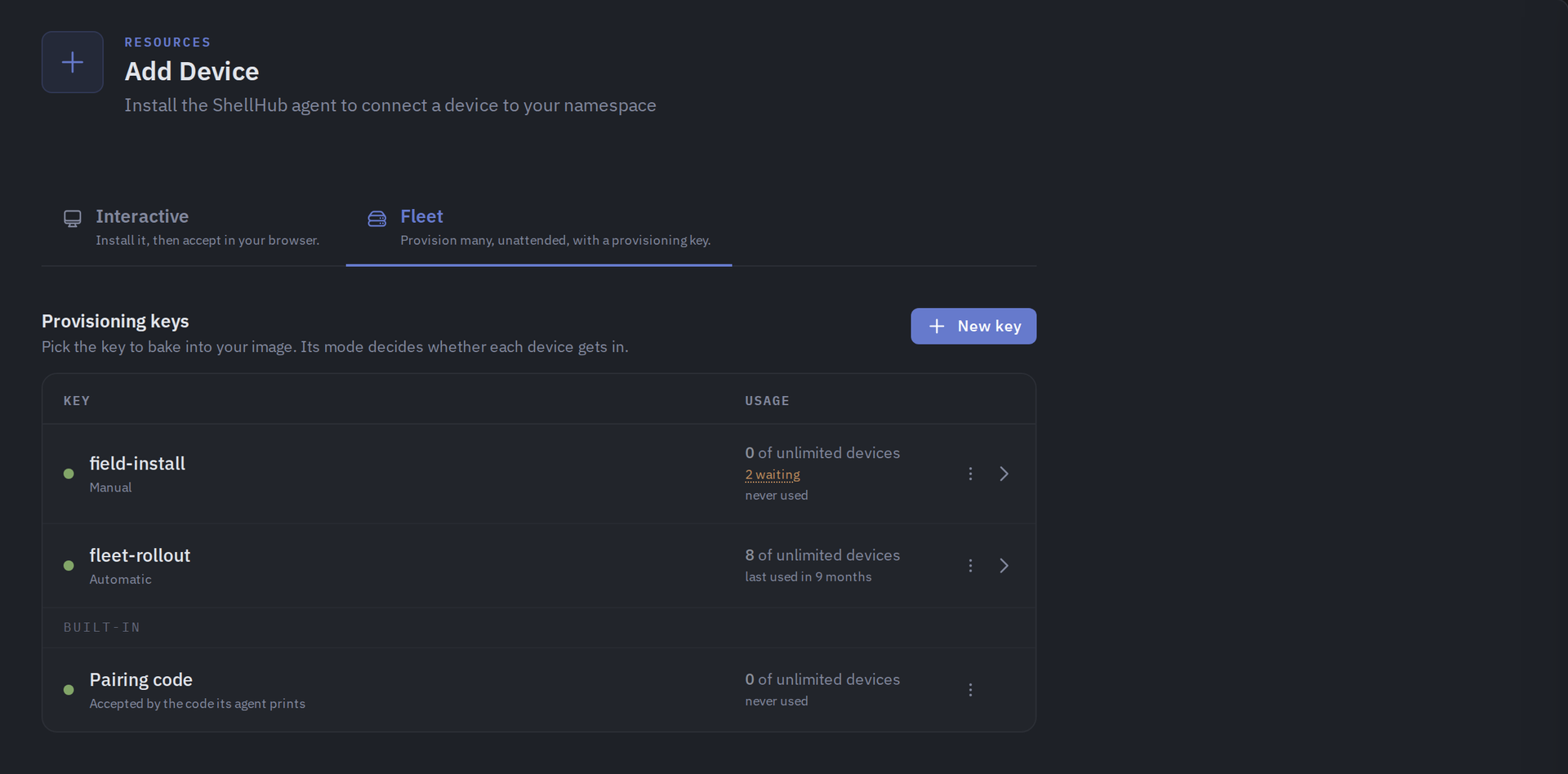
- Provisioning keys with usage limits and expiry let images and installers register devices with tags applied, or hold them pending until an administrator accepts each one.
Features
- Standard SSH And Browser Terminal
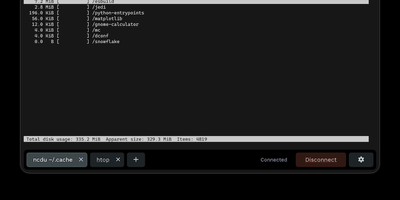
- Use OpenSSH, PuTTY, scp, sftp, rsync, and port forwarding with a [email protected]@server username, or open a web terminal from the console.
- SSH Identities And Approvals
- Keys unknown to the namespace pause for browser approval, then bind to the approving account, so stock OpenSSH clients need no wrapper or plugin.
- Tag-Based Access Policies
- Allow or deny rules select subjects (members, roles, users, API keys), devices by tag, Linux logins, and source IP ranges, with optional re-authentication.
- Provisioning Keys For Fleets
- Reusable keys accept devices automatically, hold them for manual review, ask a signed webhook, or check an allowlist, with usage limits and expiry dates.
- Sessions And Recording
- A session list shows who connected, to which device, as which login, and from where, and terminals opened in the browser can be recorded and replayed.
- Containers And Automation
- The Connector registers Docker containers as devices, and the HTTP API, scoped API keys, and an MCP server let scripts and AI assistants manage the namespace.