Categories
Knowledge Base Documentation Wiki Self-Hosted Apps Markdown Editor Docs as Code Technical WritingStars
Forks
Watchers
Developer links
Gramax
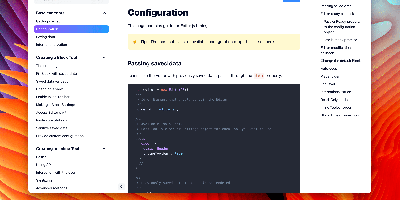
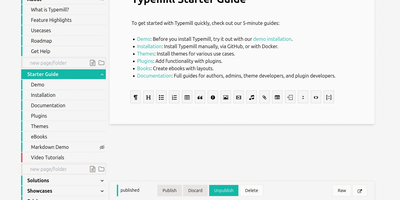
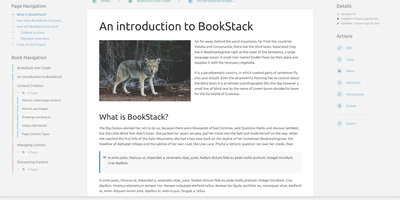
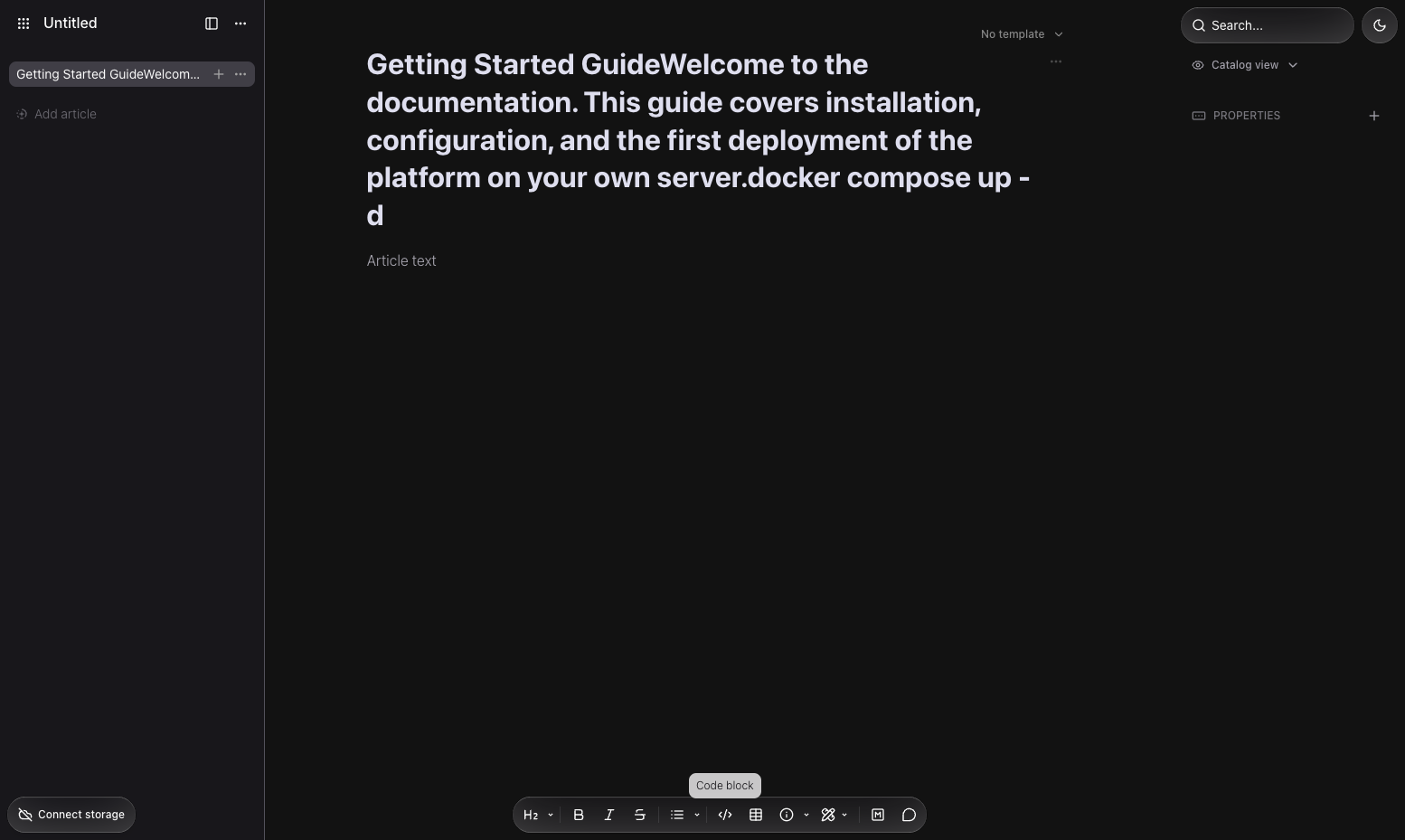
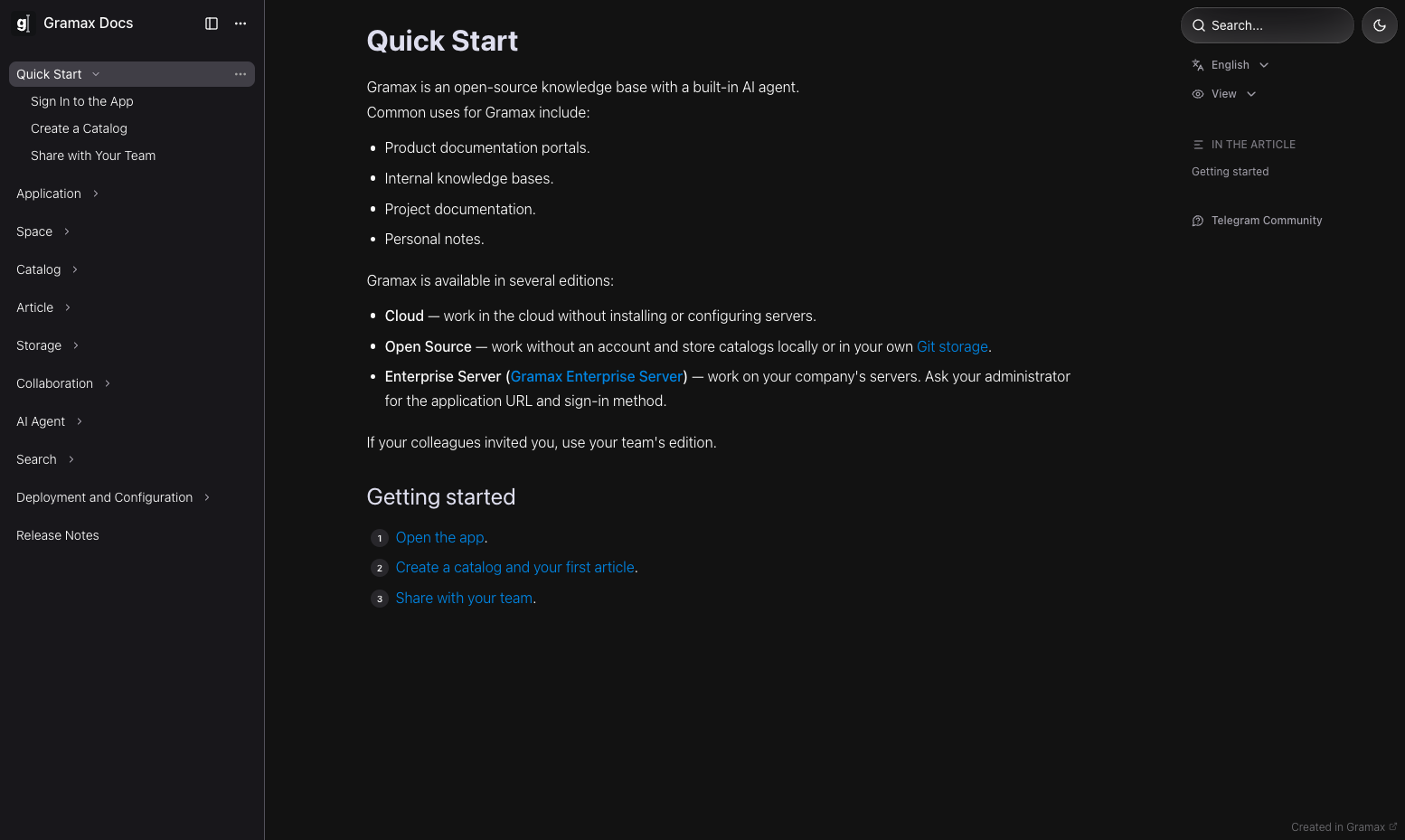
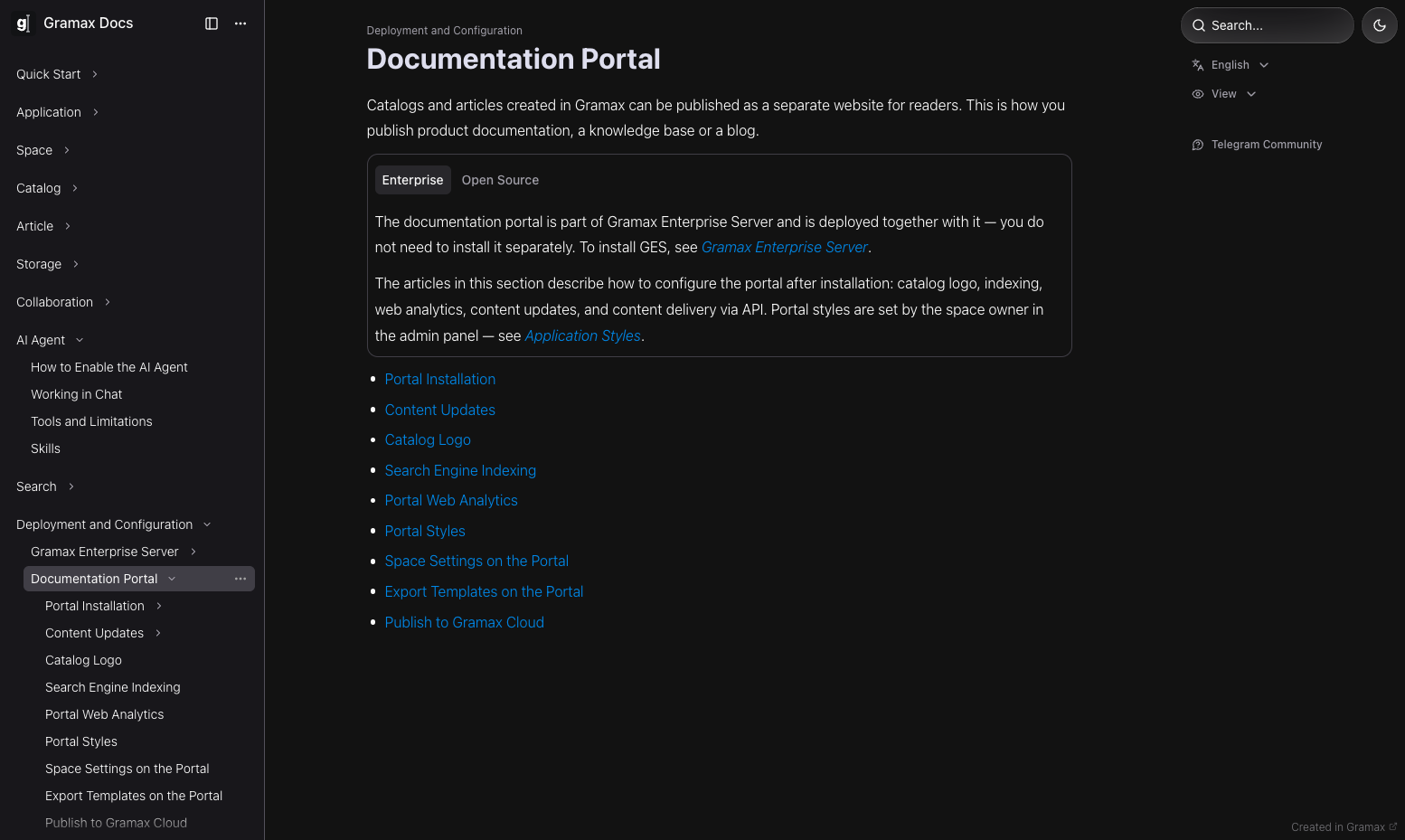
Gramax keeps your documentation in a Git repository as plain Markdown, gives writers a visual editor that feels like a word processor, and publishes the result as a searchable website. Writers format pages with tabs, tables, code blocks, embedded videos, and diagrams drawn in Mermaid, Excalidraw, or Diagrams.net, plus Swagger descriptions that render live API references. Every change is a normal Git commit, so review happens in pull requests on GitHub, GitLab, Bitbucket, or Gitea, and the full history of every page stays auditable. Catalogs organize articles into a hierarchy for a product portal, an internal knowledge base, or project documentation, and styles can be customized to match your brand. Teams moving off older tools import existing pages from Confluence and Notion with formatting and hierarchy preserved. Documentation can be written in 17 languages, with parallel catalogs for each audience. The editor runs on Windows, Mac, and Linux or straight in the browser, always working on local files that open in any text editor. A built-in AI agent answers questions over your catalog and helps draft pages from inside the editor. On the server, the portal container pulls fresh content from your repository on an interval you set, so publishing a page is just merging a branch. Readers get a dedicated, customizable documentation website instead of raw repository files. Running on a dedicated VPS on RepoCloud with guaranteed CPU, RAM, and SSD, full root SSH access, and a browser serial console. GPL-3.0 licensed.
Benefits
- Docs Live Beside The Code
- Markdown files sit in the same Git repository as the product, so documentation ships through the same pull requests, reviews, and releases as the features it describes.
- Word-Processor Comfort, Markdown Truth
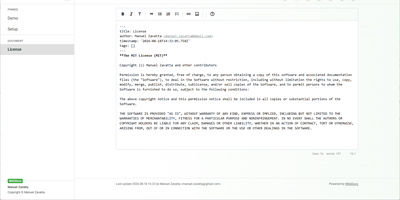
- Non-technical writers edit in a visual WYSIWYG editor with tabs, tables, and diagrams, and every save remains clean Markdown that any text editor can open.
- Publish By Merging A Branch
- The portal container re-pulls the repository on a schedule and serves the rebuilt site, so a merged pull request is the whole publishing pipeline.
- Escape Confluence And Notion
- Importers carry pages out of Confluence and Notion with formatting and hierarchy preserved, ending per-seat wiki bills without a manual copy-paste migration.
Features
- Visual Markdown Editor
- The Tiptap-based WYSIWYG editor renders tabs, tables, code blocks, and embedded video inline, writing plain Markdown files to disk on every save.
- Diagrams And API References
- Mermaid, Excalidraw, and Diagrams.net diagrams live inside pages, and Swagger descriptions render as interactive API documentation next to the prose.
- Git Sync And Review
- Catalogs connect to GitHub, GitLab, Bitbucket, or Gitea; built-in pull, push, and conflict handling keep writers out of the command line.
- Docker Documentation Portal
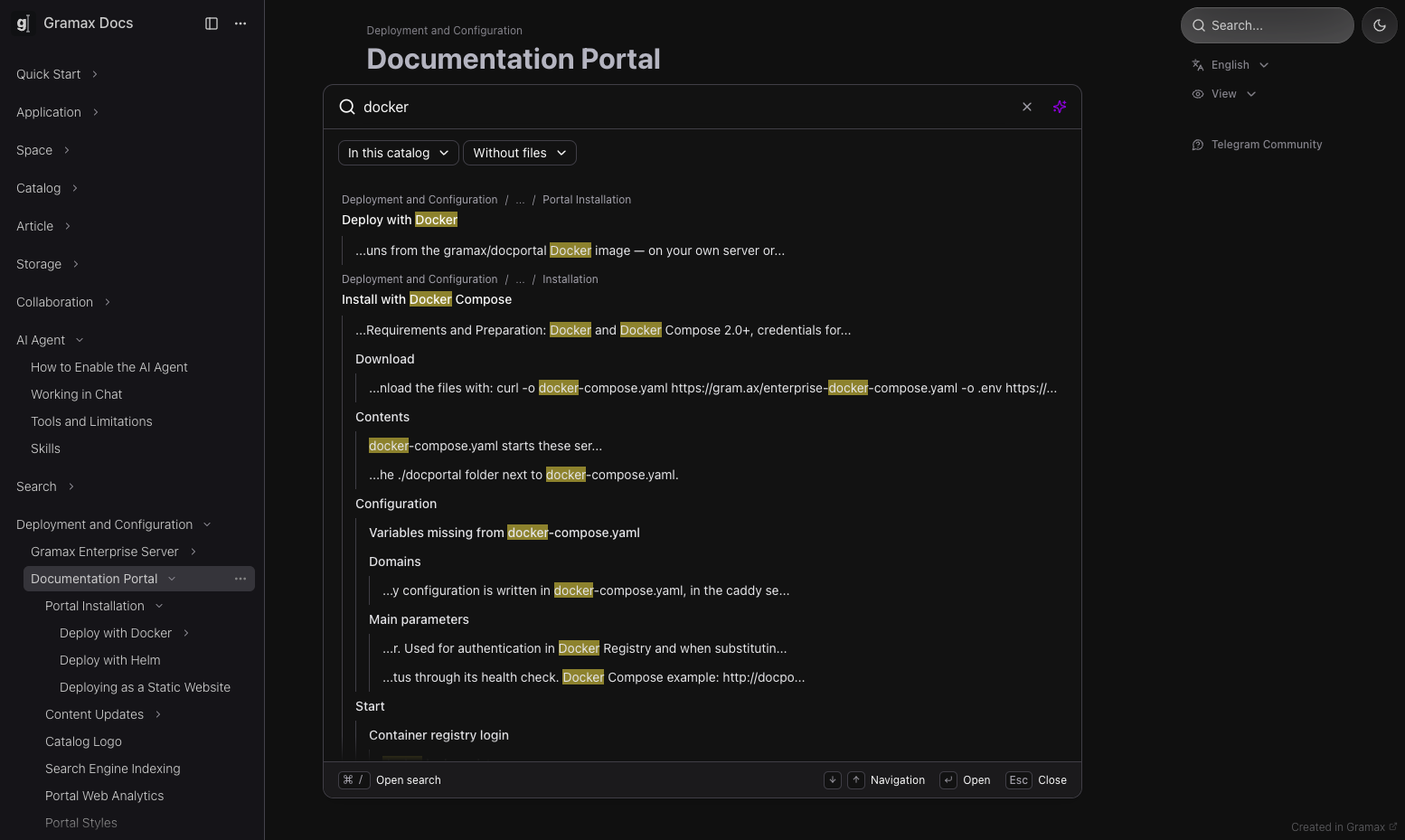
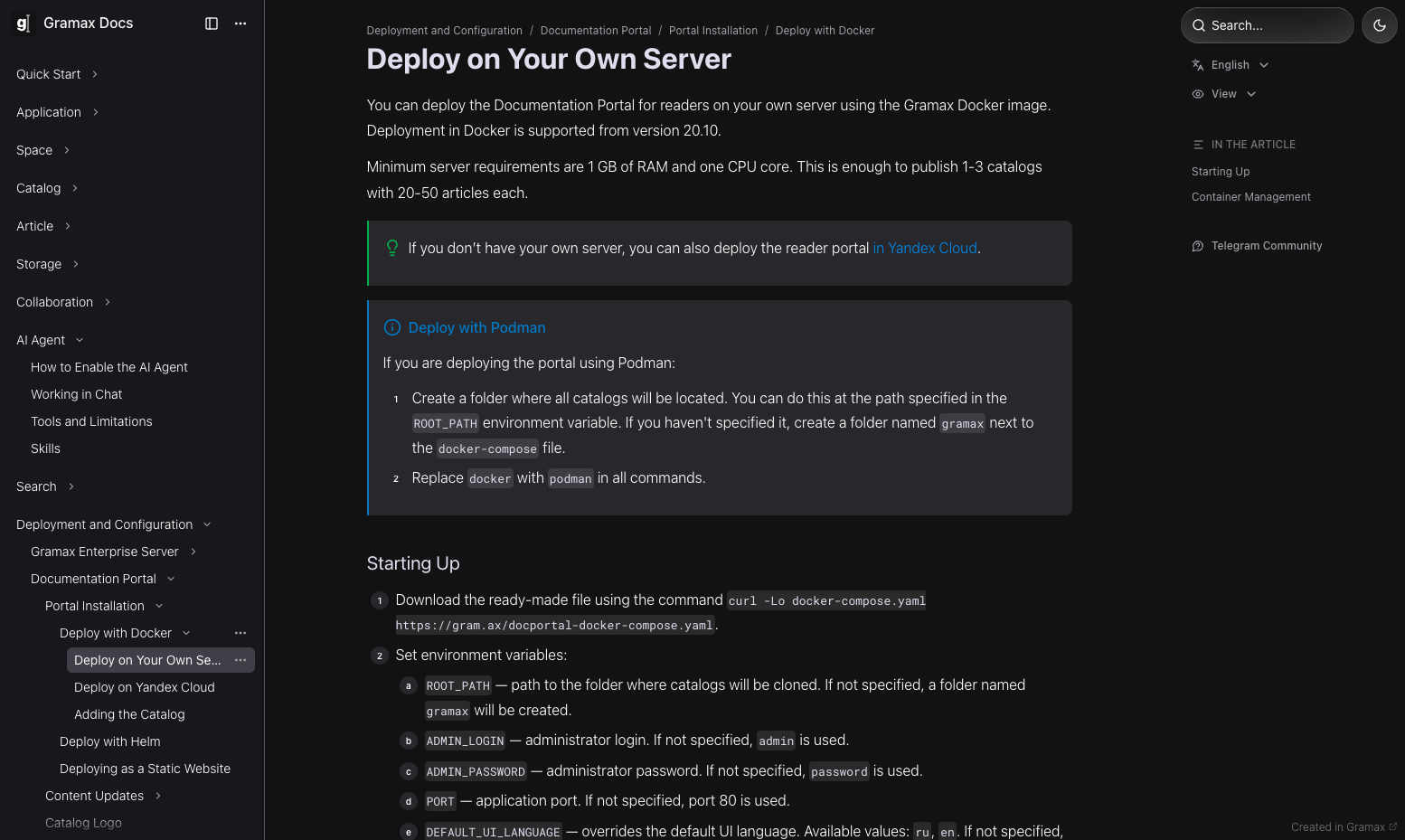
- The gramax/docportal image serves published catalogs on port 80, re-pulls the Git repository on an interval, and guards administration with a login.
- 17-Language Documentation Sets
- Parallel catalogs carry the same documentation in 17 languages, so localized portals publish from one workspace instead of scattered copies.