Categories
Self-Hosted Open Source Collaboration Knowledge Base Documentation Markdown Wiki Git-BackedStars
Forks
Watchers
Developer links
Otter Wiki
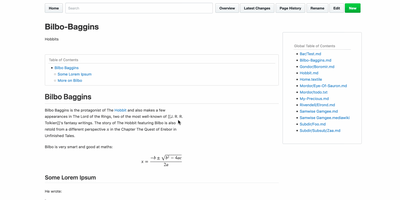
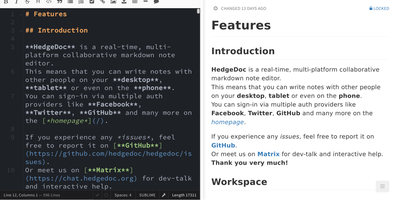
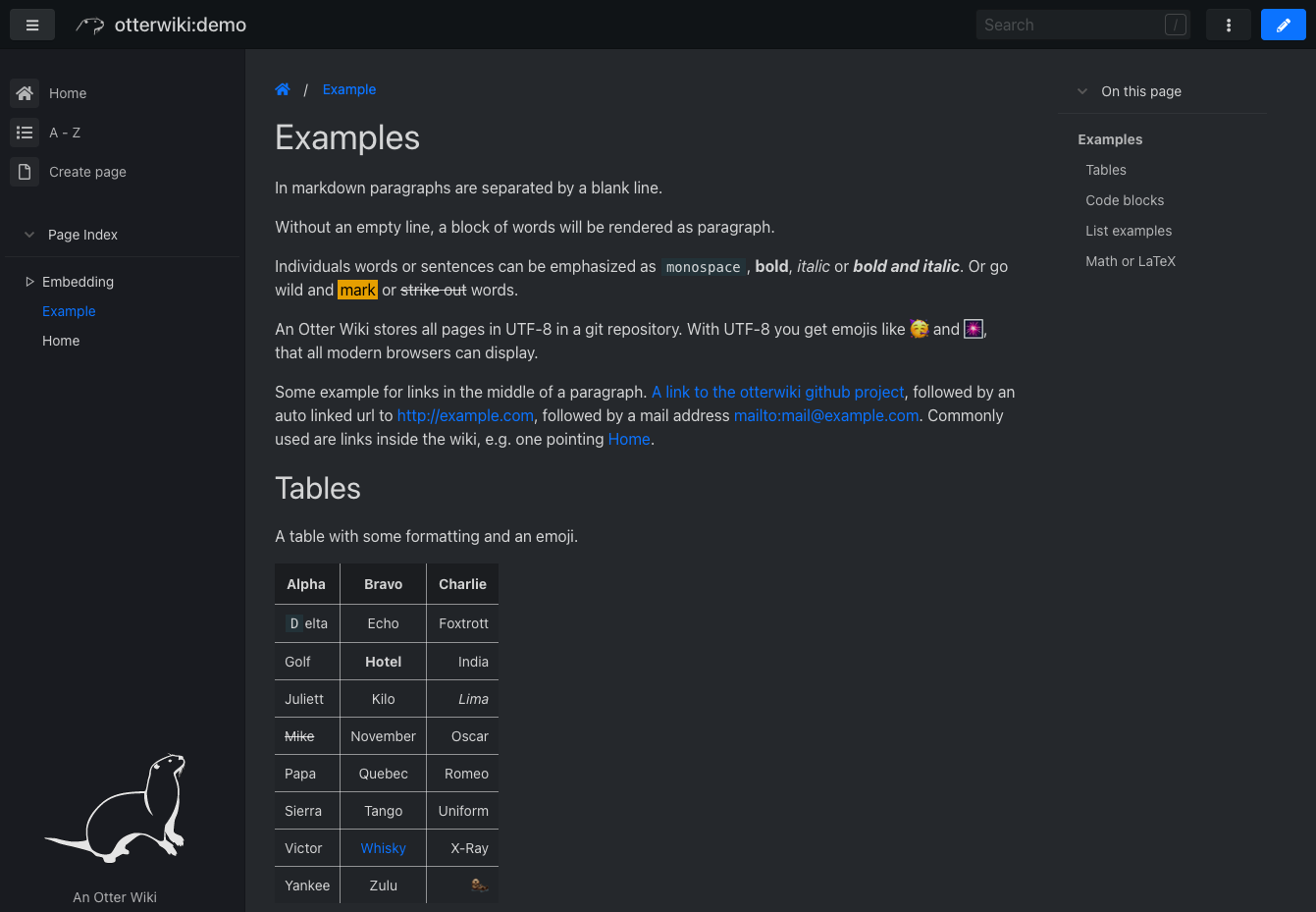
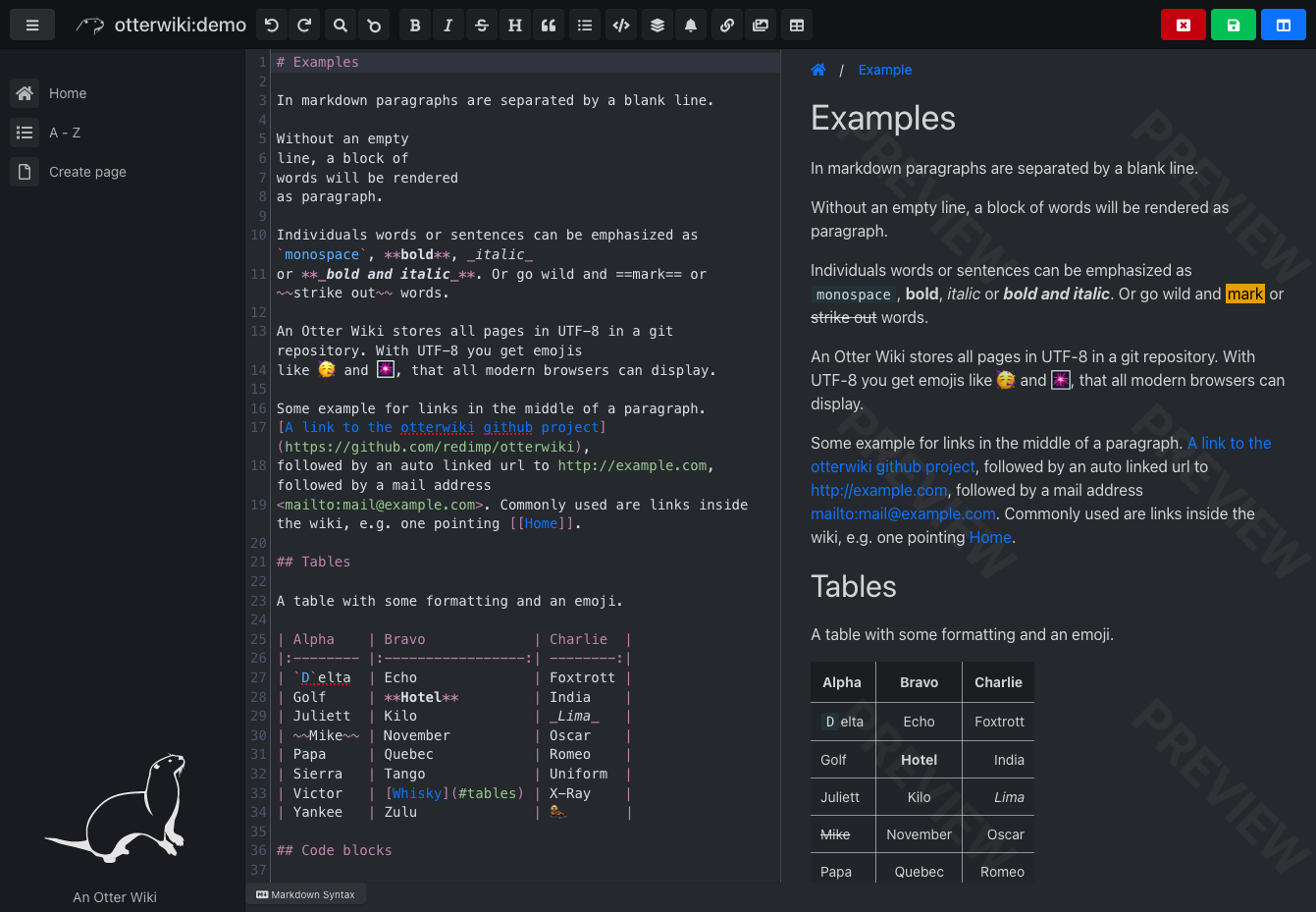
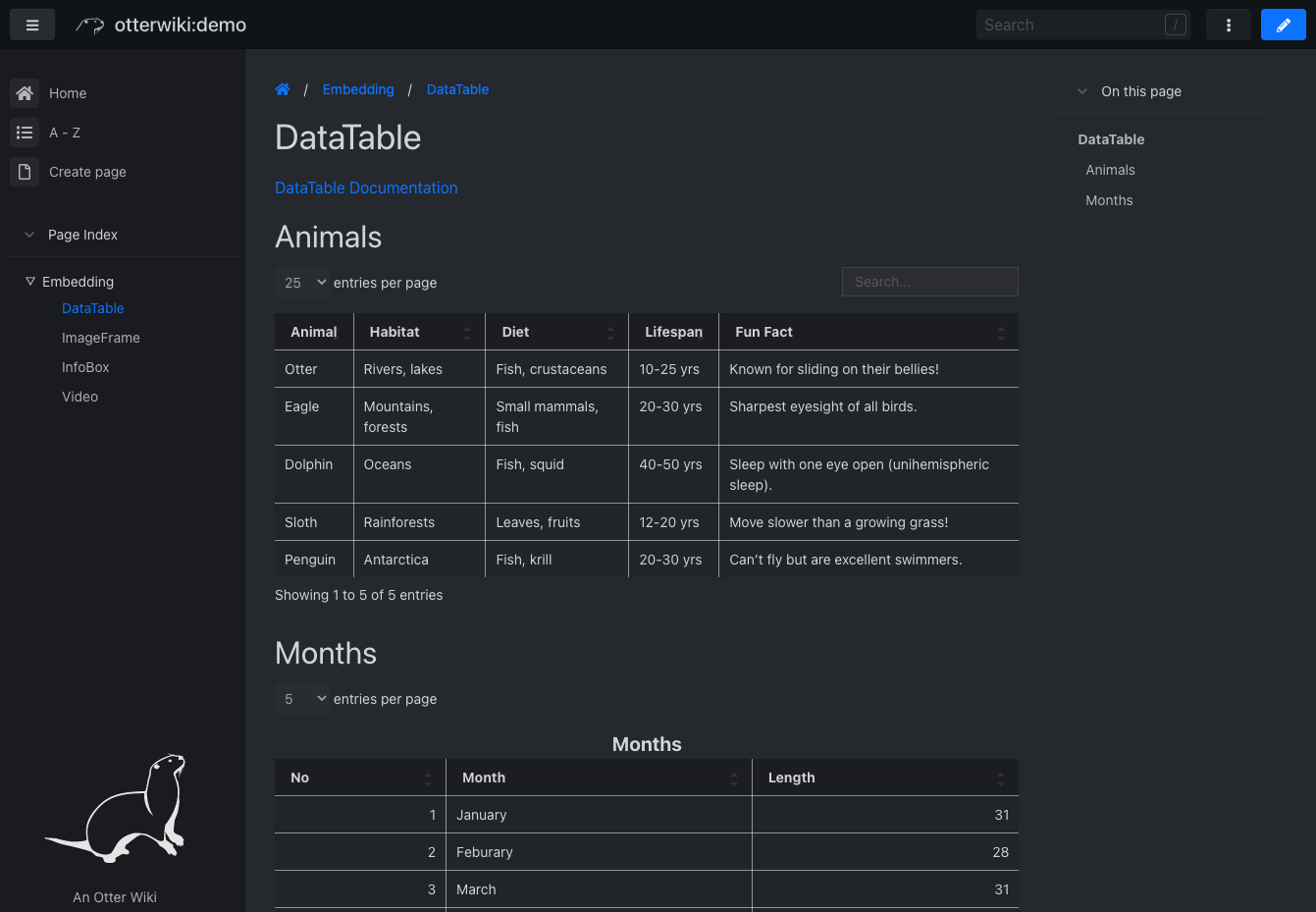
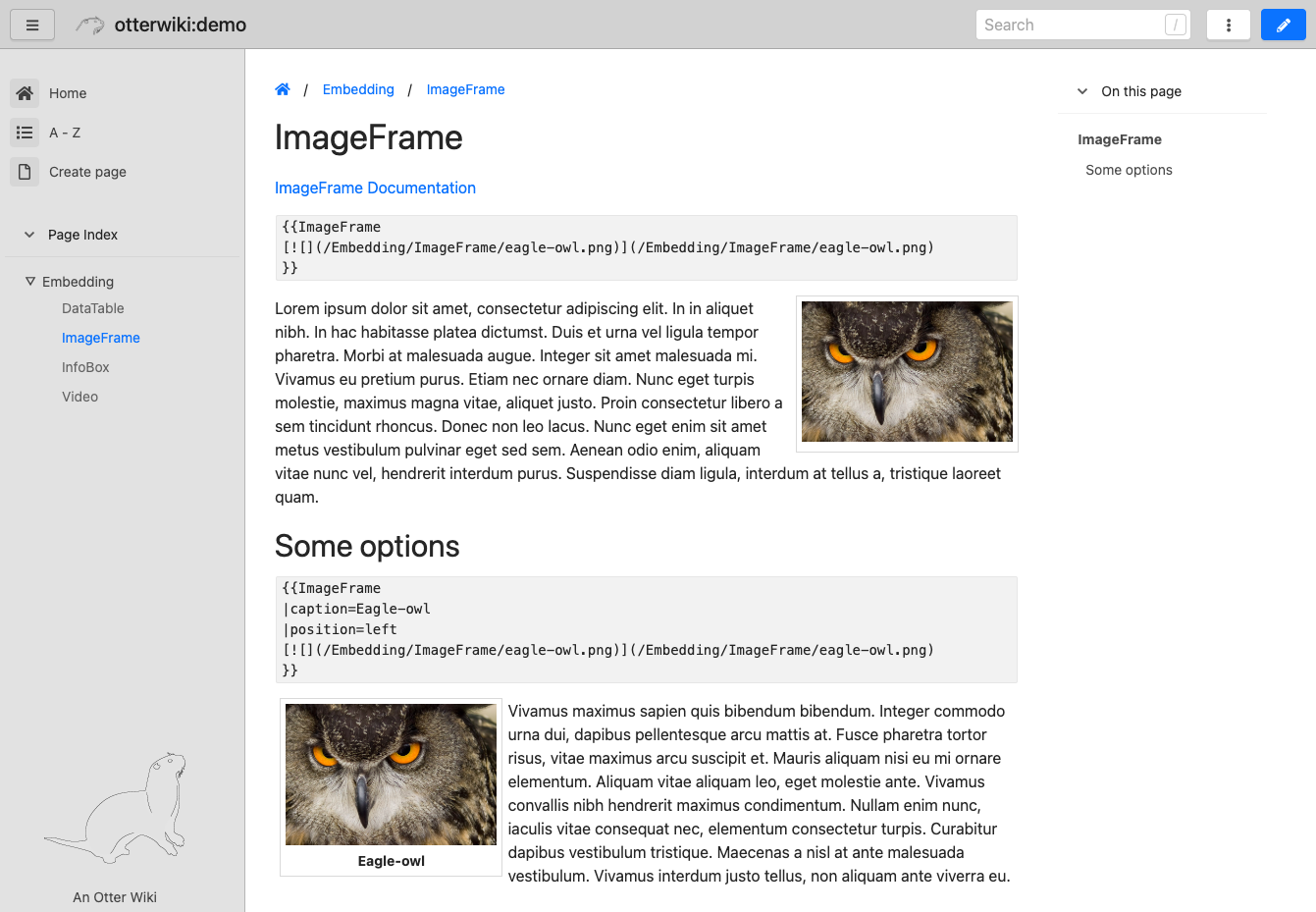
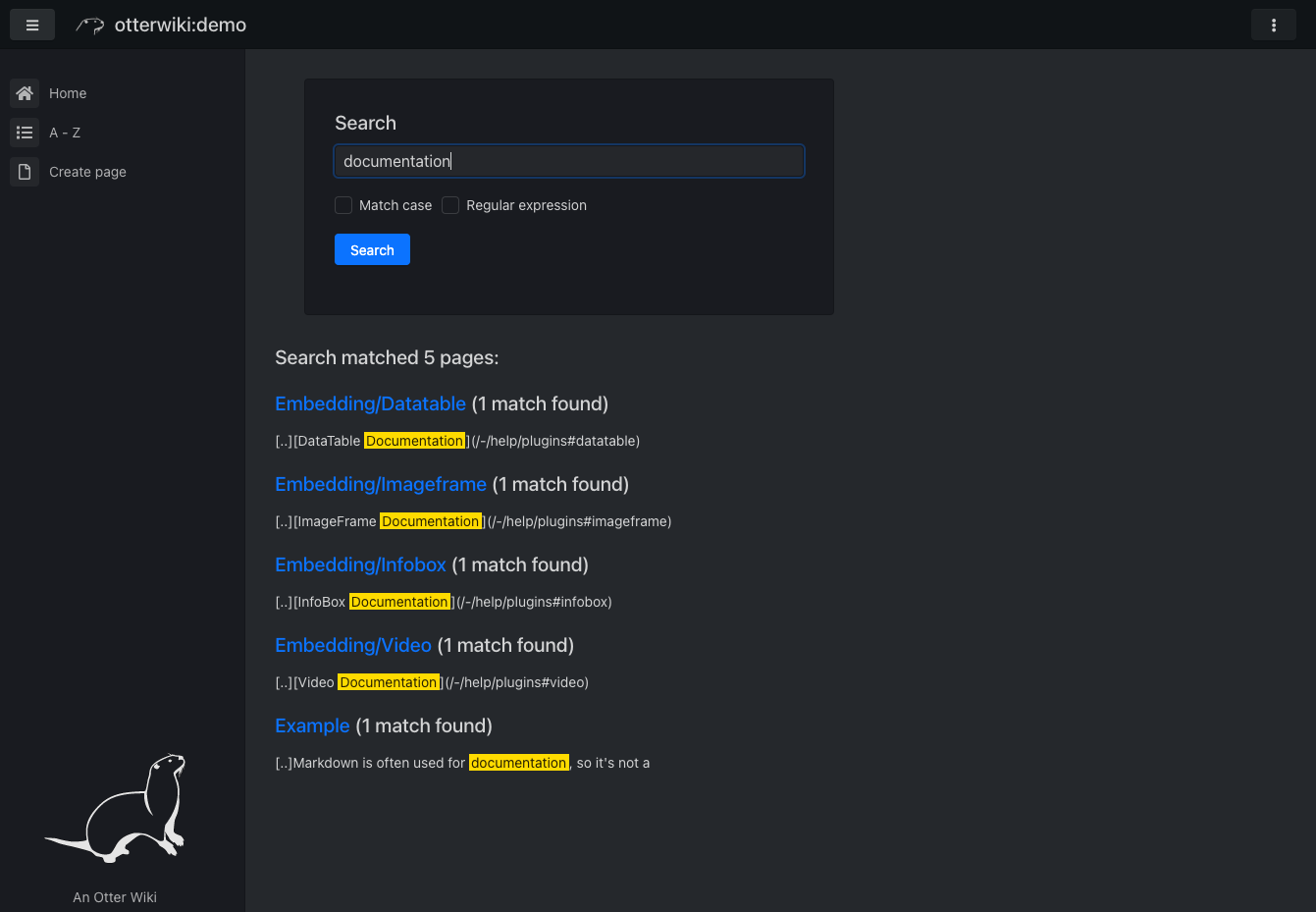
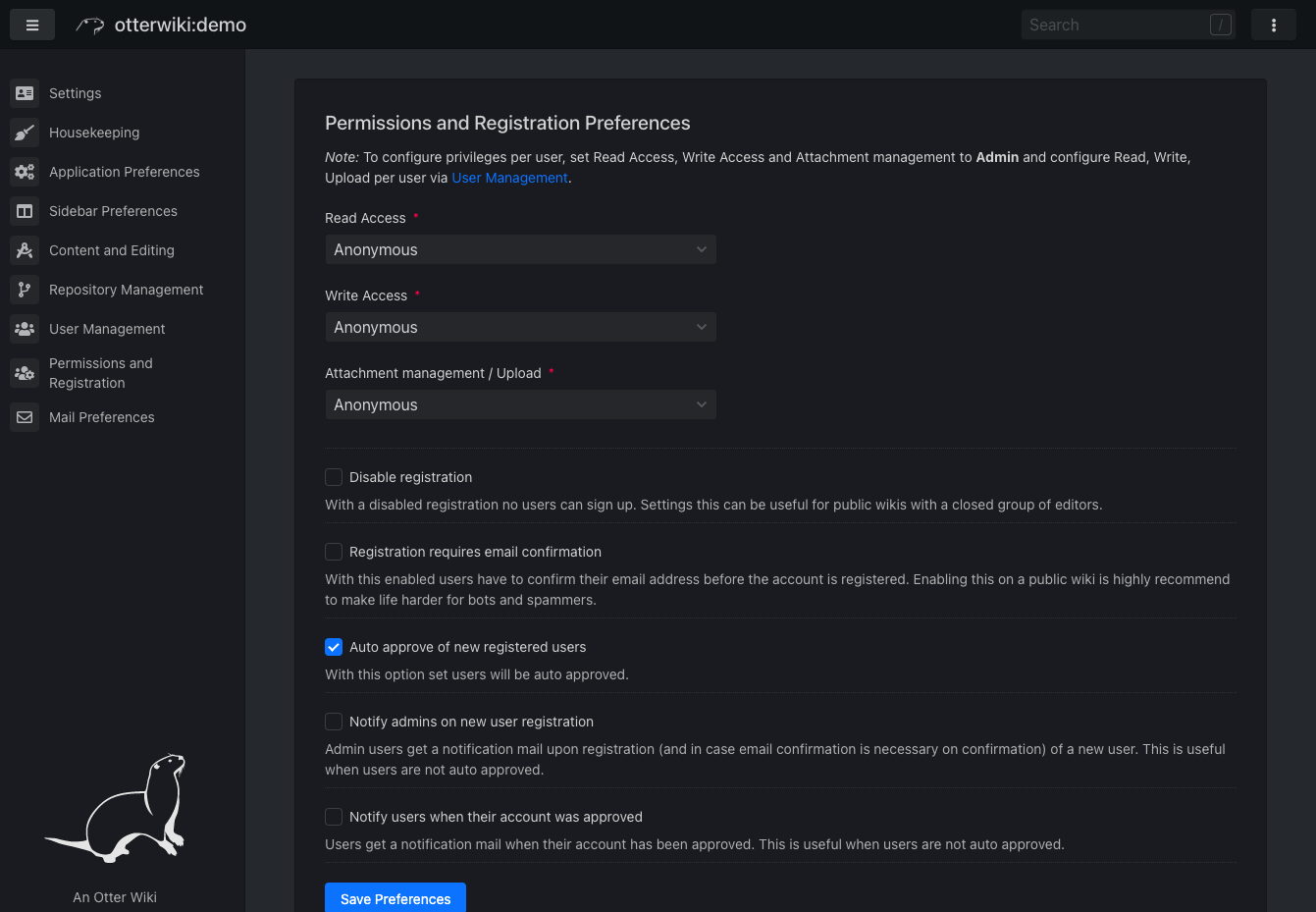
Every page in Otter Wiki is a plain Markdown file and every save is a git commit, so a small team gets a simple wiki whose history never goes missing. The editor highlights Markdown as you type, offers a toolbar for headings, lists, tables, code, alerts, and images, and can show a live preview beside the source. Paste or drop an image into the editor and it is stored as a page attachment. History, blame, and changelog views, with RSS and Atom feeds, show who changed what and when. Beyond standard Markdown you get footnotes, task lists, math formulas, Mermaid diagrams, alert boxes, and spoiler or folded blocks, plus experimental embeddings such as sortable data tables, info boxes, image frames, videos, and included pages. A customizable sidebar shows a menu, a page index, or both. Search offers case-sensitive and regular expression options. Dark mode is built in. Admins decide whether anonymous visitors, registered users, or approved users may read, write, or upload, grant rights per user, close registration, or require email confirmation. An optional, experimental git web server lets people clone, pull, and push the wiki, and changes can be pushed to or pulled from a remote repository over SSH. Running on a dedicated VPS on RepoCloud with guaranteed CPU, RAM, and SSD, full root SSH access, and a browser serial console. MIT licensed.
Benefits
- Every edit lands in git history
- Each save is a commit with an optional message, so the changelog, page history, and blame view show who changed what and when, and the repository is an ordinary git repo you can back up.
- Light enough for a small VPS
- The documentation quotes about 100 MiB of RAM for a running instance. Pages live in git and users in SQLite, so no separate database server, cache, or worker container is needed.
- Access control you can tune
- Read, write, and upload rights can be open to anonymous visitors or limited to registered, approved, or admin users, with per-user overrides, optional email confirmation, and a switch to close registration.
- Write in Markdown, see it live
- A toolbar-assisted editor with a side-by-side preview, pasted or dropped images stored as attachments, and page links picked from a list make writing and linking pages quick inside the browser.
Features
- Markdown editor with preview
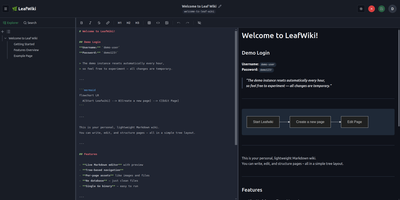
- CodeMirror-based editor with syntax highlighting, a formatting toolbar, search and replace, a Markdown syntax cheat sheet, and a split-screen live preview of the rendered page.
- Extended Markdown and embeddings
- Tables, footnotes, task lists, MathJax formulas, Mermaid diagrams, alerts, and spoiler blocks, plus experimental embeddings: DataTable, InfoBox, ImageFrame, Figure, Include, PageIndex, AttachmentList, and Video.
- Page history and changelog
- Full per-page history with revision comparison, a blame view, and a wiki-wide changelog with RSS and Atom feeds, all backed by git commits with optional messages.
- Attachments and search
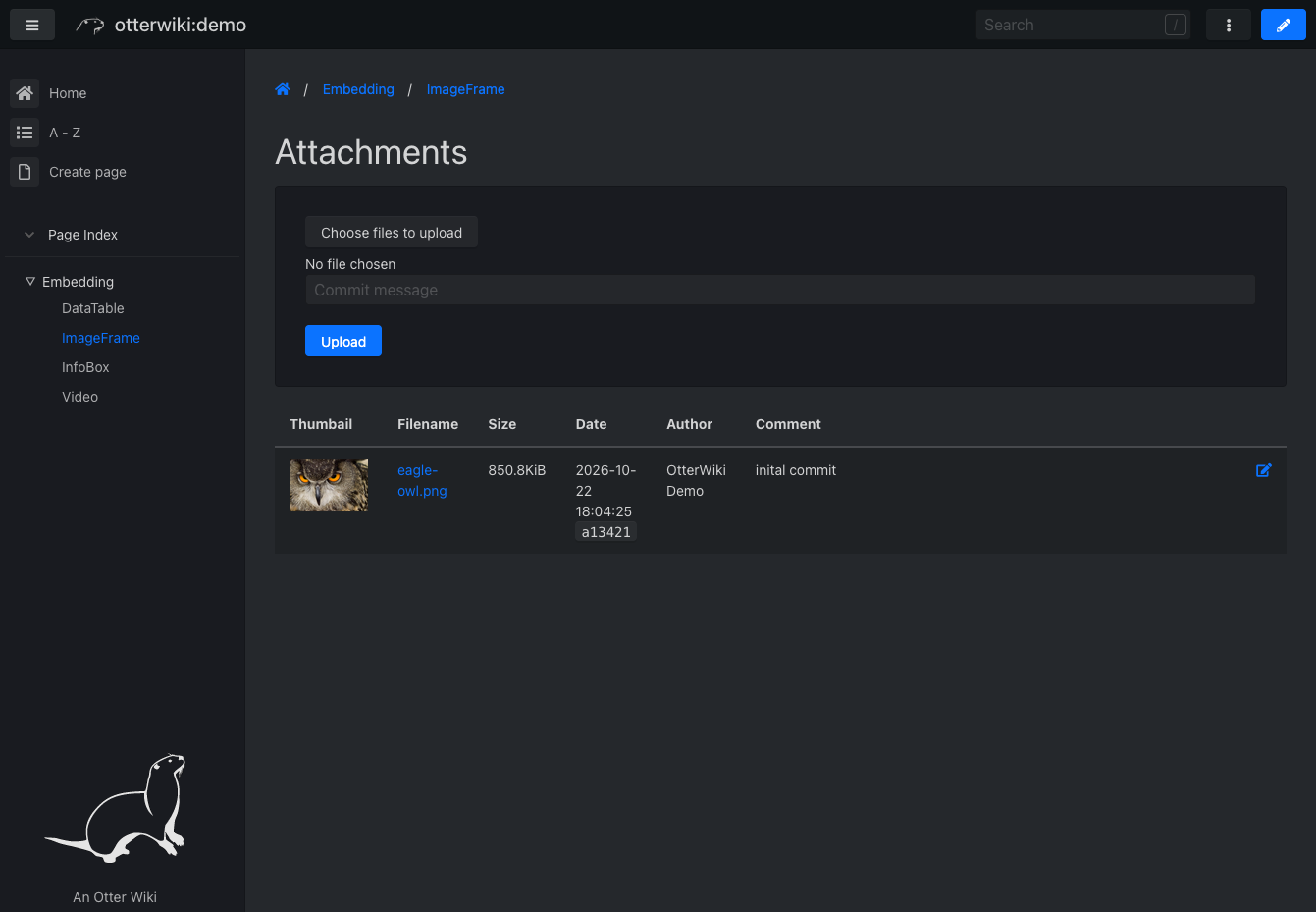
- Upload files per page, insert them as links, images, or thumbnails, and search every page with highlighted snippets, case matching, and regular expressions.
- Users and permissions
- Registration with optional email confirmation and auto-approval, per-user read, write, and upload rights, SMTP mail, and reverse proxy header authentication for forward-auth setups.
- Git server and remote sync
- Experimental options to clone, pull, and push the wiki over HTTP, push every change to an SSH remote such as GitHub, or pull changes in through a webhook.