Categories
Self-Hosted Knowledge Base Documentation Markdown Wiki Team Collaboration Flat-File No DatabaseStars
Forks
Watchers
Developer links
WikiDocs
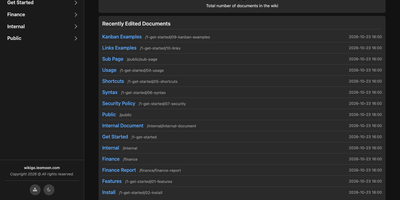
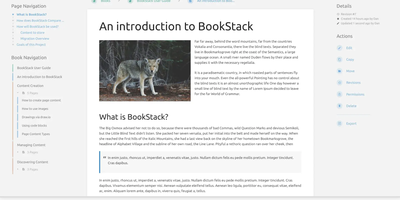
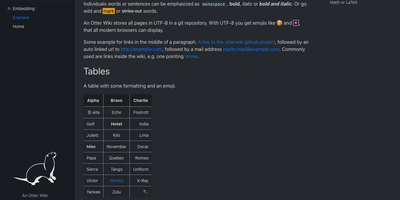
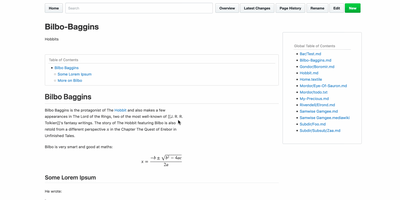
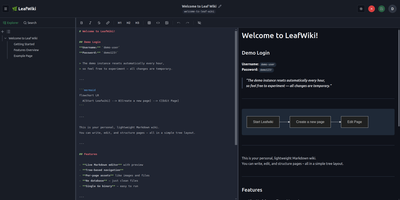
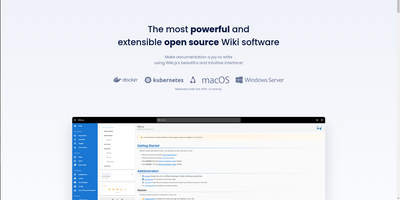
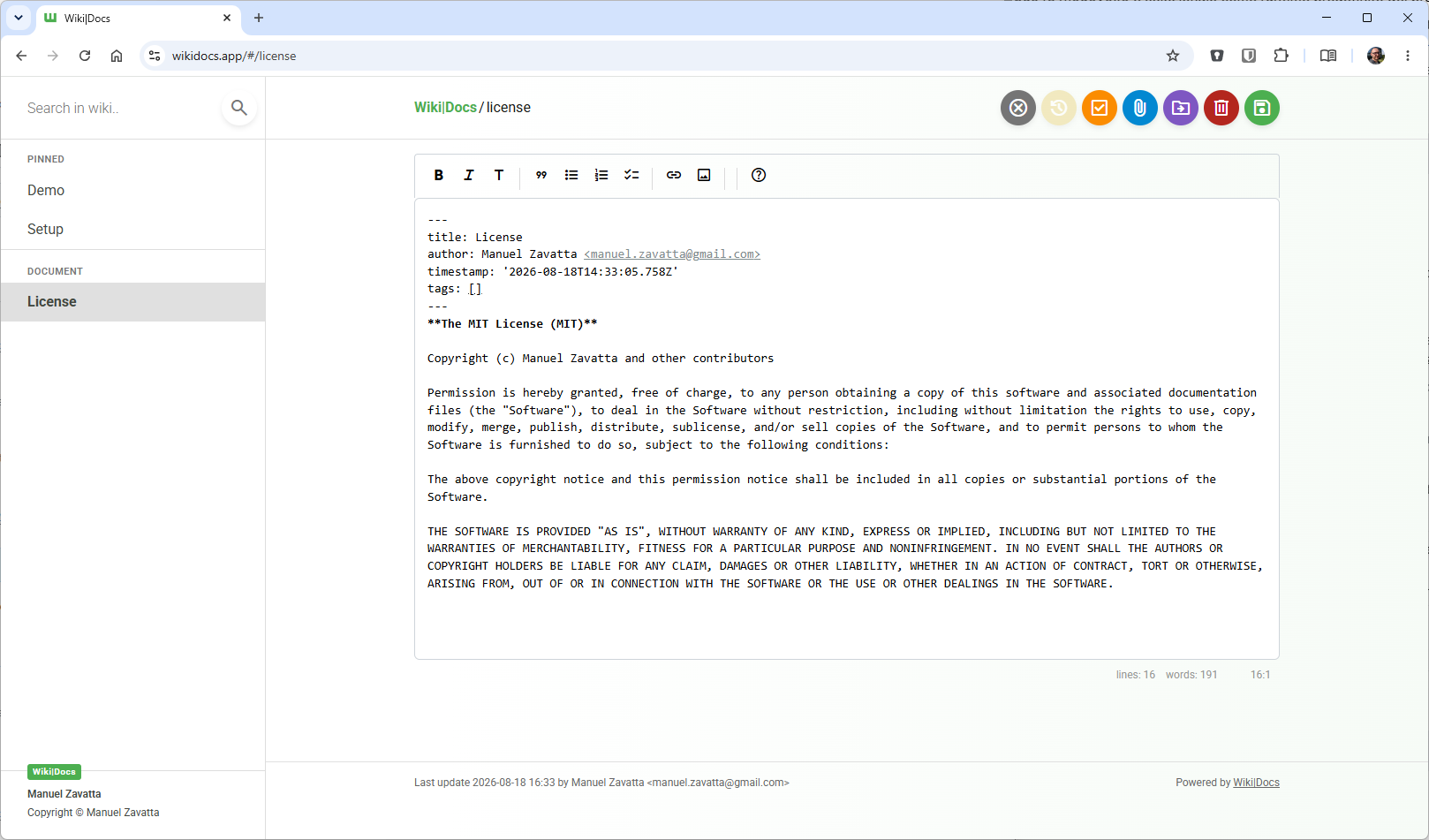
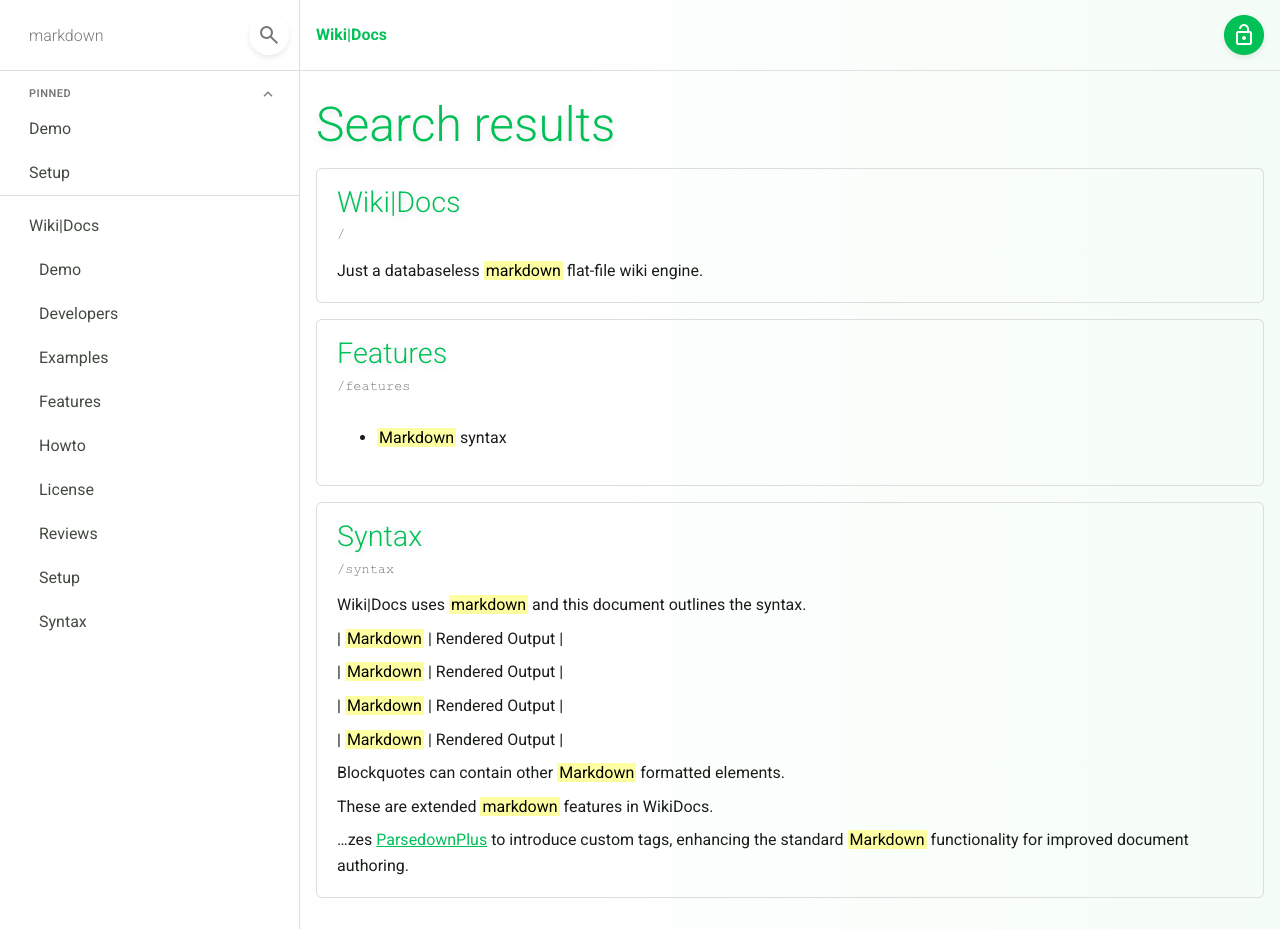
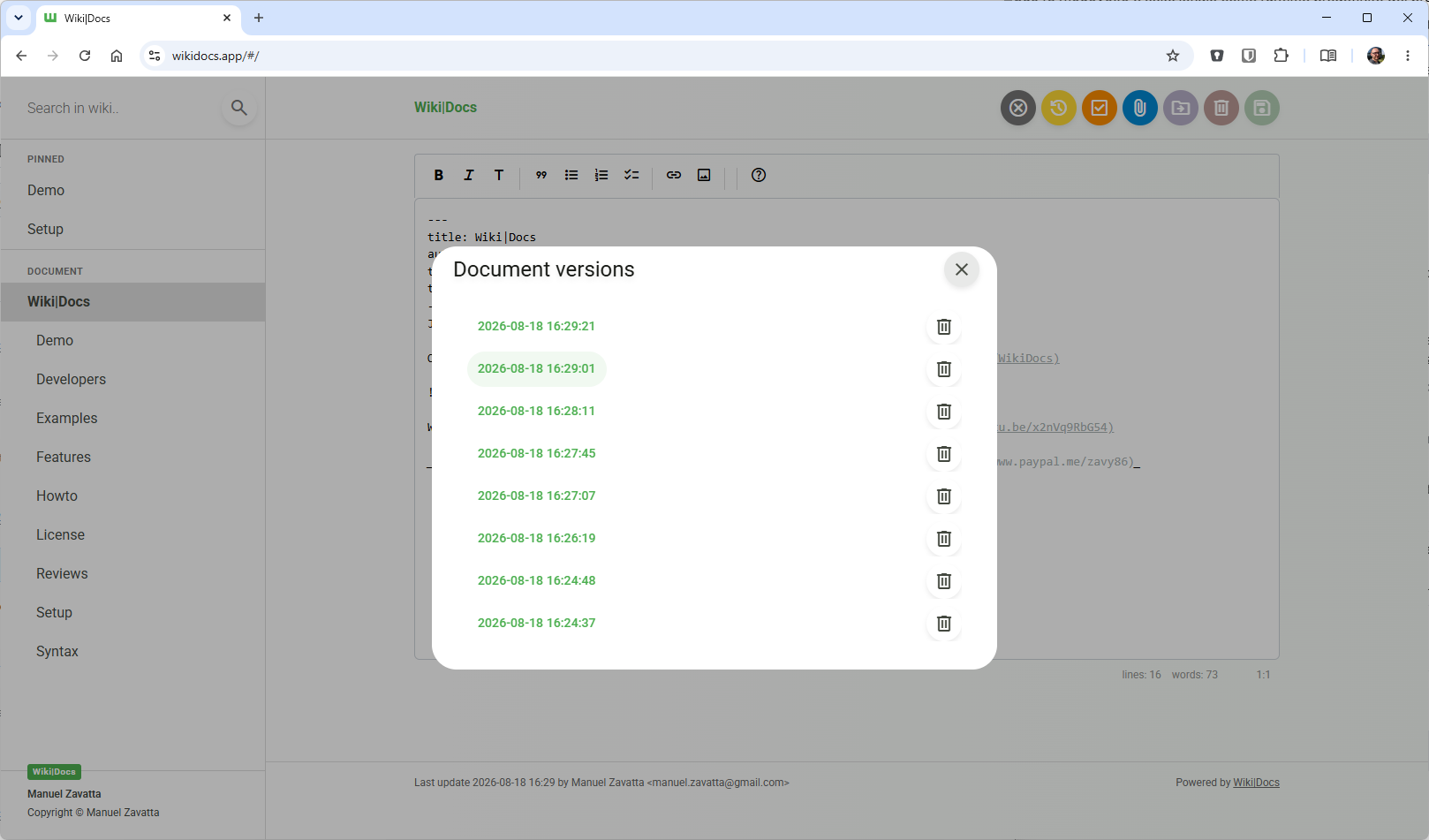
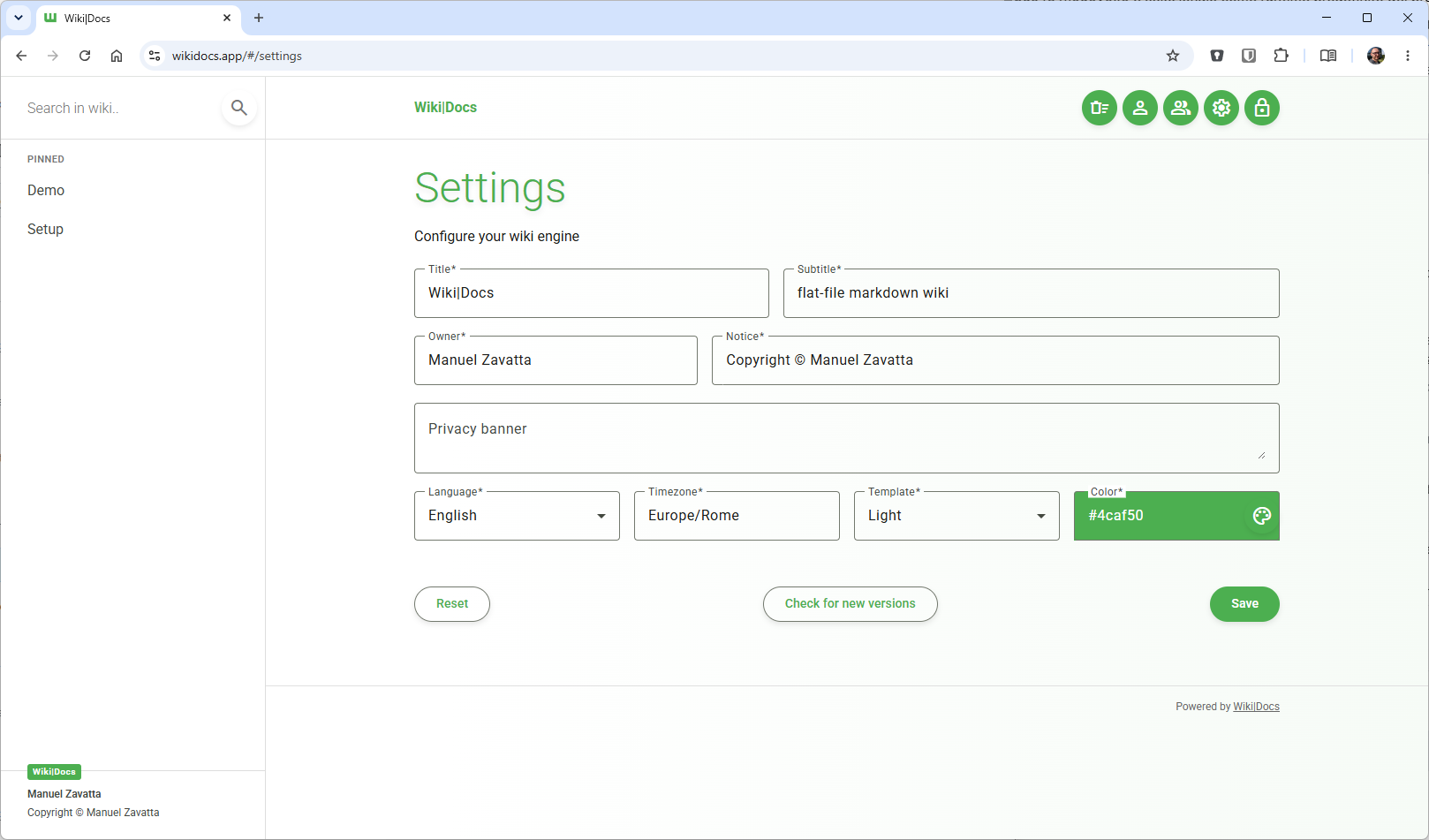
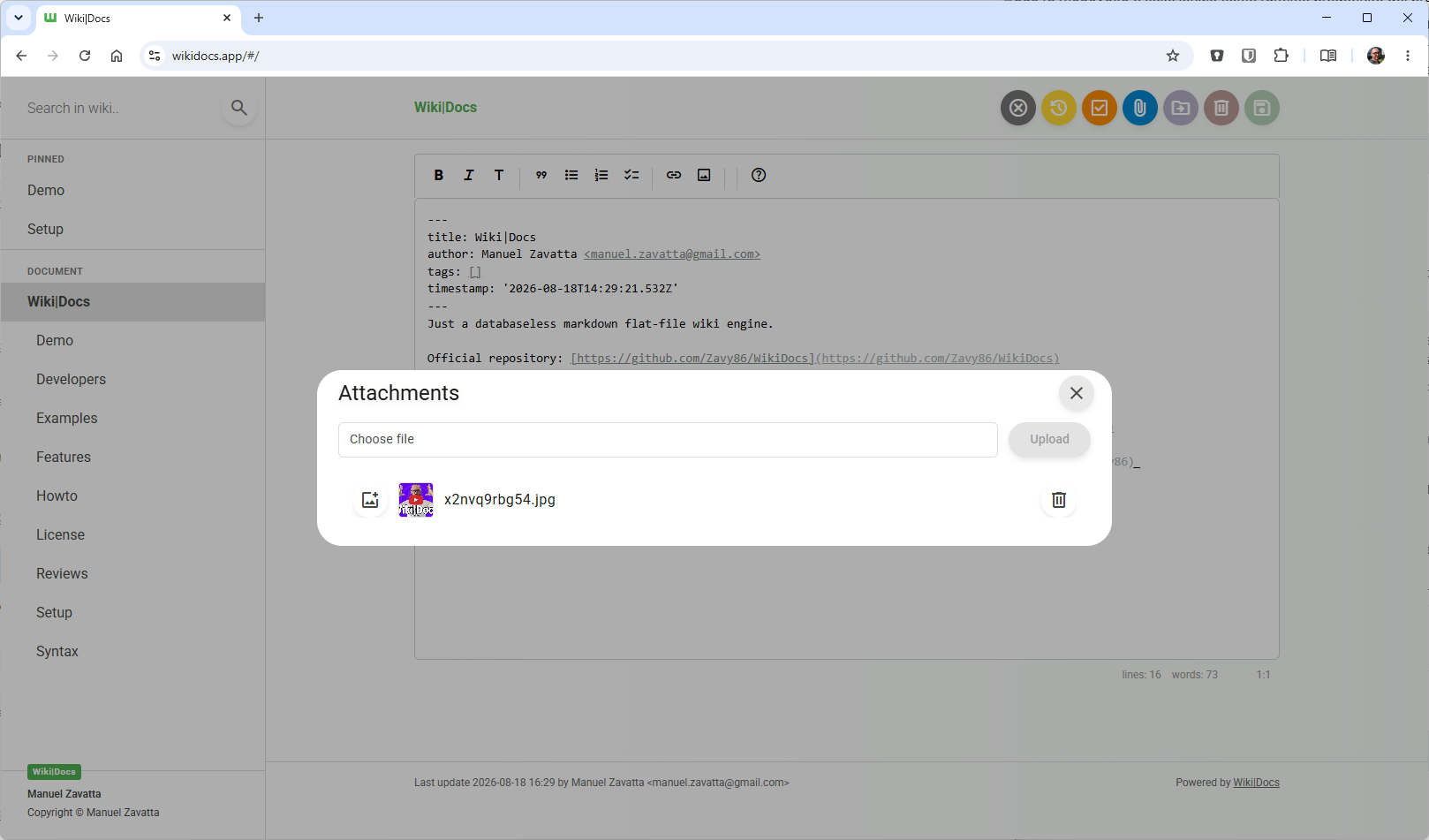
Write your knowledge as plain Markdown files, and WikiDocs turns the folder into a searchable, versioned wiki with no database to set up or back up. Pages carry YAML front matter, so the whole wiki can be copied, archived, or opened in any text editor. An editor with a formatting toolbar handles headings, lists, task lists, links, and images, and pictures can be pasted straight from the clipboard. Math is typeset with KaTeX, Mermaid renders diagrams such as ER models and mind maps, and code blocks get syntax highlighting. Every save keeps a revision, a versions dialog lists them, and deleted pages wait in a trash where they can be restored or erased. Attachments upload and download from any page, namespaces build a page tree in the sidebar with pinned pages on top, and full-text search highlights every match. Public mode publishes a read-only knowledge base, private mode requires sign-in, and administrator and user accounts are managed in the app. Settings cover the wiki title, owner notice, privacy banner, language, timezone, light or dark template, and accent color, and every page has a print button. A desktop app keeps files on your computer and syncs with your self-hosted instance, while a REST API with Swagger documentation lets other tools read and write pages. Running on a dedicated VPS on RepoCloud with guaranteed CPU, RAM, and SSD, full root SSH access, and a browser serial console. MIT licensed.
Benefits
- Own Your Knowledge Base
- Every page is a plain Markdown file on your own disk, with no database to run or migrate, so your content stays portable and readable in any text editor.
- Publish Publicly Or Keep Private
- Switch the instance between public mode for a read-only knowledge base and private mode that requires sign-in, with accounts managed inside the app.
- Never Lose An Edit
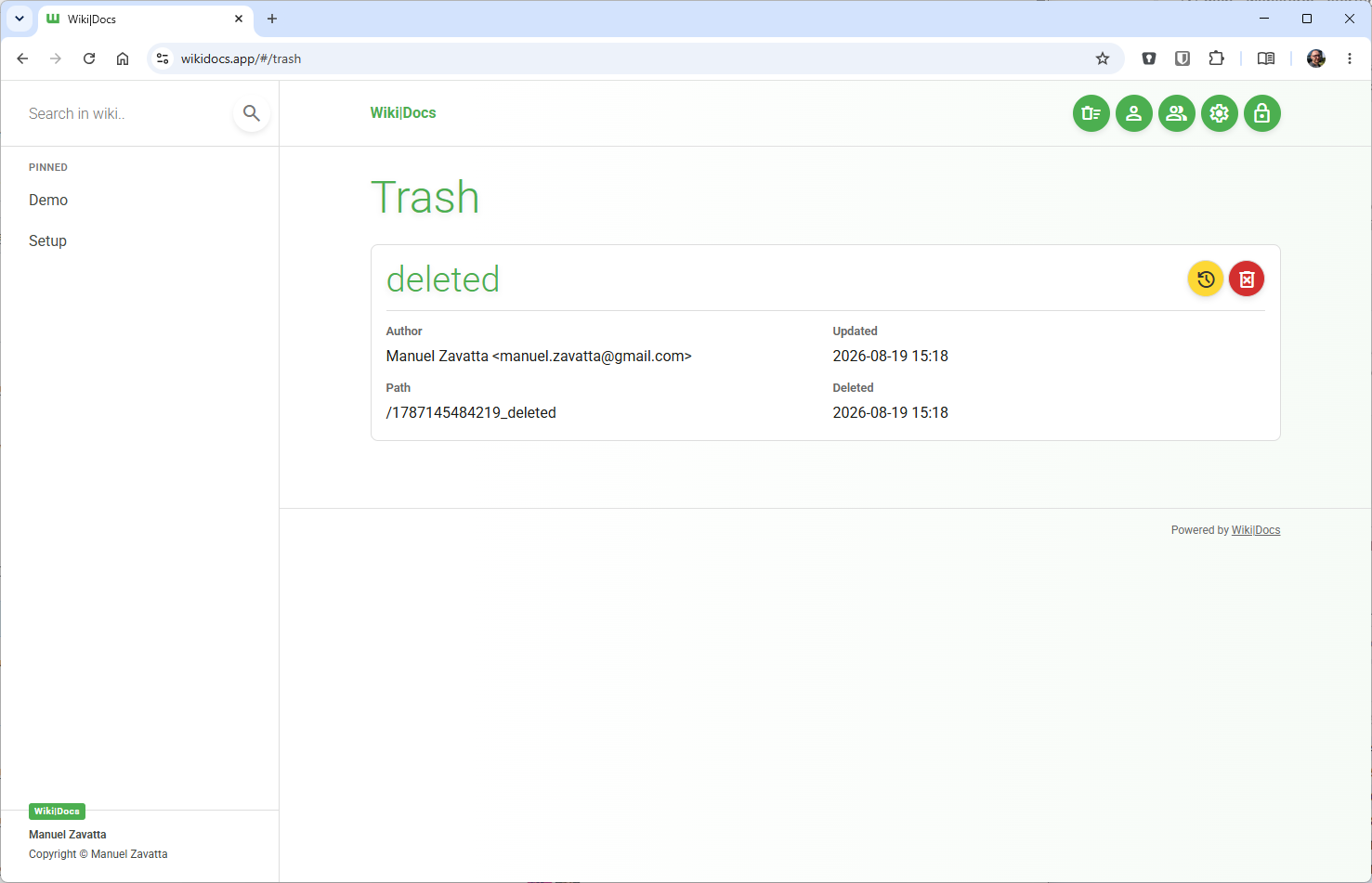
- Every save keeps a revision, and deleted pages wait in a trash until you restore or erase them, so an accidental change or deletion is easy to undo.
- Work Locally, Sync To Your Server
- The desktop app edits Markdown files on your computer and syncs with your self-hosted instance, so you can work locally and keep the hosted wiki up to date.
Features
- Markdown Editor With Toolbar
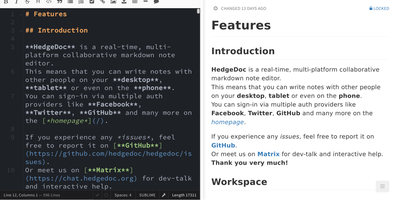
- Edit pages in Markdown with YAML front matter, a formatting toolbar for headings, lists, task lists, links, and images, and image pasting from the clipboard.
- Math And Diagrams
- KaTeX typesets inline and block math, Mermaid renders diagrams such as ER models and mind maps, and fenced code blocks get syntax highlighting.
- Revisions And Trash
- Unlimited page revisions are listed for each page, and deleted pages move to a trash where they can be restored or permanently erased.
- Namespaces, Pins, And Search
- Organize pages in namespaces shown as a sidebar tree, pin the pages you need most, and find content with full-text search that highlights each match.
- Attachments And Printing
- Upload and download file attachments on any page, insert uploaded images into the text, and print a page from the button in the header.
- REST API And Docker Sync
- A single Docker container serves the web client and a REST API with Swagger documentation at /api/, and the desktop app syncs with it.