Categories
Self-Hosted Knowledge Base Markdown Document Management AI Assistant Whiteboard Collaborative Editing Online OfficeStars
Forks
Watchers
Developer links
Doca
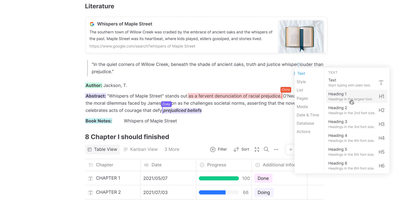
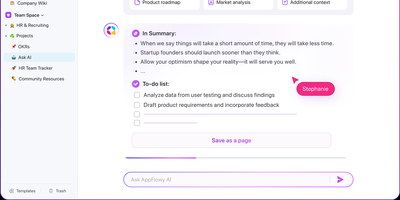
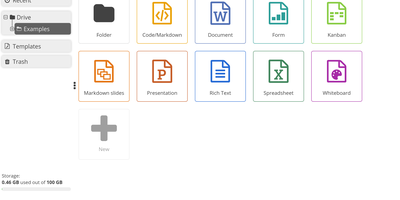
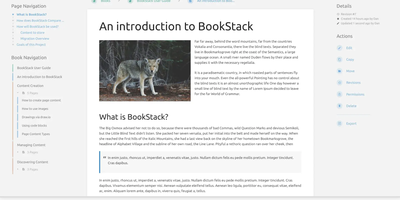
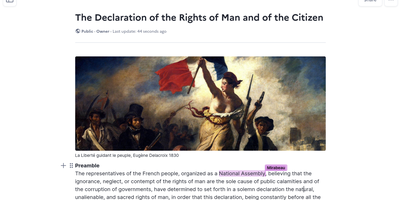
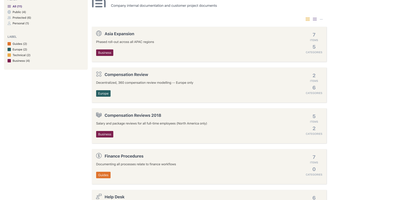
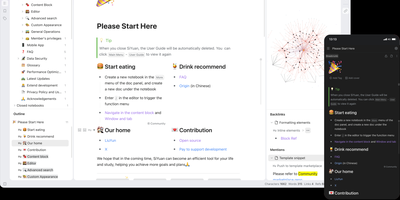
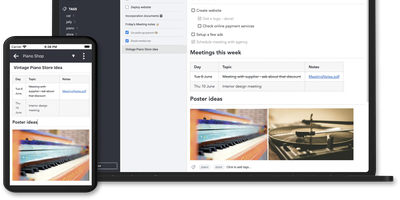
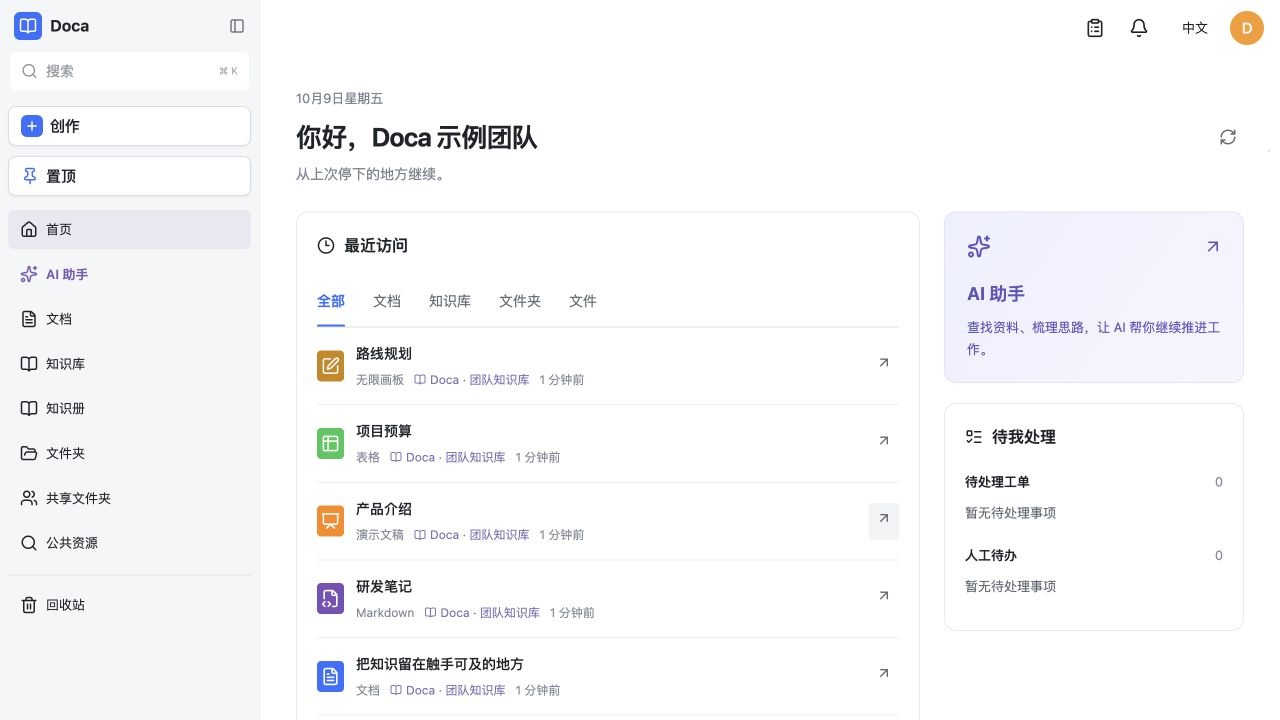
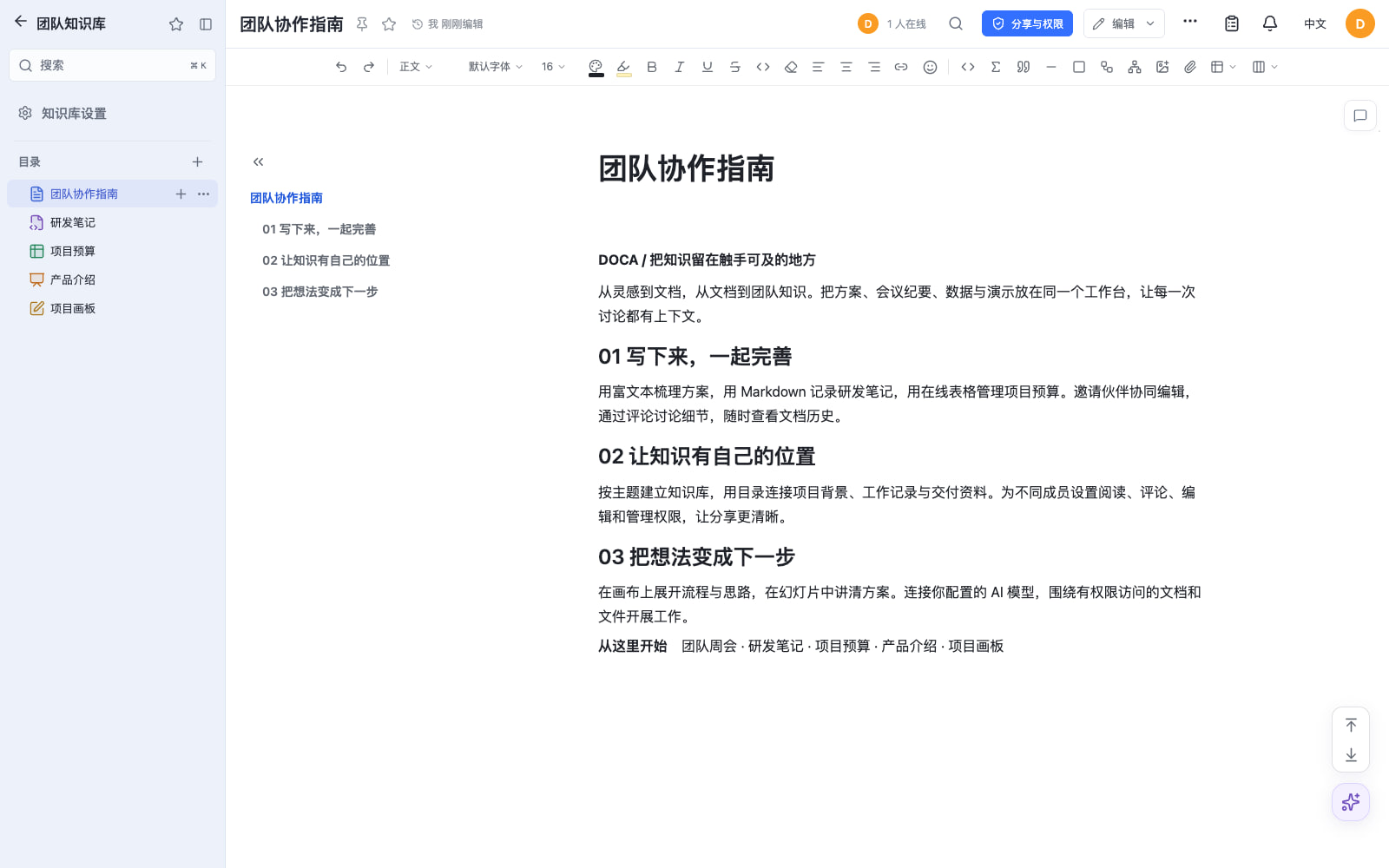
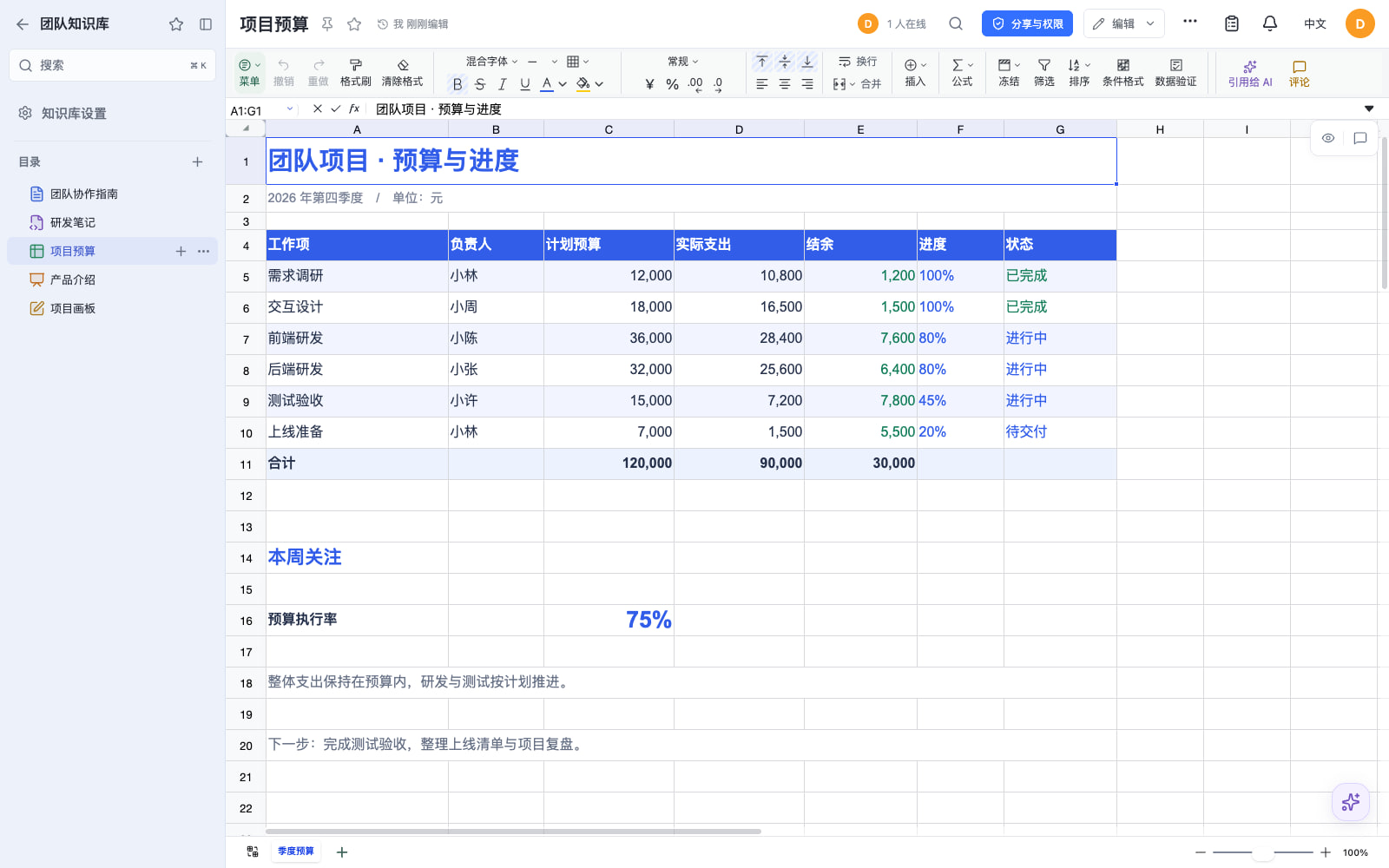
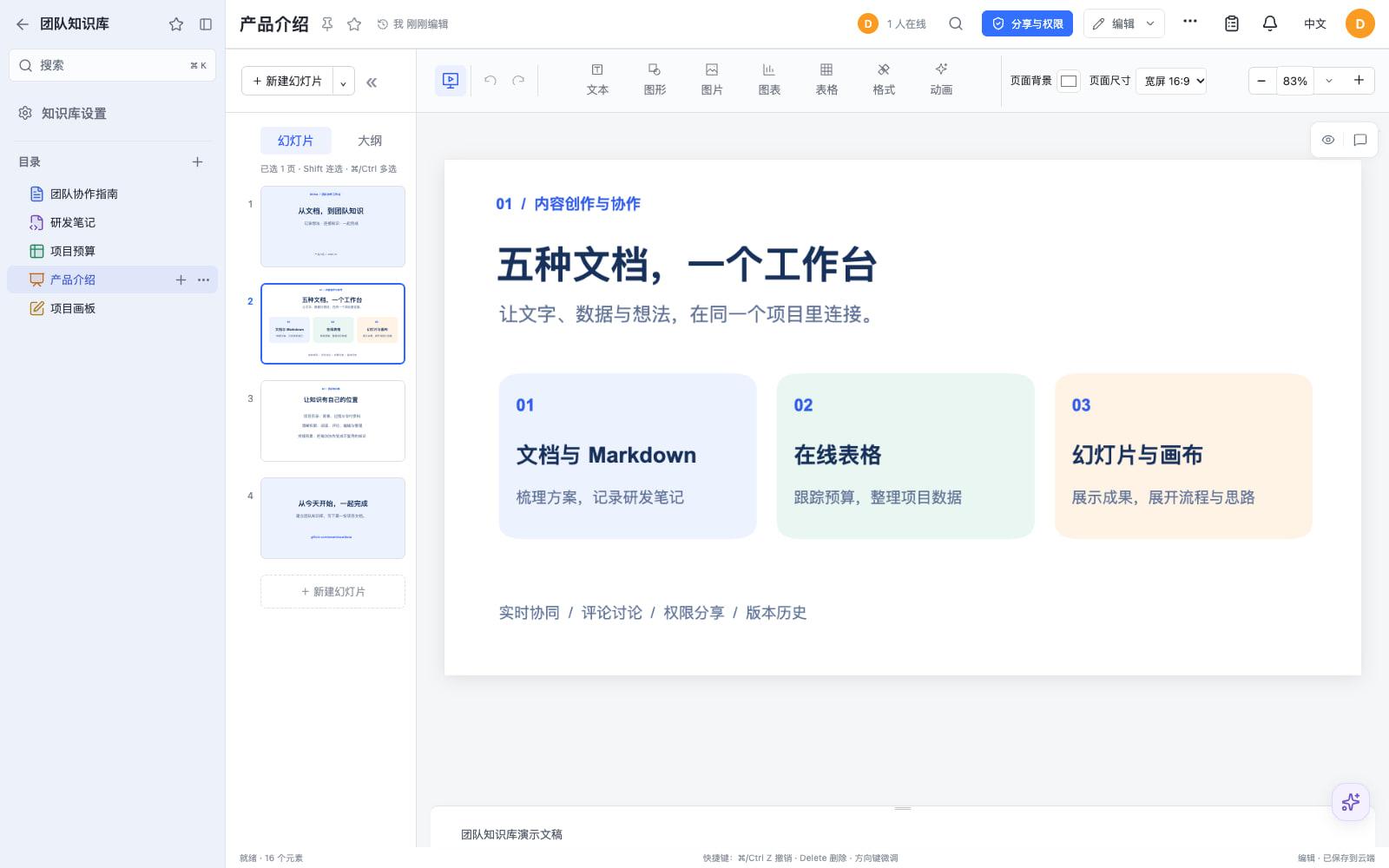
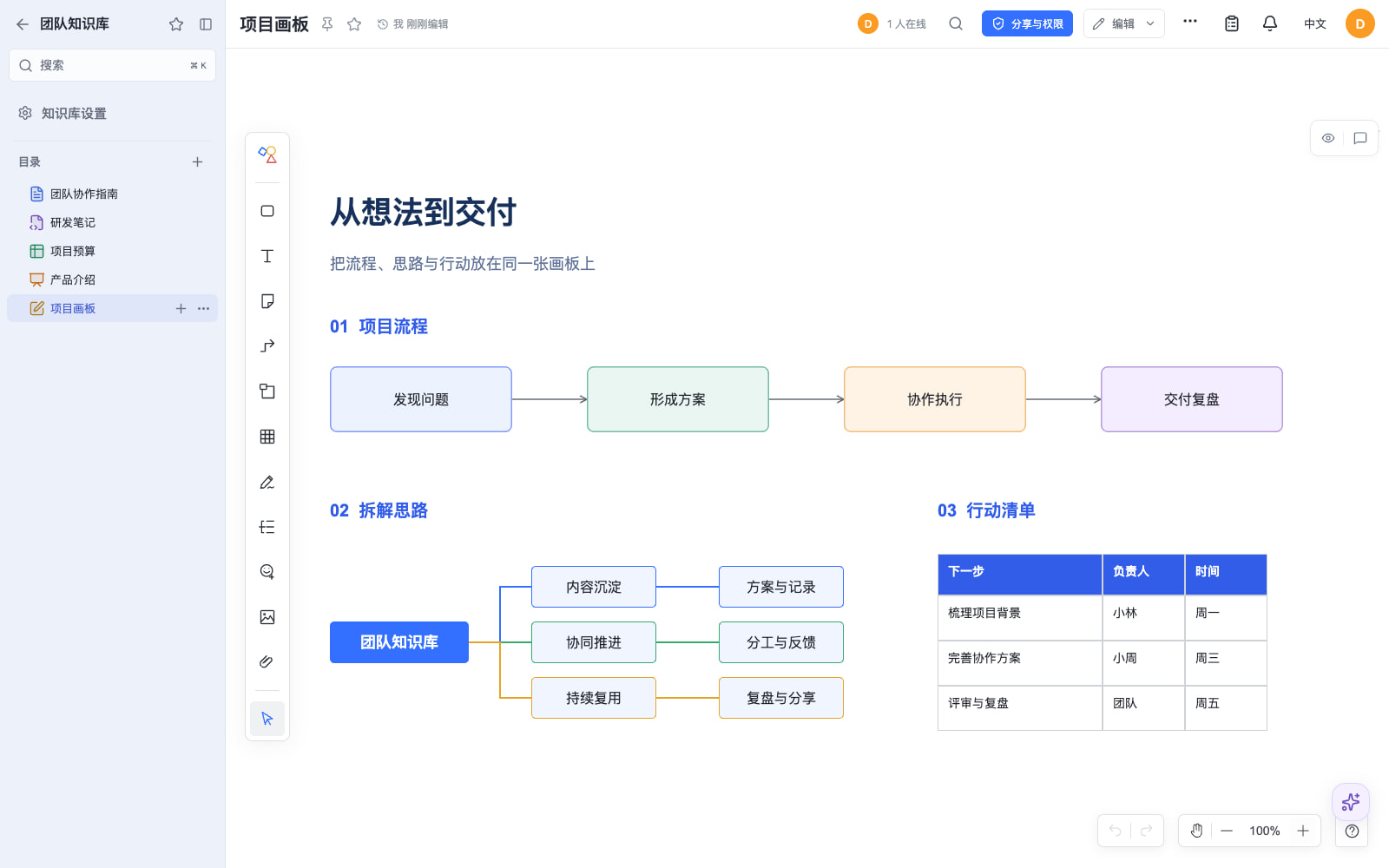
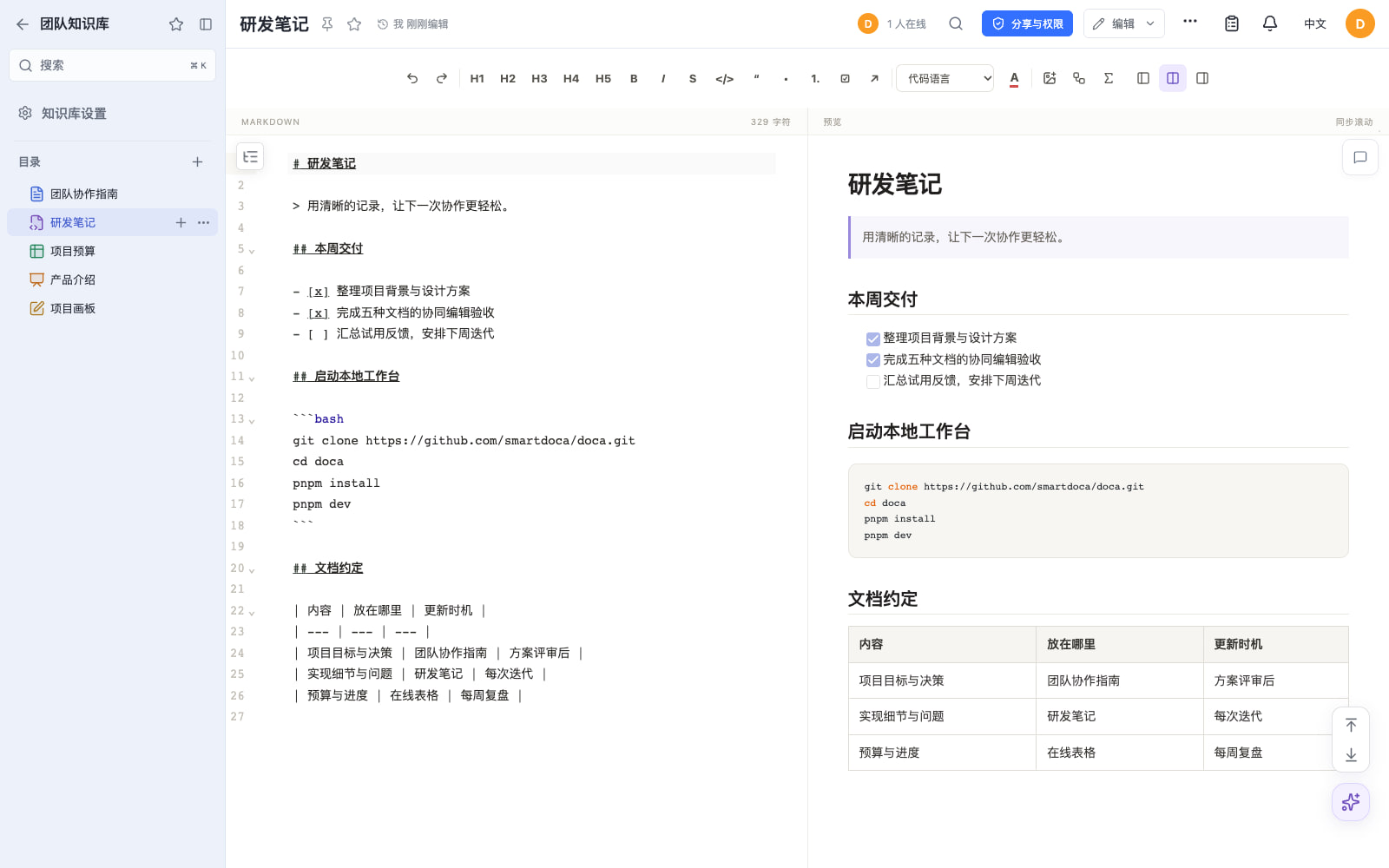
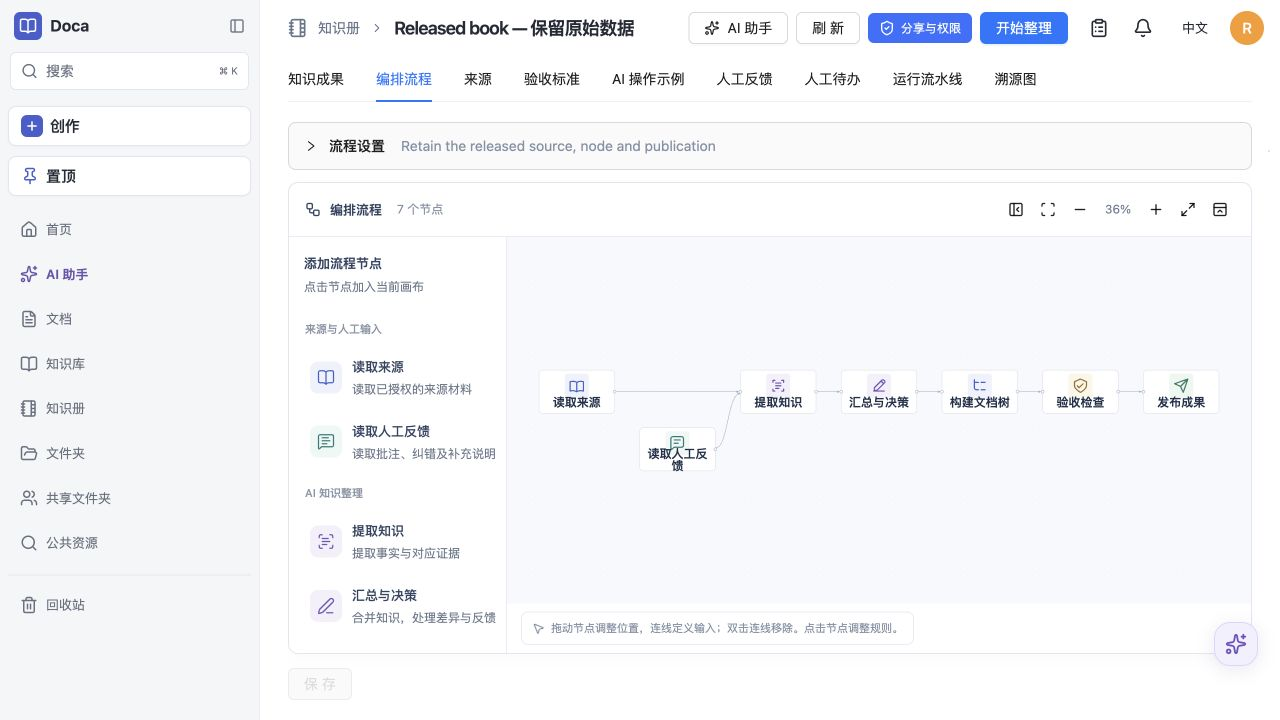
Doca puts rich text, Markdown, spreadsheets, slides, and an infinite canvas under one login and one permission model, giving individuals and small teams a self-hosted workspace for writing together. Every format supports real-time co-editing with presence, comments, saved history, and manual snapshots, and rich text and Markdown documents can be restored to an earlier version. Documents live in knowledge libraries with tree navigation, invitations, inherited permissions, share links, and trash, while personal files and shared folders sit on local disk or S3-compatible storage. Knowledge books go further: they subscribe to sources, run an editable workflow, keep source evidence, and route results through human review. A personal AI assistant, powered by whichever model you configure, searches authorized documents, reads PDF and Office attachments, edits images, and prepares browser drafts. MCP services let external AI clients such as Codex use those tools under your permissions. Sign in with a password, OIDC, Google, GitHub, WeChat, or QQ, review registrations before they go live, and send webhooks to other systems. A plugin SDK and marketplace add business modules, and a browser extension clips pages into documents. The interface ships in Chinese and English. Running on a dedicated VPS on RepoCloud with guaranteed CPU, RAM, and SSD, full root SSH access, and a browser serial console. MIT licensed.
Benefits
- Five editors, one shared workspace
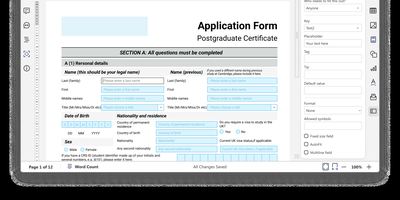
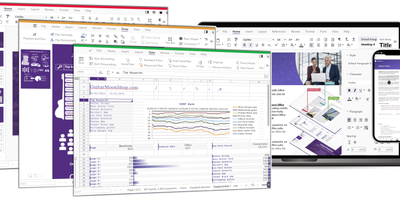
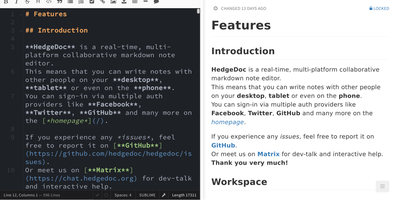
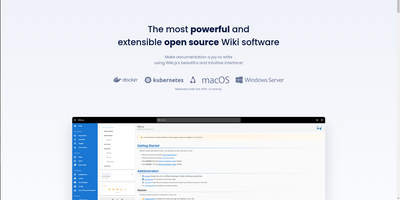
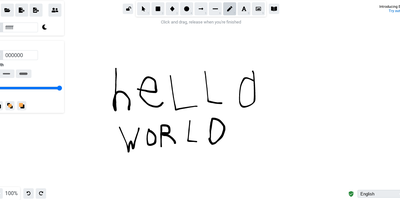
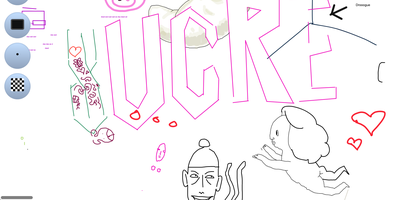
- Write rich text and Markdown, build spreadsheets and slides, and sketch flowcharts on a canvas, all with the same library tree, comments, history, and permission model.
- Knowledge with sources and review
- Knowledge books subscribe to sources, run an editable workflow, keep evidence for each result, and route output through human feedback, so shared knowledge stays traceable instead of drifting.
- Bring your own AI model
- The personal assistant reads only what the signed-in user may open and runs on the model service you configure, with tool approvals and raw usage records kept in your own database.
- Simple self-hosting with one container
- A published Docker image runs on SQLite with local files for a single server, and shared PostgreSQL, Redis, and S3-compatible storage support multiple replicas behind a reverse proxy.
Features
- Real-time collaboration
- Yjs-based co-editing over a single WebSocket lifecycle for all five formats, with durable save receipts, presence, comments, history, manual snapshots, and restore for rich text and Markdown.
- Knowledge libraries and sharing
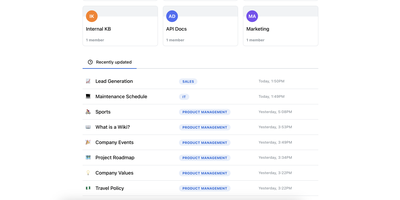
- Document trees with invitations, inherited permissions, share links, public discovery, collections, trash, and transfer, plus personal files and shared folders on local or S3-compatible storage.
- Knowledge books
- Source subscriptions feed immutable knowledge books built by an editable node workflow, with provenance, acceptance criteria, human feedback, and a pipeline-run history.
- AI assistant and MCP
- A personal assistant for authorized documents and files, plus a Streamable HTTP MCP endpoint at /api/v1/mcp that exposes its tools and skills to clients such as Codex.
- Sign-in and webhooks
- Password, OIDC, Google, GitHub, WeChat QR, and QQ login, registration review, and asynchronous webhooks with up to five delivery attempts.
- Plugins and browser clipper
- A public @smartdoca/plugin-sdk and plugin marketplace add business modules, while the Chrome and Edge extension saves selections or whole pages into new or existing documents.