Categories
Self-Hosted Open Source Knowledge Base Documentation Content Management Customer Support Help Center FAQ SoftwareStars
Forks
Watchers
Developer links
phpMyFAQ
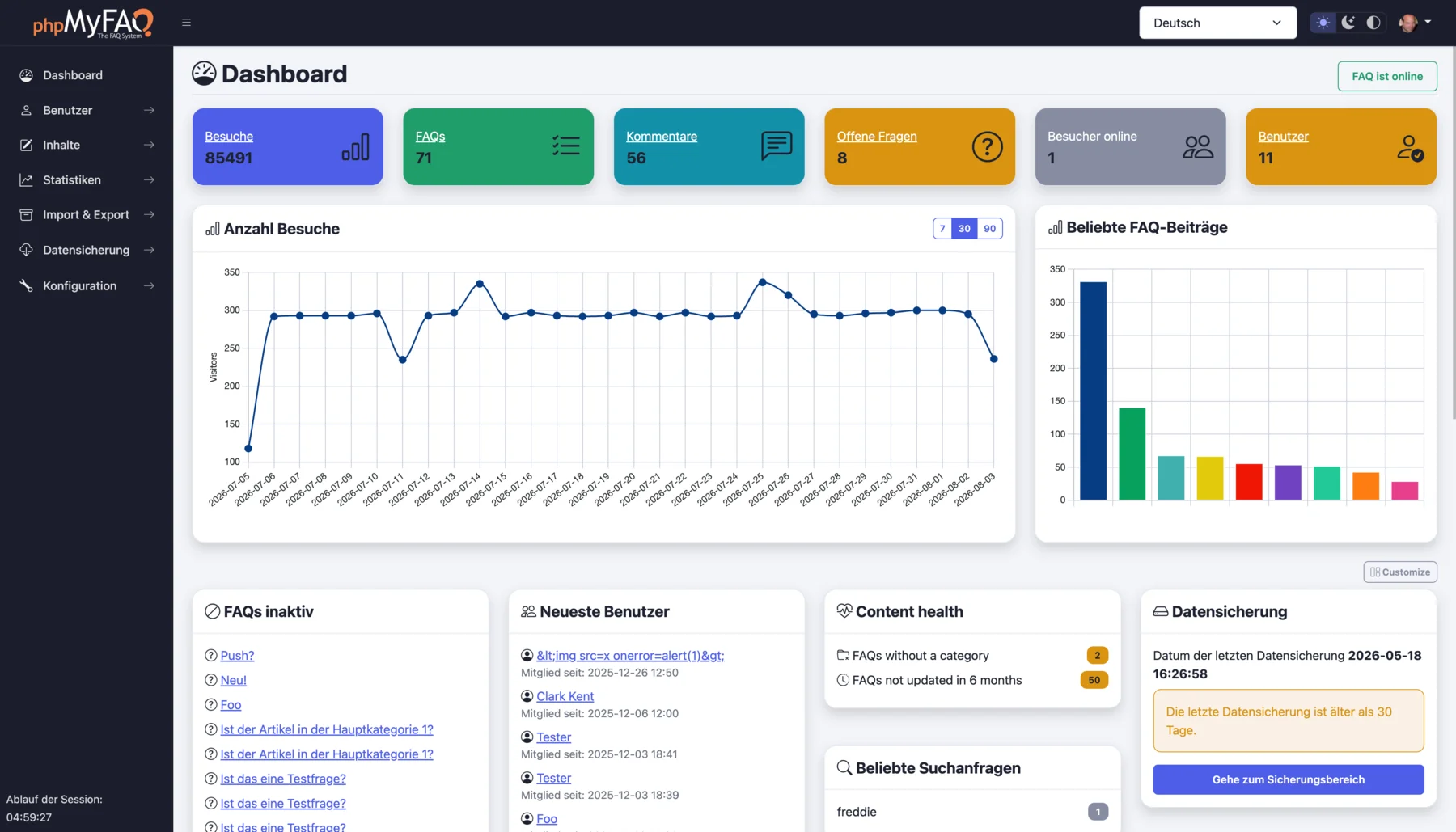
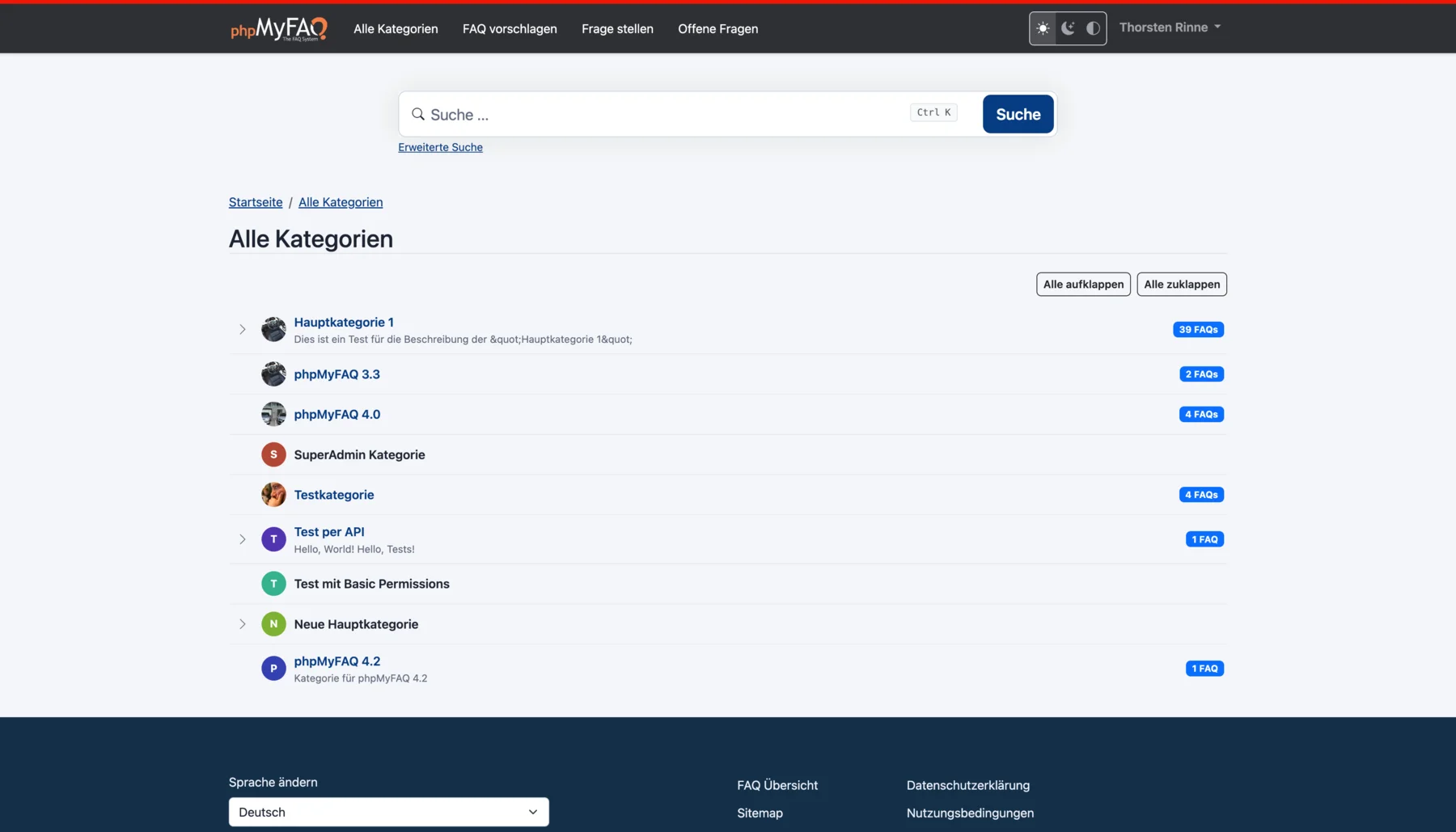
Publish the answers your team keeps repeating as a multilingual, searchable FAQ with phpMyFAQ, a knowledge base whose admin area handles writing, review, and permissions. Organize entries in nested categories that you rearrange by drag and drop, attach files, add tags and related FAQs, and let visitors leave comments. A WYSIWYG editor with an image manager writes each answer, a wiki-style revision history restores earlier versions, and a news system posts announcements. Full-text search covers every language, and optional Elasticsearch or OpenSearch backends handle larger collections. The interface covers more than 40 languages with right-to-left layouts, automatic content negotiation, and translated categories and entries. Privileges work per user and per group, so an editor can change an entry without being allowed to delete it, and categories can be limited to chosen readers. Sign in through LDAP, Active Directory, or Microsoft Entra ID, protect accounts with two-factor authentication, or try experimental passkeys. The dashboard charts 30 days of visits, lists inactive FAQs, and checks installed files against published hashes. Export entries to PDF, publish a dynamic sitemap, back up your content, and filter spam with built-in protections. Dark, light, and high-contrast themes keep the public site comfortable to read. Scripts and AI assistants reach the knowledge base through a REST API with an OpenAPI specification or an experimental MCP server, and plugins extend it. Running on a dedicated VPS on RepoCloud with guaranteed CPU, RAM, and SSD, full root SSH access, and a browser serial console. MPL-2.0 licensed.
Benefits
- Answers in 40+ languages
- The interface ships in more than 40 languages with right-to-left layouts, and categories and entries can be translated, so visitors read answers in their own language.
- Rights down to single actions
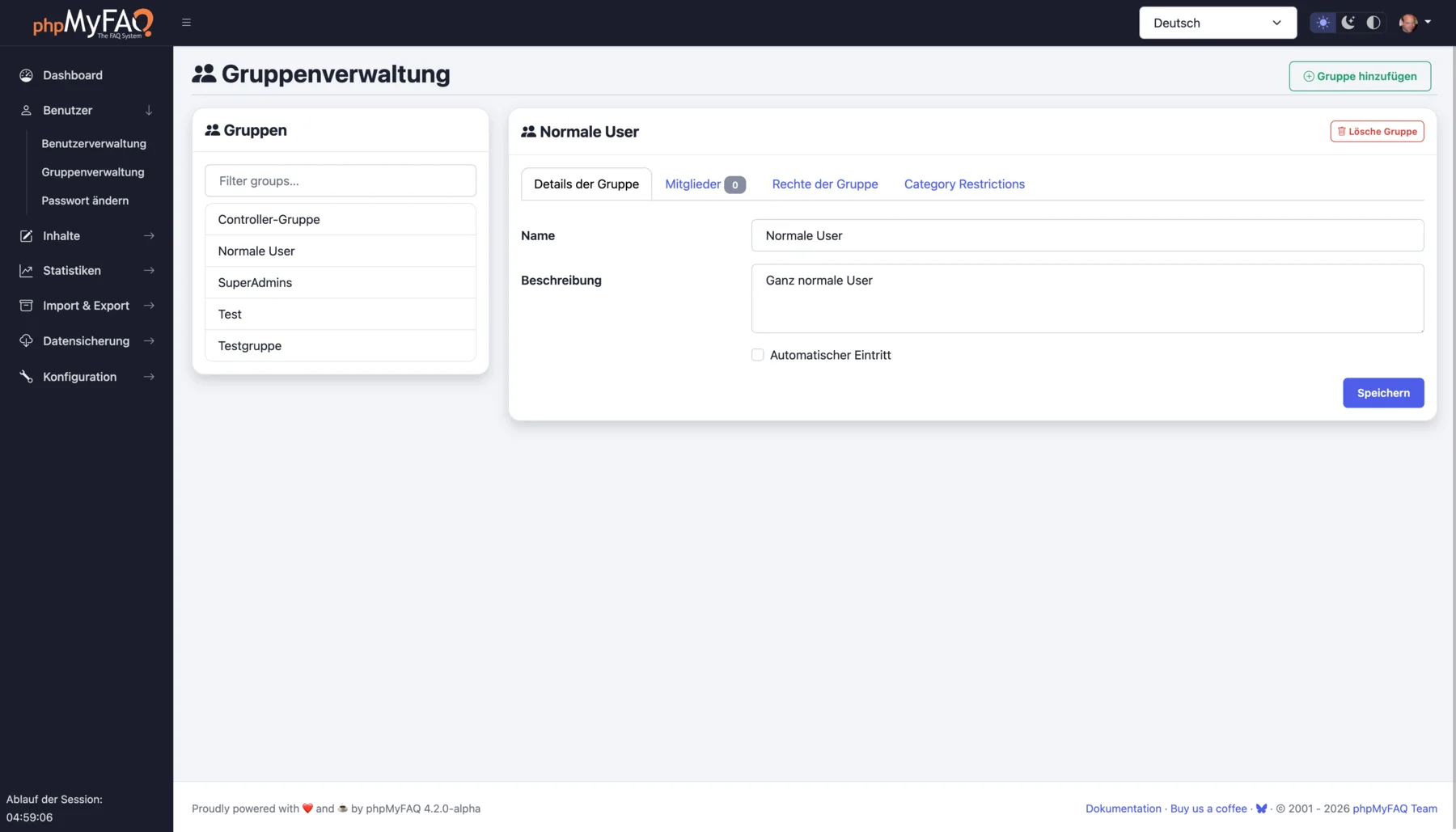
- Users and groups receive detailed privileges, so an editor can change an entry without deleting it, and each category can have its own moderator and permissions.
- Search that grows with content
- Search runs on your database out of the box, and Elasticsearch 7 or 8, or OpenSearch 2, can be added as a dedicated search backend for larger collections.
- Runs on the database you have
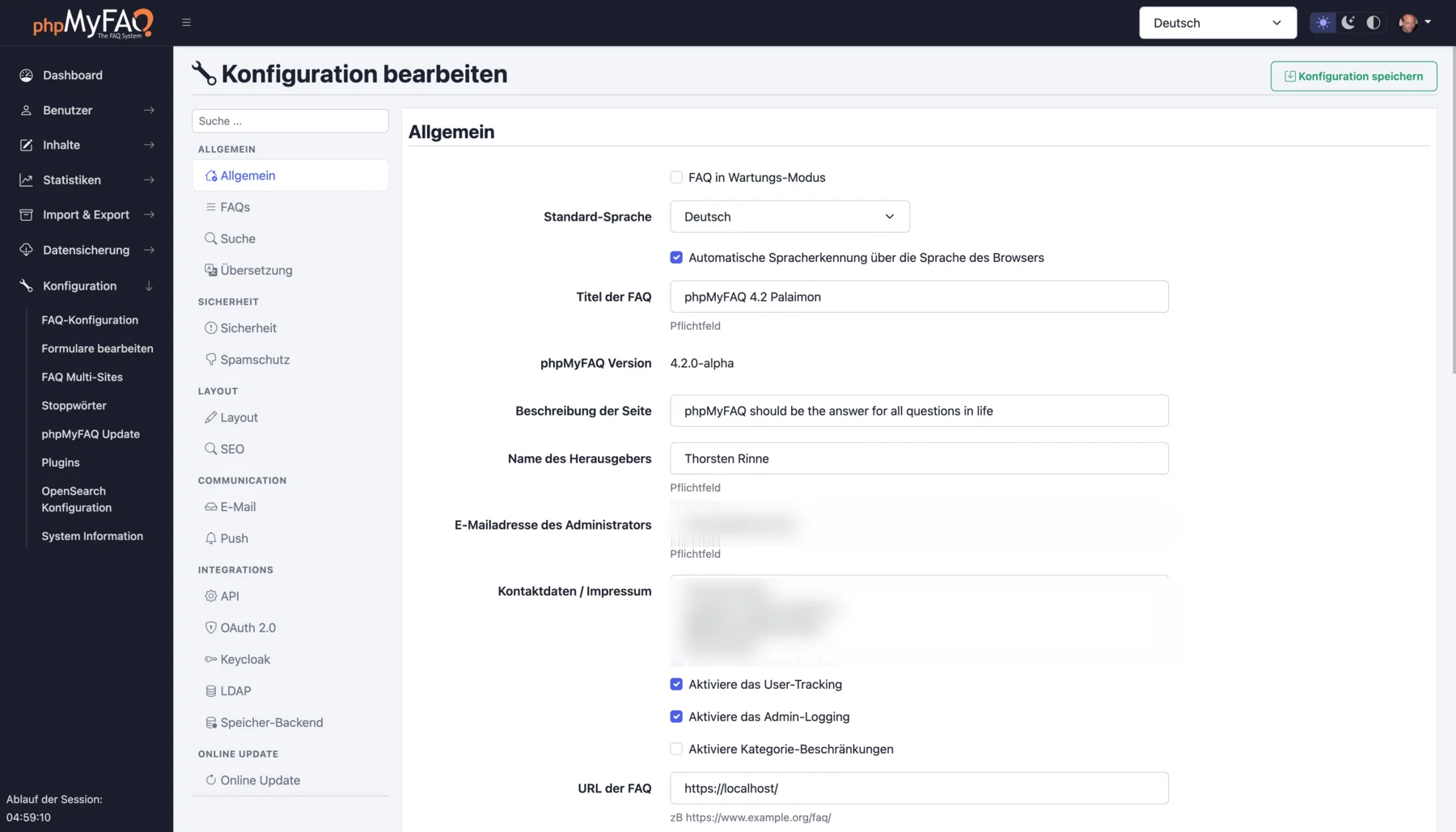
- Install on Apache, Nginx, or FrankenPHP with MySQL, MariaDB, PostgreSQL, SQLite, or SQL Server, and apply updates online from the admin area.
Features
- WYSIWYG FAQ editor
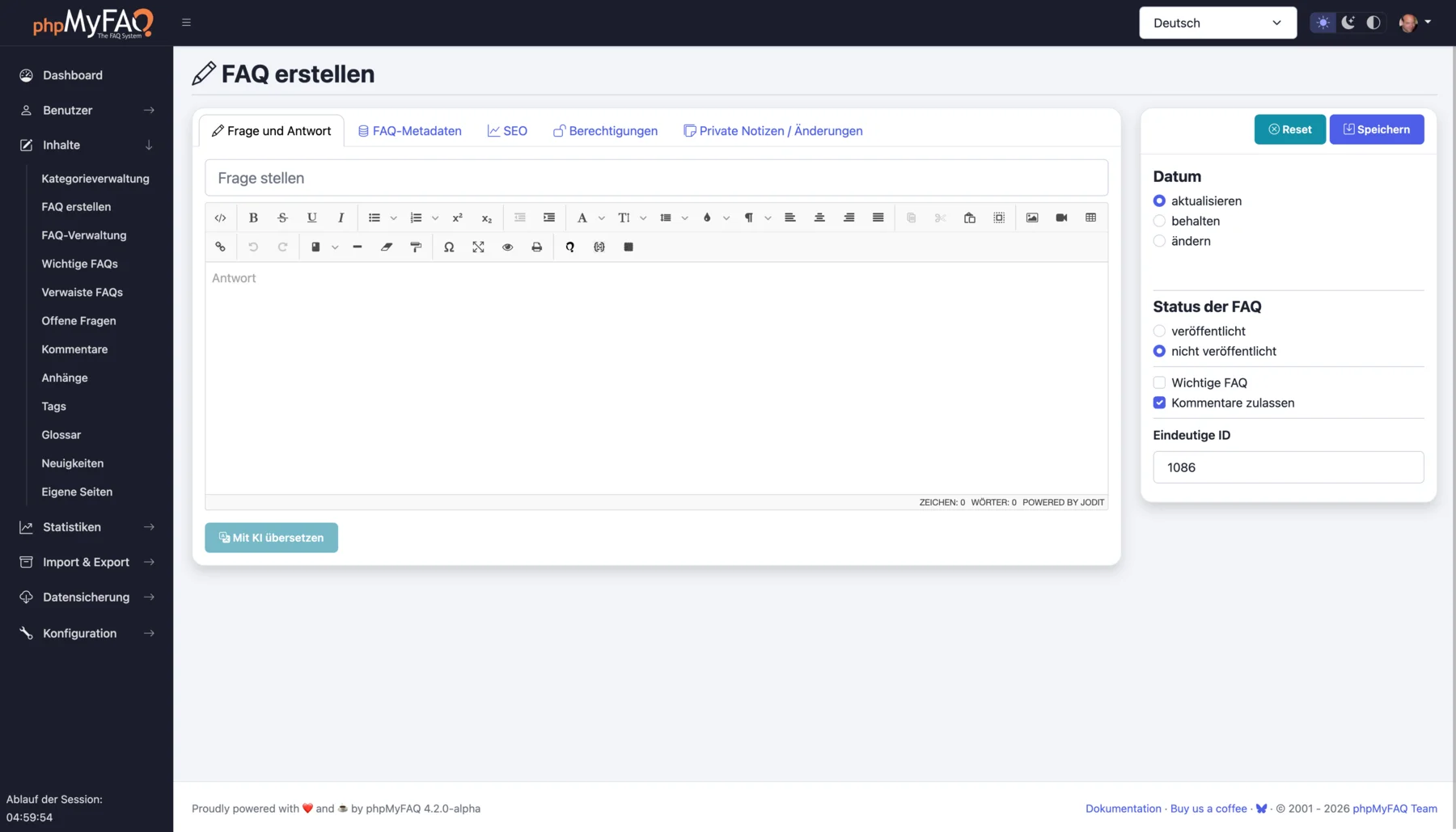
- Write answers in a WYSIWYG editor with an image manager, attach files, tag entries, link related FAQs, and restore earlier versions from the revision history.
- Nested category tree
- Arrange categories and subcategories by drag and drop, add descriptions and images for accessibility and SEO, bind a moderator, and set per-category permissions for users and groups.
- Directory and 2FA sign-in
- Authenticate against OpenLDAP, Microsoft Active Directory, or Microsoft Entra ID, with users created on first login, and protect local accounts with two-factor authentication or experimental WebAuthn passkeys.
- REST API and MCP
- A REST API described by an OpenAPI specification, a plugin system, and an experimental MCP server let scripts and AI assistants work with the knowledge base.
- Dashboard and statistics
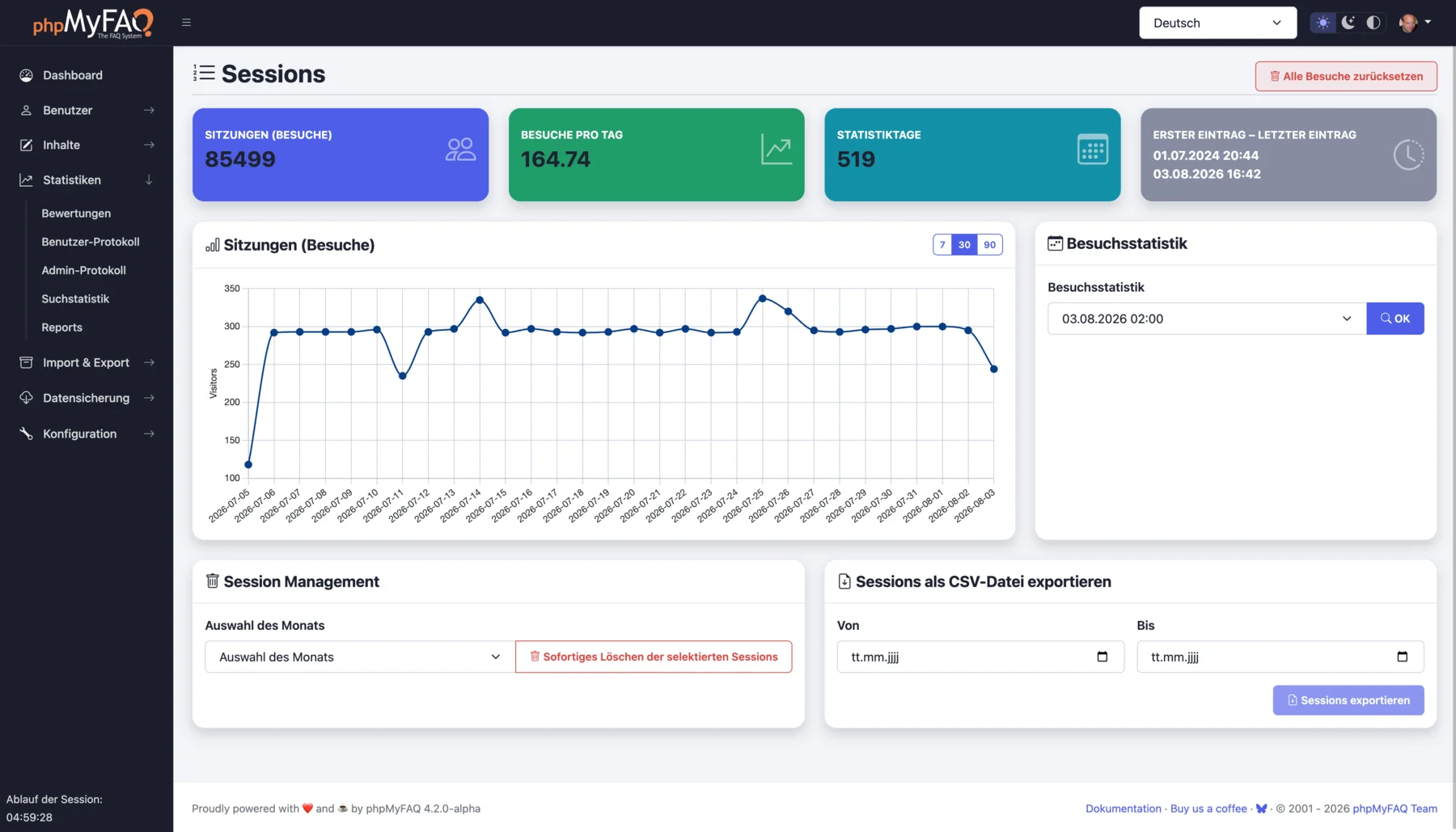
- The dashboard shows visits, entries, news, and comments, charts visitors over 30 days, lists inactive FAQs, and verifies installed files against published SHA-1 hashes.
- PDF export and backups
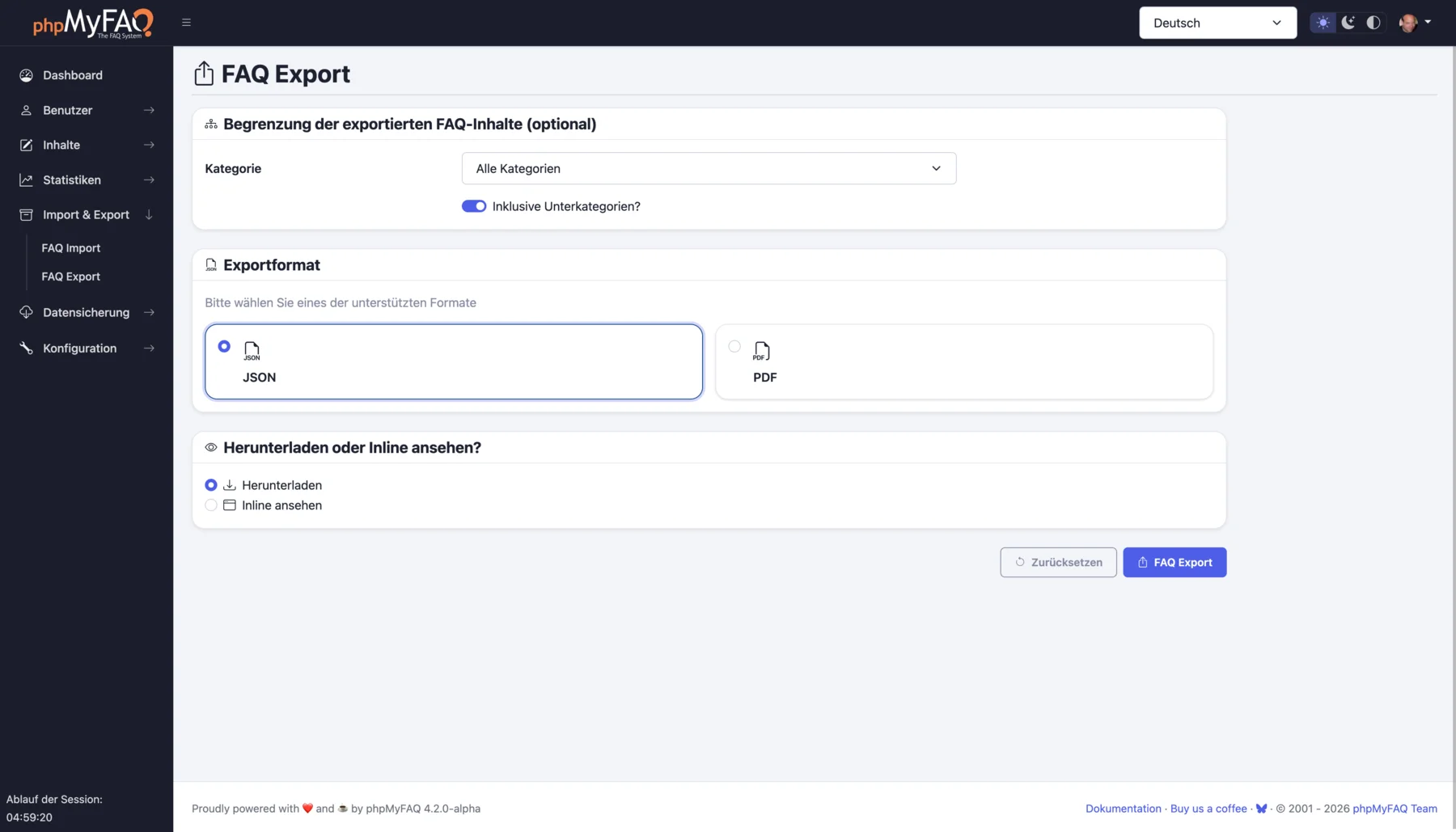
- Export entries to PDF with UTF-8 and right-to-left support, publish a dynamic XML sitemap for search engines, and create and verify backups from the admin area.