Categories
Security Remote Work Container Platform Remote Browser Isolation VDI Alternative Application StreamingStars
Forks
Watchers
Developer links
Sealskin
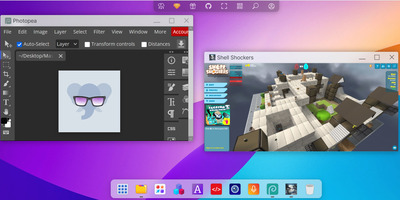
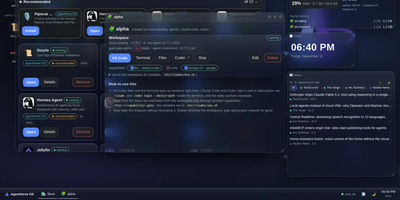
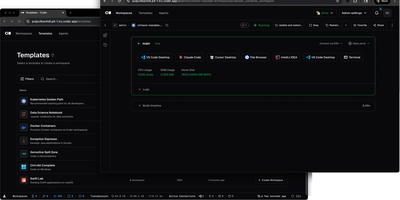
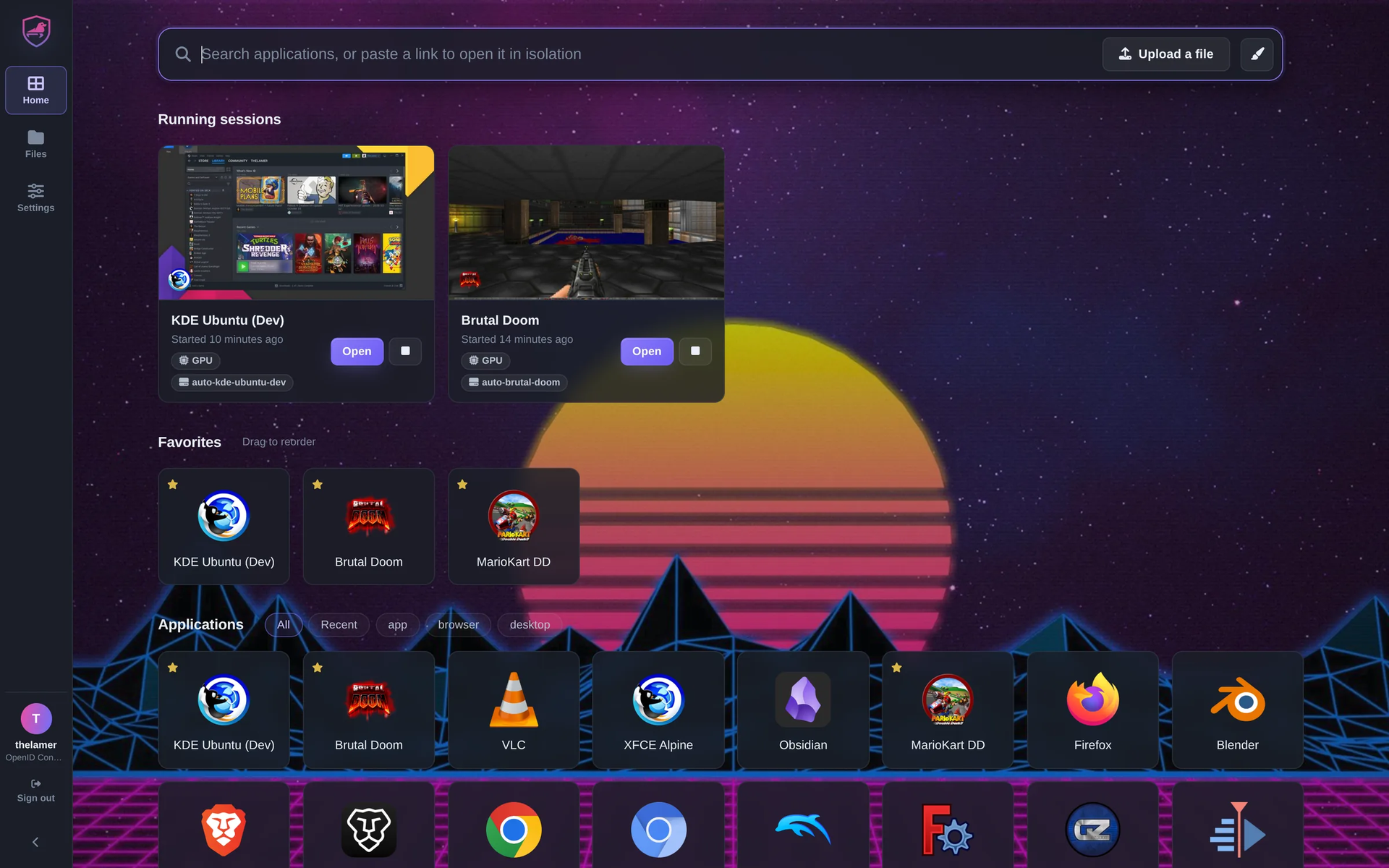
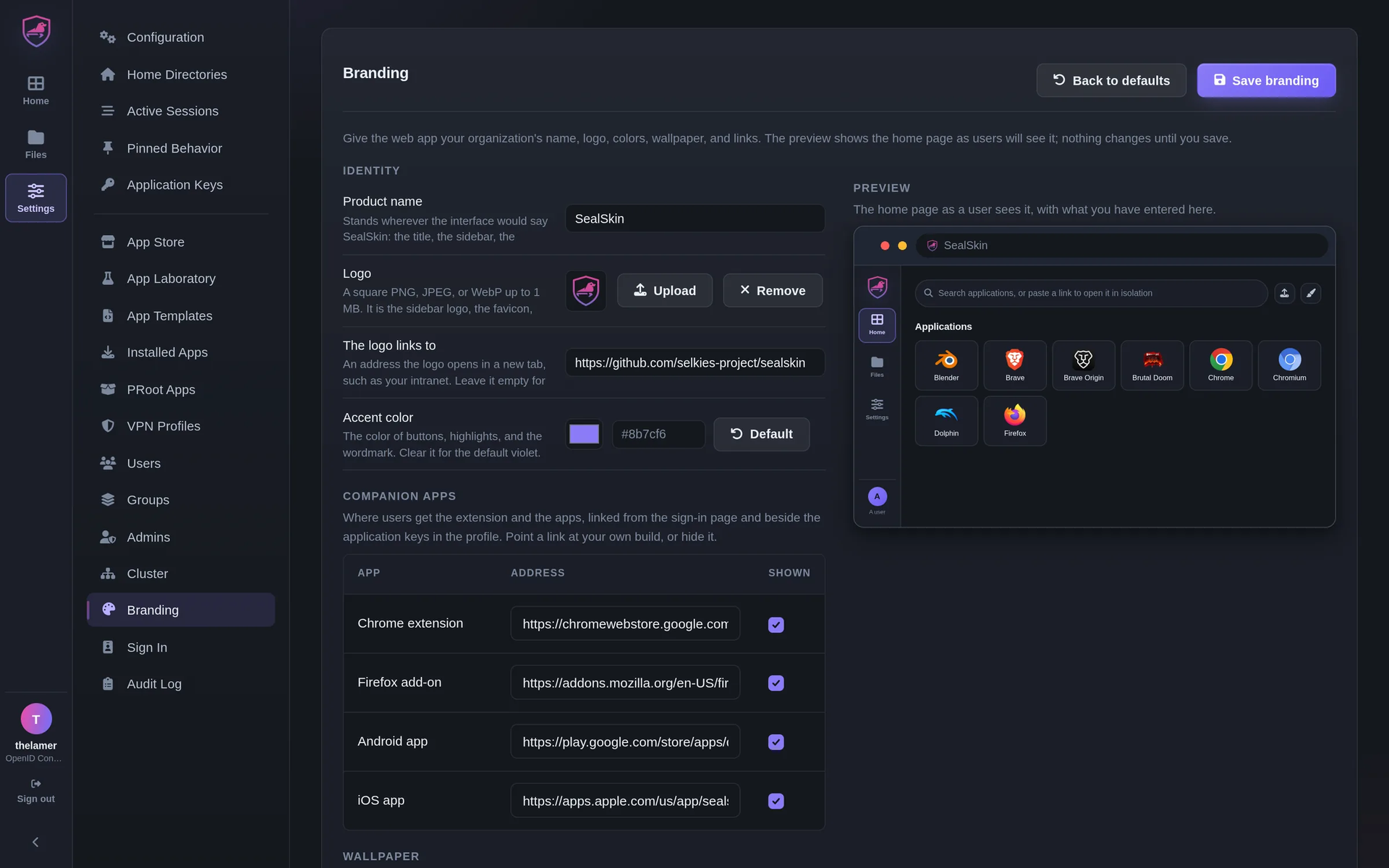
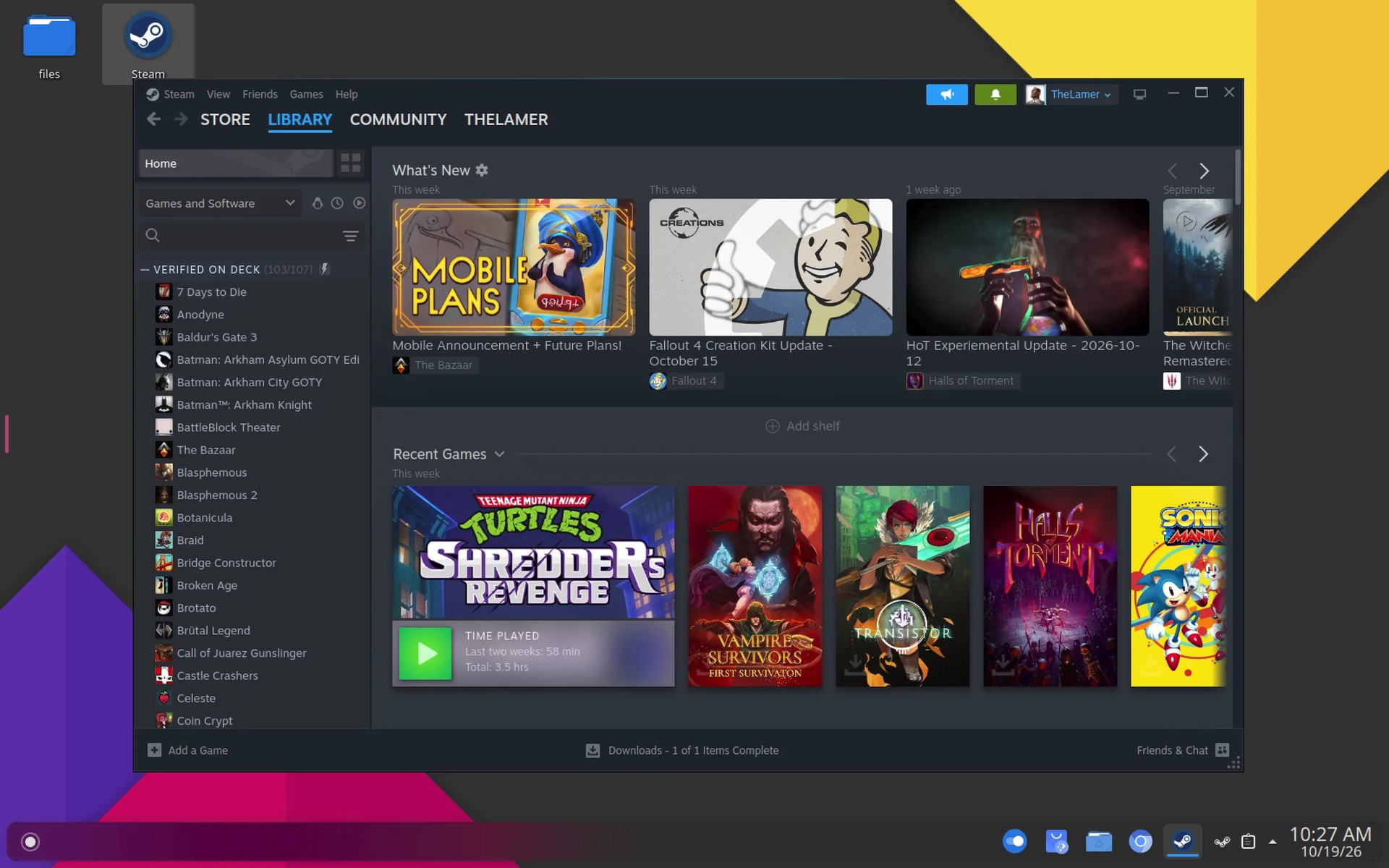
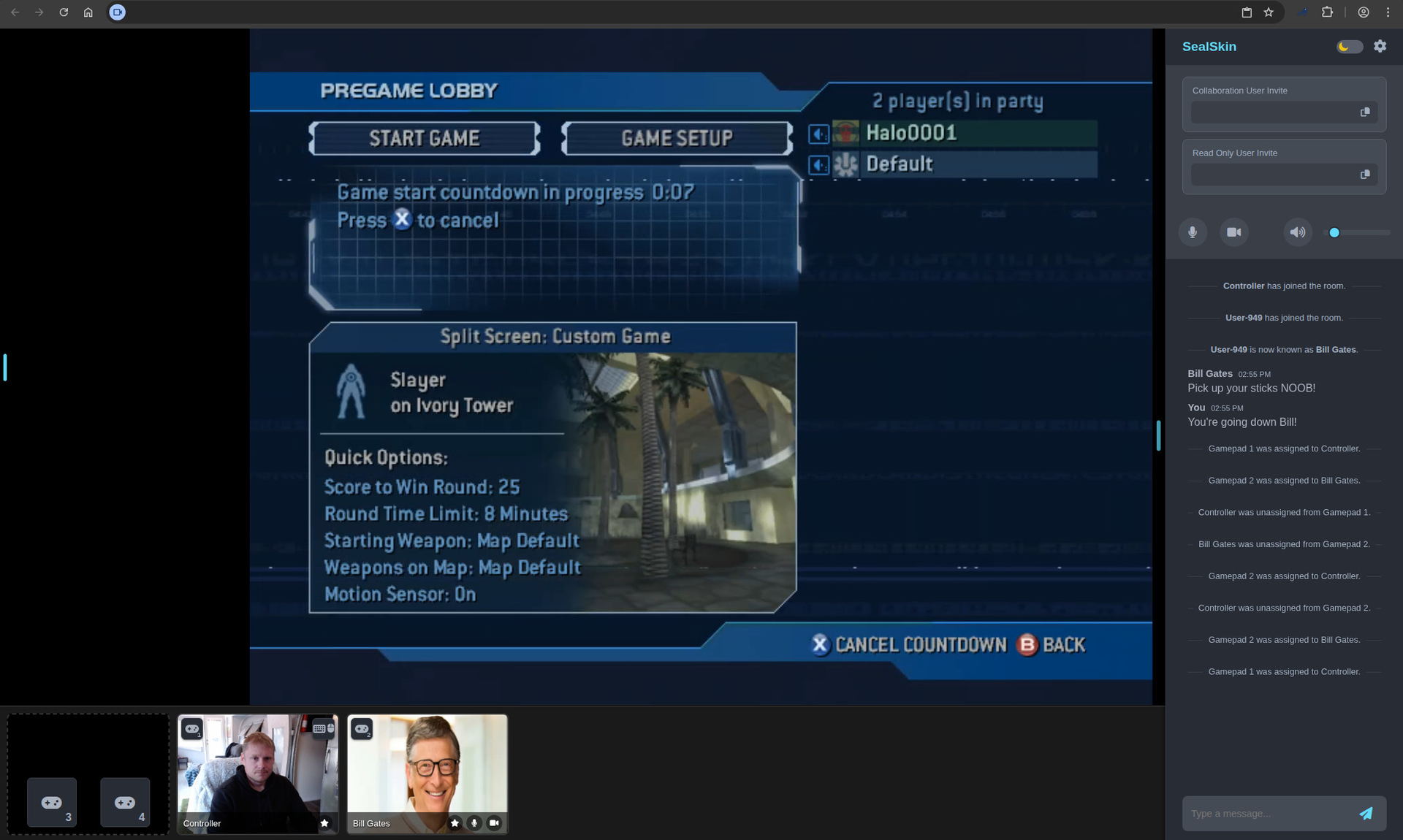
SealSkin is a self-hosted browser isolation platform that runs desktop applications in isolated containers on your server and streams them to any browser or phone, so links, files and downloads open remotely and nothing from the web ever executes on the device in front of you. Right-click a link, send a download, or drop a file from your local browser through the extension, and it opens in a fresh container on the server; close it and nothing is left behind, or keep a persistent home directory for work you return to. The catalog holds more than a hundred applications: browsers, office suites, IDEs, media editors, emulators and 3D tools from LinuxServer.io images, plus any Selkies-compatible image you add, with NVIDIA and DRI3 GPU acceleration for demanding workloads. Files stay on the server behind a file manager with chunked uploads, intercepted downloads, and password-protected public share links. Launch any app into a collaboration room with chat, voice and video, gamepad slots, and hand-over of mouse and keyboard control. Administrators brand the web app, manage users, groups, application keys, VPN profiles, and audit logs, and can route a session out through a WireGuard or OpenVPN exit at launch. Servers cluster with shared users and applications and no master node, and one manifest runs the whole thing on Kubernetes. Running on a dedicated VPS on RepoCloud with guaranteed CPU, RAM, and SSD, full root SSH access, and a browser serial console. MPL-2.0 licensed.
Benefits
- Nothing Runs on Your Device
- Links, files, downloads, and searches open inside fresh containers on the server instead of executing locally, cleanroom sessions leave nothing behind, and persistent home directories keep only the work you choose to save.
- Any Desktop App, Streamed
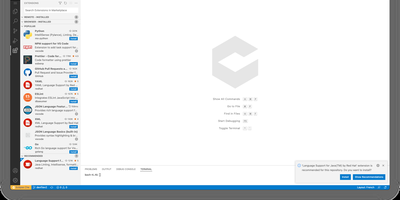
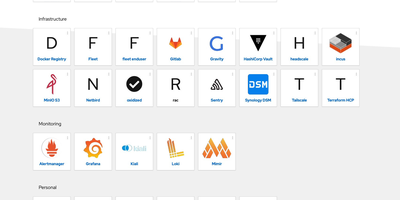
- Browsers, office suites, IDEs, media editors, emulators, and 3D tools stream from more than a hundred LinuxServer.io catalog images or any Selkies-compatible image you add, with NVIDIA and DRI3 GPU acceleration.
- Files Stay Server-Side
- A built-in file manager handles chunked uploads and intercepted downloads so documents remain on the server, and password-protected public share links publish selected files without exposing the session or storage.
- Rooms, VPN Exits, Clusters
- Collaboration rooms add chat, voice, video, and gamepad slots to any application, administrators attach WireGuard or OpenVPN exits per launch, and servers cluster with shared users, apps, and storage.
Features
- Browser Extension Interception
- The Chrome and Firefox extension turns links, files, downloads, and text selections into things that open on the server, with iOS and Android apps mirroring the same server-served pages.
- Identity and Group Limits
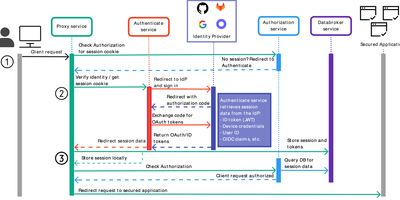
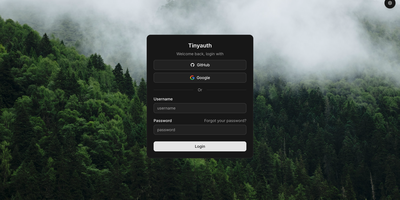
- Sign in through OpenID Connect, SAML, or a reverse proxy with tested Authelia, Authentik, Keycloak, and oauth2-proxy setups; groups carry permissions, session and storage limits, and time allowances.
- Application Launch Options
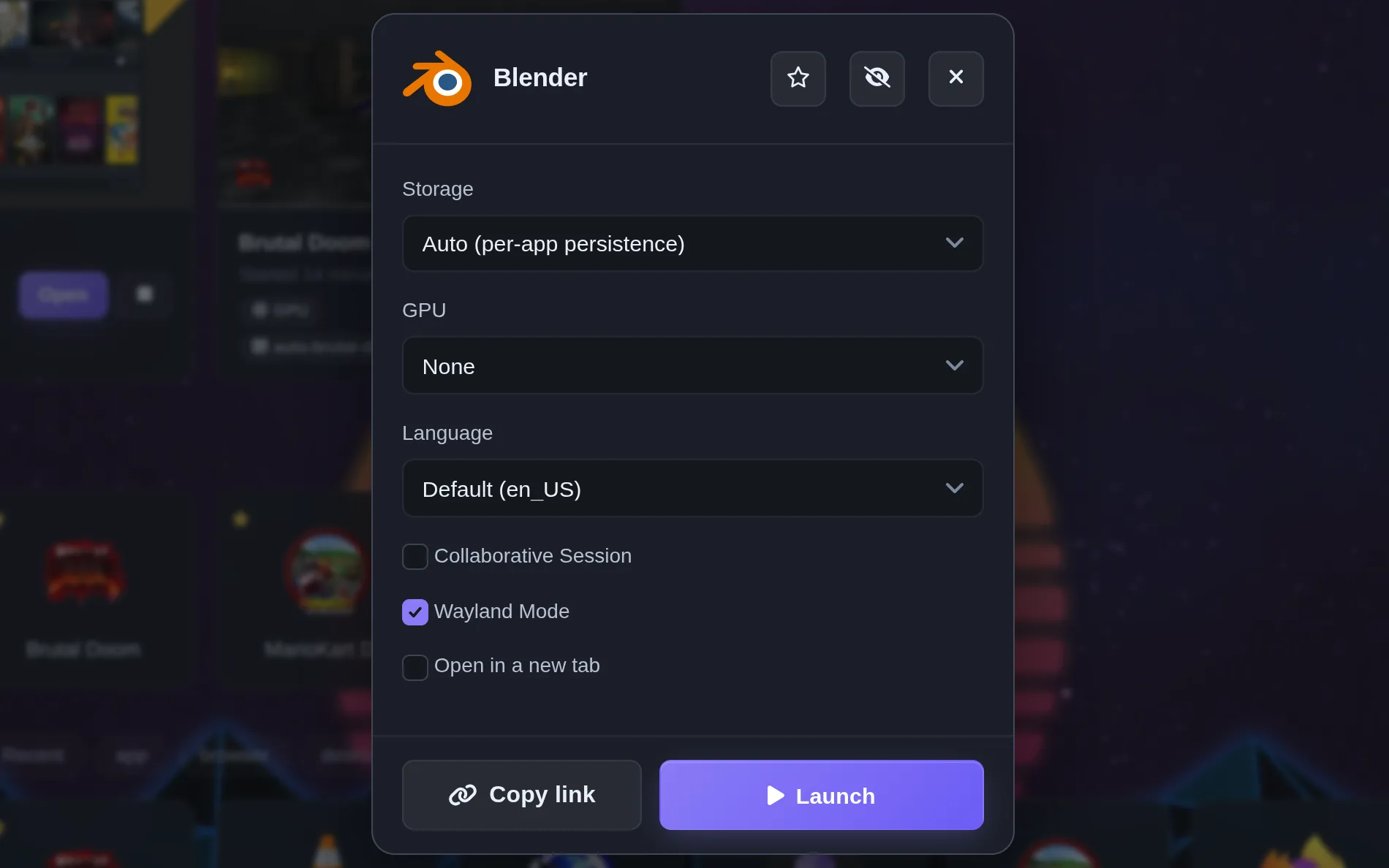
- Each launch picks storage persistence, GPU assignment, language, collaborative room membership, Wayland mode, and tab behavior, with copyable invite links for viewers, read-only guests, or controllers.
- Kubernetes and Docker Deploys
- One container installs through a guided Duck DNS certificate script or plain Docker Compose, and a single Kubernetes manifest runs sessions as pods beside the server in one namespace.