Stars
Forks
Watchers
Developer links
Eclipse Che
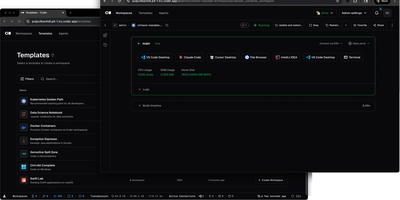
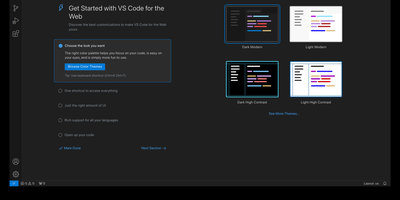
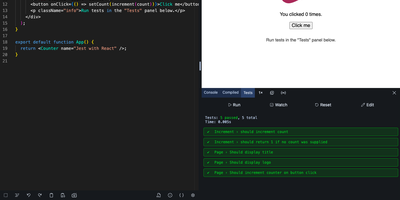
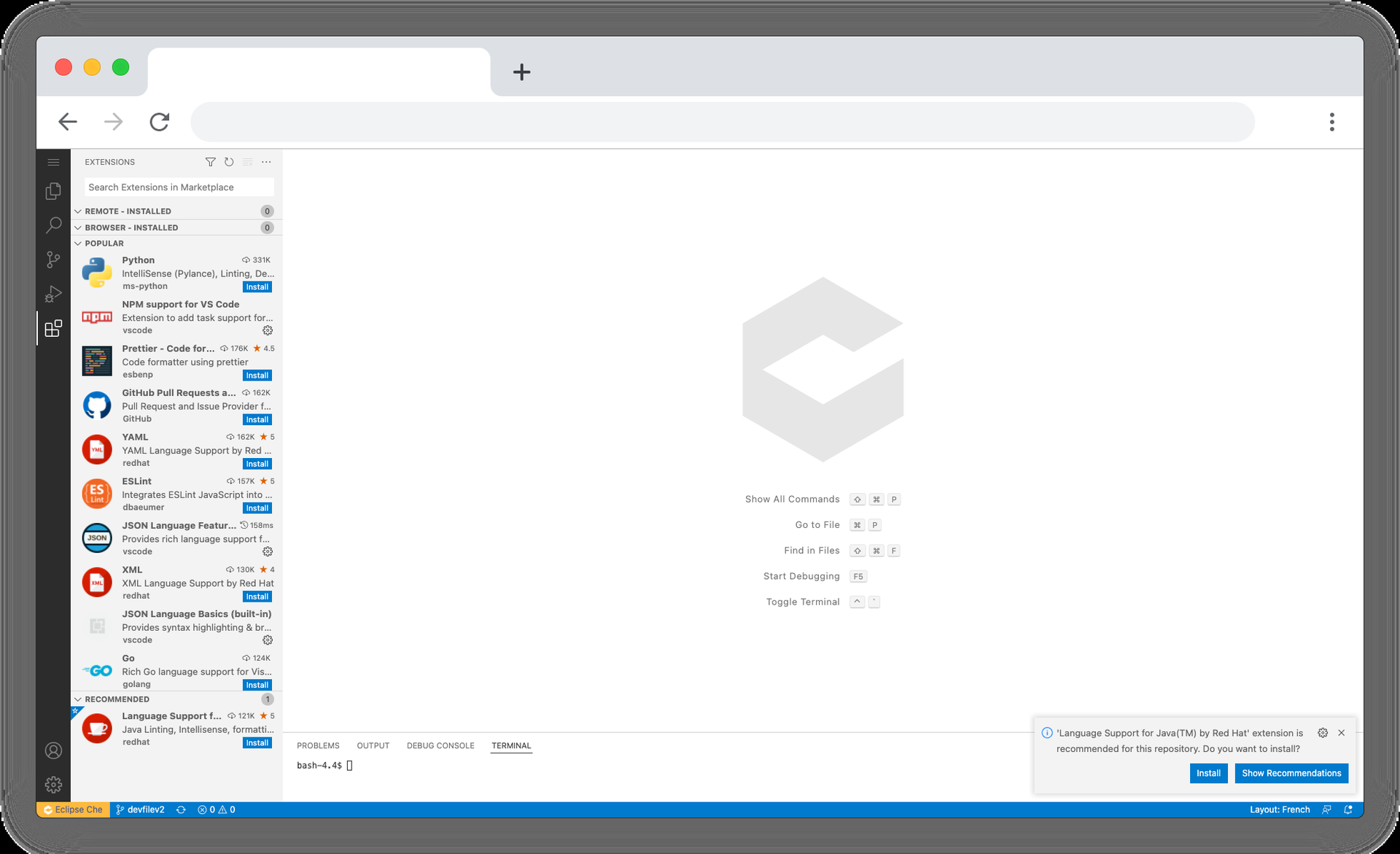
Eclipse Che spins up complete development environments on Kubernetes from a Devfile in the project repository, so new developers click a factory link and open a browser IDE with dependencies, runtimes, and debugging already configured instead of spending their first day installing toolchains. Each workspace runs as a DevWorkspace custom resource in the user's namespace, making environments API-manageable with kubectl and GitOps tooling alike. Developers choose their editor per workspace, from Visual Studio Code Open Source to JetBrains IDEs via Projector, and the 7.124 release adds Orca, an agent development environment for working alongside AI coding agents. Workspaces carry their own containers for build and run, so code executes in a production-like environment with direct Kubernetes API access from the IDE. Teams standardize stacks as Devfile templates, onboard contributors in minutes, and open a fresh workspace per branch or pull request in a new browser tab. The 7.124 release also builds workspace lifecycle commands into chectl, including SSH connections with port forwarding to desktop editors, and DevWorkspace Operator 1.0 adds optional per-workspace NetworkPolicy isolation. Running on a dedicated VPS on RepoCloud with guaranteed CPU, RAM, and SSD, full root SSH access, and a browser serial console. EPL-2.0 licensed.
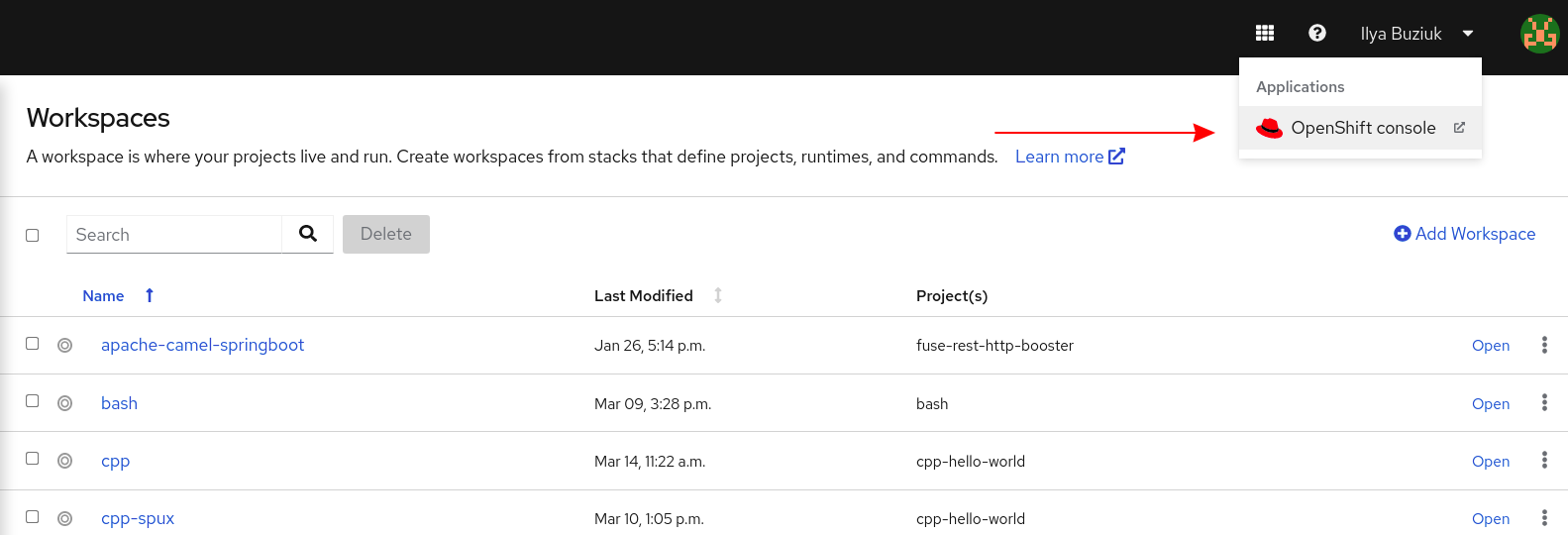
Benefits
- Onboarding In Minutes
- A factory link from a Git repository creates a ready workspace with toolchain, dependencies, and IDE settings preinstalled from the project's Devfile. New contributors write code on day one instead of configuring laptops.
- Identical Environments Everywhere
- Devfiles define workspaces as code, versioned beside the source they build, so every developer and CI job runs the same stack. The phrase works-on-my-machine loses its favorite excuse.
- Editor Freedom Per Workspace
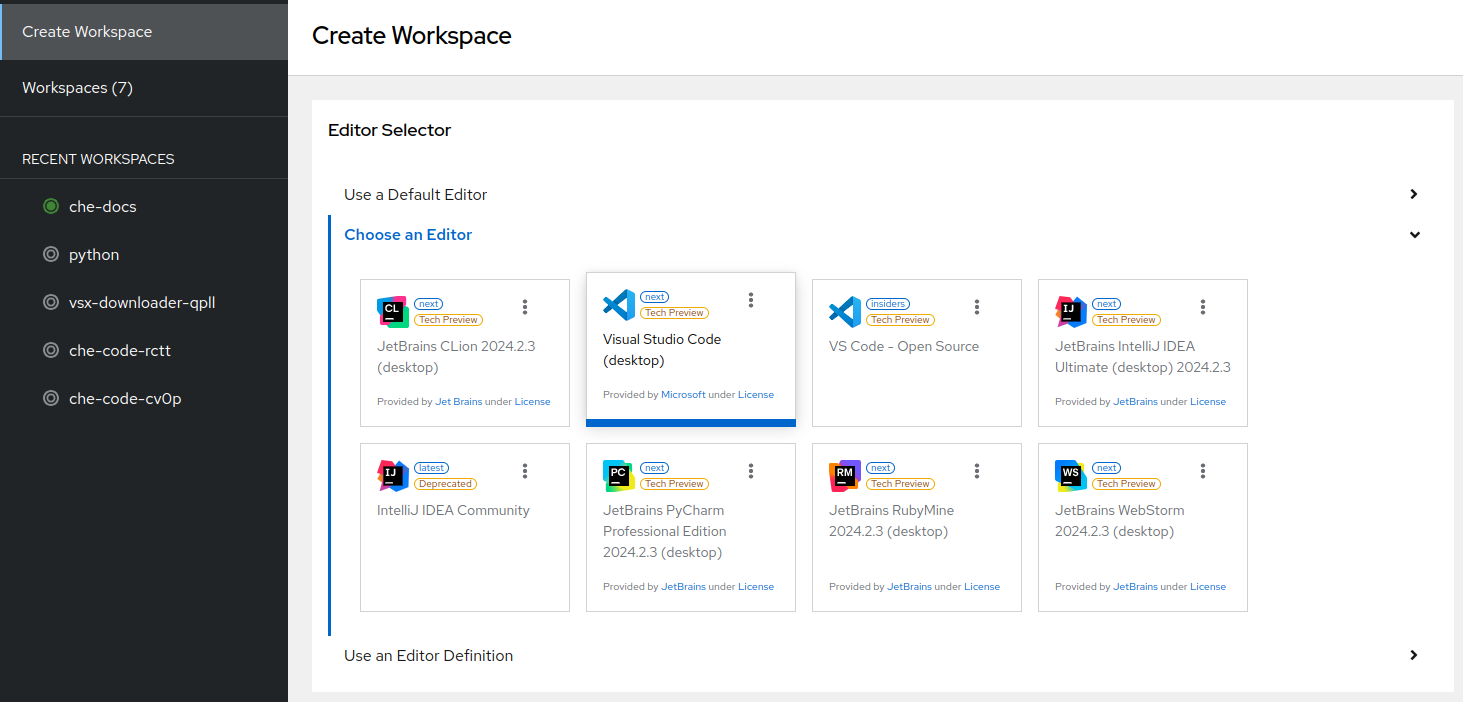
- Choose Visual Studio Code Open Source, JetBrains IDEs, or the Orca agent environment when starting each workspace. Teams keep their preferred tools while operations standardizes everything underneath.
- Kubernetes-Native Platform Operations
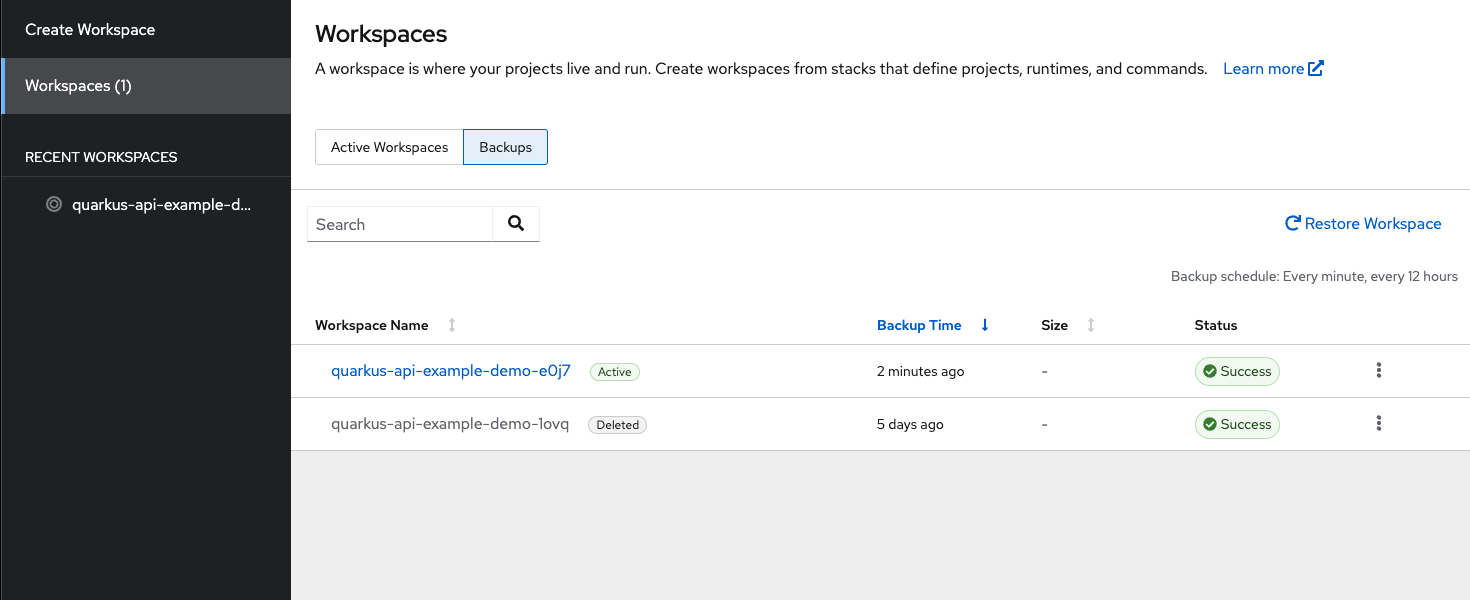
- Workspaces are DevWorkspace custom resources manageable through Kubernetes APIs, kubectl, and GitOps pipelines. Platform teams govern development environments with the same tooling as production.
Features
- Devfile-Defined Workspaces
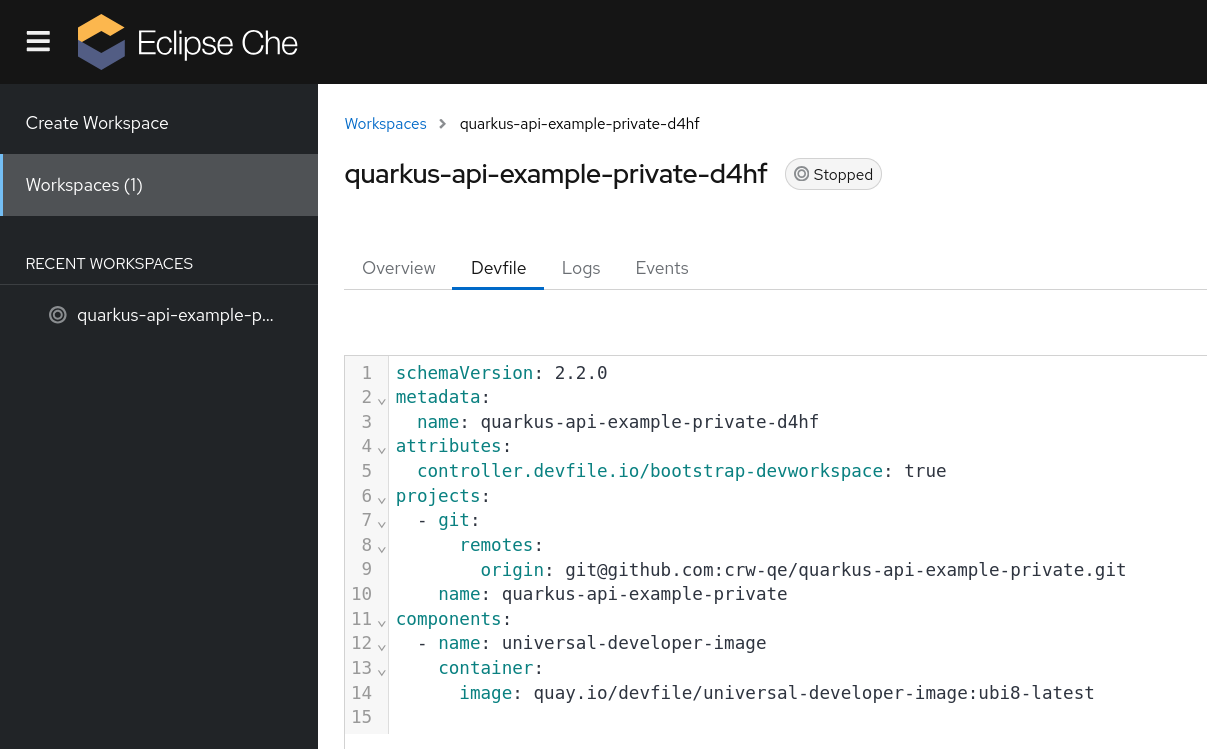
- The CNCF Devfile format declares containers, commands, and endpoints for each project, converted automatically into workspace resources. Environment definitions travel with the repository and review like code.
- Factory URL Launching
- Share a URL that clones a repository and starts a matching workspace, with devfile path parameters for custom setups. Demos, reviews, and issue reproductions start from a single link.
- chectl Workspace Commands
- Manage DevWorkspaces from the terminal with create, start, stop, and delete, plus SSH connect with port forwarding built into chectl 7.124. Desktop editors attach to cluster workspaces without extra tooling.
- Per-Workspace Network Policies
- DevWorkspace Operator 1.0 can provision a NetworkPolicy for each workspace, controlling ingress and egress per developer environment. Shared clusters gain isolation between tenants' coding spaces.
- AI Agent Workspaces
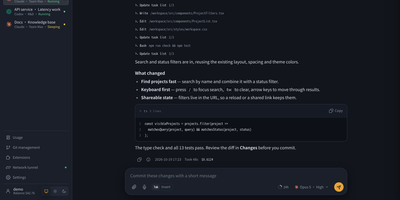
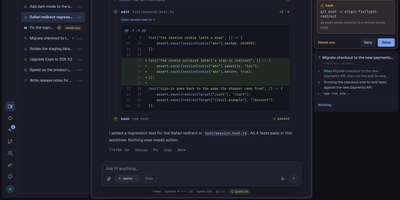
- Select Orca, the agent development environment, to run AI coding agents beside your project inside the same workspace. Configured AI providers come from a cluster-level tool registry.