Categories
Self-Hosted Server Management Docker Management File Manager Personal Cloud Home Lab Web DesktopStars
Forks
Watchers
Developer links
EveryOS
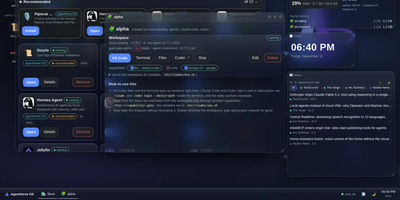
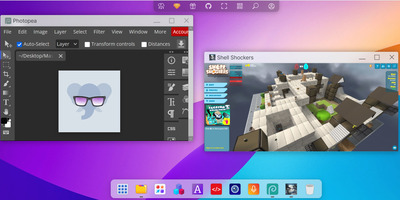
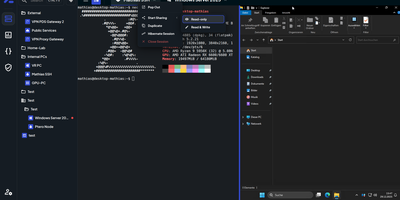
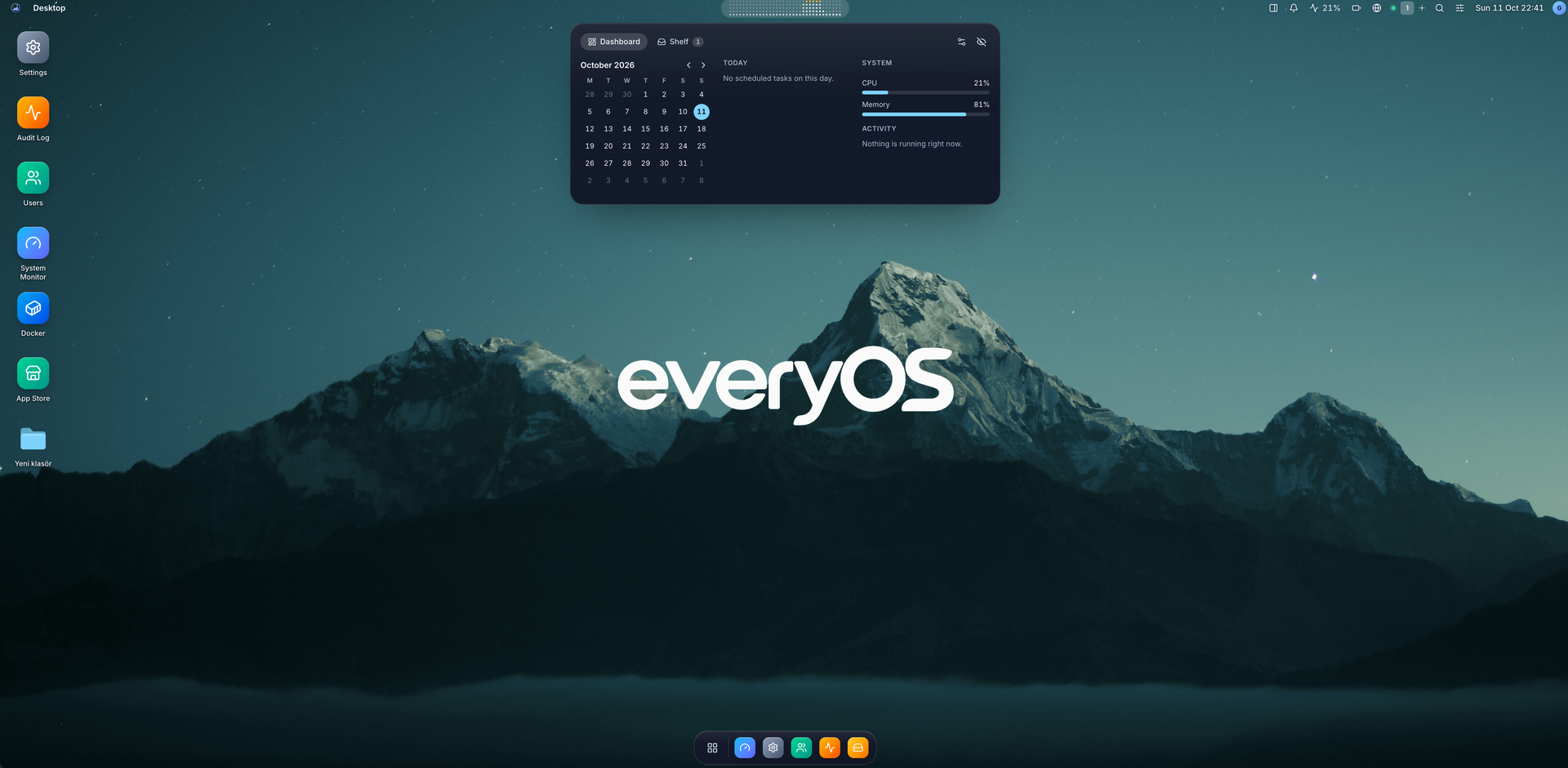
EveryOS gives the Linux server you already own a desktop it never had: open a browser and your machine greets you with windows you can move, snap, and stack, a dock, virtual desktops, widgets, and a launcher, all remembering exactly how you left them. Your files live in a private home with the usual folders, previews, a text editor, and a trash you can restore from, and plugging in a USB disk makes it appear on the desktop ready to mount. An app store installs self-hosted applications from catalogs and follows each deployment, later offering updates that keep your settings, rollbacks when one goes wrong, and backups of app data. The same workspace watches the machine itself: CPU, memory, disk, and network at a glance, systemd services and logs, available package updates, and a Docker view for containers and Compose projects. A real terminal opens in the browser under your own Linux account, Home Assistant arrives as a panel and desktop widgets with its tokens kept on the server, and an AI assistants app can find or install a local model server such as Ollama and chat with it privately. Running on a dedicated VPS on RepoCloud with guaranteed CPU, RAM, and SSD, full root SSH access, and a browser serial console. MIT licensed.
Benefits
- A Desktop For Your Server
- Windows, a dock, virtual desktops, widgets, and notifications run in the browser on your existing Debian or Ubuntu machine, with layouts saved per person and a mobile interface for phones.
- Apps Without The Command Line
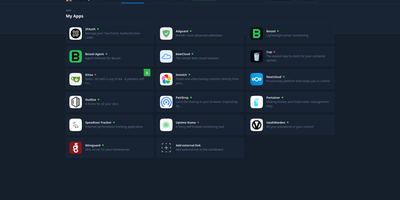
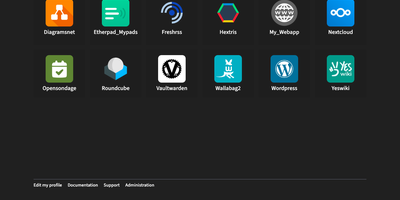
- The app store installs catalogued self-hosted applications, tracks deployment progress, applies updates while keeping your values, and supports rollback plus selected app-data backups from the same workspace.
- The Whole Machine Visible
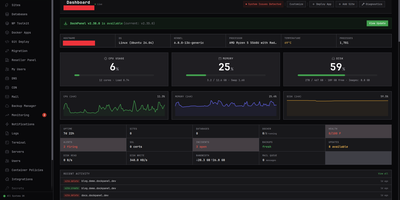
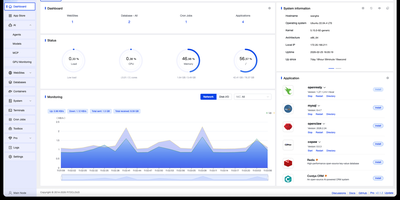
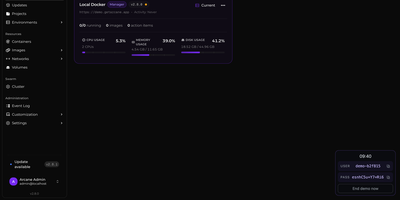
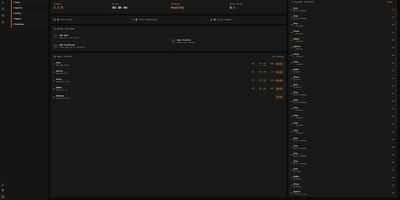
- CPU, memory, disk, and network monitoring sit beside systemd services, logs, package updates, and Docker container management, so routine server care never requires leaving the browser tab.
- Home And AI Built In
- Home Assistant entities appear in a dedicated panel and widgets with tokens held server-side, while the assistants app discovers Ollama, LM Studio, llama.cpp, or vLLM servers automatically.
Features
- Windowed Browser Desktop
- Move, resize, and snap windows across virtual desktops, pin apps to the dock, and search everything from the launcher; seven themes and per-desktop wallpapers make it yours.
- Full File Manager
- Browse a private home with Desktop, Documents, Downloads, Pictures, Music, and Videos, preview images, edit text, restore from trash, mount USB disks, and copy to Google Drive.
- Real Host Terminal
- A genuine Linux shell opens in the browser under your own system account, with account roles, permission checks, and audit logging governing what each person can do.
- Docker And Compose
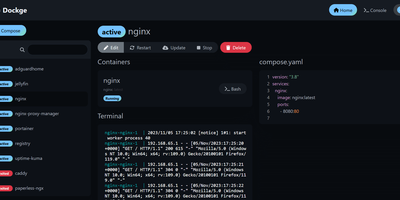
- Inspect containers and supported Compose projects, follow lifecycle actions, and distinguish EveryOS deployments from external and protected resources that stay untouched.
- Local AI Assistants
- The assistants app finds Ollama, LM Studio, llama.cpp, and vLLM servers, can install a shared Ollama with GPU acceleration, downloads models, and encrypts conversations and keys.