Categories
Self-Hosted Homelab Service Discovery Infrastructure Monitoring Port Monitoring Network Mapping Docker Dashboard TrueNASStars
Forks
Watchers
Developer links
portracker
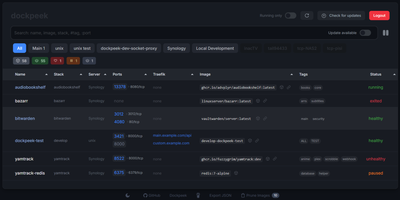
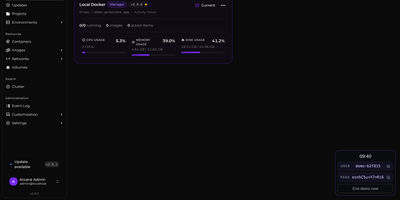
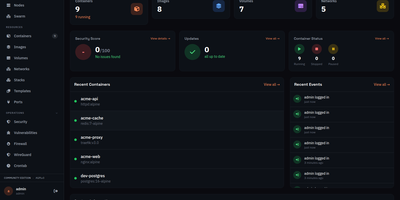
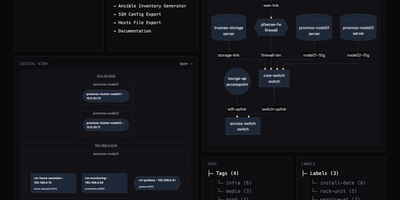
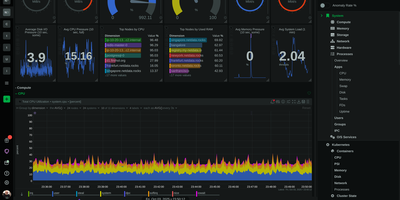
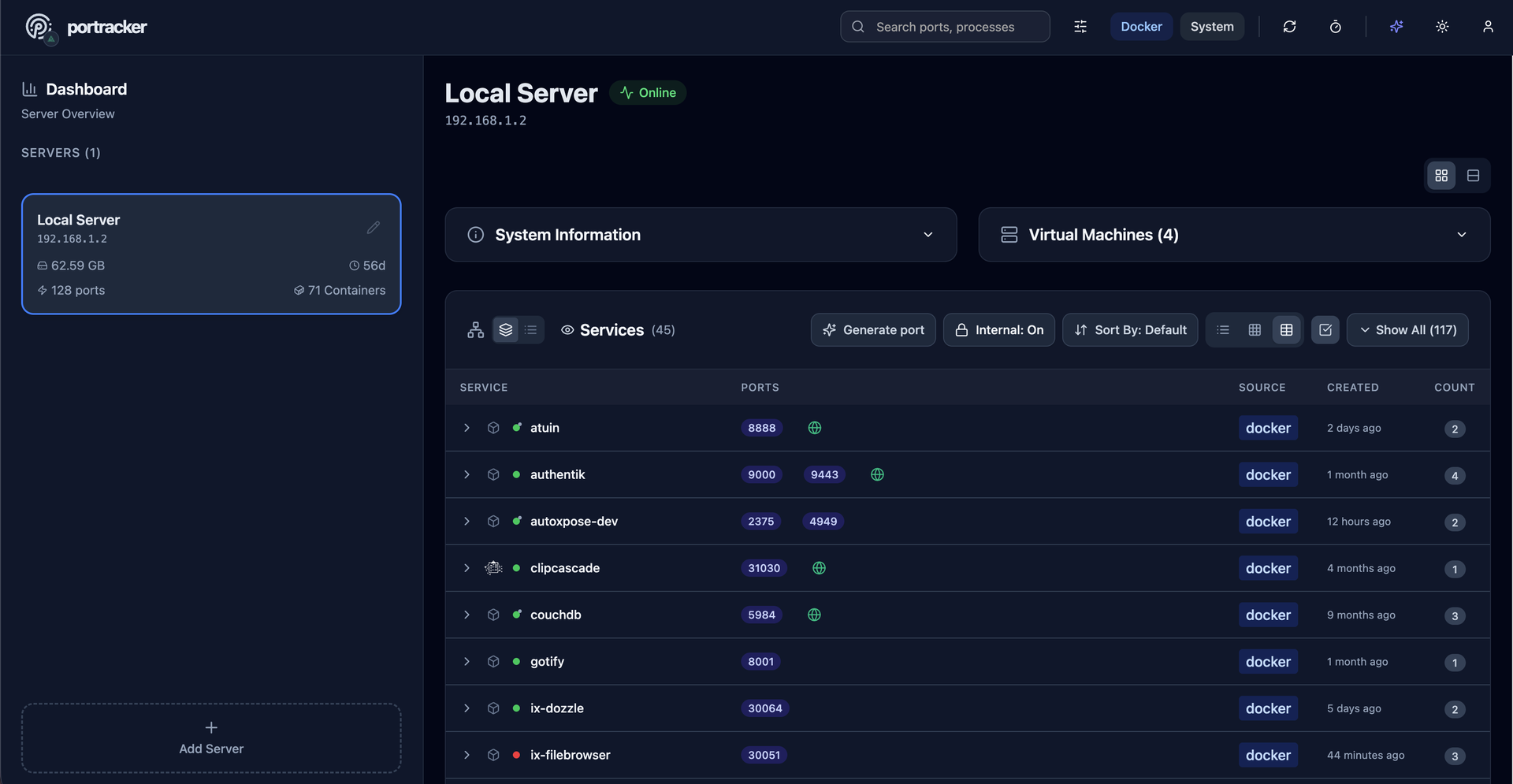
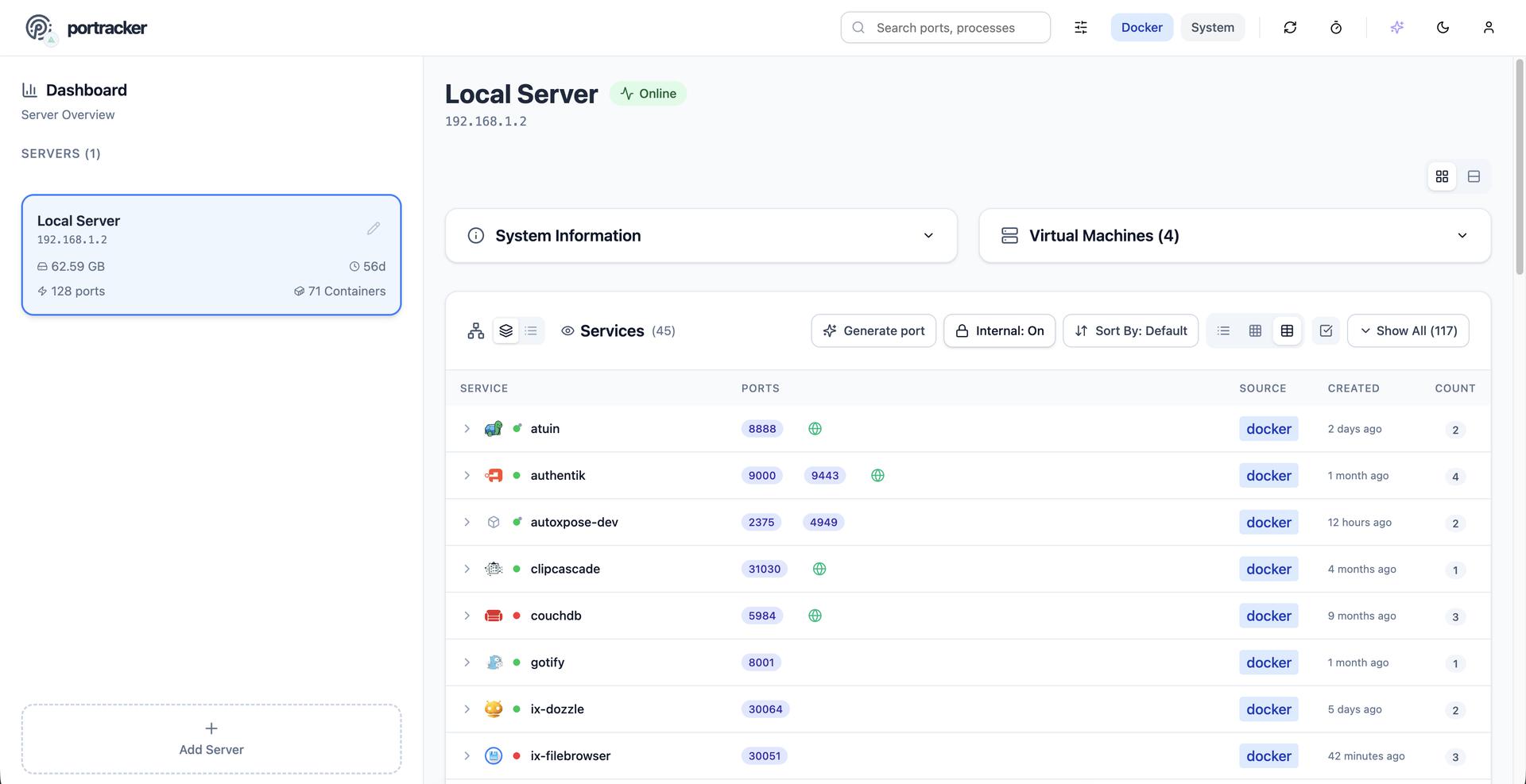
No spreadsheet has to track which service owns which port, because portracker discovers every service and port on your servers and keeps the list current from a self-hosted dashboard. Begin with a single port, shown with its owning service, its source (Docker or the host system), and its address, with internal container ports told apart from ports published to the host. Step back and ports gather into services: expandable cards carrying an icon, a health dot, and a port count, in list, grid, or table layouts, where a Why this status popover names the failing component and the rule that fired. Step back again and each server gets its own panel with hostname, OS, CPU, memory, and uptime, plus TrueNAS apps, VMs, and LXC containers once an API key is added. Step back once more and the whole fleet appears, because other portracker instances can be linked as peers, a VM's instance can be nested under its host, and every server can be searched at once. Along the way, rename services, hide the noisy ones, attach notes, act on a selection in bulk, or press Generate port for an unused number before deploying something new. Optional sign-in with a first-run setup wizard, an autoxpose link that shows public URLs and SSL status, light and dark themes, and keyboard shortcuts finish the picture. Running on a dedicated VPS on RepoCloud with guaranteed CPU, RAM, and SSD, full root SSH access, and a browser serial console. MIT licensed.
Benefits
- Never reuse a taken port again
- The Generate port button returns an unused port number in one click, with a copy button and Regenerate, so new containers stop failing because another service already holds that port.
- An inventory that updates itself
- Nothing is entered by hand: portracker reads the host and Docker, then refreshes on a 15 second, 30 second, 1 minute, or 2 minute interval, so the list matches what is running.
- Every server in one dashboard
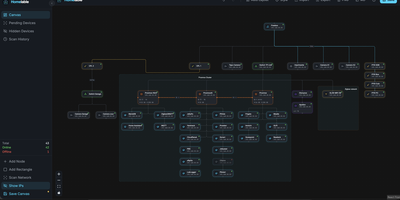
- Link other portracker instances as peers, secured with API keys when authentication is on, and browse containers, VMs, and ports from every machine, with a VM's instance nested under its host.
- Status checks that explain themselves
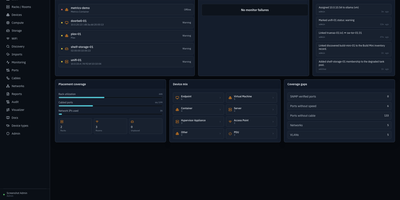
- Probes cover HTTP, HTTPS, TCP, and UDP ports and roll up into one dot per service, and the Why this status popover shows the failing component, the rule, and per-port evidence.
Features
- Automatic Port Discovery
- Scans the host and reads the Docker API to list services and ports, separating internal container ports from published ones and tagging each by source and address.
- Service Cards and Layouts
- Ports group by service into expandable cards with theme-aware icons and an aggregated health dot, viewable as list, grid, or table, with live filtering and sort options.
- Docker and TrueNAS Collectors
- Docker discovery works through the socket or a read-only docker-socket-proxy, while an optional TrueNAS API key adds native apps, VMs, LXC containers, and OS version and uptime.
- Peer-to-Peer Multi-Server View
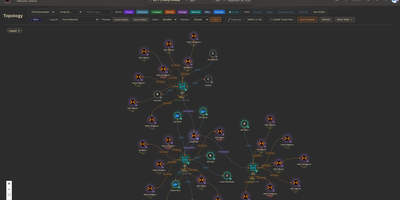
- Add other portracker instances as peers with API keys, nest servers in a parent and child hierarchy, drag to reorder the sidebar, and search across every server at once.
- Sign-In and autoxpose
- Turn on ENABLE_AUTH for a first-run setup wizard, API-key protection, and a recovery mode, and connect autoxpose to show public URLs with SSL status beside internal ports.
- Rename, Annotate, Shortcuts
- Rename services, add notes, hide ports, and apply bulk actions to a selection, with shortcuts such as Cmd or Ctrl+K for search and Cmd or Ctrl+B for the sidebar.