Stars
Forks
Watchers
Developer links
Dockge
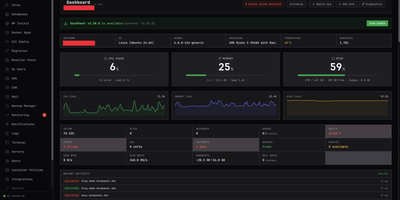
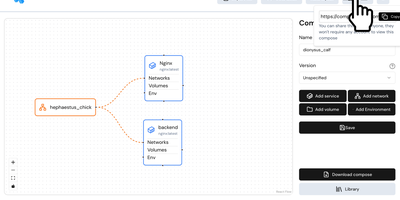
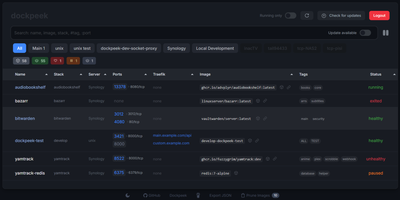
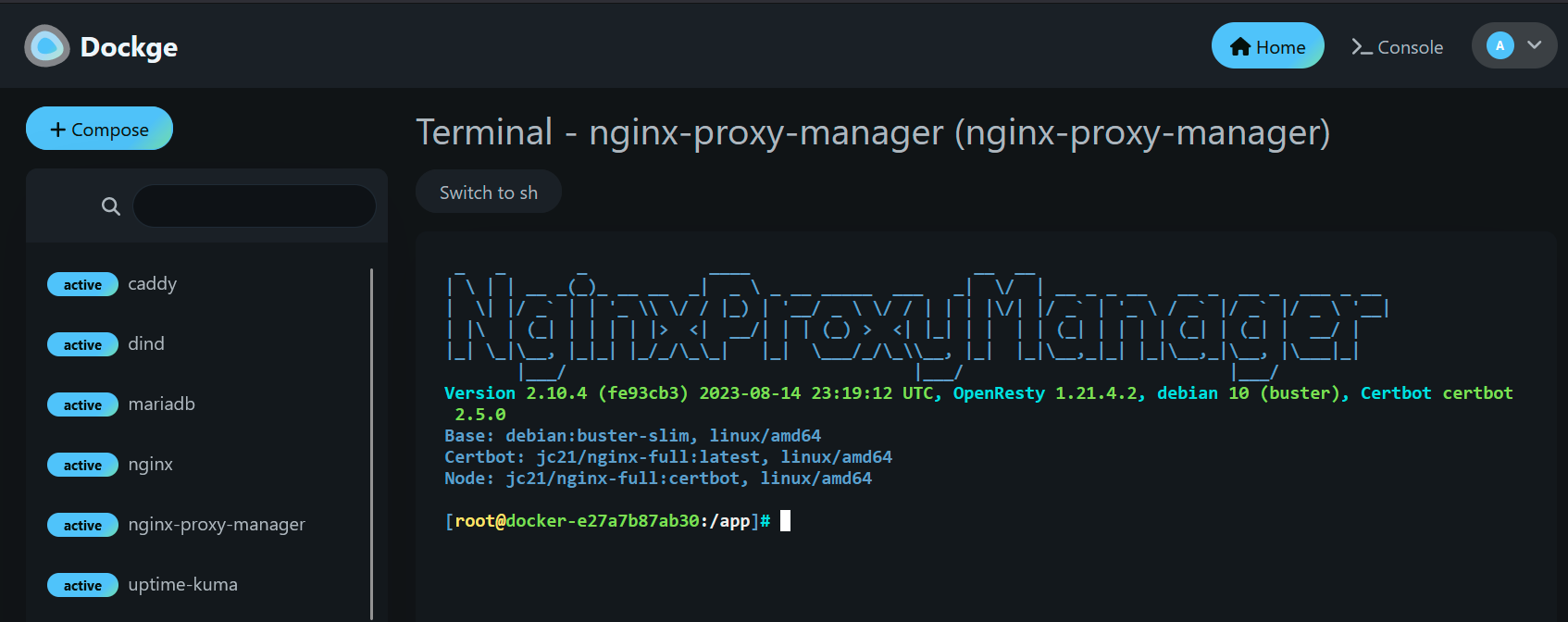
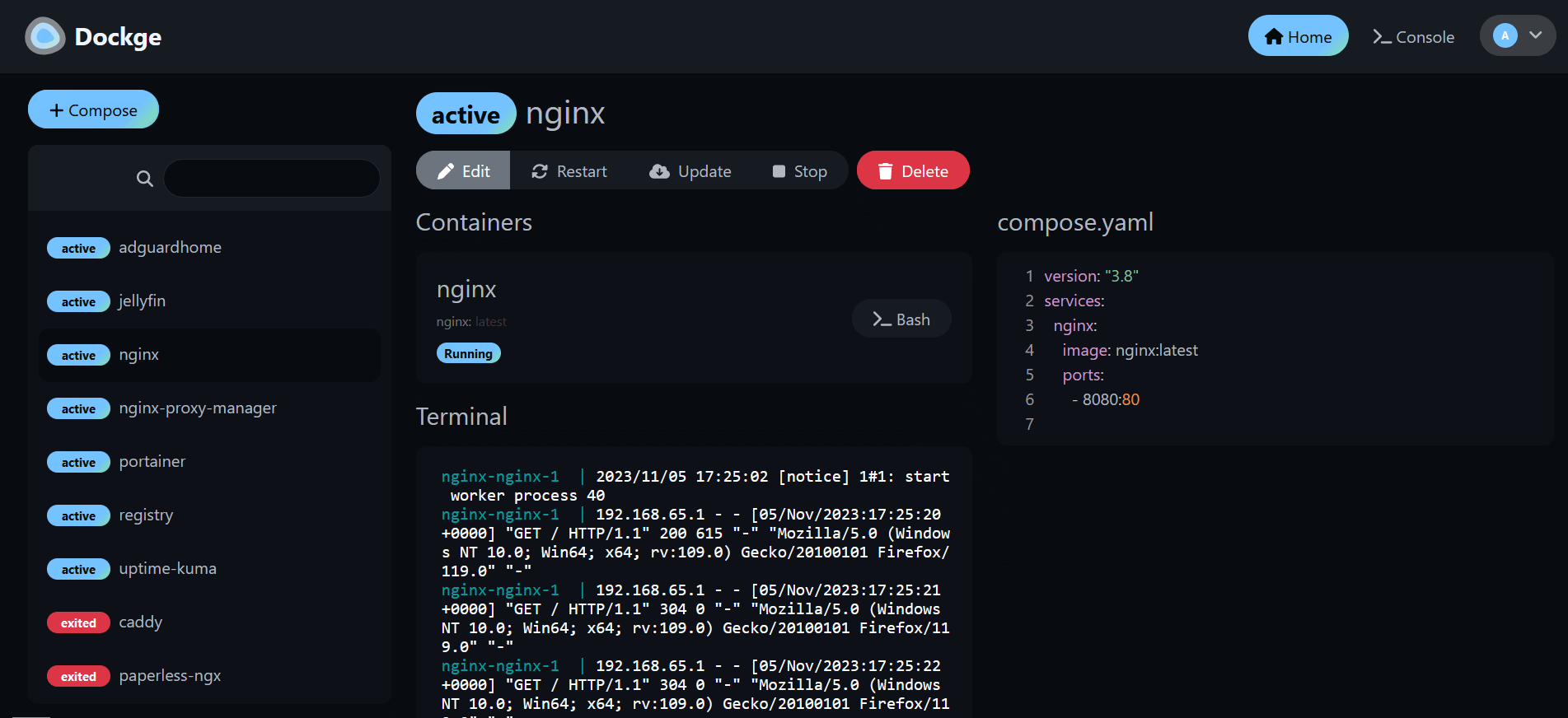
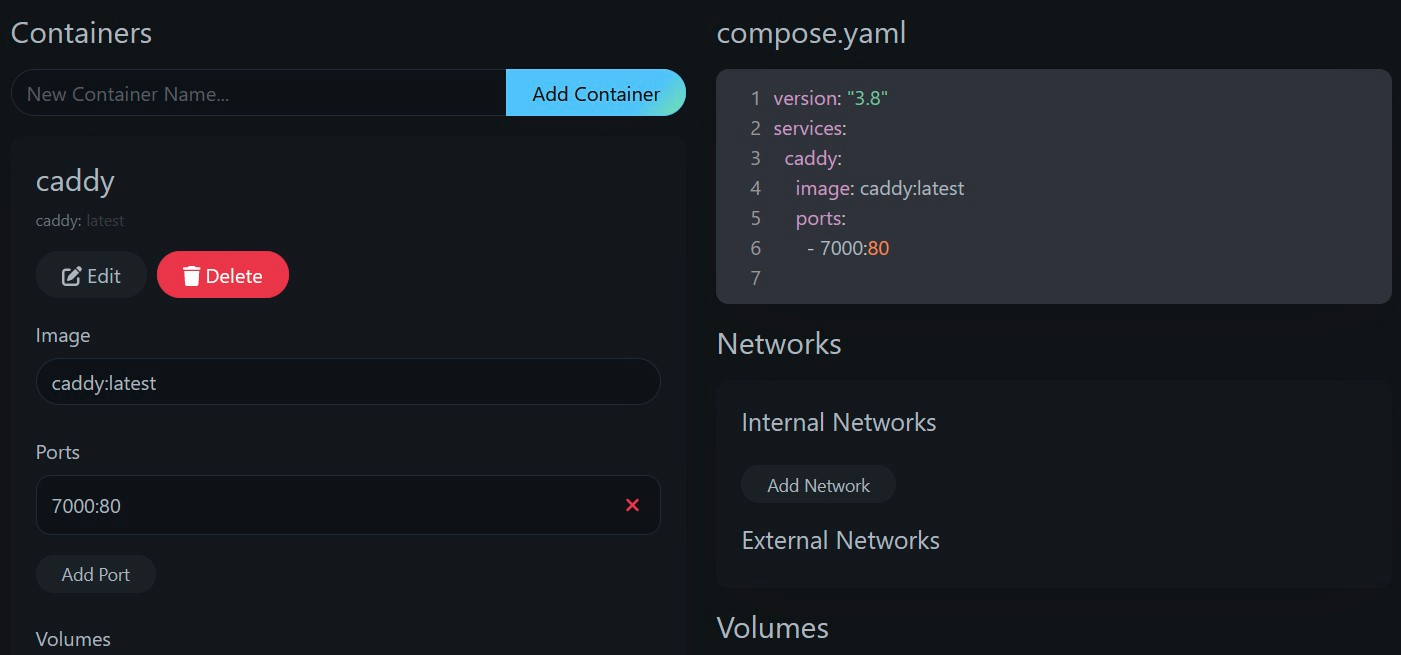
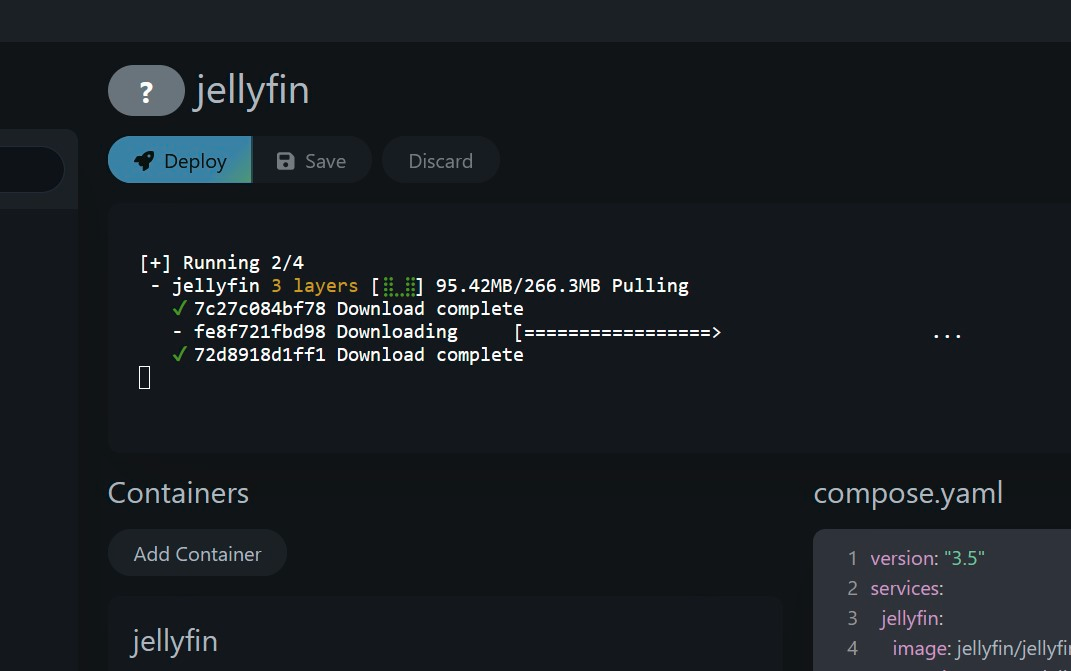
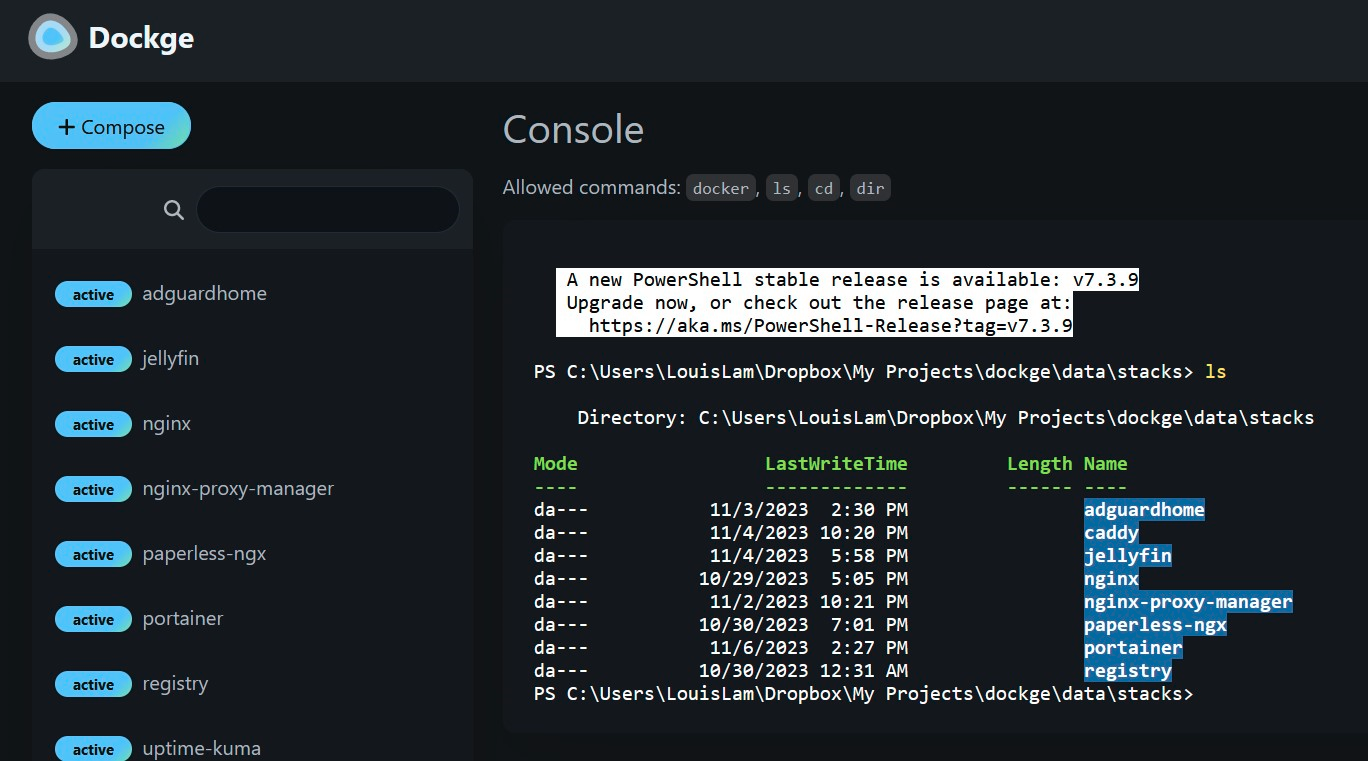
Created by the developer behind Uptime Kuma and carrying over 23,000 GitHub stars, Dockge brings the same clean, reactive design philosophy to Docker Compose stack management with a web interface that makes Portainer's compose handling feel like editing YAML in a terminal over SSH. The interactive editor provides syntax highlighting, inline validation, and a live preview of your compose.yaml files while keeping every stack stored as a standard file on disk in /opt/stacks by default, meaning you can seamlessly switch between the web UI and the docker compose CLI without lock-in or proprietary database formats. Real-time WebSocket updates stream pull progress, container start/stop transitions, and build output directly to the browser with no polling delays. The built-in web terminal opens a shell session inside any running container for quick debugging, while the docker-run-to-compose converter transforms single-container run commands into proper compose.yaml definitions with one click. Multi-agent support introduced in version 1.4.0 connects multiple Docker hosts to a single Dockge dashboard, enabling centralized management of stacks distributed across different servers. Image update detection shows which stacks have newer versions available, and one-click updates pull the latest images and recreate containers without manual intervention. The stack is a single Docker container running on Node.js with Socket.IO for reactivity and stores no external database. Running on a dedicated VPS on RepoCloud with guaranteed CPU, RAM, and SSD, full root SSH access, and a browser serial console. MIT licensed.
Benefits
- File-Based Stack Storage
- Compose files are stored as standard compose.yaml on disk, enabling seamless use with the Docker Compose CLI, version control, and manual editing without proprietary lock-in.
- Real-Time Reactive Interface
- WebSocket-driven updates stream pull progress, container transitions, and build output to the browser instantly with no polling, delivering Uptime Kuma-style responsiveness.
- Multi-Host Agent Management
- Connect multiple Docker hosts to a single Dockge dashboard via agents, enabling centralized stack management across distributed servers from one unified web interface.
- Docker Run to Compose Conversion
- Paste any docker run command and convert it into a proper compose.yaml definition with one click, simplifying migration from single-container deployments to managed stacks.
Features
- Interactive YAML Editor
- Edit compose.yaml files with syntax highlighting, inline validation, and live preview directly in the browser without needing an external editor.
- Web Container Terminal
- Open a shell session inside any running container from the web UI for quick debugging, log inspection, and command execution without SSH.
- One-Click Image Updates
- Detect newer Docker image versions for running stacks and update containers with a single click that pulls, recreates, and restarts services automatically.
- Stack Lifecycle Management
- Create, edit, start, stop, restart, and delete Docker Compose stacks through an intuitive dashboard with real-time status indicators per container.
- Single Container Deployment
- Runs as one Docker container on Node.js with Socket.IO and requires no external database, making installation a single docker compose up command.