Categories
Developer Tools AI Agents Self-Hosted AI MLOps Workflow Orchestration LLM Operations ML Pipelines Artifact TrackingStars
Forks
Watchers
Developer links
ZenML
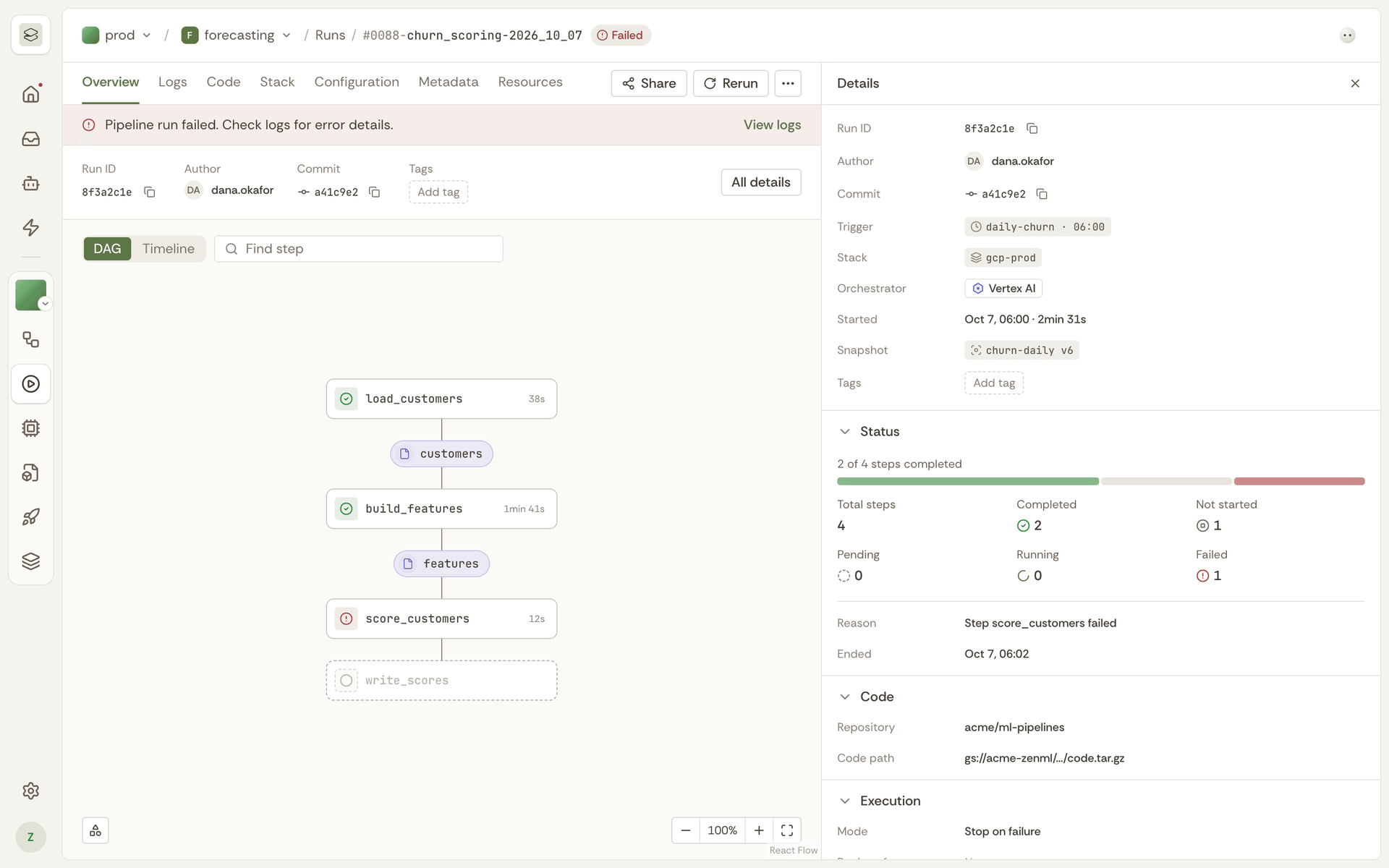
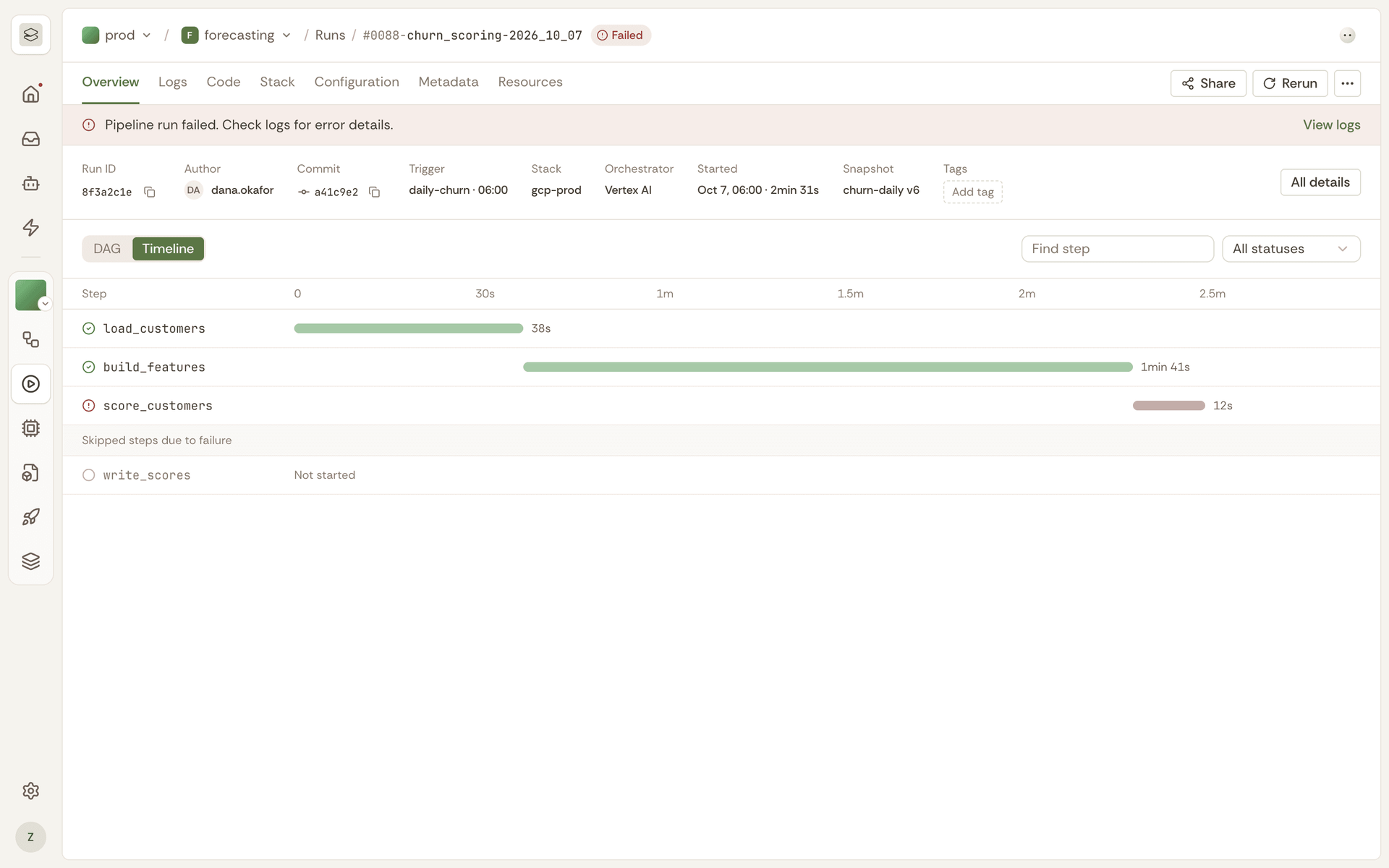
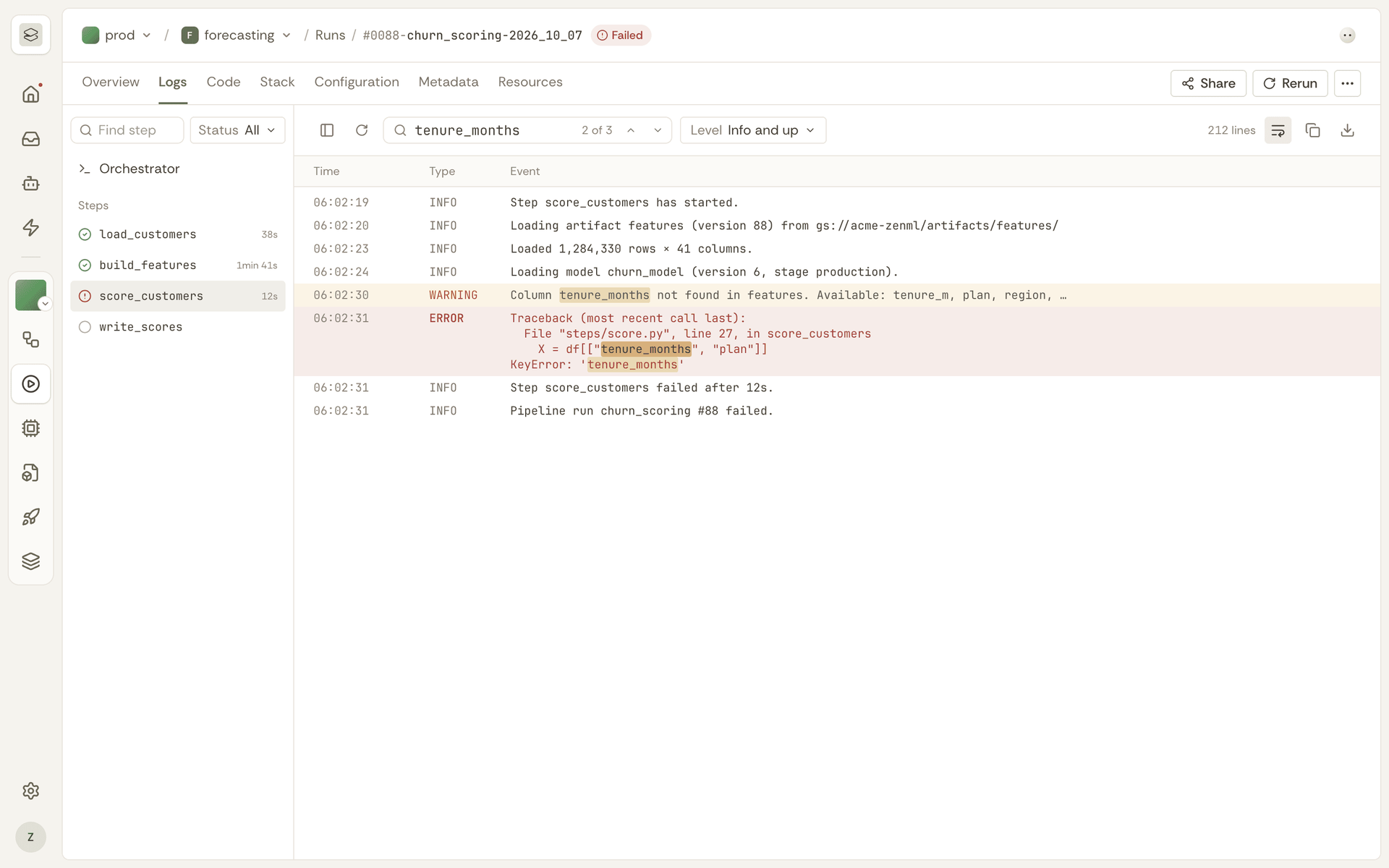
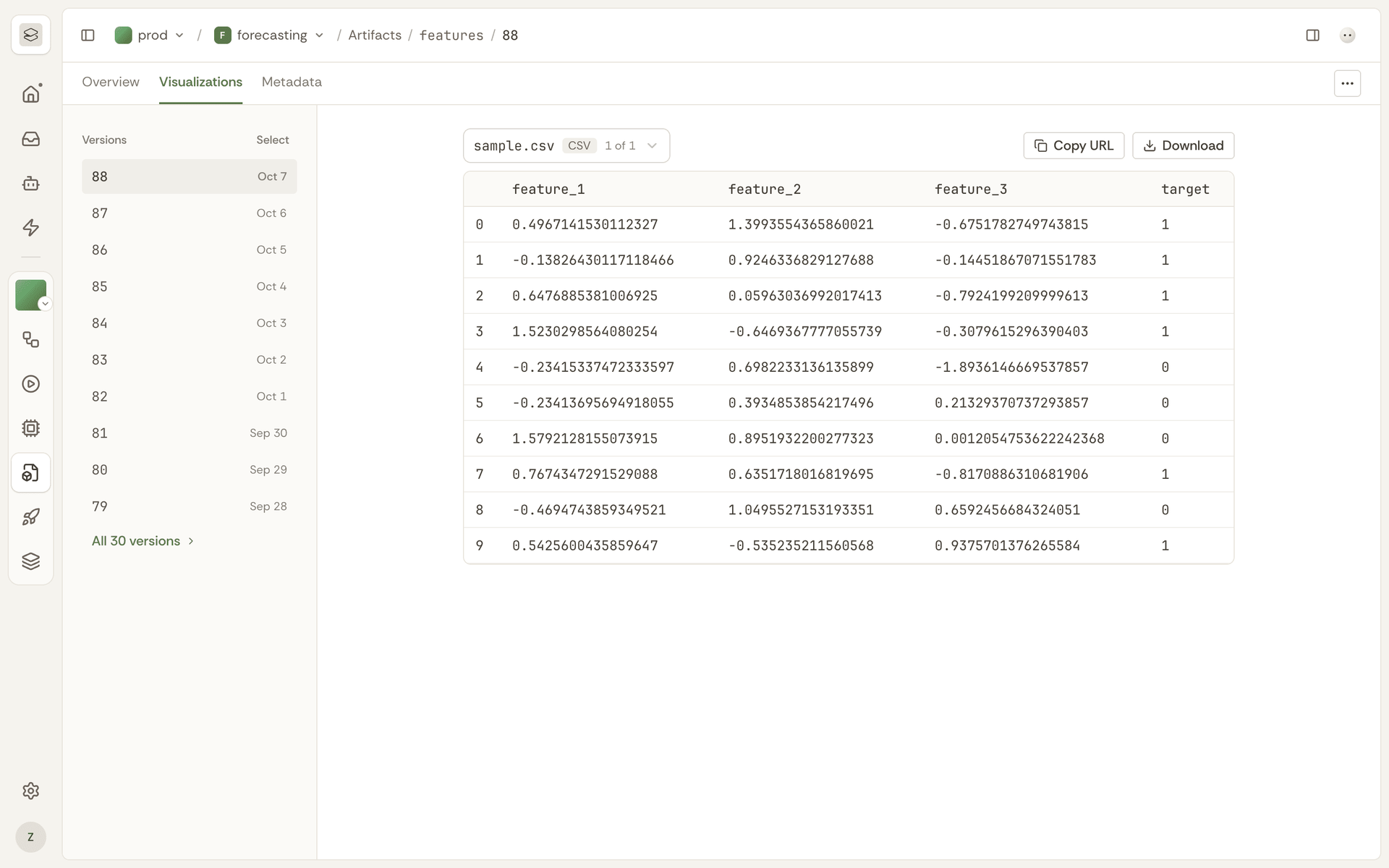
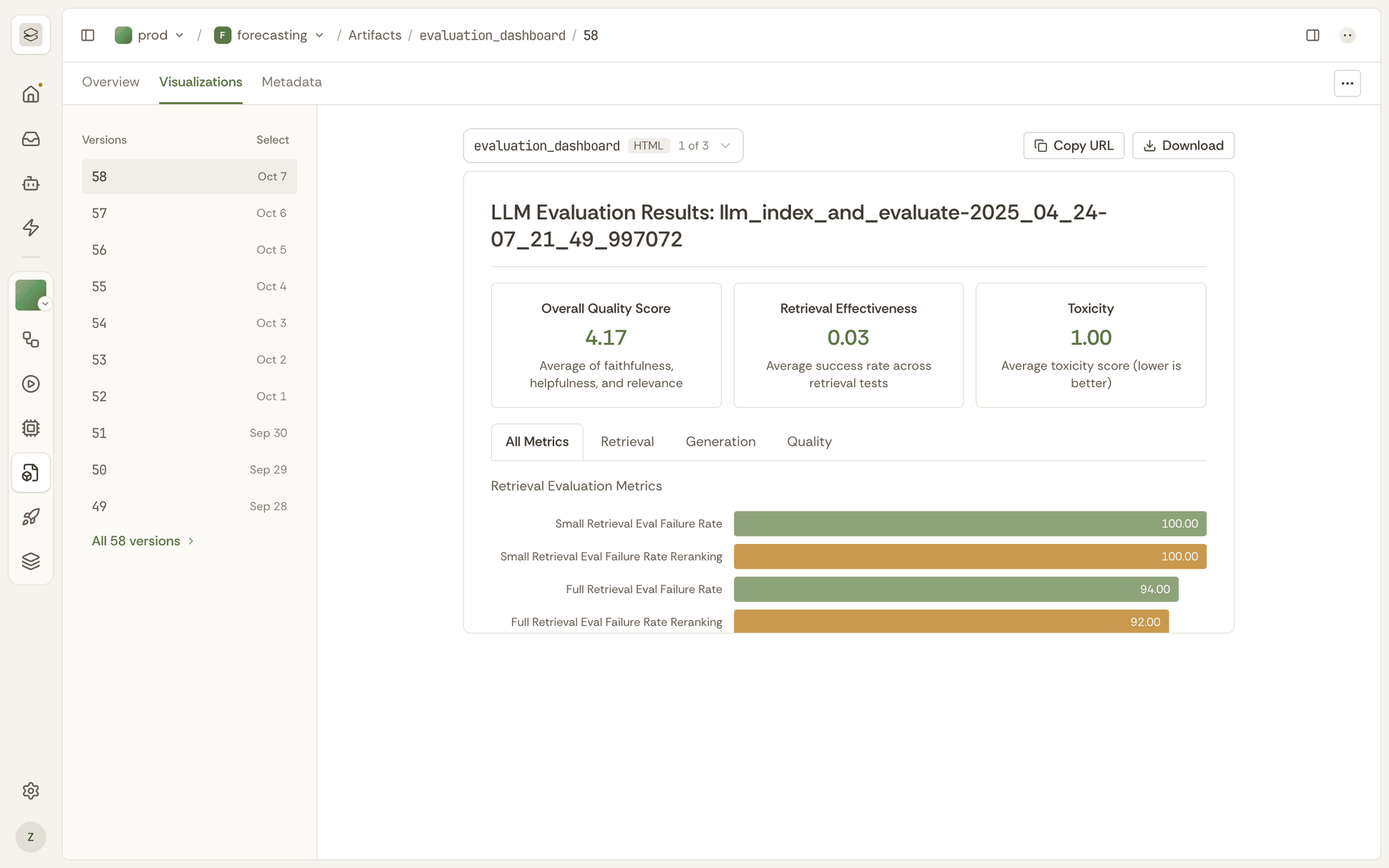
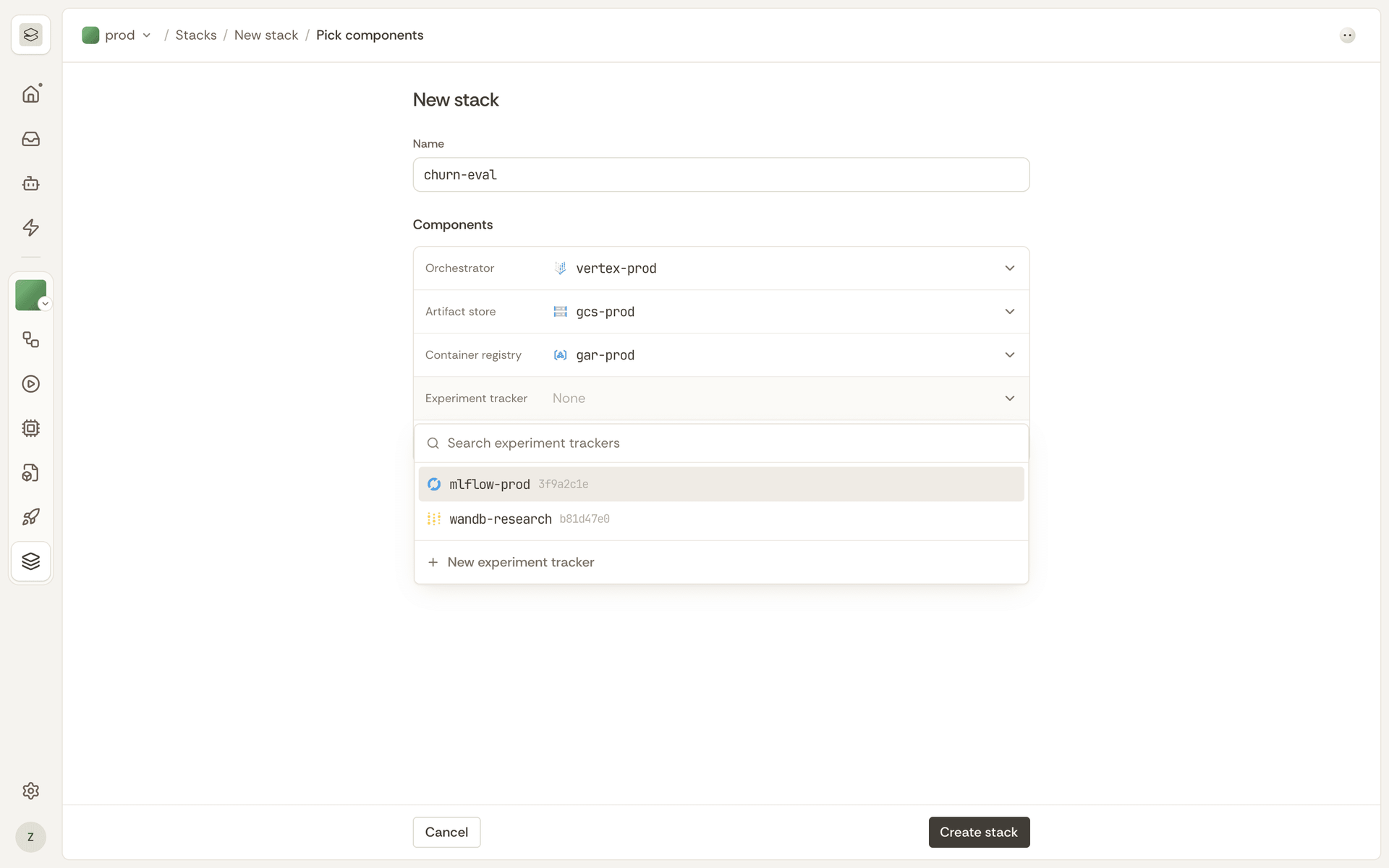
ML and AI engineers wrap existing code in a step, and ZenML turns it into a tracked pipeline that runs unchanged on a laptop, Kubernetes, Vertex AI, or SageMaker. Data scientists keep their scikit-learn or PyTorch training, and agent builders keep their LangGraph loops. ZenML containerizes the code and records metrics, logs, and metadata for every run. Platform engineers define stacks: an orchestrator and an artifact store, plus optional extras such as a container registry, deployer, or experiment tracker. Moving from laptop to production then means switching stacks, not rewriting code. Anyone can open the dashboard and see each run as a DAG or a Gantt-style timeline, with step logs, runtime metrics, and artifact lineage. DataFrames open as interactive tables, images render in the browser, and Evidently, Great Expectations, and WhyLogs output gets its own views. MLflow, Weights & Biases, and Langfuse plug in instead of being replaced. Example projects include a deep research agent, RAG with evaluation loops, LLM fine-tuning, and a document-analysis service with a web UI. The MCP server lets Claude Desktop, Cursor, or any MCP client answer which runs failed this week and trigger deployments, while a VS Code and Cursor extension manages pipelines from the editor. Self-host the server as one container image serving the API and dashboard on port 8080. Running on a dedicated VPS on RepoCloud with guaranteed CPU, RAM, and SSD, full root SSH access, and a browser serial console. Apache-2.0 licensed.
Benefits
- Same Pipeline, Any Infrastructure
- Switch the active stack and the unchanged pipeline code runs on a laptop, Kubernetes, Kubeflow, Vertex AI, or SageMaker, so infrastructure choices stop forcing rewrites between development and production.
- Every Run Is Tracked Automatically
- Each execution records its metrics, logs, metadata, and artifact versions, while unchanged steps return cached results, so teams can reproduce experiments and skip paying for repeated expensive work.
- Keep Your Existing Tools
- Wrapping code in a step keeps scikit-learn, PyTorch, LangGraph, LlamaIndex, or raw API calls intact, and MLflow, Weights & Biases, and Langfuse integrations mean ZenML orchestrates your stack instead of replacing it.
- One Server Your Team Shares
- Clients connect with zenml login to a single server that holds run history, stacks, and artifact metadata, so everyone sees the same dashboard instead of keeping private local records.
Features
- DAG and Timeline Views
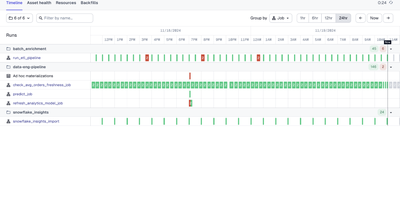
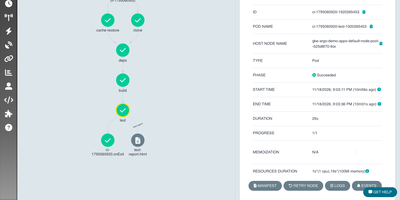
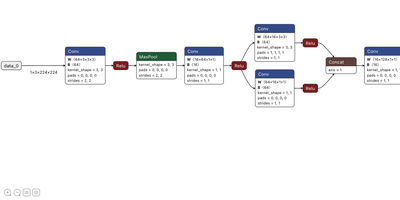
- Each run opens as a dependency graph or a Gantt-style timeline; runs with over 100 steps default to the timeline so large pipelines stay responsive.
- Run History and Step Logs
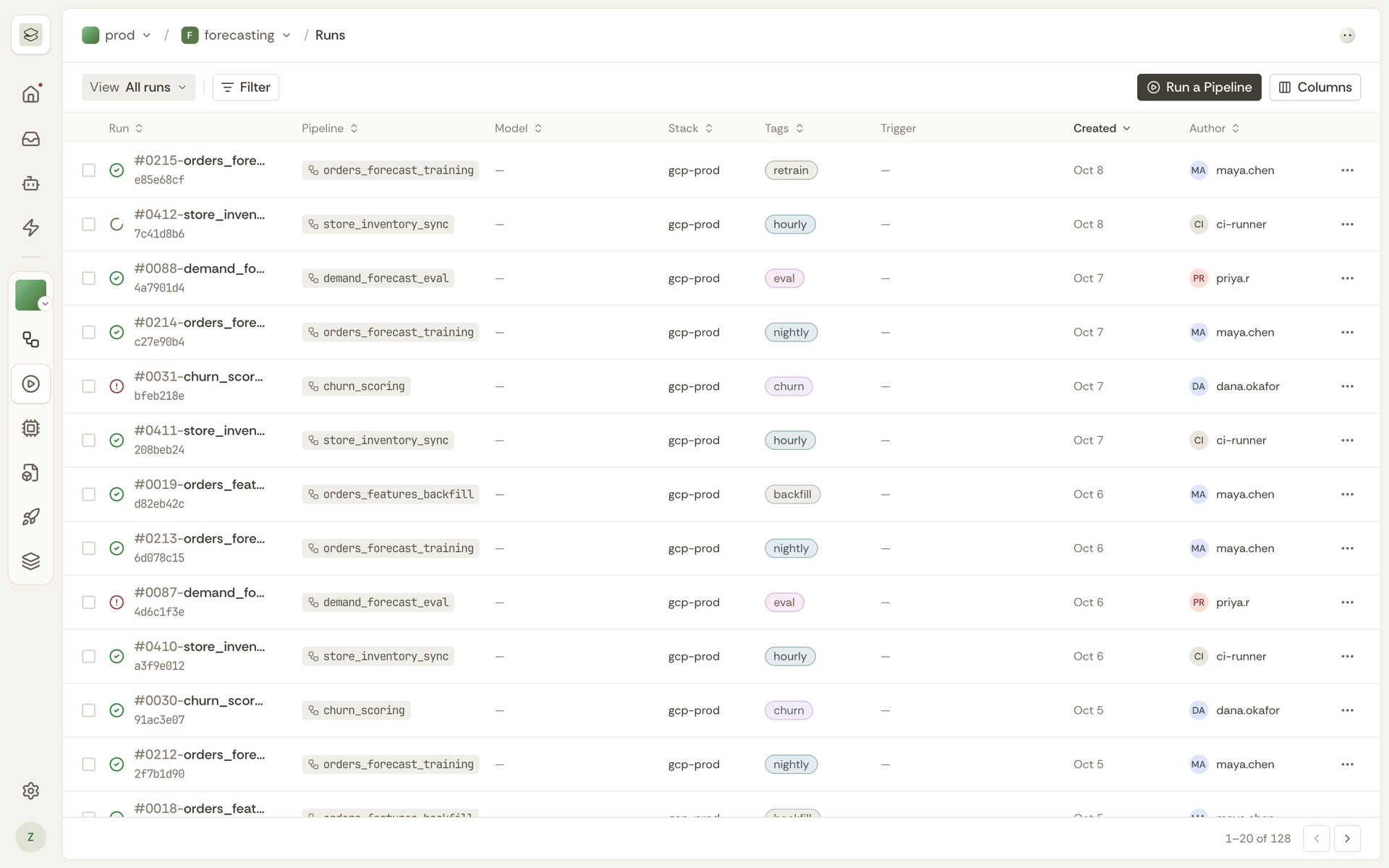
- Browse earlier executions, filter by status or name, compare configurations, then open a step to search its stdout and stderr logs, durations, timestamps, and cache hit or miss.
- Artifact Visualization and Lineage
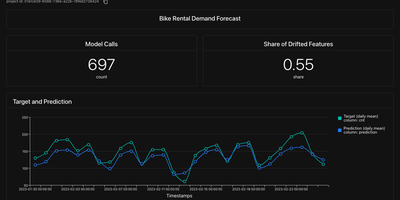
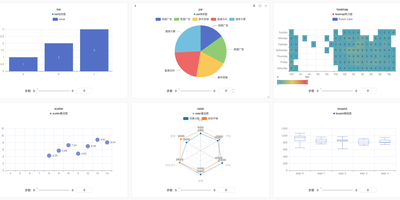
- Pandas DataFrames show as interactive tables, images render inline, and Evidently, Great Expectations, and WhyLogs outputs display in the browser, with lineage linking each artifact to its producing step.
- Stack and Component Management
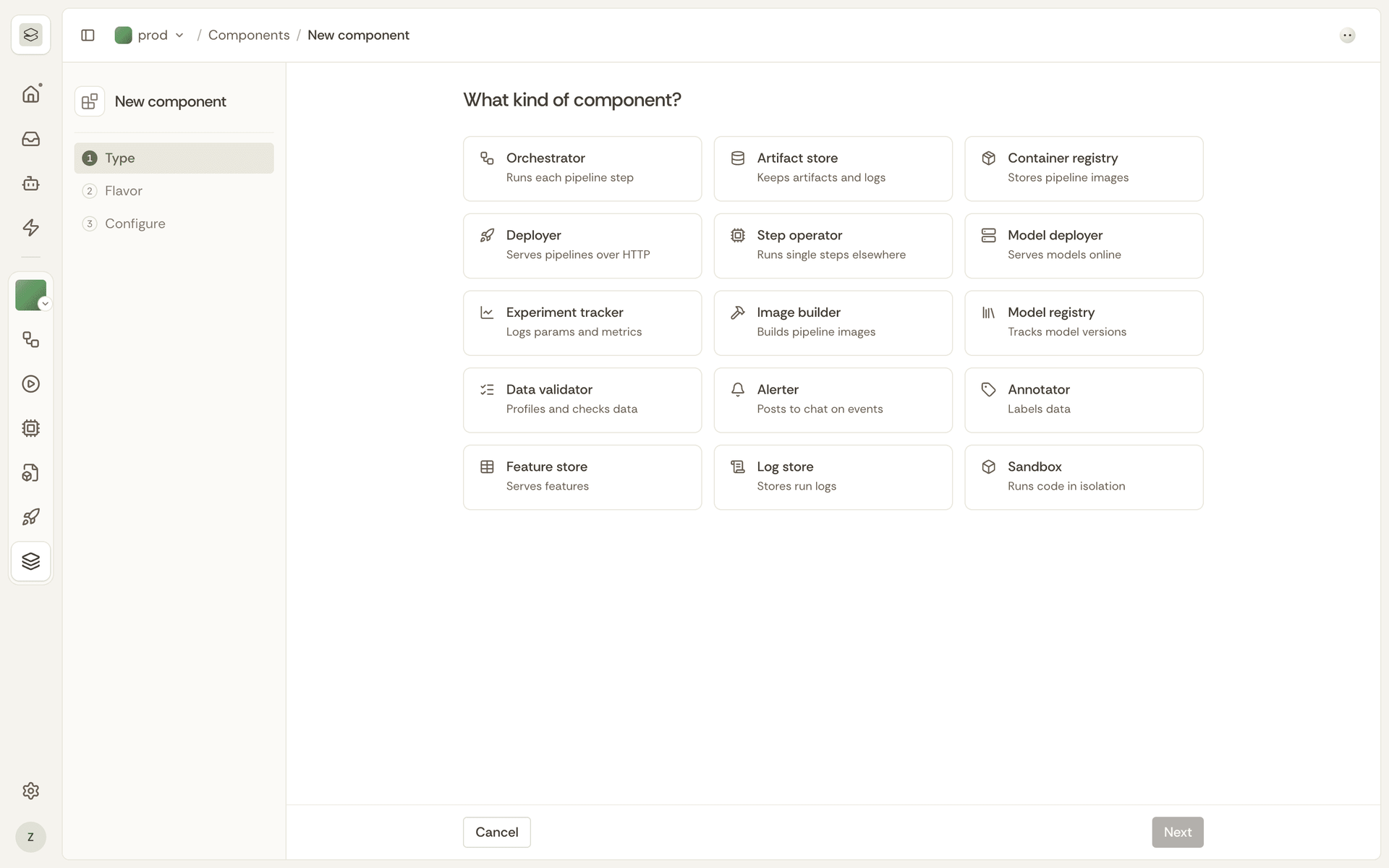
- Create stacks from Infra, pick compatible orchestrators, artifact stores, and container registries, and register components through validated forms linked to service connectors.
- Agent and RAG Examples
- The repository ships runnable examples for LangGraph agent comparisons, deep research workflows, RAG with evaluation loops, LLM fine-tuning, and a document-analysis service with an embedded web UI.
- MCP Server and Editor Extension
- Claude Desktop can query pipelines, analyze runs, and trigger deployments through the ZenML MCP server, and a VS Code and Cursor extension manages pipelines directly from the editor.