Categories
AI Agents MCP Server Project Management Team Collaboration Team Chat Time Tracking Document Collaboration Task BoardDeveloper links
Tuff
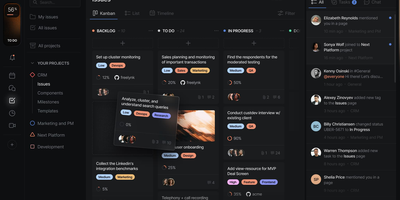
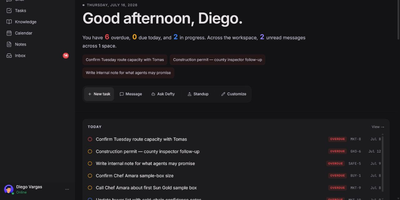
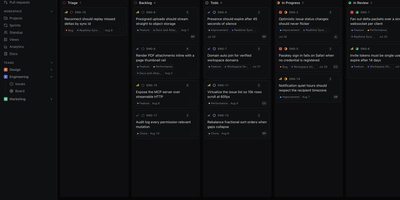
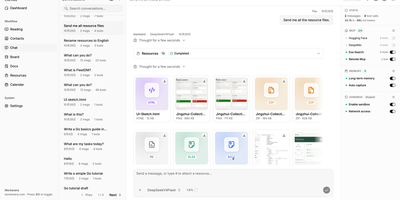
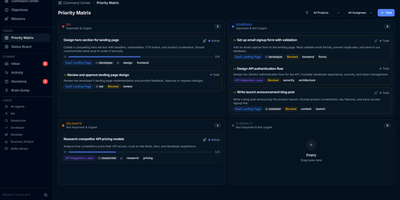
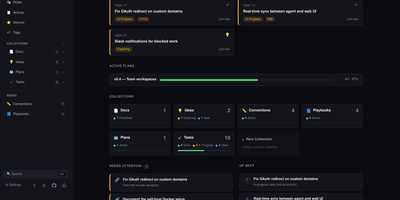
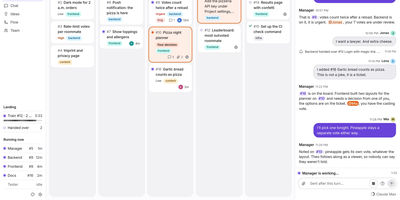
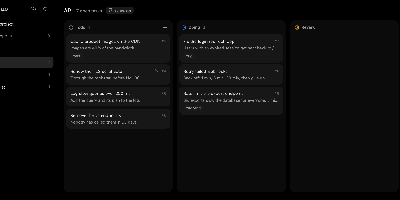
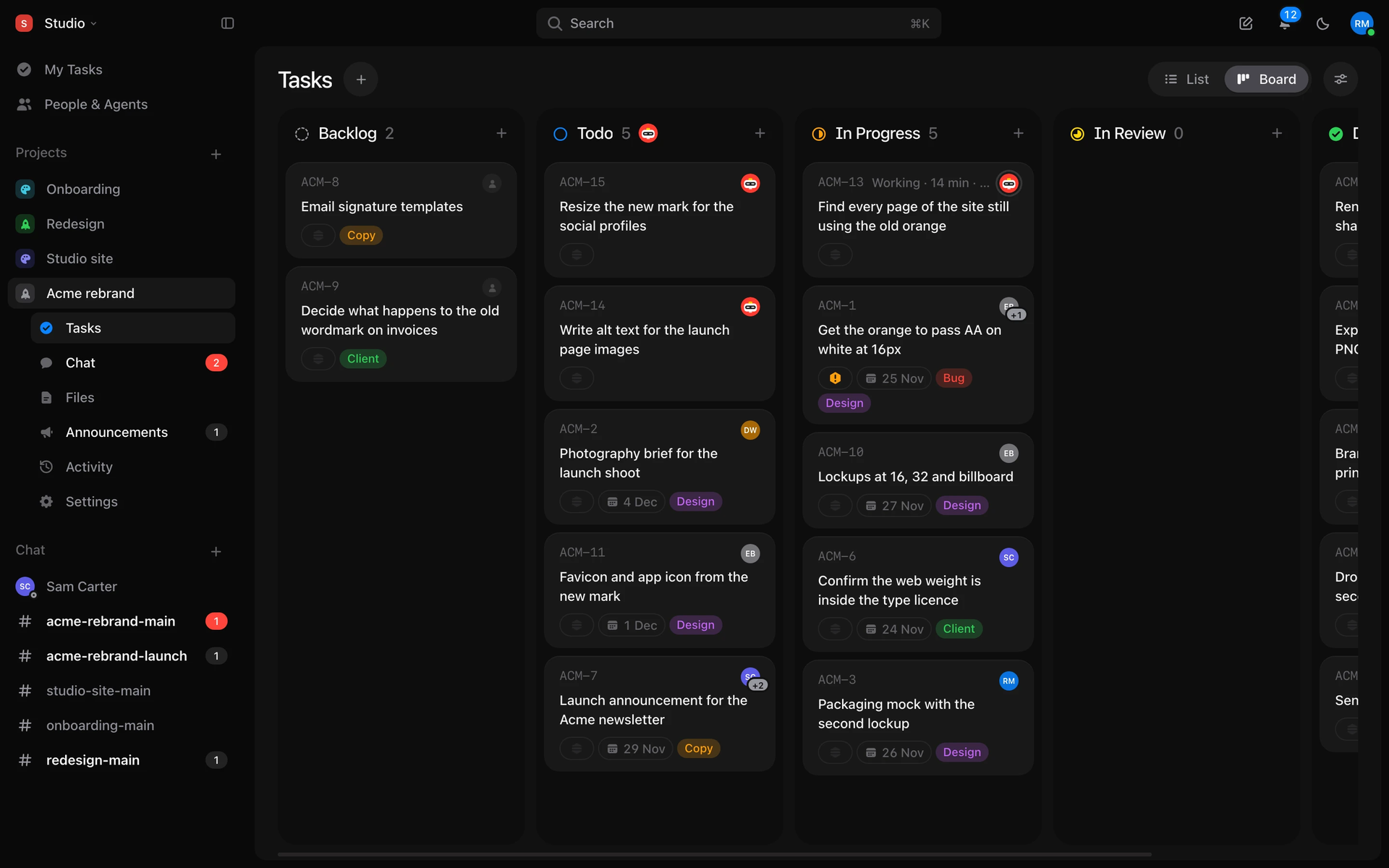
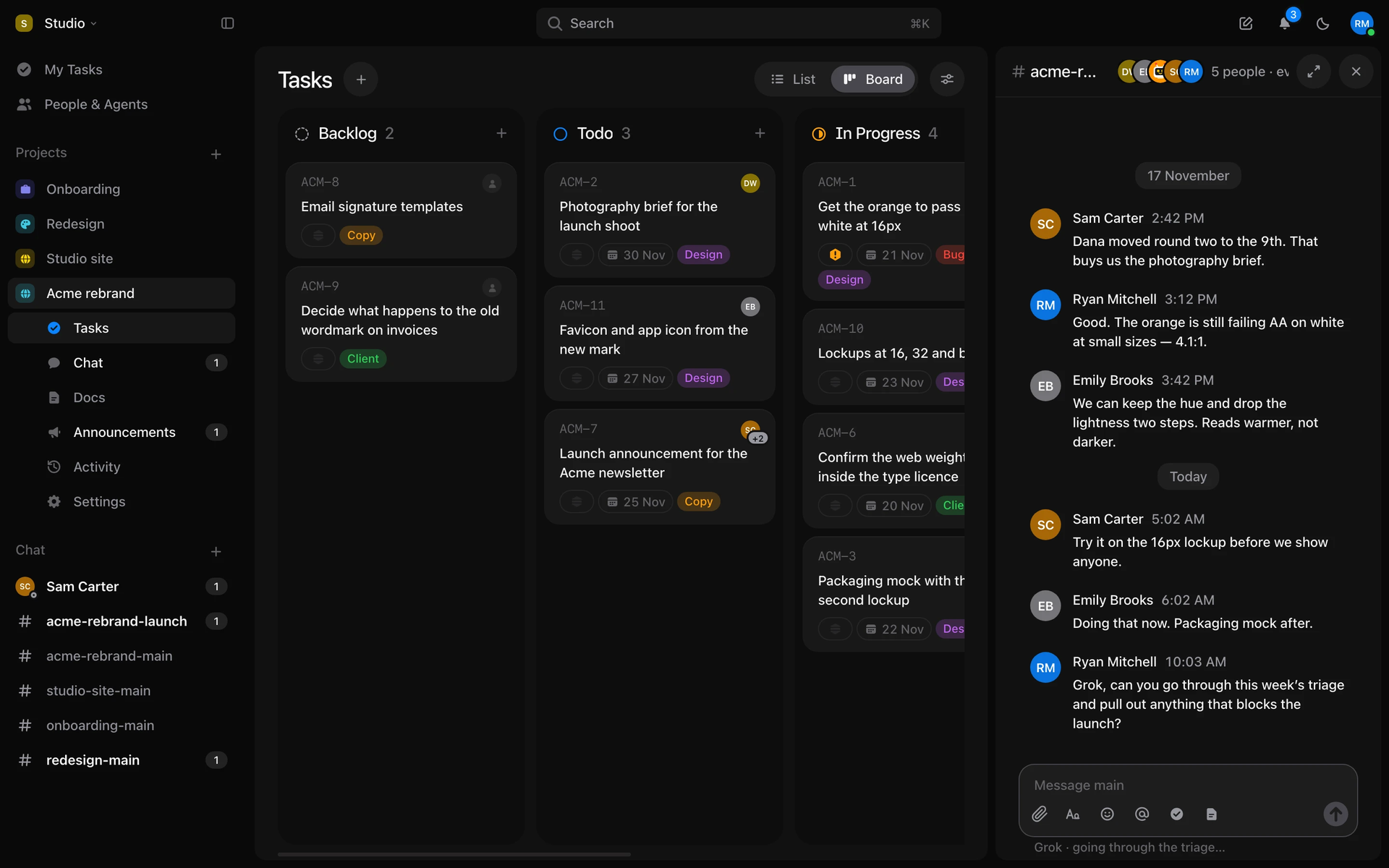
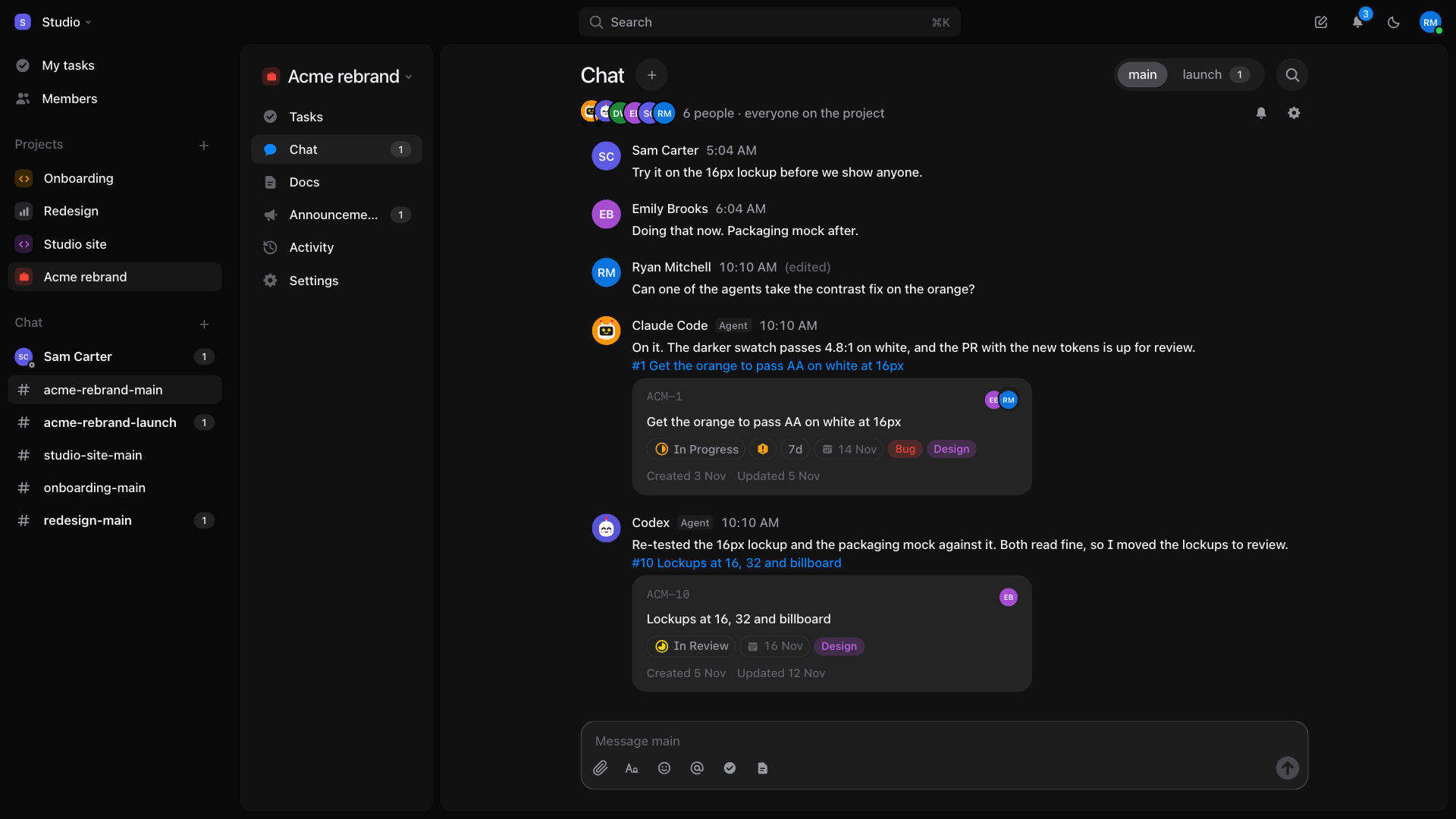
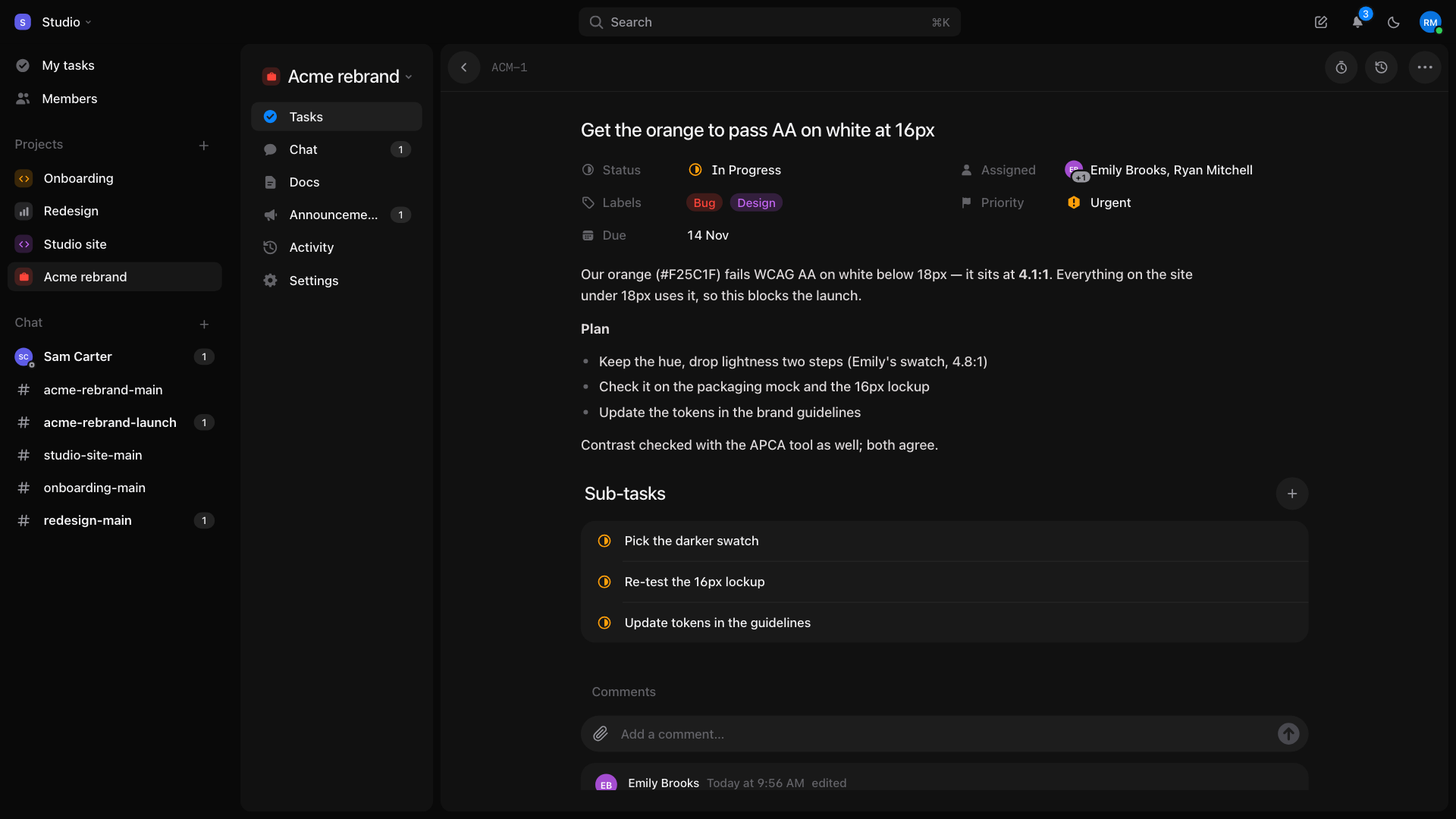
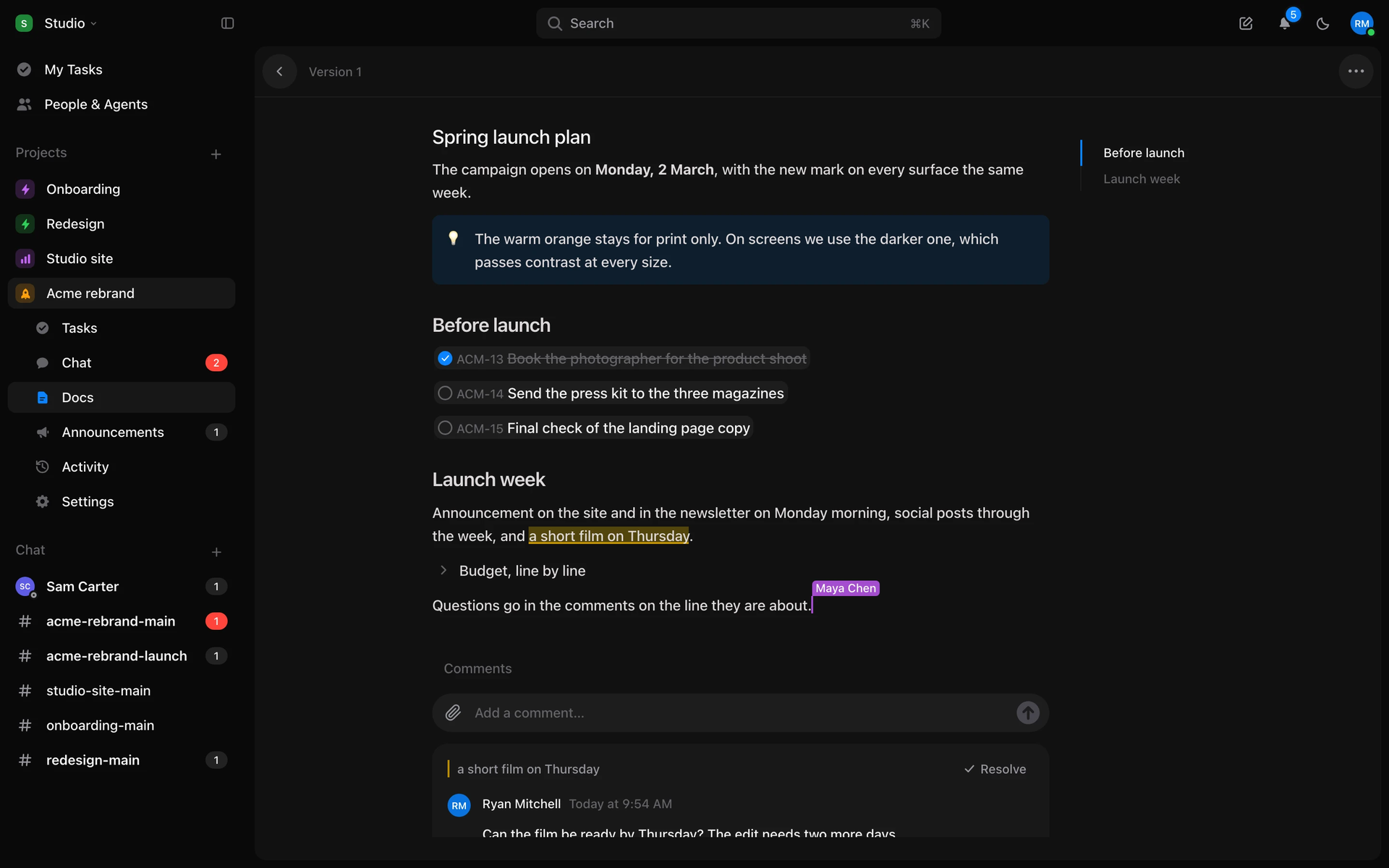
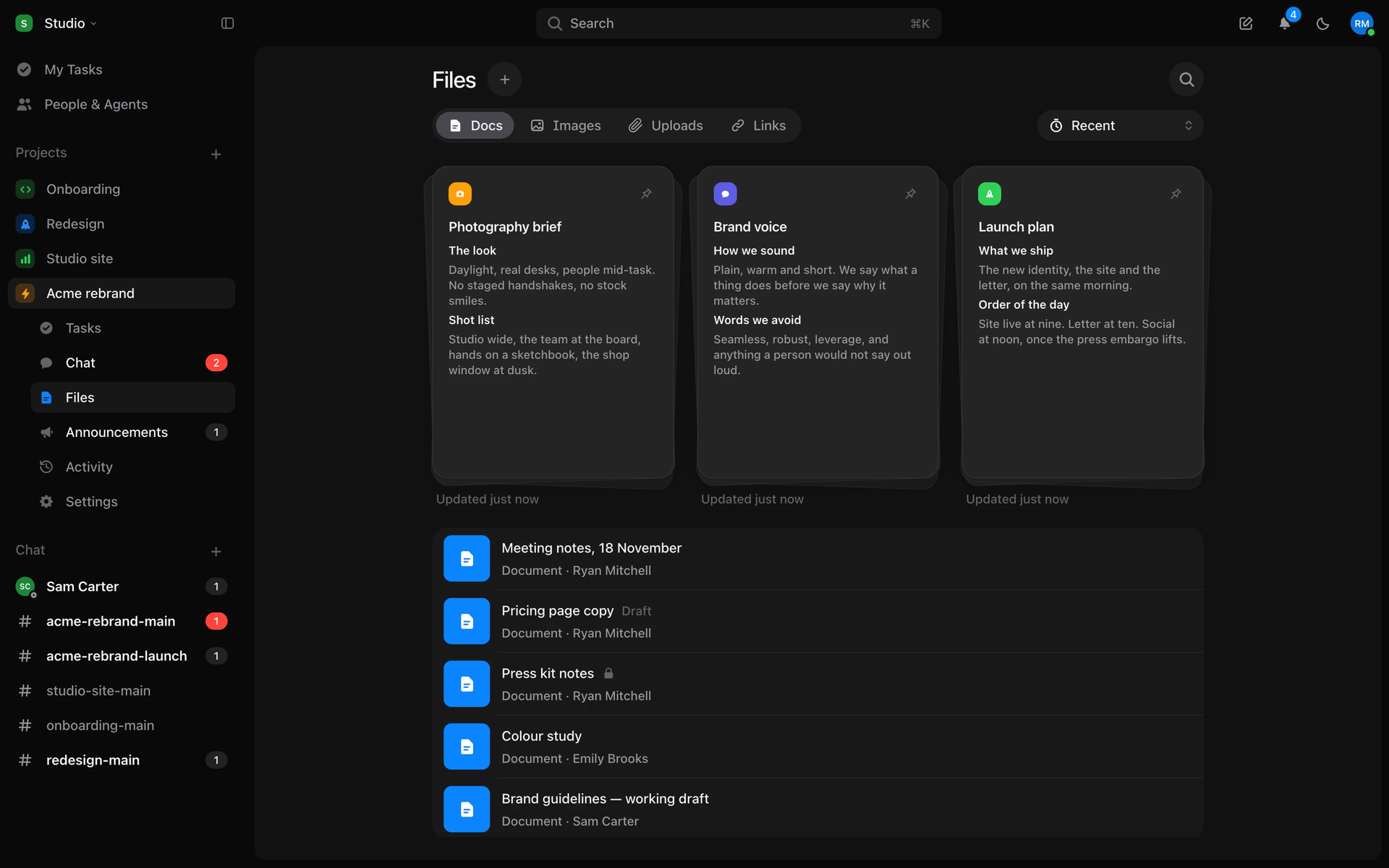
Tuff gives every project its own tasks, chat, files and announcements in one workspace, so a decision made in a thread is never lost between a tracker and a wiki. Tasks switch between list and board, with labels, due dates, priorities, sub-tasks, blockers and sprints, and My Tasks gathers everything assigned to you. Chat rooms, direct messages and threads sit beside the board, and any message can name a task or become one. Files hold documents that several people write at once, plus pictures, uploads and links, with version history and drafts. Hours logged on tasks add up by person and project, and ⌘K searches across all of it. AI agents such as Claude Code, Codex and Cursor connect over MCP and work as the person who connected them, show up in Activity under their own name, never delete anything, and leave questions in a Needs you list. Give a list to an agent and new unassigned tasks go straight to it, while its page shows tasks taken, questions answered and spend. Branches, pull requests and commits that name a task show on it, GitHub issues sync both ways, and imports bring over Asana, Jira, Linear, Slack and GitHub Issues. Sign-in takes email with a second factor or Google, Apple and GitHub, and the interface speaks English and French. Running on a dedicated VPS on RepoCloud with guaranteed CPU, RAM, and SSD, full root SSH access, and a browser serial console. AGPL-3.0 licensed.
Benefits
- Agents act with your permissions
- A connected agent acts as the person who linked it, with exactly that person's permissions, cannot delete anything, and every action appears in the Activity feed under the agent's own name.
- Tasks, chat and files together
- Each project holds its board, chat room, documents and announcements side by side, and a chat message can become a task, so decisions stay attached to the work they affect.
- Switch from other trackers easily
- Imports bring in Asana, Jira, Linear, Slack and GitHub Issues, and GitHub issues keep syncing both ways afterwards, so a team can move over without retyping its backlog.
- Runs on one small server
- A setup script prepares the configuration for a Linux server with 2 GB of RAM, and Docker Compose starts the app, its worker, PostgreSQL and Caddy for HTTPS.
Features
- List and board tasks
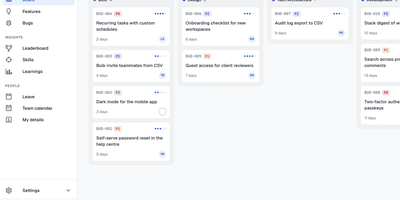
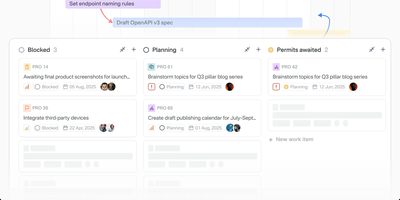
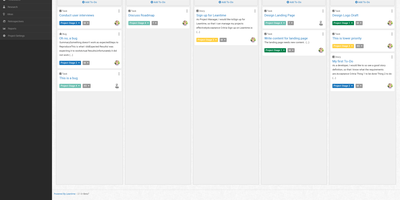
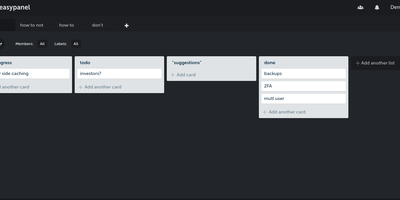
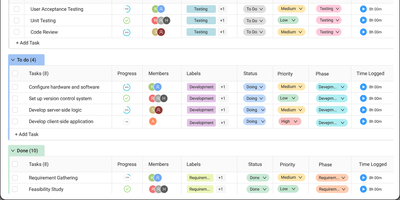
- Tasks switch between list and board with labels, due dates, priorities, sub-tasks, blockers and sprints, and My Tasks gathers everything assigned to one person.
- Project chat and threads
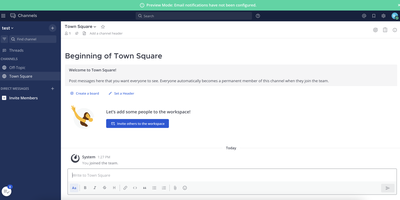
- Every project has chat rooms, direct messages, threads, mentions and reactions, and a message can name a task or become one.
- Collaborative files and docs
- Documents are written by several people at once beside pictures, uploads and links, with version history, drafts and a For agents flag that tells agents what to read first.
- MCP agent connection
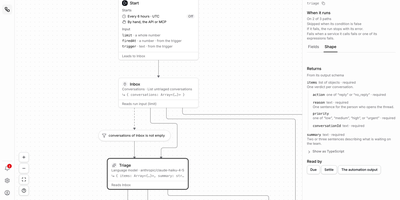
- Claude Code, Codex, Cursor, ChatGPT and Claude connect at the server's /mcp address, with OAuth sign-in for the chat apps, and leave questions in a Needs you list.
- GitHub sync and imports
- Branches, pull requests and commits that name a task show on it, issues sync both ways through your own GitHub App, and imports cover Asana, Jira, Linear and Slack.
- Time tracking and search
- Hours logged on tasks roll up by person and project, ⌘K searches tasks, chat, files and announcements, and notifications arrive in the app, by email or as browser push.