Categories
Self-Hosted Open Source Productivity Time Tracking Reporting Pomodoro Timesheets FreelancersStars
Forks
Watchers
Developer links
TimeTagger
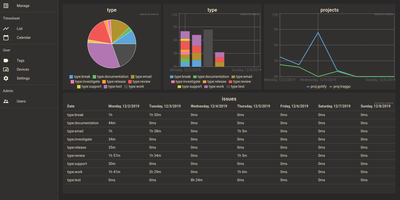
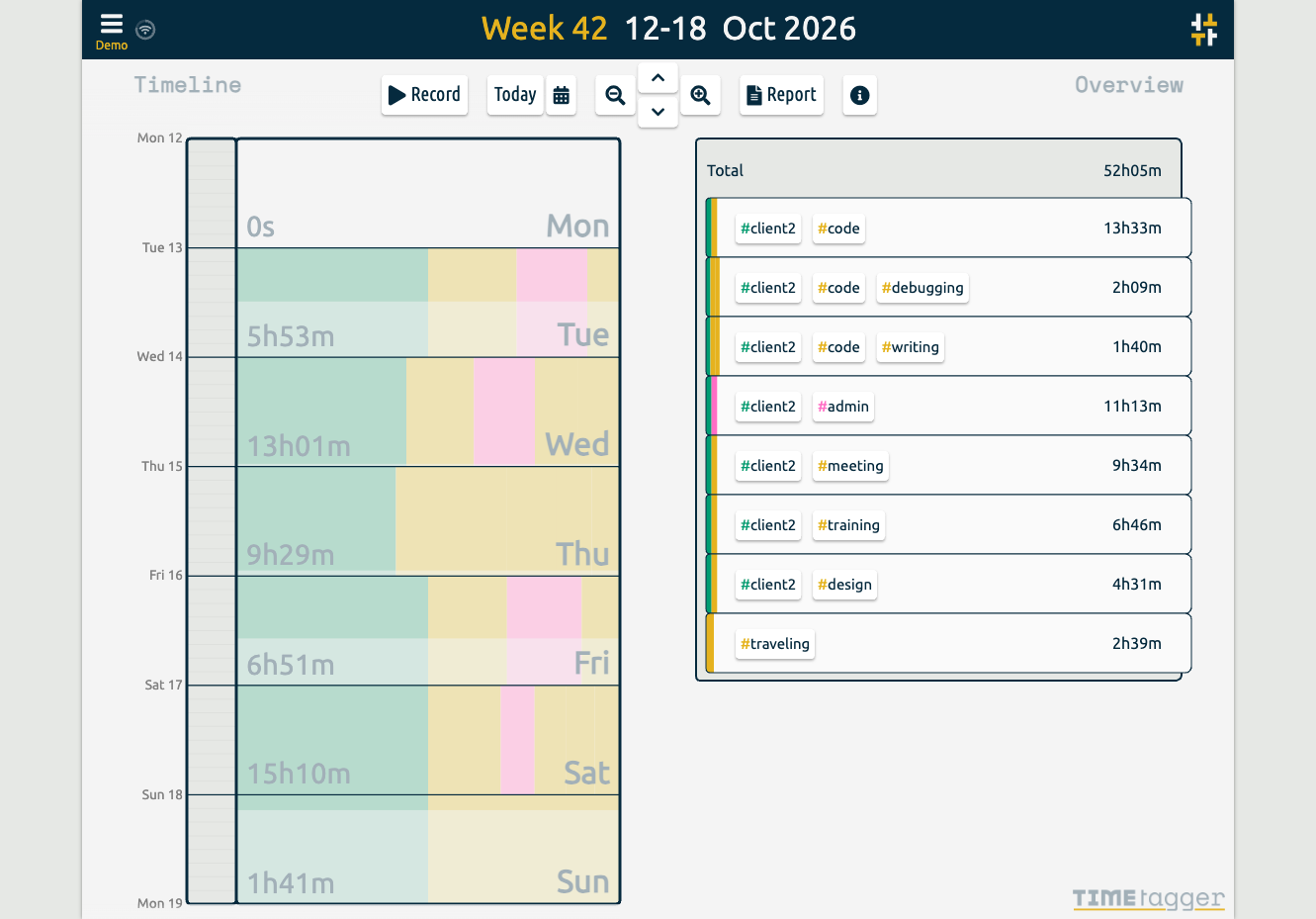
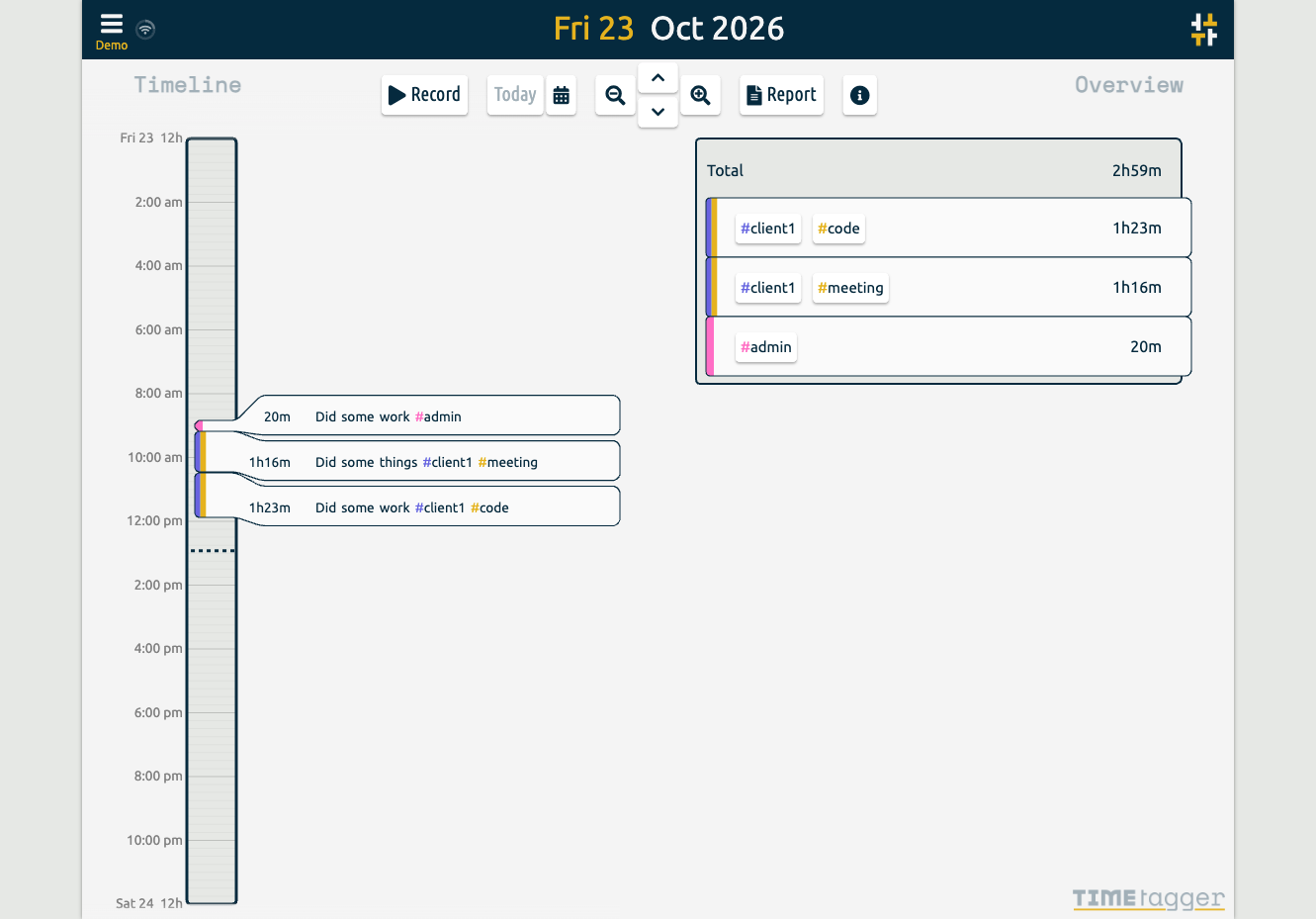
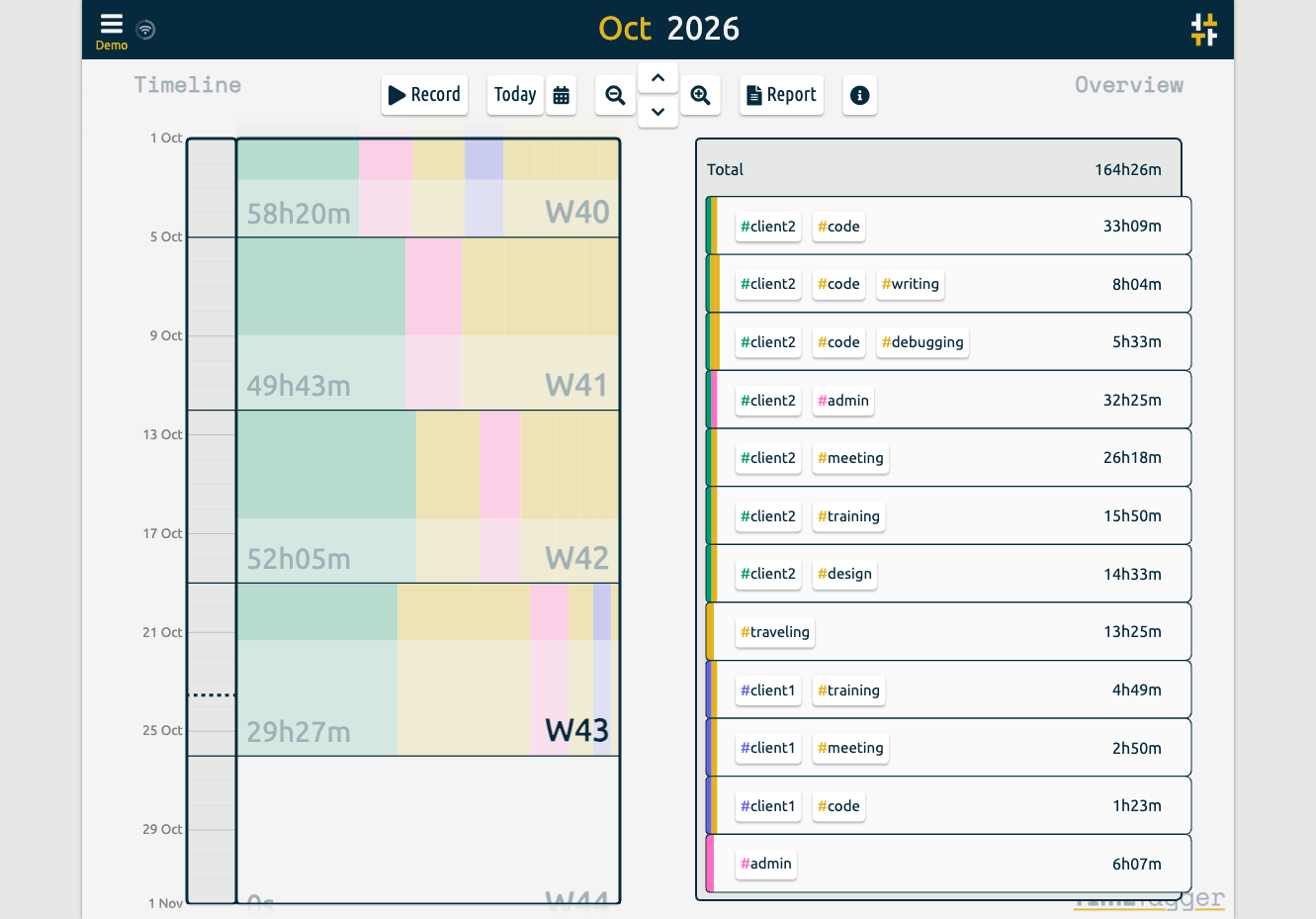
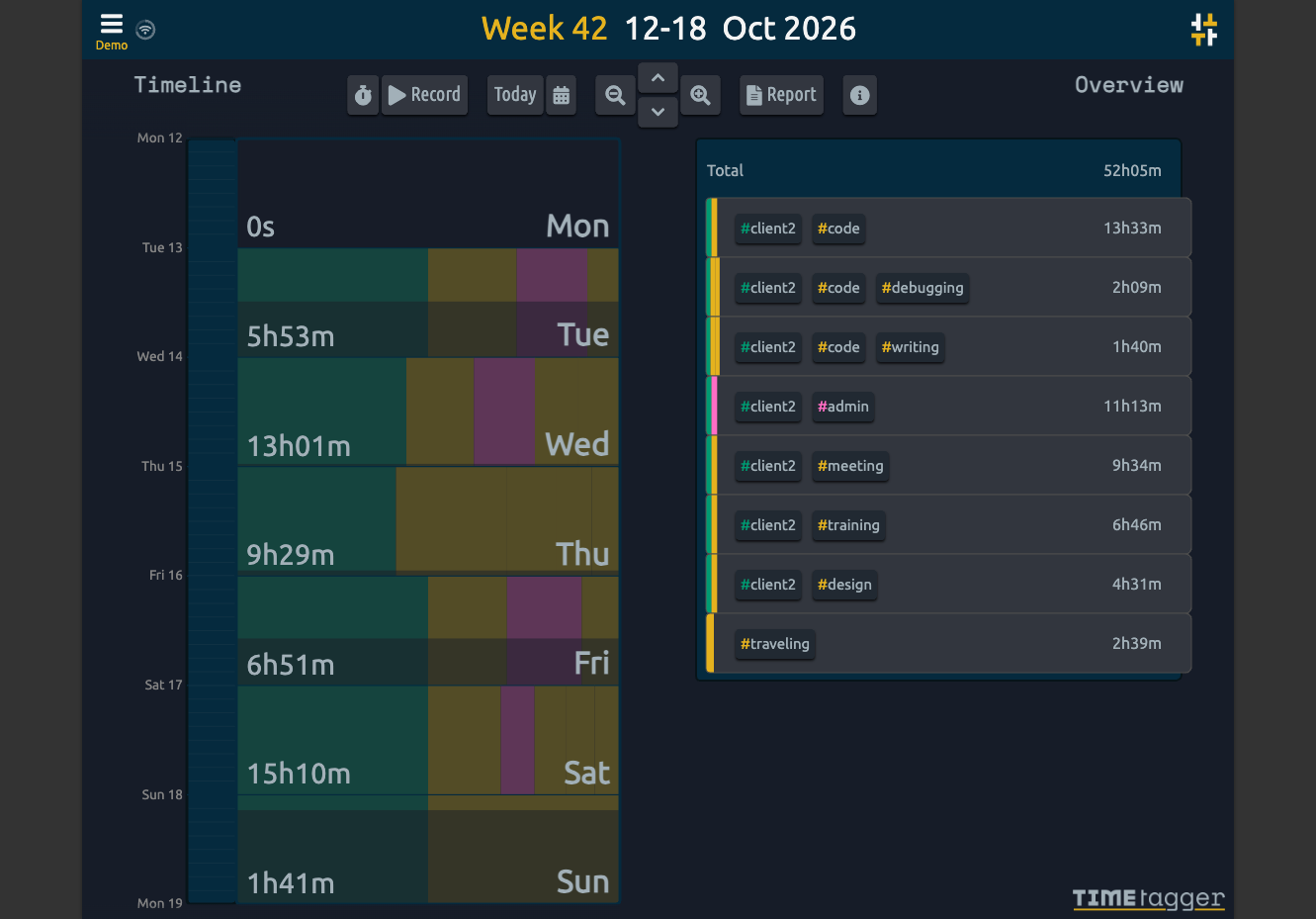
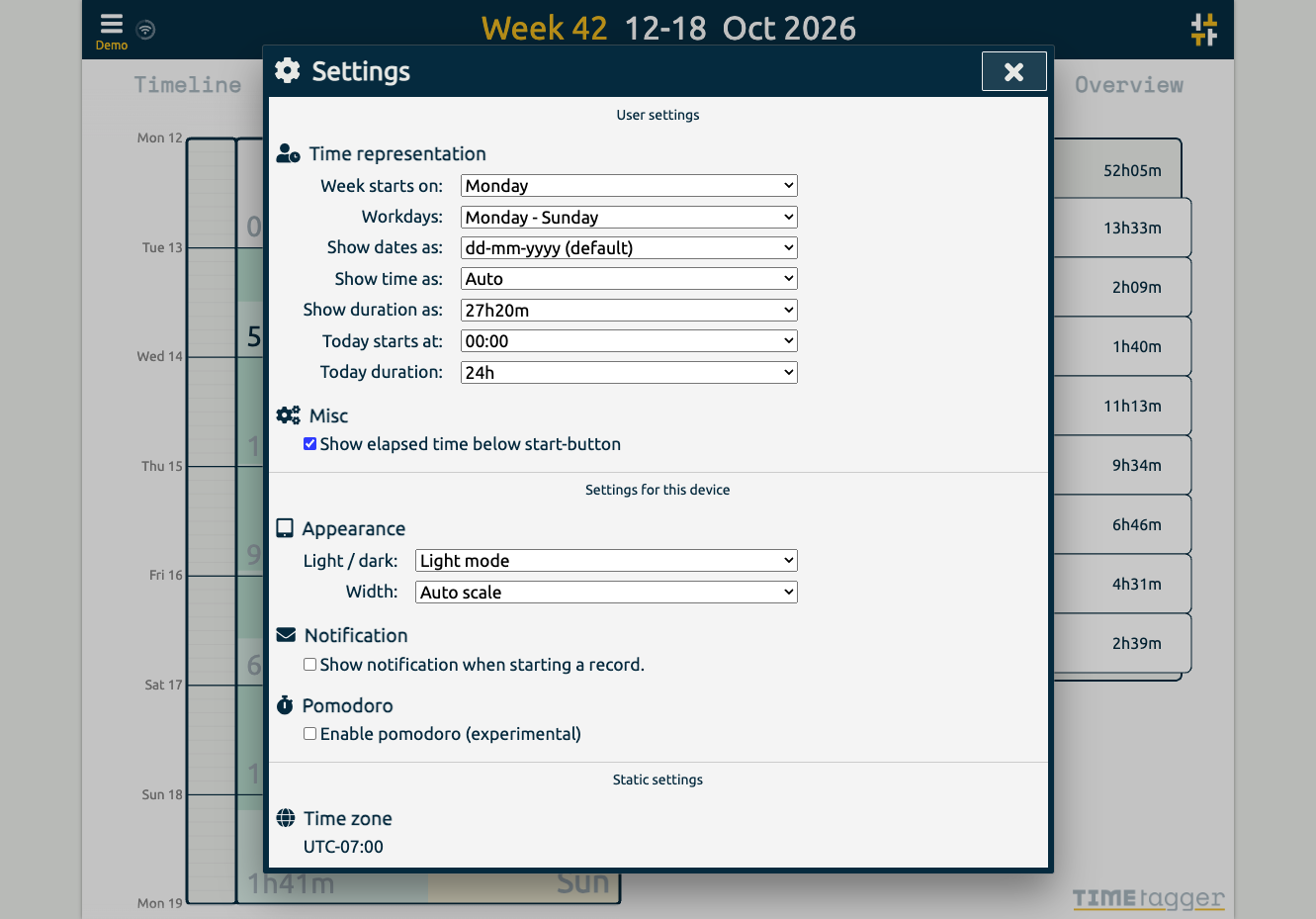
Freelancers, consultants, and solo workers get an accurate record of their hours from TimeTagger, a time tracker that logs tagged tasks on an interactive timeline and summarizes them as billable reports. Press S, type a description, and hit Enter to start the clock without the mouse, or drag across the timeline to log finished work. Hashtags in a description become autocompleting tags, with no projects to set up. Renaming a tag updates every record that uses it. Drag a record's edges to fix its times, then zoom the timeline out to a week or month with mouse, touch, or arrow keys. An overview panel totals time per tag combination for the selected range, and the Report button saves it as a client-ready PDF or a CSV with decimal hours. Daily, weekly, and monthly targets track progress toward your goals, and an optional Pomodoro timer alternates work and break periods with an alarm and a notification. Settings add a dark theme, local date notations, a Monday-to-Friday week, and a day offset for night shifts. The interface adapts from desktop to phone, installs as a progressive web app, works offline, and syncs records across devices once the connection returns. A web API and a command-line client let you query, create, and update records from scripts or the terminal. Running on a dedicated VPS on RepoCloud with guaranteed CPU, RAM, and SSD, full root SSH access, and a browser serial console. GPL-3.0 licensed.
Benefits
- Track hours without project overhead
- Hashtags typed into a record's description create tags on the fly, with autocomplete and case-insensitive matching, so you can start tracking immediately instead of configuring clients, projects, and tasks first.
- Invoice-ready reports in two formats
- Select any range and tag filter, then export a formatted PDF for clients or a CSV with decimal-hour durations that opens cleanly in Excel or LibreOffice for further processing.
- Your data stays on your server
- Records are stored in a SQLite database inside a data directory you control, protected by BCrypt-hashed logins for several users or by reverse-proxy authentication such as Authelia.
- Automate and integrate through the API
- A documented web API and a command-line client let scripts and editor extensions track time and query records, and changes appear in the web interface within about ten seconds.
Features
- Interactive zoomable timeline
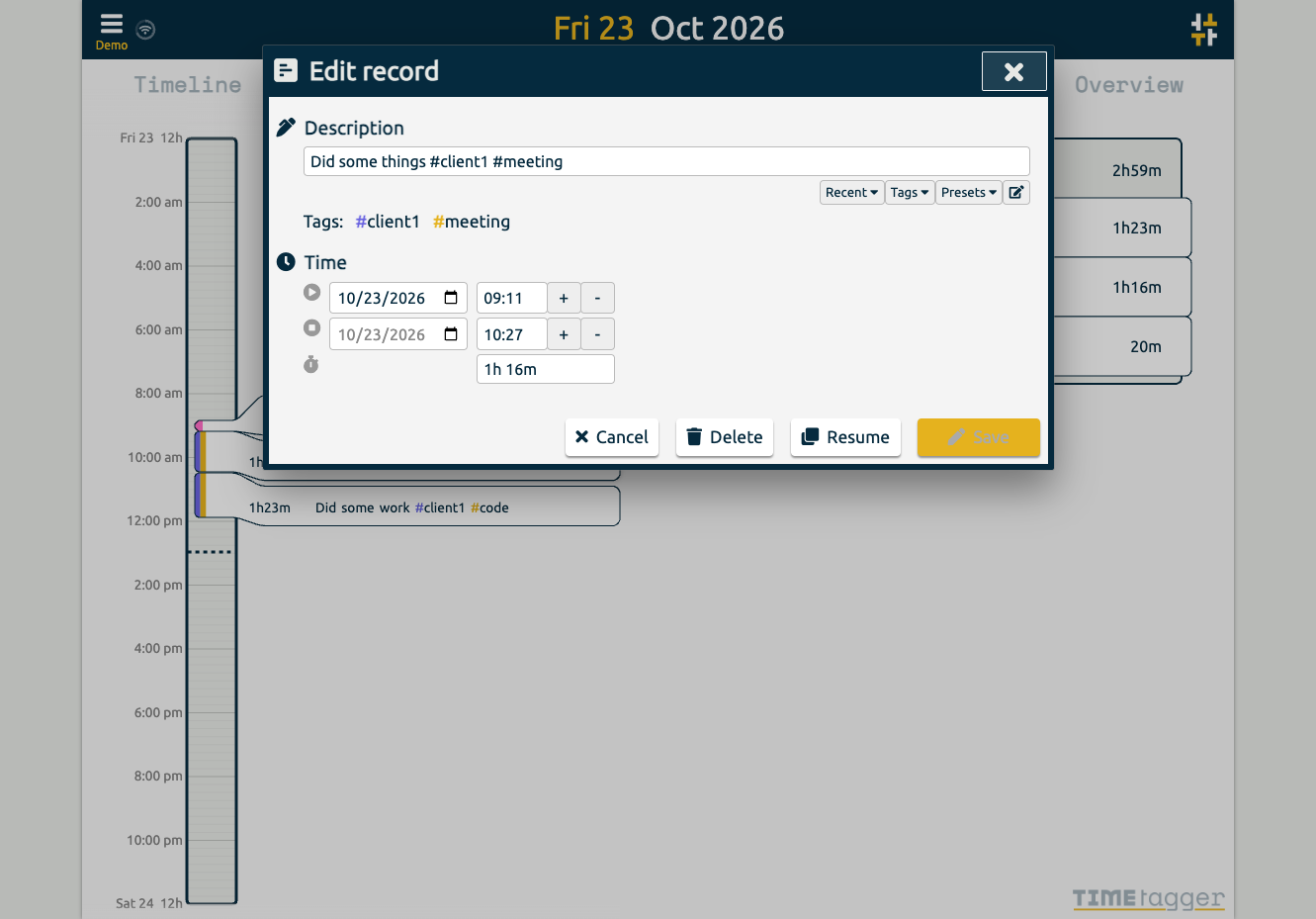
- Drag across the timeline to create records, drag record edges to adjust start and stop times, and zoom between day, week, and month views with mouse, touch, or keyboard.
- Hashtag-based tag system
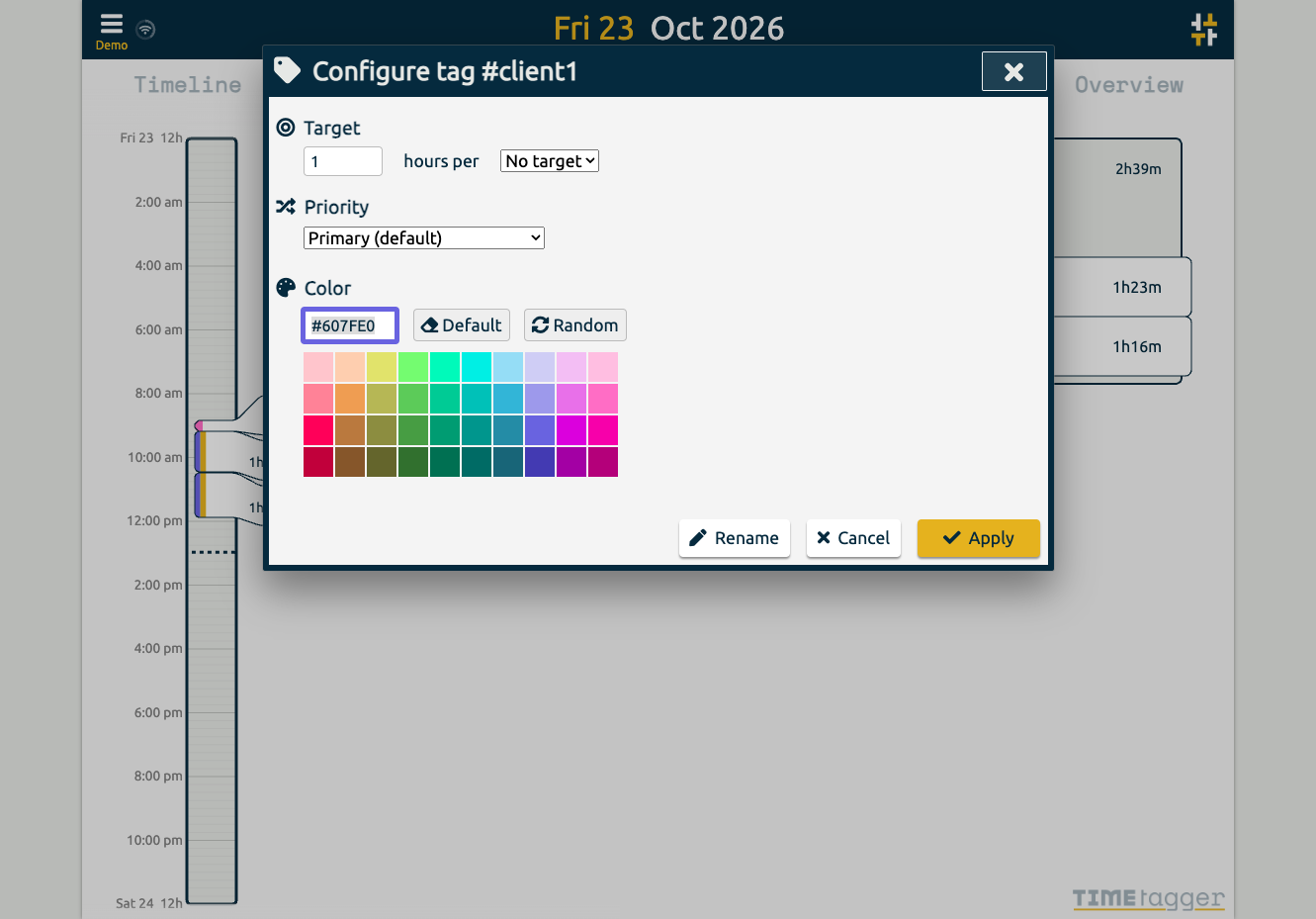
- Words starting with # in a record description become case-insensitive tags with autocomplete, color coding, rename support, and filtering in the overview panel.
- PDF and CSV reporting
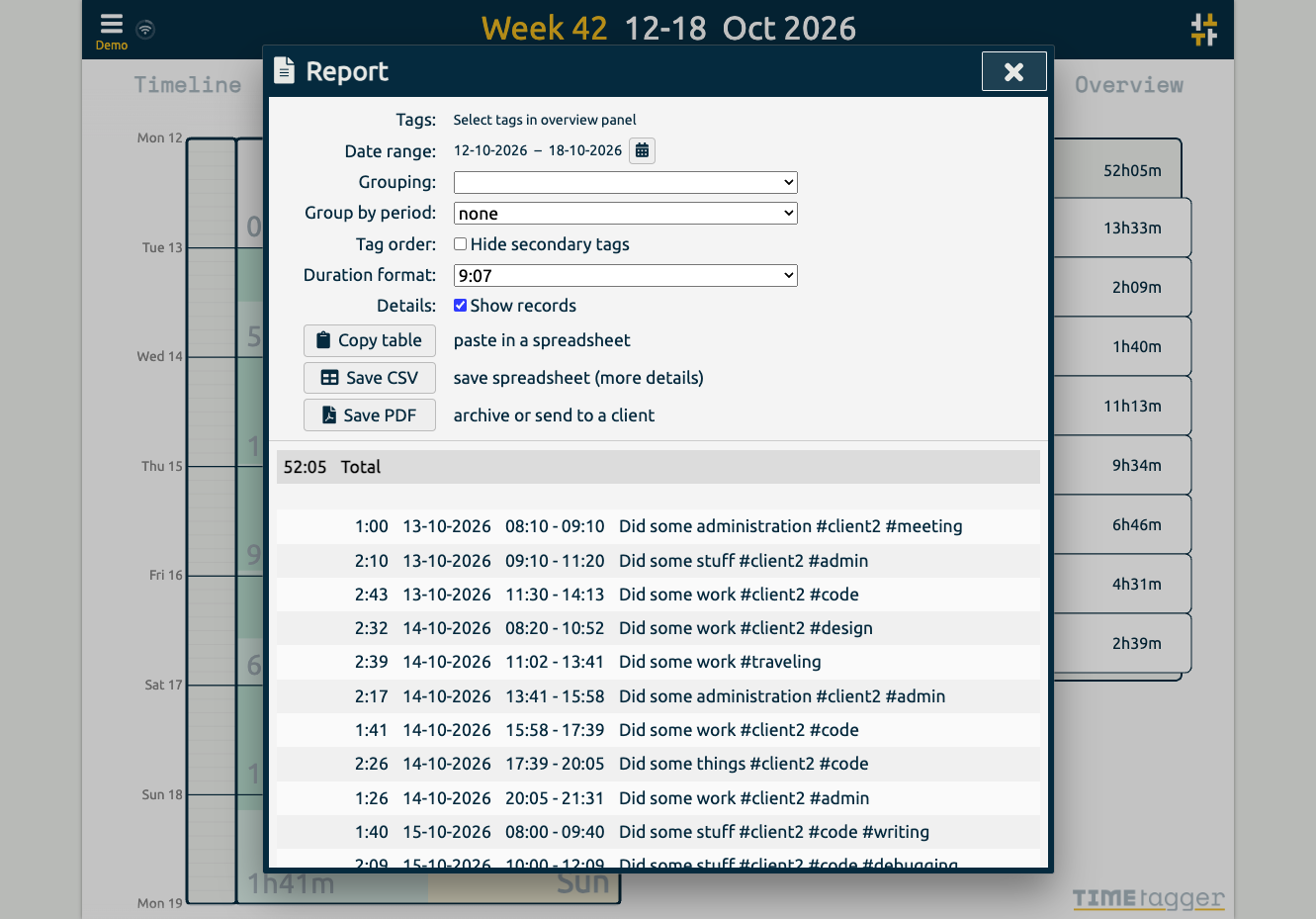
- The Report dialog builds a table for the chosen range and tags, saved as PDF or CSV; a full export lists every record's start, stop, tags, and description.
- Targets and Pomodoro timer
- Set daily, weekly, or monthly time targets and follow progress, or enable the experimental Pomodoro mode to alternate work and break periods with alarms and notifications.
- Offline-capable responsive client
- The responsive client caches data locally, keeps working when the server is unreachable, installs as a progressive web app, and syncs with the server roughly every ten seconds.
- Docker and pip deployment
- Run the ghcr.io/almarklein/timetagger image in root or nonroot variants, or install the Python package with pip, configured through TIMETAGGER_ environment variables.