Categories
Self-Hosted AI Agents Knowledge Management Project Management Calendar Kanban AI Workspace MCP ServersStars
Forks
Watchers
Developer links
Workavera
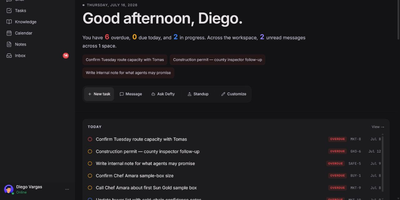
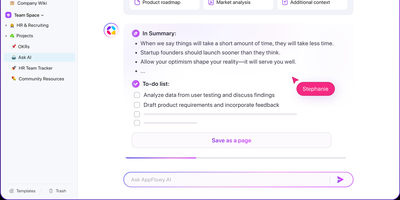
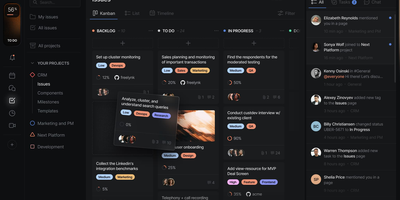
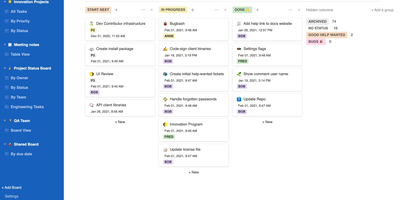
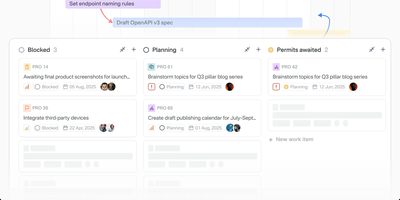
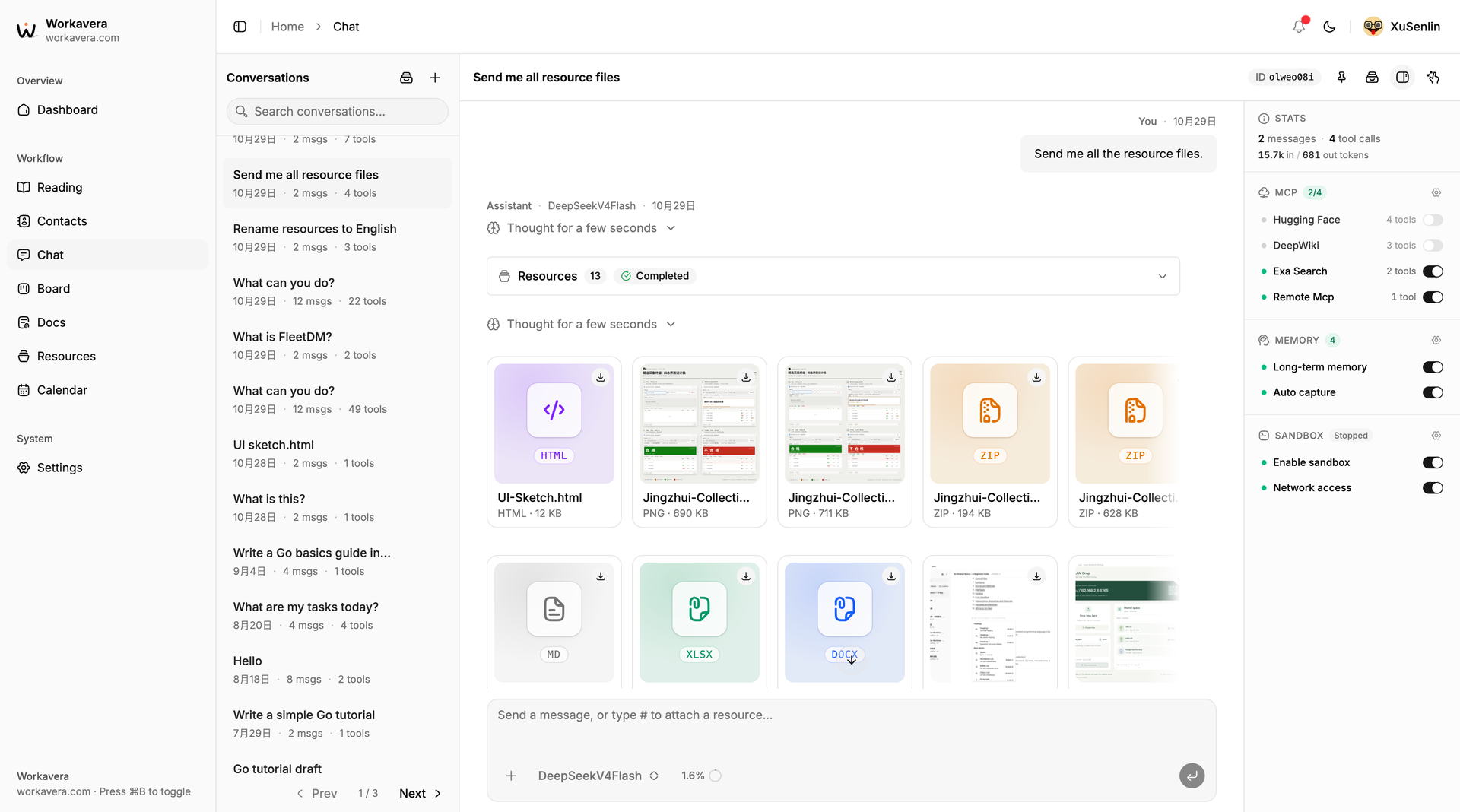
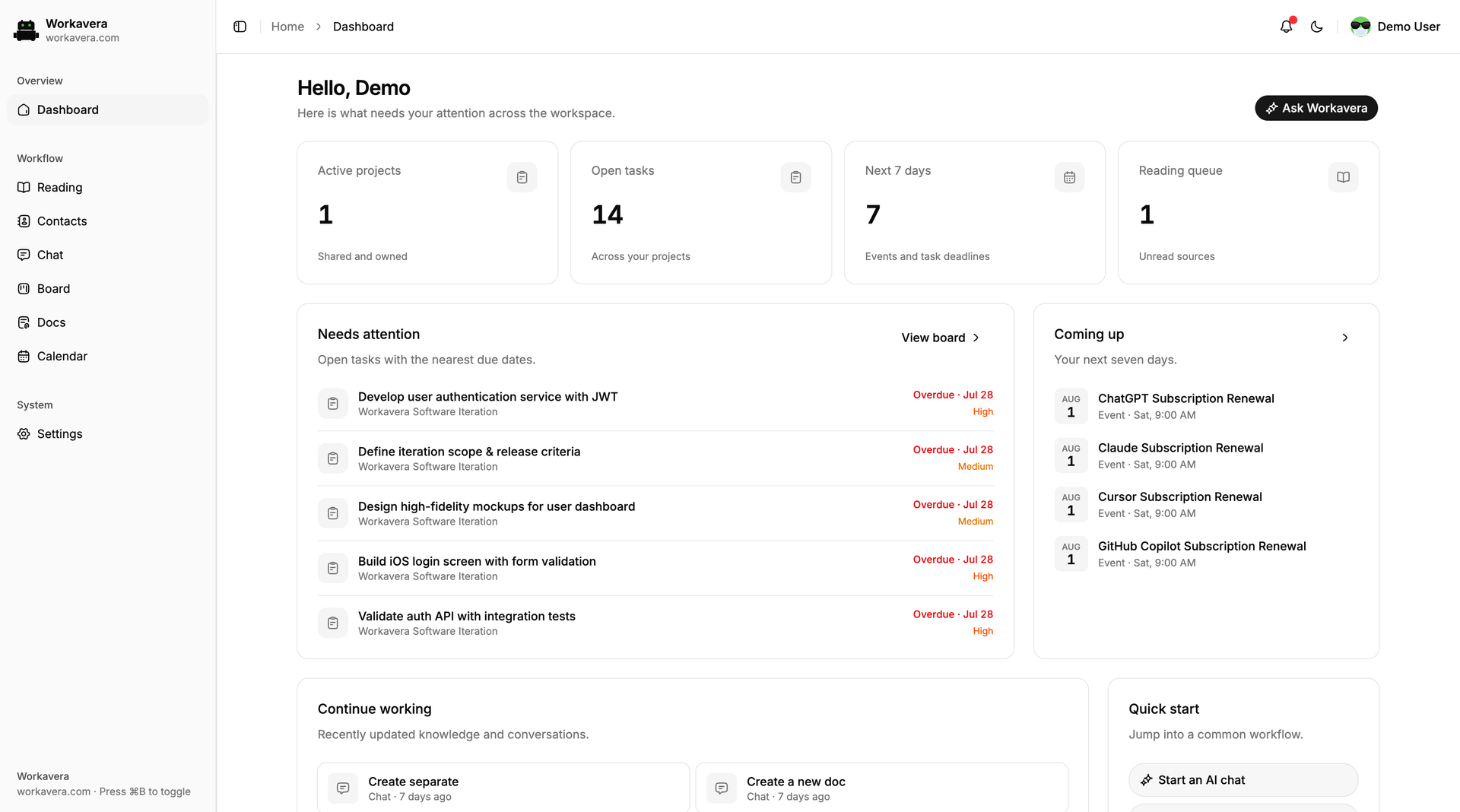
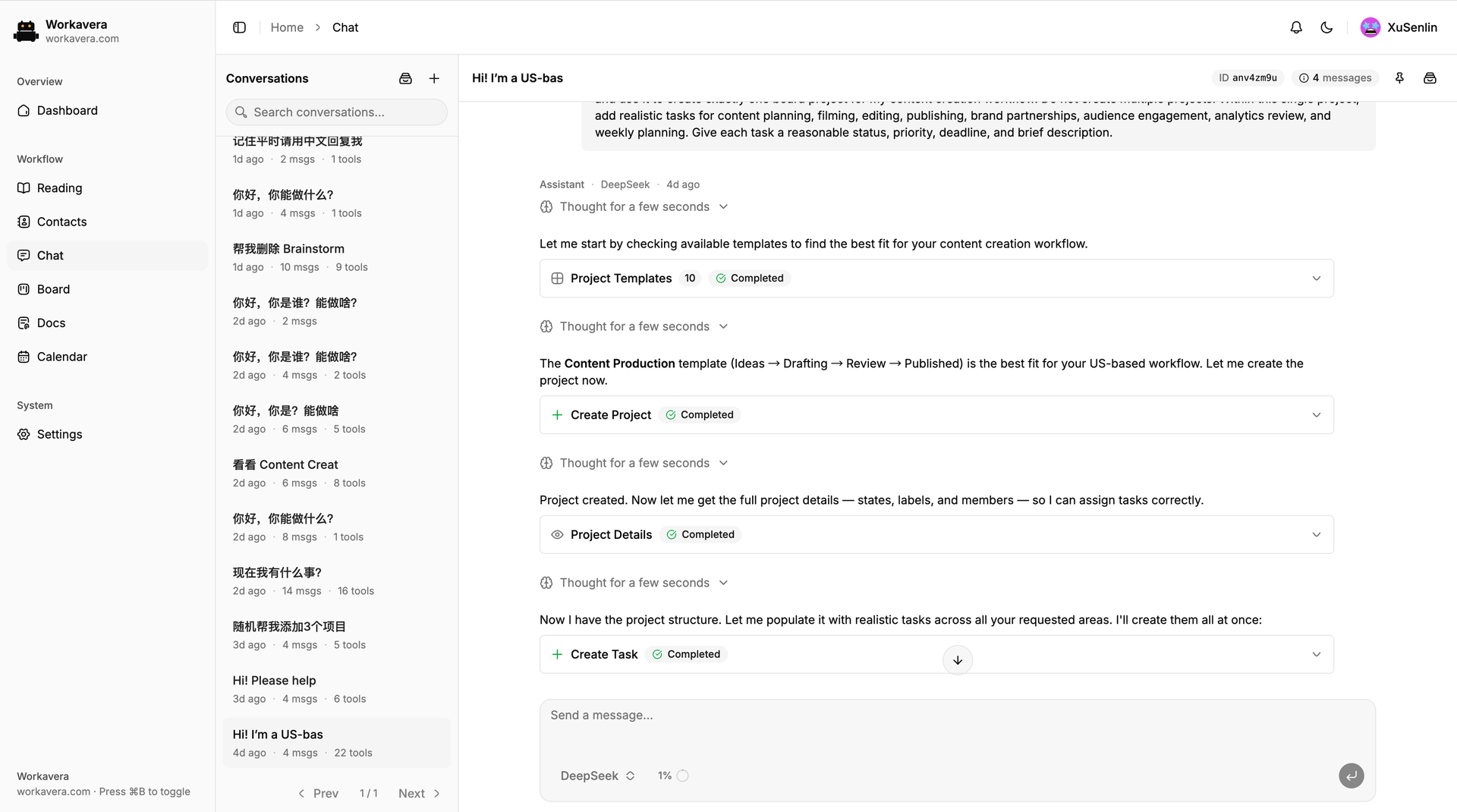
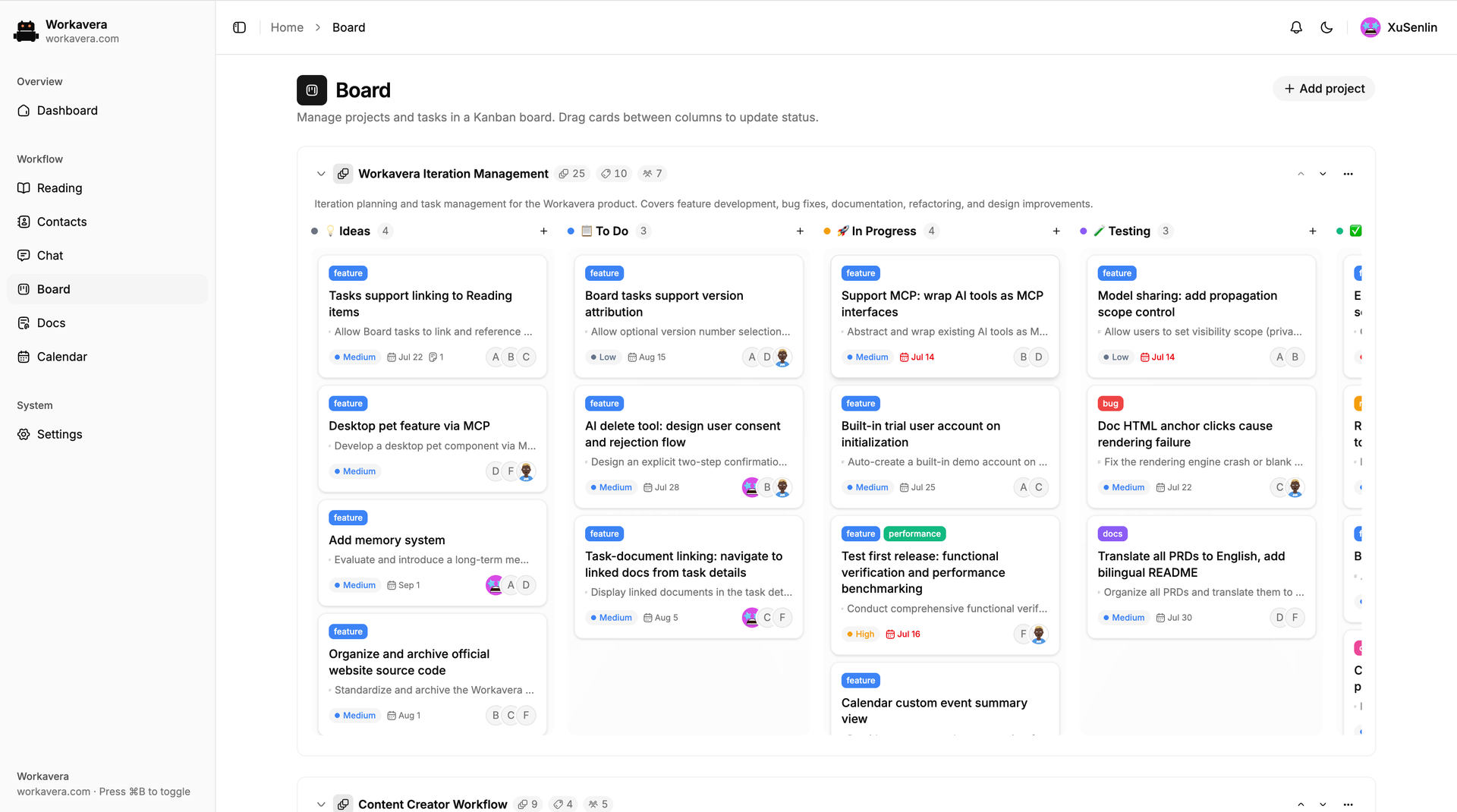
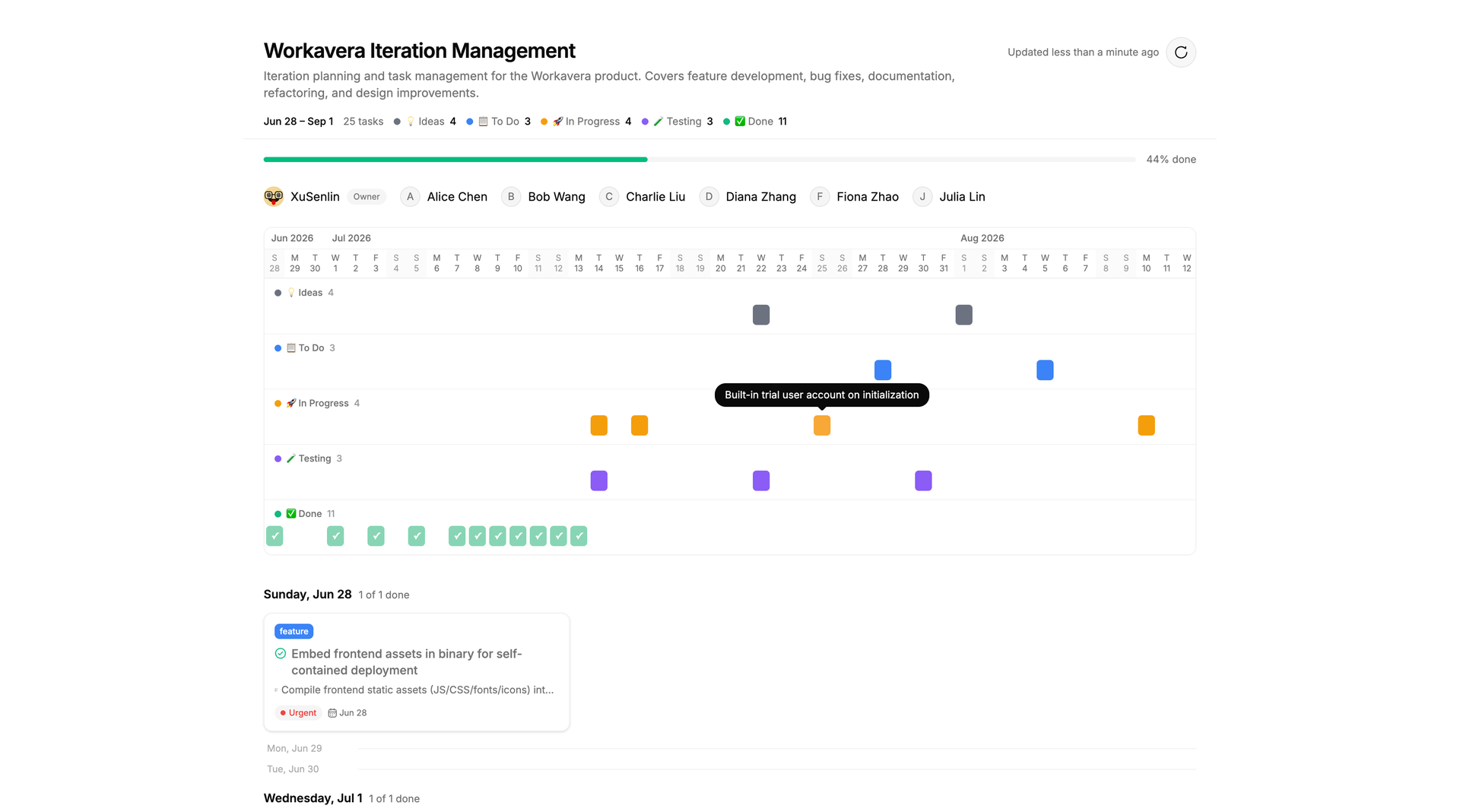
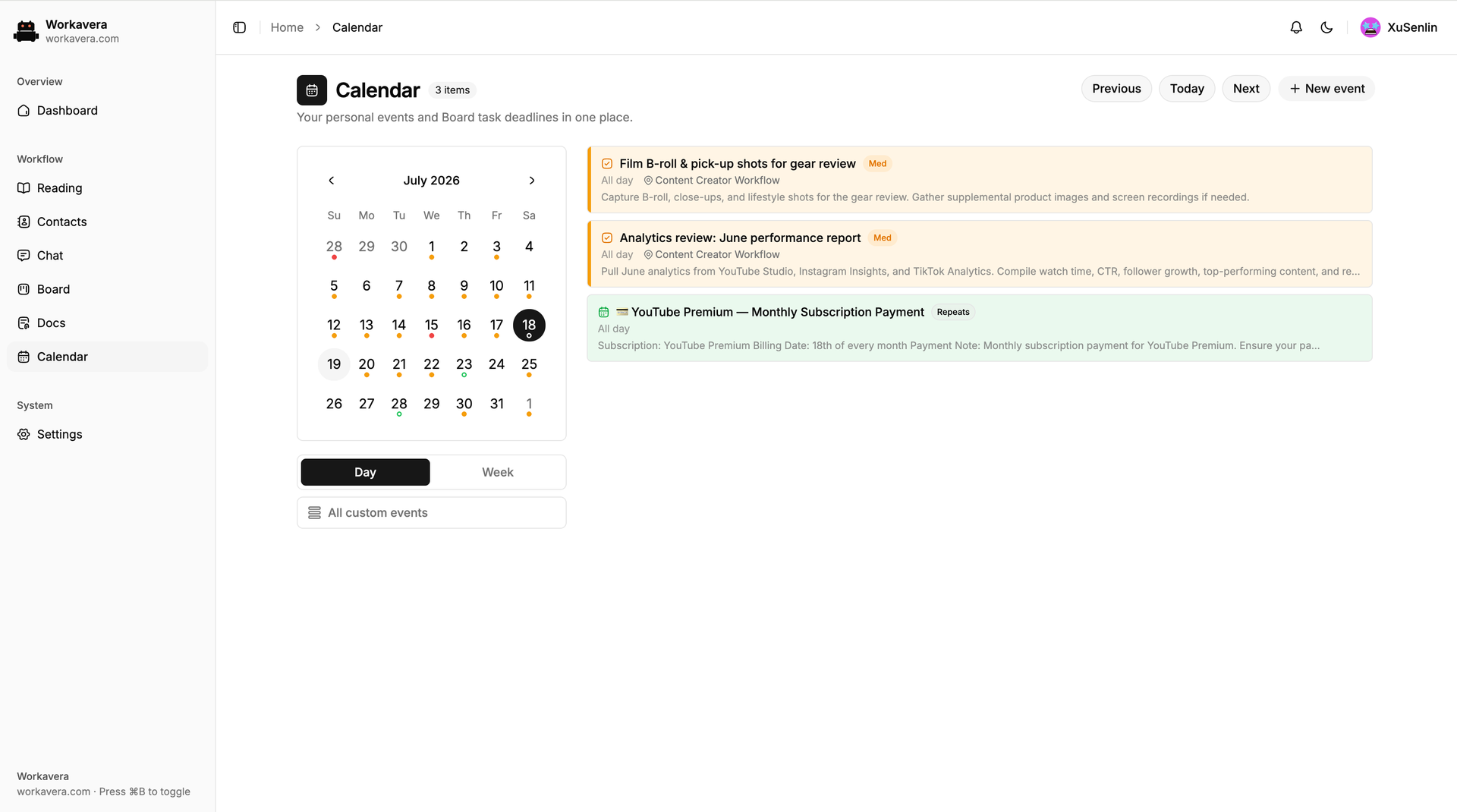
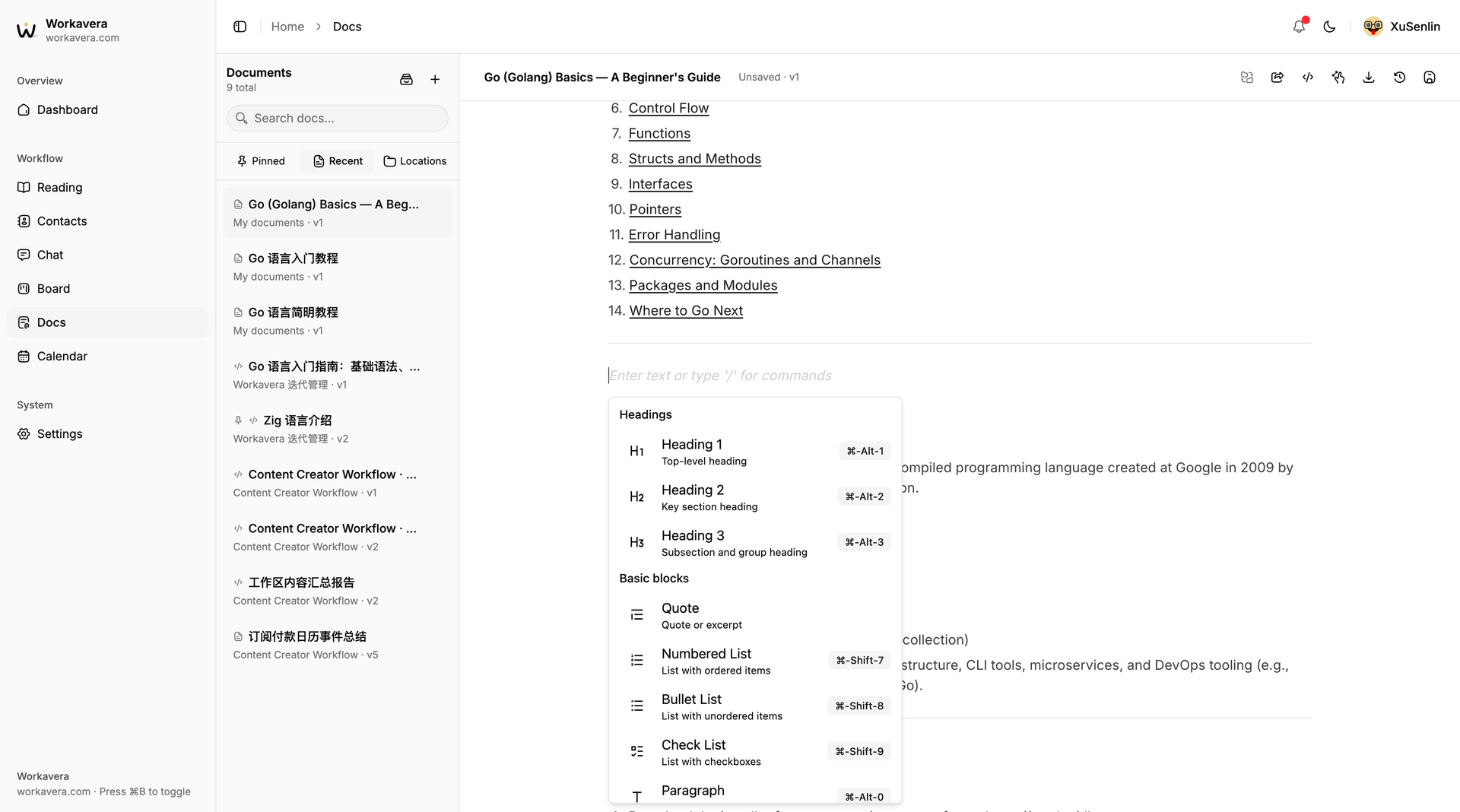
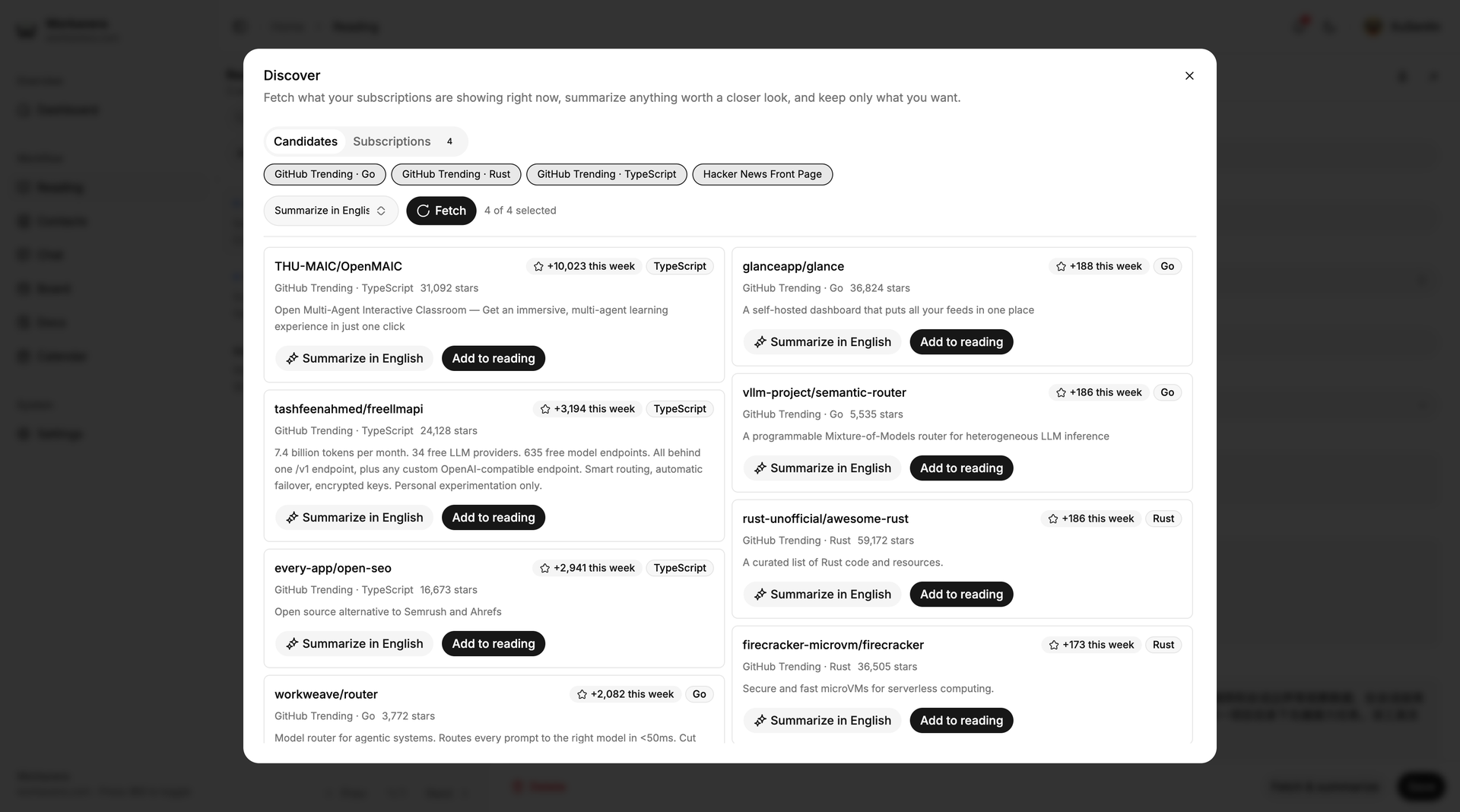
Workavera gives freelancers and small teams one self-hosted workspace for projects, docs, calendar, and files, with an AI assistant that actually does the work. Ask Chat to plan a project and it picks one of ten Kanban templates, creates tasks with states, priorities, and deadlines, and shows every reasoning step and tool call. Boards support custom workflow states, labels, members, and due dates, plus a read-only timeline you can share with clients by public link. Docs offers a rich-text editor with slash commands, version history, Markdown and HTML export, AI editing, and public pages. Calendar merges personal events with Board deadlines, including recurring events and reminders. Resources holds PDFs, Office files, code, images, archives, and SQLite databases that you attach to any chat with + or #, and an optional per-user Linux sandbox lets the assistant run Python or Node scripts to OCR a scanned PDF, clean a spreadsheet, or batch-rename files. Reading saves links with AI summaries, Discover follows sources such as GitHub Trending and Hacker News, and Contacts keeps a searchable team directory. Claude Code, Cursor, and other MCP clients connect with an API key, outside MCP servers plug into Chat, and models come from OpenAI, Anthropic, or Google endpoints or a local LM Studio, Ollama, vLLM, or llama.cpp server. Native Android and iOS apps put the workspace on your phone. Running on a dedicated VPS on RepoCloud with guaranteed CPU, RAM, and SSD, full root SSH access, and a browser serial console. Apache-2.0 licensed.
Benefits
- An assistant that operates your workspace
- In Chat the assistant searches the workspace and creates or updates tasks, events, and documents, shows every step it takes, and can never do more than your own account is allowed to.
- Your data stays on your server
- Projects, docs, files, and chat history live in one data folder on your machine, with no telemetry and no vendor backend; only traffic to the model providers and MCP servers you configure leaves.
- Hosted or local model choice
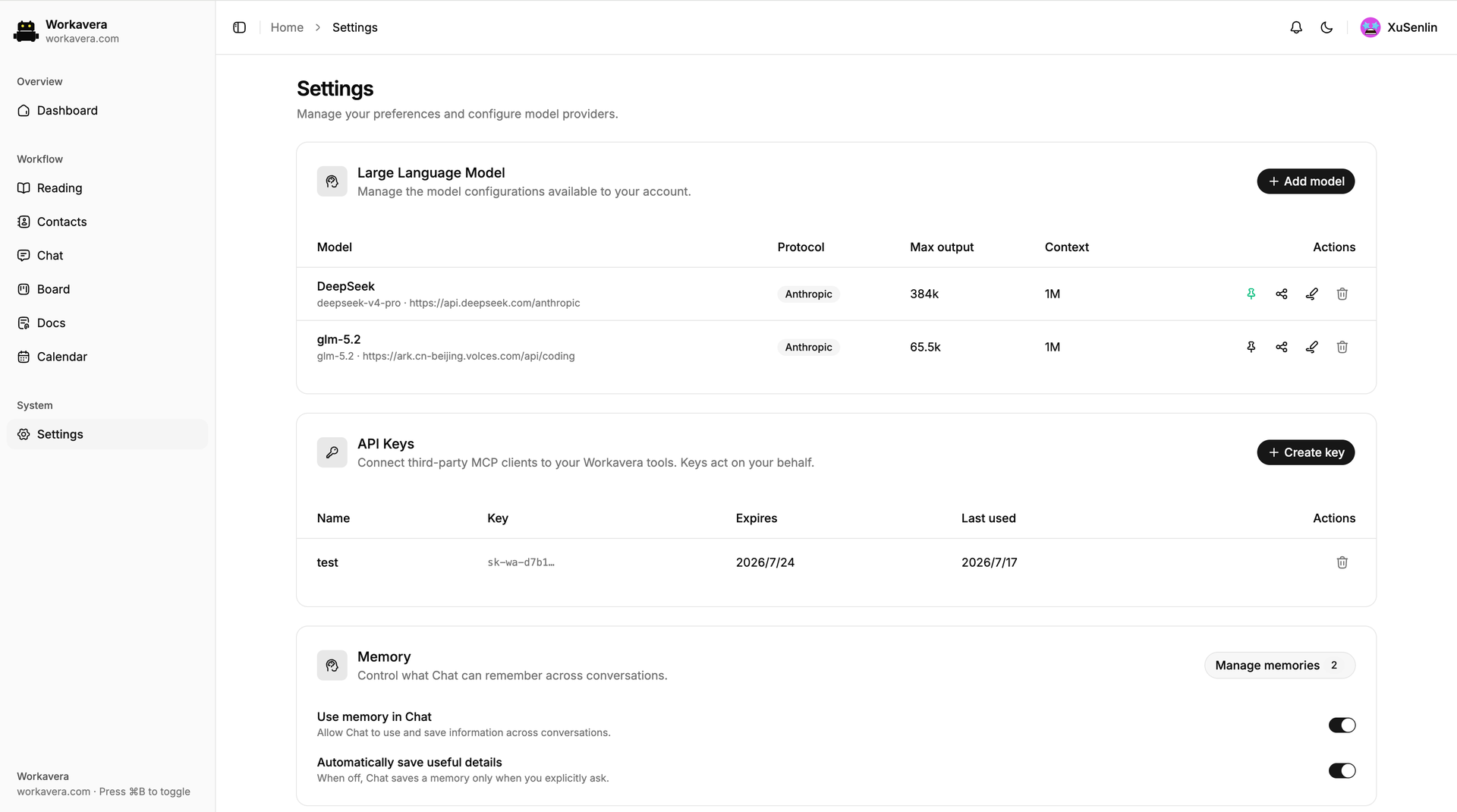
- Add OpenAI, OpenAI-compatible, Anthropic, or Google endpoints in Settings, or point Workavera at LM Studio, Ollama, vLLM, or llama.cpp to keep the whole loop on your own hardware.
- Works with your existing AI tools
- Claude Code, Cursor, and other MCP clients reach your boards, documents, and calendar with an API key, while Chat can call outside MCP servers you connect.
Features
- Chat with workspace tools
- The assistant plans projects, creates tasks, events, and documents, and shows its reasoning and each tool call; conversations keep running after you close the browser, with optional long-term memory.
- Kanban boards with templates
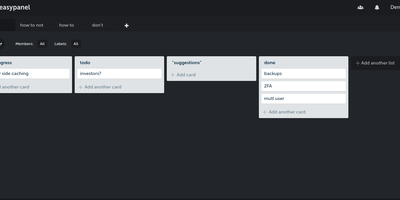
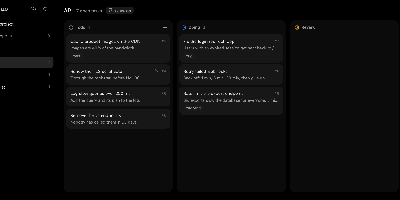
- Custom workflow states, labels, members, and due dates, plus ten ready-made project templates in English and Chinese and a read-only public timeline link for clients.
- Docs with public pages
- A rich-text editor with slash commands, version history, Markdown and HTML export, and AI editing; publish any document as a public page with a table of contents.
- Resources and Linux sandbox
- Upload PDFs, Office files, code, images, archives, and SQLite databases, then let the assistant run Python or Node scripts in a per-user Docker sandbox.
- Two-way MCP connection
- Create an API key so Claude Code, Cursor, and other MCP clients can use workspace tools, and attach outside MCP servers that Chat can call.
- Single-binary self-hosting
- Pure Go with no CGO embeds the React web app and PocketBase database in one binary, started with docker run or ./workavera serve on port 8090.