Categories
Self-Hosted Open Source Low-Code SQL Internal Tools Database Tools Dashboard Builder Web Application FrameworkStars
Forks
Watchers
Developer links
SQLPage
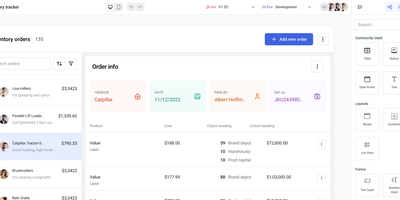
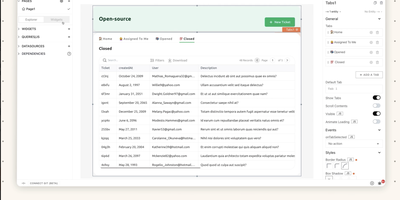
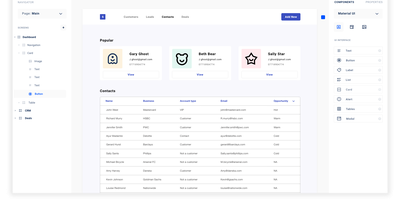
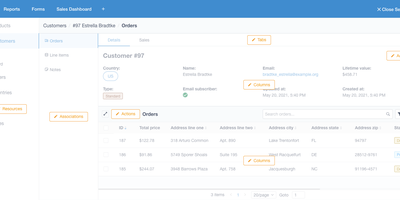
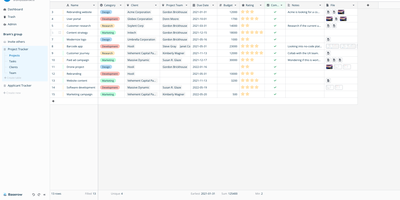
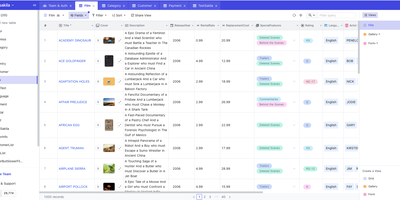
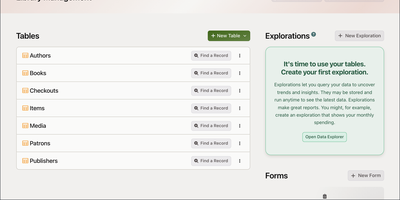
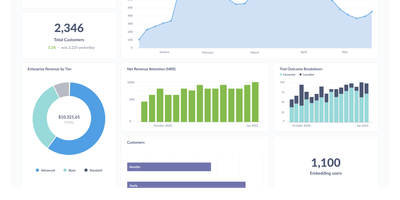
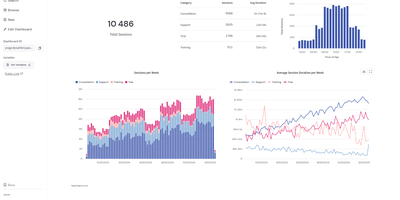
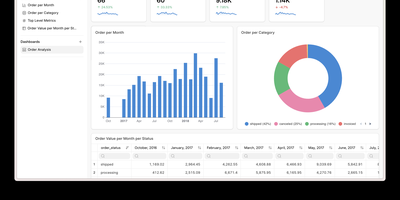
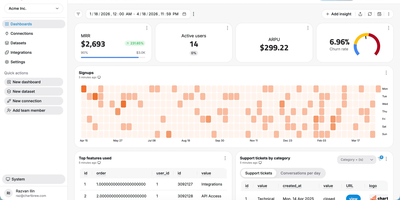
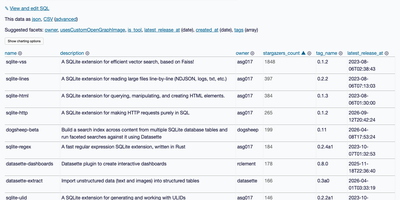
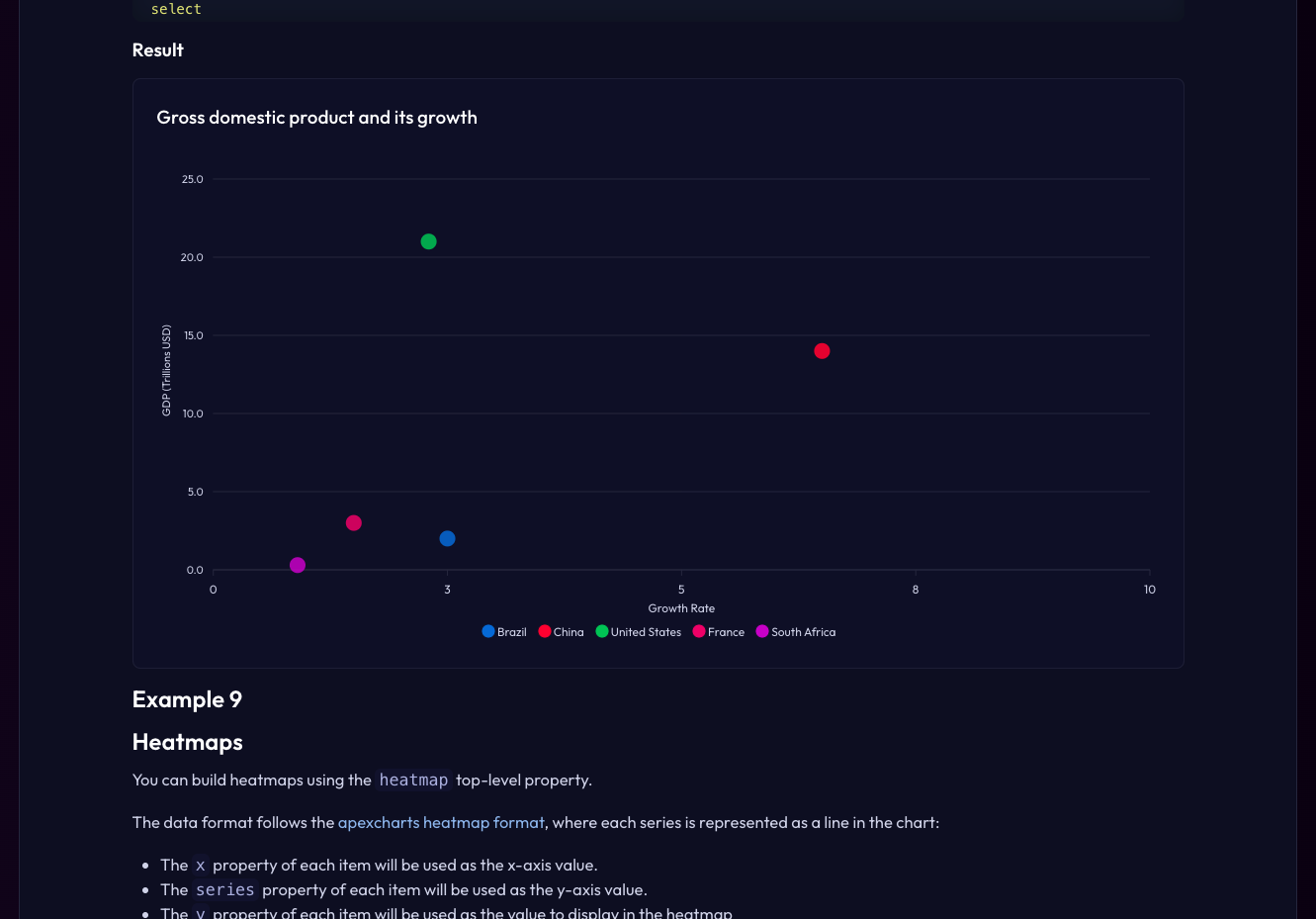
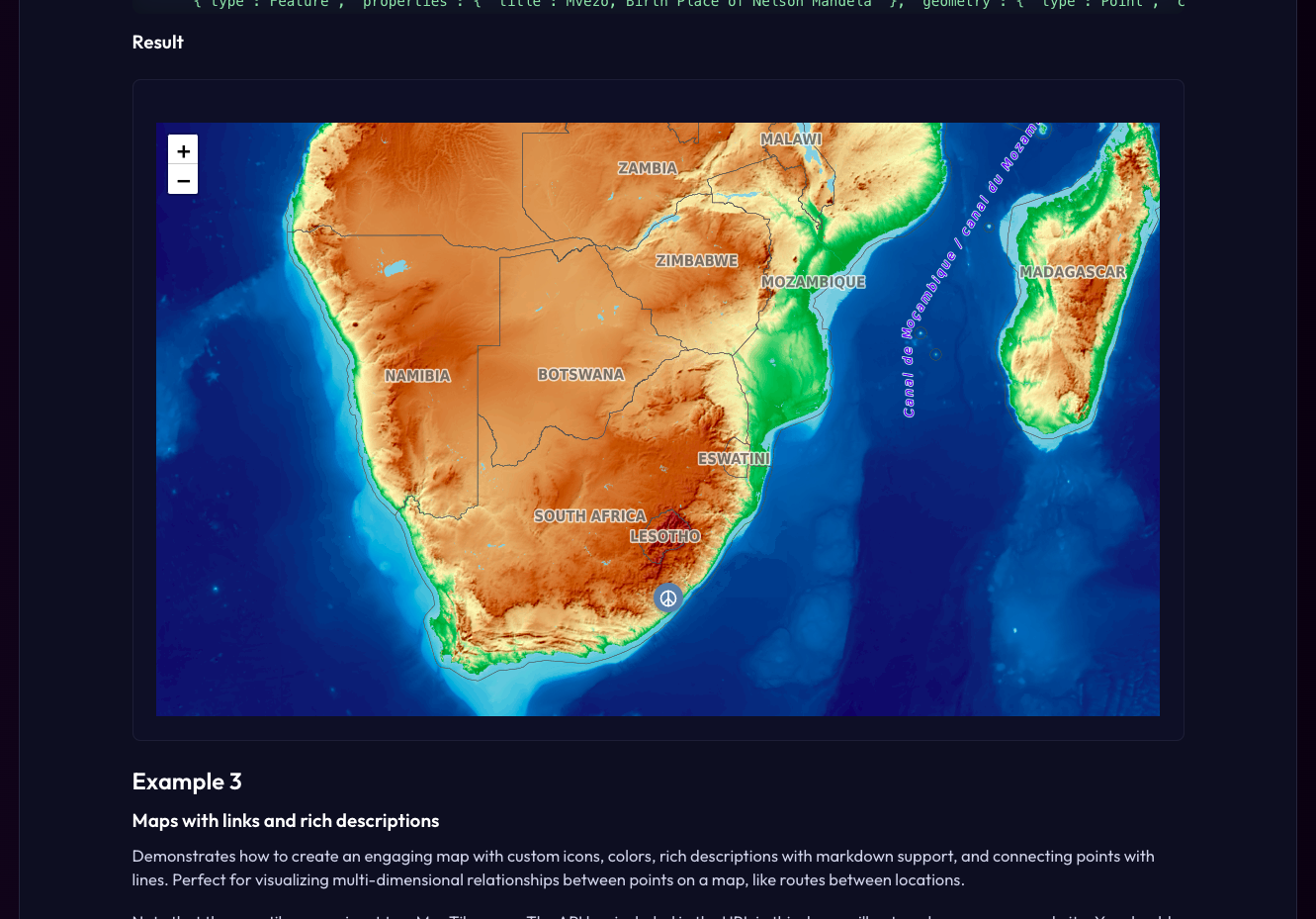
If you can write a SELECT statement, you can publish a working web app with SQLPage, where each query's results appear on the page as tables, charts, maps, or forms. A .sql file is a page. Name a component in the first row, and the rows after it become lists, cards, data grids, timelines, or step trackers. Tables offer searching, sorting, frozen headers, and per-row edit and delete buttons. Charts cover line, area, bar, pie, scatter, bubble, and heatmap views with a one-click CSV export. Forms feed INSERT and UPDATE statements directly, with validation and file uploads. A complete CRUD tool takes a handful of queries. The map component plots markers and GeoJSON shapes, and the JSON component lets the same data serve other systems as an API. Protect private pages with password logins or single sign-on through Google, Microsoft, or your own identity provider. Connect to SQLite, PostgreSQL, MySQL, SQL Server, or ODBC sources such as DuckDB, Oracle, Snowflake, and BigQuery. Tabs, modals, alerts, breadcrumbs, and carousels shape multi-page sites, and custom templates, CSS, and JavaScript fill any gap. Running on a dedicated VPS on RepoCloud with guaranteed CPU, RAM, and SSD, full root SSH access, and a browser serial console. MIT licensed.



Benefits
- Build apps without backend code
- Dashboards, admin panels, and internal tools are written entirely as SQL queries, so analysts and database developers ship working interfaces without learning a web framework or maintaining a separate API layer.
- Keep your data where it is
- Point SQLPage at an existing SQLite, PostgreSQL, MySQL, SQL Server, or ODBC database and build screens on top of live tables, with no export jobs or data copies to keep in sync.
- Ship complete CRUD workflows quickly
- Forms, validation, uploads, editable tables, and confirmation pages take a few lines each, turning a database schema into a usable data-entry tool in an afternoon instead of weeks.
- Protect screens with real logins
- Password authentication and single sign-on let you restrict pages to staff or customers, while parameterized queries guard every request against SQL injection by default.
Features
- Dozens of built-in components
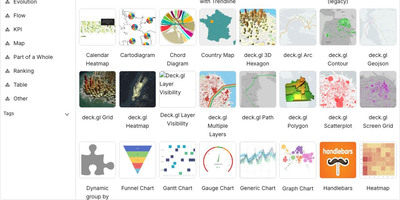
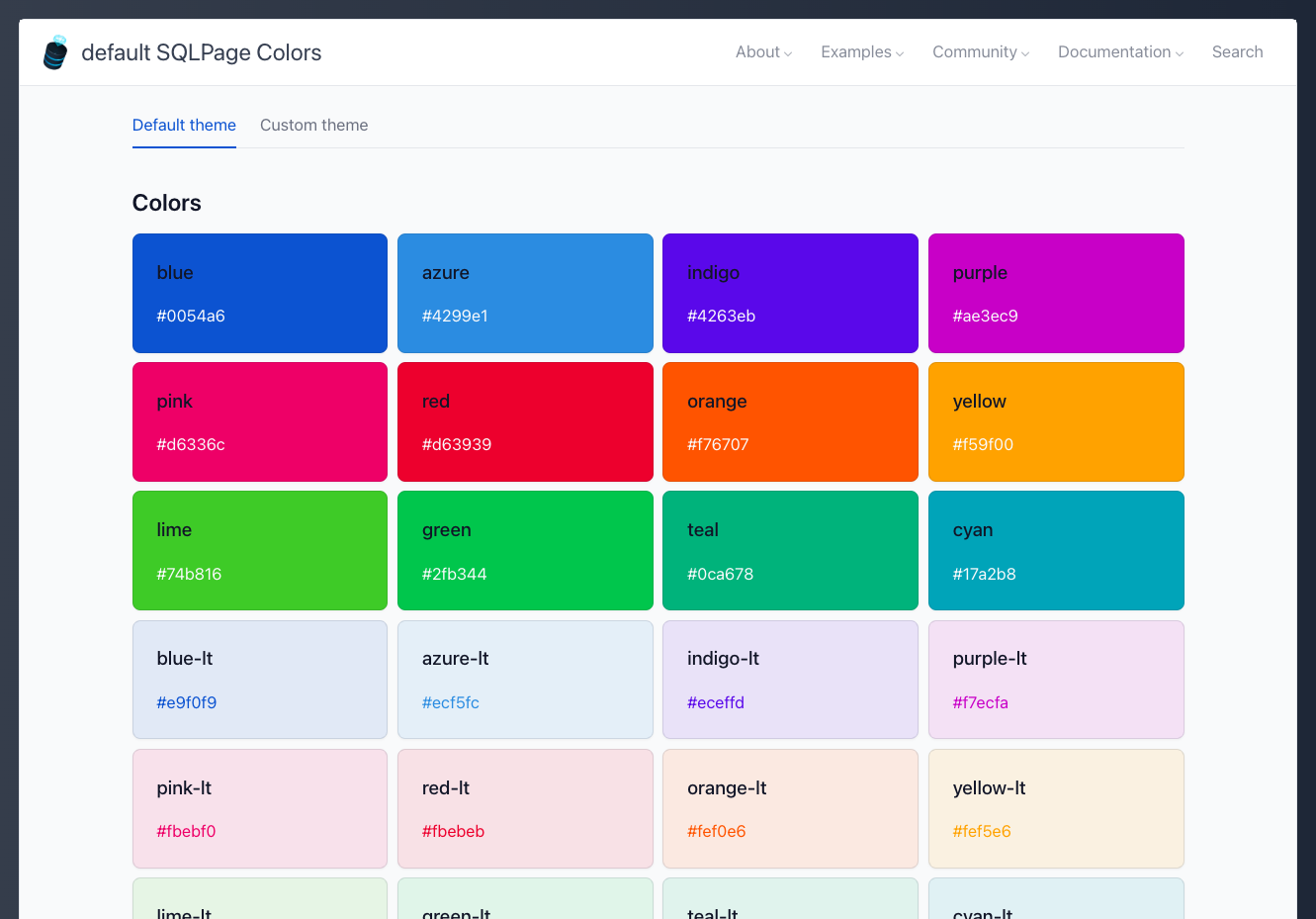
- Lists, cards, data grids, tables, charts, maps, timelines, tabs, modals, alerts, and forms render automatically from query results, with icons and theming included.
- Charts, maps, and exports
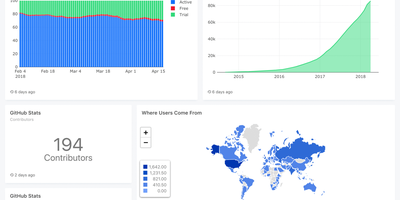
- Line, area, bar, pie, scatter, bubble, and heatmap charts, interactive maps with GeoJSON shapes, and CSV or JSON output come straight from a SELECT statement.
- Forms and file uploads
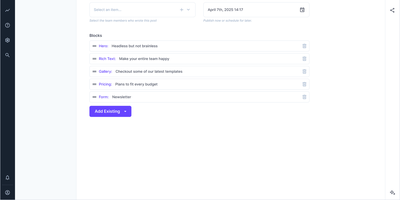
- Forms validate input, accept uploaded files, and feed INSERT or UPDATE statements, while tables add search, sorting, and per-row edit and delete buttons.
- Authentication and SSO
- Built-in password login with hashed credentials and session cookies, plus single sign-on through OpenID Connect providers such as Google and Microsoft.
- Many database engines
- Native drivers cover SQLite, PostgreSQL, MySQL, and SQL Server, while ODBC extends reach to DuckDB, ClickHouse, Oracle, Snowflake, BigQuery, and IBM DB2.
- Custom components and functions
- Handlebars templates, CSS, and JavaScript add custom components, and built-in functions read files, call web APIs, run commands, and reuse SQL across pages.