Categories
Developer Tools Database CRM No-Code Low-Code Internal Tools Workflow Business ManagementStars
Forks
Watchers
Developer links
Nocobase
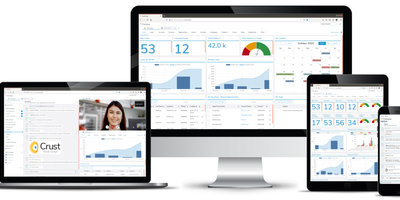
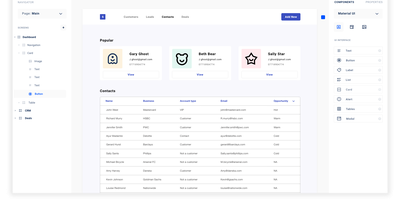
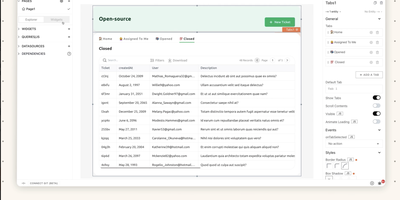
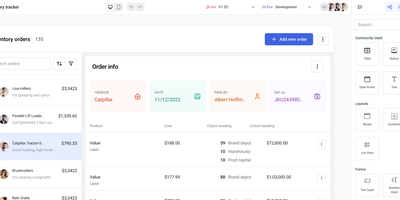
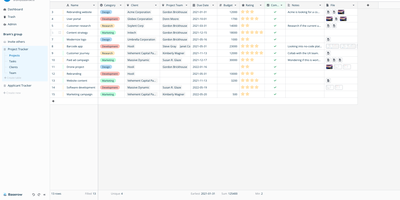
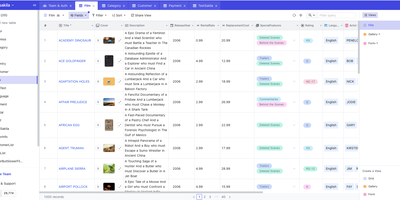
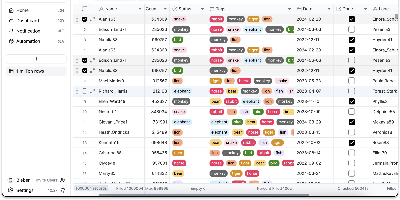
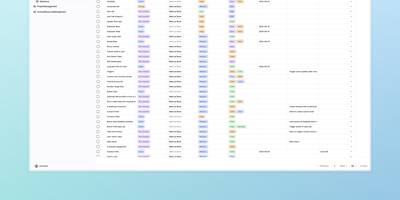
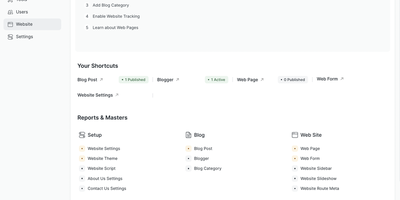
CRMs, project trackers, inventory tools - NocoBase is an open-source no-code/low-code platform for building business systems like these. Its architecture is data-model driven: you define collections and relationships first, then compose any number of interface blocks (tables, forms, kanban, charts) on top of the same model, so data structure is never coupled to a particular view. The core is a microkernel where every feature is a plugin, WordPress-style; you enable official plugins, install marketplace ones, or write your own as npm packages with server and client parts. Data sources include the main PostgreSQL or MySQL database, external databases, and third-party APIs - so you can build admin panels over existing production data instead of migrating it. Built-in infrastructure covers role-based permissions down to collection, record, and field level, workflow automation with approval steps and scheduled triggers, and audit logs; a one-click switch flips between usage and configuration modes. Because custom features live in isolated plugins with a documented lifecycle, core upgrades do not overwrite your customizations, and swapping UIs never requires data migrations since interfaces sit on independent models. Written in TypeScript on Node.js, Koa, and React under the AGPL license, it is light enough for one person to run and extend - and where no-code SaaS platforms charge per seat and per app, a self-hosted instance runs unlimited applications for unlimited users at hosting cost alone.
Benefits
- Unlimited Users and Apps, Flat Cost
- No-code SaaS platforms charge per seat and per app. A self-hosted NocoBase instance runs any number of applications for any number of users at hosting cost alone.
- Data Model First, UI Second
- Because interfaces are composed on top of independent data models, you can build several different views and workflows over the same tables without restructuring data, and swap UIs without migrations.
- Grows Through Plugins, Not Forks
- The microkernel design means custom features live in isolated plugins with a documented lifecycle, so upgrades to the core do not overwrite your customizations.
- Connects to Data You Already Have
- External PostgreSQL and MySQL databases and third-party APIs mount as data sources, letting you build admin panels over existing production data instead of migrating it.
Features
- Visual Data Modeling
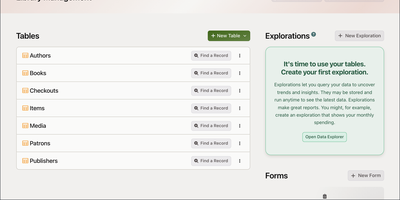
- Define collections, fields, and relationships through the UI, backed by PostgreSQL or MySQL, with support for external databases as additional sources.
- Block-Based Interface Builder
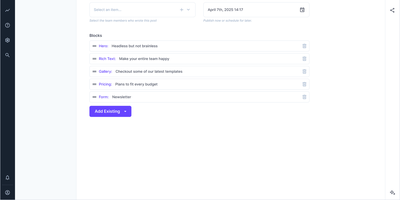
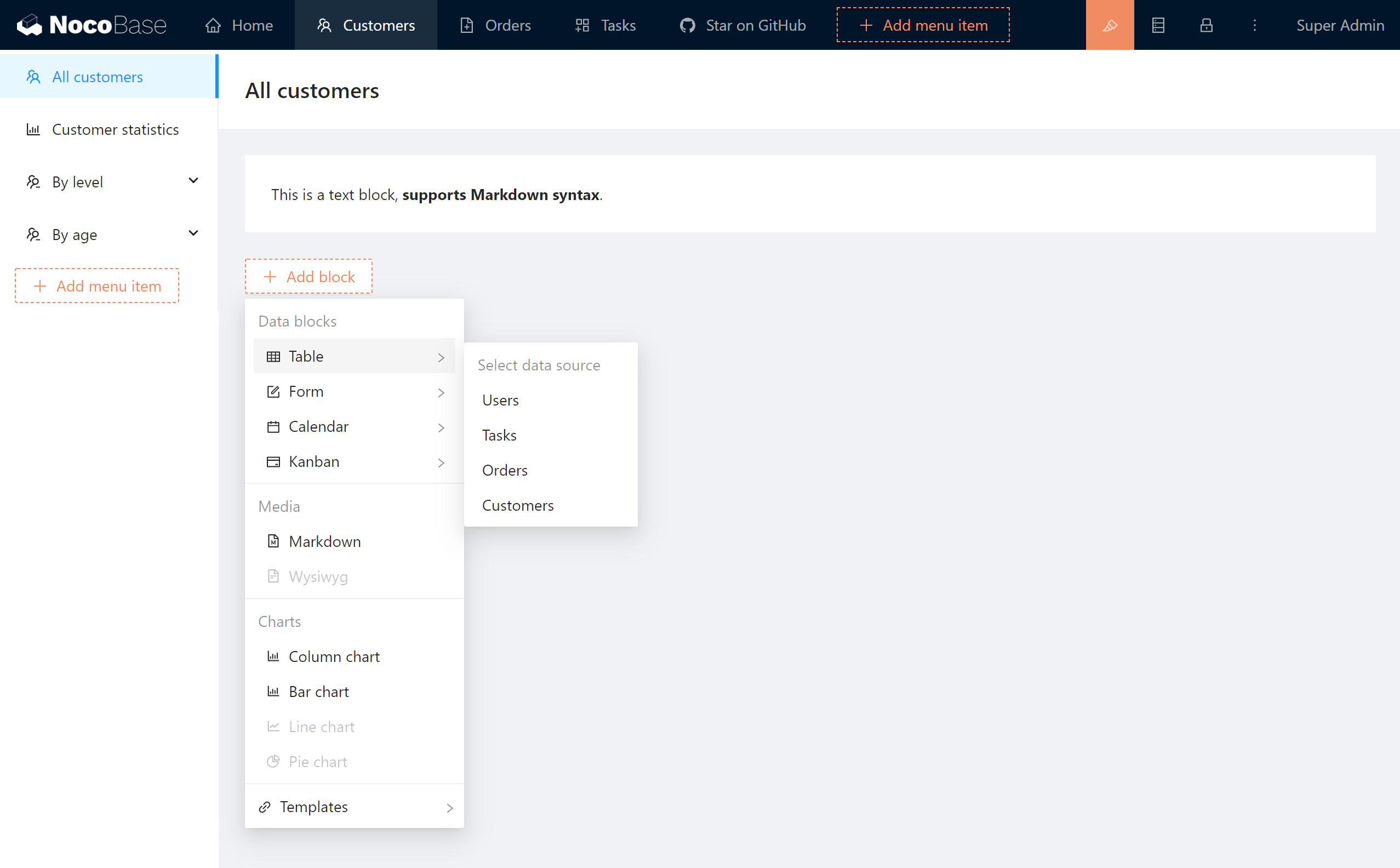
- Compose pages Notion-style from table, form, kanban, calendar, and chart blocks, with one-click switching between usage and configuration modes.
- Workflow Automation
- Trigger workflows on record events or schedules with conditions, approval steps, and data operations built into the platform.
- Role-Based Access Control
- Permissions down to collection, record, and field level, plus audit logging, provided as production-tested infrastructure rather than app-by-app logic.
- Plugin Marketplace and SDK
- Install official and community plugins from the admin interface, or scaffold your own full-stack plugin as an npm package with the CLI.
- TypeScript Stack
- Node.js and Koa server with a React client, deployable via Docker, and lightweight enough to run on a modest single server.