Categories
Web Publishing Library Software Cultural Heritage Digital Collections Museum Software Digital Exhibits Linked Open DataStars
Forks
Watchers
Developer links
Omeka S
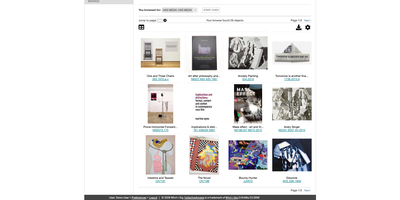
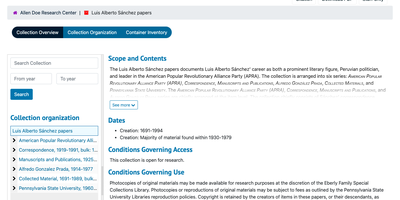
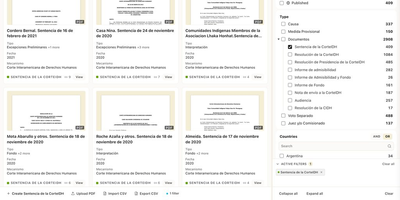
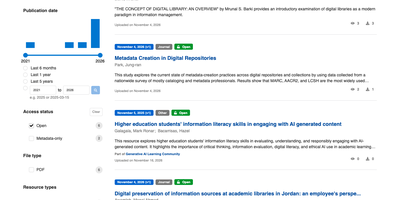
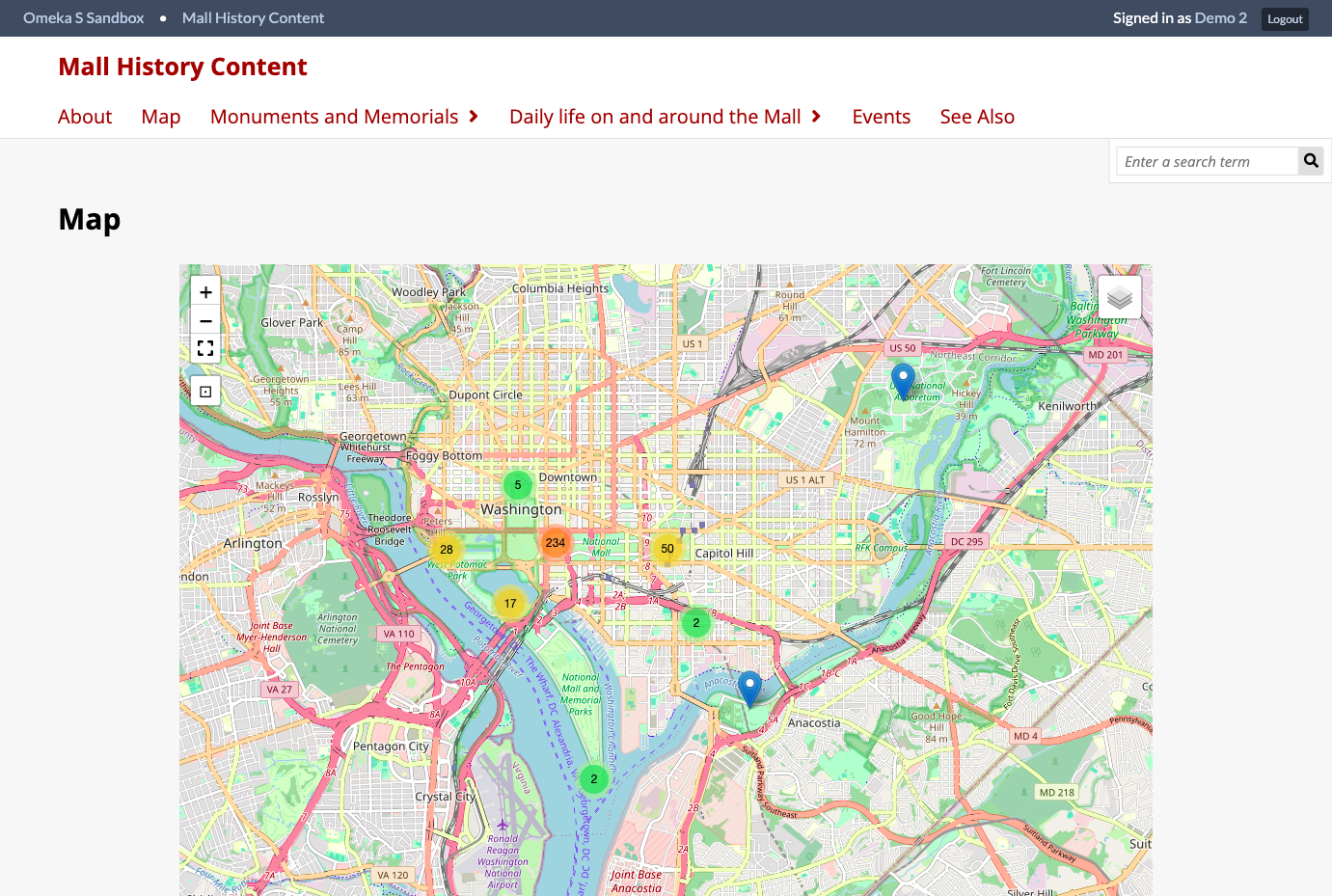
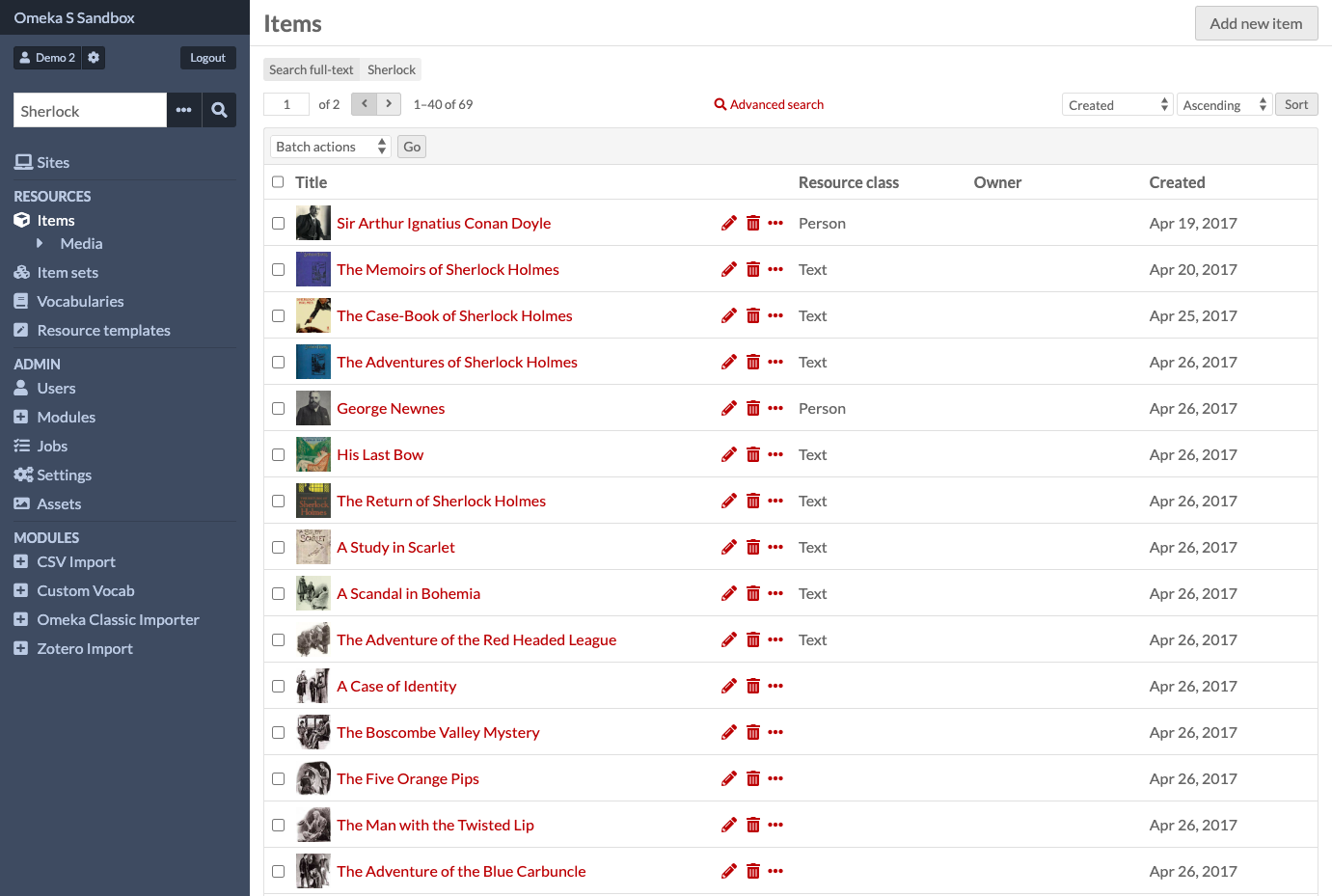
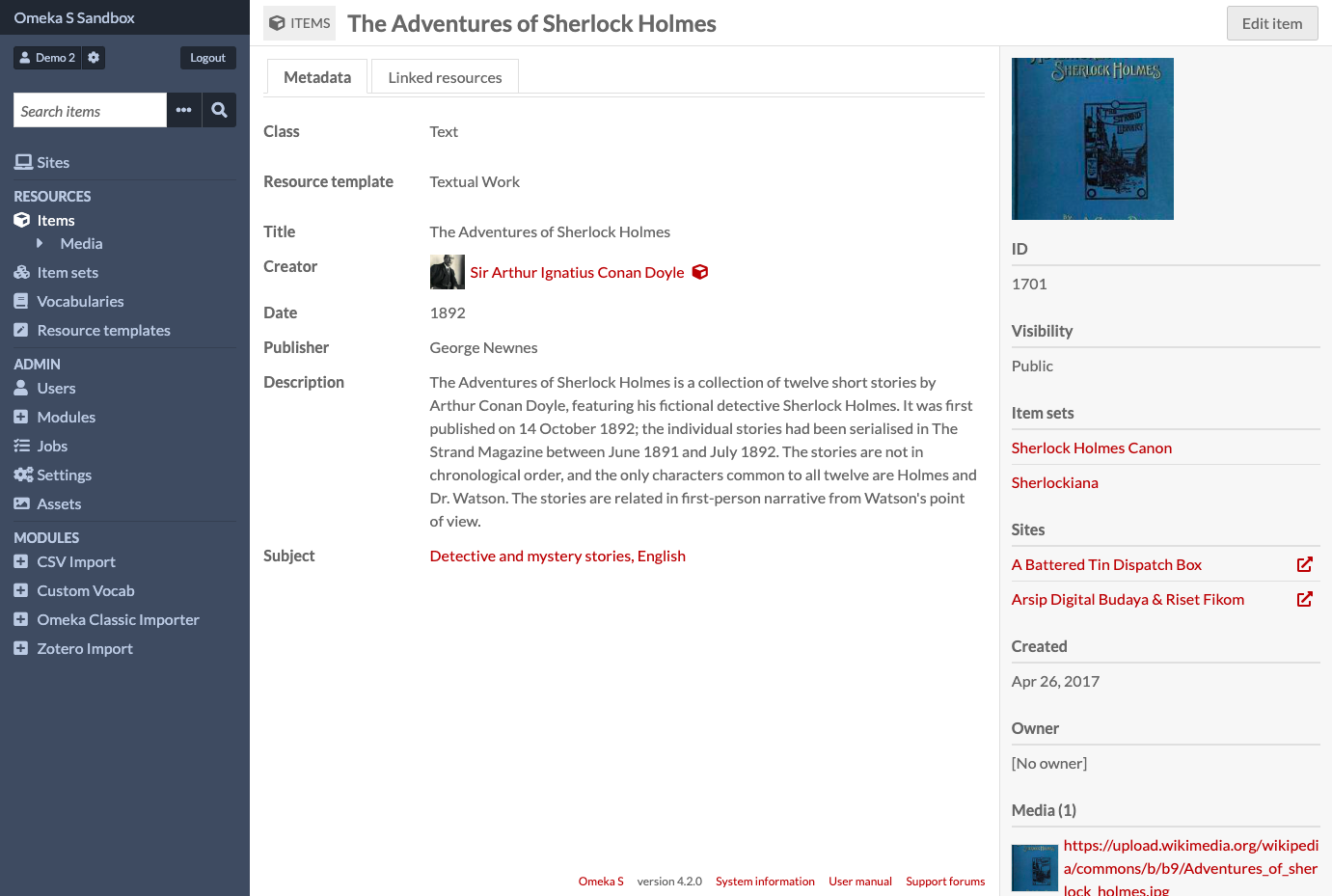
One shared pool of items and media, many independently themed exhibit sites: Omeka S publishes digitized collections for libraries, museums, archives, and universities. Resource templates define which properties an item shows, which data types each accepts, and which fields are required or private, drawing on the built-in Dublin Core, Bibliographic Ontology, and Friend of a Friend vocabularies or any vocabulary an administrator imports. Items can link to other items, so a novel points to its author and the author's record lists every work linked back to it. Media arrive as uploads, URLs, HTML, oEmbed, IIIF, or YouTube. A page editor stacks blocks for HTML, media embeds, browse previews, IIIF images, and maps, a navigation tree arranges menus by dragging, and every site picks its own responsive theme and resource page layout. The Mapping module pins items on interactive maps and adds map blocks and a map browse page. CSV Import loads items, item sets, media, and users from CSV, TSV, or ODS files, importers bring over Omeka Classic and Zotero content, and Collecting forms let visitors contribute files or text for moderators to approve. Roles run from Global Administrator through Supervisor, Editor, Reviewer, and Author to Researcher, with separate permissions per site. A REST API under /api lets other tools read and write resources. Running on a dedicated VPS on RepoCloud with guaranteed CPU, RAM, and SSD, full root SSH access, and a browser serial console. GPL-3.0 licensed.
Benefits
- One Collection, Many Exhibit Sites
- Curators add items and media once to a shared pool, then choose which items appear on each site, so a library, a museum, and a class project can reuse the same records.
- Describe Items With Linked Data
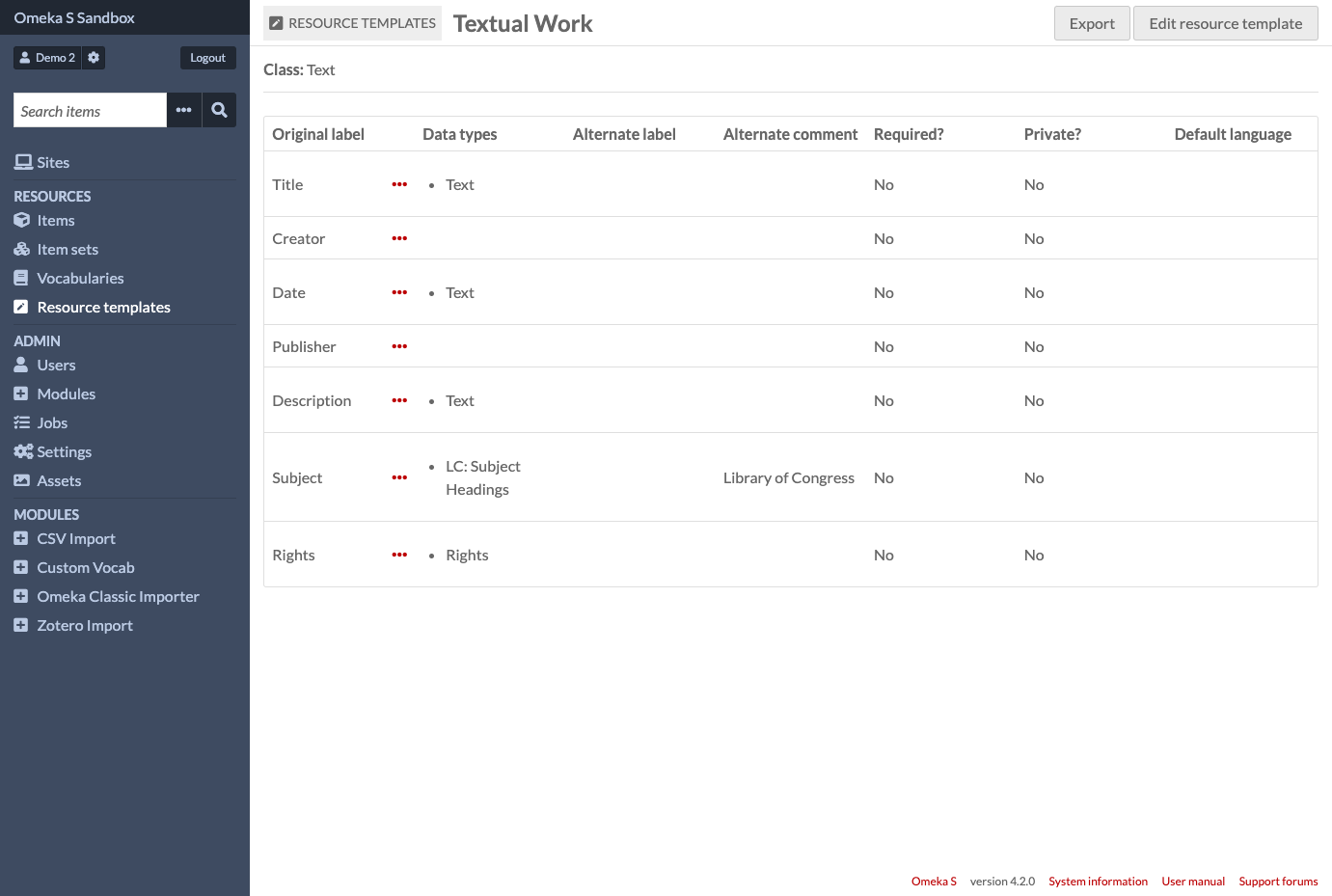
- Resource templates pick the Dublin Core or schema.org properties an item shows, mark fields required or private, and set data types that link to other items or external URIs.
- Build Exhibits From Page Blocks
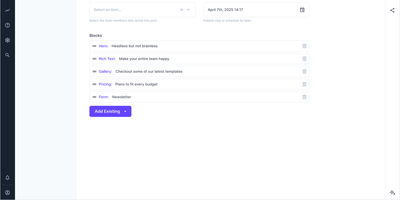
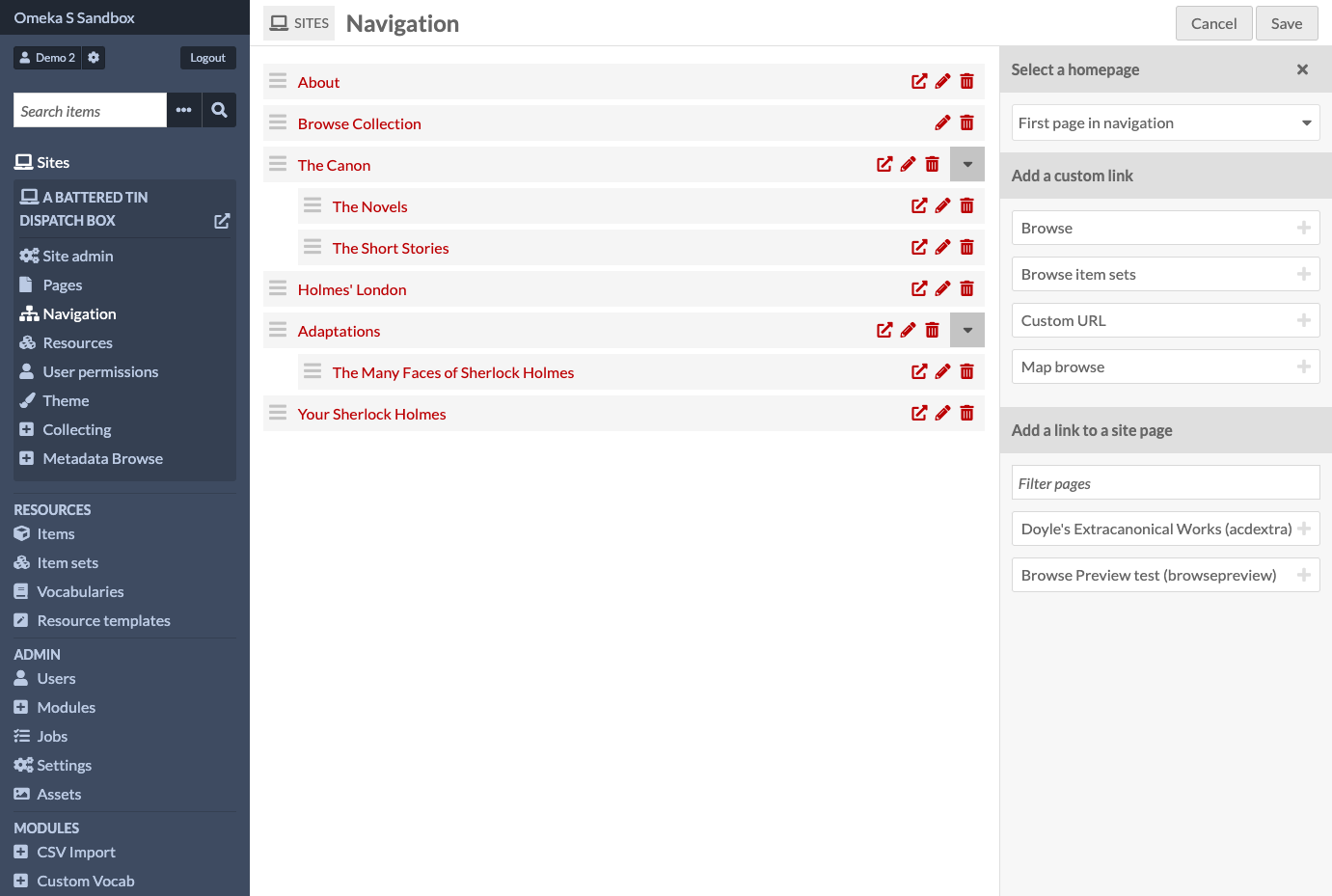
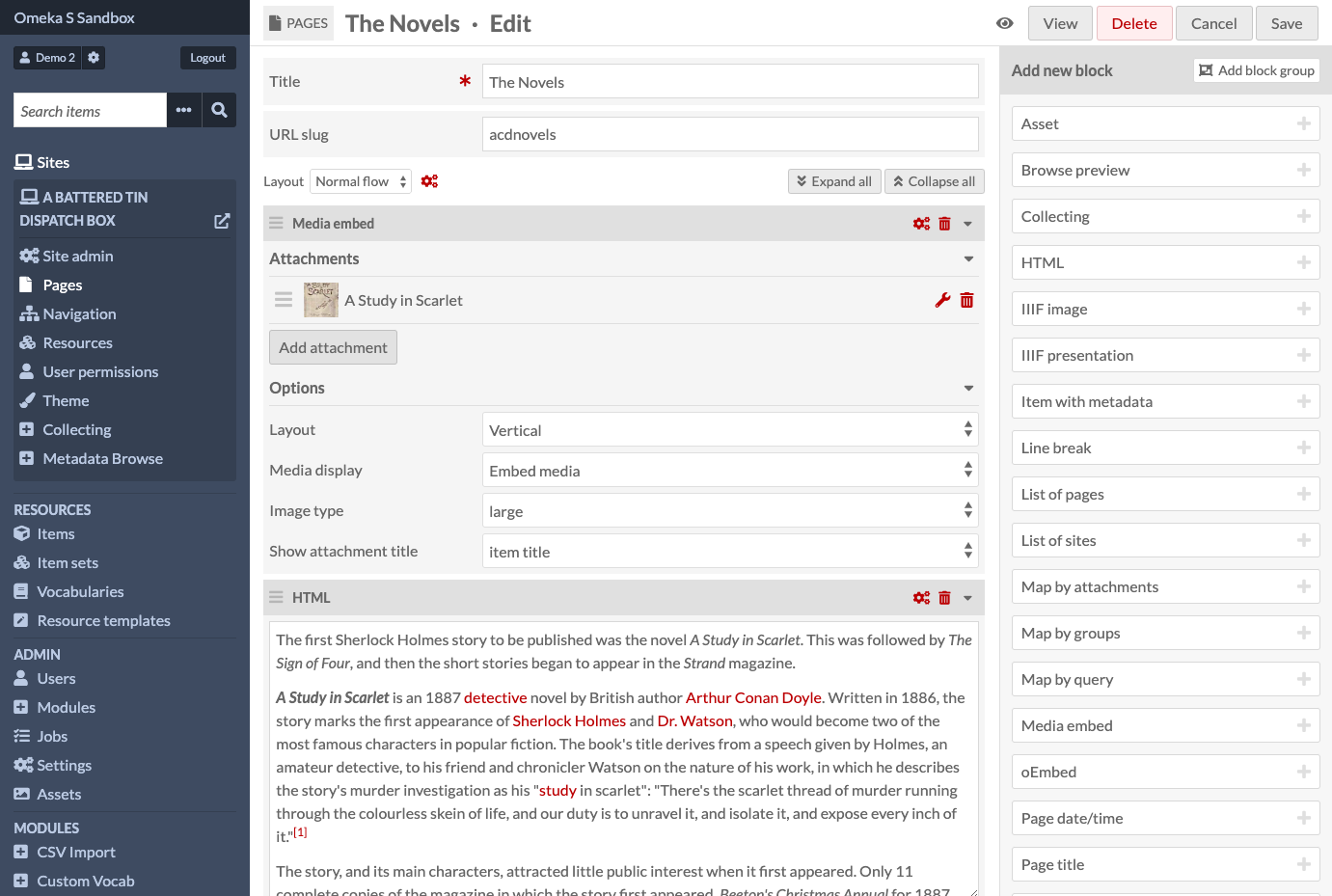
- The page editor stacks blocks for HTML, media embeds, browse previews, IIIF images, and maps, and the navigation editor reorders menus by dragging, so staff who do not code can shape each site.
- Control Who Can Edit What
- Six installation roles, from Global Administrator down to Researcher, combine with per-site permissions, so administrators decide who manages settings, edits collections, or only builds exhibit pages.
Features
- Items And Item Sets
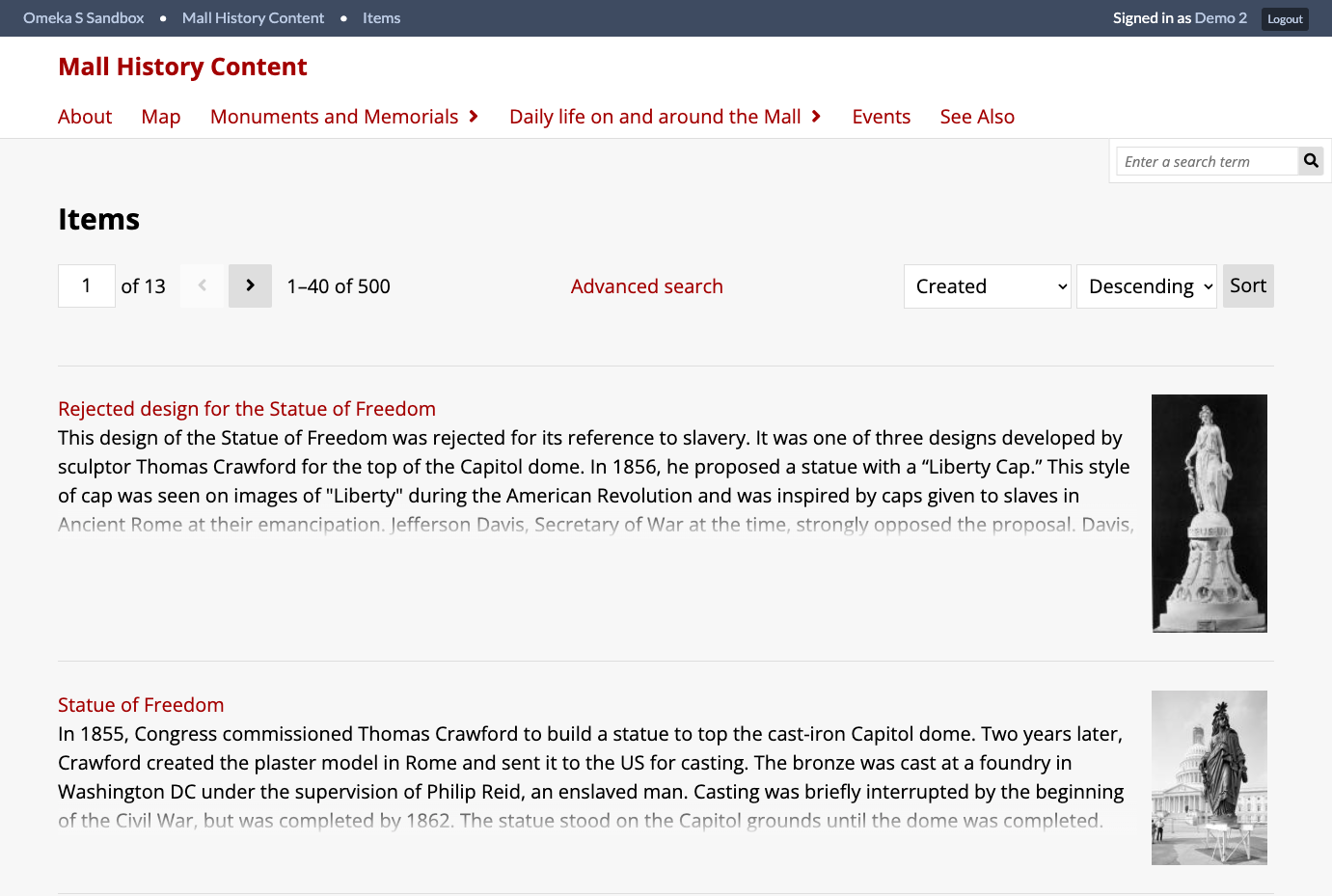
- Items hold metadata and media, group into item sets, link to other items, and show linked resources in their own tab, with search, sorting, and batch actions on the list.
- Resource Templates
- Templates preset the class, properties, data types, alternate labels, and required or private flags for a kind of item, and can be exported and imported between installations.
- Page Block Editor
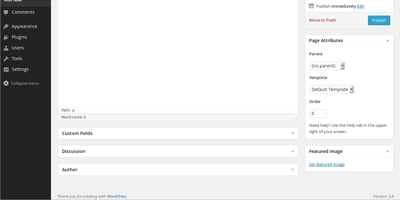
- Pages combine blocks for HTML, media embeds, browse previews, IIIF images, IIIF presentations, item metadata, page lists, and three kinds of maps, each with layout options.
- Navigation And Themes
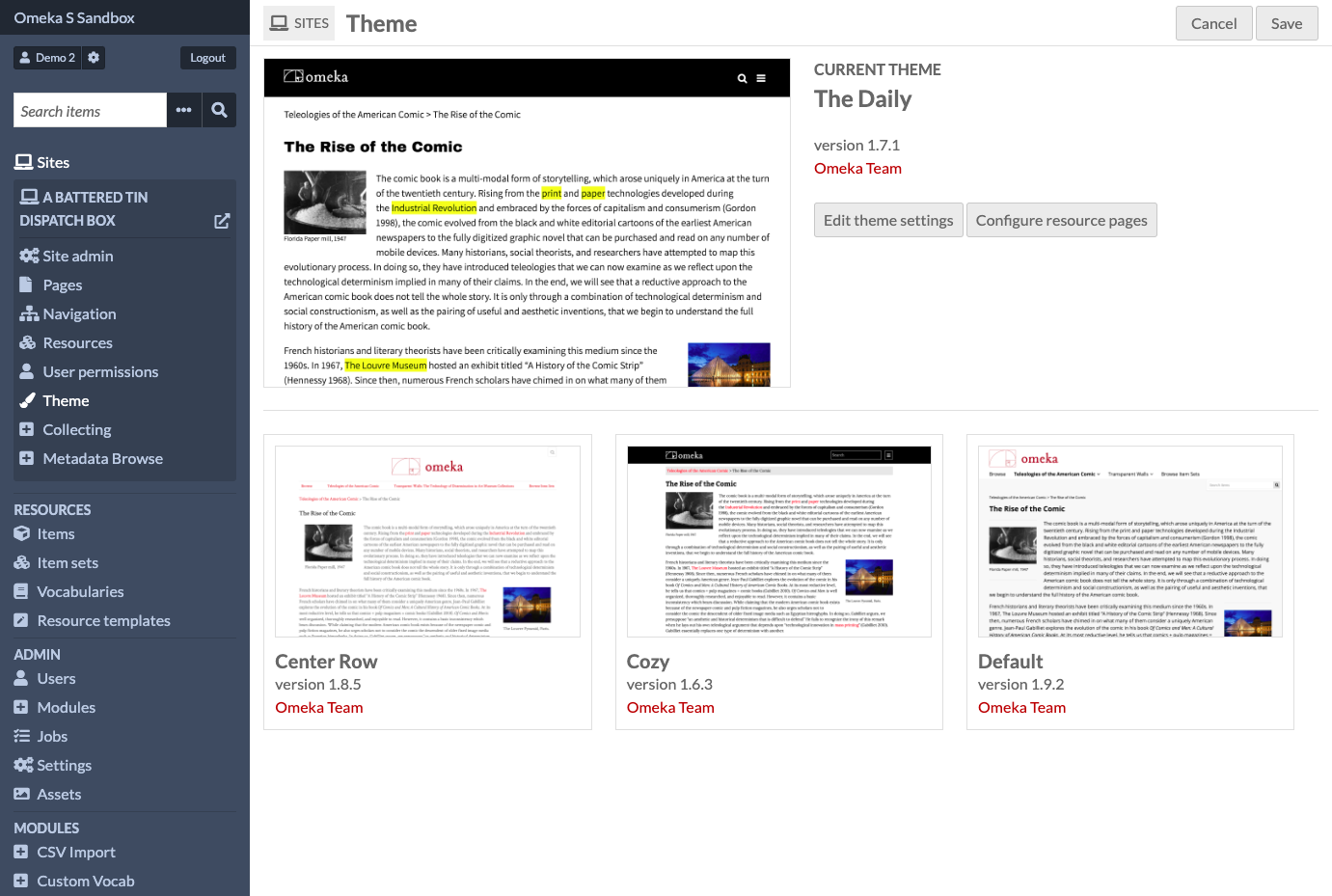
- A drag-and-drop tree builds menus from pages, browse links, item set links, custom URLs, and a map browse page, and each site chooses its own theme and settings.
- Mapping Module
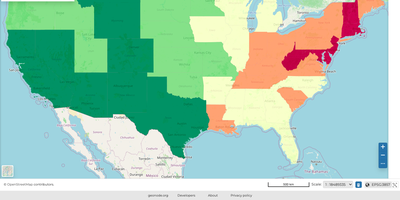
- The Mapping module adds pins and shapes to items, then shows them on maps with several base layers and IIIF, WMTS, WMS, or GeoJSON overlays.
- Import And Collect
- CSV Import reads CSV, TSV, or ODS files, importers pull from Omeka Classic and Zotero, and Collecting forms gather public contributions that moderators review before publishing.