Categories
Open Source Digital Library Metadata Management Research Data Management Digital Preservation Institutional Repository Open Access Scholarly CommunicationStars
Forks
Watchers
Developer links
DSpace
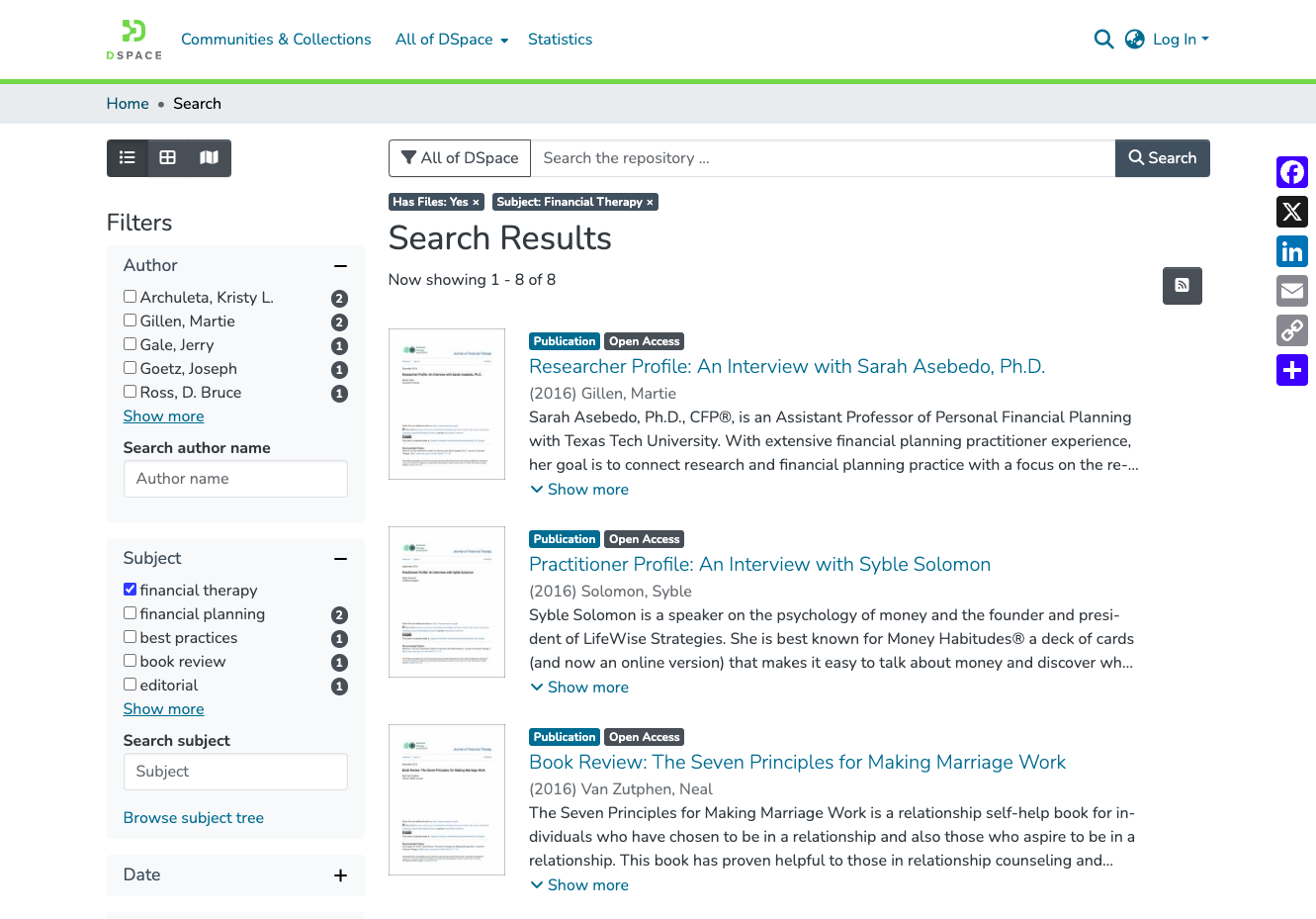
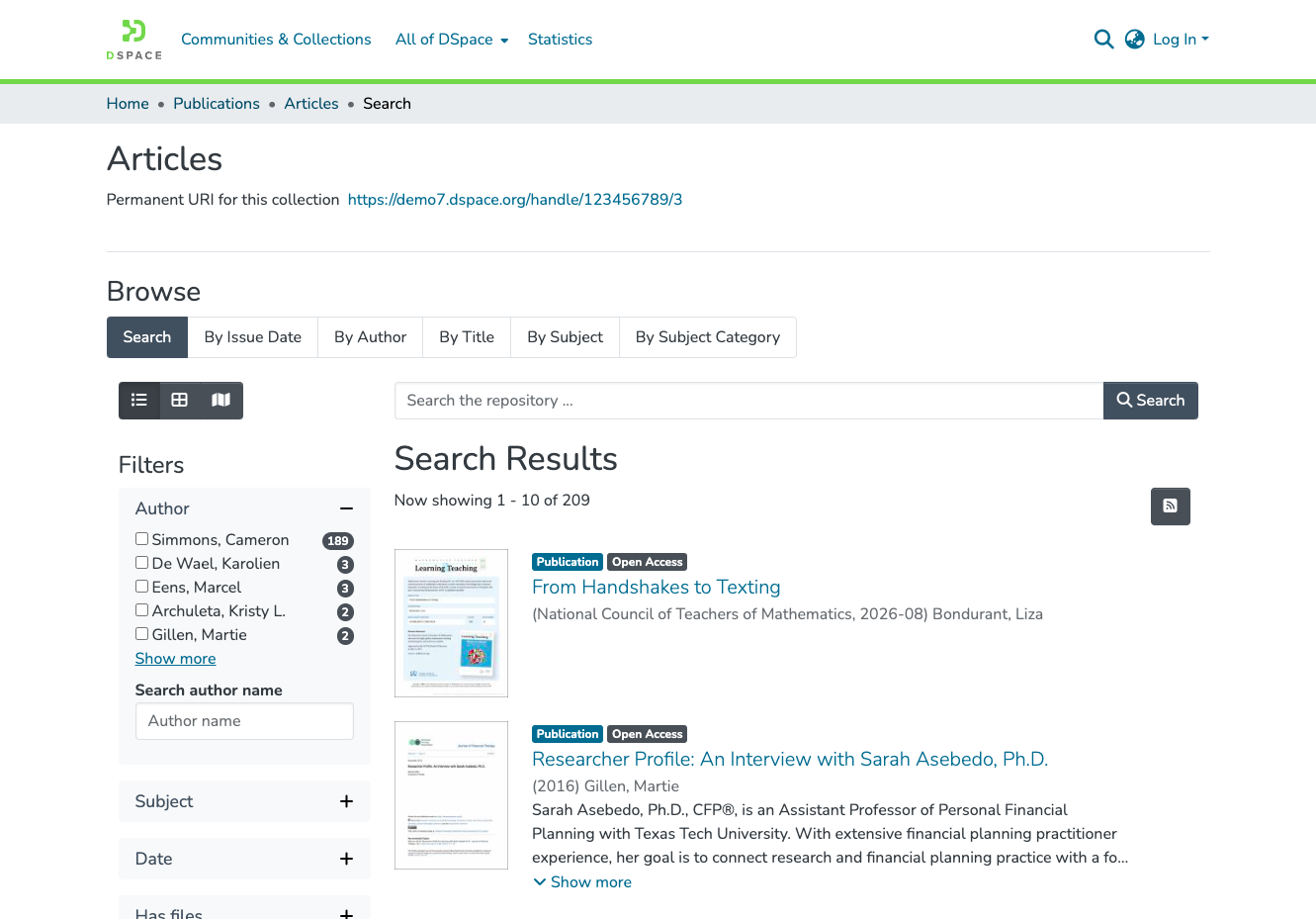
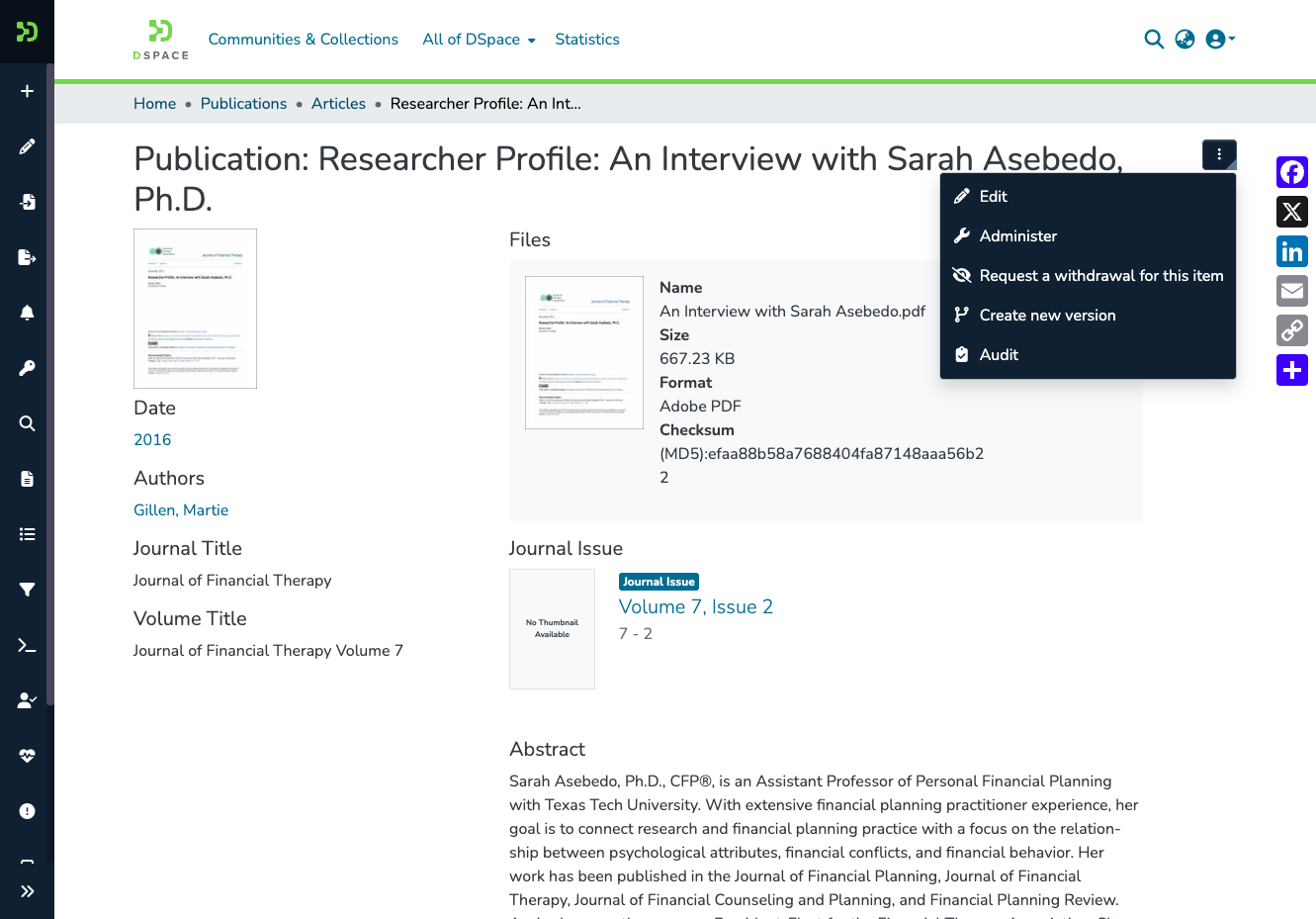
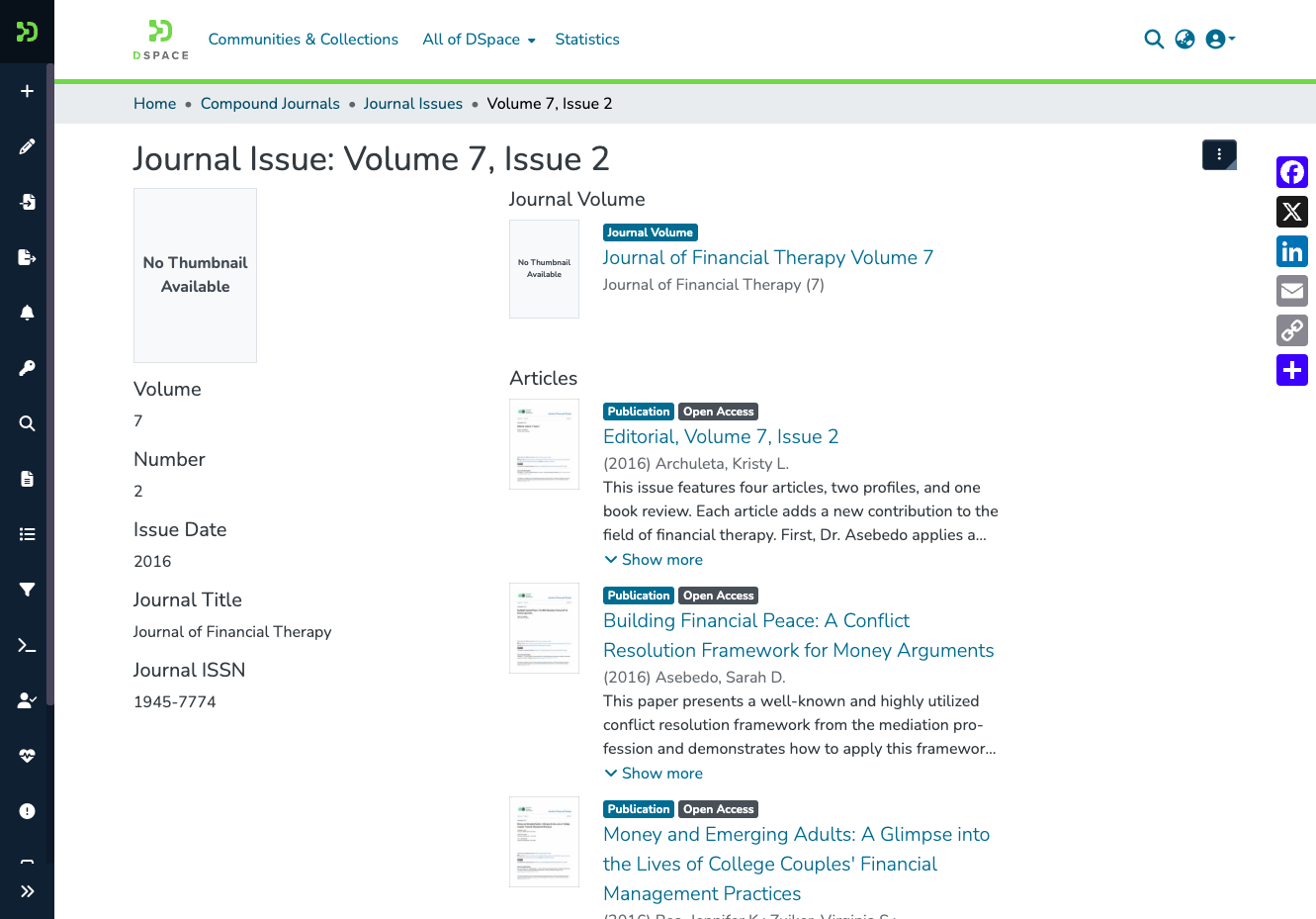
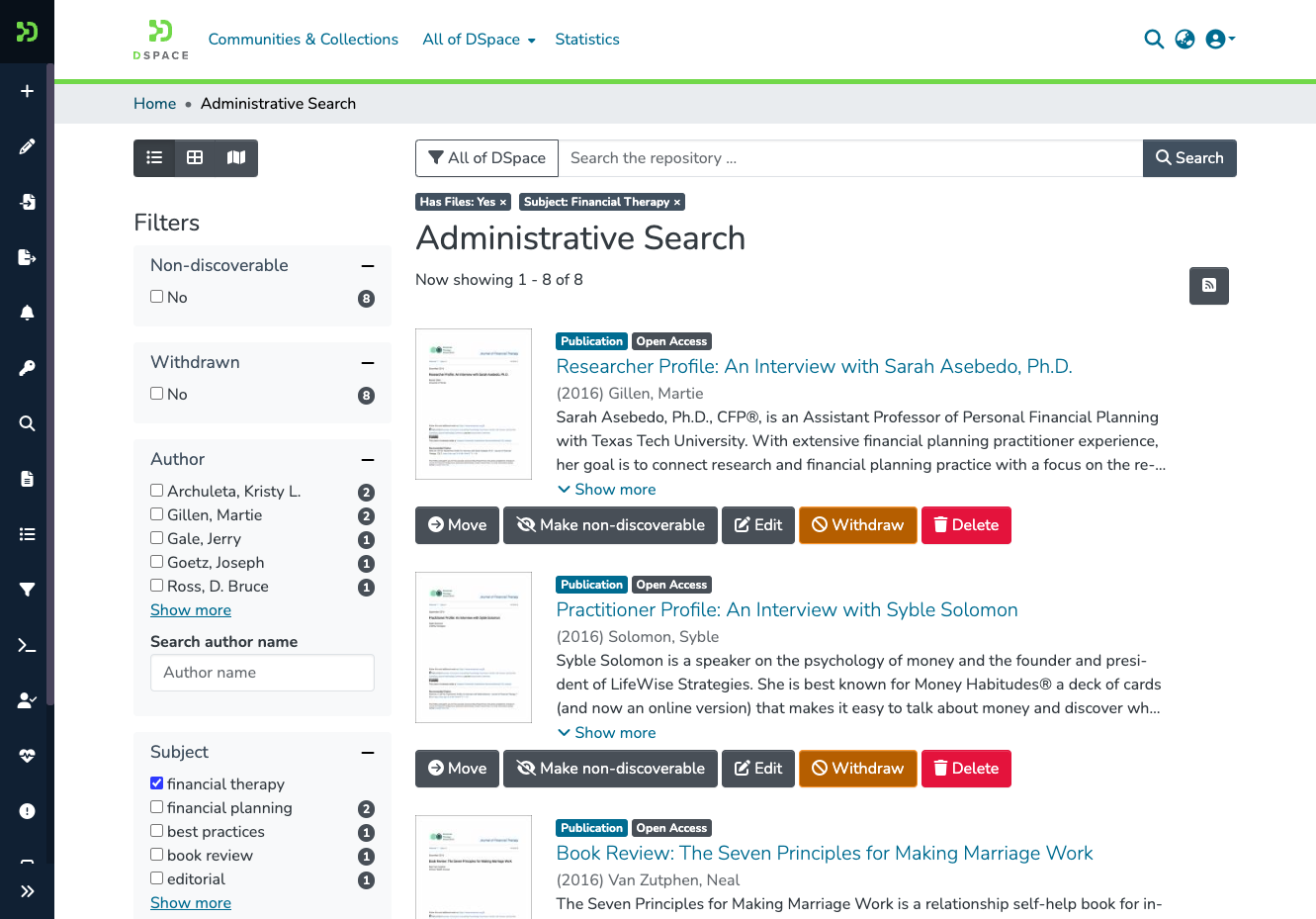
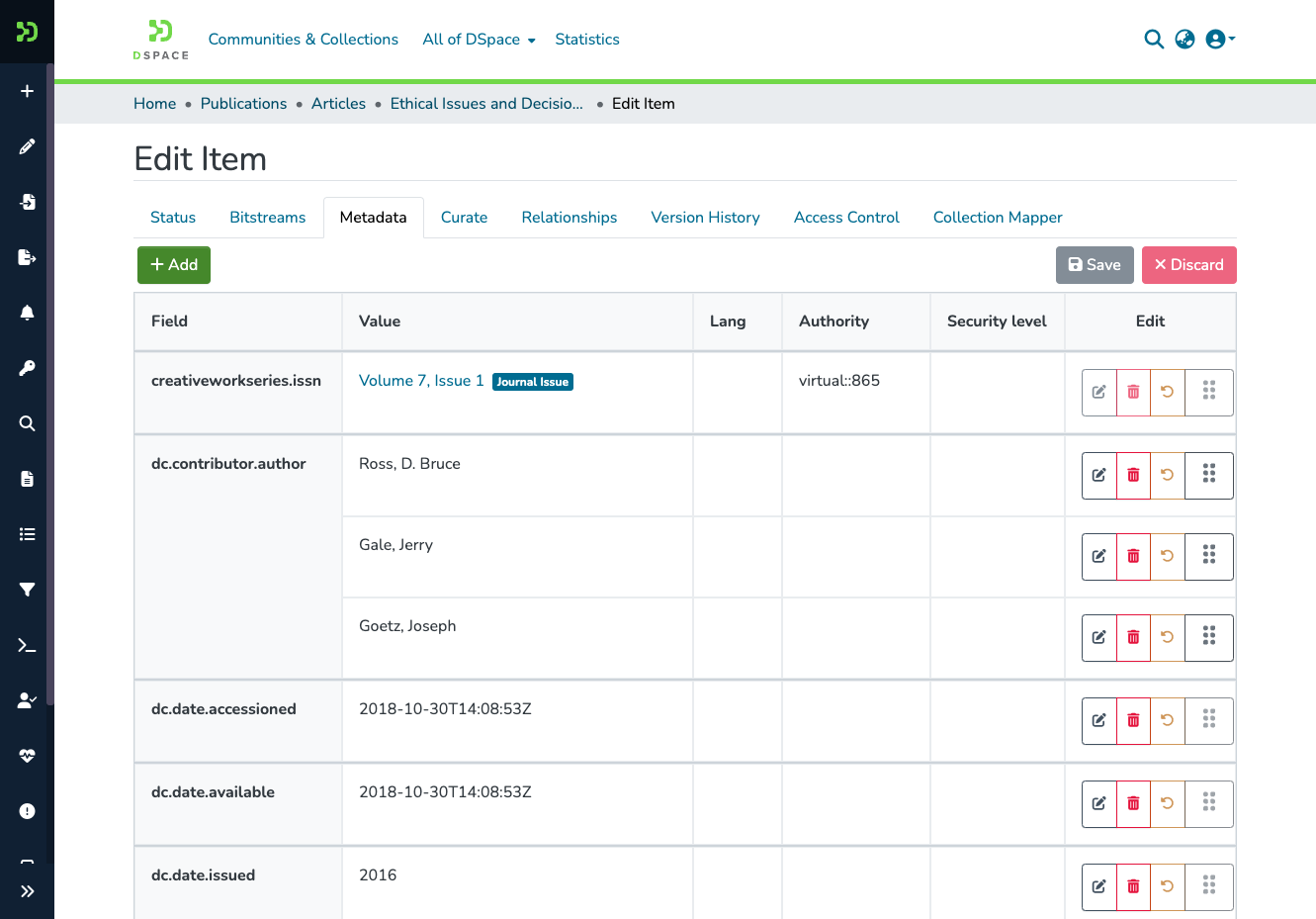
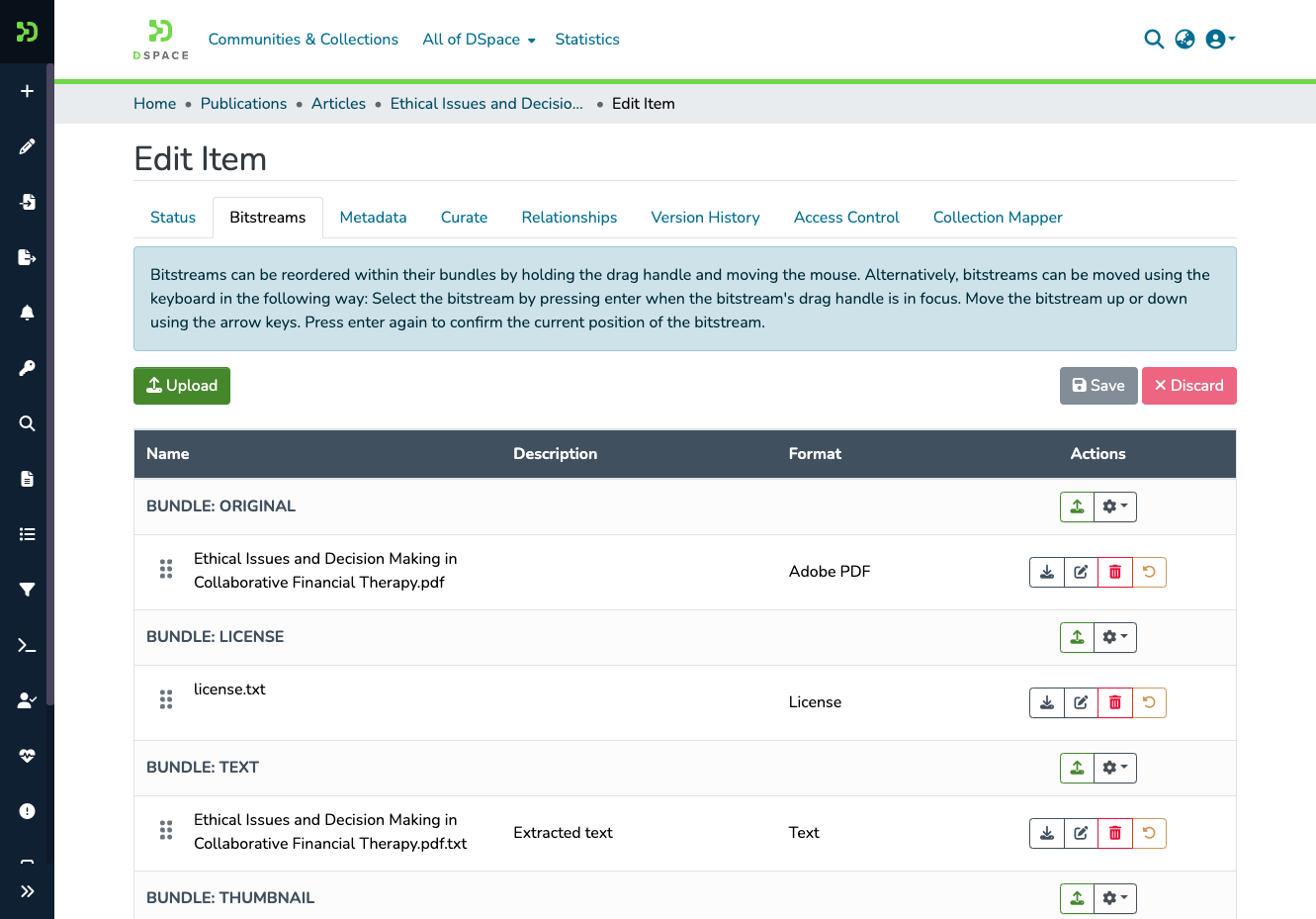
With DSpace, a library or research office can give every thesis, journal article, and dataset its own permanent web address, a searchable metadata record, and files visitors download from the archive. Content sits in a tree of communities and collections, and each collection decides who may deposit and how many review steps follow; reviewers accept a submission or reject it with a note that sends it back to the author. Embargoes hold files back until a set date, access policies limit other files to chosen groups, and sign-in works through LDAP, Shibboleth, SAML, OpenID Connect, or ORCID. Search covers metadata and the extracted full text of uploaded files, facets narrow the results, and browse pages sort by title, issue date, author, or subject. Editors can correct a published item through the submission form. Administrators inspect an audit trail and rewrite homepage news from an admin form. Entity types for people, organizations, projects, journals, and datasets link each publication to the work behind it, and DOIs can be registered through Crossref. Optional settings let authors keep an email address private on their researcher profile and download their own restricted files. Usage reports count visits, downloads, and top countries per item. REST, OAI-PMH, SWORD, and Google Scholar metadata connect the archive to harvesters, deposit tools, and search engines. Running on a dedicated VPS on RepoCloud with guaranteed CPU, RAM, and SSD, full root SSH access, and a browser serial console. BSD-3-Clause licensed.
Benefits
- Permanent links for every item
- Handles give every community, collection, and item a persistent identifier that does not depend on storage location, and DOIs can be registered through Crossref, so citations keep resolving after migrations.
- Review workflow before publication
- Each collection can route submissions through up to three approval steps by default, each with its own reviewer group, and rejected items return to the depositor with the reviewer's explanation.
- Sign-in that fits your institution
- Stackable authentication combines local passwords with LDAP, Shibboleth, SAML, OpenID Connect, ORCID, IP-range, and X.509 certificate methods, so staff and students reach the repository with accounts they already use.
- Findable by people and search engines
- Full-text indexing, faceted browsing, and Google Scholar metadata in item pages help researchers locate papers, while OAI-PMH harvesting lets aggregators and discovery services collect the same records automatically.
Features
- Communities and Collections
- Content is arranged in nested communities and collections, with items holding qualified Dublin Core metadata and any number of files, plus configurable metadata schemas and entity relationships.
- Submission and Workflow
- A configurable submission form feeds up to three review steps per collection; items can be edited through the same form, and shared workspaces let submitters draft together.
- Search and Discovery
- Solr-backed search indexes metadata and extracted full text, with facets, browse indexes by title, date, author, and subject, plus RSS feeds for collections and communities.
- Access Control and Embargoes
- Resource policies attach rights to groups for any community, collection, item, or file, and embargoes keep files hidden until a chosen release date.
- OAI-PMH, SWORD, and REST
- A REST API drives the Angular interface and third-party tools, OAI-PMH exposes records to harvesters, SWORD accepts remote deposits, and Signposting adds machine-readable links.
- Usage Statistics and Checksums
- Solr-based statistics report visits, monthly traffic, downloads, and top countries and cities per item, while a checksum checker verifies that stored files have not been corrupted.