Categories
documentation wiki knowledge base team collaboration note taking document management self-hosted docs content publishingStars
Forks
Watchers
Developer links
MrDoc
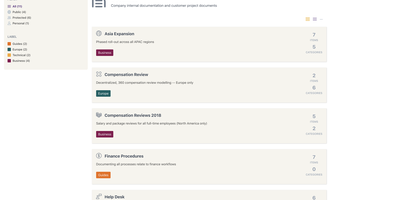
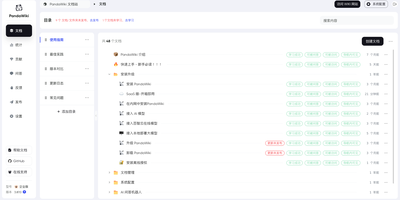
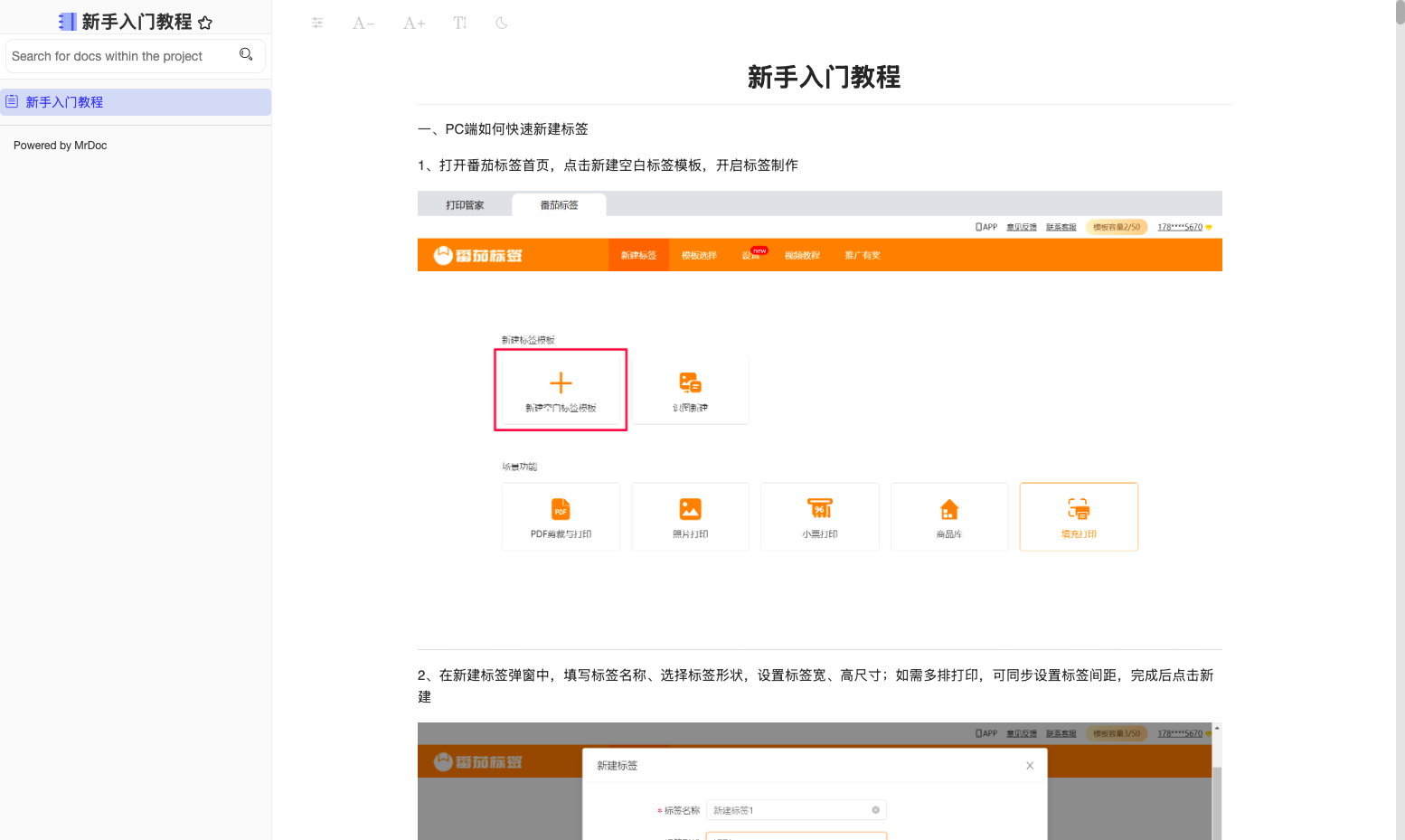
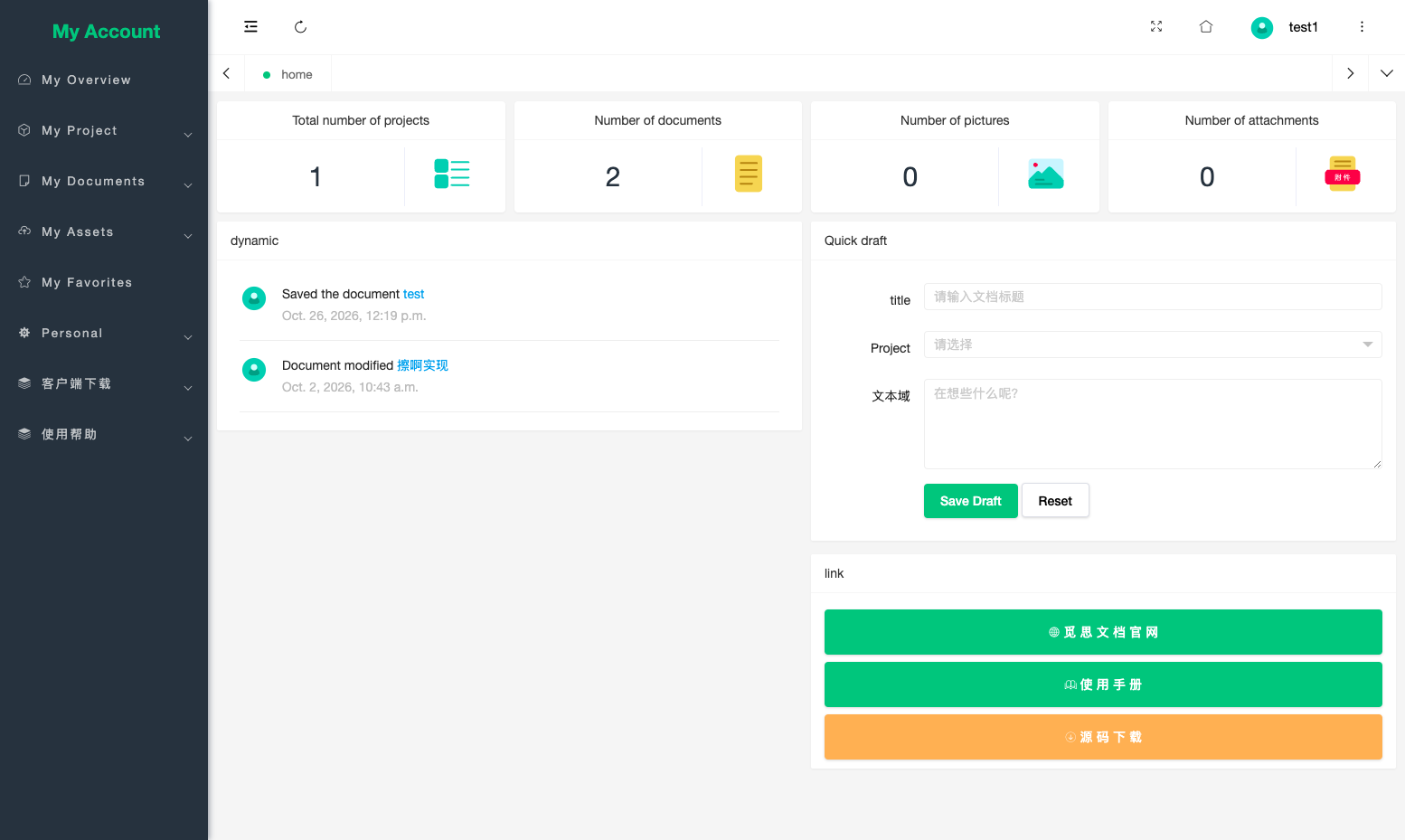
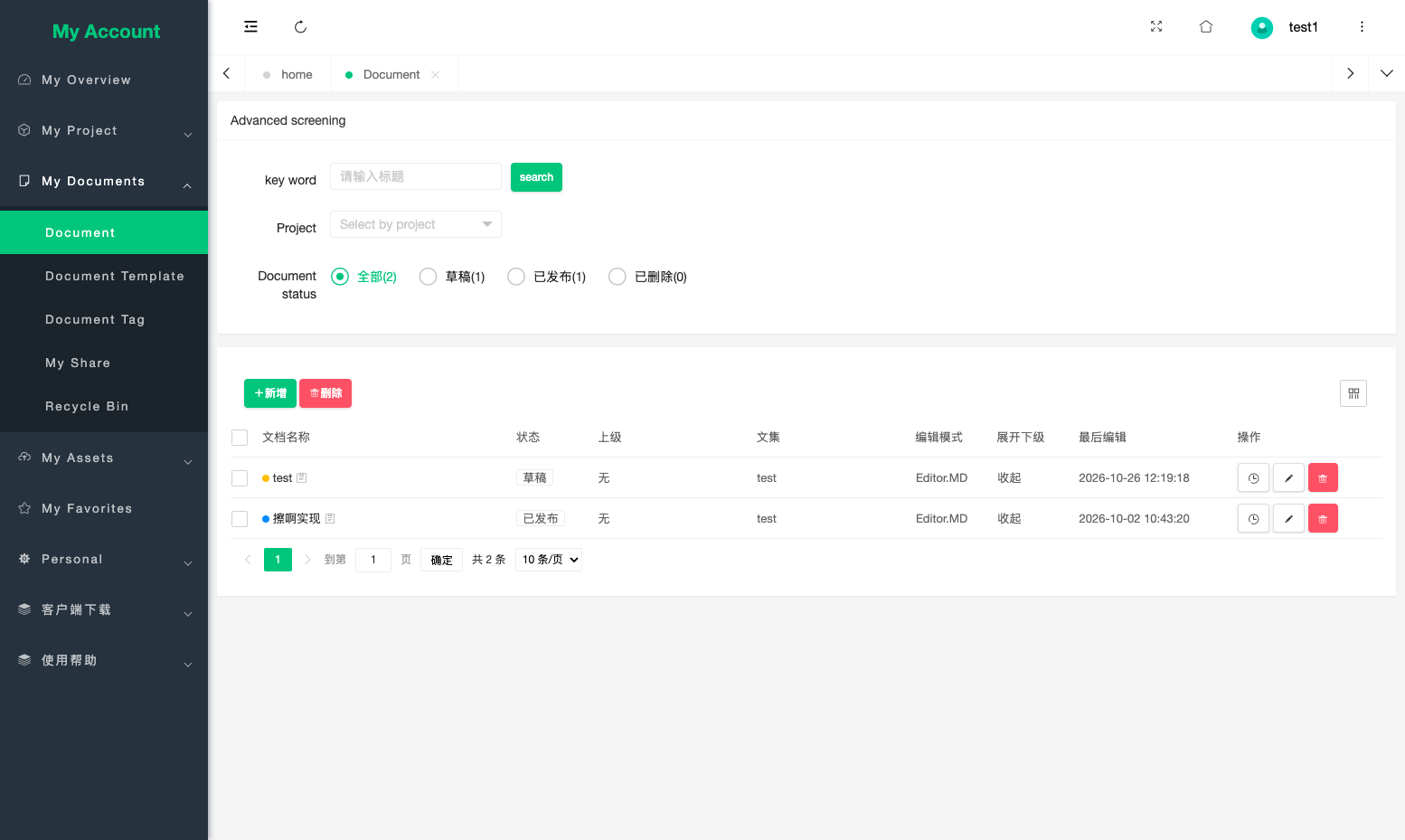
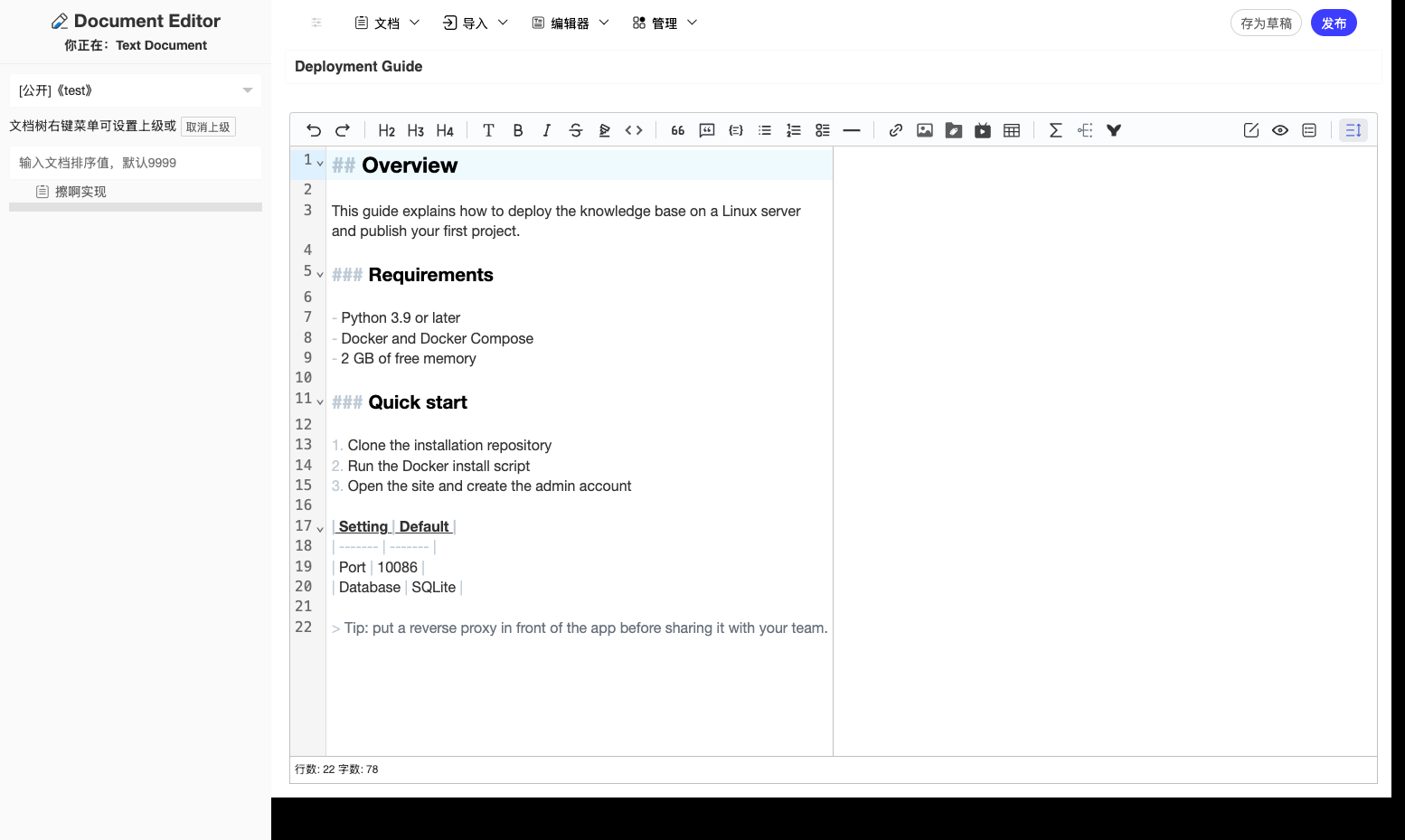
Individuals and small teams use MrDoc as a private web workspace for writing, organizing, searching, and publishing documentation. Projects hold documents in multi-level hierarchies with drag ordering, tags, and templates, so a product manual, an internal wiki, and personal notes share one installation without colliding. Three editors cover different habits: Markdown with live preview, rich text for formatted pages, and spreadsheets for tabular data. Pages take images, attachments, formulas, audio and video, mind maps, flowcharts, and ECharts diagrams, which keeps runbooks expressive instead of plain text walls. History is never lost: every document keeps versions with rollback, and a recycle bin stands between a bad edit and permanent loss. Sharing stays deliberate, with projects and pages set public, private, limited to named users, or protected by an access code. Full-text search reaches across the whole library, and a tag network view shows how topics connect. Finished projects export as PDF or EPUB, single pages download as Markdown, and share codes hand read-only links to people outside the team. An AI knowledge base answers questions from your documents, AI writing tools draft and polish text in the editor, a Token API serves scripts, and browser extensions clip web pages into the library. Running on a dedicated VPS on RepoCloud with guaranteed CPU, RAM, and SSD, full root SSH access, and a browser serial console. GPLv3 licensed.
Benefits
- Private Knowledge Base Hosting
- Your documents stay on infrastructure you control: user accounts, invitation codes, login captcha, and per-document access codes decide exactly who can read or edit each page.
- Three Editors One Library
- Markdown, rich text, and spreadsheet documents live side by side in the same project tree, with formulas, mind maps, flowcharts, and charts embedded directly in pages.
- Publish Beyond The Team
- Export whole projects as PDF or EPUB, share single pages through read-only share codes, and let search engines index public documentation with built-in SEO controls.
- AI Answers From Documents
- The built-in AI knowledge base answers questions using your own document collection, respecting page permissions, so retrieval only draws on material each asker is allowed to see.
Features
- Three Document Editors
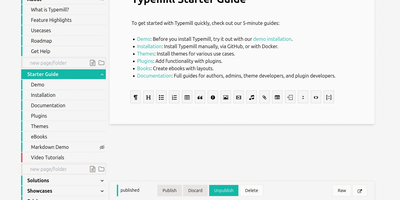
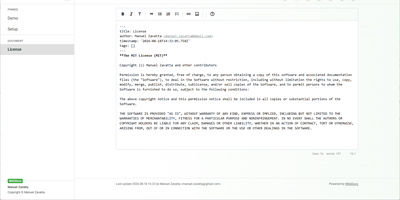
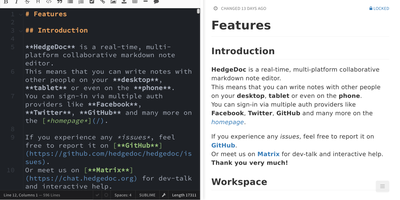
- Write in Markdown with Editor.md or Vditor, compose formatted pages in the iceEditor rich text editor, or build spreadsheet documents, all stored in one project tree.
- Granular Access Permissions
- Set each project or document public, private, limited to specified users, or locked behind an access code, with collaborator management for shared editing.
- Full-Text Search
- Search the full text of every document and browse the tag relationship network to surface connections between topics across projects and personal notebooks.
- PDF EPUB Export
- Generate PDF and EPUB downloads for entire projects, export or transfer projects between owners, and download individual documents as Markdown files.
- Token API Access
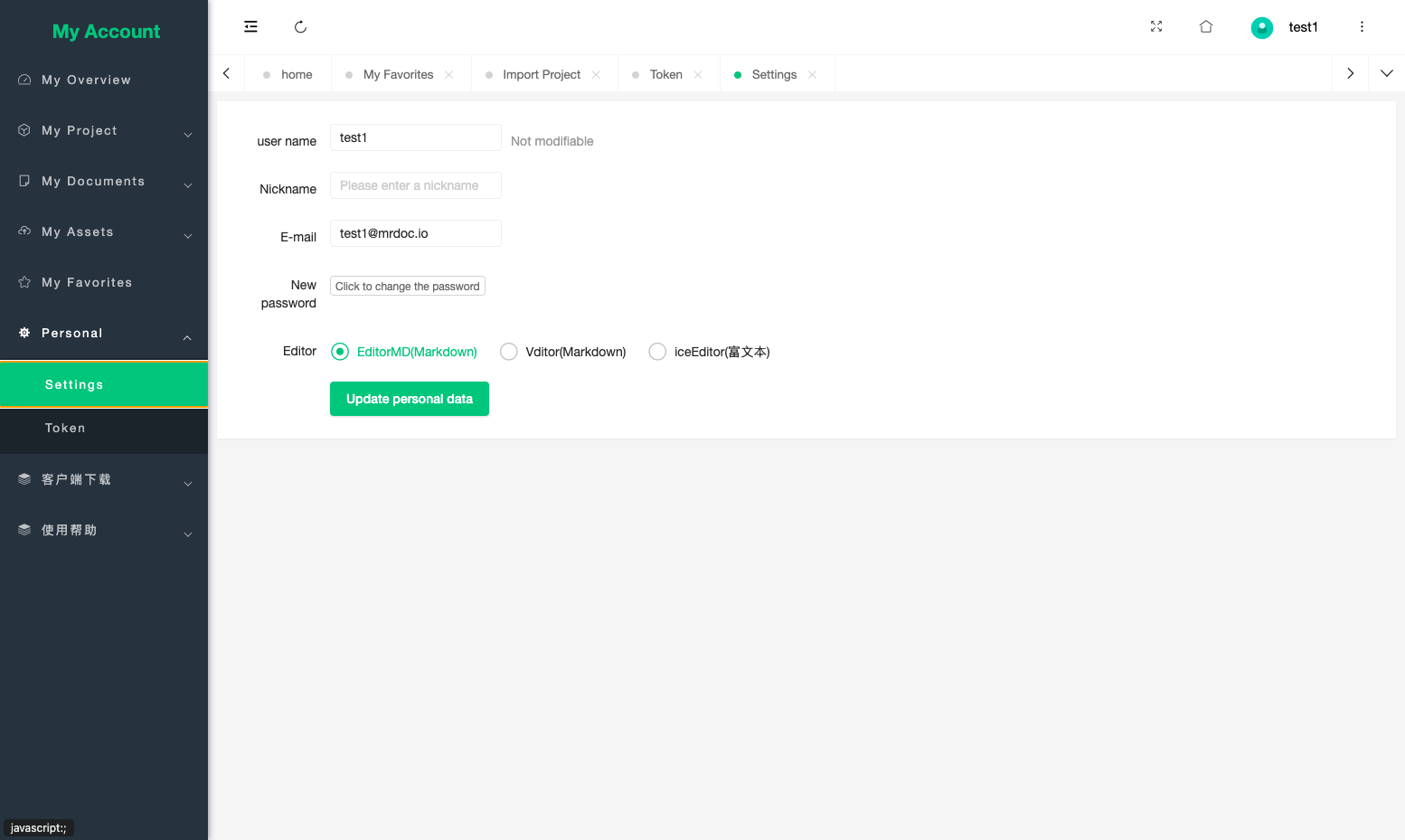
- A token-authenticated API supports editing, retrieving, and searching documents from scripts and third-party applications, and the AI API exposes knowledge base Q&A the same way.