Categories
Self-Hosted Knowledge Base Documentation Content Management RAG Chatbot Wiki AI AssistantStars
Forks
Watchers
Developer links
PandaWiki
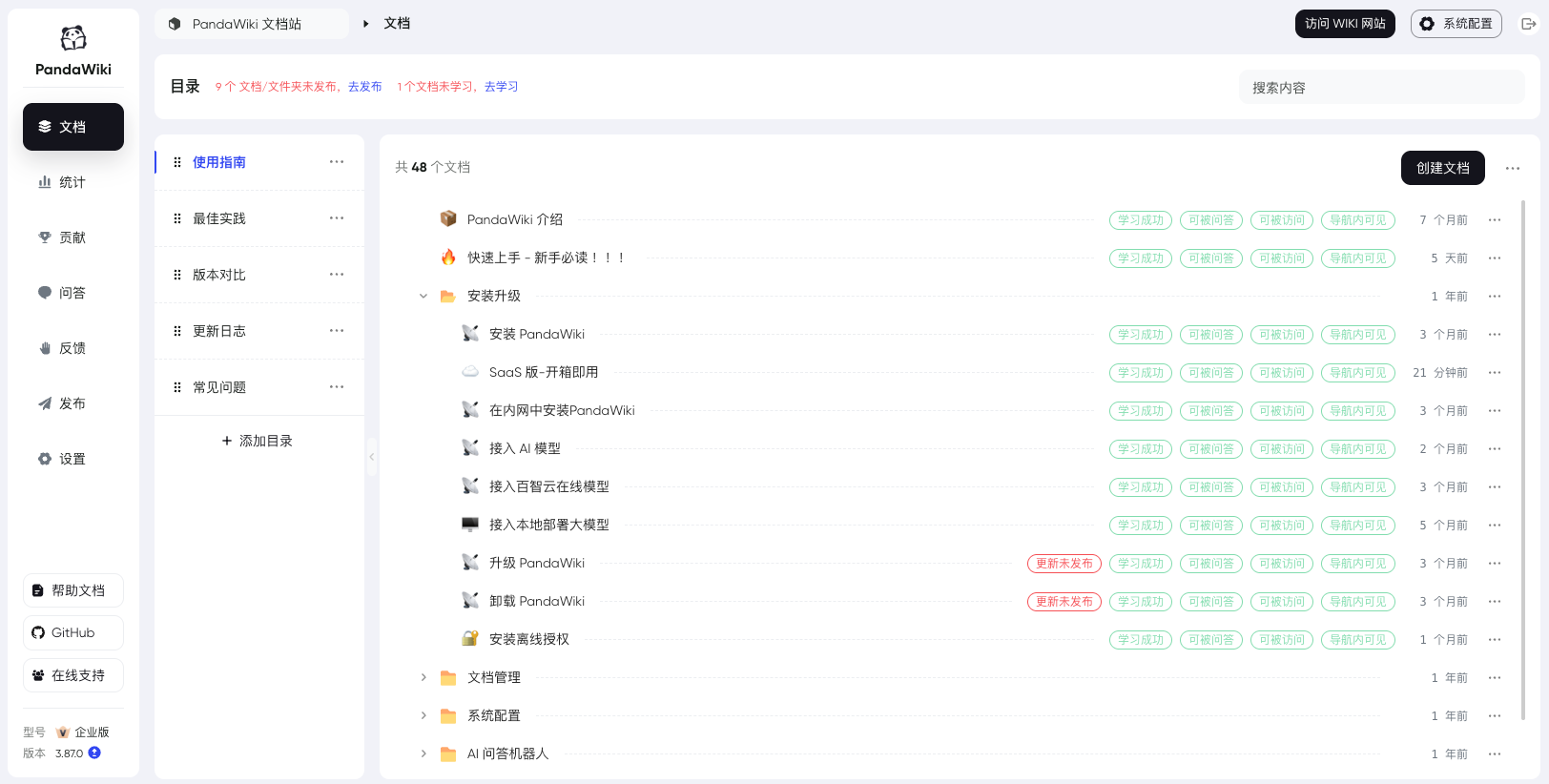
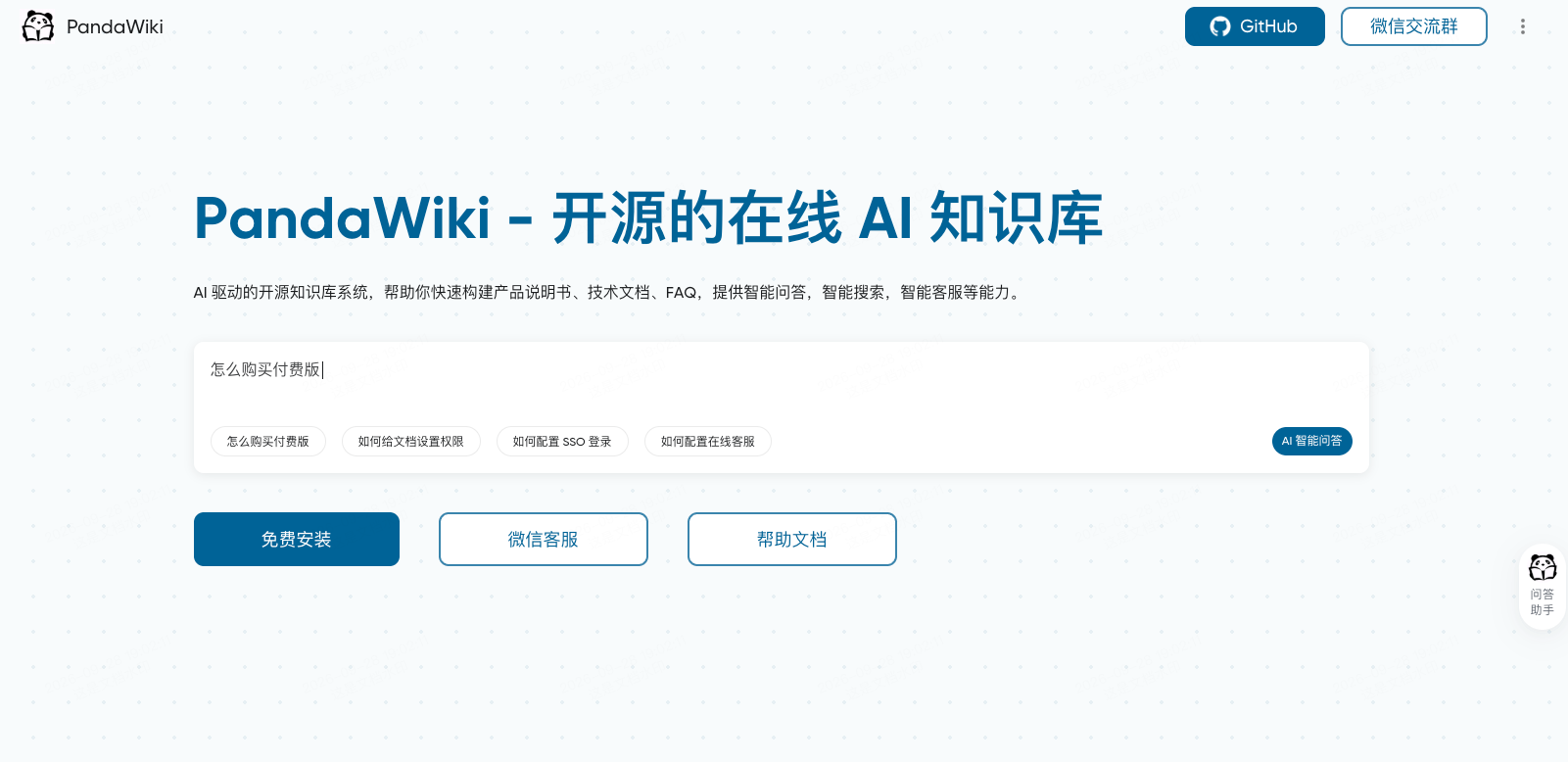
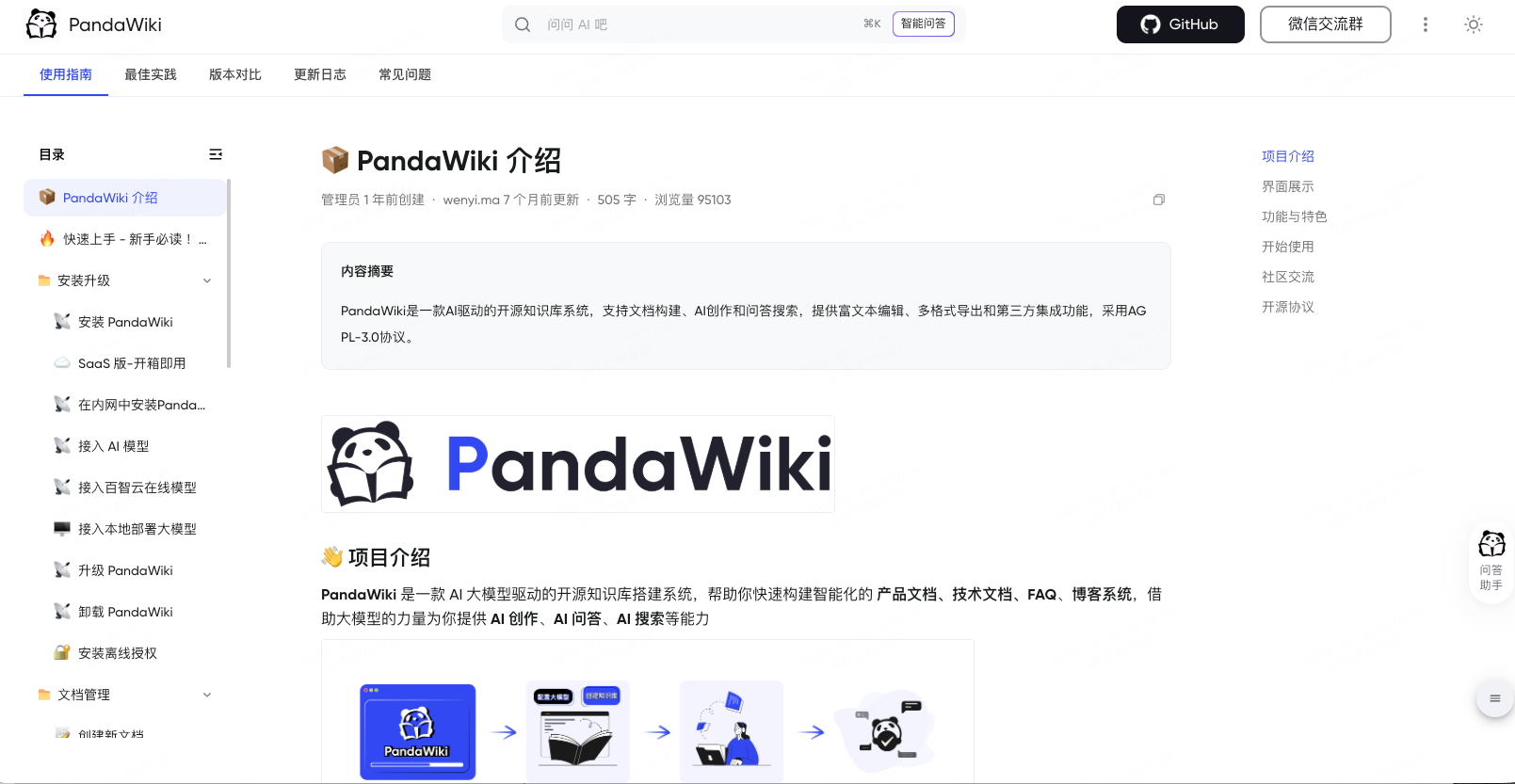
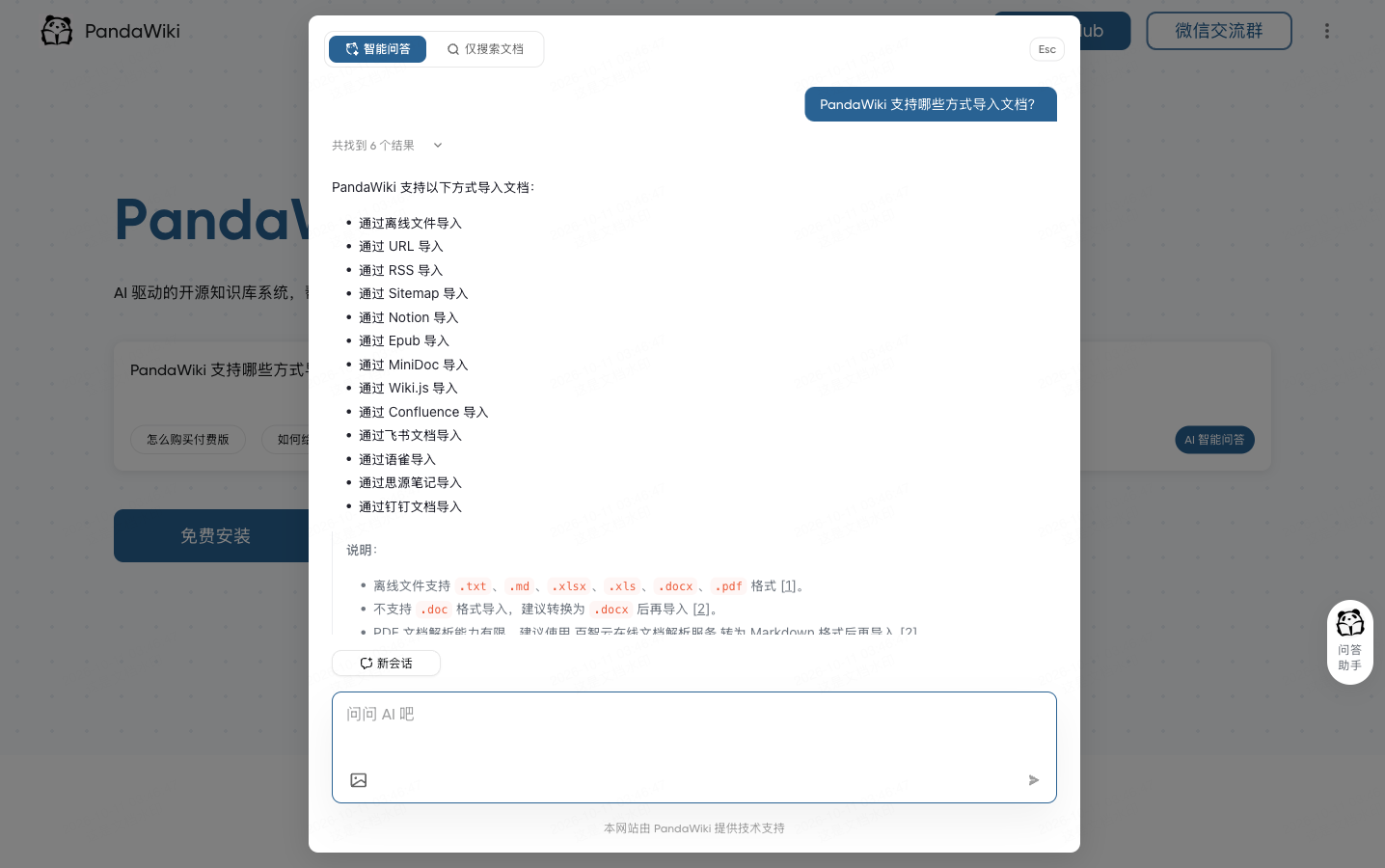
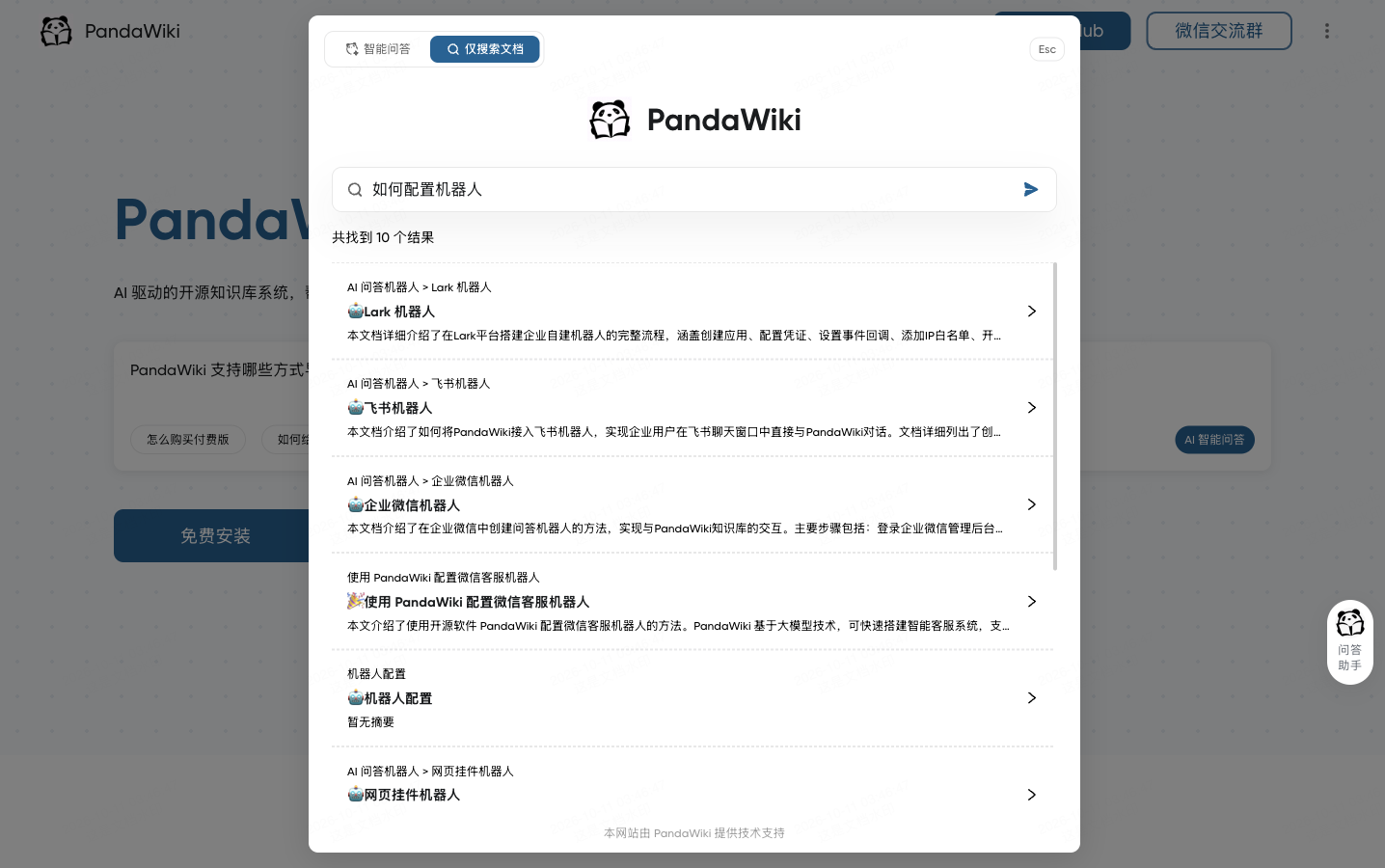
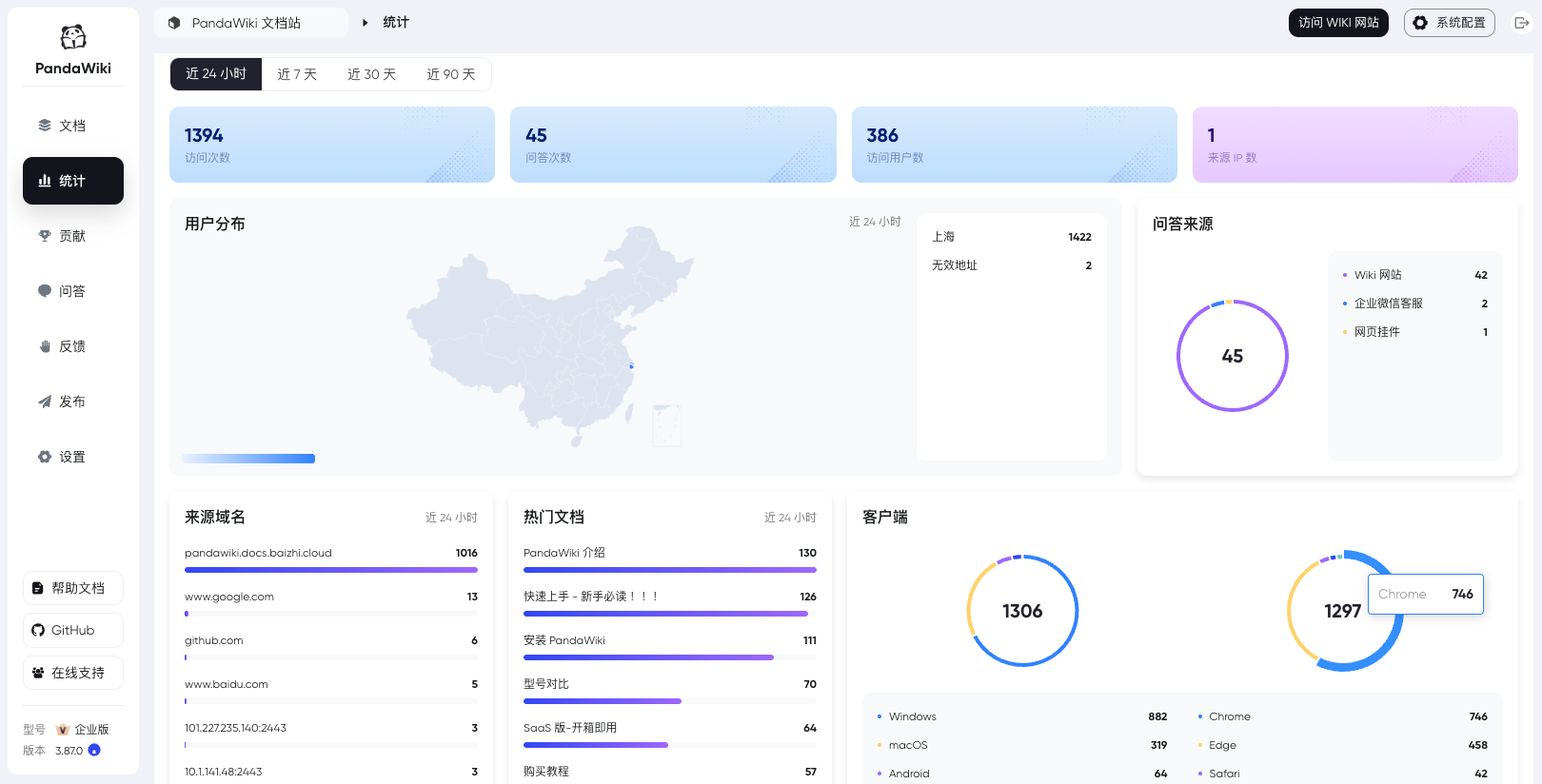
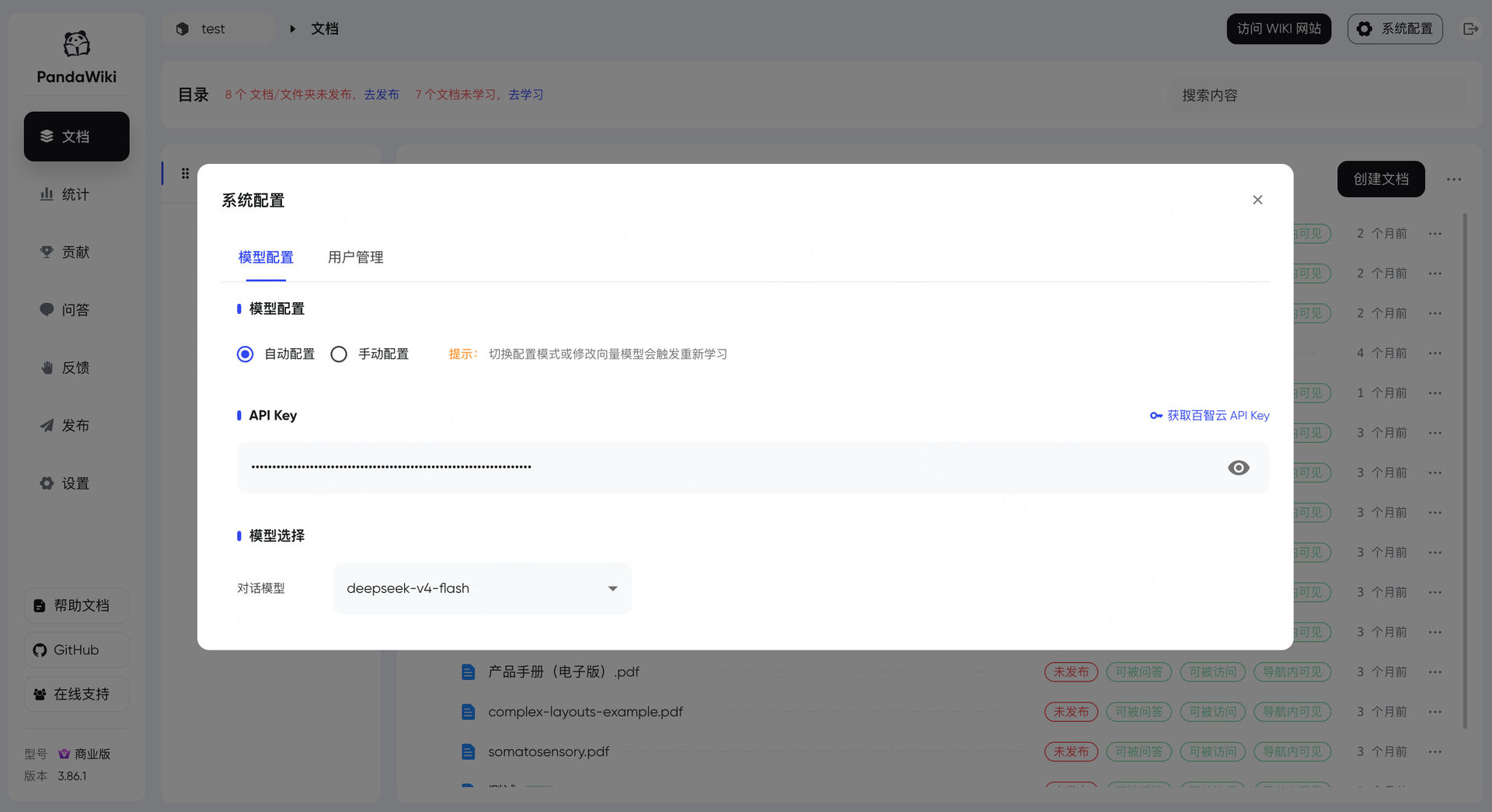
In seven wizard steps, PandaWiki sets up a product docs, manual, FAQ, or blog site whose built-in AI answers visitors using only your own content. Those visitors can chat with an assistant that cites its sources and accepts image questions, or switch to a docs-only search that lists ranked pages with summaries. Publishing stays under control: each document has three switches, visible in navigation, reachable by URL, and answerable by AI, and nothing appears or gets learned until it is published. Authors write in a Markdown and HTML editor, or import from URLs, RSS and Atom feeds, sitemaps, offline .txt, .md, .xlsx, .docx, and .pdf files, Notion, Yuque, SiYuan, Wiki.js, Feishu, Confluence, and DingTalk. Pages export to Word, PDF, or Markdown. The wizard covers models, domain, HTTP or HTTPS ports, import, publishing, answer testing, and page decoration. One knowledge base can also feed a web widget and DingTalk, Feishu, WeCom, and Discord bots. Administrators get a dashboard of visits, questions, visitor regions, hot documents, and referring domains. Chat models come from Baizhi Cloud, DeepSeek, OpenAI, or Ollama, while vector and reranking models are built in. The open-source edition covers one wiki site, 300 documents, and one admin, and its console and documentation are in Chinese. Running on a dedicated VPS on RepoCloud with guaranteed CPU, RAM, and SSD, full root SSH access, and a browser serial console. AGPL-3.0 licensed.
Benefits
- Answers Backed by Your Docs
- Visitors ask in plain language and receive AI answers with a numbered reference list that links to the published pages they came from, so every claim can be checked.
- Import What You Already Have
- Pull in existing content from URLs, RSS feeds, sitemaps, Notion, Yuque, SiYuan, Wiki.js, Feishu, Confluence, or uploaded .docx, .md, and .pdf files instead of rewriting it.
- Control What AI Can See
- Per-document switches decide whether a page appears in navigation, opens by URL, or feeds AI answers, and unpublished drafts stay invisible until you publish them.
- Your Server, Your Model Choice
- Run the wiki on your own VPS and connect a chat model from Baizhi Cloud, DeepSeek, OpenAI, or Ollama while built-in vector and reranking models handle retrieval.
Features
- Seven-Step Site Wizard
- A guided dialog configures the model, domain and HTTP or HTTPS ports, document import, publishing, answer testing, and page decoration before the wiki goes live.
- Rich-Text Editor and Export
- Write in an editor compatible with Markdown and HTML, then export documents to Word, PDF, or Markdown when you need offline copies or a migration path.
- Multi-Source Document Import
- Batch import URLs one per line, RSS and Atom feeds, nested sitemaps, offline .txt, .md, .xlsx, .docx, and .pdf files, plus Notion, Wiki.js, and Confluence exports.
- AI Chat and Search
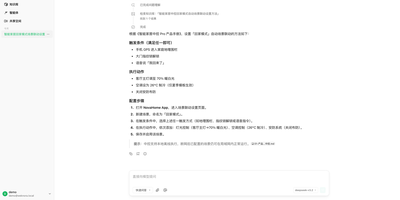
- Visitors choose between AI answers with citations and image questions, or a docs-only search that returns ranked pages with breadcrumbs and short summaries.
- Widget and Chatbots
- Embed a web widget on other sites or connect DingTalk, Feishu, WeCom, and Discord bots so they answer from the same knowledge base.
- Analytics Dashboard
- The stats page shows 24-hour visits, questions, visitors, source IPs, regional distribution, answer sources, referring domains, hot documents, and client types.