Stars
Forks
Watchers
Developer links
mmar
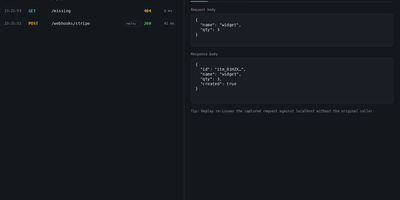
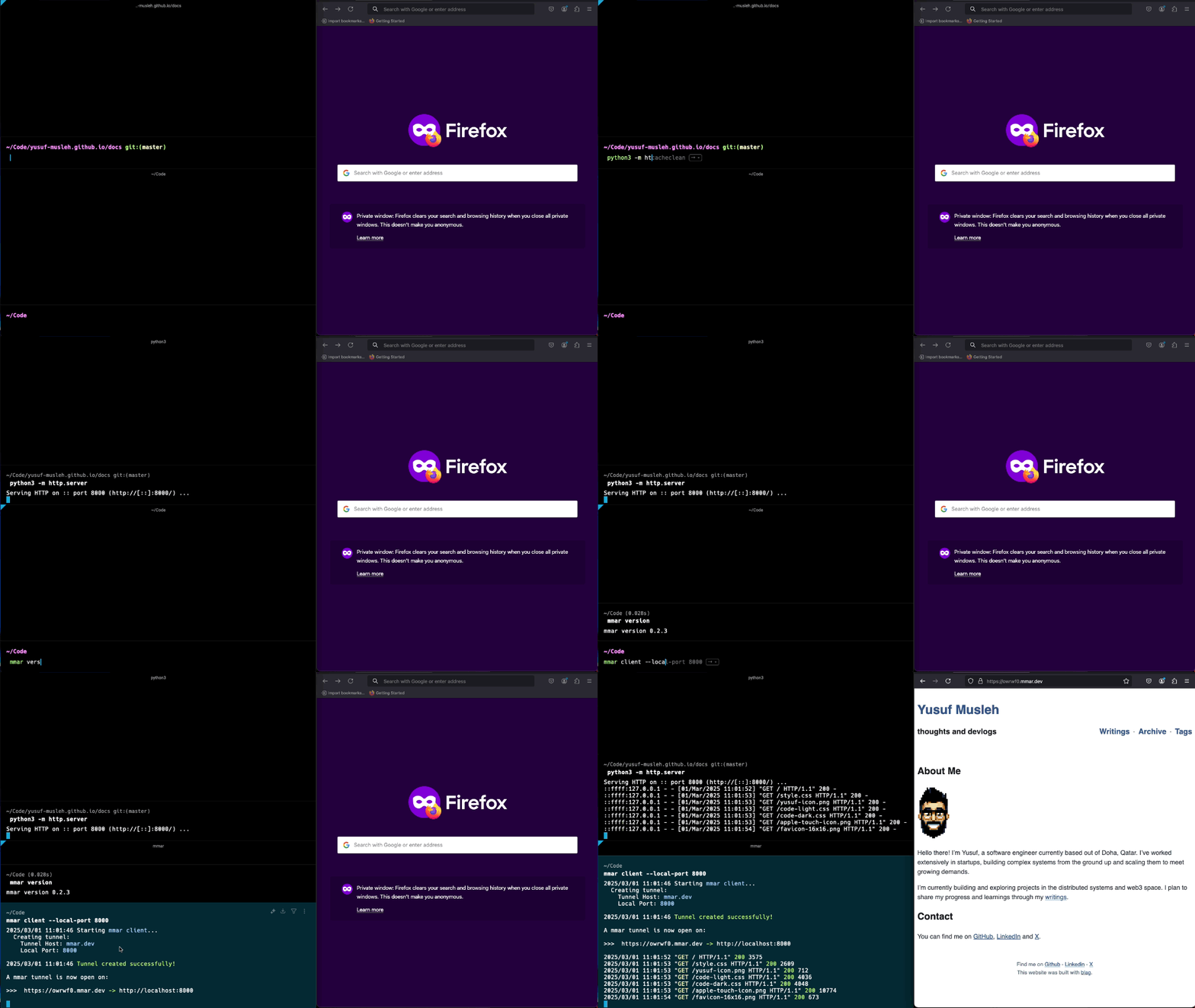
Expose a service running on your laptop to the public internet in one command, through a tunnel server that you control. mmar pairs a small client with a self-hosted server: run the client against a local port and it registers a tunnel, receives a generated subdomain, and prints the public URL that now forwards to your machine. Every request that arrives shows up in live client logs, so a webhook test or a shared preview carries a visible trail of hits as they happen. Multiple local ports can be exposed on different subdomains at the same time, which suits a frontend, an API and a callback receiver running side by side during development. On the server side, two listeners do the work, one for HTTP traffic and one for the TCP tunnel connections, and a protected stats page returns JSON listing connected clients, their subdomains and creation times. Wildcard DNS plus a Caddy layer4 proxy with automatic wildcard certificates turns a personal domain into tunnel territory, and credential hashes guard the stats endpoint. The hosted mmar.dev service offers a free starting point on a generated subdomain, and the same single binary moves the whole arrangement onto your own infrastructure when control matters more. Running on a dedicated VPS on RepoCloud with guaranteed CPU, RAM, and SSD, full root SSH access, and a browser serial console. AGPL-3.0 licensed.
Benefits
- Localhost On A Public URL
- One client command exposes a local port through a generated subdomain, giving reviewers, webhook providers and test devices a reachable address for work that is not ready to deploy.
- Full Control When Self-Hosted
- The same binary runs the tunnel server on your domain with wildcard DNS, so subdomain policy, request limits and tunnel counts stay under your administration instead of a third party.
- Live Request Visibility
- Incoming requests appear in the client log as they arrive, and the server stats page reports connected clients, subdomains and creation times as JSON for quick operational checks.
- Zero Dependency Binary
- A single Go binary with no runtime dependencies installs through a shell script, Homebrew or Docker, and runs the client or the server across Linux, macOS and Windows hosts.
Features
- Dual Port Server Listeners
- The server binds an HTTP port for tunneled web traffic and a TCP port for client tunnel connections, with environment variables available for every listener and client setting.
- Multiple Simultaneous Tunnels
- Expose several local ports at once, each on its own subdomain, subject to a per-IP tunnel limit and a ten megabyte request size ceiling on the hosted configuration.
- Protected Stats Endpoint
- A stats subdomain returns connected client identifiers, subdomains and timestamps as JSON, guarded by SHA-256 username and password hashes set through server environment variables.
- Wildcard TLS Through Caddy
- The documented deployment pairs the server with a Caddy layer4 proxy that routes TCP tunnel traffic and issues automatic wildcard certificates through a DNS provider module.