Categories
Developer Tools Self-hosted AI Infrastructure Artificial Intelligence LLM Tools Model ServingStars
Forks
Watchers
Developer links
llamactl
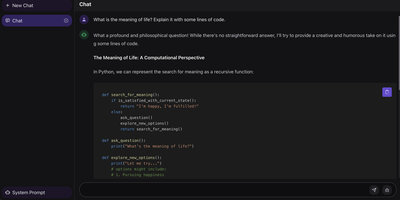
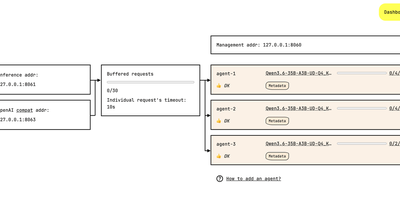
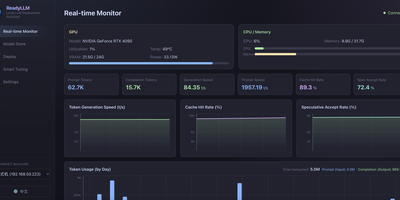
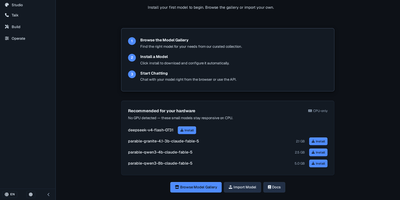
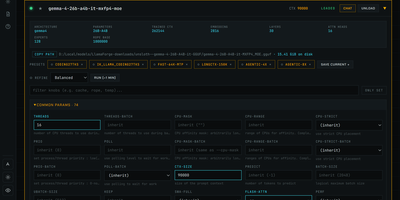
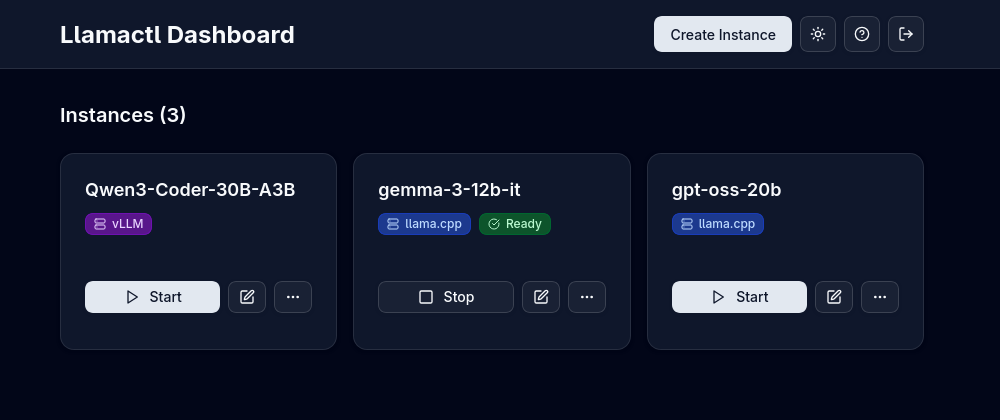
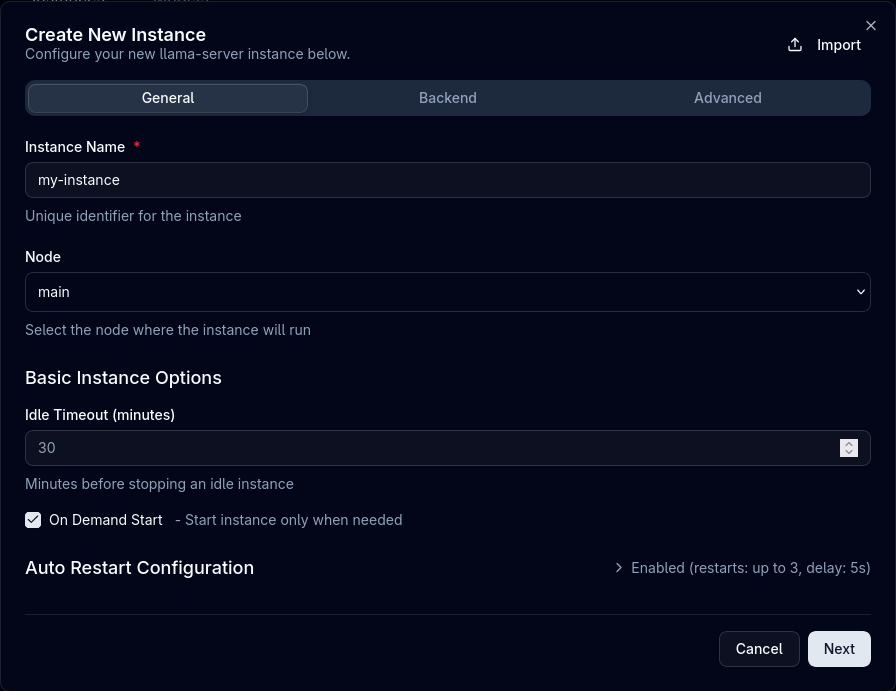
One dashboard and one API address for every local model you run, across llama.cpp, vLLM and MLX: that is llamactl. Create an instance in the web UI, pick a backend, and the server assigns ports and API keys, starts the model, and shows its health next to every other instance you run. Models download straight from HuggingFace inside the dashboard, in GGUF for llama.cpp or Safetensors for vLLM, so stocking a new model never means juggling command lines and file paths. Your applications keep talking to familiar endpoints, because llamactl exposes OpenAI chat completions and Anthropic messages routes and sends each request to the model named in the call. A llama.cpp router instance can serve several models from one process and load them on demand, and idle instances stop on a timer or make room through LRU eviction when the GPU gets crowded. Groups cap how many heavy models run at once, backends can live in Docker containers with GPU access, and instances on other machines appear in the same central dashboard with automatic routing. API keys minted in the UI guard both inference and management calls. Running on a dedicated VPS on RepoCloud with guaranteed CPU, RAM, and SSD, full root SSH access, and a browser serial console. MIT licensed.
Benefits
- Three Engines, One Panel
- llama.cpp, vLLM and MLX instances live side by side in one dashboard with start, stop, health and logs, so a mixed fleet of CPU, GPU and Apple Silicon models needs a single place to operate.
- Models Without The Command Line
- The built-in downloader pulls GGUF and Safetensors models directly from HuggingFace into the right backend, ending the routine of manual downloads, path hunting and conversion steps before a model can serve.
- GPU Memory Stays Useful
- Idle timeouts stop quiet instances automatically, LRU eviction frees space when a new model needs the card, and per-group limits stop one workload from monopolizing your hardware around the clock.
- Apps Keep Their Endpoints
- OpenAI chat completions and Anthropic messages routes address models by instance name, so existing clients, agents and scripts point at llamactl once and never track which backend serves which model.
Features
- Web Dashboard
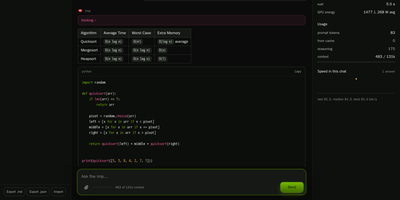
- A React interface lists every instance with its backend badge and state, and offers create, start, stop, edit, health and log views without touching the server terminal.
- HuggingFace Model Downloader
- Search and download GGUF or Safetensors weights from HuggingFace inside the UI, matched to llama.cpp, vLLM or MLX backends and ready to attach to a new instance.
- Router Mode Multi-Model
- A single llama.cpp instance in router mode serves multiple models with on-demand loading, so several chat models share one process and load only when a request names them.
- OpenAI And Anthropic Routes
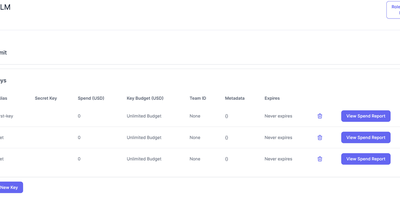
- Chat completions, model listing and Anthropic messages endpoints route by instance name, with API keys created in the web UI guarding inference and management traffic.
- Docker GPU Backends
- Backends can run as containers using the official llama.cpp and vLLM images with GPU passthrough, removing local installs and keeping each engine versioned independently.