Stars
Forks
Watchers
Developer links
Cockpit
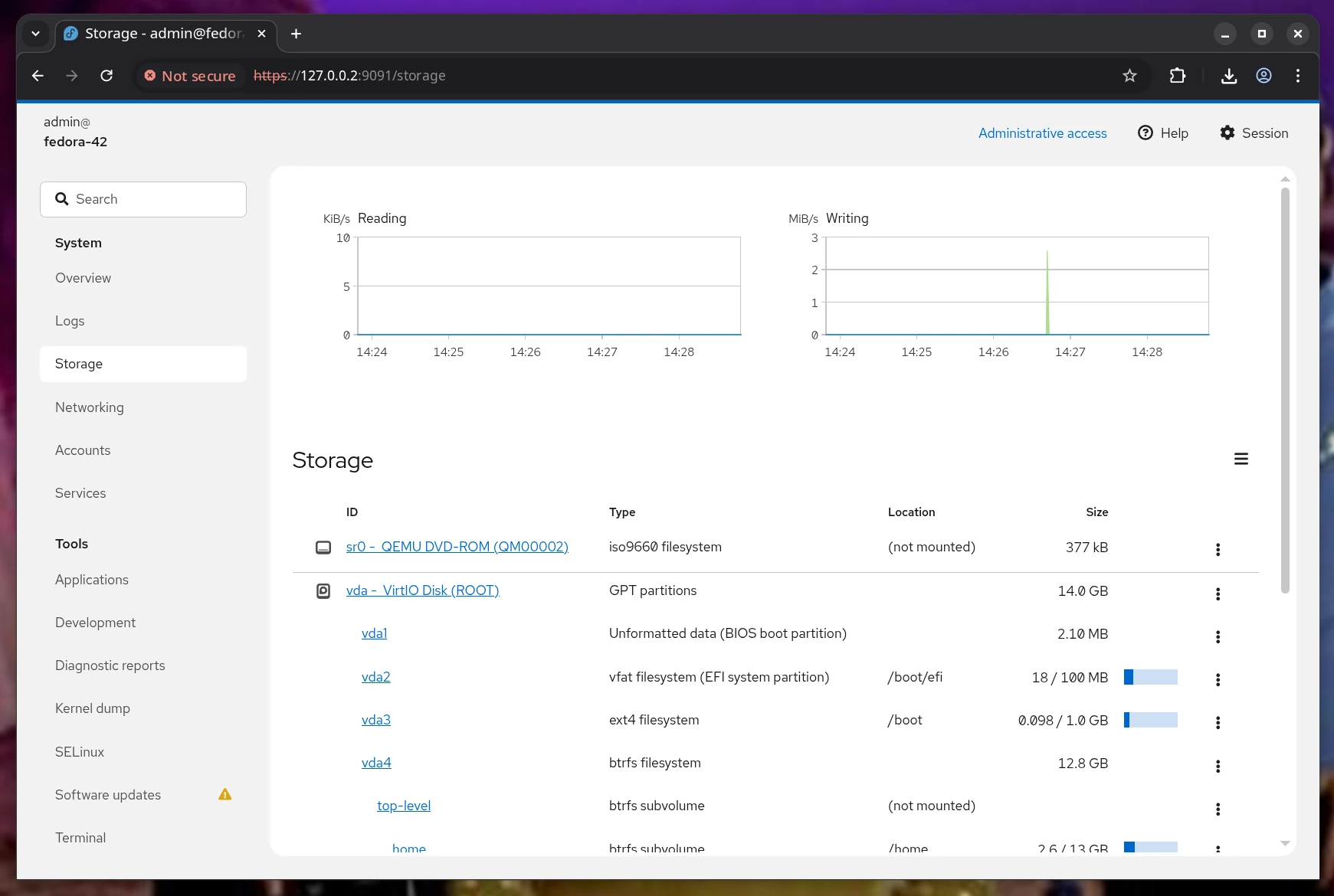
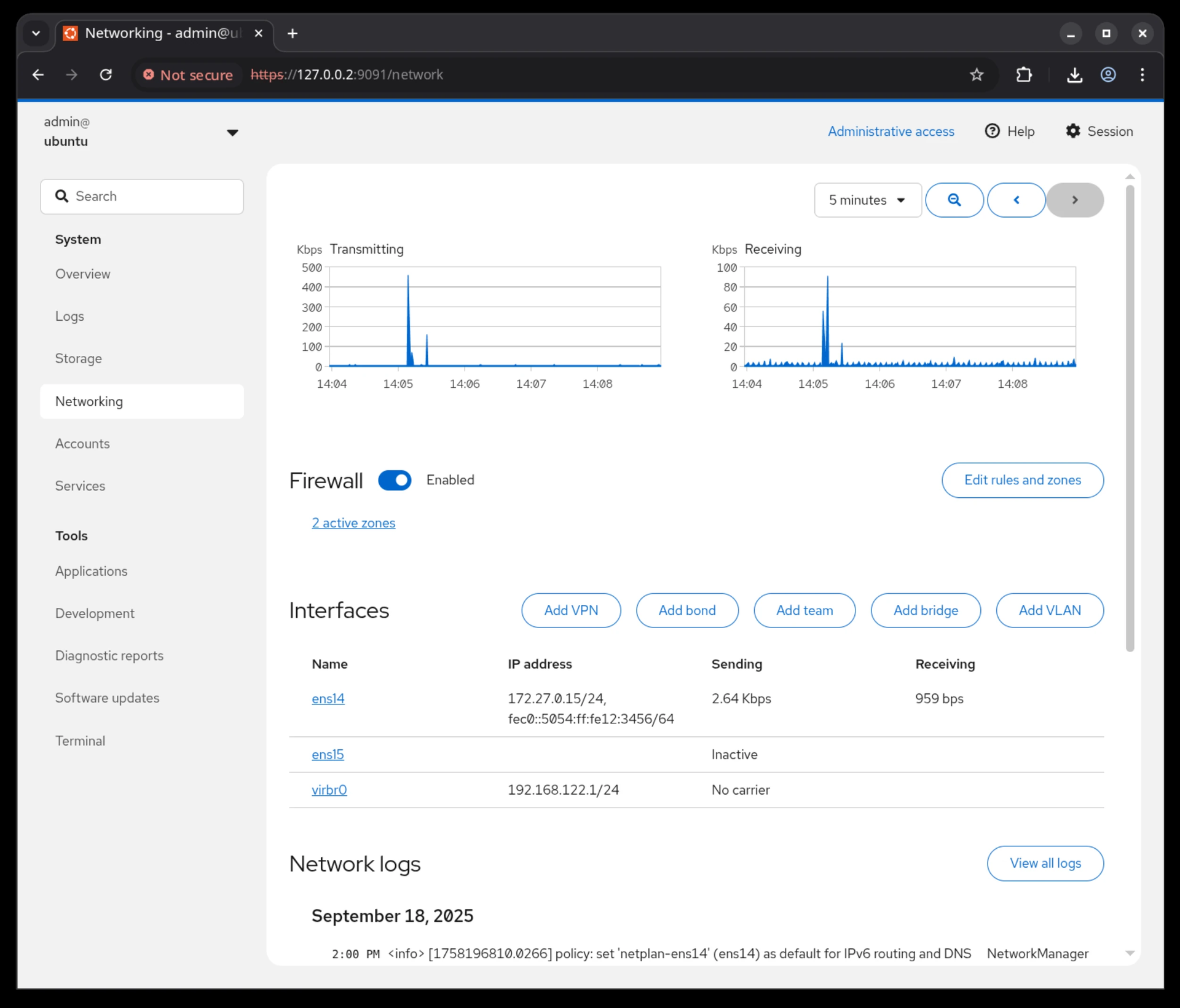
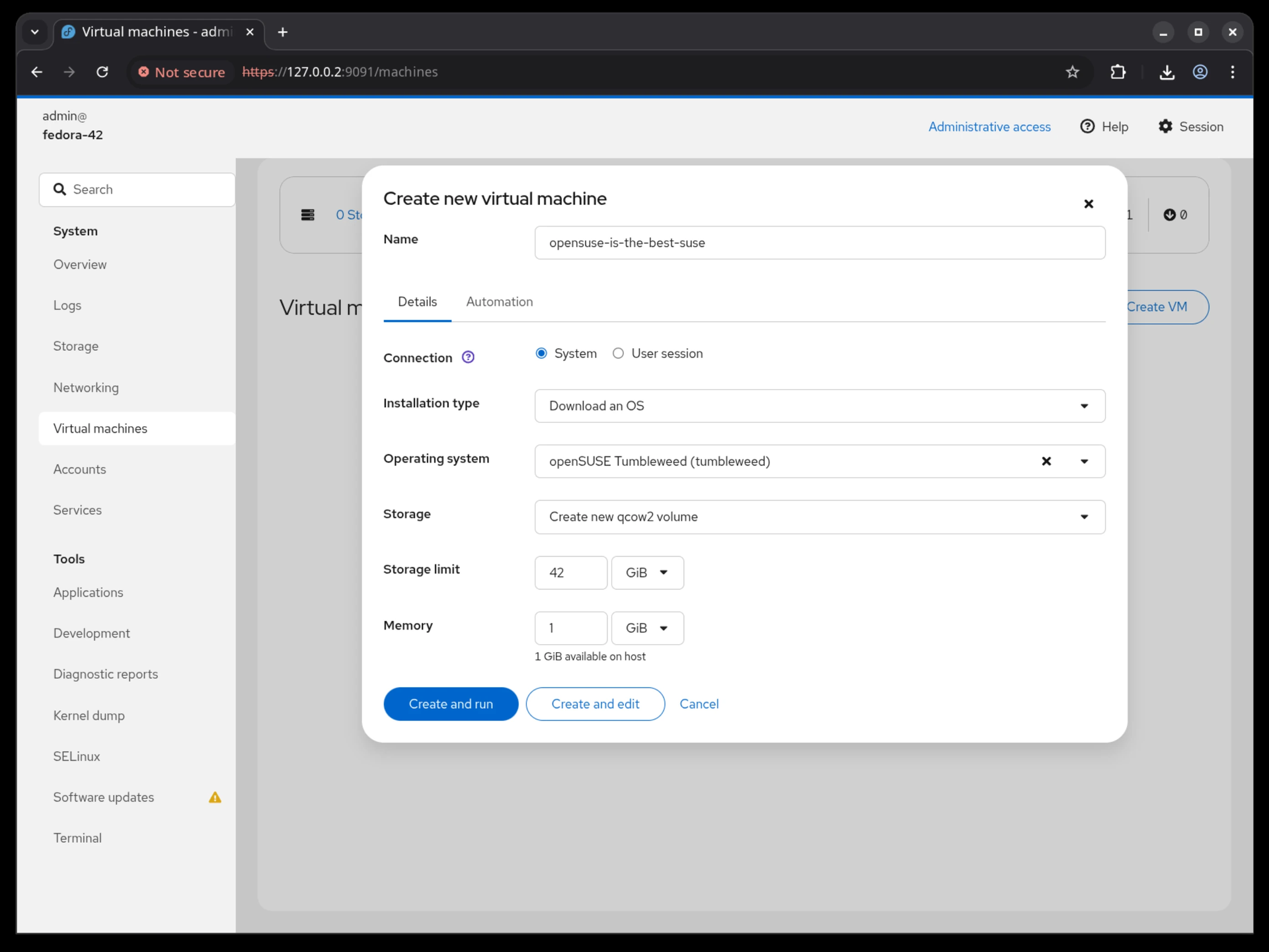
Cockpit puts Linux server administration in a web browser, rendering storage, networking, containers, and virtual machines as visual panels you click through instead of command-line syntax you memorize. It ships in every major Linux distribution and activates through systemd socket activation, consuming zero resources until someone connects on port 9090. What makes it different from other admin panels: every change through the web interface appears instantly at the command line, and every terminal change reflects in the browser in real time. No abstraction layer sits between the UI and the operating system, which means no configuration drift. Storage management covers disk partitioning, RAID arrays, LUKS encryption, LVM volumes, and NFS shares. Network configuration handles bonds, bridges, VLANs, and firewall zones through visual editors. Native Podman integration pulls images, creates containers, manages pods, and provides terminal access into running processes. KVM/libvirt support handles VM creation, cloning, snapshots, and live migration with console access. A built-in terminal provides shell access when the web interface is not enough, and the journal viewer filters systemd logs by severity and unit. Multi-server management connects additional hosts over SSH, presenting a unified dashboard across your entire infrastructure from one browser tab. Runs on a dedicated RepoCloud VPS with full root SSH access and browser serial console. LGPL licensed.
Benefits
- Zero-Idle Resource Consumption
- Socket-activated systemd service starts only when a browser connects to port 9090, consuming no CPU or memory during idle periods unlike always-on management daemons.
- No Abstraction Layer Drift
- Interacts directly with system APIs so changes made via Cockpit are immediately visible at the command line, and terminal modifications appear in real-time within the web interface.
- Multi-Server Unified Dashboard
- Connect to additional servers via SSH and manage your entire infrastructure from a single browser tab, jumping between hosts without separate login sessions or VPN connections.
- Extensible Plugin Architecture
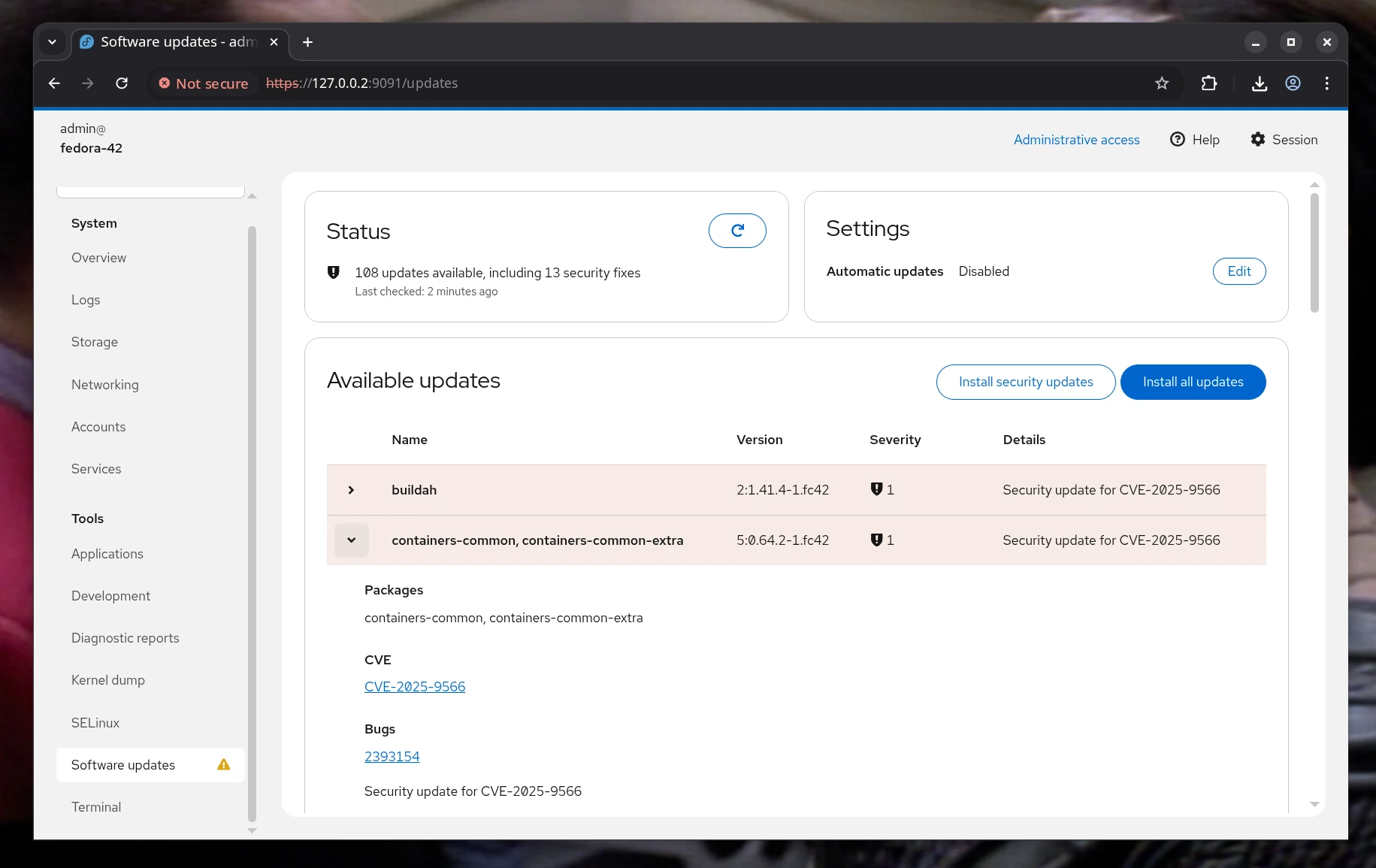
- Growing ecosystem of installable applications adds Docker management, file browsing, system monitoring, and custom modules — each available with a single click from the Applications page.
Features
- Storage Administration
- Visual management of disks, partitions, RAID arrays, LUKS encryption, LVM volumes, NFS shares, and filesystem mounting with real-time usage monitoring and health indicators.
- Container Management
- Native Podman integration for pulling images, creating containers, managing pods, monitoring resource usage, and terminal access into running containers with log inspection.
- Virtual Machine Control
- KVM/libvirt management for creating, cloning, snapshotting, and live-migrating virtual machines with VNC/SPICE console access and resource allocation controls.
- Network Configuration
- Interface, bond, bridge, VLAN, and team management with firewall zone assignment, DNS settings, and routing configuration through visual editors.
- Performance Monitoring
- Real-time CPU, memory, disk I/O, and network graphs with historical data, process listing, and systemd service status providing instant server health visibility.