Categories
Self-Hosted Developer Tools AI Agents MCP Server System Administration Remote Terminal Remote AssistanceStars
Forks
Watchers
Developer links
AgenTerm
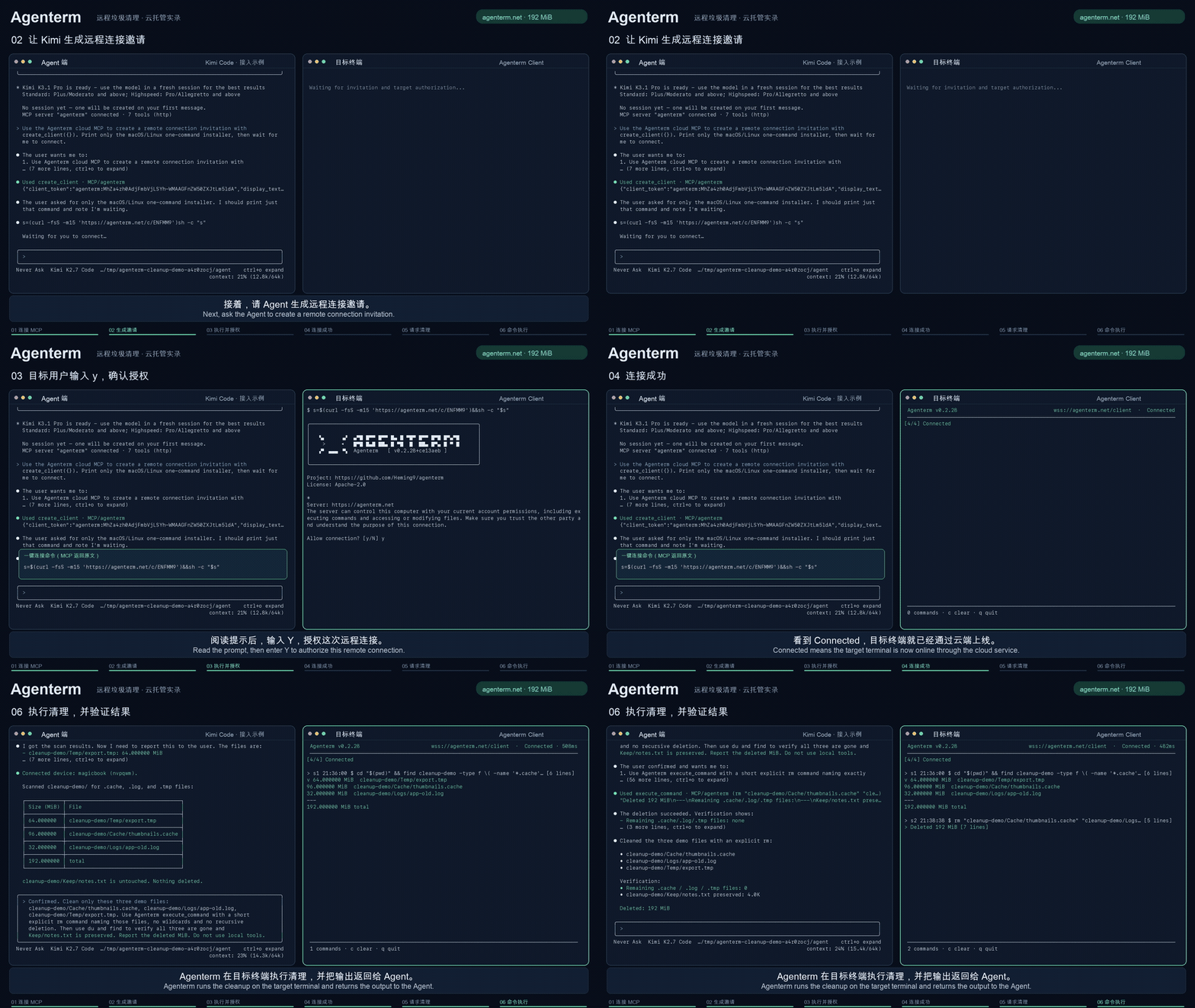
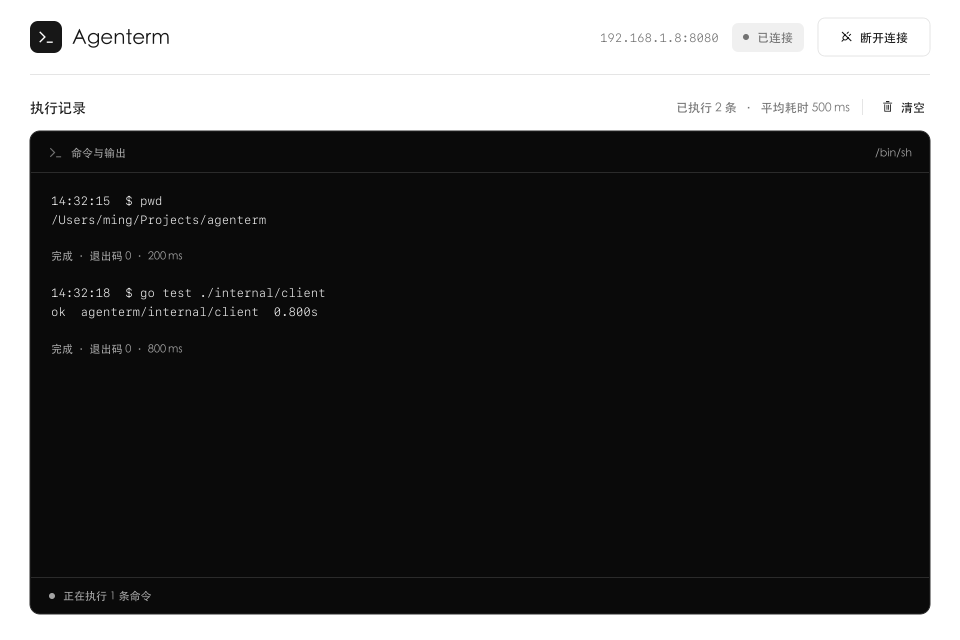
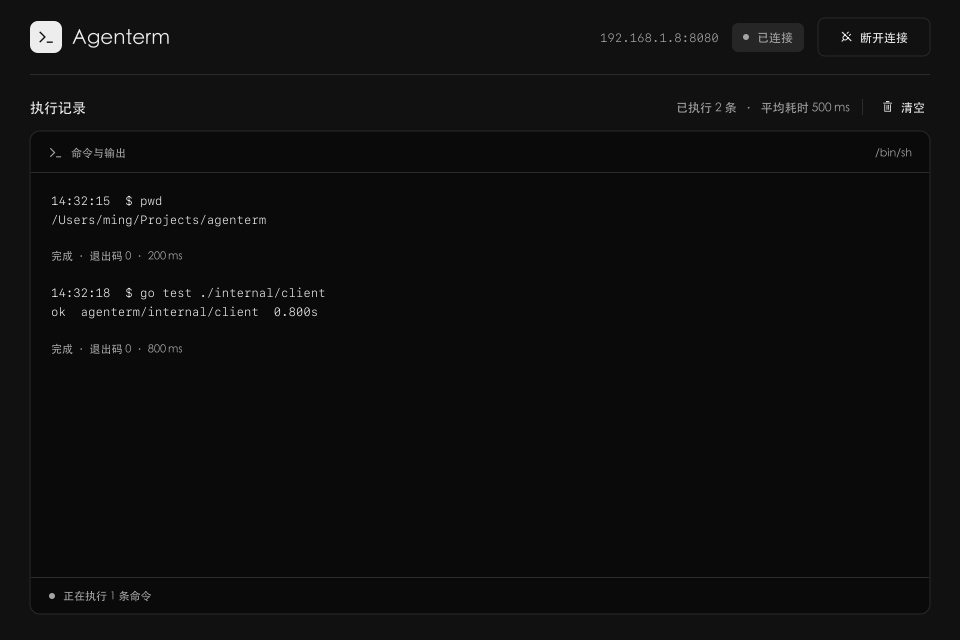
AgenTerm lets your AI agent work inside a remote computer's terminal with the owner's permission, through a relay server you host yourself. Your agent connects to the server over MCP and creates an invitation, single-use and expiring in fifteen minutes by default, or reusable across several devices; you privately share the generated connection command with the person who needs help. That person runs a small client on macOS, Linux, or Windows, reads what access means, and authorizes it; the client then dials out to your server, so the target computer needs no SSH service and no open inbound port. The agent can then run one-off commands with a chosen working directory, environment overrides, and timeouts, receiving stdout, stderr, and exit status, or hold an interactive session open, reading output as it arrives and typing answers to prompts. The person at the keyboard watches every command and its output in the client and can disconnect at any moment, and the client reconnects by itself after a network drop. Use it to troubleshoot a colleague's machine without swapping logs, help family through a terminal problem, or drive a development box with no agent or model account of its own. The relay itself is a single Go binary guarded by a management key, deployed with Docker Compose or systemd, with in-memory sessions and a health endpoint. Running on a dedicated VPS on RepoCloud with guaranteed CPU, RAM, and SSD, full root SSH access, and a browser serial console. Apache-2.0 licensed.
Benefits
- No SSH, No Inbound Ports
- The target computer dials out to your server after its owner authorizes the invitation, so remote help needs no SSH daemon, port forwarding, or firewall changes anywhere.
- Consent Built Into The Flow
- Invitations are single-use and expire in fifteen minutes by default, the person at the keyboard sees every command and its output, and disconnecting ends access instantly.
- Real Terminals, Not One-Shots
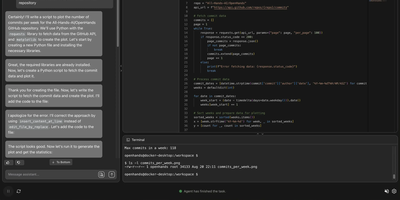
- Agents can run a quick command with captured output or hold an interactive session open, reading new output incrementally and typing answers to prompts as they appear.
- Several Computers, One Invitation
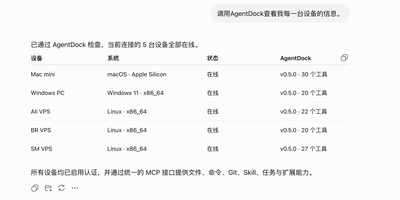
- A multi-device invitation lets one agent inspect many machines in turn, while each token keeps up to six interactive sessions and a megabyte of recent output.
Features
- Invitation-Based Access Control
- Agents create single-use invitations that expire in fifteen minutes, or reusable multi-device invitations, each returning a client token and ready-to-run commands for every operating system.
- MCP Tool Interface
- Agents connect over Streamable HTTP MCP and call tools to list devices, execute commands, and manage sessions; a management key guards the interface on your server.
- Interactive Terminal Sessions
- Sessions support incremental reads with cursors and long polling, input for answering prompts, and clean stops; each token retains six sessions and their latest output.
- One-Off Command Execution
- A dedicated tool runs a shell command with explicit working directory, environment overrides, and configurable timeouts, returning stdout, stderr, exit status, and truncation flags to the agent.
- Cross-Platform Target Client
- The person being helped runs a small CLI or GUI client on macOS, Linux, or Windows, watches progress live, and can disconnect at any time.
- Single-Binary Go Server
- The relay is one Go binary listening on port 8080 with a health endpoint, structured logging, and Docker Compose or systemd deployment; sessions live in memory.