Categories
Self-Hosted DevOps Monitoring Server Management System Administration Control Panel Firewall LinuxStars
Forks
Watchers
Developer links
Webmin
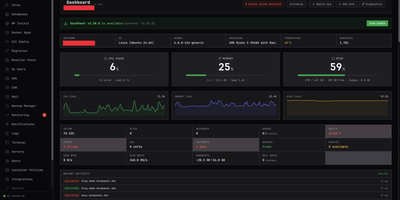
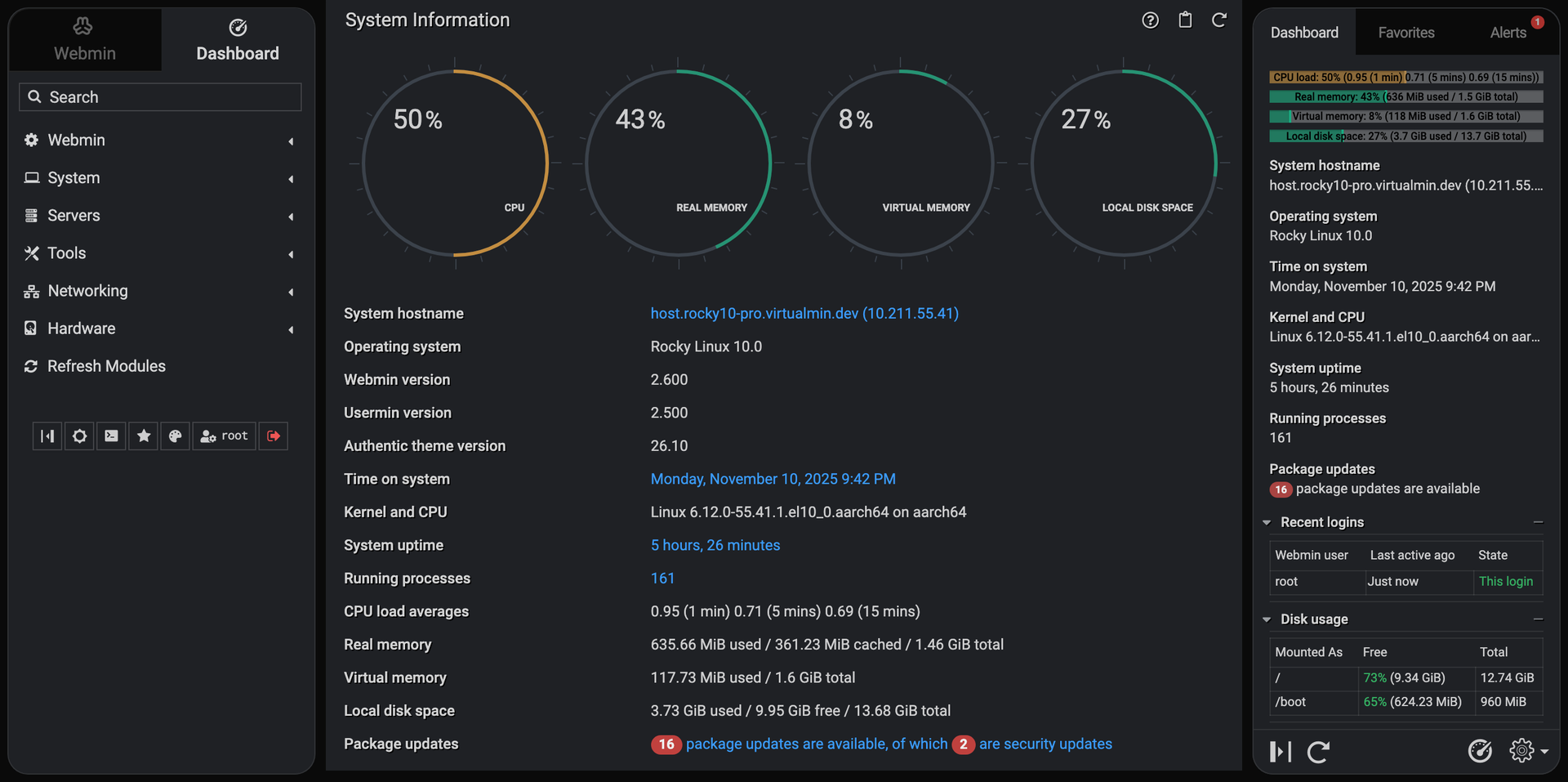
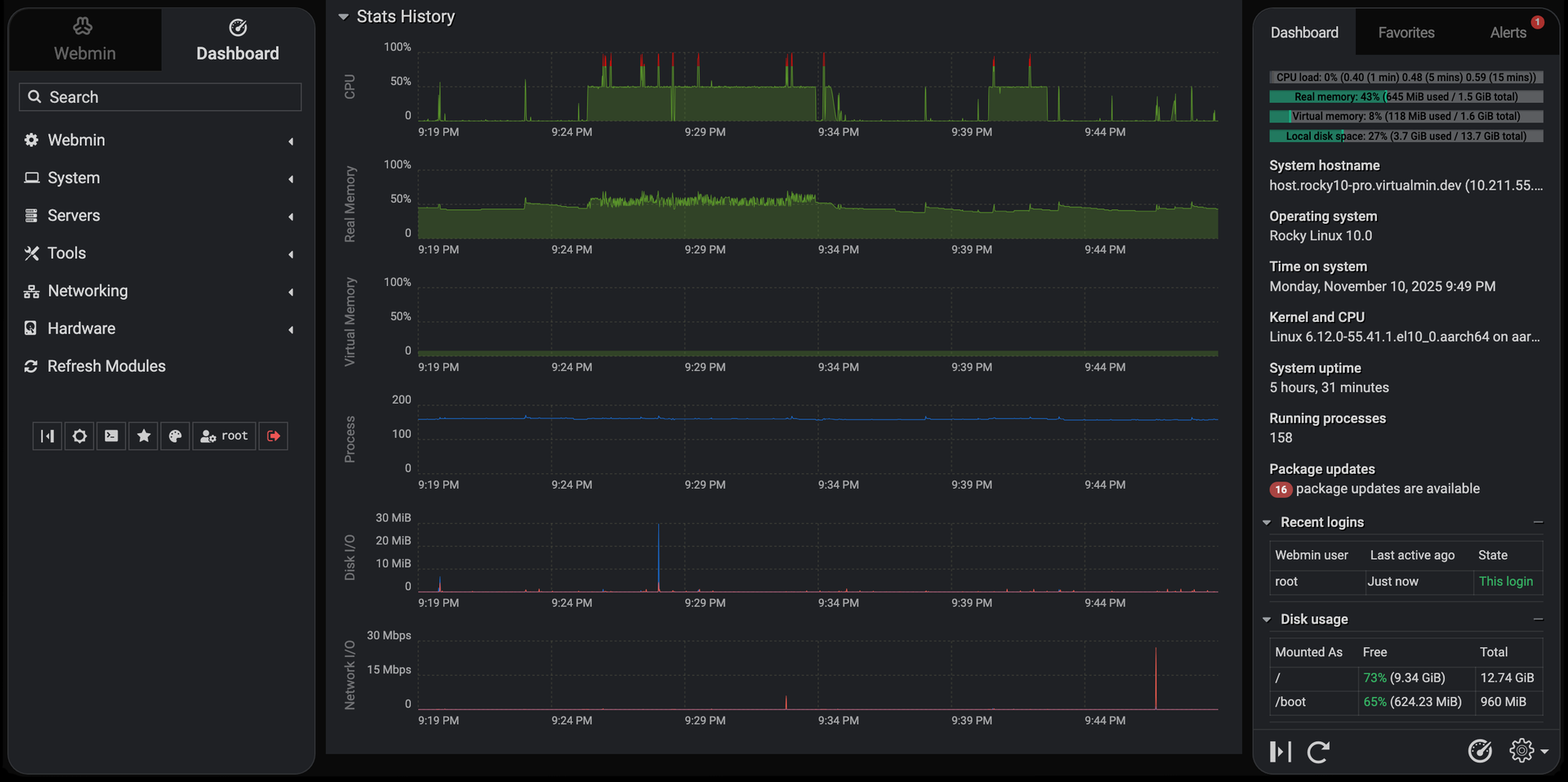
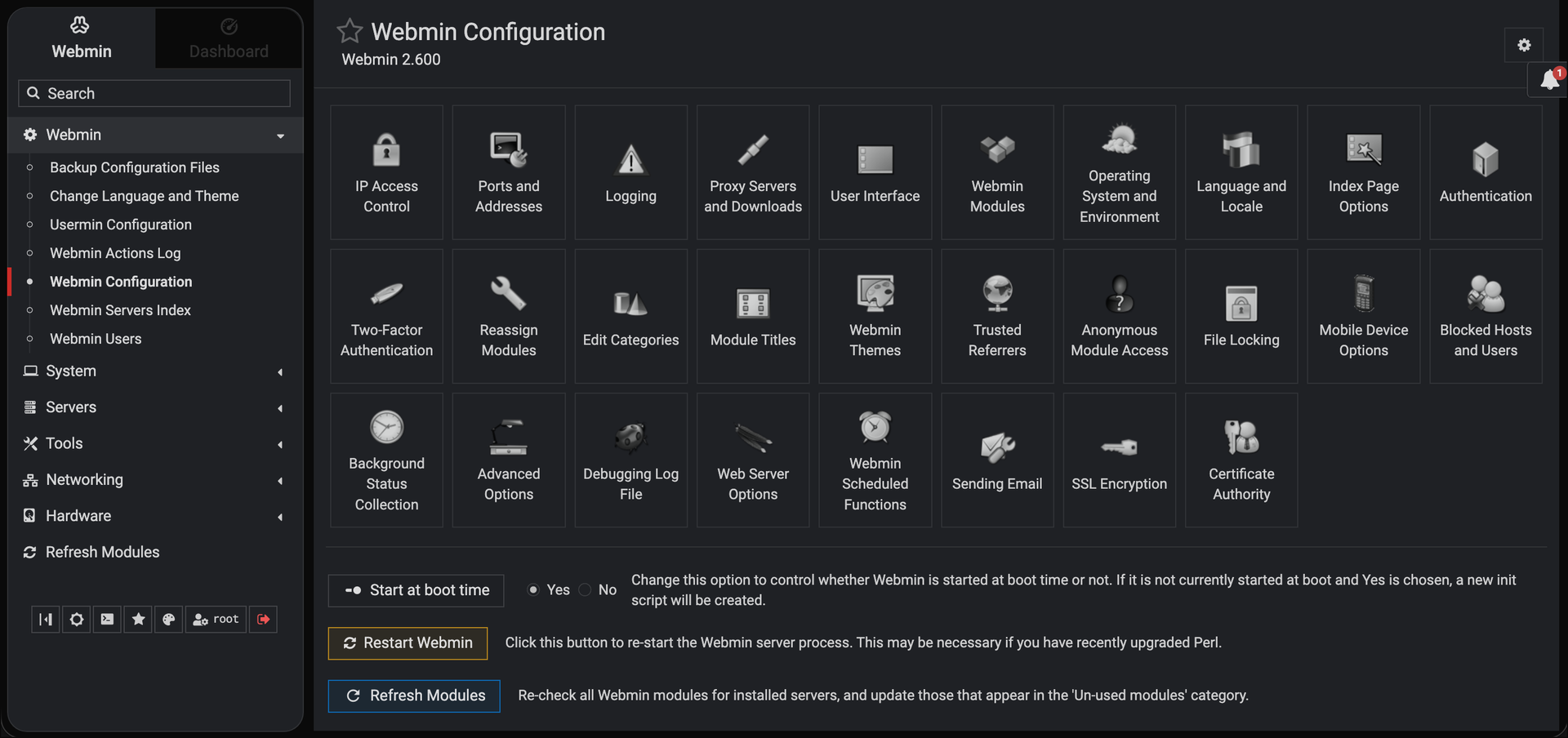
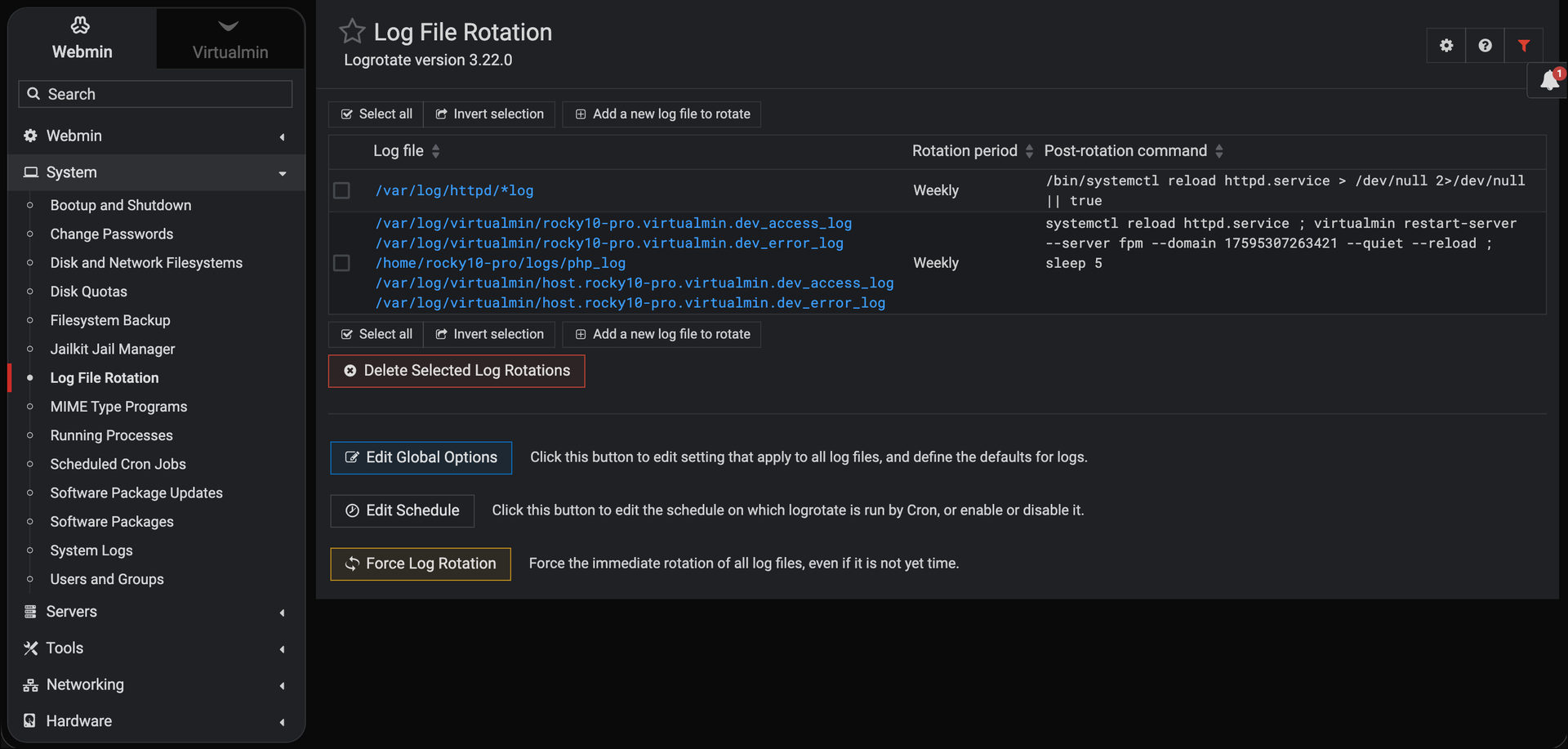
Skip the shell and the configuration file: Webmin handles user accounts, disk quotas, services, and server software on Linux and Unix machines from a browser tab. More than 100 standard modules sit under seven menus: Webmin, System, Servers, Tools, Networking, Hardware, and Cluster. System covers Users and Groups, Scheduled Cron Jobs, Running Processes, System Logs, Log File Rotation, Disk Quotas, Filesystem Backup, and systemd Bootup and Shutdown, plus Software Package Updates, which can hold selected packages on APT and DNF systems. Servers edits Apache, Nginx, BIND DNS, Postfix, Dovecot, MySQL and MariaDB, and PostgreSQL through forms. Networking brings an nftables firewall editor, Fail2Ban jails, and IPsec VPN settings. Tools adds File Manager, Custom Commands, and a Terminal that opens right in the browser. Hardware lists firmware, PCI, USB, storage, and sensor details. The dashboard keeps live CPU, memory, and disk gauges, stats history graphs, and a pending updates alert in view. Webmin Users limits each account to the modules it needs, while two-factor authentication, IP access control, and SSL settings guard the panel itself. Cluster modules reach other hosts registered in the Webmin Servers Index and run cron jobs, shell commands, and package installs on many servers at once. Running on a dedicated VPS on RepoCloud with guaranteed CPU, RAM, and SSD, full root SSH access, and a browser serial console. BSD-3-Clause licensed.
Benefits
- Administer Servers From Any Browser
- Users, disk quotas, services, packages, and cron jobs are managed through forms served over HTTPS on port 10000, so routine changes need no shell session and no hand-edited configuration files.
- See Server Health At A Glance
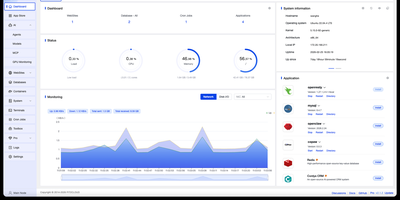
- Live gauges for CPU, real memory, virtual memory, and disk space are paired with stats history graphs and a pending package updates count, so trouble is easy to spot.
- Delegate Access With Per-Module Permissions
- Webmin Users grants each account only the modules it needs, while two-factor authentication, IP access control, and SSL settings limit who can reach the panel at all.
- Oversee Several Servers Together
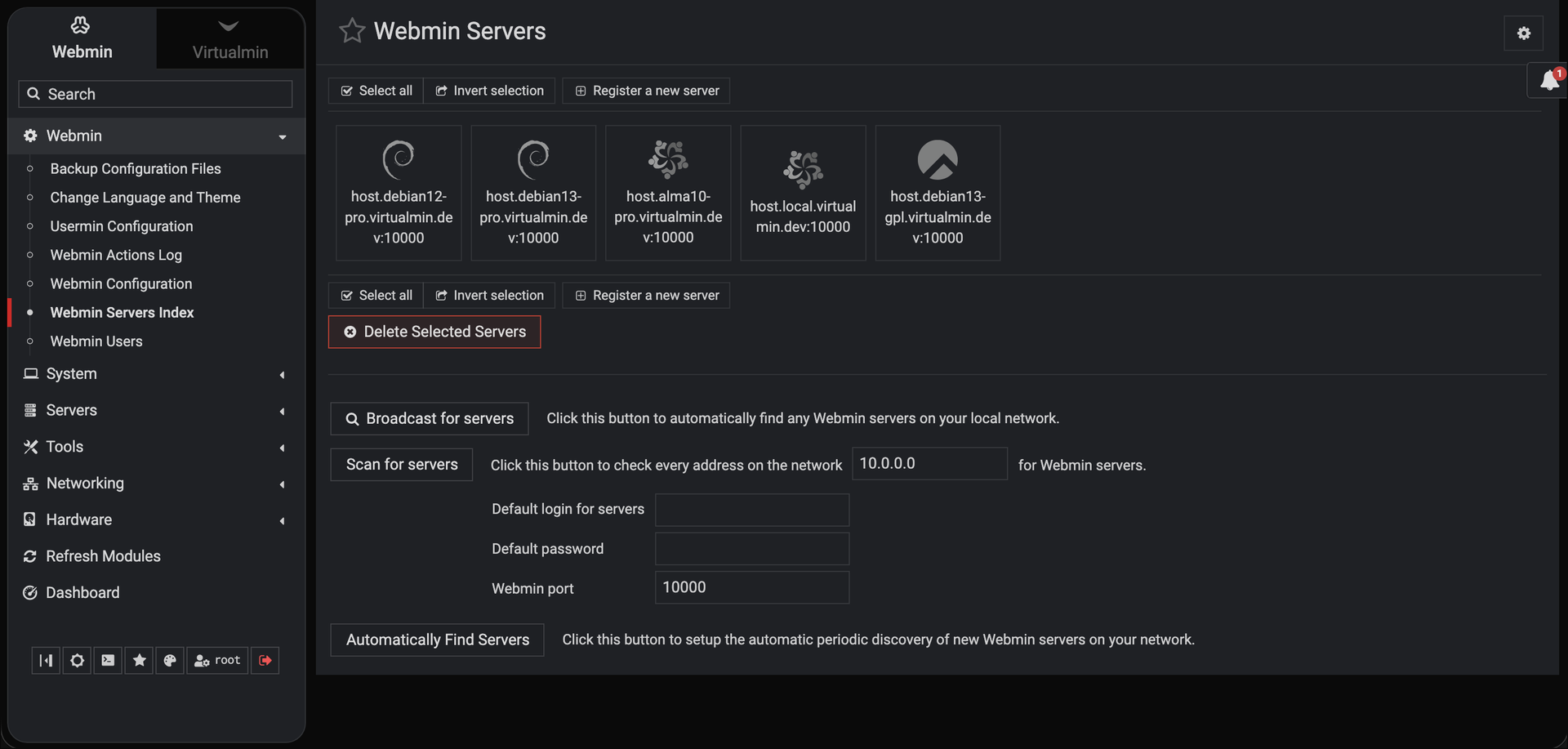
- The Webmin Servers Index registers other Webmin hosts, finds them by broadcast or network scan, and feeds Cluster modules that run cron jobs, shell commands, and package installs on many servers at once.
Features
- System Administration Modules
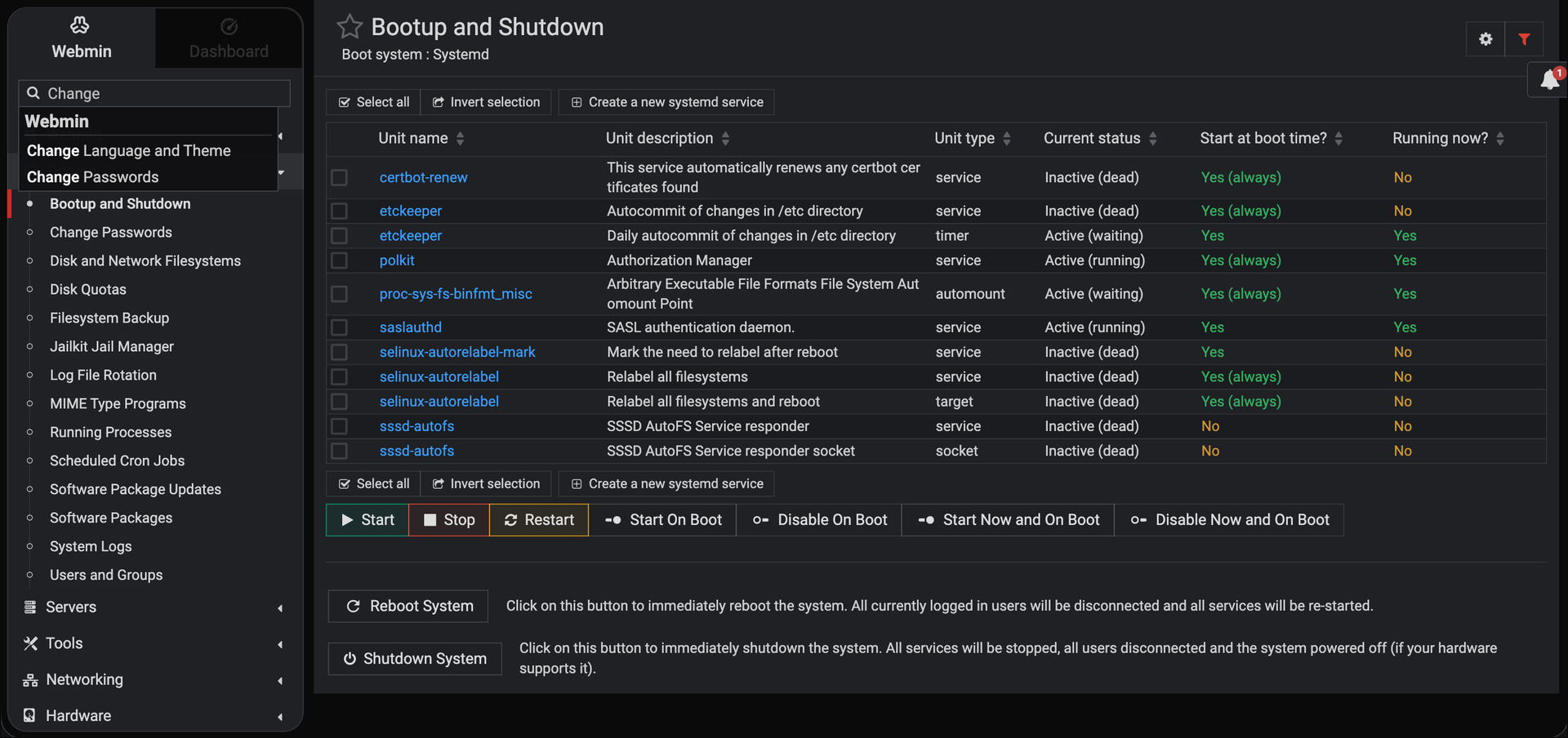
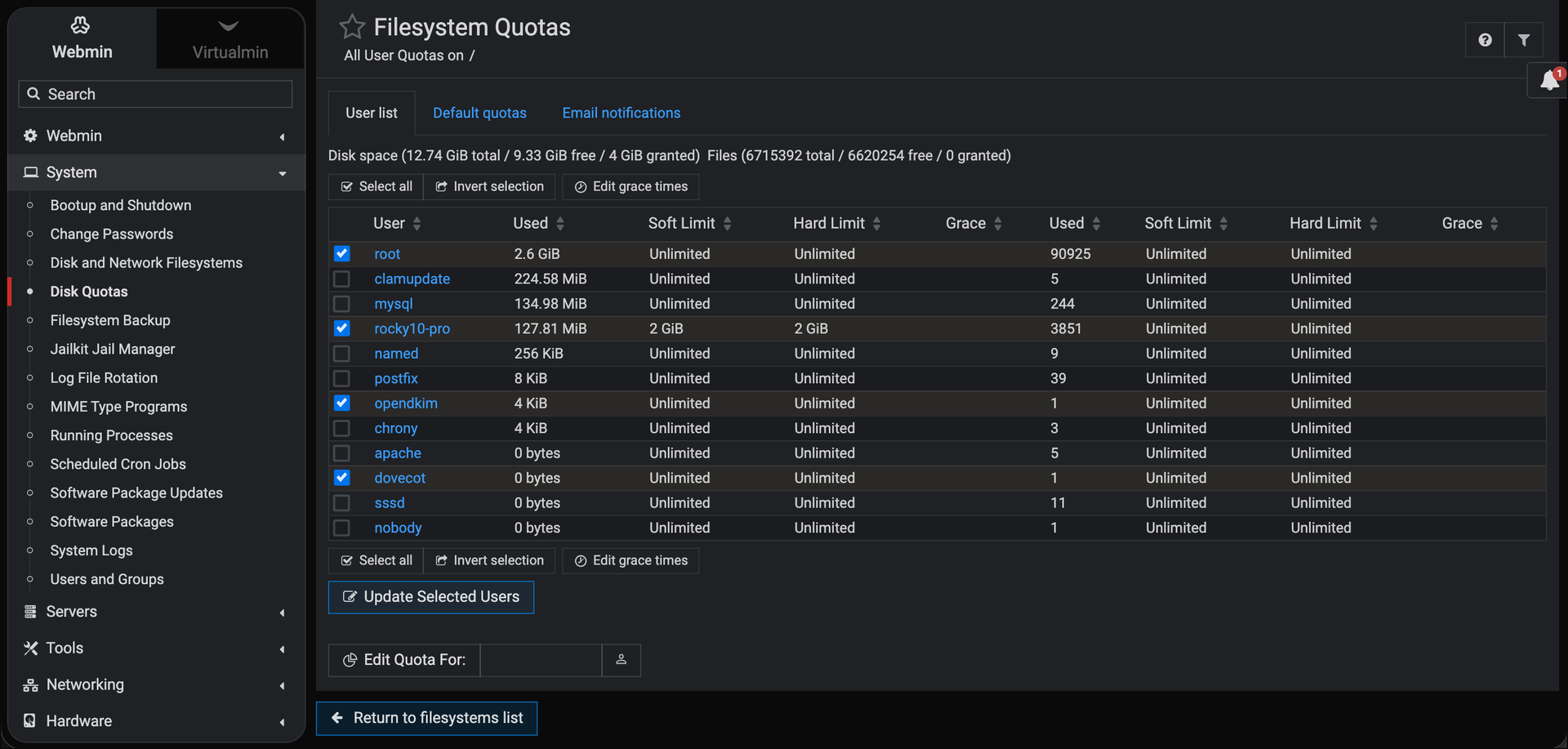
- Manage Users and Groups, Scheduled Cron Jobs, Running Processes, Disk Quotas, Filesystem Backup, Log File Rotation, and systemd Bootup and Shutdown from dedicated pages in the System menu.
- Server Software Modules
- Edit the configuration of Apache, Nginx, BIND DNS, Postfix, Dovecot, MySQL and MariaDB, and PostgreSQL through forms that write the underlying service files for you.
- Live Dashboard and Graphs
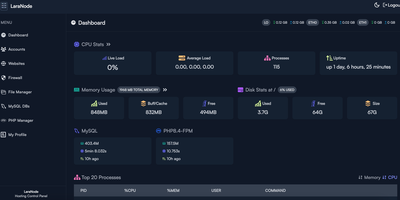
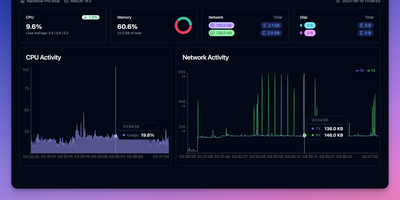
- Gauges track CPU, real memory, virtual memory, and local disk space, with stats history graphs for processes, disk I/O, and network I/O, plus a pending updates alert.
- Browser Terminal and Files
- The Terminal module opens a shell session in the browser over WebSocket, while File Manager and Upload and Download move files without leaving the panel.
- Firewall and Intrusion Tools
- An nftables module manages tables, chains, sets, and rules with quick allow, block, and port-forward controls, and the Fail2Ban module manages filters, jails, and unbanning of blocked IP addresses.
- Scheduled Package Updates
- Software Package Updates schedules automatic upgrades with optional pre- and post-scripts and email reports, and it can hold selected packages on both APT and DNF systems.