Categories
Self-Hosted Content Management CMS Media Library Multilingual Multi-Site Digital Experience Platform SymfonyStars
Forks
Watchers
Developer links
Sulu
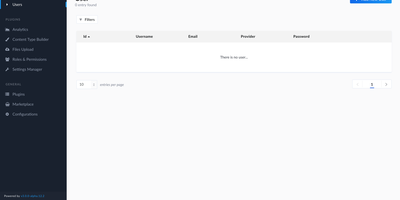
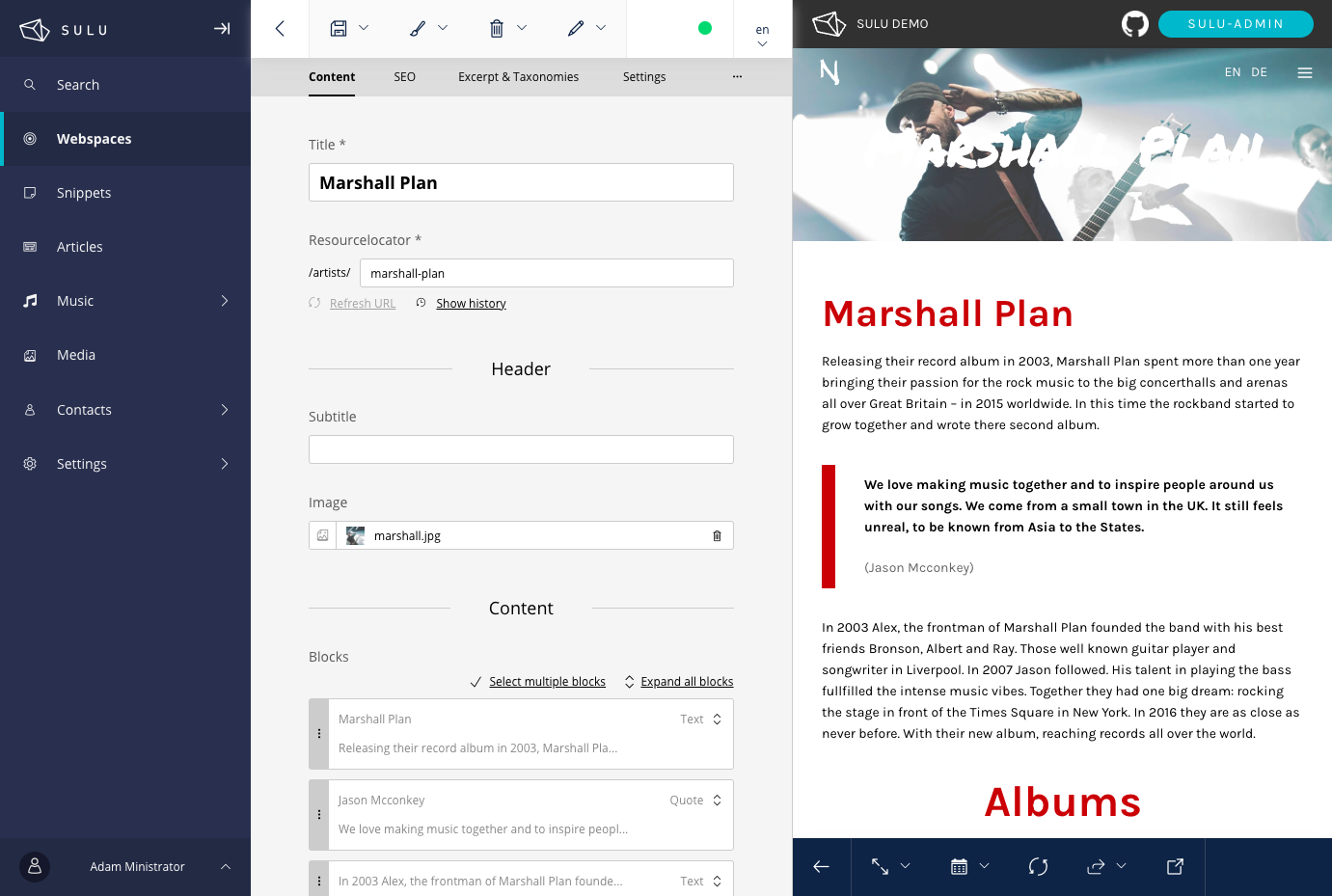
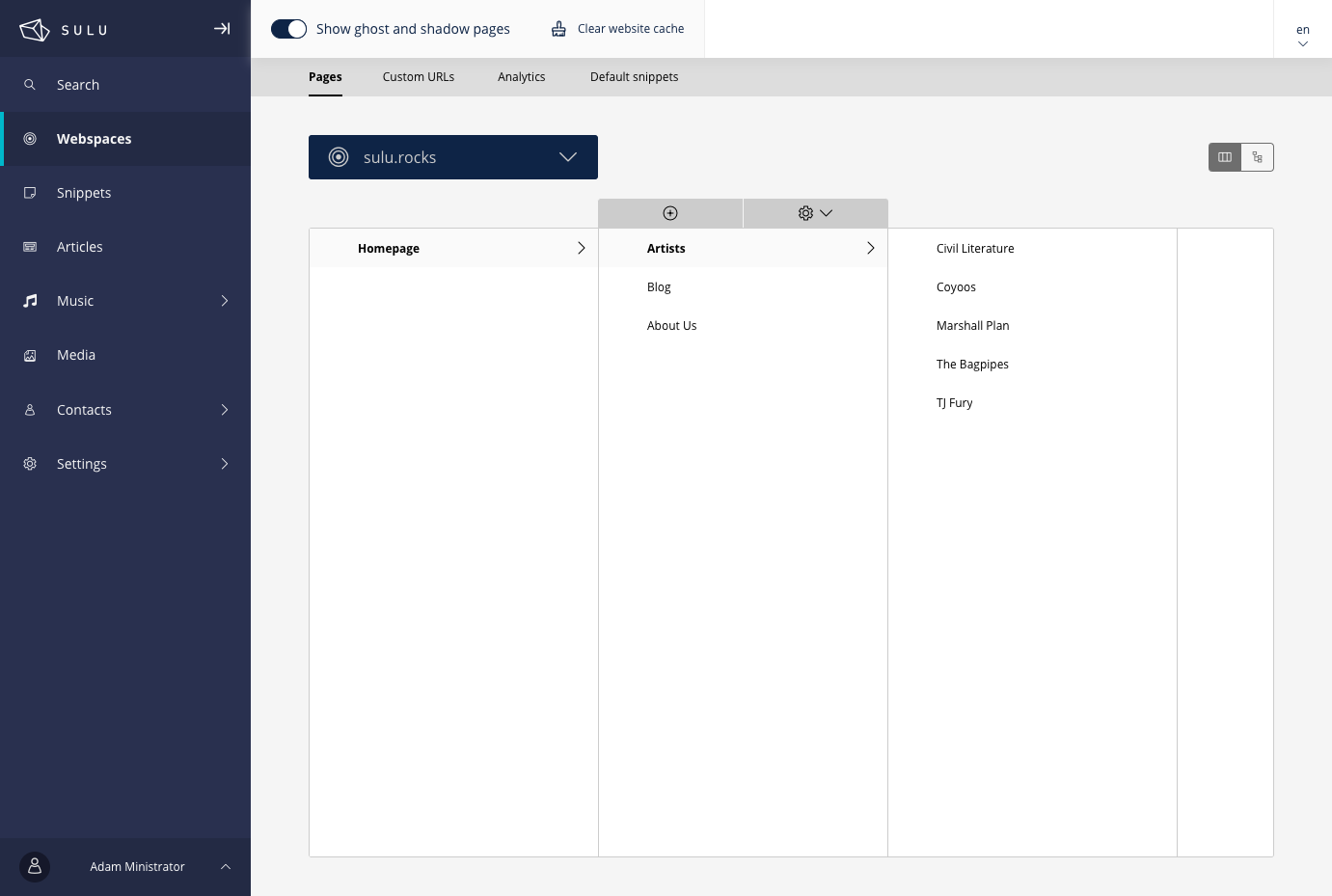
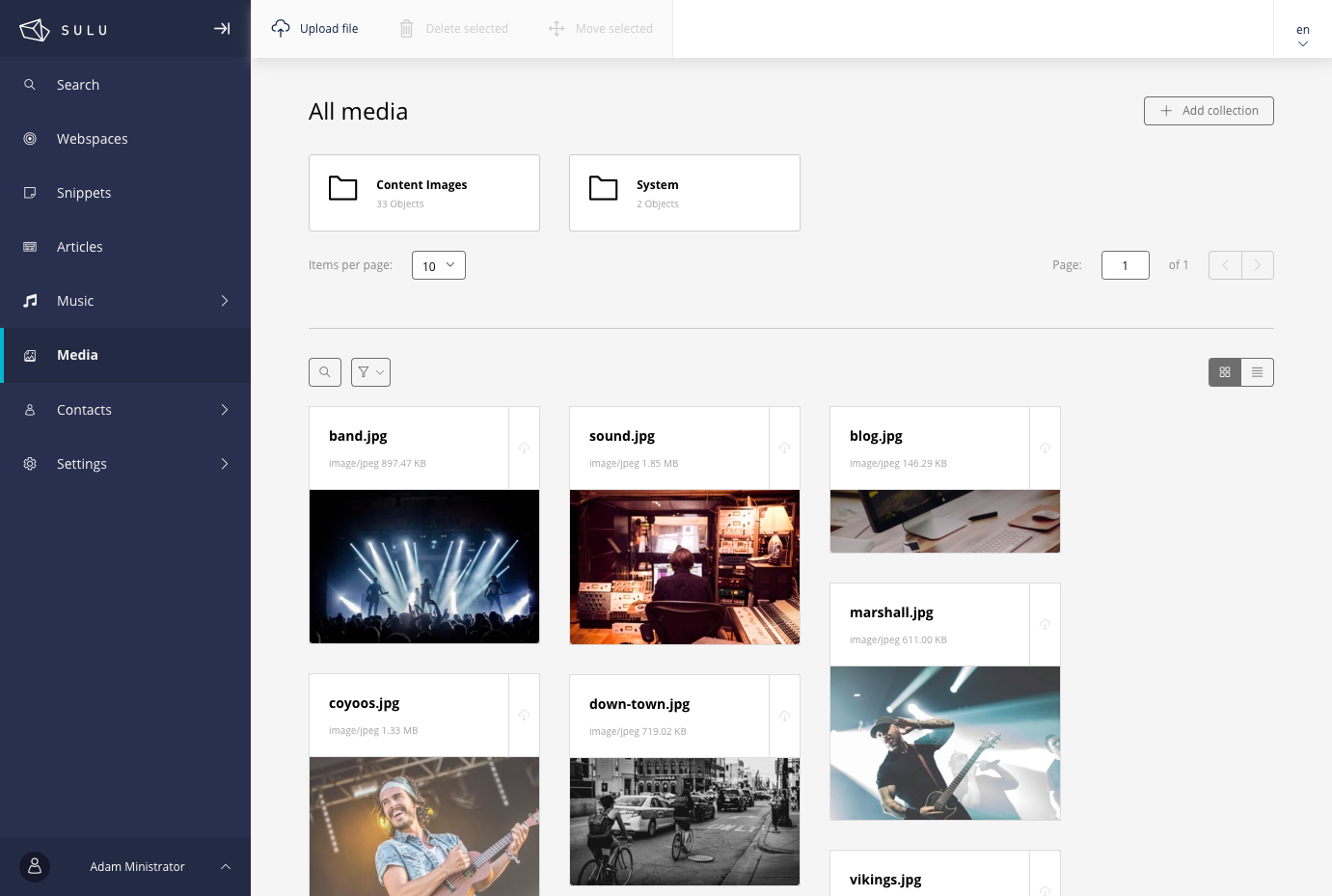
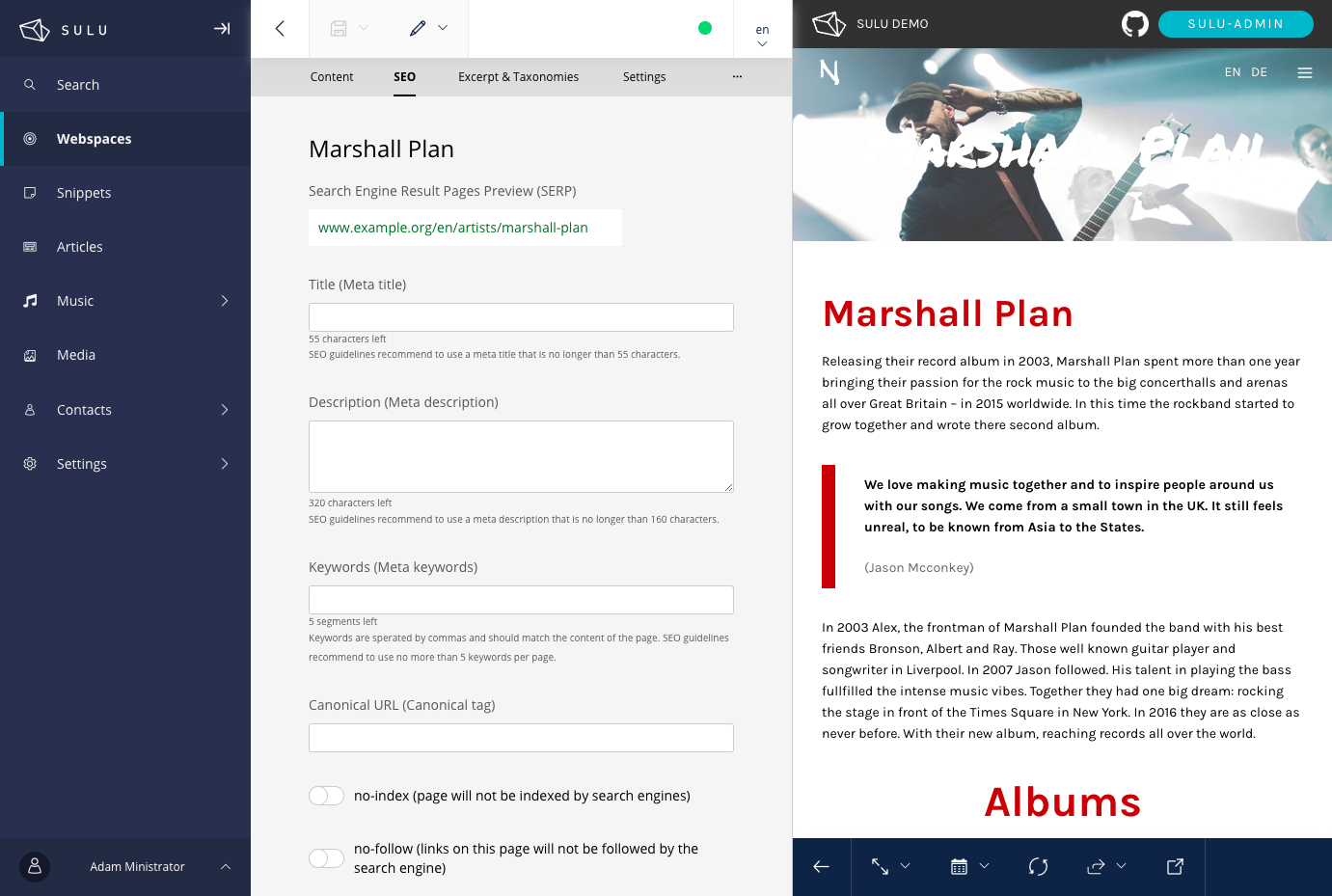
Running several multilingual websites does not mean juggling several admins: Sulu is a content management system that hosts them all in one, with a live preview beside every form. Webspaces are separate websites, each with its own page tree, languages, domains, and permissions. Pages are built from templates of fields and reorderable blocks, grouped under Content, SEO, Excerpt, and Settings tabs. Unsure how a page will look in search? The SEO tab previews it, counts characters in the meta title and description, and offers keywords, a canonical URL, and no-index and no-follow switches. Changing a page address automatically redirects the old one. Files stay organized in nestable media collections with grid and list views, and images are resized automatically to the formats a design asks for. Snippets hold content shared across pages, and smart content assembles dynamic lists of pages, contacts, or organizations. Landing pages get their own custom URLs, and target groups can show different content at the same address to different visitors. Editors who should not see everything get roles with view, add, edit, and delete rights per webspace. An activity log lists changes, and the trash restores deleted items. Contacts and organizations live in the same interface, and developers can add their own admin sections with lists, forms, and preview. Running on a dedicated VPS on RepoCloud with guaranteed CPU, RAM, and SSD, full root SSH access, and a browser serial console. MIT licensed.
Benefits
- Several Sites, One Admin
- Webspaces let one installation host multiple websites and landing pages, each with its own page tree, languages, and domains, all managed from a single administration interface.
- Preview Changes Before Publishing
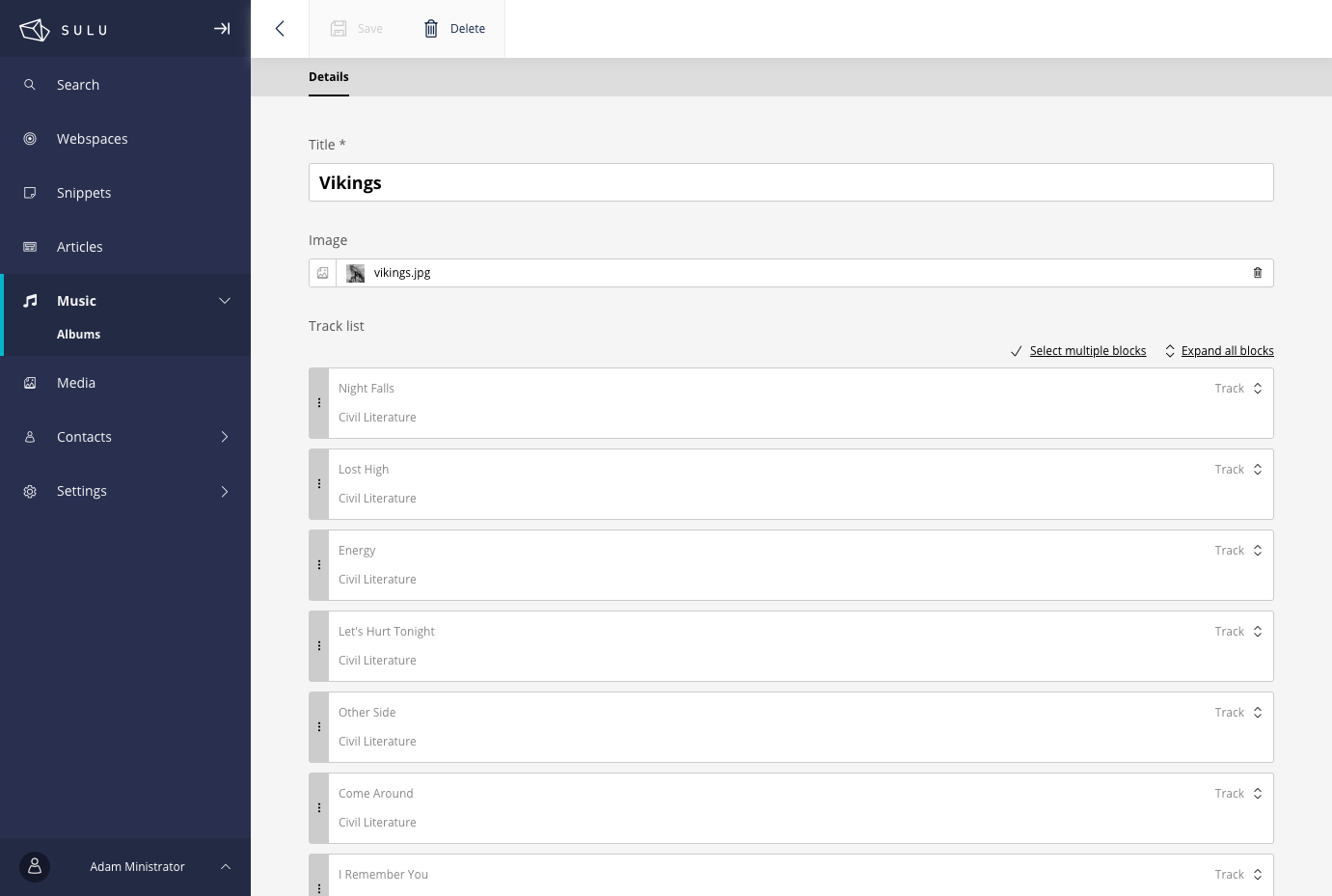
- A preview panel renders the page with your unsaved edits beside the form, and the same preview works for custom entities such as events or albums.
- Permissions Down to Each Webspace
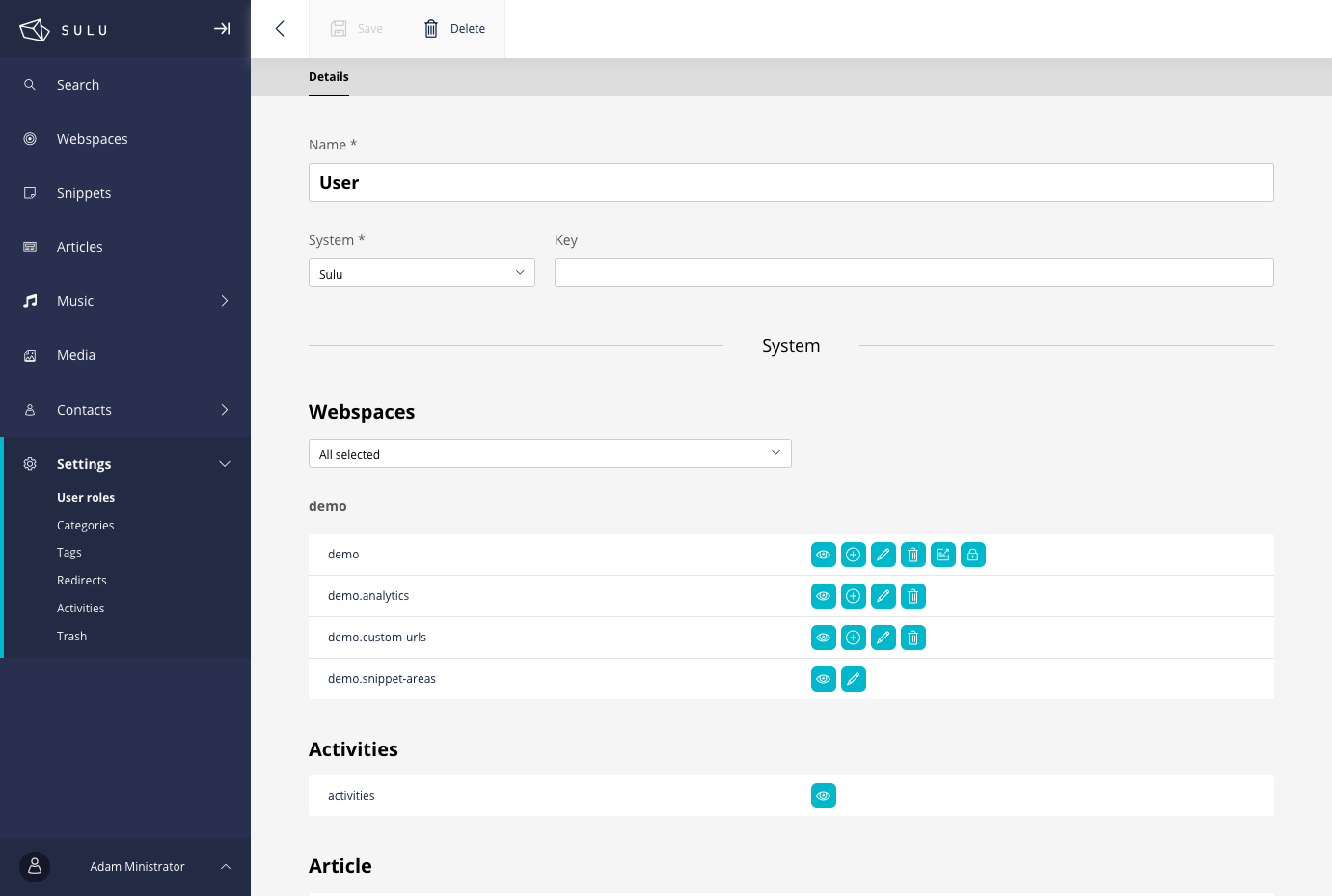
- User roles assign view, add, edit, and delete rights for each webspace, and with the permission check enabled, restricted pages disappear from navigation and smart content for visitors without access.
- Built on Familiar Developer Tools
- Page templates are XML files rendered through Twig, the admin is a React application developers can extend, and Composer installs it on a web server running PHP 8.2 or newer.
Features
- Block-Based Page Editor
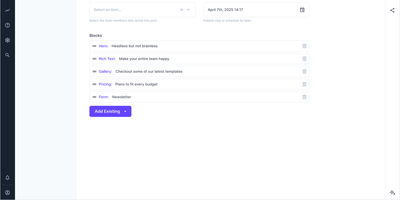
- Templates combine fields with repeatable blocks that editors reorder by dragging, expand all at once, or select together, with Content, SEO, Excerpt, and Settings tabs on every page.
- SEO Tab and Redirects
- The SEO tab pairs a search result preview and character counters with meta title, description, keywords, canonical URL, and no-index or no-follow switches, while moved pages redirect automatically.
- Media Library Collections
- Files live in nestable collections with grid and list views, and images are resized automatically to named formats using the GD, Imagick, or VIPS imaging libraries.
- Smart Content and Snippets
- Smart content builds dynamic lists from pages, contacts, or accounts through data providers, and snippets store reusable, page-independent content that any template can render.
- Custom URLs and Targeting
- Custom URLs give landing pages their own addresses on base domains, with optional 301 redirects, and the audience targeting bundle serves different content at one address by visitor rules.
- Activity Log and Trash
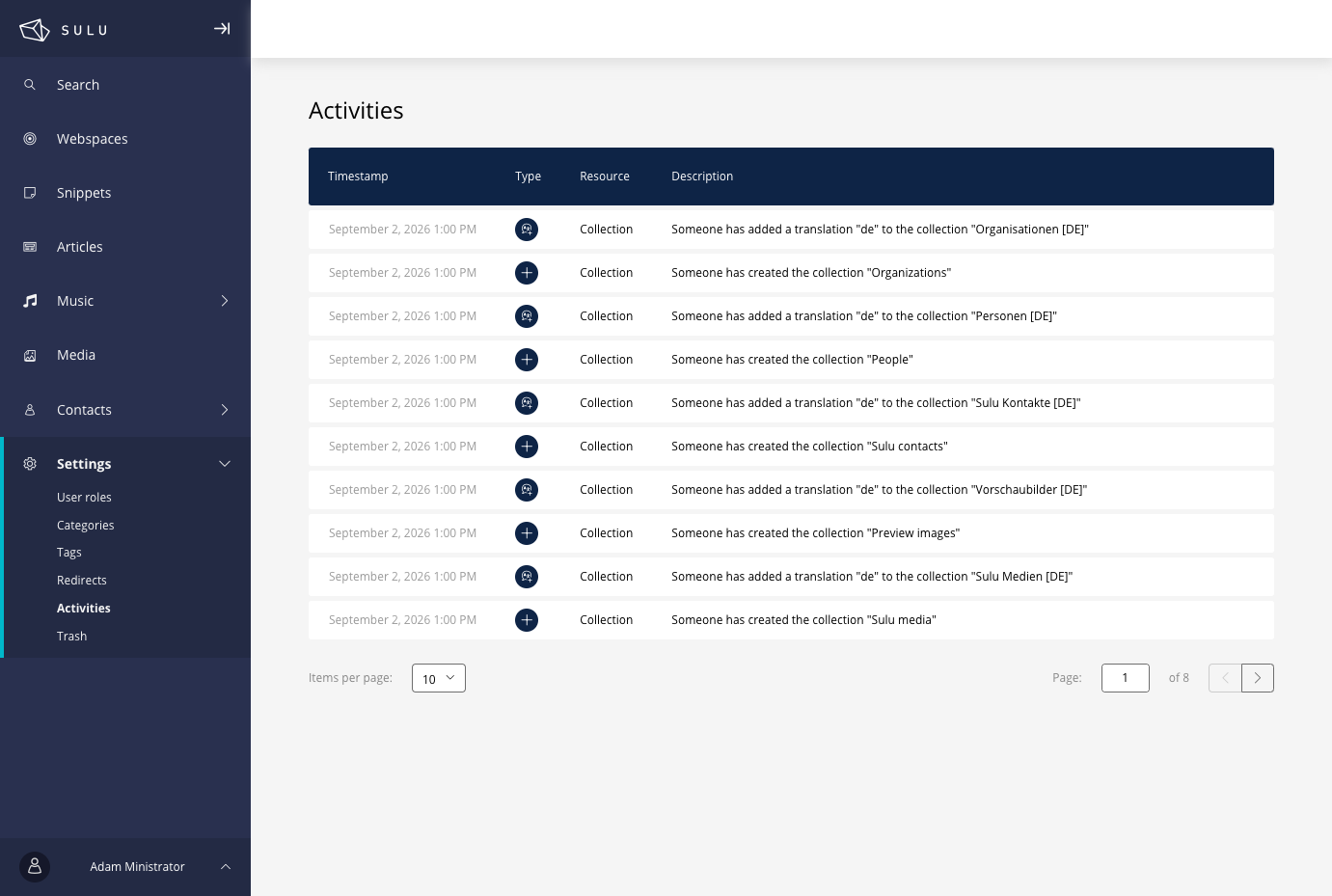
- An activity log lists creations, translations, and other changes with timestamps, and the trash lets editors restore or permanently remove deleted pages and entities.