Stars
Forks
Watchers
Developer links
Umbraco CMS
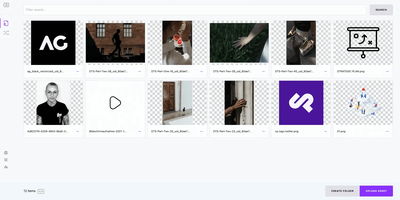
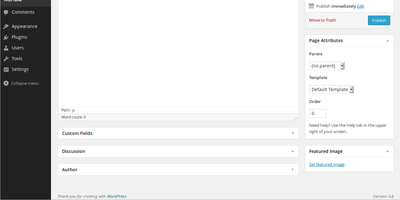
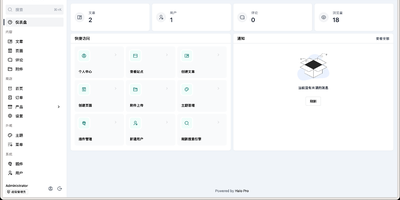
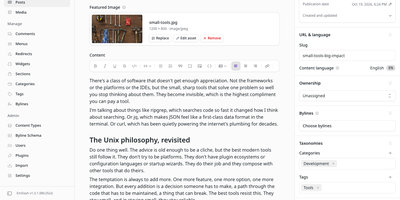
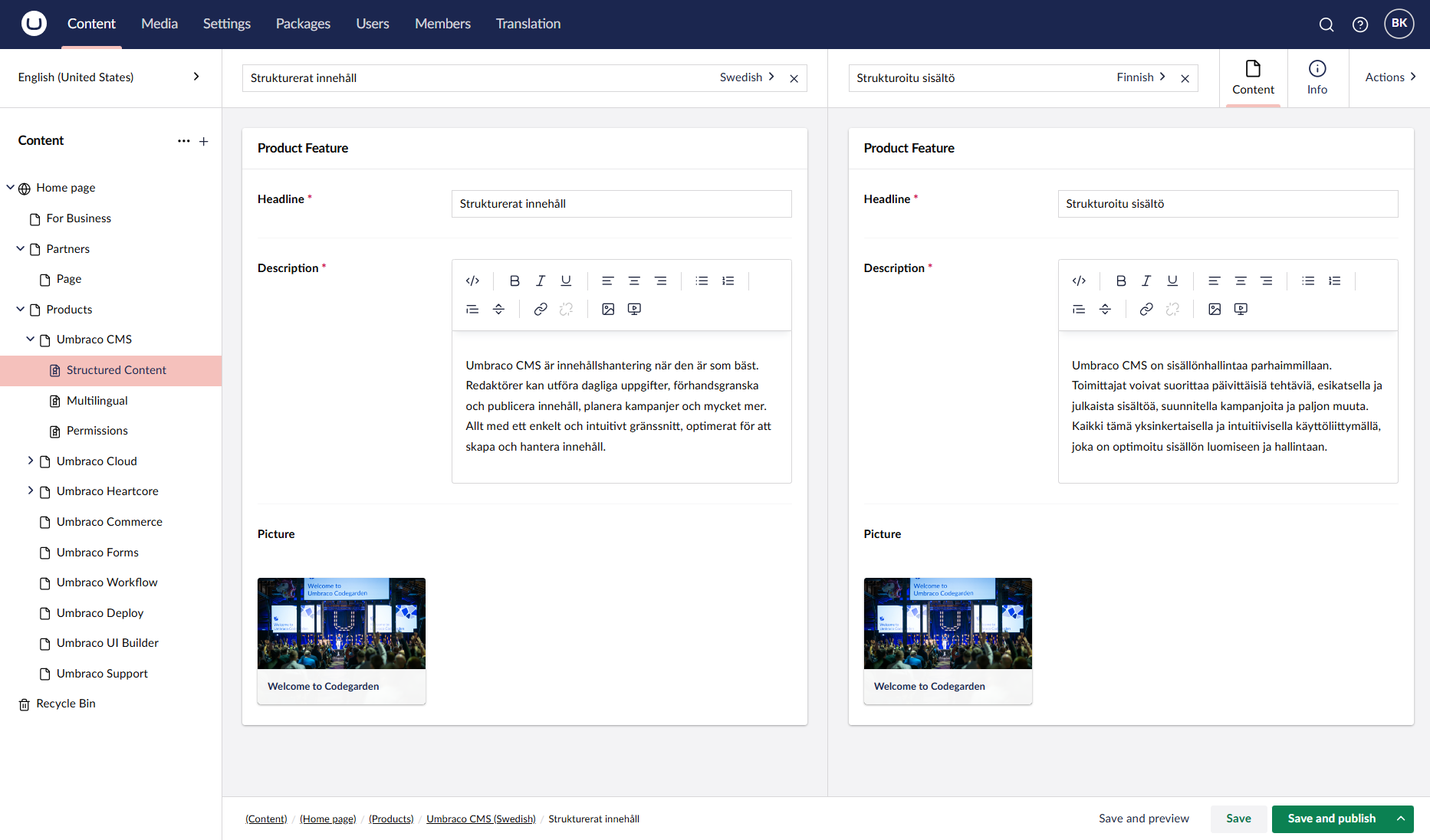
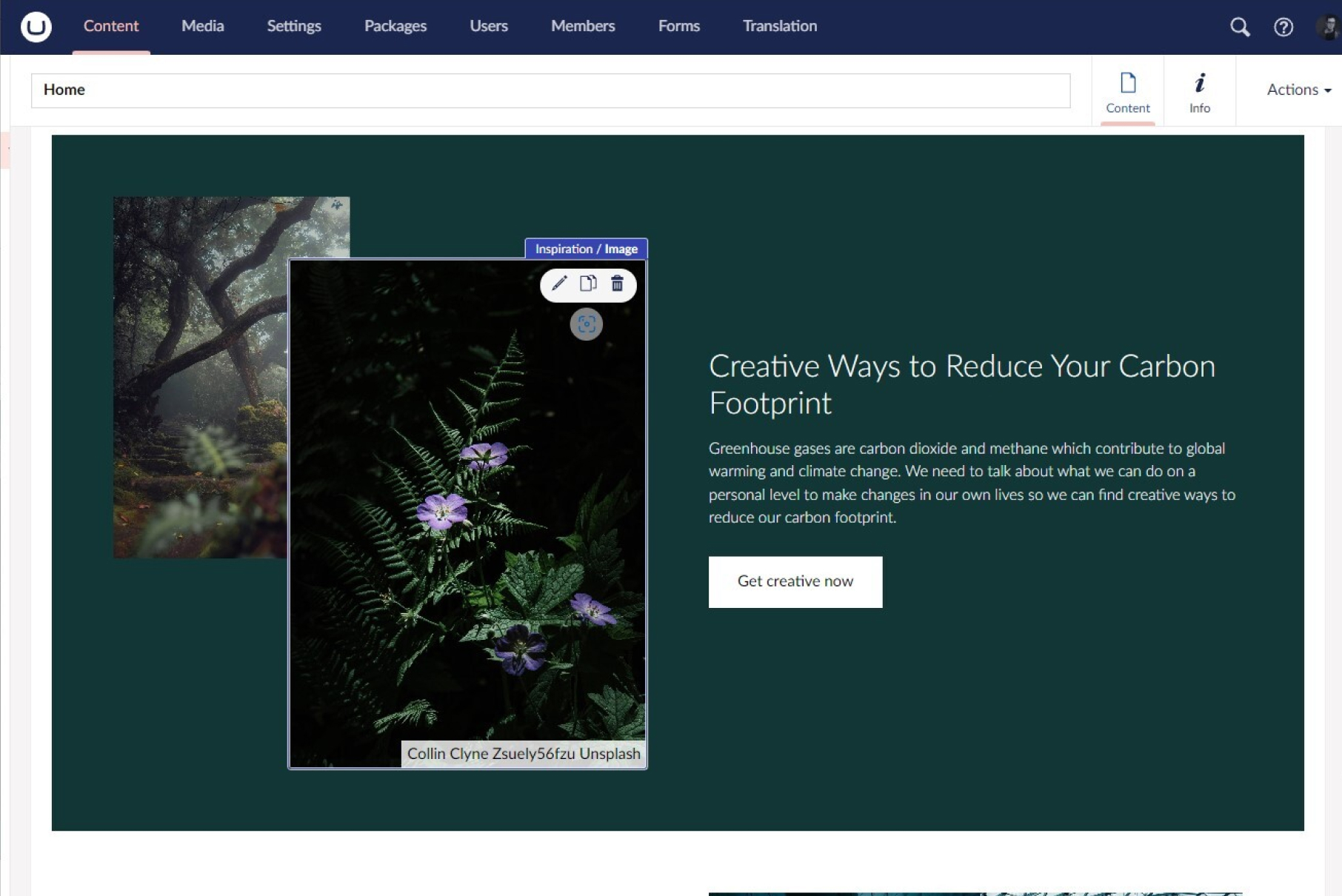
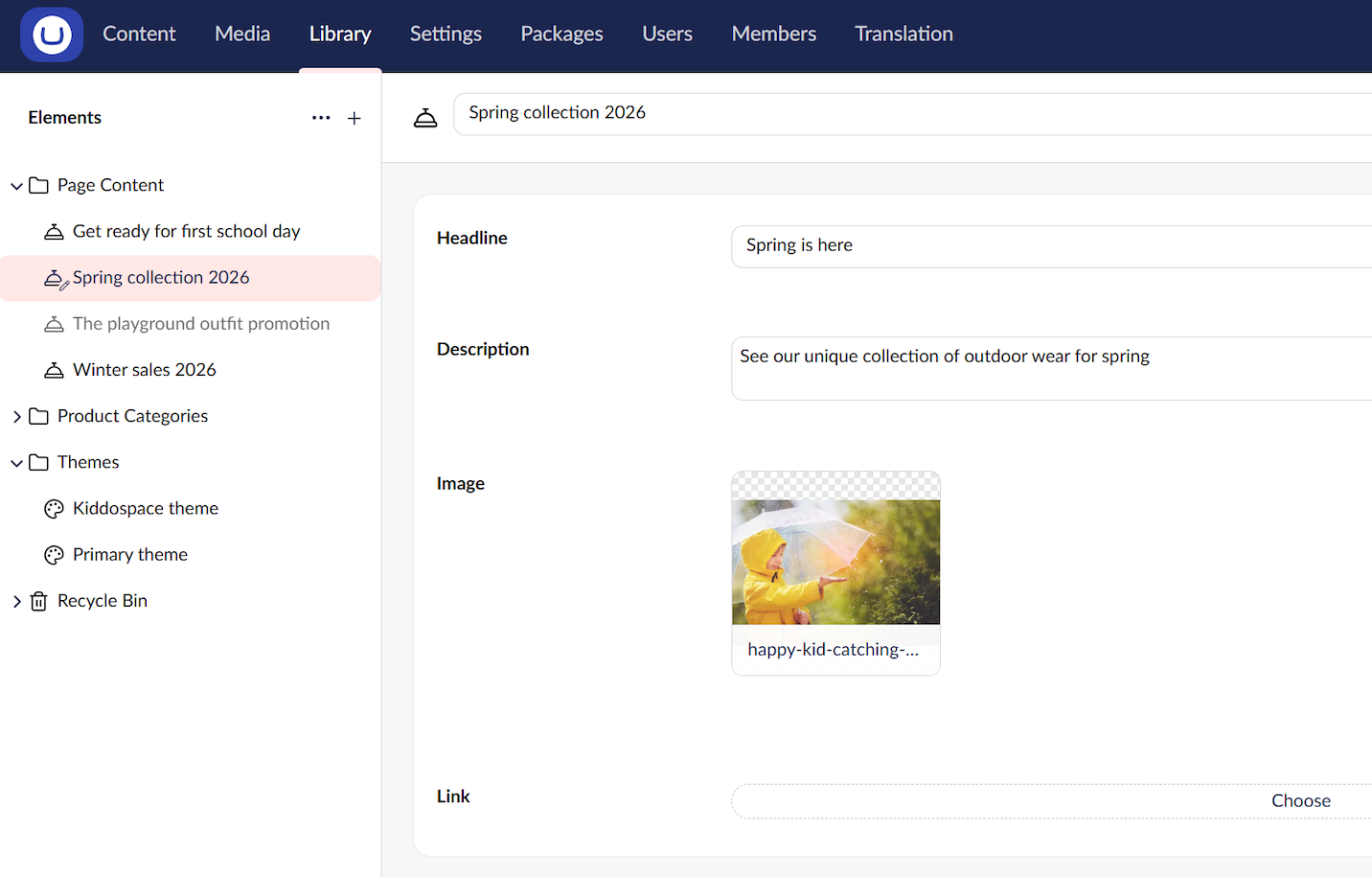
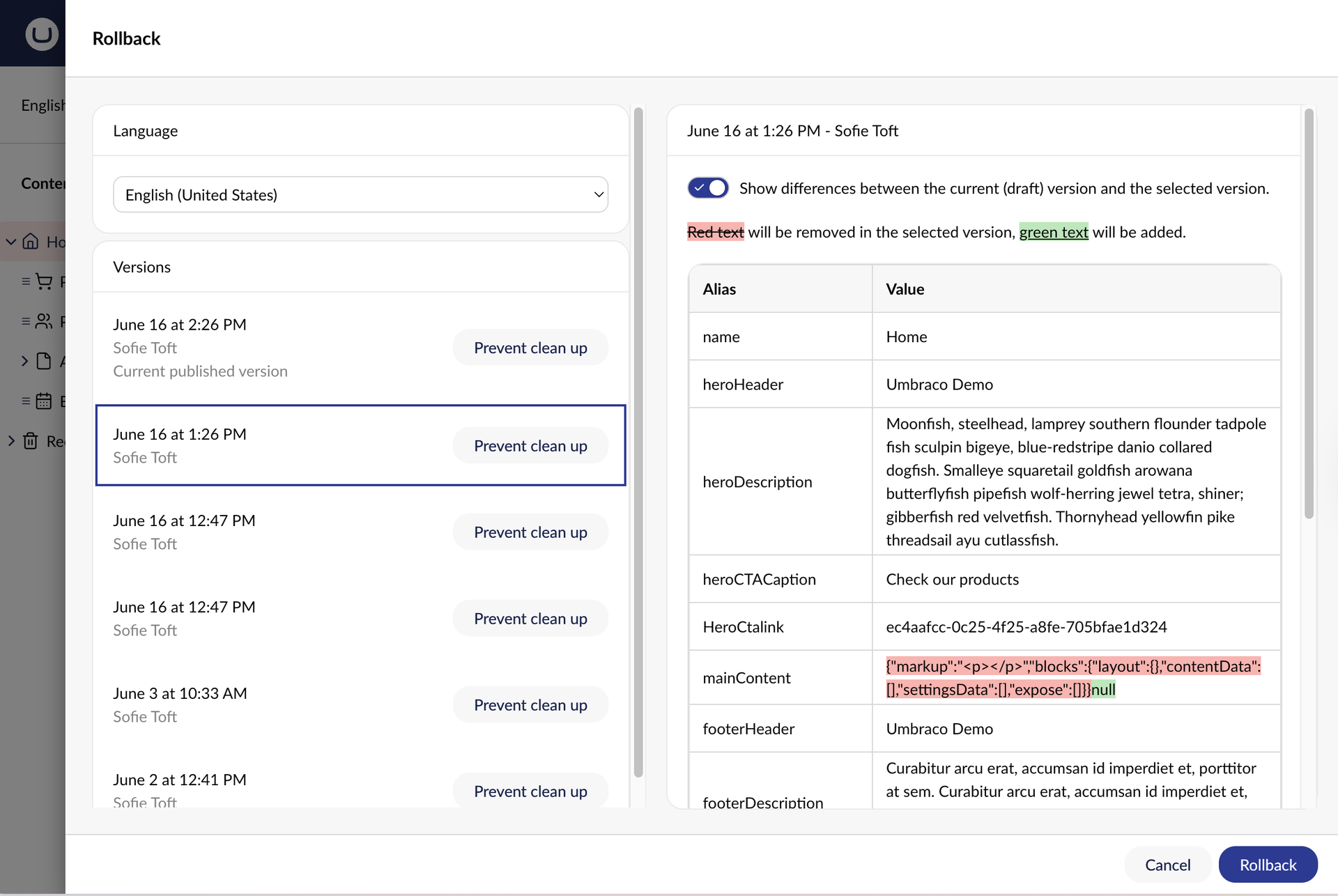
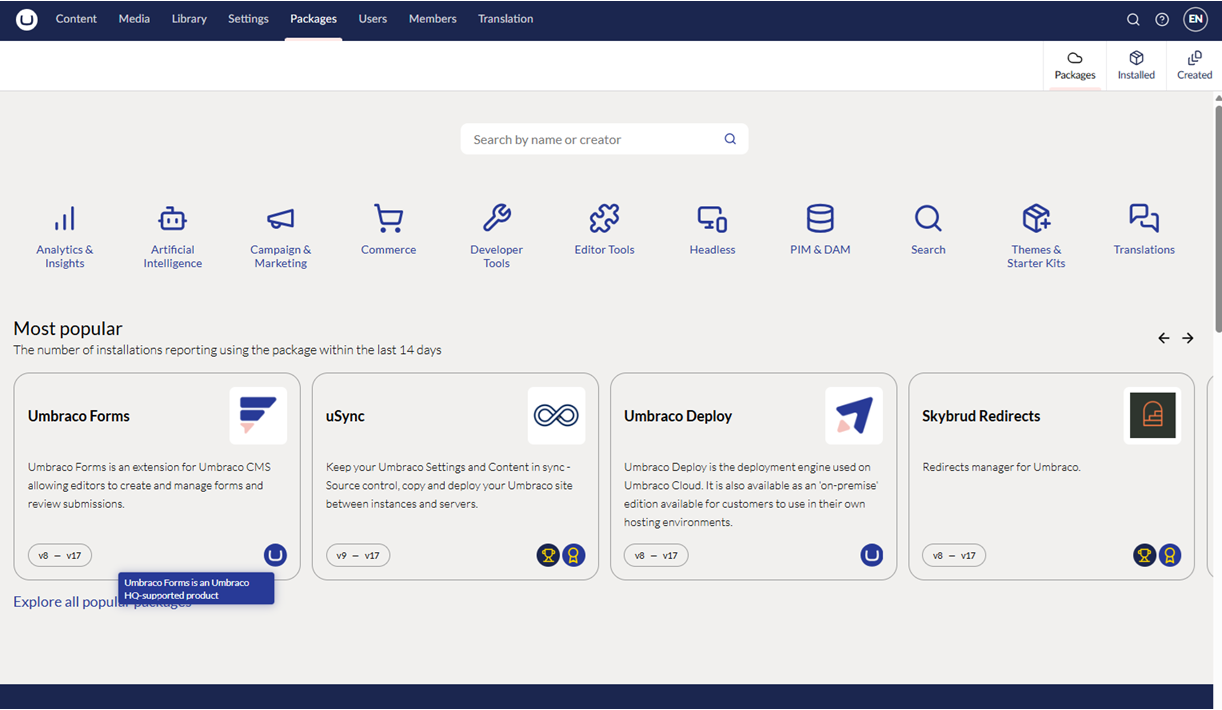
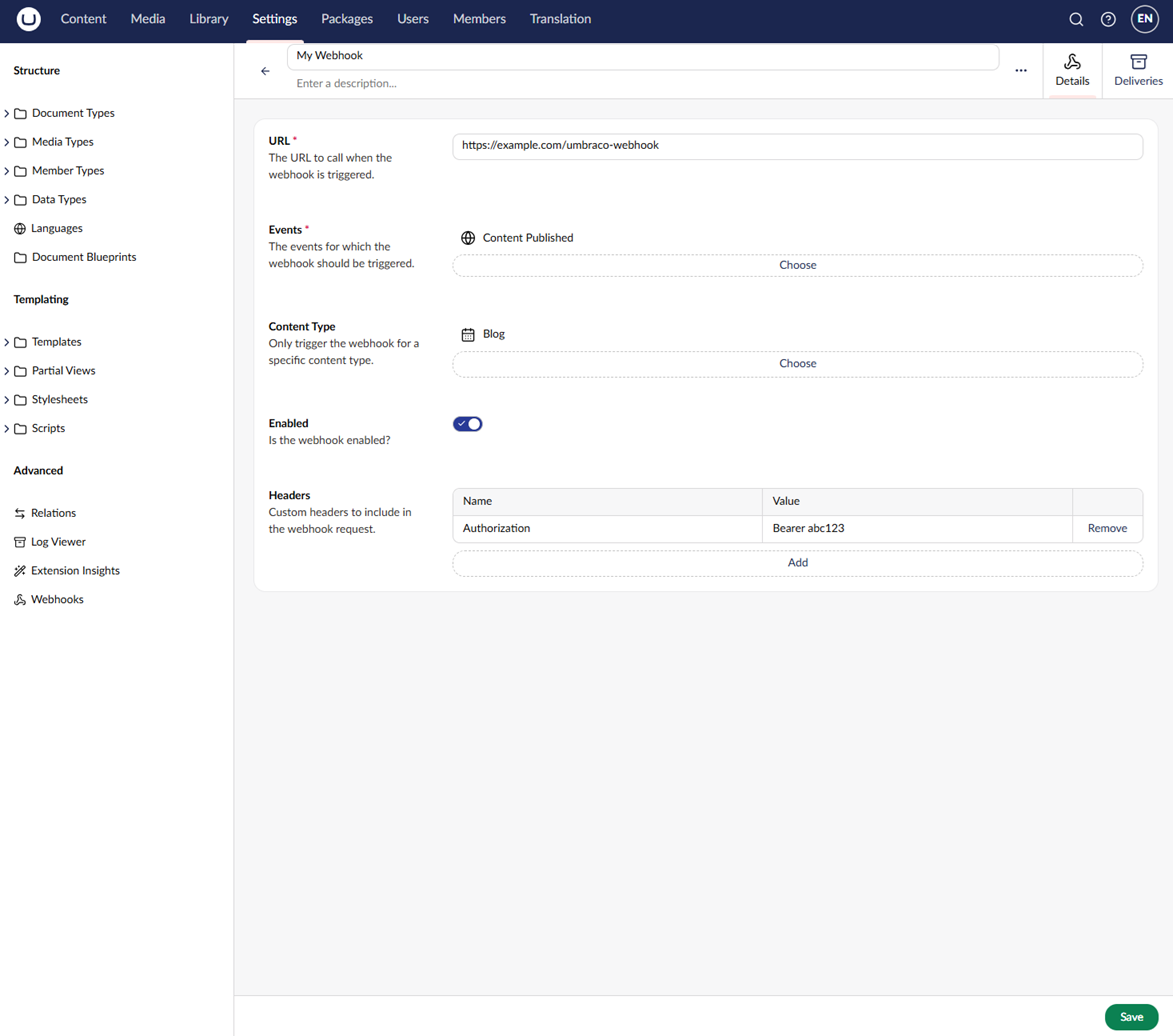
If editors should publish without waiting on developers, and developers should keep full control of the design, Umbraco is the free content management system built around that split. A page begins in the Block Grid editor, where reusable blocks nest inside Areas and each block is sized on a column and row grid. Live preview shows the result before anything goes out. Publish and unpublish times can be scheduled in the editor's own time zone, and any page can roll back to an earlier version from its Info tab. One content node can exist in several languages, and split view puts two of them side by side. The Media section holds images, video, and other files. Visitors can register and log in as members, new members can be placed in member groups, and pages can be hidden from anyone not logged in. On the code side, templates and partial views shape the front end, while the opt-in Content Delivery API returns content items as JSON for mobile apps and any other front end. Webhooks notify outside services when content is published, unpublished, or deleted. Custom dashboards and property editors extend the backoffice, and the Marketplace lists open-source and commercial packages for the rest. Running on a dedicated VPS on RepoCloud with guaranteed CPU, RAM, and SSD, full root SSH access, and a browser serial console. MIT licensed.
Benefits
- Editors Update Pages Without Developers
- Block Grid layouts, live preview, scheduled publishing, and version rollback from the Info tab let content teams compose, check, and fix pages themselves instead of filing developer tickets.
- One Content Tree, Many Channels
- The same content powers the rendered website and the opt-in Content Delivery API, which returns JSON for mobile apps, IoT devices, and any other front end you build.
- Manage Many Languages In One Tree
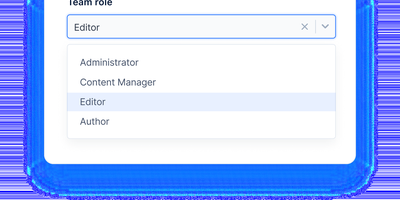
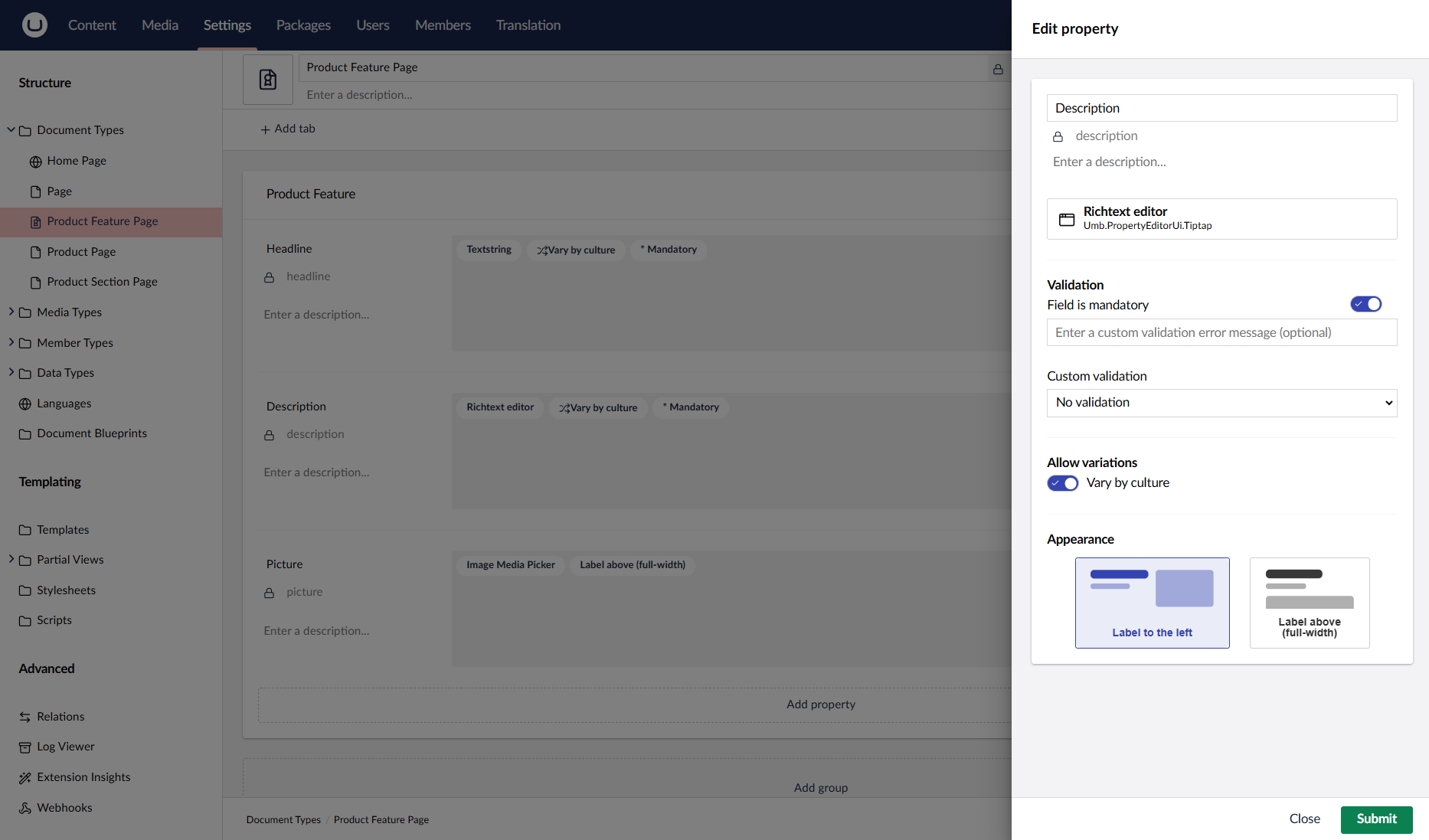
- Add languages in Settings, mark Document Types as varying by culture, and edit two languages at once in split view, with user group permissions limiting who can edit each language.
- Start Free, Add Extras Later
- The CMS core is MIT licensed with no fees for users, sites, or content items, while commercial add-ons such as Forms, Deploy, and Commerce are separate purchases you can add when needed.
Features
- Block Grid Page Layouts
- The Block Grid property editor builds pages from reusable blocks, nests blocks inside Areas, and sizes each one across a configurable column and row grid.
- Content Delivery API
- An opt-in headless API returns content items as JSON for apps and other front ends, enabled with the -da template flag or a DeliveryApi setting in appsettings.json.
- Language Variants And Split View
- Allow vary by culture on Document Types, add languages in Settings, and edit two languages at once in split view, with language permissions set per user group.
- Scheduled Publishing And Rollback
- Schedule publish and unpublish times in your own time zone from the Save and publish menu, and roll a page back to an earlier version from its Info tab.
- Webhooks For Content Events
- The Webhooks section under Settings sends HTTP requests when content is published, unpublished, or deleted and when media is saved or deleted, with content type filters and retries.
- Backoffice Extensions And Packages
- Custom dashboards and property editors extend the backoffice, and the Marketplace lists open-source and commercial packages, installed as NuGet packages with the .NET CLI or Visual Studio.