Categories
Self-Hosted Content Management CMS Media Management Markdown Editor GitHub Integration Git-Based CMS Static Site CMSStars
Forks
Watchers
Developer links
Pages CMS
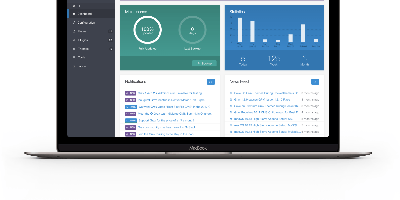
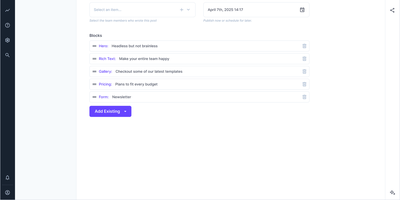
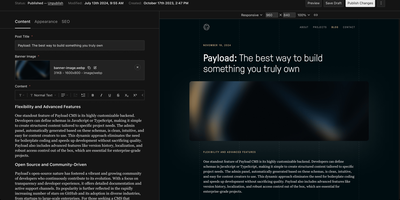
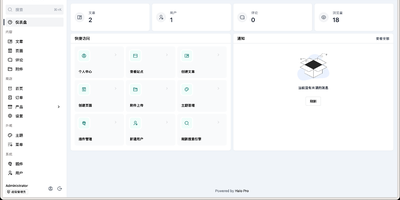
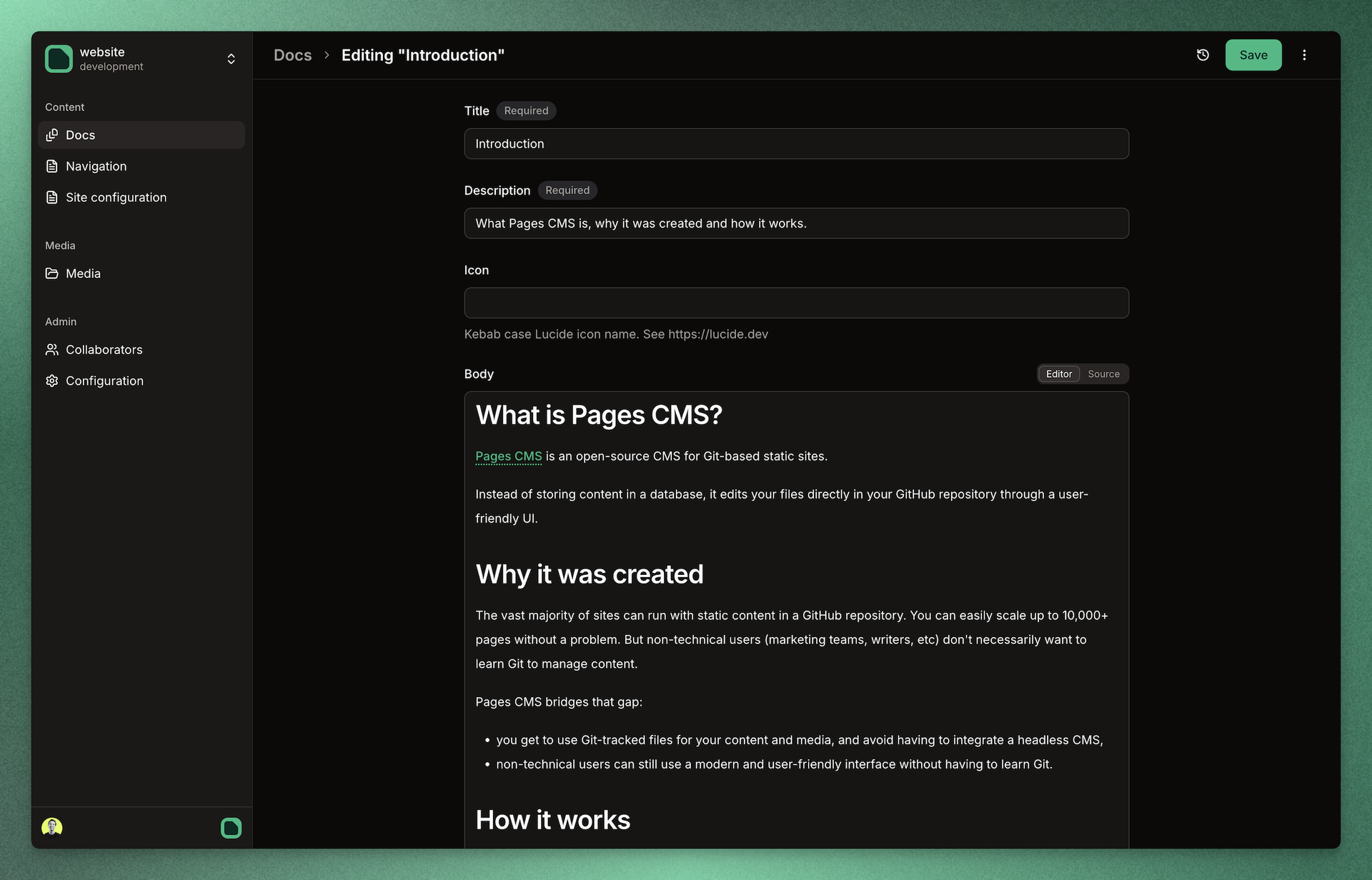
Editors can update a static website without learning Git, because Pages CMS puts a visual editor on top of the repository itself. A single .pages.yml file defines what is editable: collections of Markdown files that share a schema, standalone files such as site settings, and nested groups that organize the sidebar. Fields cover strings, rich text, code, dates, numbers, booleans, selects, images, files, references, objects, and repeatable blocks, with front matter stored as YAML, JSON, or TOML. Plain text files like robots.txt open in a raw editor, redirect files in a code editor, and CSV files as an editable datagrid. Collection lists can be searched, sorted, and shown flat or as a folder tree. The media manager supports drag-and-drop uploads, multi-file selection, allowed extensions, and safe or random renaming. People without GitHub accounts join through email invitations and edit content and media, with their saves committed through the GitHub App. Custom action buttons dispatch GitHub Actions workflows after a confirmation dialog or input form, so one click can rebuild a preview or deploy the site. Commit message templates and a choice of app or user commit identity shape how each save appears in Git history. The responsive interface works on mobile screens, and suits Jekyll, Hugo, Astro, Next.js, Eleventy, VuePress, and similar site generators. Running on a dedicated VPS on RepoCloud with guaranteed CPU, RAM, and SSD, full root SSH access, and a browser serial console. MIT licensed.
Benefits
- Editors never need Git skills
- Content teams edit pages, data files, and media through a visual interface while every change is saved back to GitHub as a commit, so developers keep their normal workflow.
- Content lives only in your repository
- Pages and media stay as ordinary files in Git with full history and your existing deployment flow, while PostgreSQL holds sign-ins, collaborators, and cached repository data.
- Invite collaborators without GitHub accounts
- Writers and clients receive email invitations scoped to a single repository, can edit content and media, and cannot change configuration, manage other collaborators, or touch cache settings.
- Extensible with your own fields
- Developers add a React field folder under fields/custom and it auto-registers as a new field type at startup and build time, with Zod validation and read and write transforms.
Features
- Config-Driven Content Models
- A single .pages.yml defines collections, single files, and nested sidebar groups, with fields for rich text, code, images, references, objects, blocks, selects, and dates.
- Flexible Editors and Formats
- Edit YAML, JSON, or TOML front matter, plain data files, raw text, code with syntax highlighting, and CSV tables in a datagrid, all written back as ordinary repository files.
- Media Manager and Search
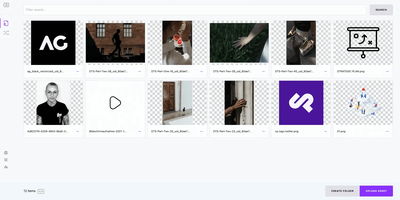
- Drag-and-drop uploads with multi-file selection, per-source folders, extension filters, and safe or random renaming, plus searchable, sortable collection lists in list or tree layout.
- GitHub Actions Buttons
- Custom buttons dispatch workflow_dispatch workflows from the sidebar, collection pages, entries, files, or media, with confirmation dialogs, extra input fields, and re-run and cancel controls.
- Collaborator Access via GitHub App
- GitHub users sign in through Better Auth and edit with their own token, while email-invited collaborators write through the repository's GitHub App installation token; optional Resend or SMTP sends invitations.
- Self-Hosted Node and Postgres Setup
- Run npm run build and npm run start behind Nginx or Caddy with HTTPS, point DATABASE_URL at PostgreSQL, and create the GitHub App with the bundled setup helper.