Categories
Self-Hosted AI Image Generation Ecommerce Product Photography Marketing Design Poster Maker Workflow CanvasStars
Forks
Watchers
Developer links
ProductFlow
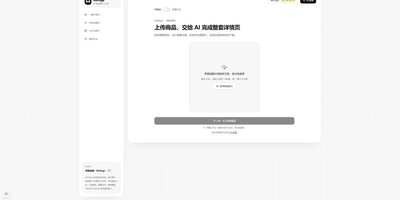
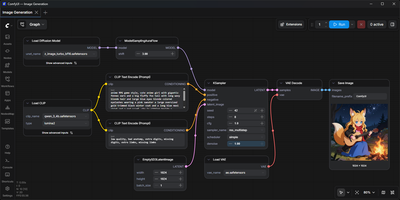
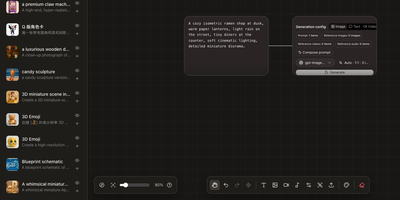
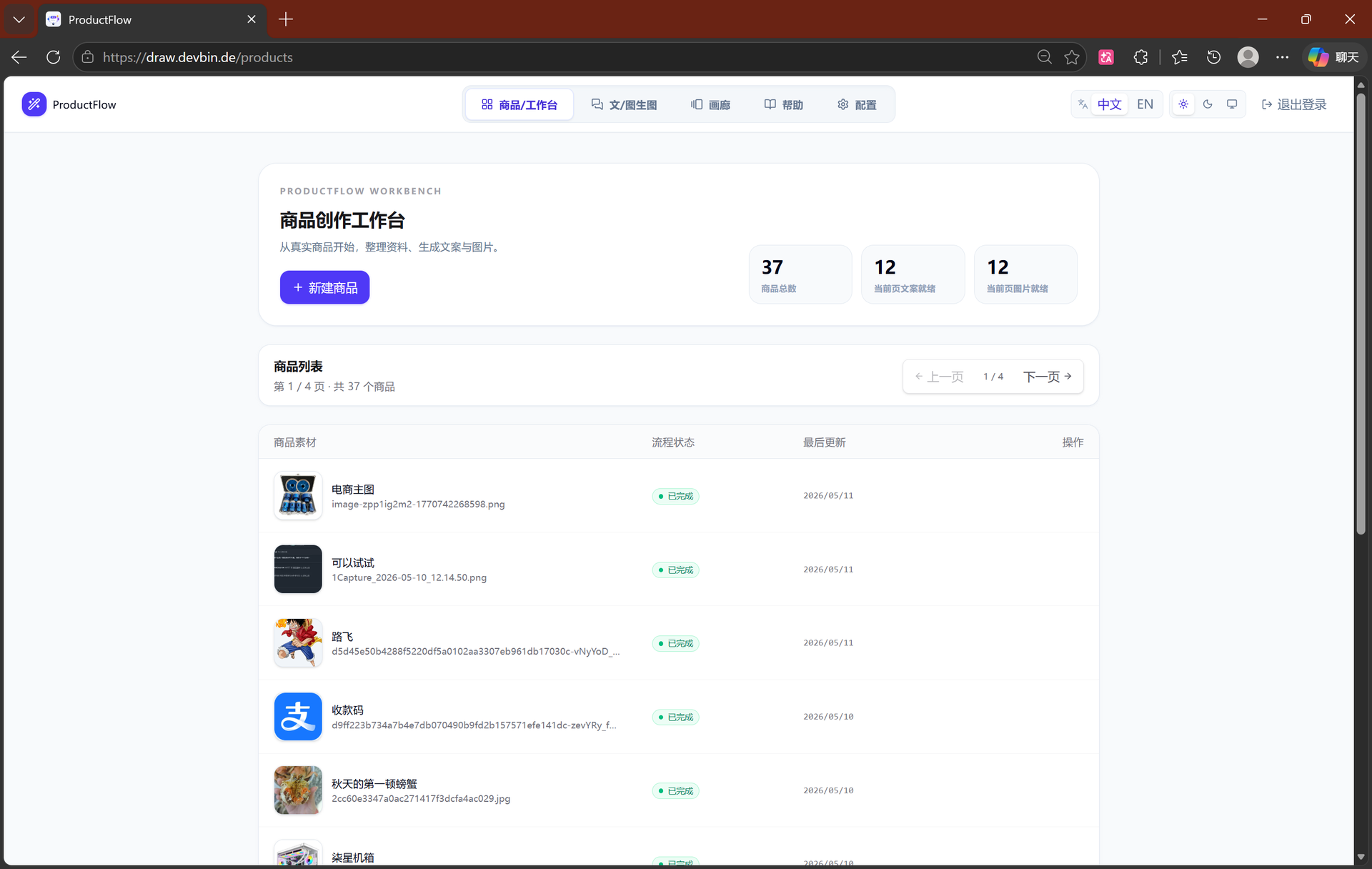
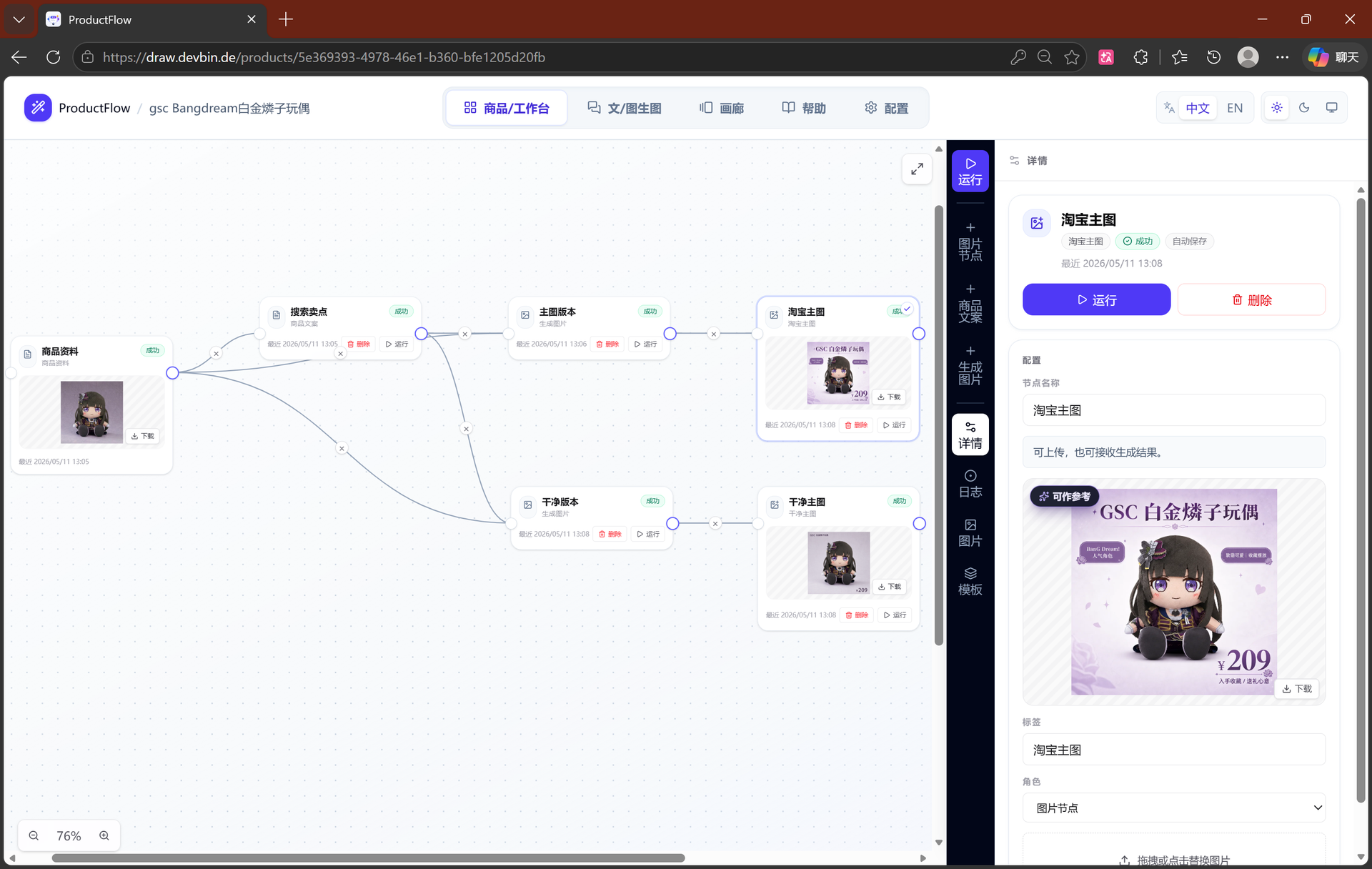
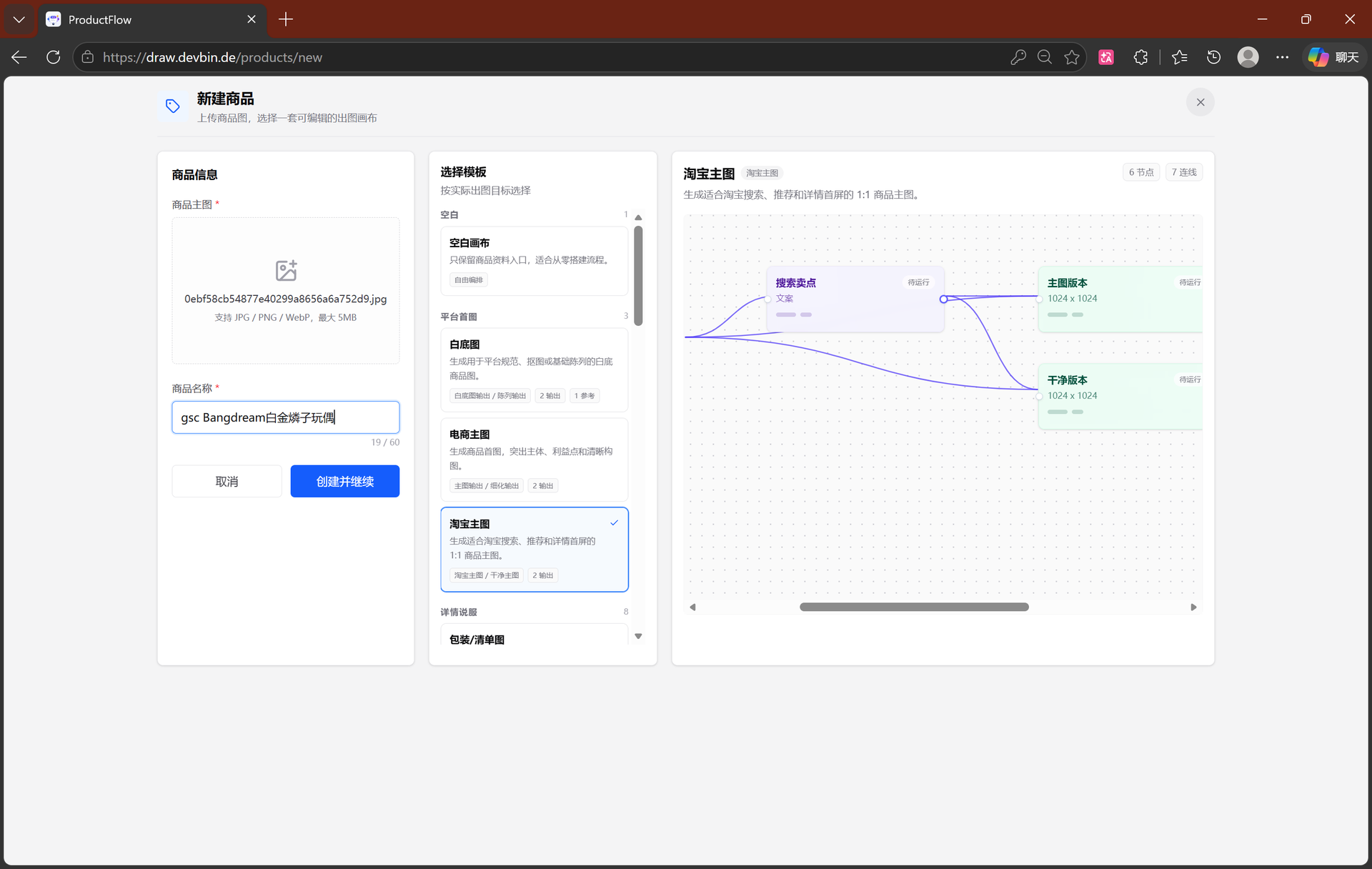
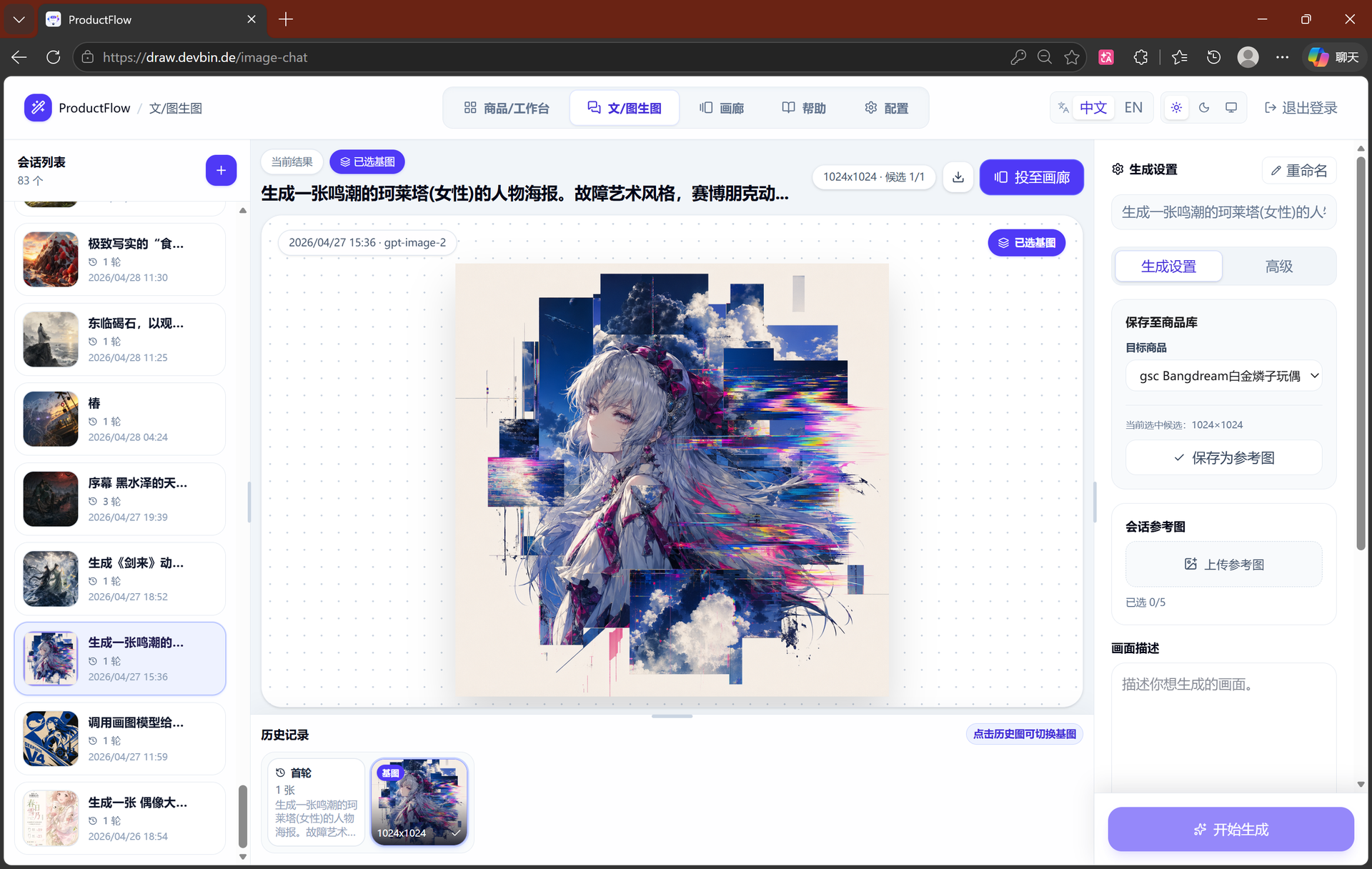
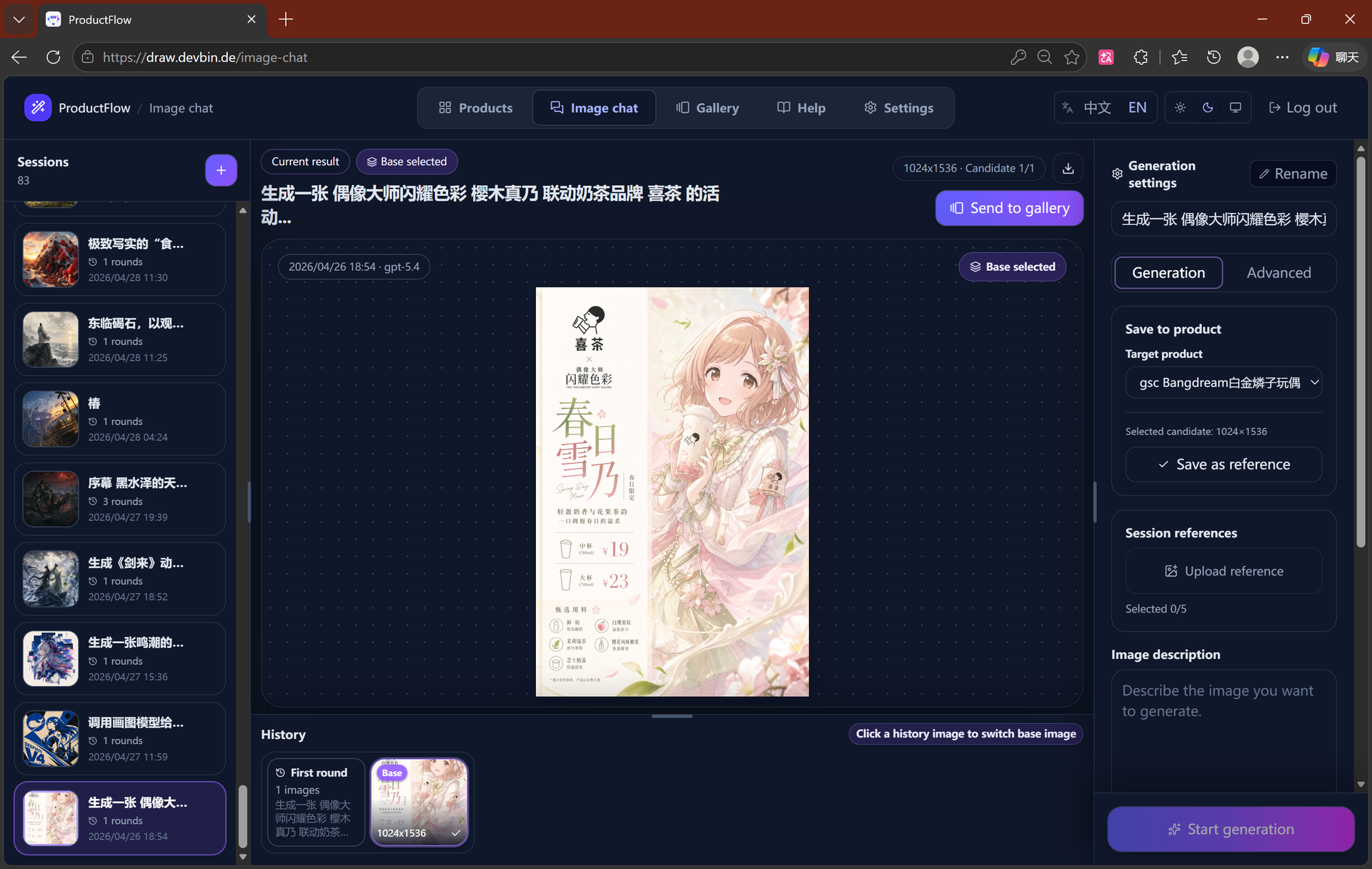
ProductFlow turns a product photo and a few facts into finished selling material, giving solo merchants and small teams one workspace for copy, posters, and repeatable image generation. You start by creating a product record, attaching original and reference images, then arranging product data, copy nodes, and image nodes on a zoomable canvas with drag, pan, multi-select, and connections. Copy nodes generate editable structured text that you can review, confirm, and keep in history before downstream image nodes read it. Poster generation runs in template mode with local rendering or generated mode through an image provider, and completed results can be downloaded, saved as product references, or promoted to the main product image slot. A separate image session view supports text-to-image and image-to-image runs with base image selection, candidate comparison, queue position, progress, cancel, and retry. Every finished image can move into the gallery with its source session, linked product, prompt, size, and model recorded for later reuse. Runtime settings cover provider profiles, model bindings, image tool parameters, prompt templates, upload limits, and concurrency, guarded by a separate settings token. The built-in help pages document the canvas, gallery, image sessions, and configuration in searchable sections. Running on a dedicated VPS on RepoCloud with guaranteed CPU, RAM, and SSD, full root SSH access, and a browser serial console. MIT licensed.
Benefits
- From Photo To Listing
- A product record, its reference images, and its generated copy live in one place, so a seller prepares a complete listing without juggling separate folders, chat windows, and image tools.
- Repeatable Visual Workflows
- Canvas templates and reusable node groups capture a proven arrangement of product data, copy, and image steps, so the next product follows the same production path in minutes.
- Controlled Generation Spending
- Queue position, candidate progress, cancel, and retry controls expose every generation job, and mock providers allow the full workflow to run before any paid model key is configured.
- Private Single Admin Operation
- Access key login, cookie sessions, and a separately locked settings page keep a private catalogue and provider credentials under one administrator on infrastructure the owner controls.
Features
- Node Canvas Workbench
- The canvas links product data, reference images, copy nodes, and image nodes with zoom, pan, multi-select, edge editing, and templates on desktop and touch devices.
- Copy And Posters
- Copy nodes produce editable structured text with history and confirmation, and posters render through local templates or a configured image provider for download.
- Continuous Image Sessions
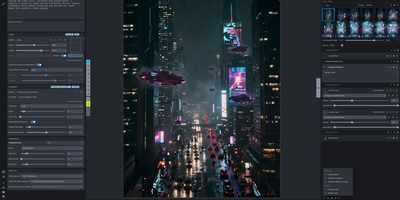
- Image sessions accept reference uploads and chosen base images, then track queued runs with candidates, progress, failure reasons, cancel, and retry actions.
- Searchable Image Gallery
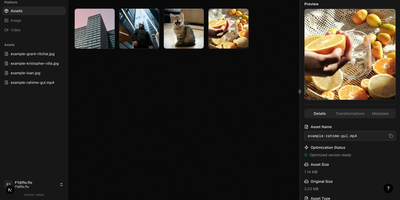
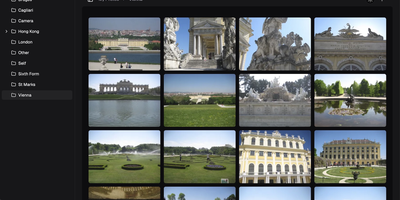
- The gallery stores generated results with source session, linked product, prompt, dimensions, and model, ready for download or reuse as product reference material.
- Runtime Provider Settings
- Settings pages bind text and image providers to models, tune image tool parameters and prompt templates, and set upload limits behind a separate token.