Categories
Self-Hosted Graphic Design Canva Alternative Social Media Tools Image Editor Design Templates Marketing ToolsStars
Forks
Watchers
Developer links
Canvix
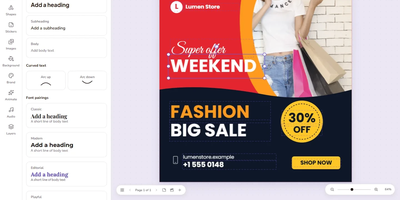
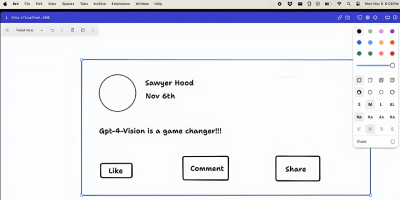
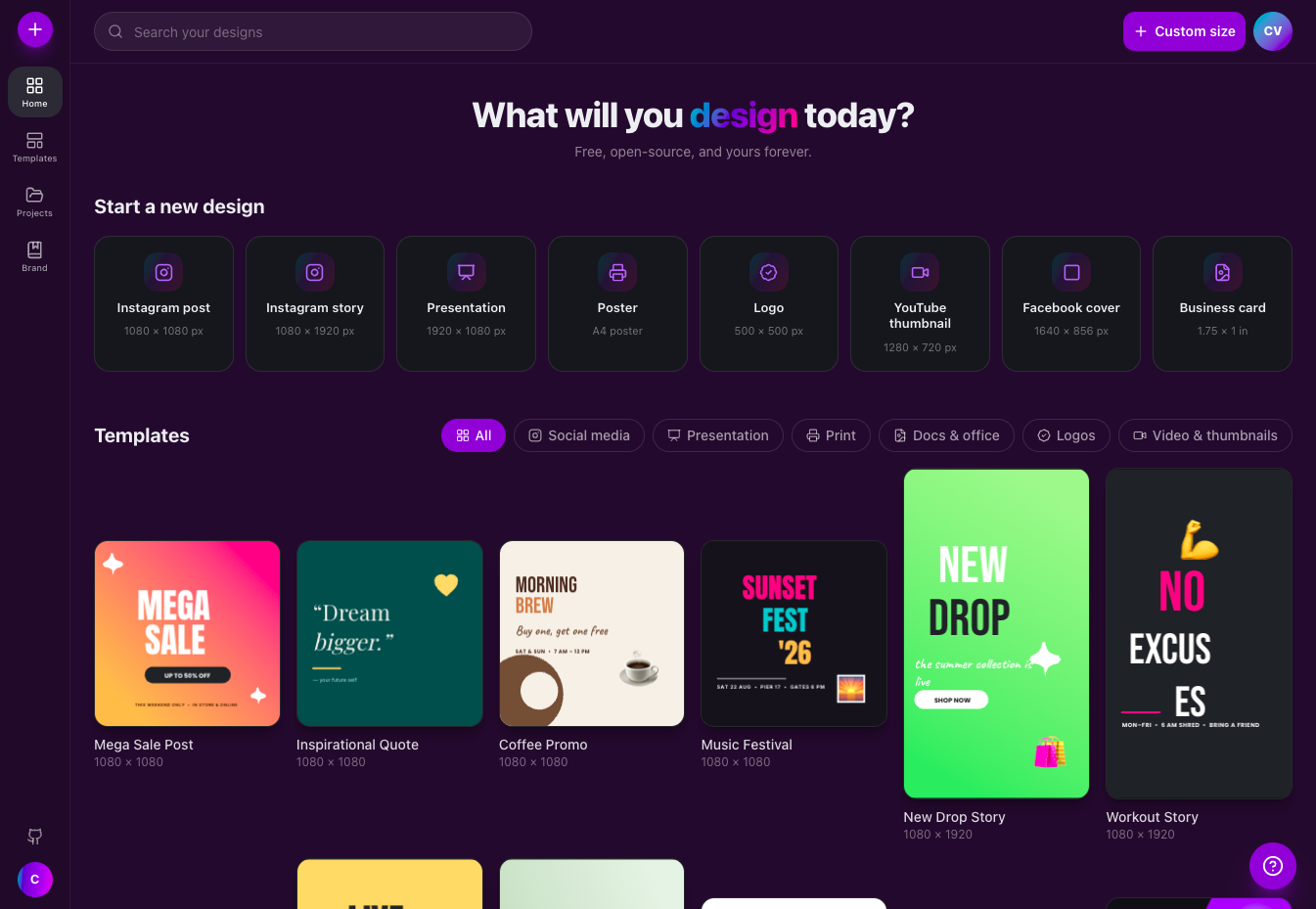
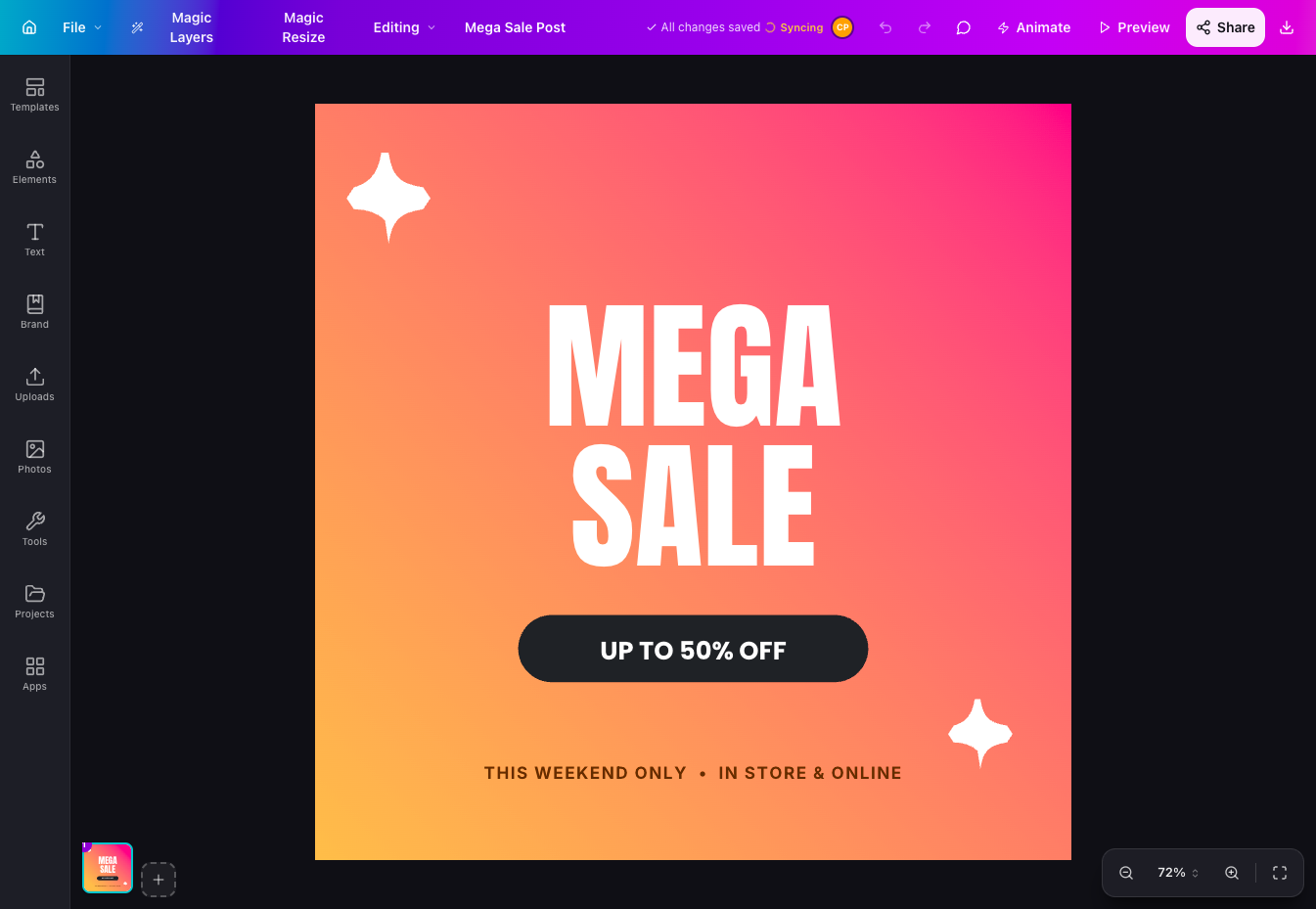
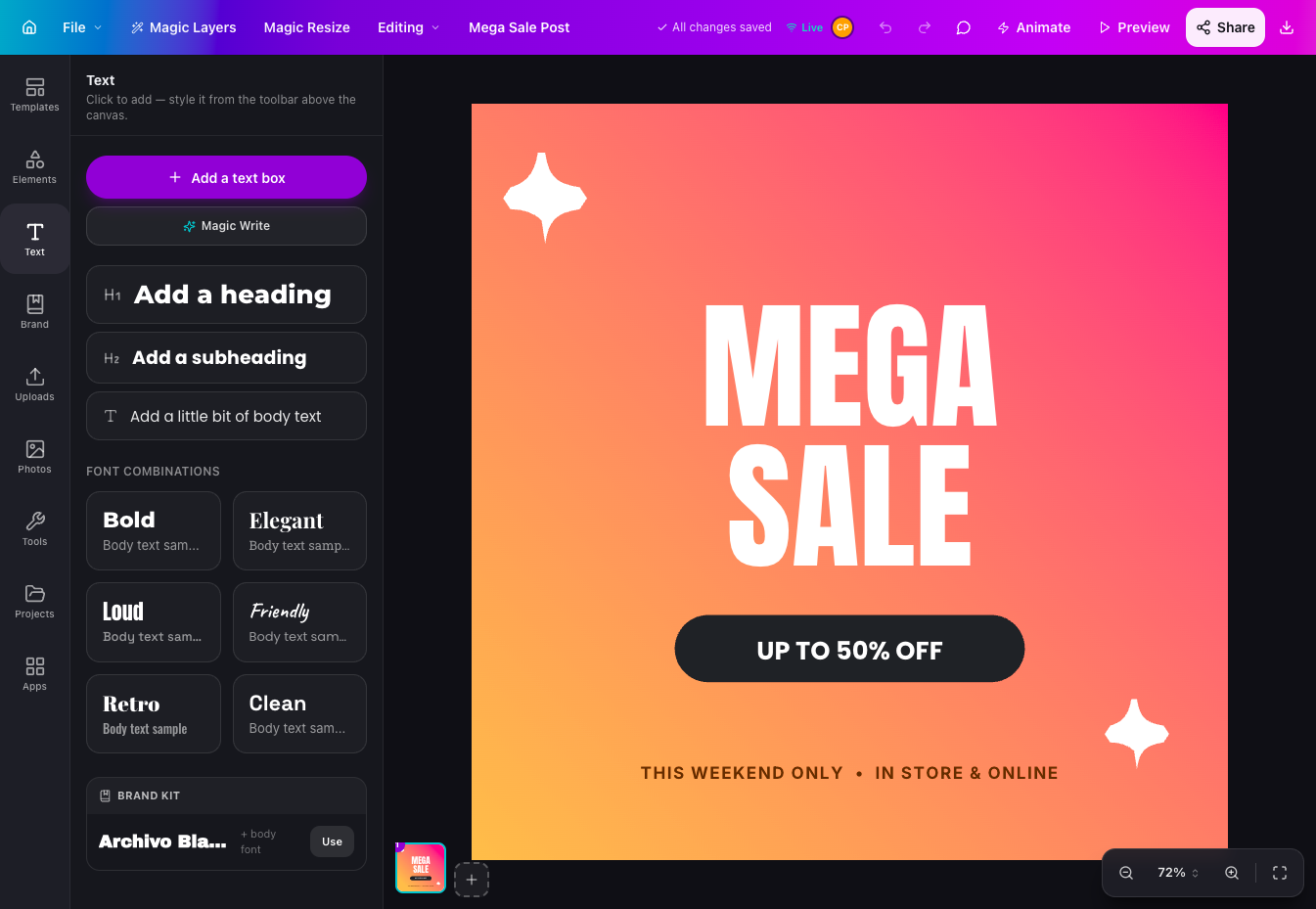
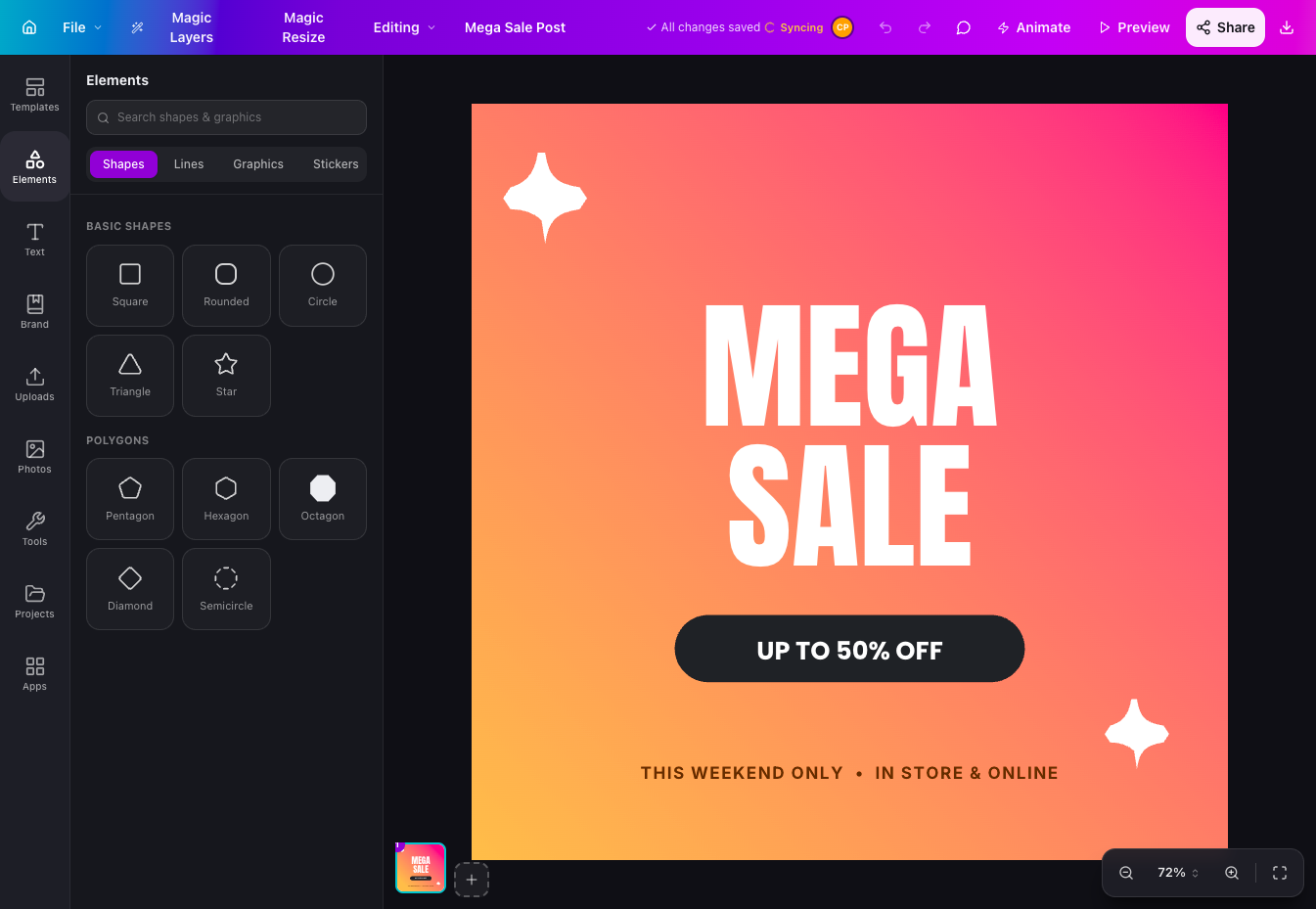
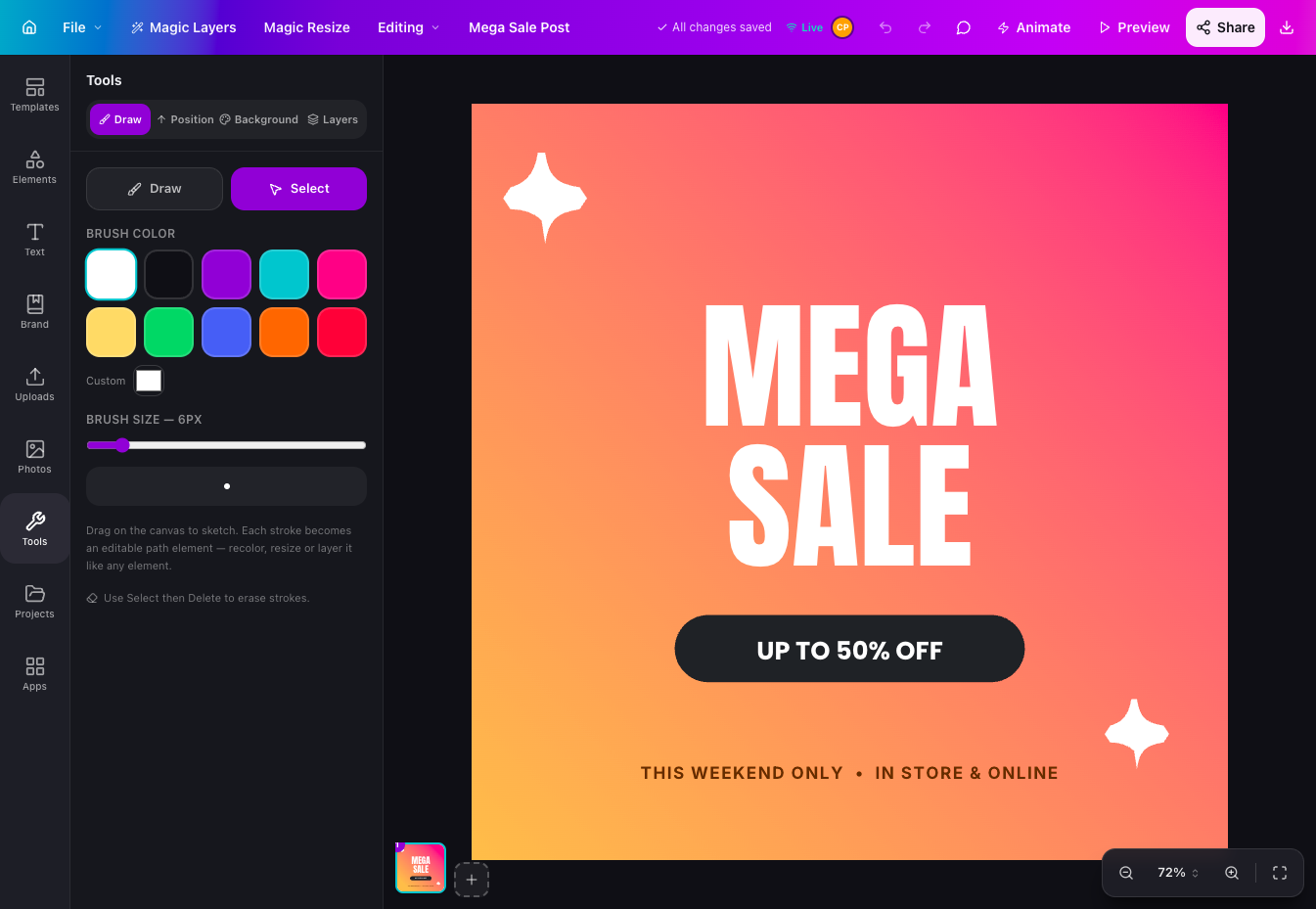
Canvix is a self-hosted design studio that lets anyone create social posts, presentations, posters, logos, and thumbnails in the browser with a drag-and-drop editor, 110 ready-made templates, and exports with no watermarks. You start from a template sized for the platform you are publishing to, then drag in shapes, lines, stickers, and your own images, moving, resizing, and rotating everything directly on the canvas. Text gets proper typography controls, with bundled fonts, styles, spacing, alignment, and curved text that arcs across the design. Layers can be reordered and locked while smart guides snap elements into alignment, and a full undo history plus autosave means a closed tab never costs you the work. Finished designs export as PNG, JPG, SVG, PDF, or video at up to three times resolution, ready to publish anywhere. Free accounts keep each person's designs private to them, while share links open a design for anyone to view or continue editing. Version snapshots let you roll a design back when an experiment goes wrong. The AI tools, magic edit, magic write, background removal, and translation, run against your own API keys, so nothing is metered. An optional MCP endpoint even lets AI assistants create and edit designs for you. Running on a dedicated VPS on RepoCloud with guaranteed CPU, RAM, and SSD, full root SSH access, and a browser serial console. MIT licensed.
Benefits
- Every Template Actually Free
- All 110 templates, including the entire premium collection, are free to use and customize, and every export is unwatermarked, because the project has no Pro tier, subscription, or trial countdown at all.
- Designs Stay Your Property
- Self-hosting keeps designs in your own database under per-design ownership, with free username and password accounts, private libraries, share links, and version snapshots you can restore at any time.
- AI Tools On Your Keys
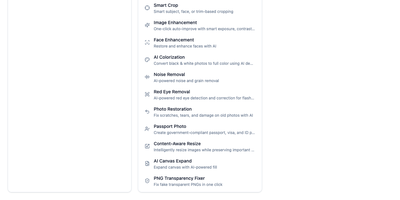
- Magic edit, magic write, background removal, and translation run against your own API keys, so AI help is never metered by Canvix and never sends your design work to a vendor account.
- Agents Can Design Too
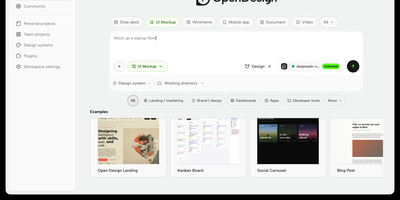
- An optional MCP endpoint, disabled until you set a token, lets compatible AI assistants create and edit real Canvix designs, opening template-based graphics to automated and chat-driven workflows.
Features
- Drag-And-Drop Canvas Editor
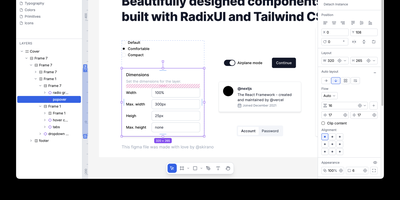
- Move, resize, and rotate shapes, lines, stickers, text, and images on a smooth canvas with layers, locking, smart alignment guides, undo and redo history, and automatic saving.
- 110 Free Templates
- Start from ready-sized templates for Instagram posts and stories, pitch decks, posters, logos, and thumbnails, including the full premium collection, every one free to customize and export.
- Typography And Effects
- Work with 15 bundled fonts, styles and pairings, bold, italic, spacing and alignment controls, gradients, text effects, image adjustments, tables, frames, and curved text from -180 to 180 degrees.
- Export Up To 3x
- Download finished designs as PNG, JPG, SVG, PDF, or video at up to three times resolution, rendered locally in the browser with no watermarks and no export paywall.
- Accounts And Sharing
- Free accounts with scrypt-hashed passwords and database-backed sessions keep designs private per owner, while share links open view-only or editable copies and version snapshots allow rollback.
- Optional MCP Endpoint
- A Model Context Protocol server, off until you configure its token, lets AI assistants work with designs, and embed cards turn YouTube videos, maps, and links into native canvas elements.