Categories
Self-Hosted Real-Time Collaboration Design Editor Graphic Design AI Integration Social Media Marketing PresentationsStars
Forks
Watchers
Developer links
Doory
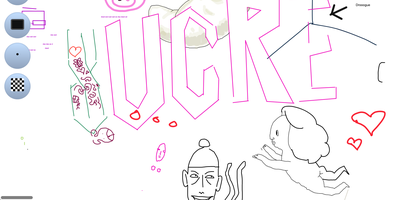
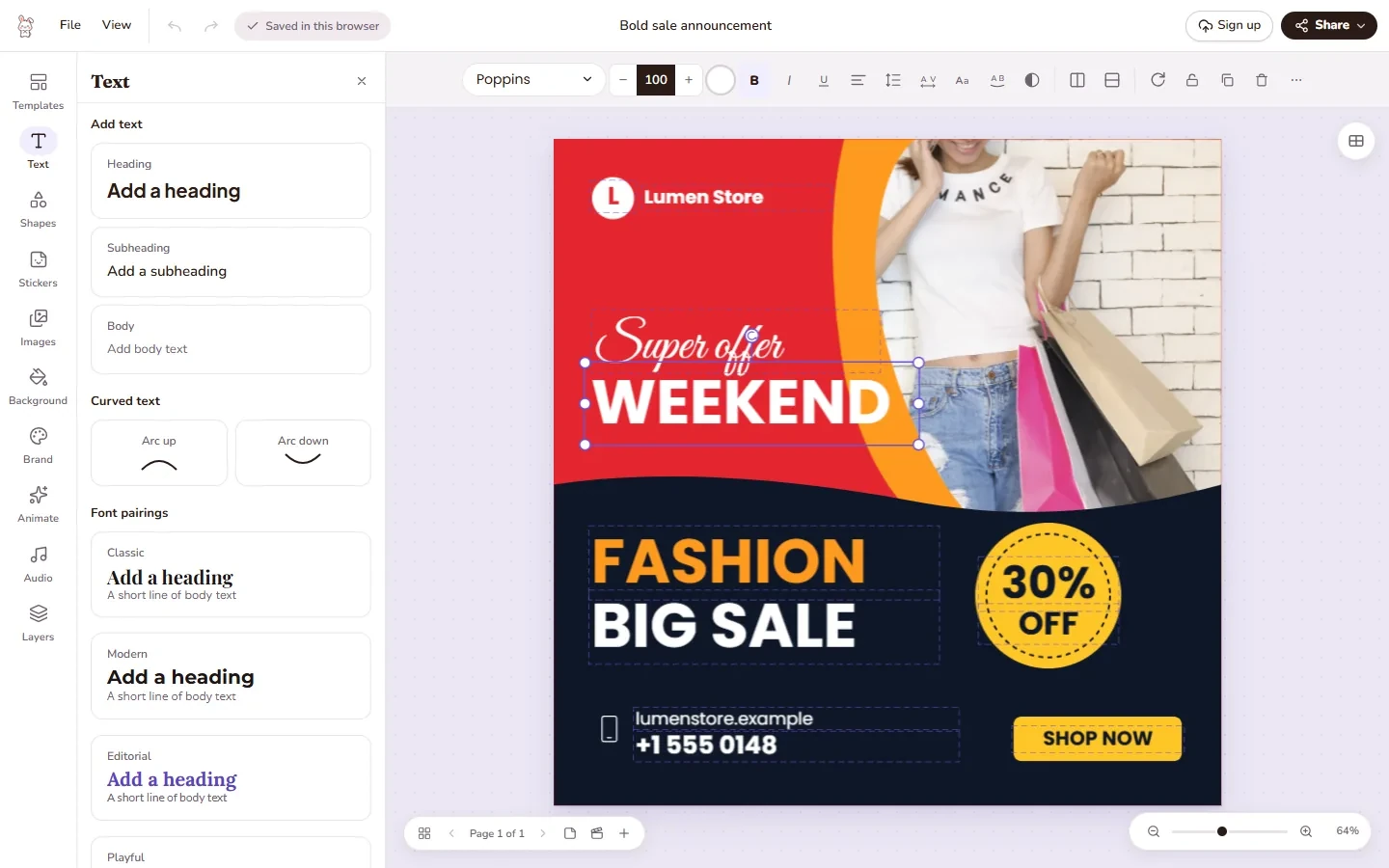
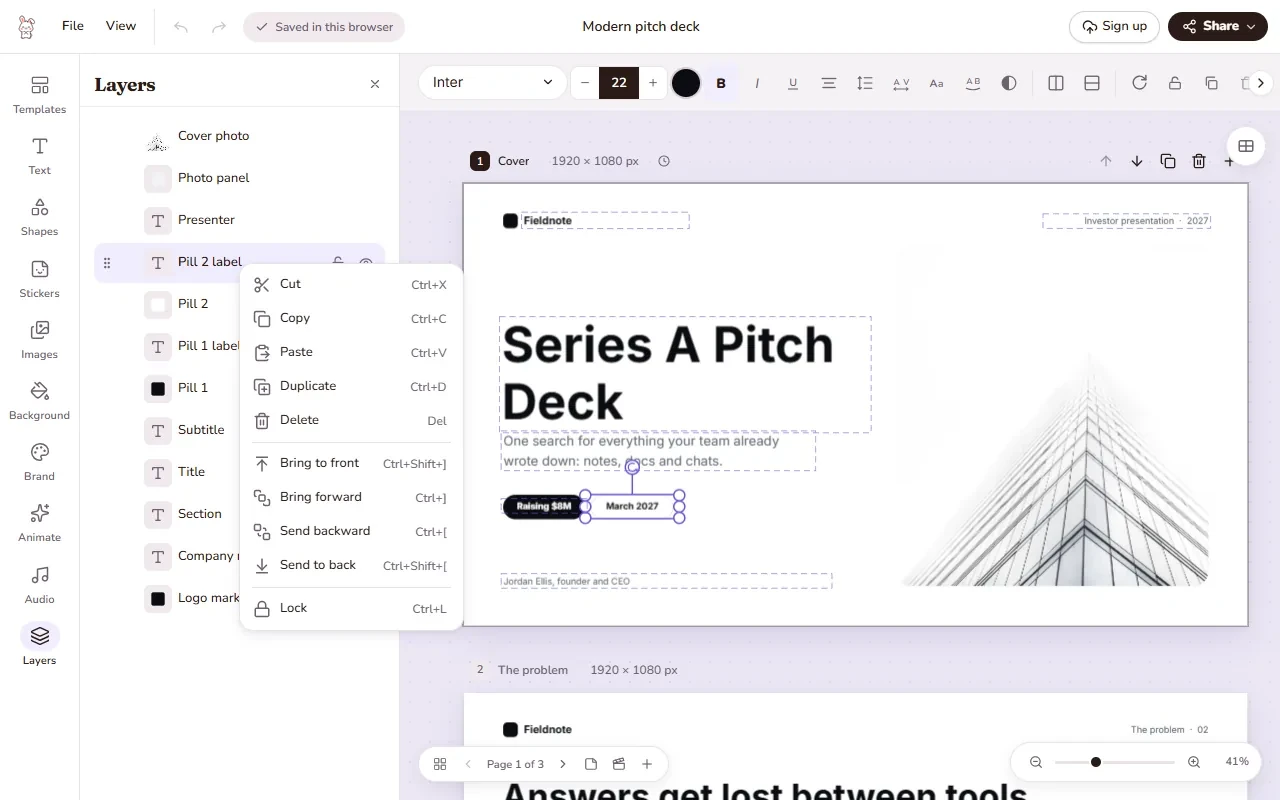
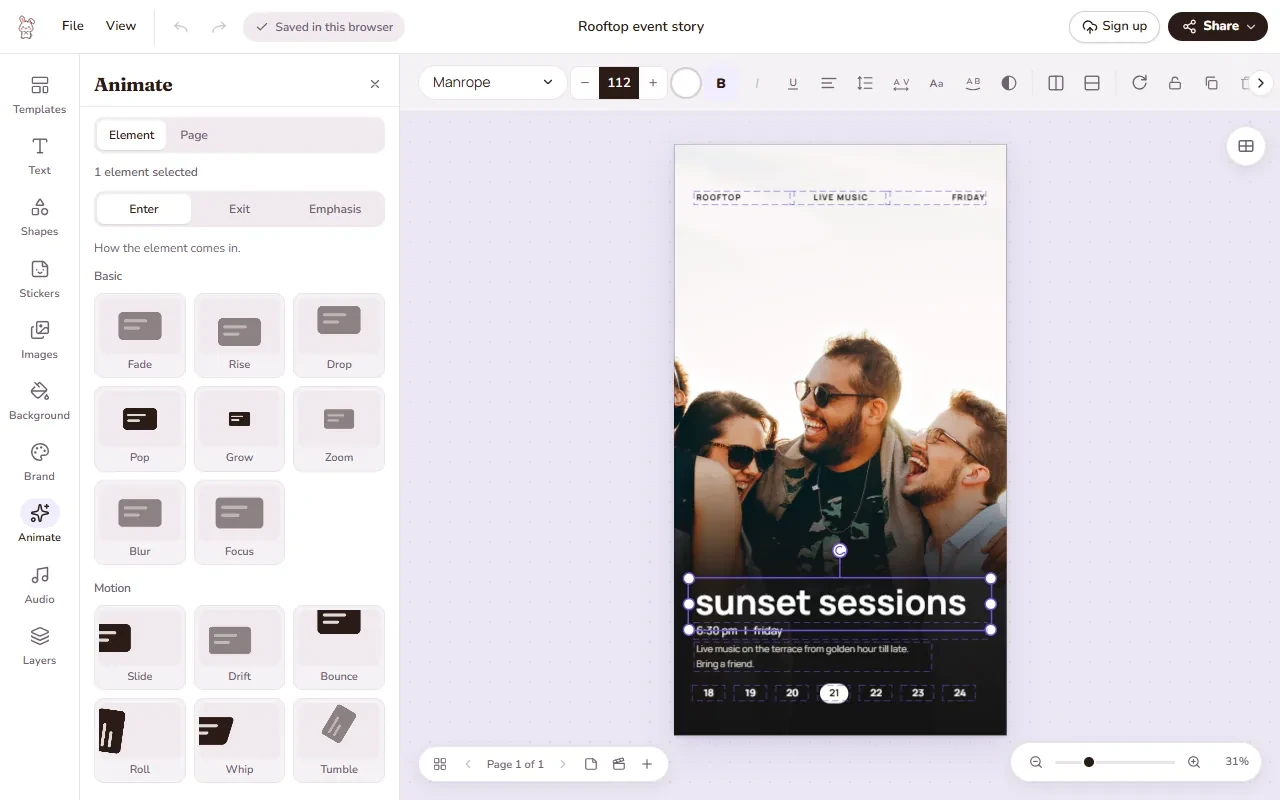
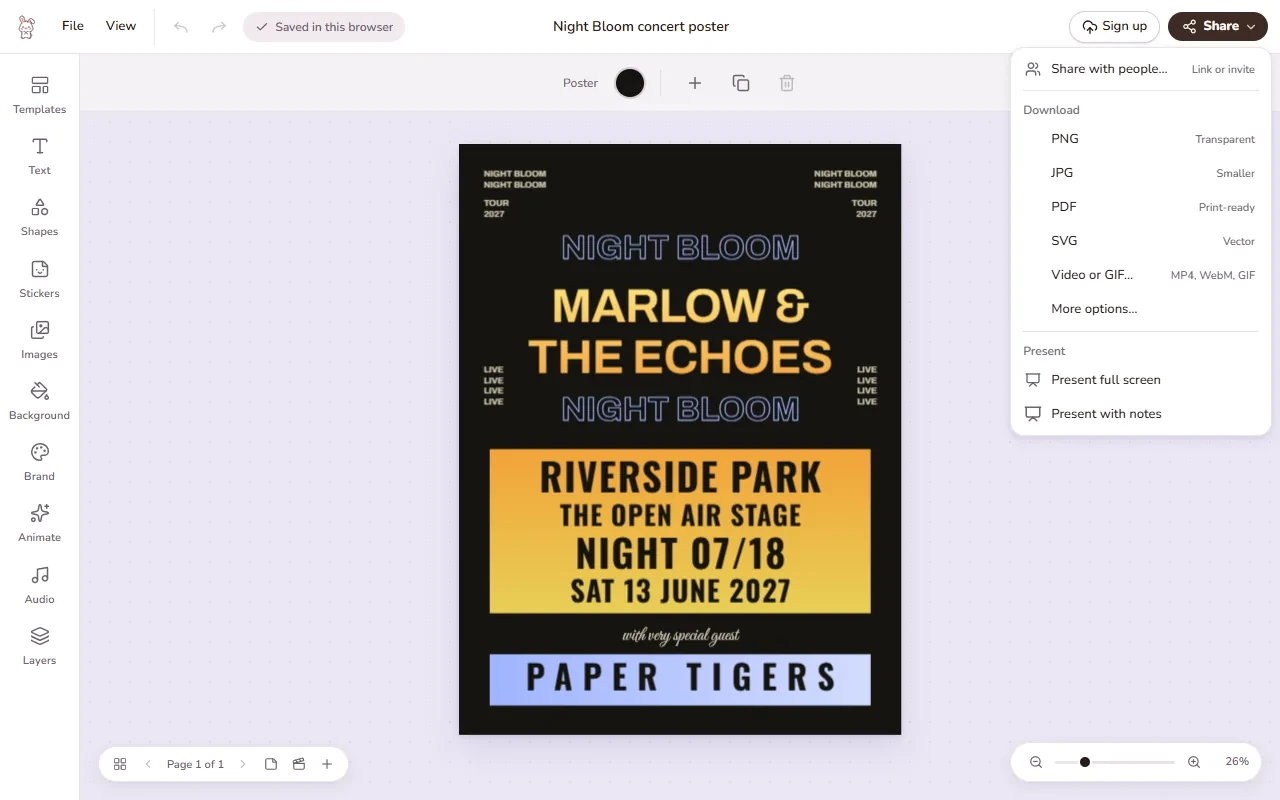
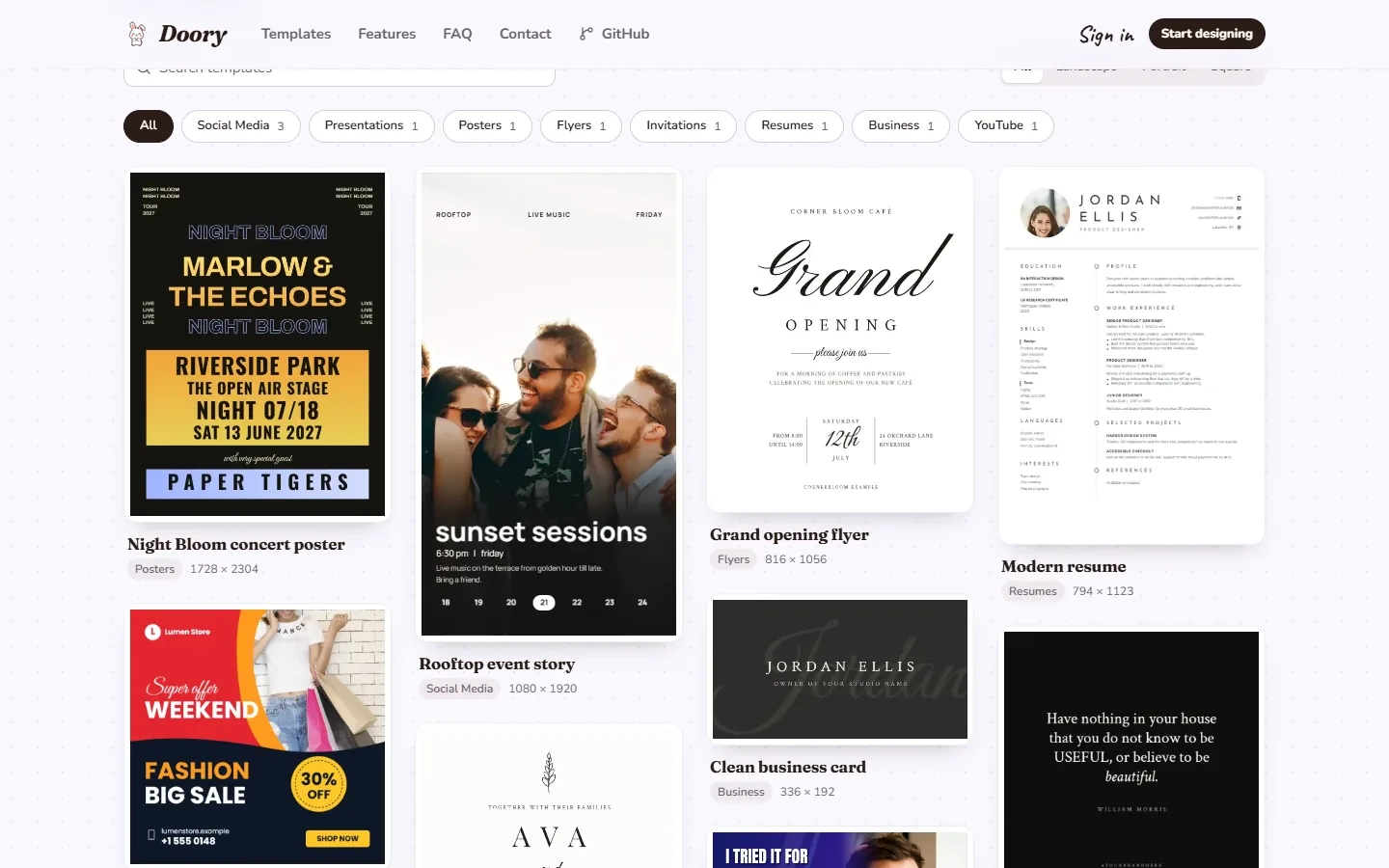
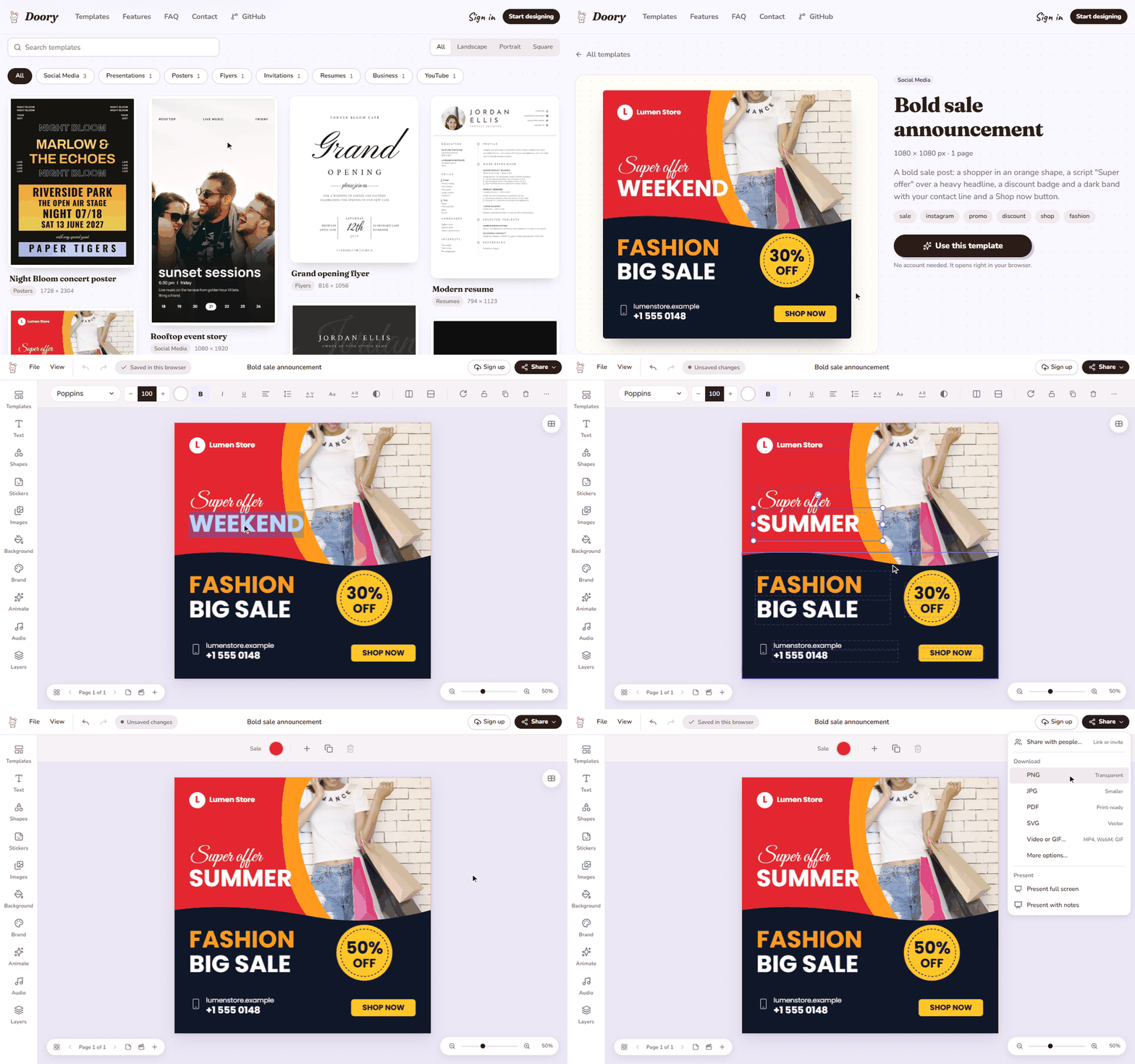
Design posters, social posts, presentations, invitations, resumes, thumbnails, and business cards in your browser with Doory, a self-hosted design editor that keeps your files, fonts, and brand assets on your own server. Start from one of ten starter templates or a blank canvas, then place text, shapes, lines, arrows, emoji, stickers, QR codes, and roughly 27,500 built-in icons anywhere on the page. Photo tools cover cropping, masks, filters, in-browser background removal, and 2x to 4x image upscaling, with stock photo search through Unsplash or Pexels. Layers can be renamed, locked, hidden, grouped, and reordered, while guides, snapping, rulers, per-page sizes, and format resizing keep multi-page designs tidy. Animations add 27 enter and exit effects, 12 emphasis motions, and 16 page transitions, plus Creative Commons music loops and sound effects, so decks can be presented live with speaker notes or exported as MP4, WebM, or GIF. Share links grant view, comment, or edit access with an optional password, and collaborators can pin comments, co-edit in real time, and roll back through version history. Brand kits store your colors, fonts, and logos so recurring posts stay on-brand, and exports cover PNG, JPG, SVG, and print-ready PDF with bleed and crop marks. An optional MCP server lets AI assistants create and fill designs from prompts, including bulk template filling from spreadsheet-style rows. Running on a dedicated VPS on RepoCloud with guaranteed CPU, RAM, and SSD, full root SSH access, and a browser serial console. Attribution Assurance License licensed.
Benefits
- Every Feature Fully Unlocked
- There is no paid plan, no locked tool, and no advertising, so exports, animations, brand kits, sharing, and collaboration all work on your own server indefinitely without subscriptions, seat licenses, or feature gates.
- Real-Time Co-Editing and Sharing
- Share links grant view, comment, or edit access with an optional password, while pinned comments, live cursors from Yjs synchronization, and version history let teams refine one design without emailing files back and forth.
- AI Assistants Can Design
- The MCP server at /mcp lets Claude, Cursor, and other assistants create designs, move elements, translate headlines, and fill templates from prompts, with per-minute rate limits you control on designs you host.
- Your Files Stay Yours
- Designs live on your server in PostgreSQL with uploads on a local volume or S3-compatible storage, guest work starts instantly in the browser, and documented backups mean no design library sits inside a vendor cloud.
Features
- Canvas Editor with Layers
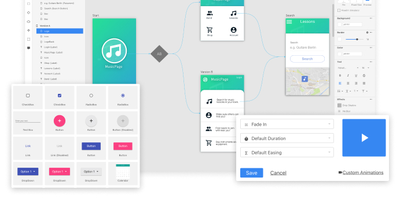
- The Fabric.js canvas pairs a left tool rail with a contextual toolbar, and the Layers panel supports renaming, locking, hiding, grouping, reordering, and right-click arrangement for every object.
- Animations and Present Mode
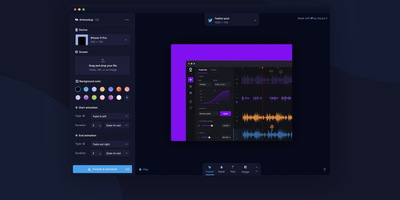
- Twenty-seven enter and exit animations, twelve emphasis effects, and sixteen page transitions combine with speaker notes, timing, auto-advance, and a second presenter window for live delivery or video export.
- Photo and Asset Tools
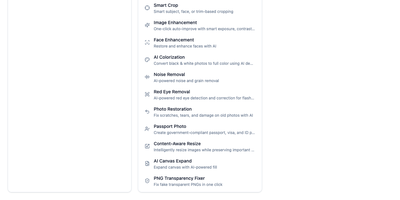
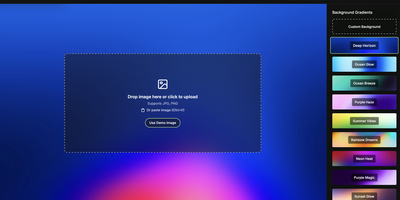
- Crop, masks, and filters sit beside in-browser background removal and a 2x to 4x upscaler, with stock search via Unsplash or Pexels keys and 27,500 icons.
- Brand Kits and Templates
- Ten starter templates cover posters, stories, pitch decks, invitations, resumes, and business cards using open-licensed fonts; brand kits keep shared colors, fonts, and logos one click from every design.
- MCP Server and API
- An optional Model Context Protocol endpoint lets AI assistants create and edit designs, while REST endpoints fill templates one design per row with rate-limited bulk operations and server-side image imports.